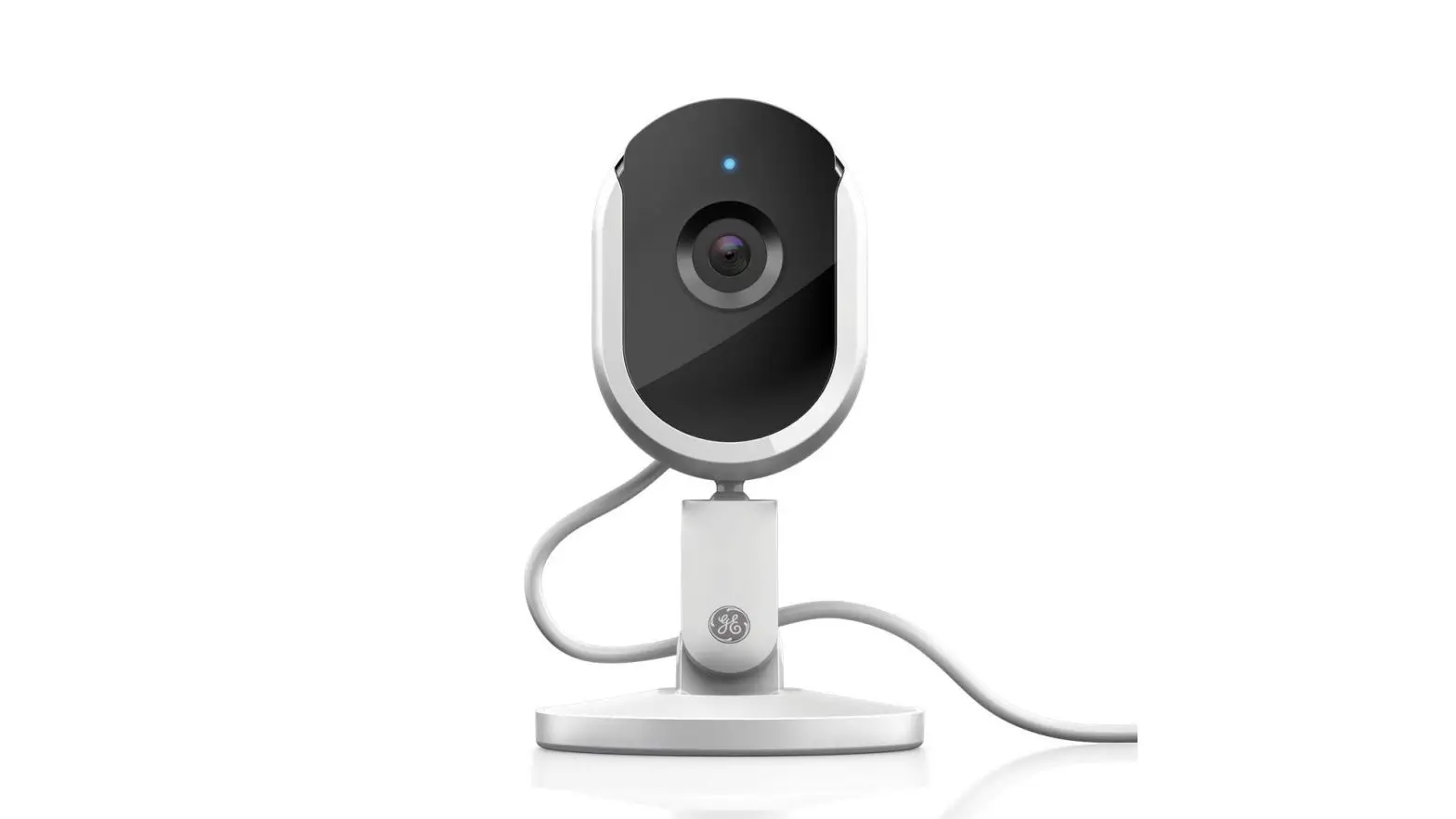
Factory Reset Your Device
Factory resetting Cync or C by GE devices will unpair them from other devices and apps that they’re connected to.
Factory Reset Smart Light Bulbs (Bluetooth + Direct Connect)
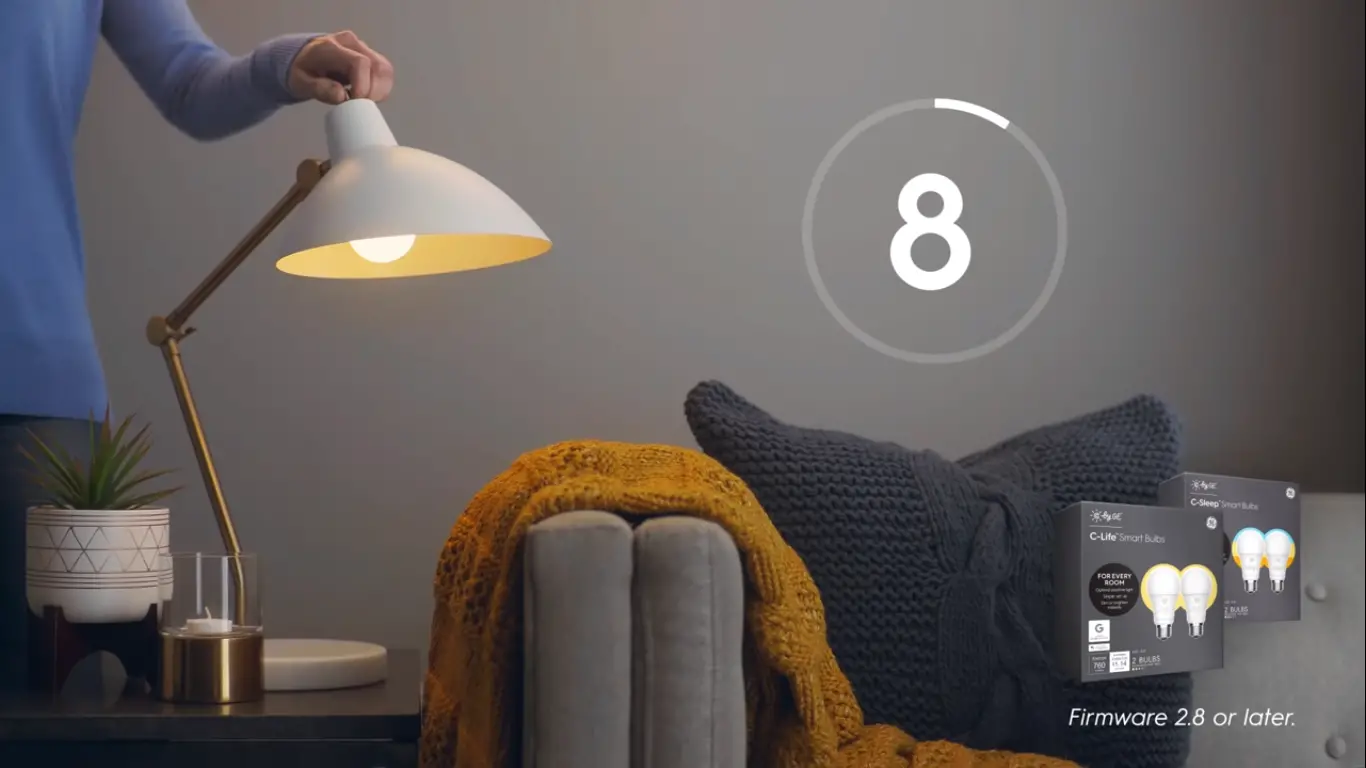
To reset your bulbs, there is a timed sequence that is repeated until the bulbs blink. Make sure to turn the power on and off at the wall switch and not within the app.
Timed Sequence:
- Start with light off for at least 5 seconds.
- Turn on for 8 seconds.
- Turn off for 2 seconds.
- Repeat this process 5 more times, or until the light bulb flashes. The light will flash 3 times if it has been successfully reset.
TIP: Make sure the lamp or fixture you are using is a simple on/off switch. Three-way dimming lamps, rotary dimmers, or multi-function switches will not work. If you do not have a fixture that uses a one click on & one click off switch, try using a power strip with an on/off switch or use a lamp that can be plugged in/unplugged using the reset timing sequence.
This reset process is used for a majority of Cync and C by GE bulbs. If you purchased our smart light bulbs in a brown cardboard package or before 2019, you might need to use the Reset Process for firmware versions 2.7 or earlier.
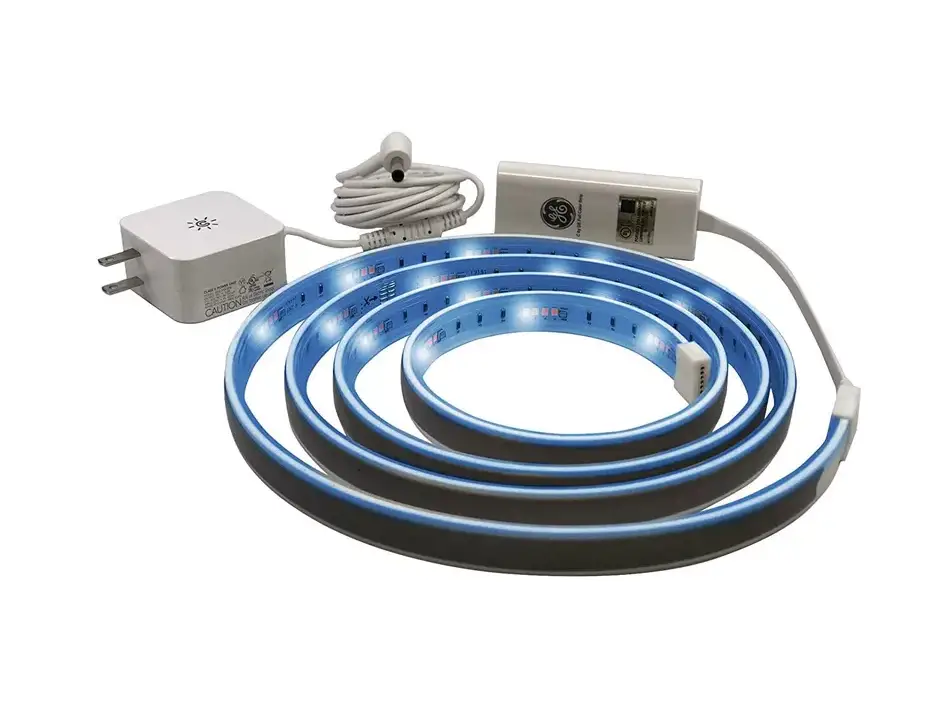
Factory Reset Smart Light Strips (Bluetooth + Direct Connect)
If you purchased a Bluetooth Light Strip in 2020 or a new Direct Connect Light Strip (released in 2020), you will have a factory reset button on the strip. Press and hold the button for 10+ seconds to reset.
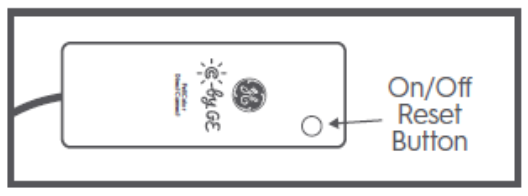
If you purchased a Bluetooth Light Strip prior to 2020, you will need to reset your light strip with a timed sequence that is repeated until the light strip blinks. To do this, make sure your light strip is plugged into an outlet. Then, unplug and plug in the barrel plug using the reset timing sequence.
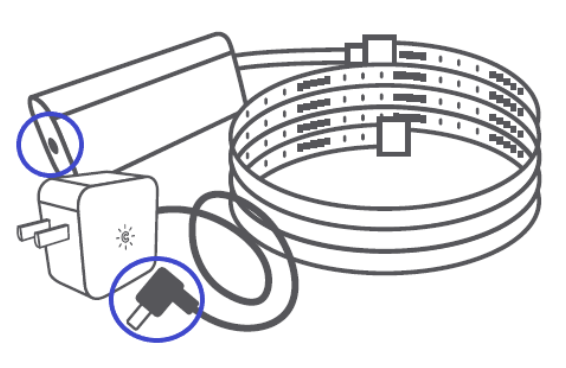
Timed Sequence:
- Start with light off for at least 5 seconds.
- Turn on for 8 seconds.
- Turn off for 2 seconds.
- Repeat this process 5 more times, or until the light strip flashes. The light will flash 3 times if it has been successfully reset.
TIP: You can also reset your light strip by plugging it into a surge protector with an on/off button. Control the light strip with the on/off button using the reset sequence.
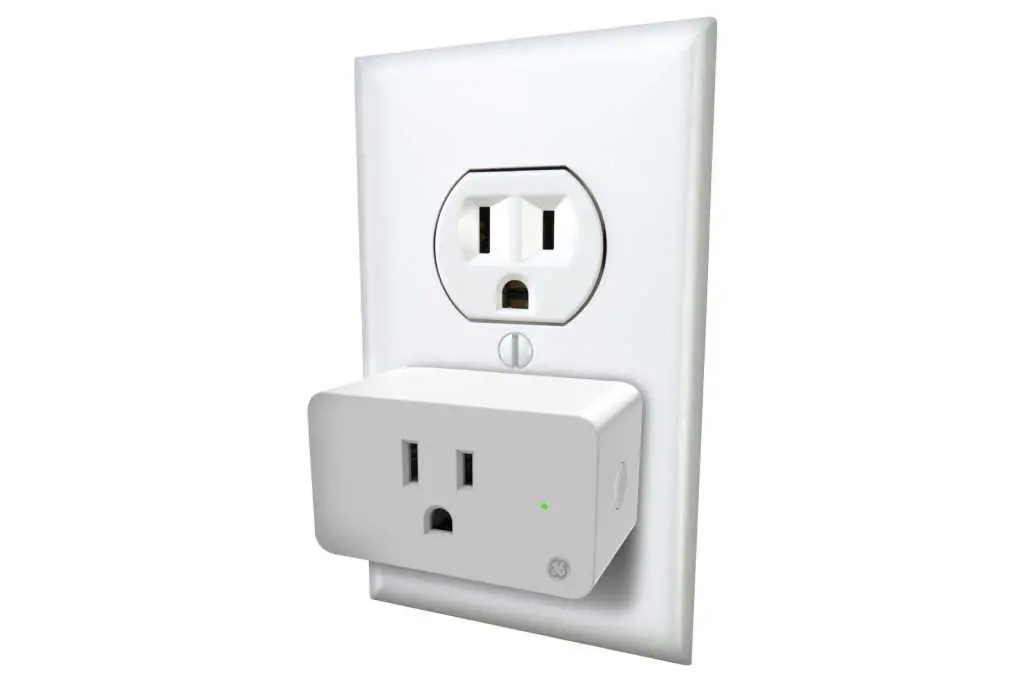
Factory Reset Indoor Smart Plugs
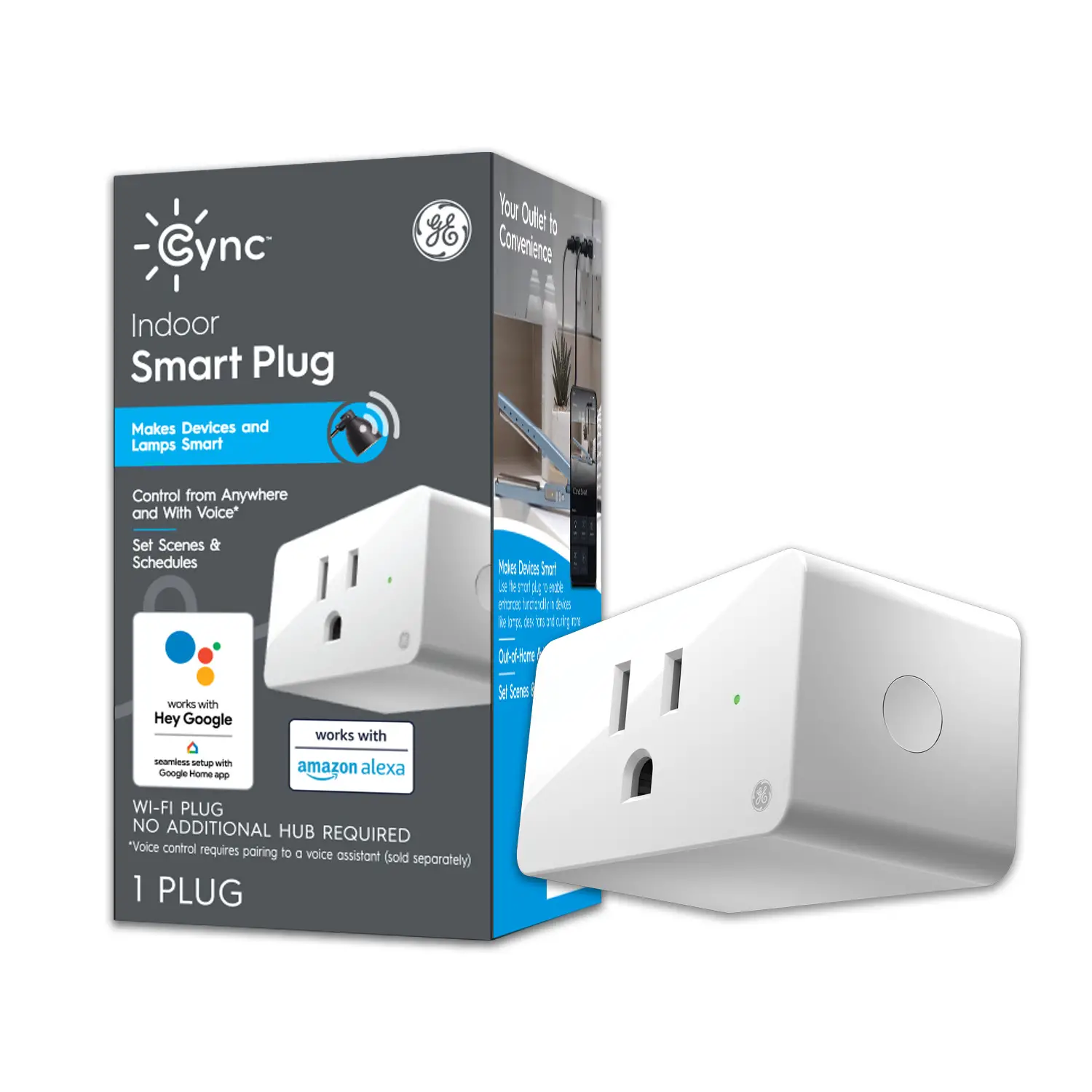
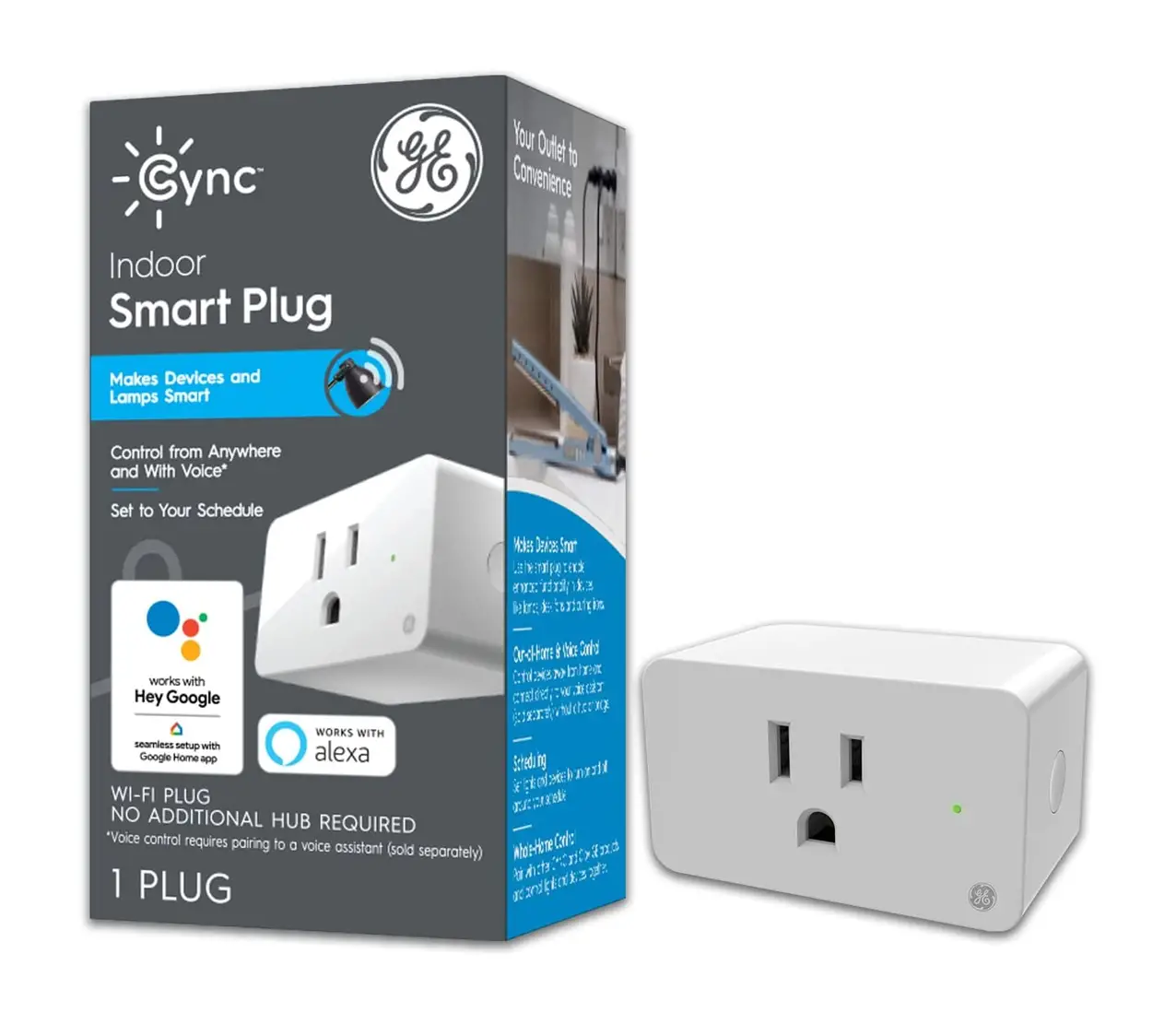
- While the Indoor Smart Plug is plugged into a wall outlet, hold the side on/off button, for at least 10 seconds.
- When LED indicator light turns red, let go of the button. The Indoor Smart Plug has been successfully reset.
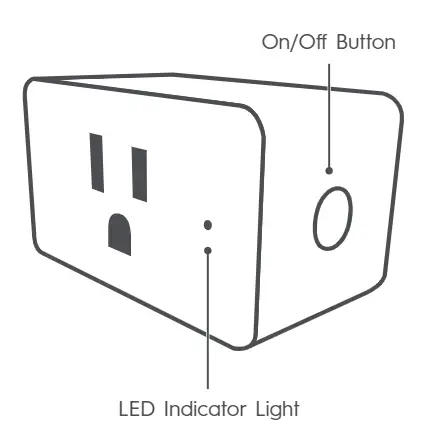
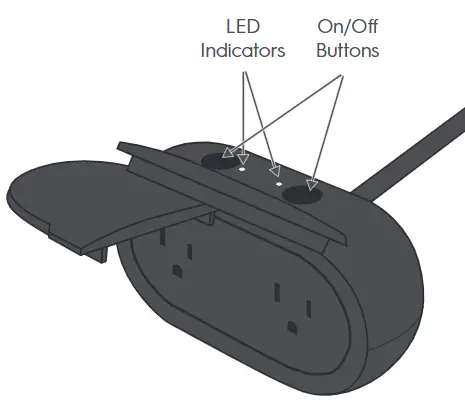
Factory Reset Outdoor Smart Plugs
Since both outlets on the Outdoor Smart Plug can be controlled separately, you can reset them individually too.
- Hold the on/off button above the outlet you want to reset for at least 10 seconds.
- When LED indicator light turns red, let go of the button. The outlet has been successfully reset.
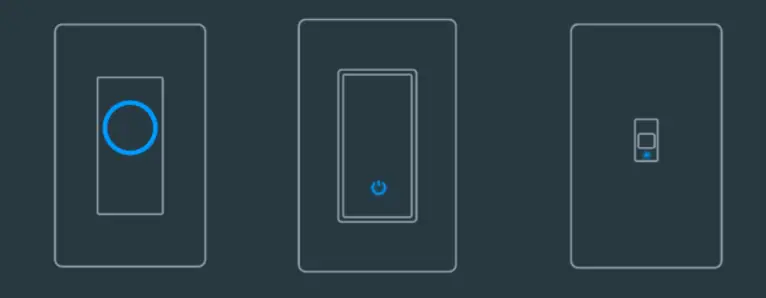
Factory Reset Wired Switches (3-Wire + 4-Wire)
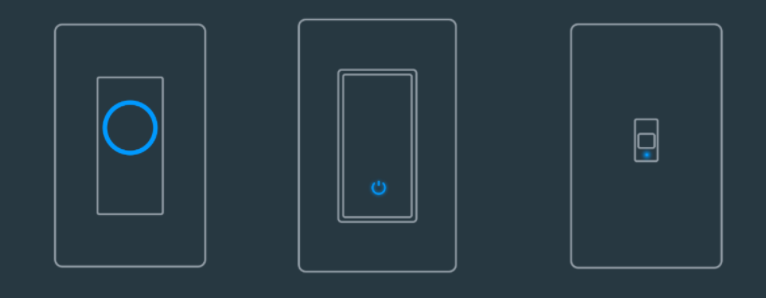
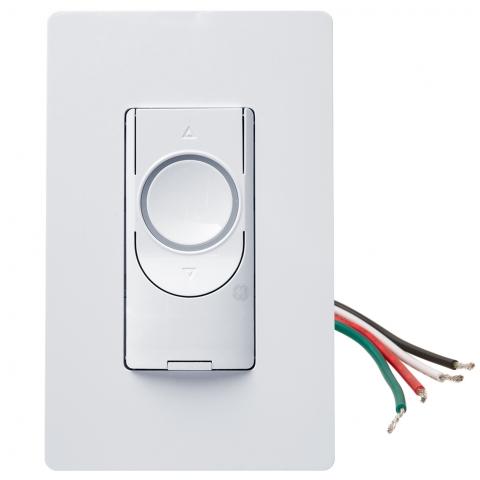
- Button Switch + Dimmers: Press and hold the power button on the circle switch until the LED light turns red, then let go. The light indicator will blink blue once it is successfully reset.
- Paddle Switch: Press and hold the of button on the paddle until the LED light turns red, then let go. The light indicator will blink blue once it is successfully reset.
- Toggle Switch: Press up on the toggle switch until the LED light turns red, then let go. The light indicator will blink blue once it is successfully reset
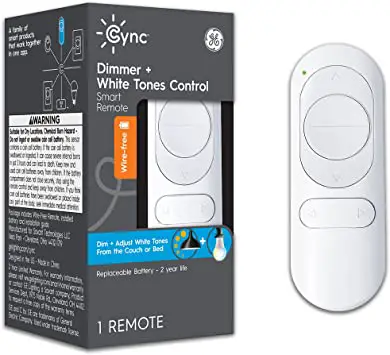
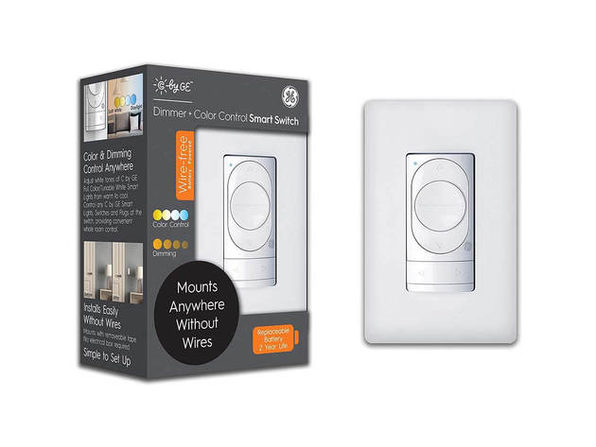
Factory Reset Wire-Free Switches/Remotes/Motion Sensor
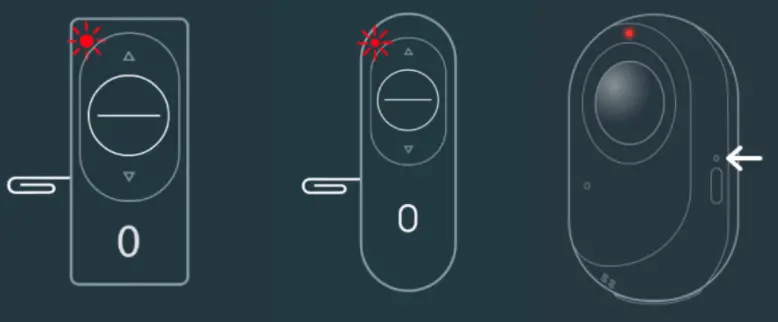
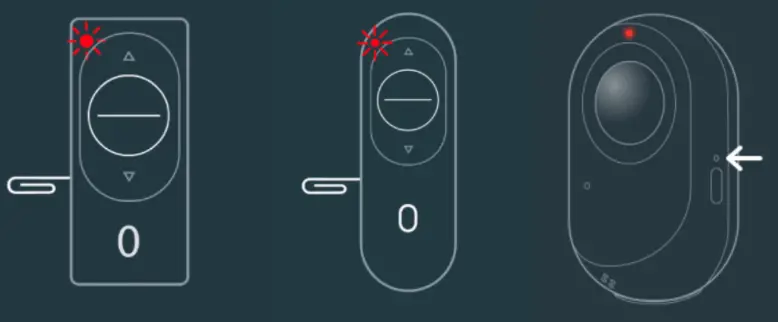
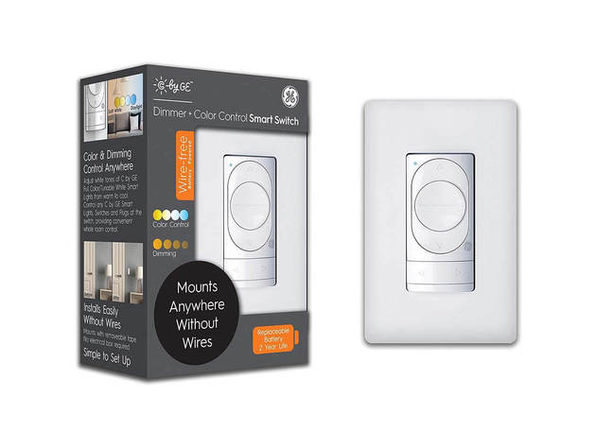
- Press and hold the side pinhole button until the LED lights up red.
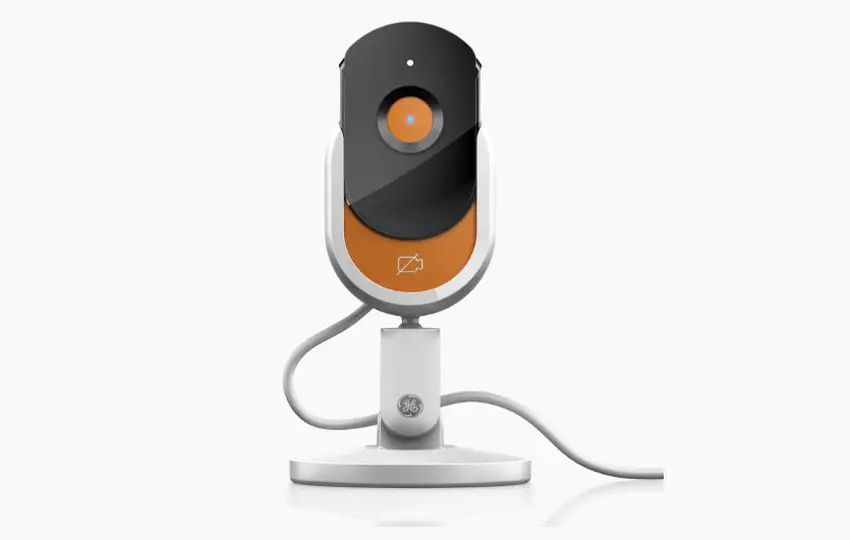
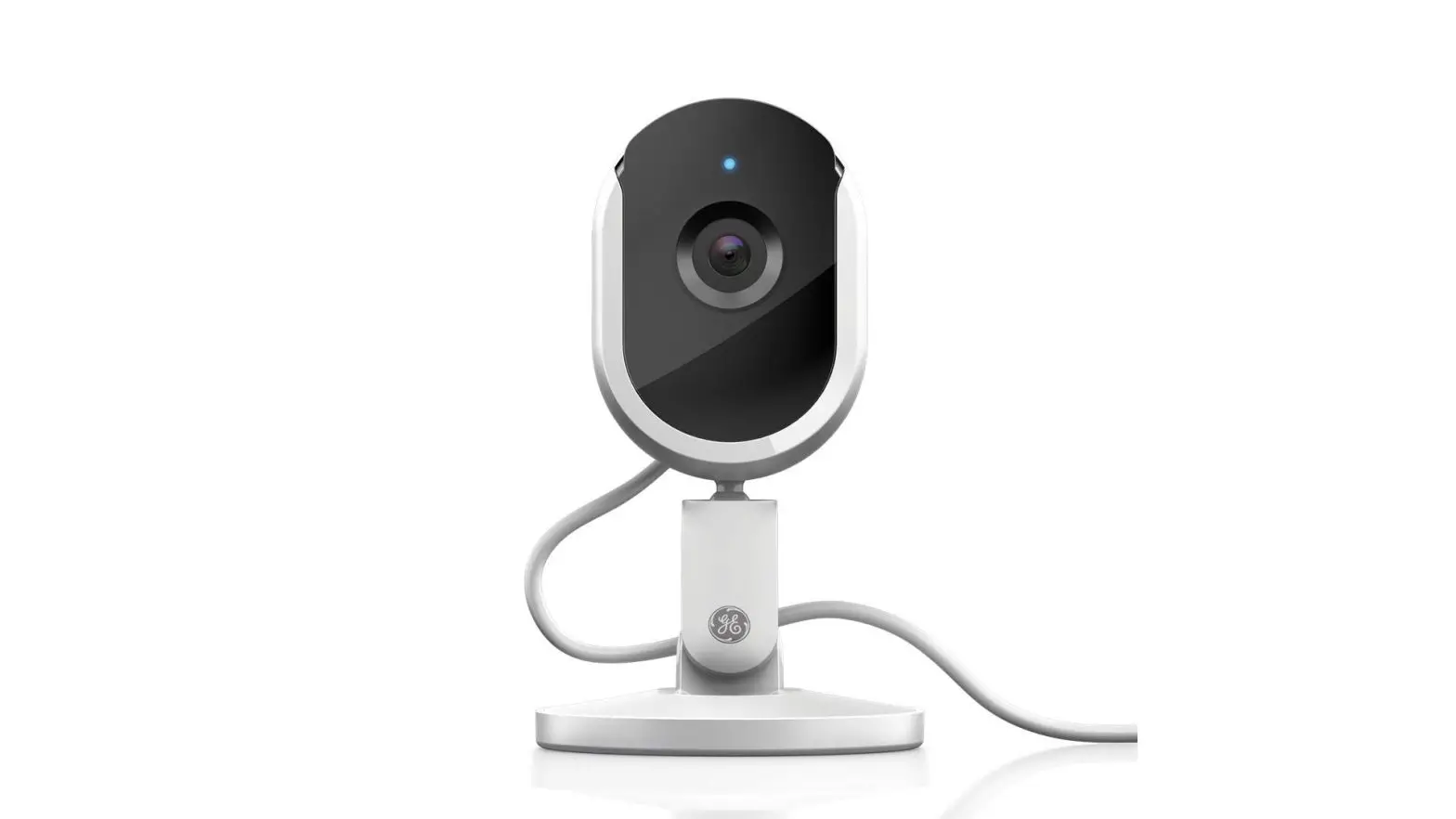
Factory Reset Indoor Camera
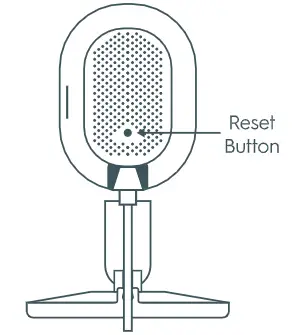
- Locate the pin hole on the back of the camera.
- Press and hold button for 3+ seconds.
- You can let go when the LED light turns red, which indicates the camera has been successfully reset.
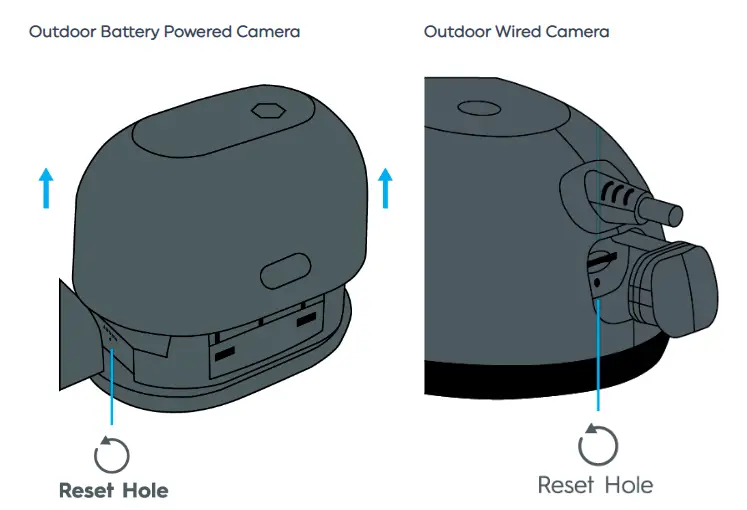
Factory Reset Outdoor Camera
- Determine the location of your pinhole based on your outdoor camera type. The Outdoor Battery Powered Camera pinhole can be located by removing the back cover. The Outdoor Wired Camera pinhole is located under the rubber stopper on the bottom of the camera.
- Press and hold button for 3+ seconds.
- You can let go when the LED light turns red, which indicates the camera has been successfully reset.
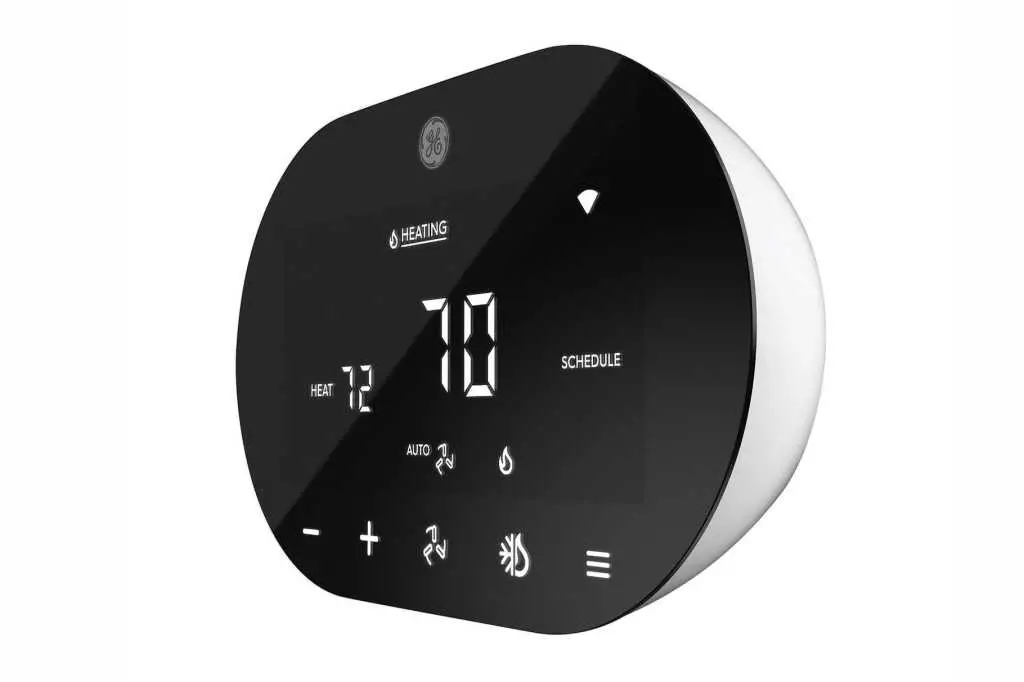
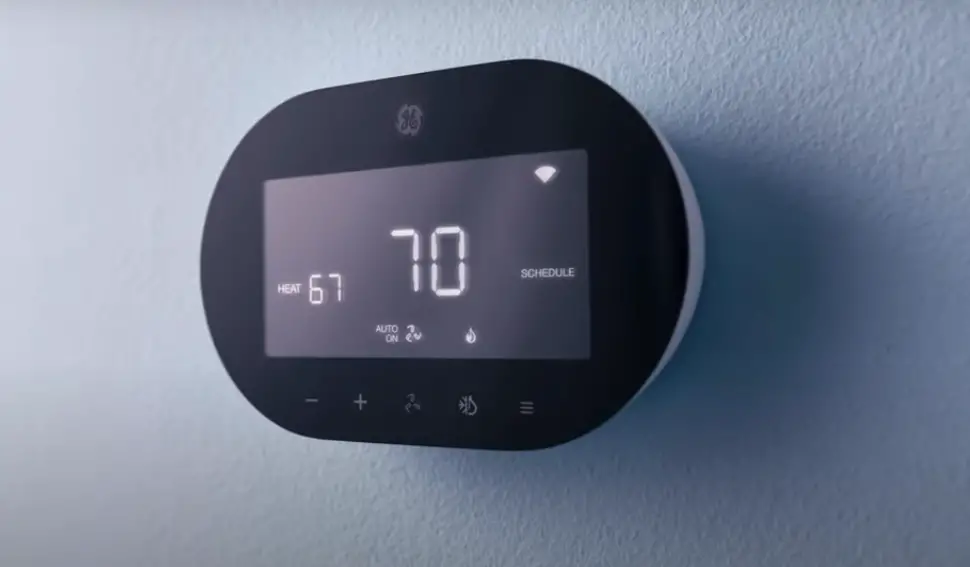
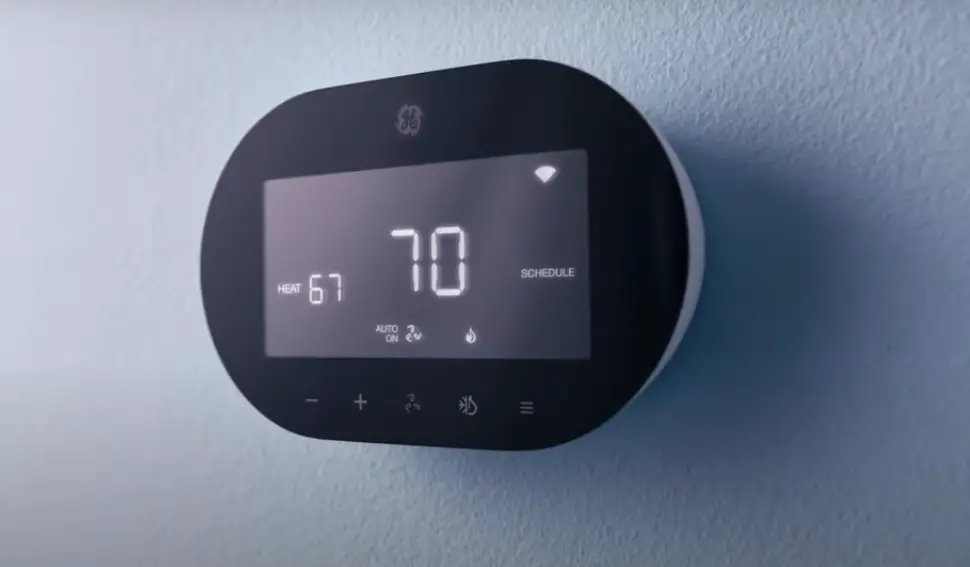
Factory Reset Thermostat
- From the Smart Thermostat: Hold down the menu icon for 10 seconds. This will factory reset your thermostat.
- From the Cync app: Select your thermostat and select the Gear Icon > Delete Device. This will factory reset your thermostat and will remove the thermostat from your Cync account.
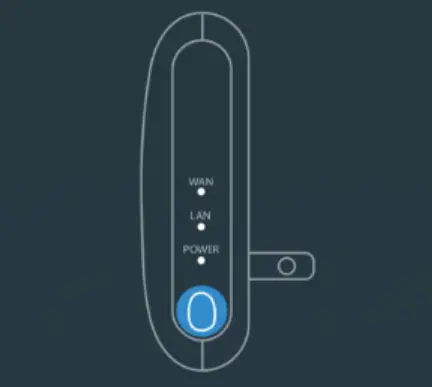
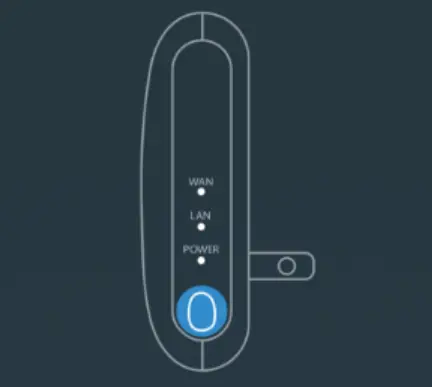
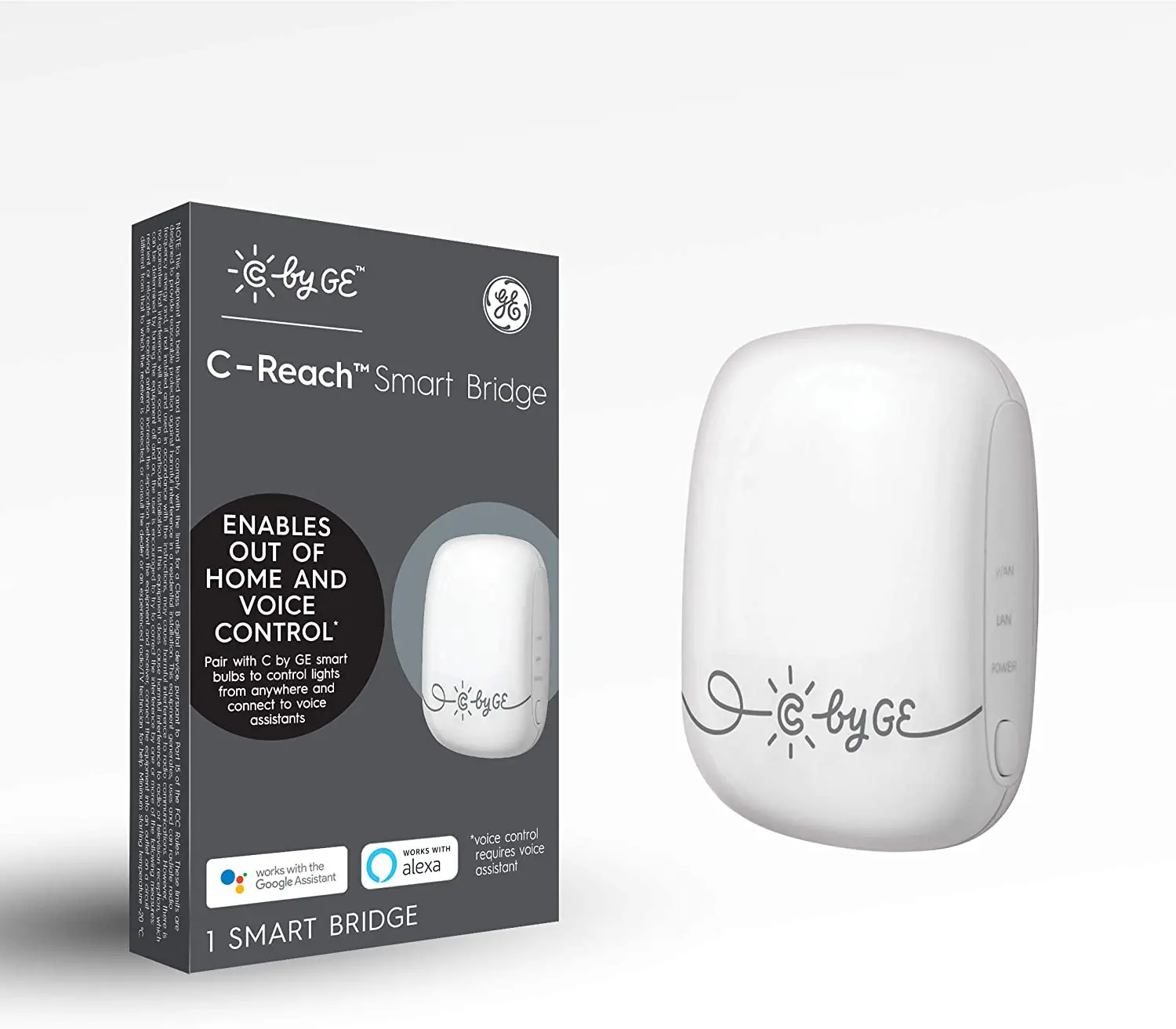
Factory Reset C-Reach Smart Bridge
Factory resetting your C-Reach will unpair all your C by GE devices in that App Location. You will need to factory reset your C by GE devices and add them back into the Cync App.
- Unplug your C-Reach from the wall outlet.
- While holding the side button, plug it back into the wall and continue holding the button for at least 10 seconds.
- All 3 LEDs will start flashing once the C-Reach has been successfully reset.