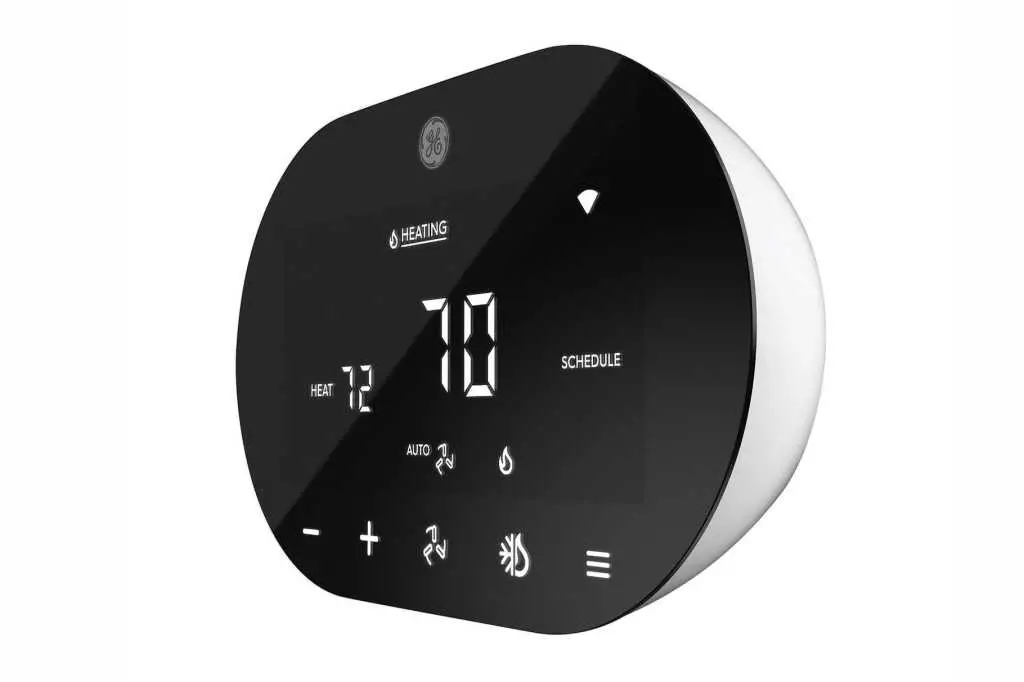
Factory Reset Thermostat
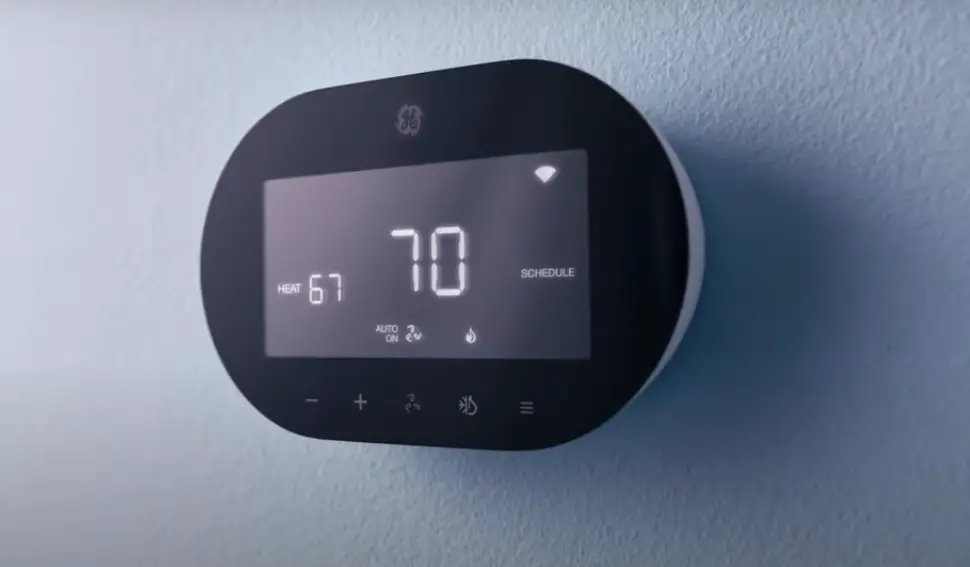
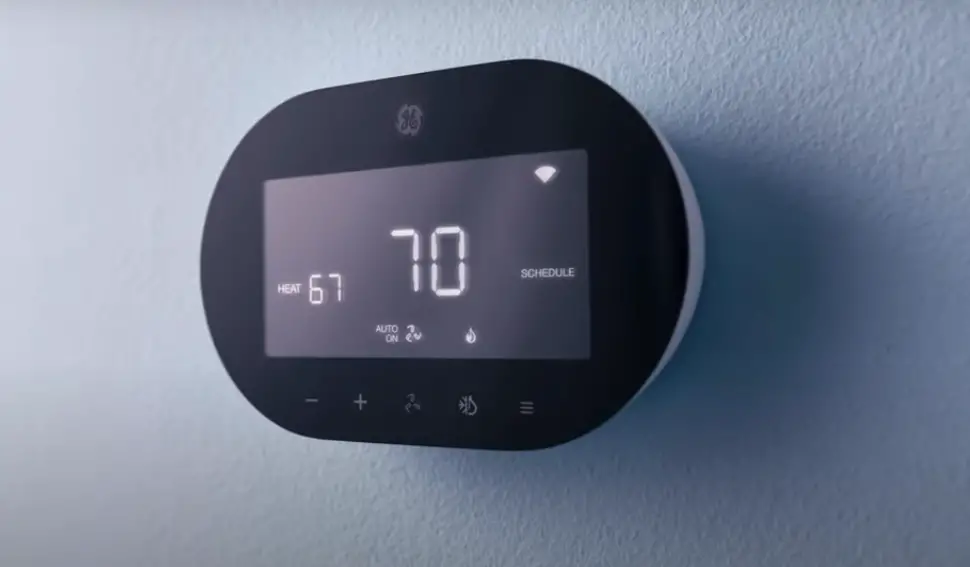
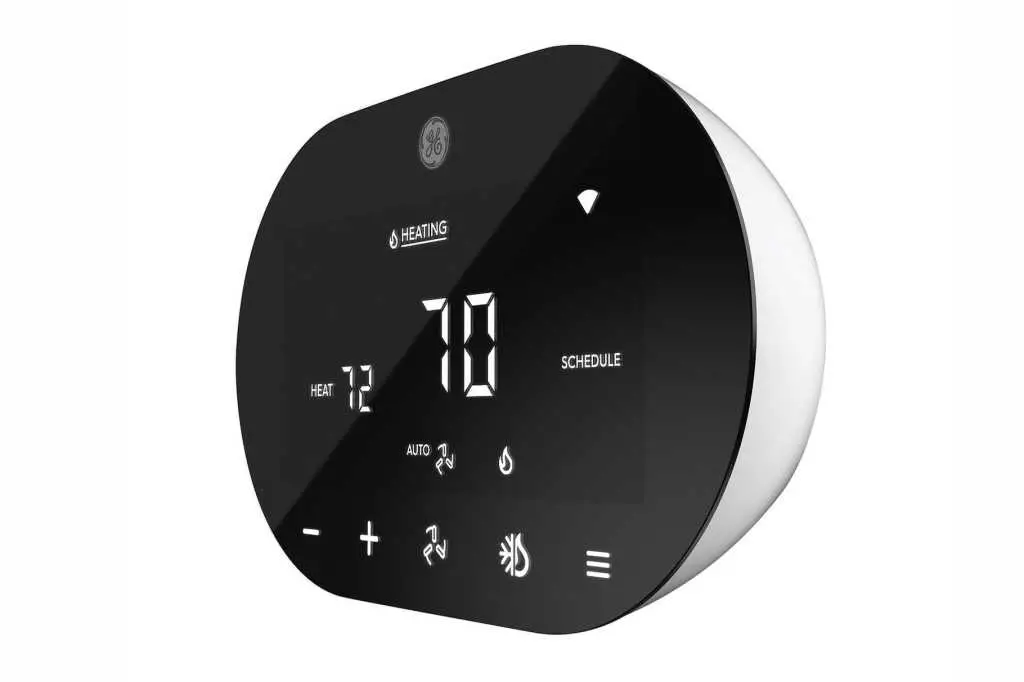
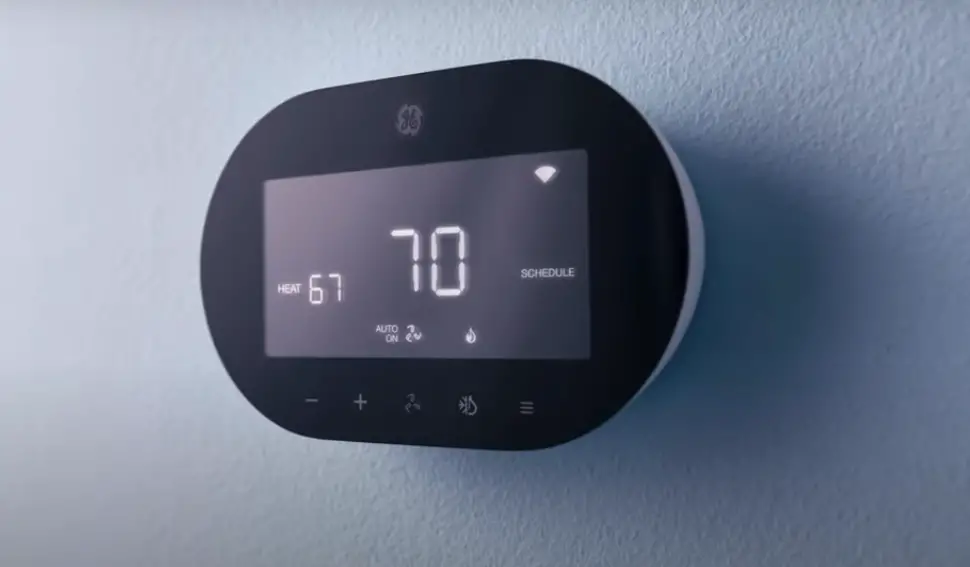
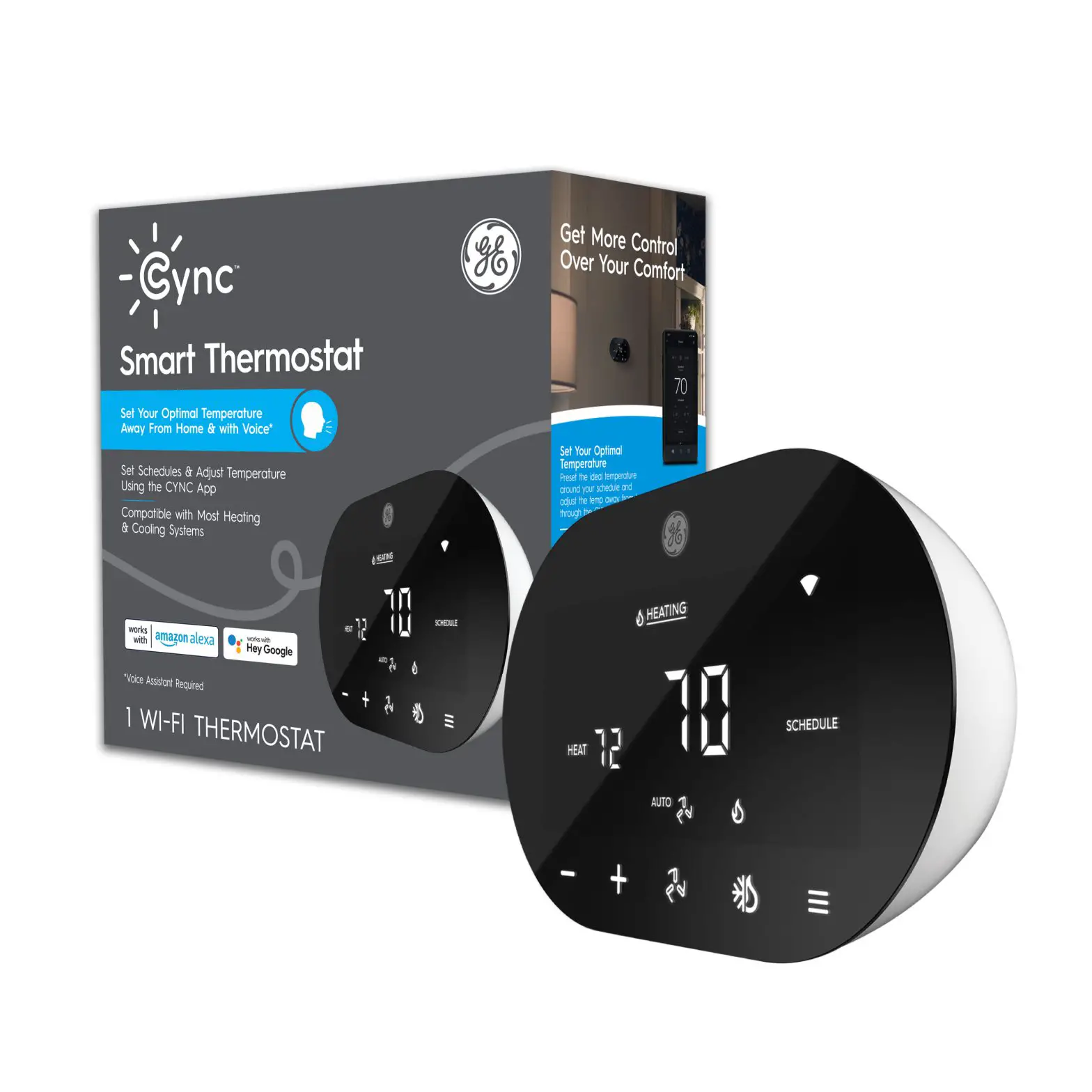
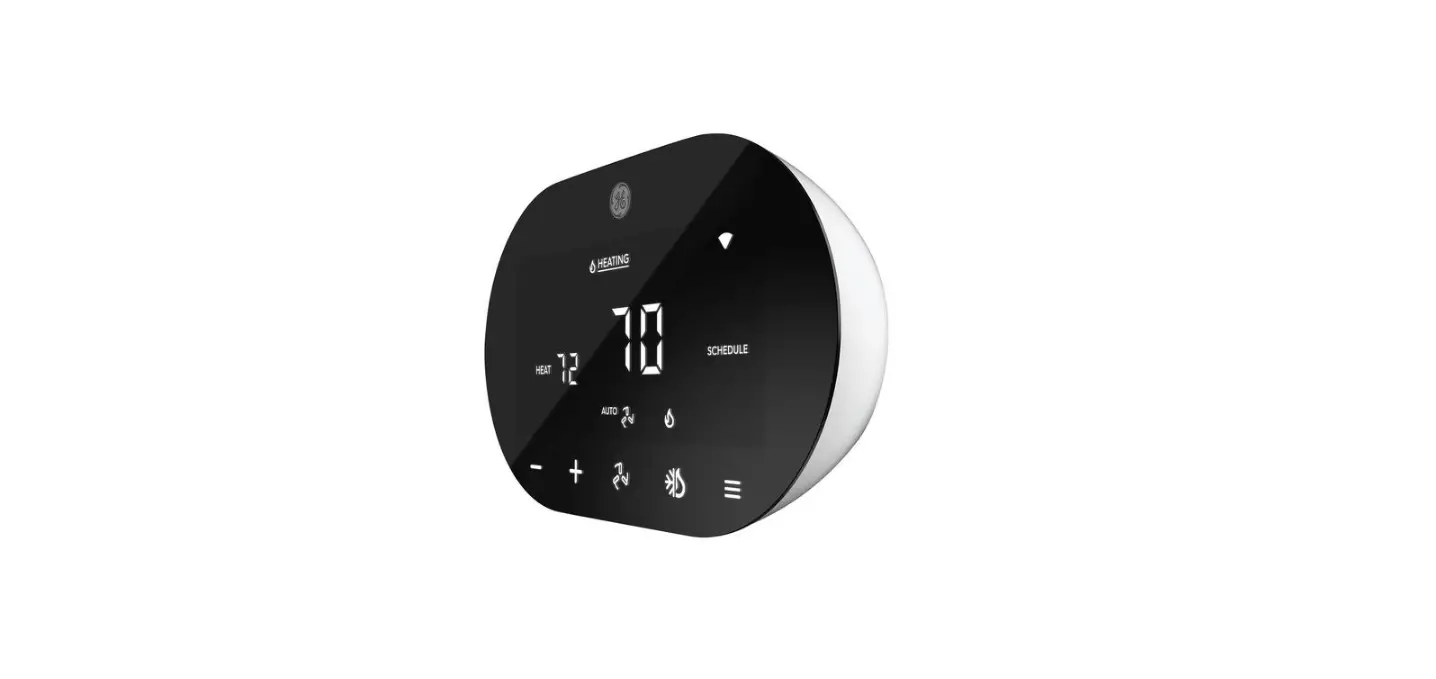
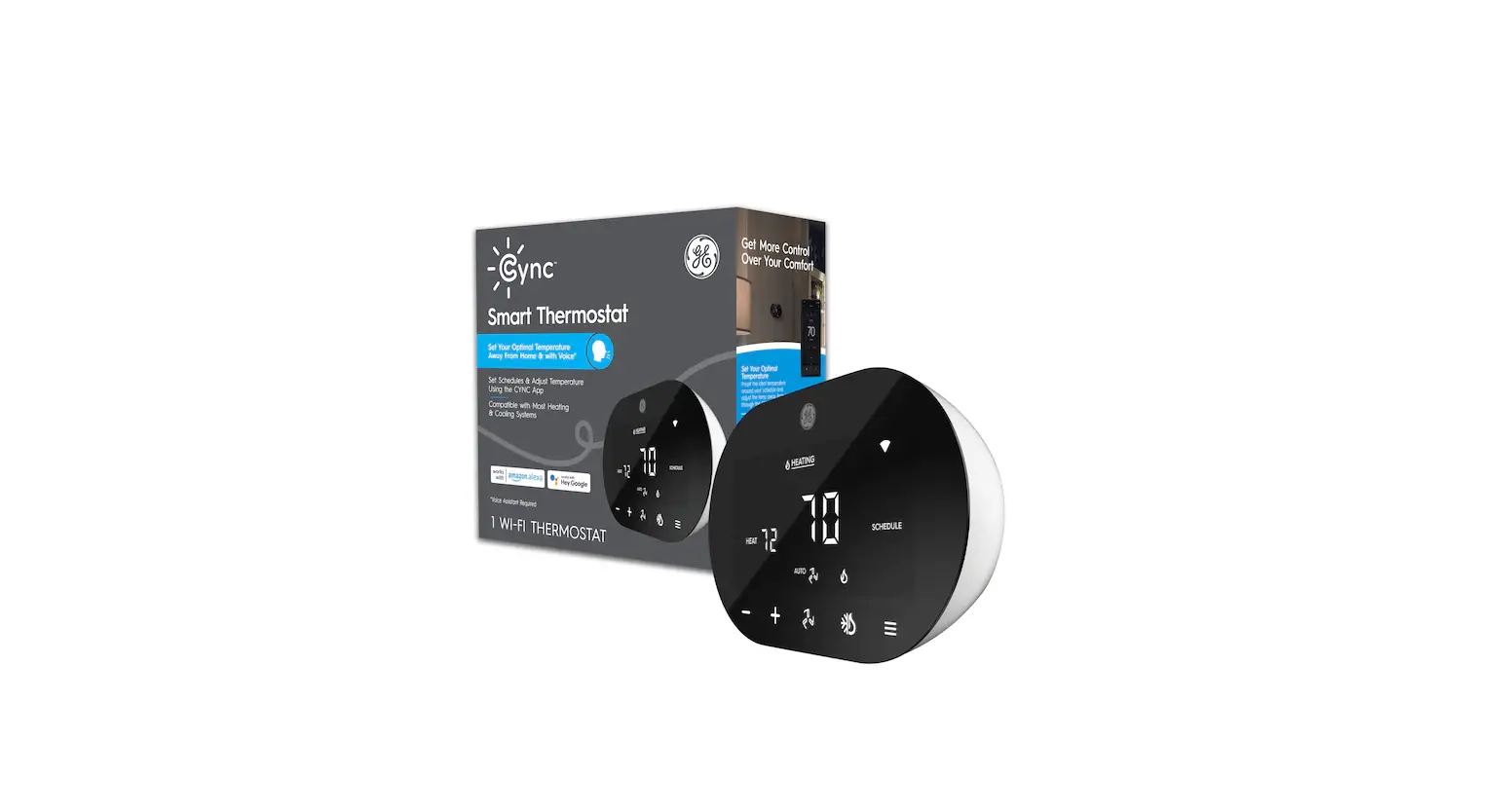
- From the Smart Thermostat: Hold down the menu icon for 10 seconds. This will factory reset your thermostat.
- From the Cync app: Select your thermostat and select the Gear Icon > Delete Device. This will factory reset your thermostat and will remove the thermostat from your Cync account.