
USER MANUAL
HW706-RTN-I1-2124
All About Passion
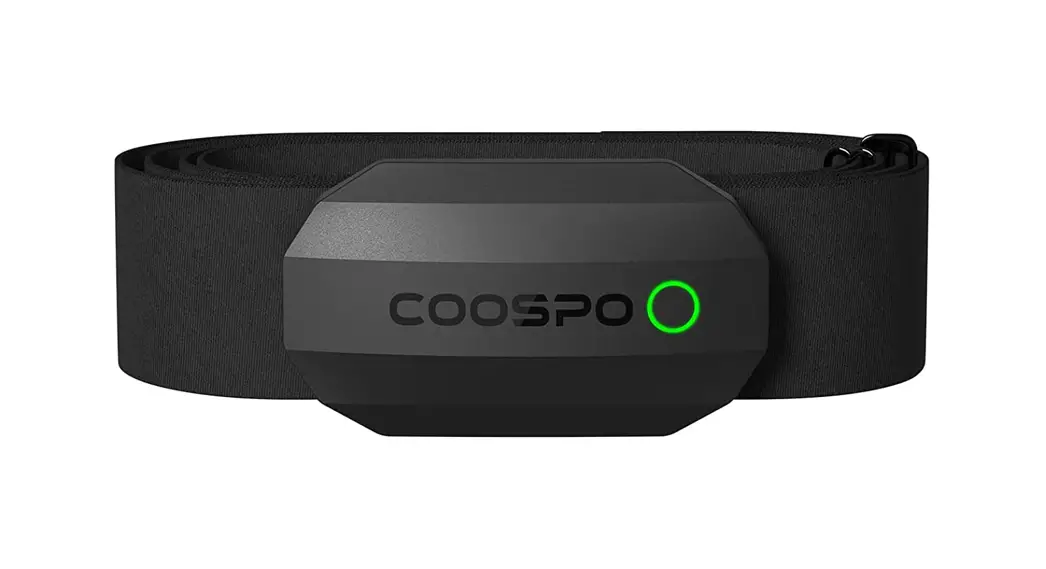
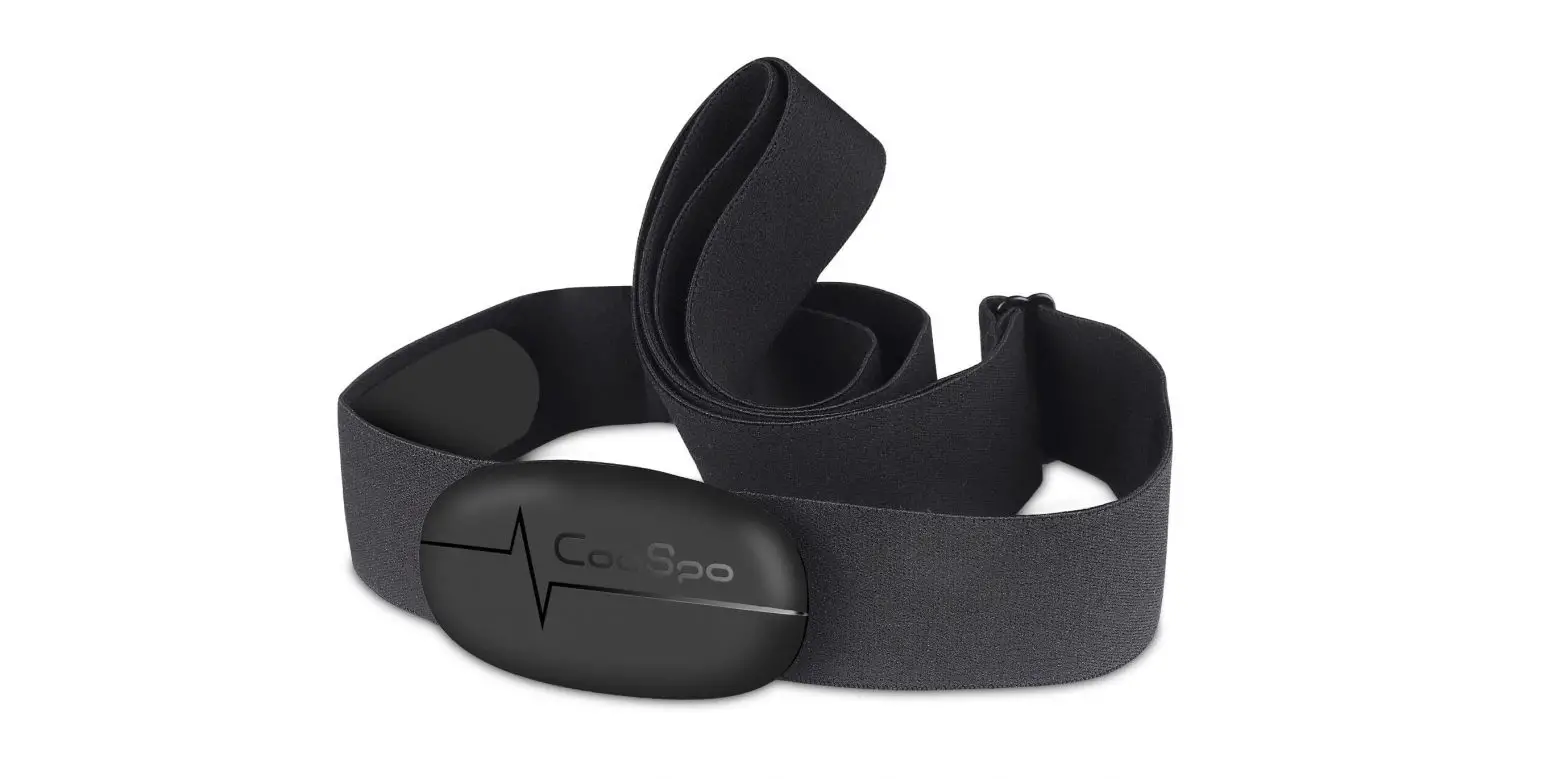
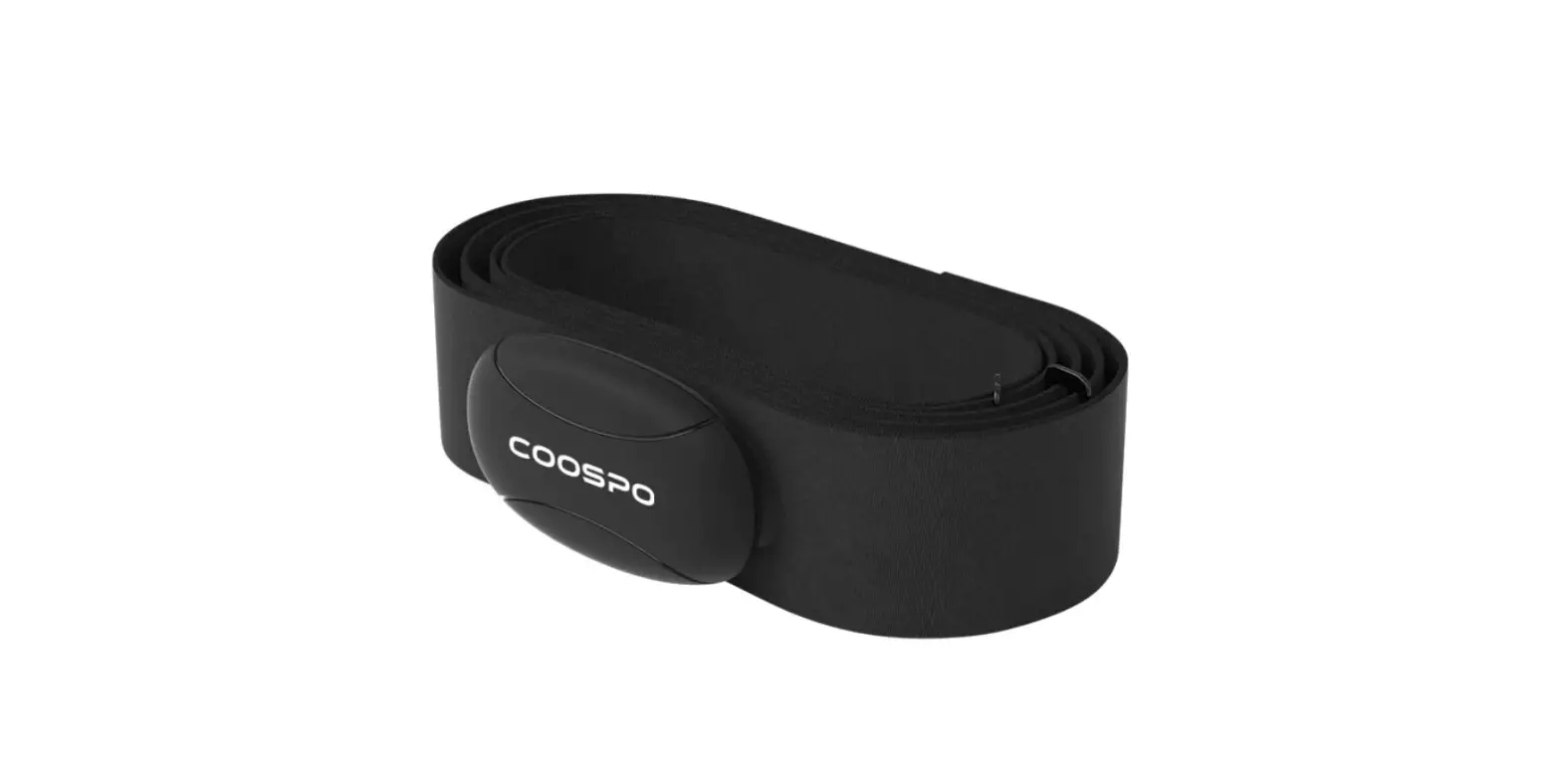
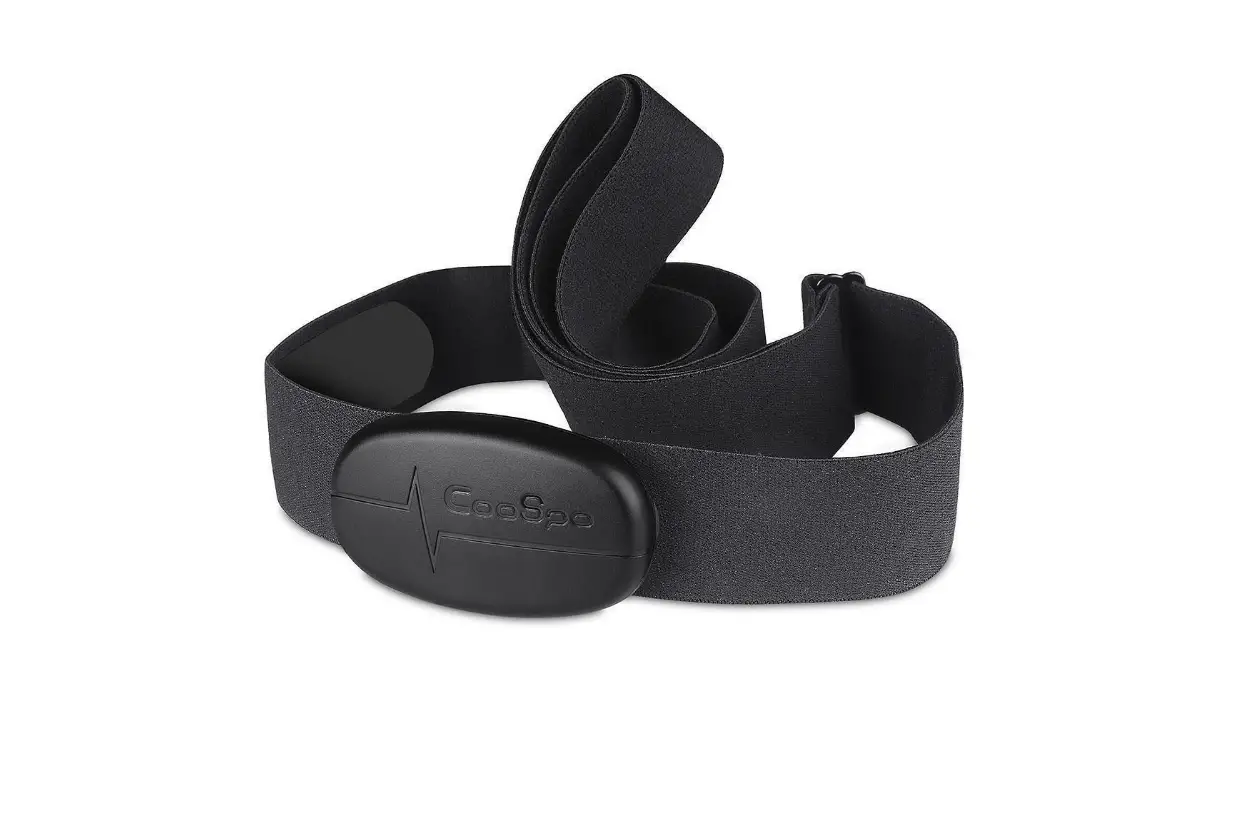
Standard Accessories
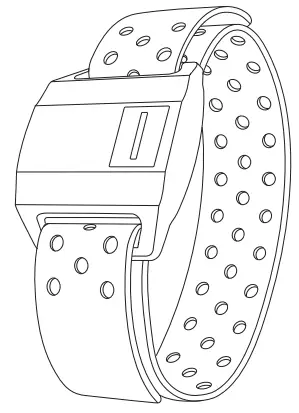 | 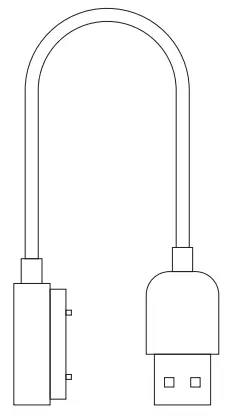 |
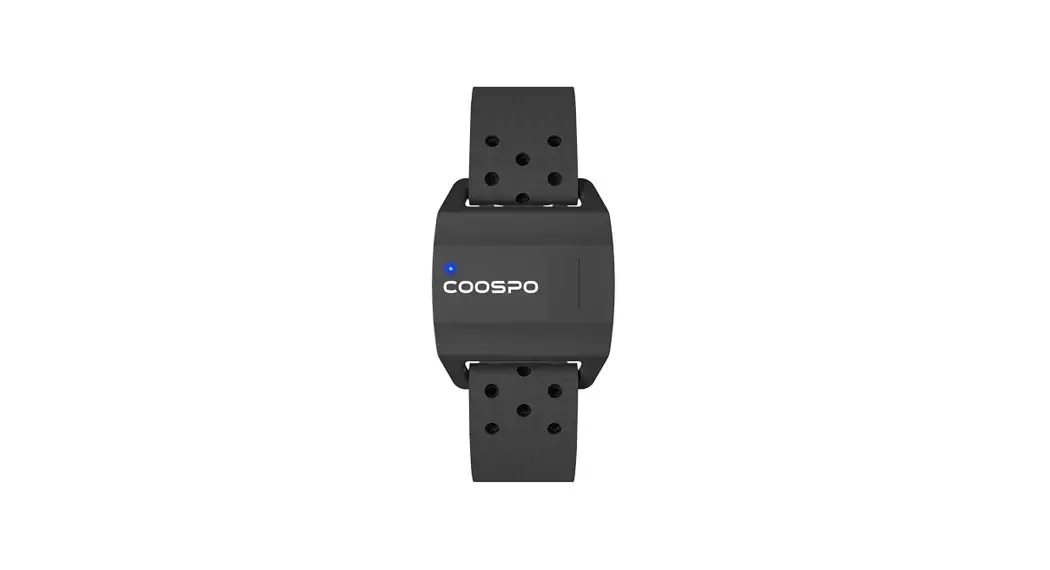
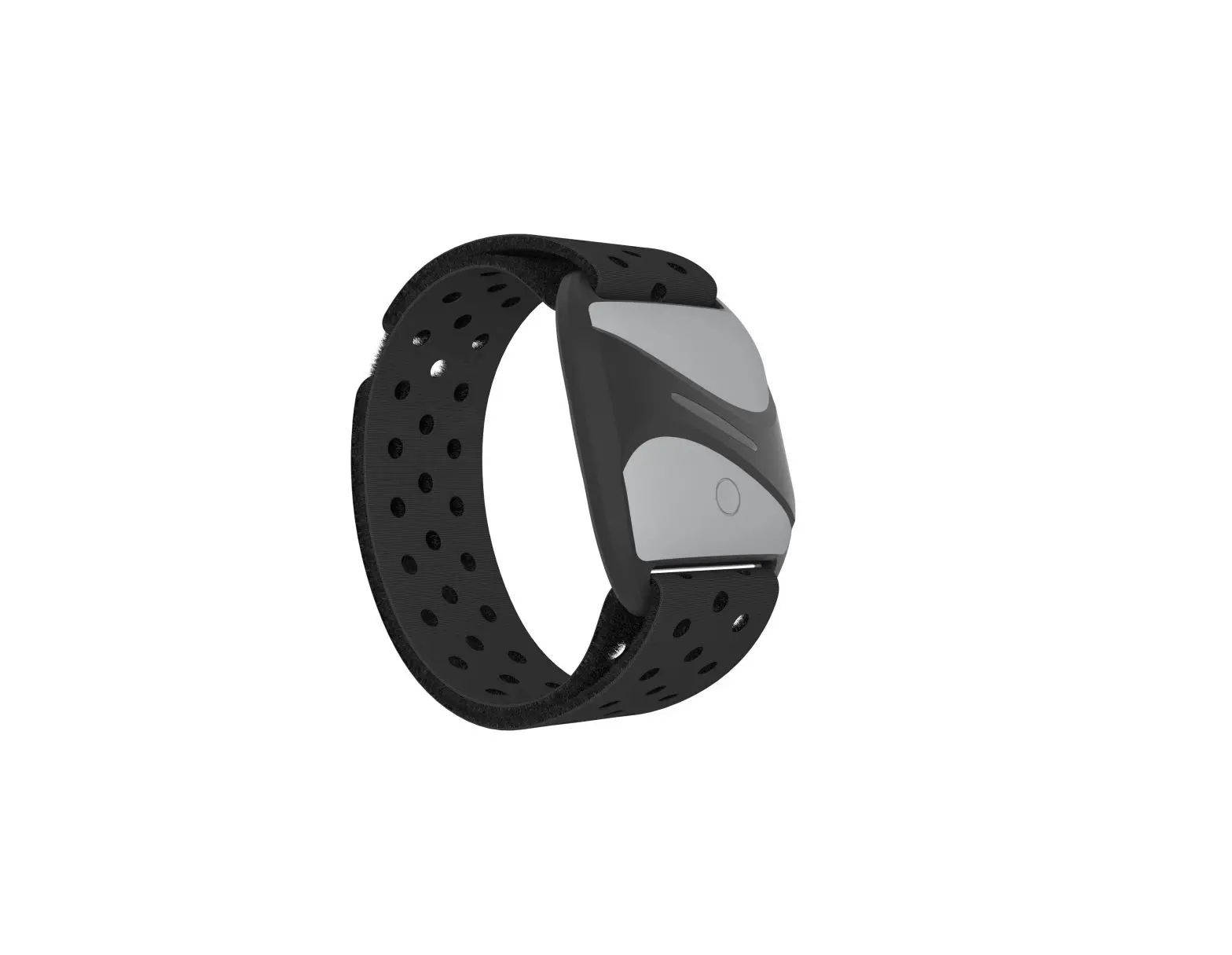
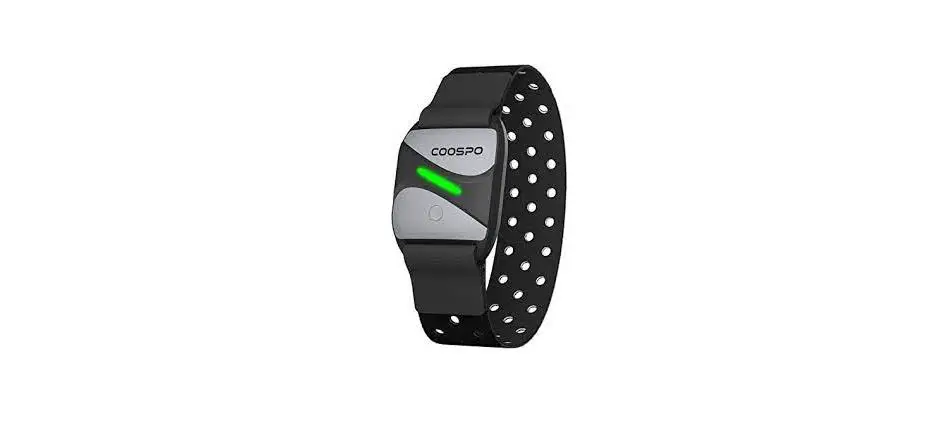
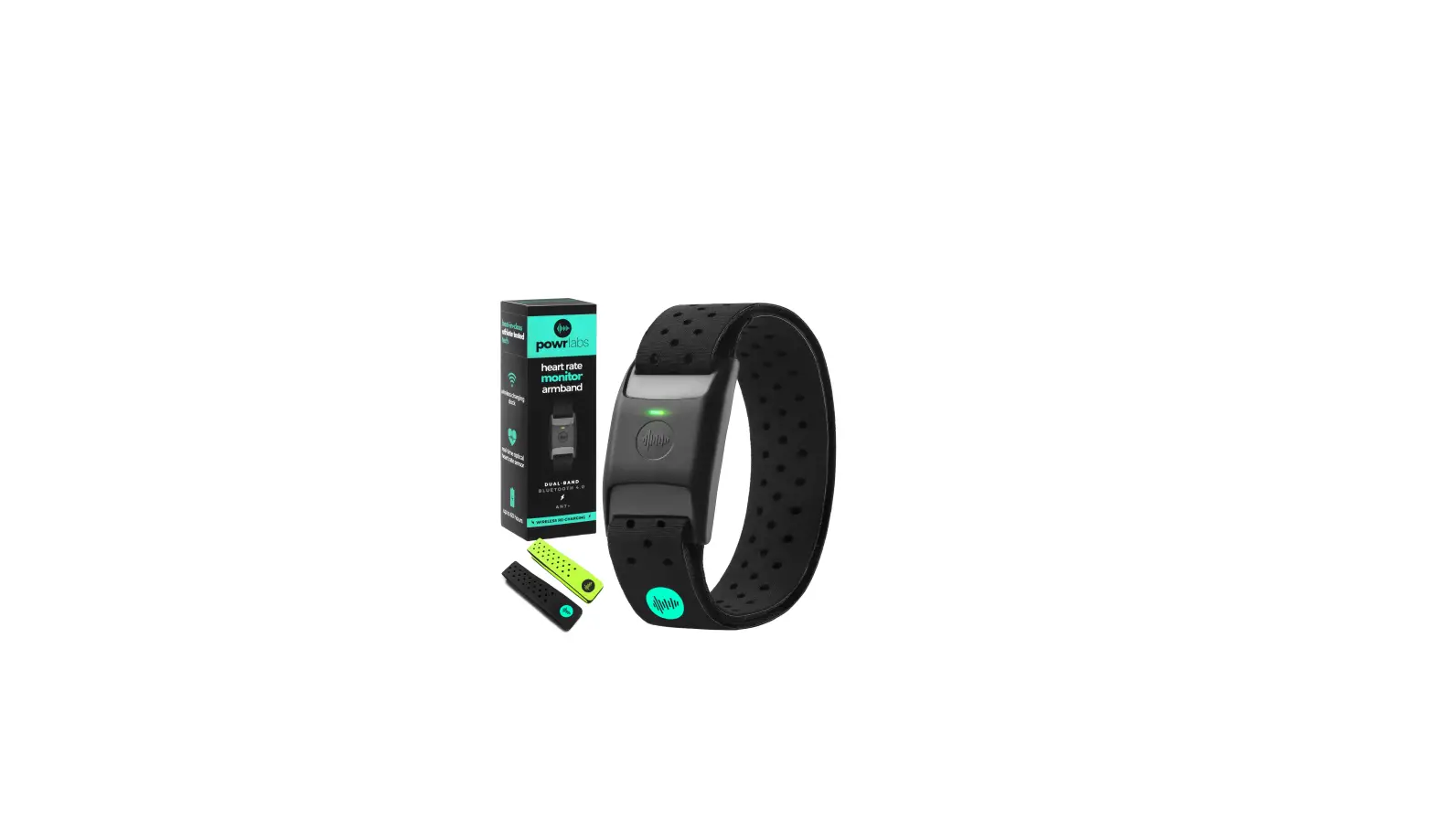
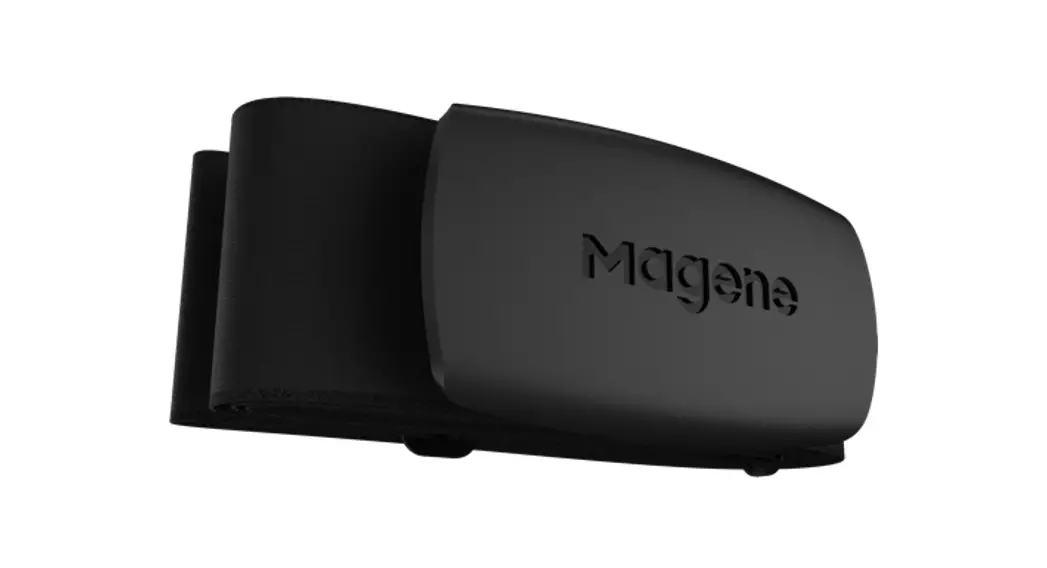
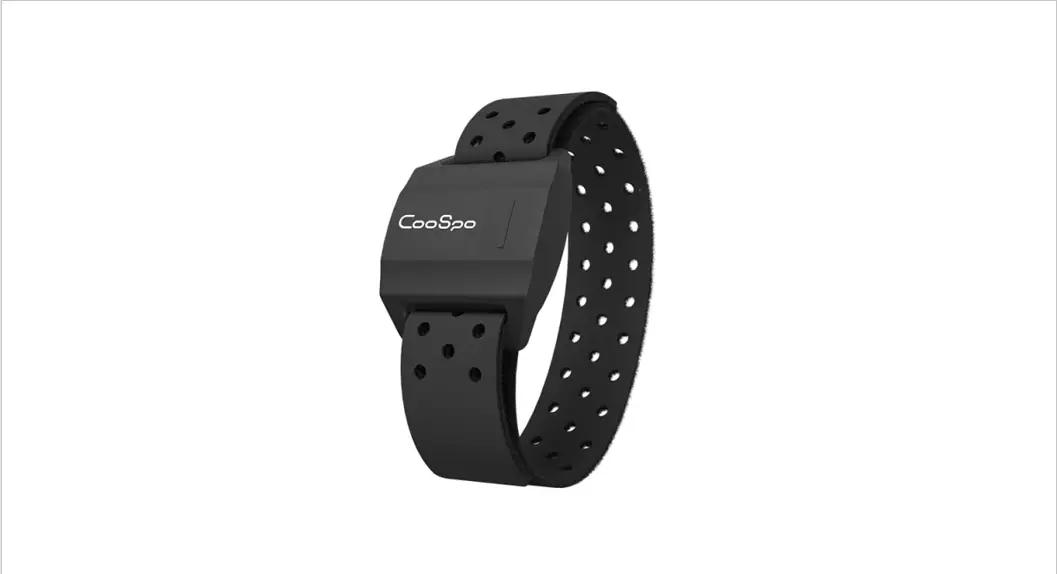
| Heart Rate Monitor with Armband x 1 | Charging Cable x 1 |
 | |
| User Manual x 1 | |
Product Introduction
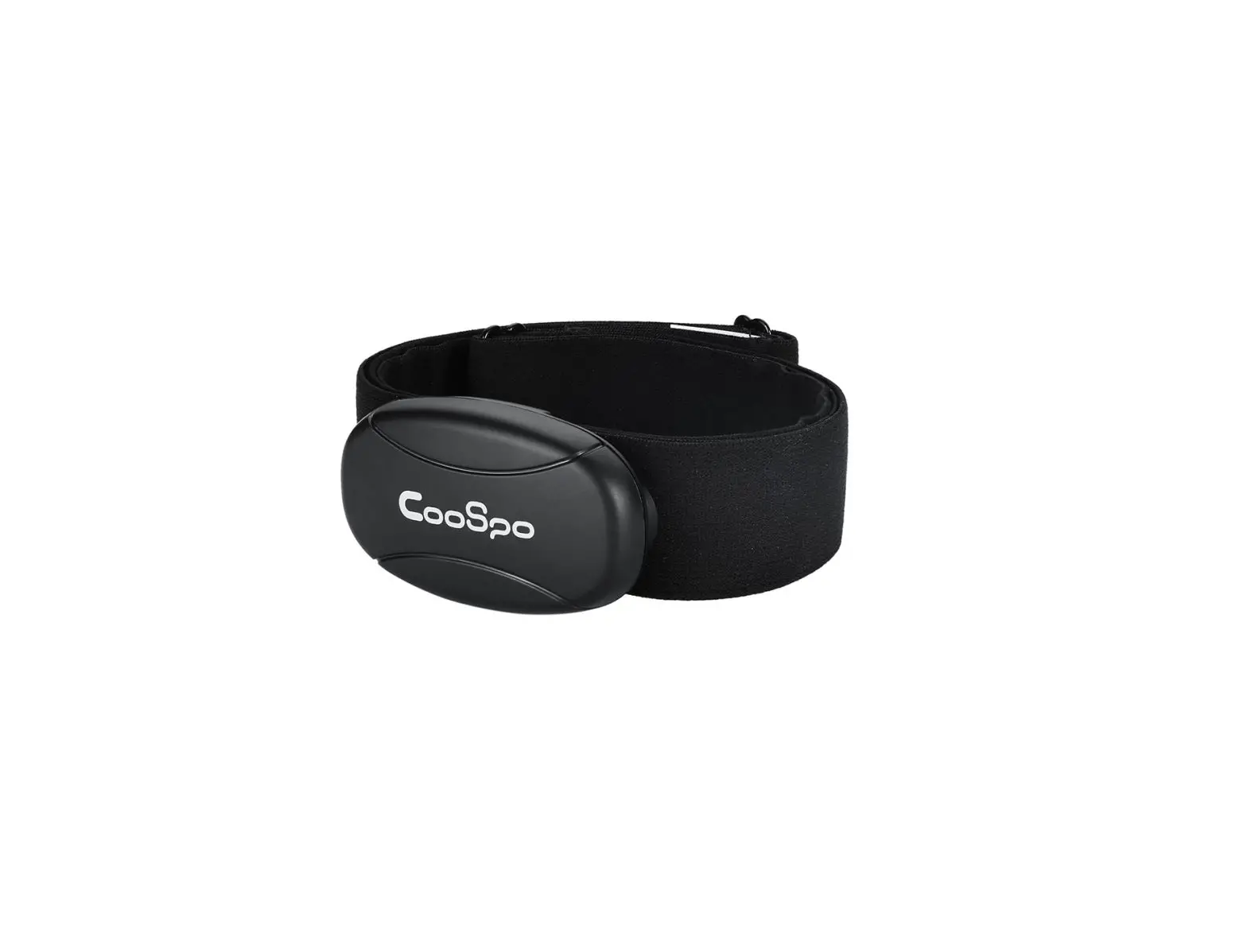
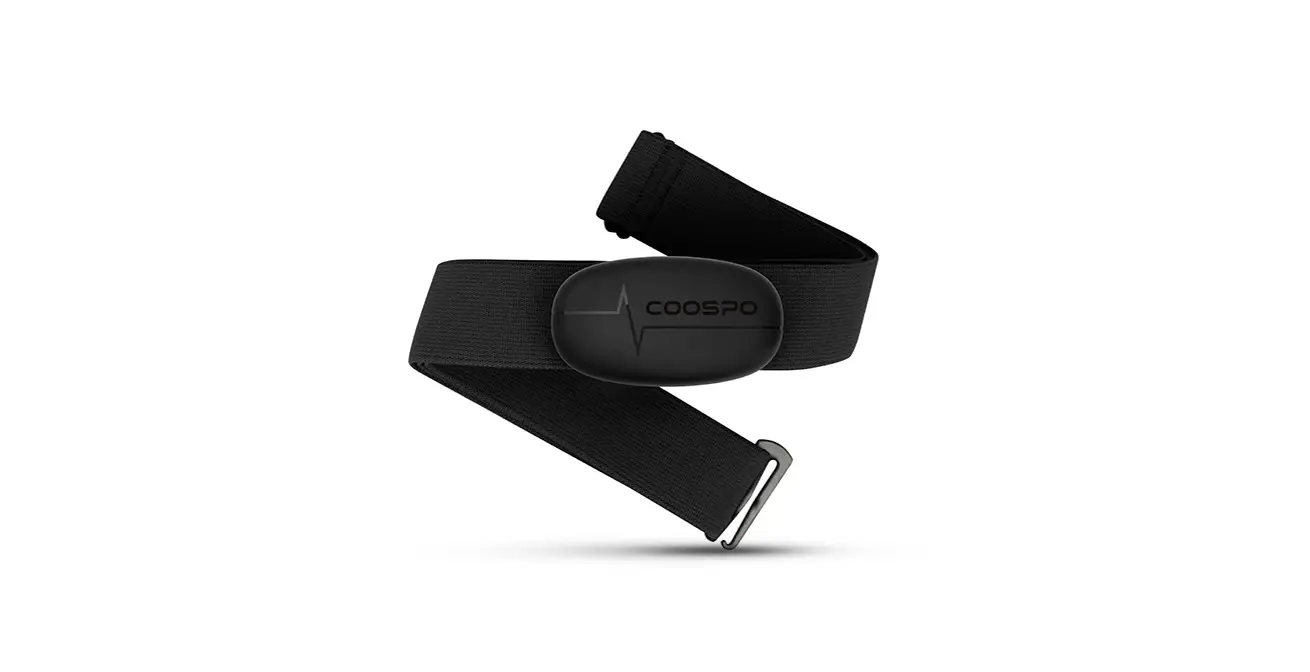
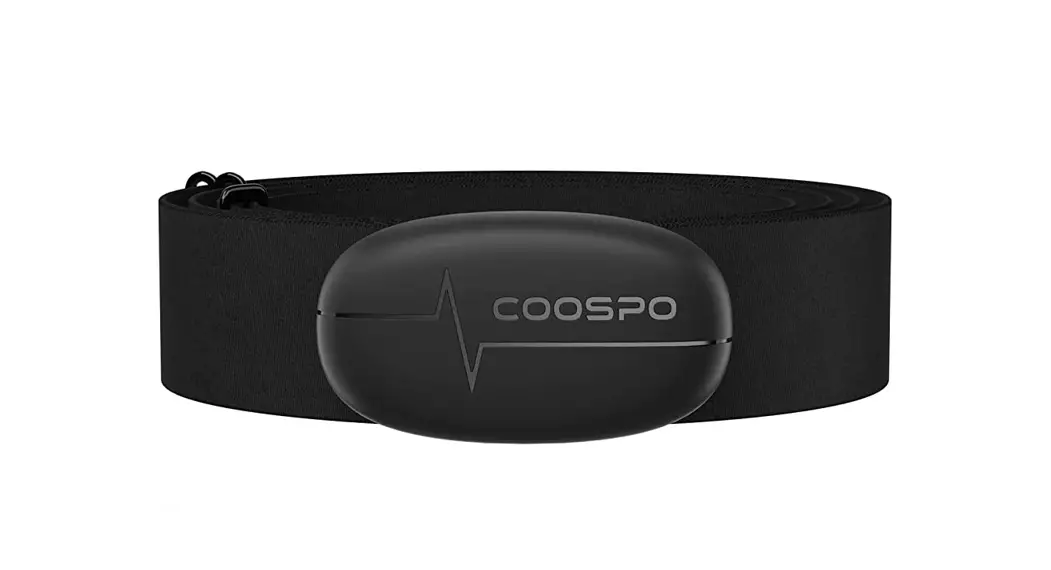
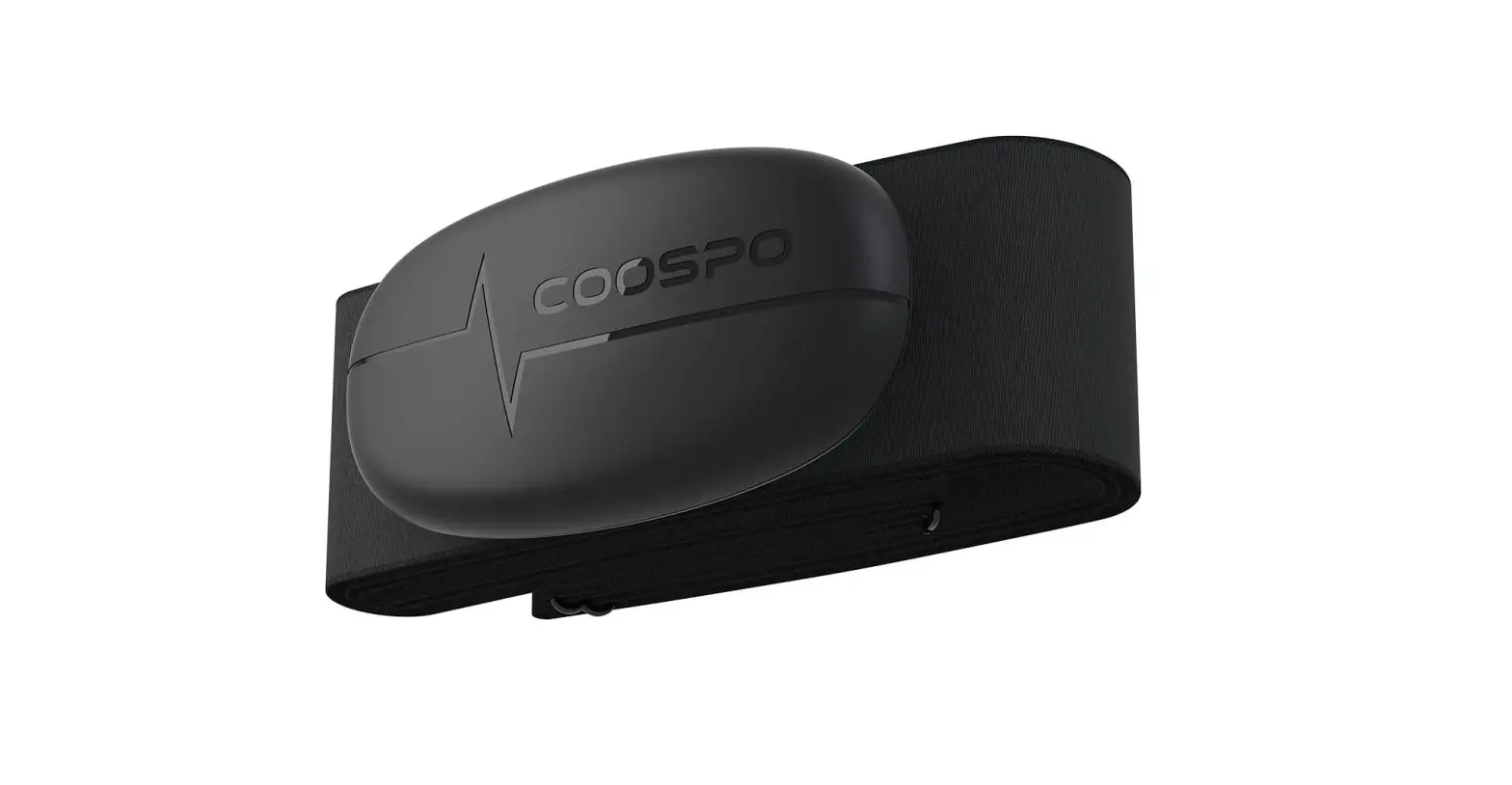
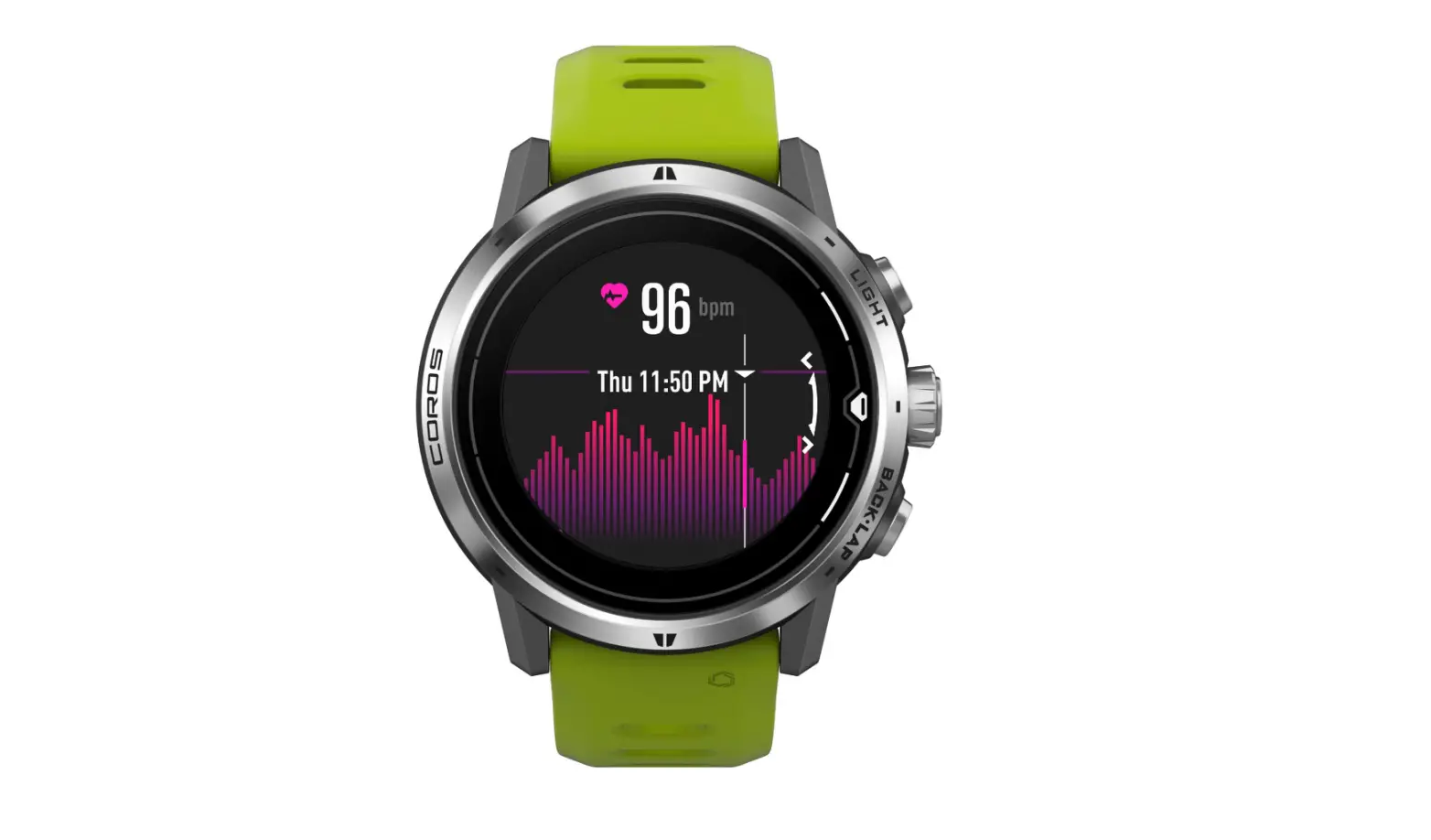
HW706 transmits the real-time heart rate data through Bluetooth or ANT+ to receiving devices, IE: sports watch, bike computer, and fitness App, helping you manage your exercise intensity in a scientific approach. This user manual is for you to understand how to use this product, please keep it for future reference.
Note: This product is for sports purposes only and it is not meant to replace any medical device.
Function and Operation
Power on: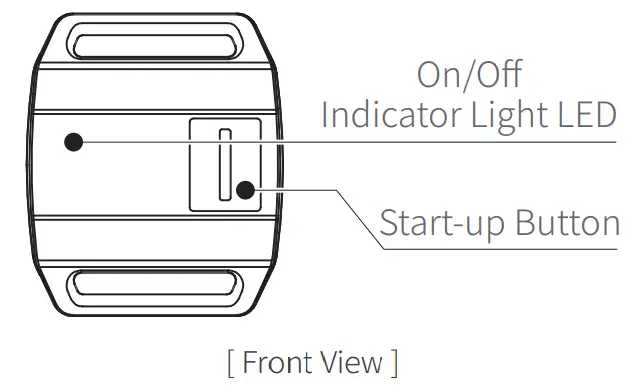
Press the on/off button, LED blue light flashes quickly, the monitor starts to get your heart rate data. As the heart rate has been detected, the light will flash slowly.
Power off:
Press the on/off button when it's not in use, the LED red light flashes quickly, and then it is shutdown.
Power:
- When you press the on/off button, if the LED red light is on, it shows that the battery is low and needs to be charged.
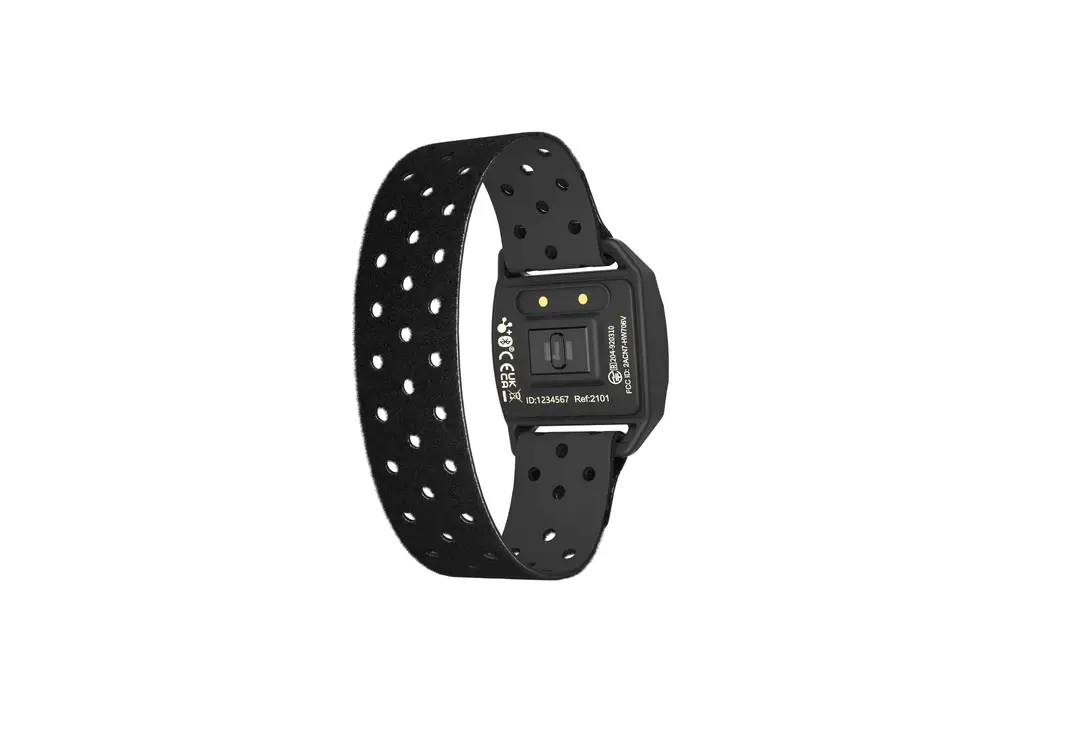
- The product adopts magnetic charging, during charging, the RED and GREEN LED light flash alternately, after it is fully charged, the GREEN LED will be on, and then you can stop charging it.
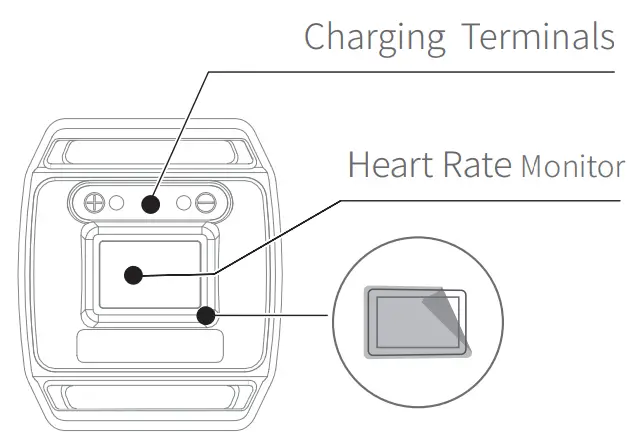
 Remove Protective Sticker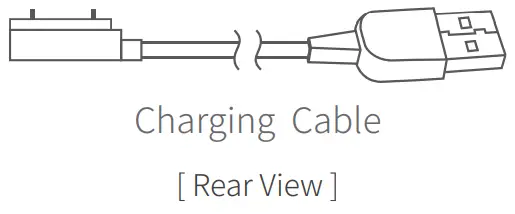
Wearing:
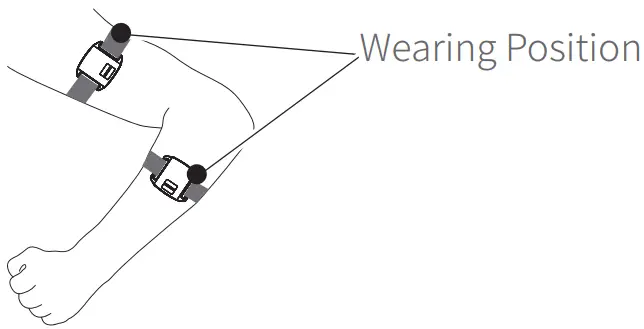
Wear an armband on the upper portion of the forearm. The Monitor should be on the inside or top of the forearm. It should be worn snug enough not to move on your arm, but not so tight that it restricts arm circulation.
Initial Setup with Bluetooth Smart Fitness Apps Turn on Bluetooth in the phone setting.
- Wear the Monitor correctly and press the start button.
- Do not search and add devices on this page. Please add the heart rate Monitor in the App.
Connection with ANT+ Sports Devices (Sports Watches, Bike Computer…)
- Add the heart rate Monitor in the ANT+ device and add a list to find and add this product.
- Start training according to the remainder of the watch or other devices, and check your real-time heart rate on the display screen.
The Bluetooth 4.0 & ANT+ of this product can work simultaneously. If you need to connect to the phone and ANT+ devices at the same time, please confirm the device you connected is equipped with Bluetooth 4.0 or ANT+.
Specifications
| Weight | 60 g |
| Battery Life | 20 hours for continuous heart rate monitoring |
| Wireless | Bluetooth & ANT+ |
| Battery Type | Rechargeable lithium battery |
| Working Temperature | 0 °C – 45 °C |
| Size | 42.6 x 36 x 12.5 mm |
| Waterproof | IP67 |
Applicable Smart Phones
 IOS 9.0 or above, iPhone 5s model or above
 Android 4.3 or above with Bluetooth 5.0
Compatible Apps
CoospoRide, Endomondo, Wahoo, Runtastic, UA Run, Zwift, Opendrider, or other Apps with heart rate display features.
Cautions
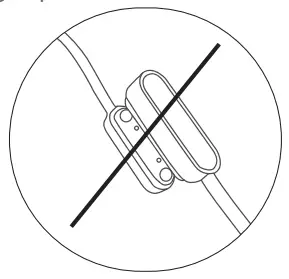
While charging, the contact point of the charging head must not be short-circuited.
The following operations are not allowed.
Disclaimer
- Please notice that due to the manufacturer’s further development plans, the products described in the manual may be changed without notice.
- Our company makes no representations or warranties with respect to this manual or with respect to the products described herein.
- Our company shall not be liable for any damages, losses, costs, or expenses, direct, indirect, or incidental, consequential or special, arising out of, or related to the use of this material or the products described herein.