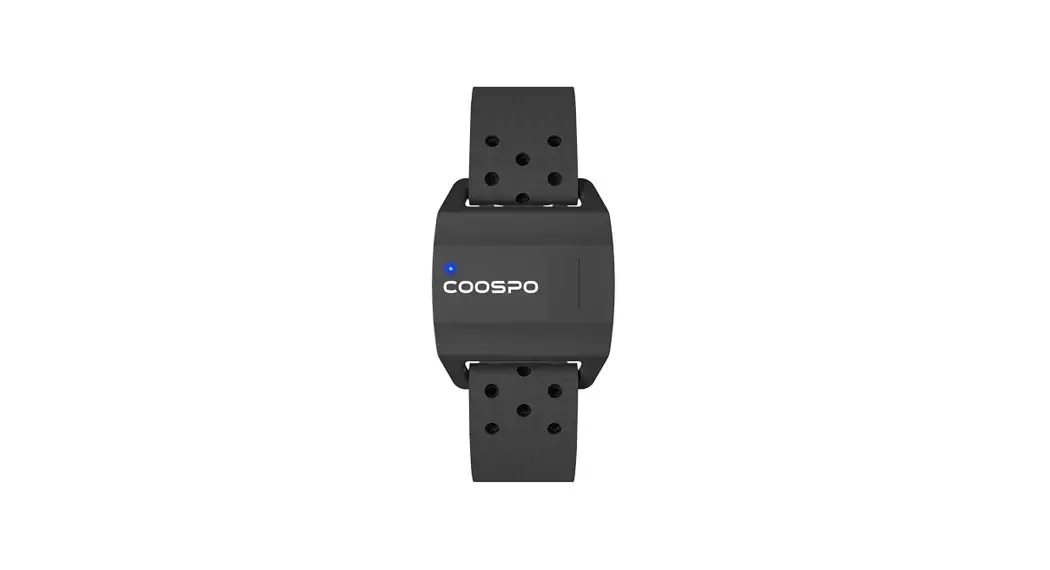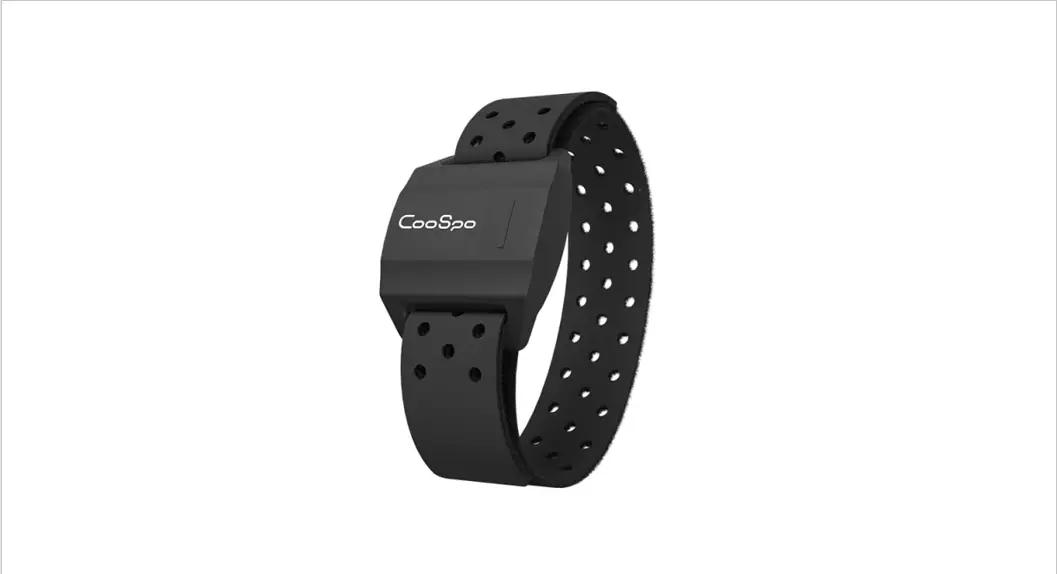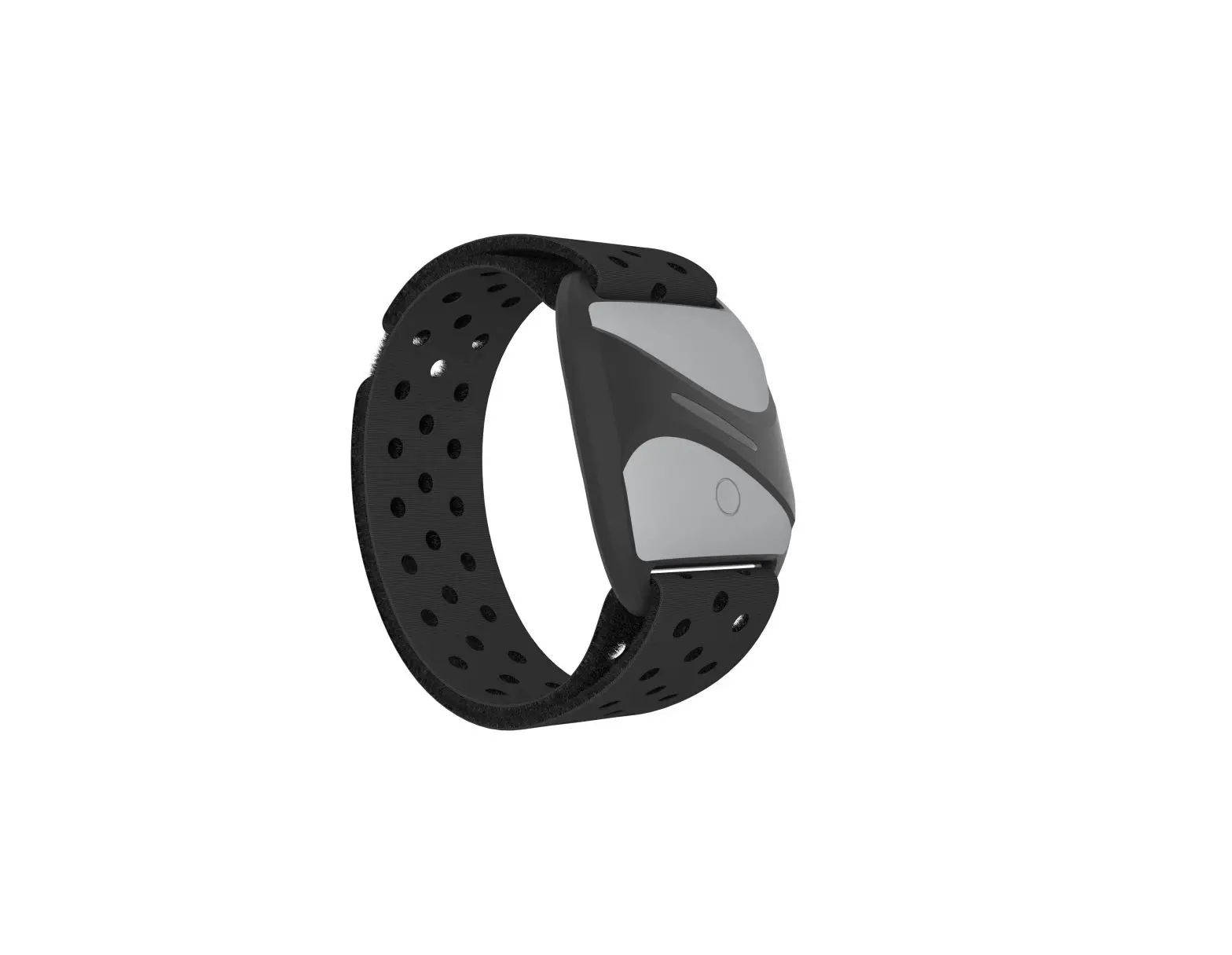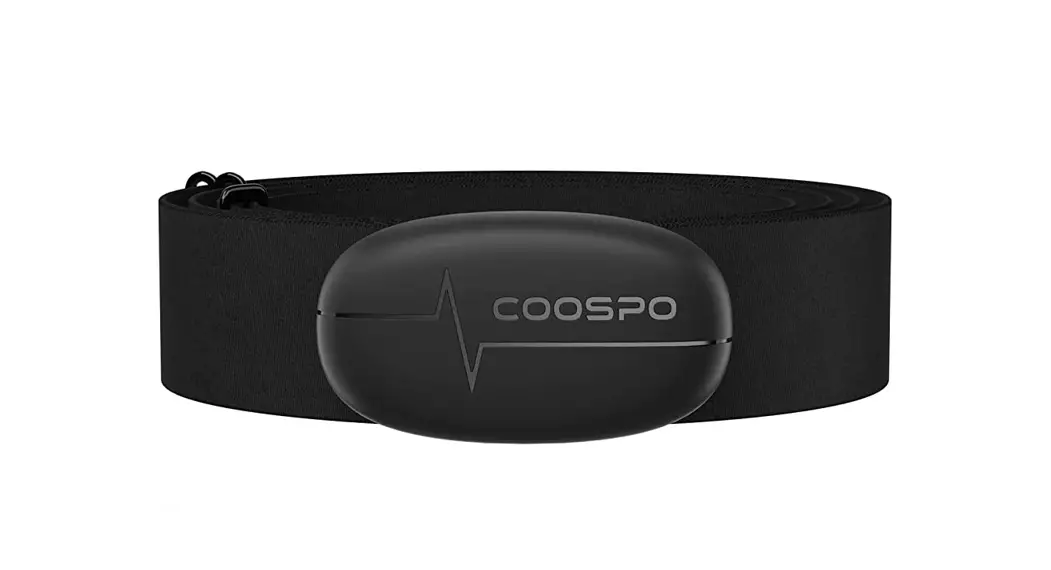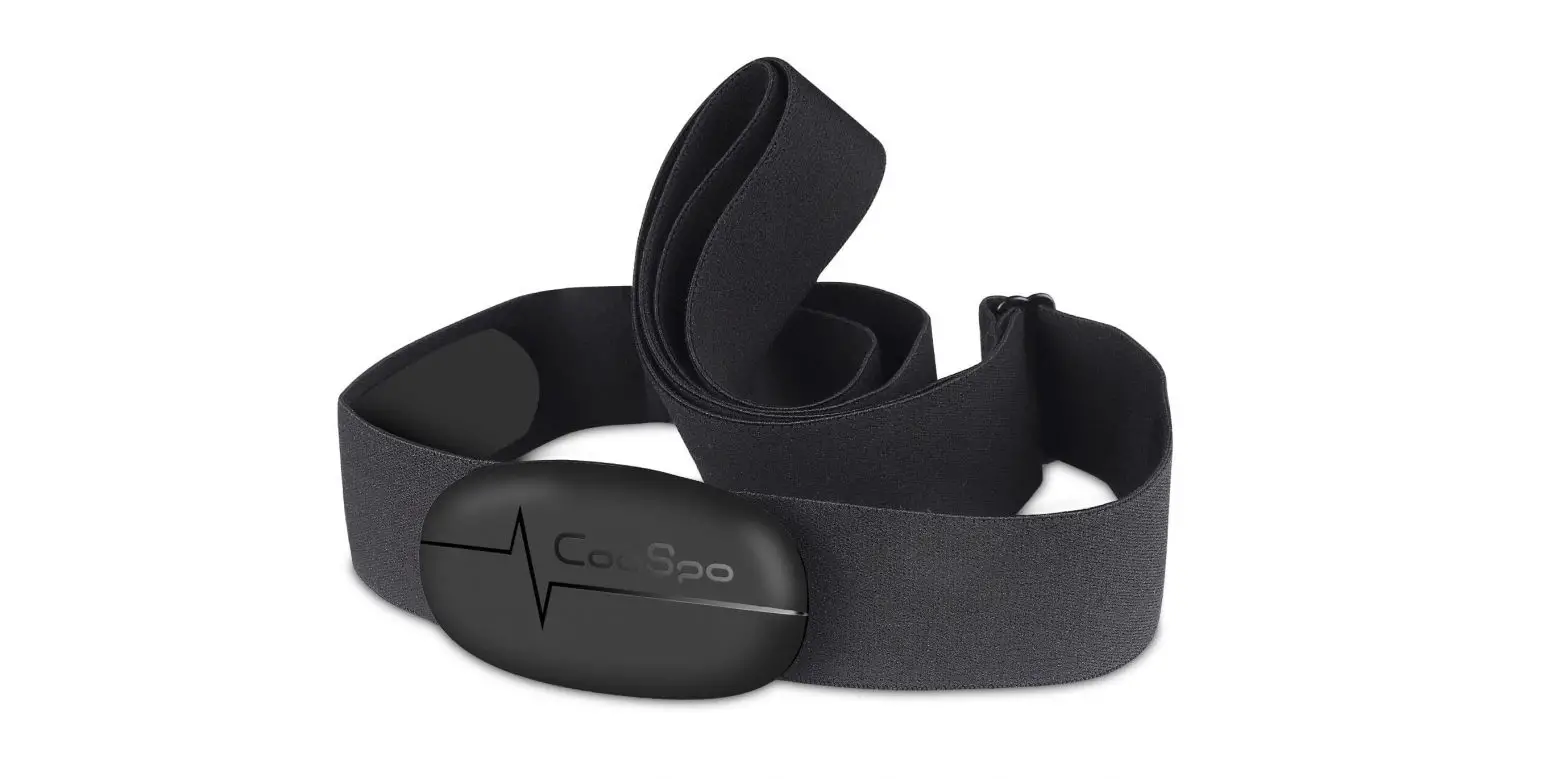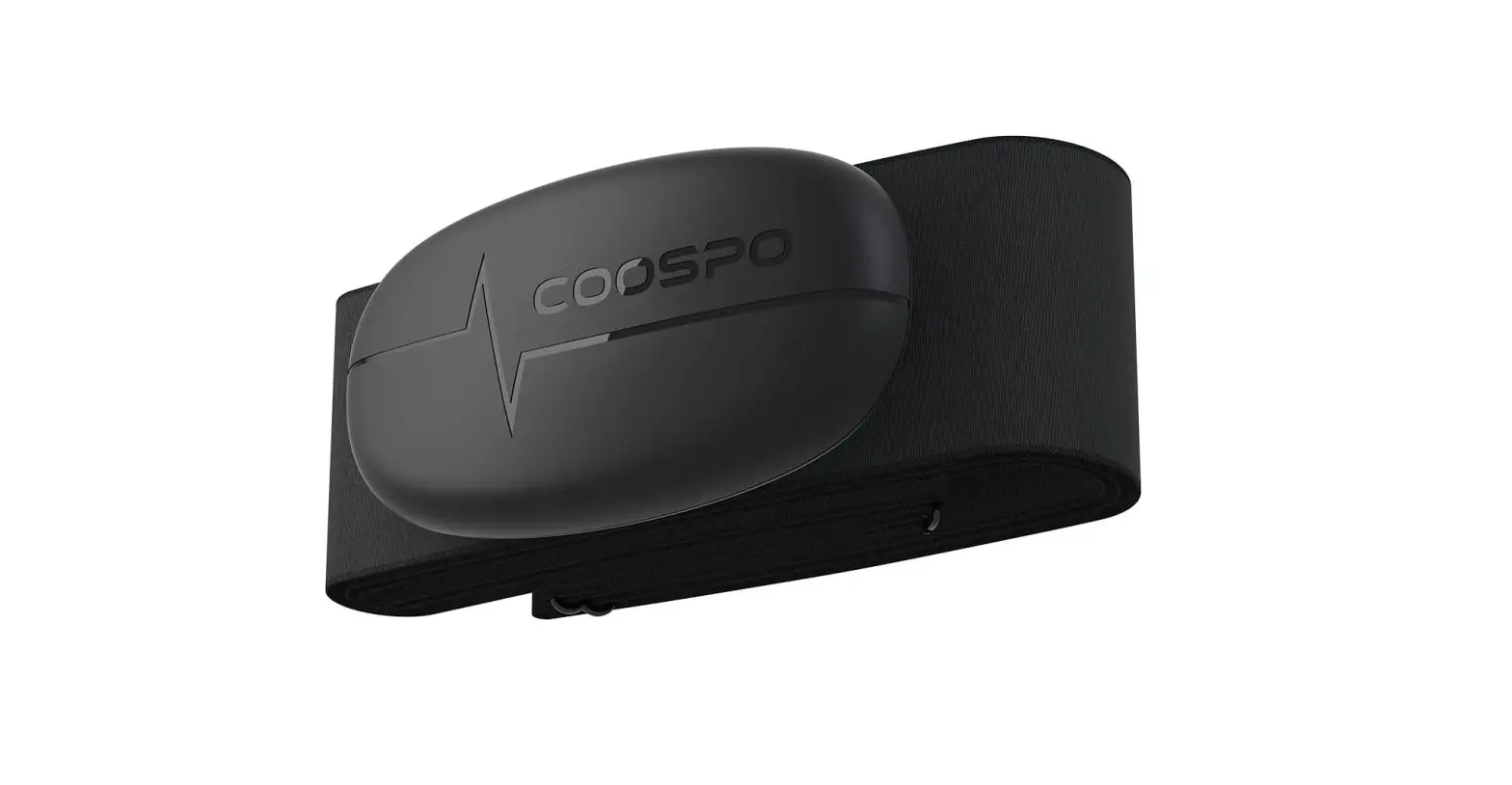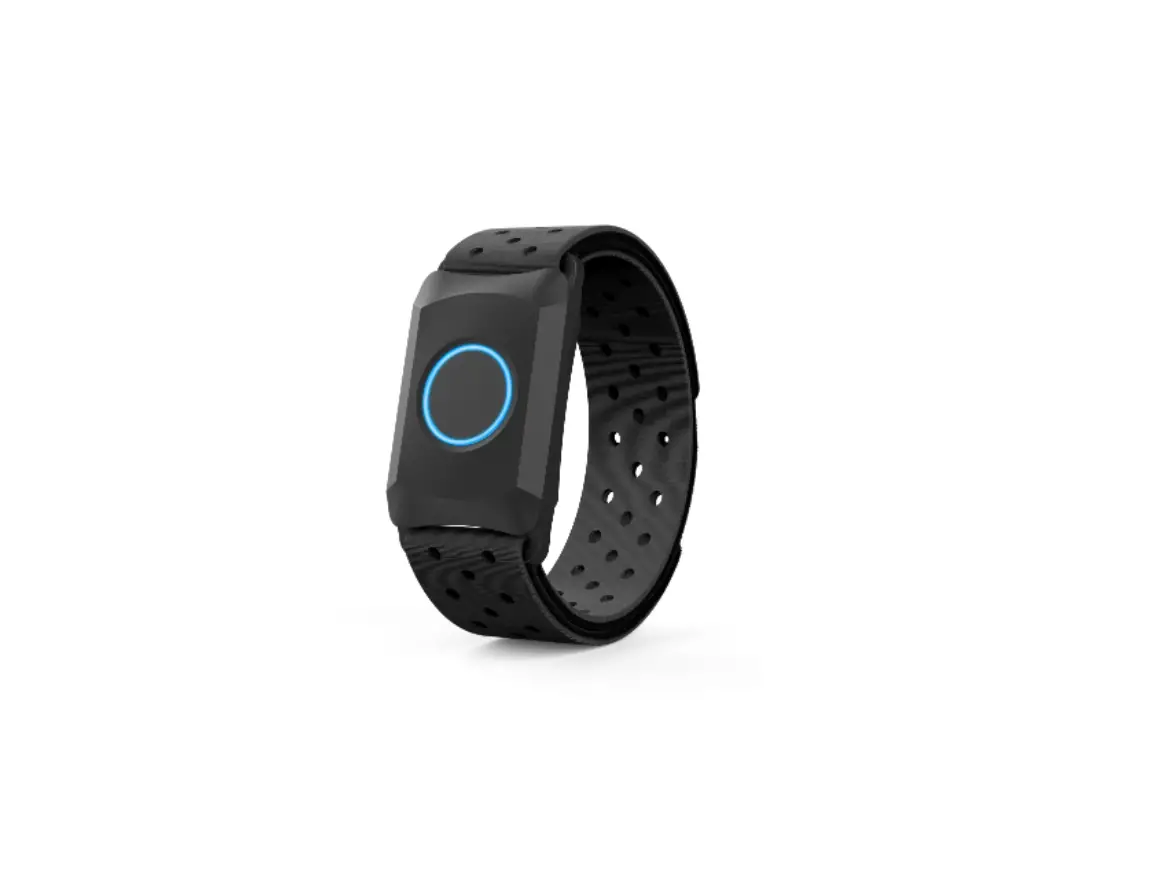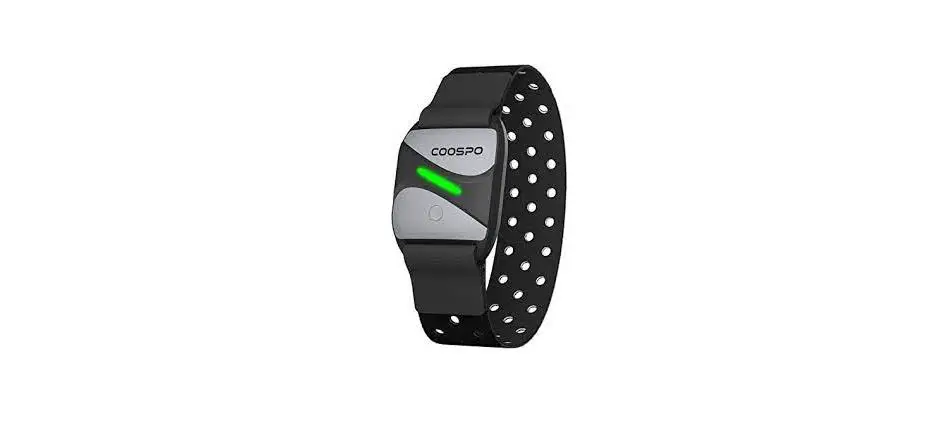

COOSPO HW807 Heart Rate Monitor with Armband
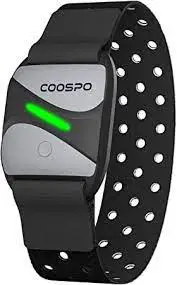
Standard Accessories
- Heart Rate Monitor with Armband x 1
- Charging Cable x 1
- User Manual x 1
Product Introduction
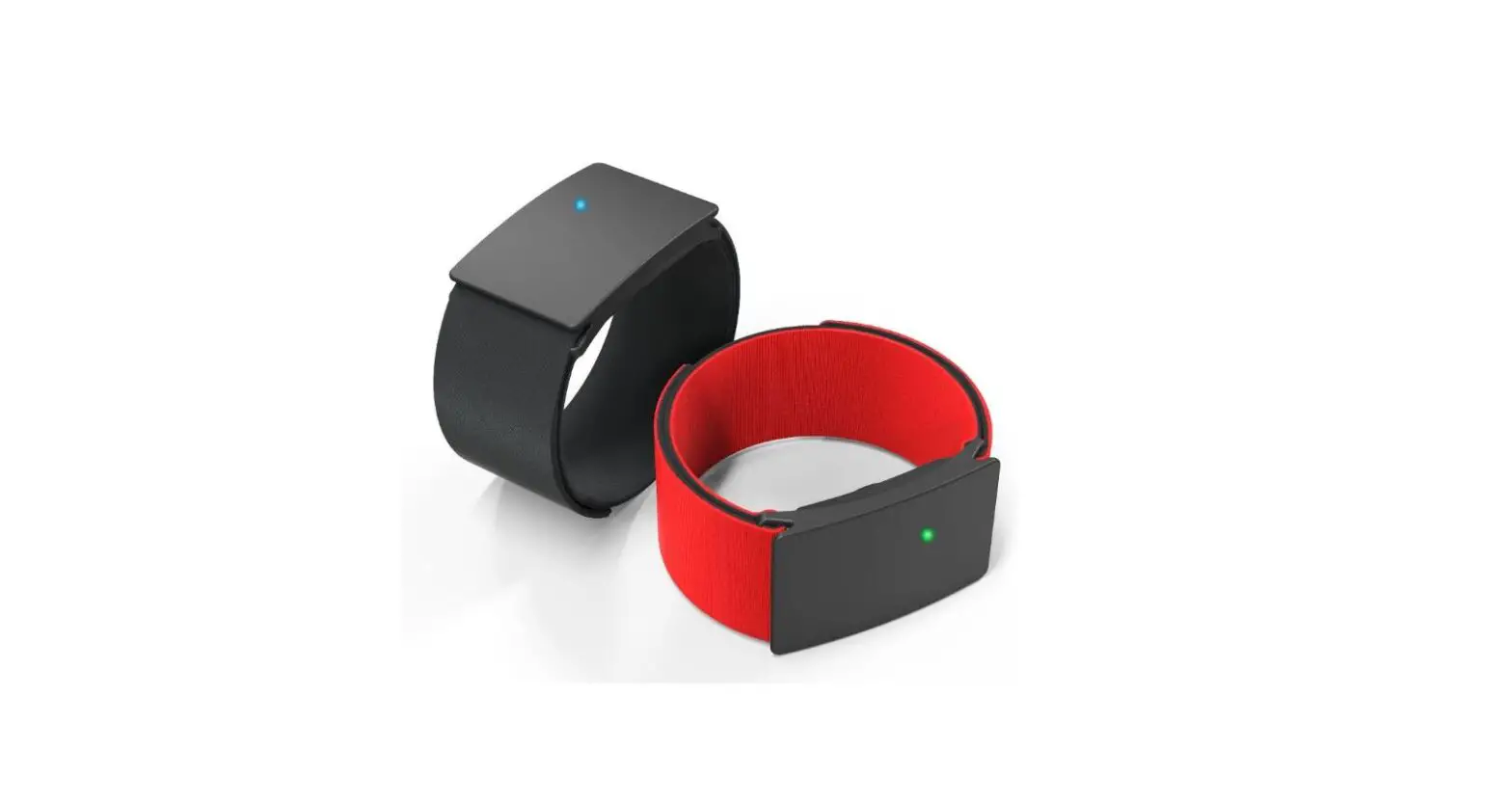
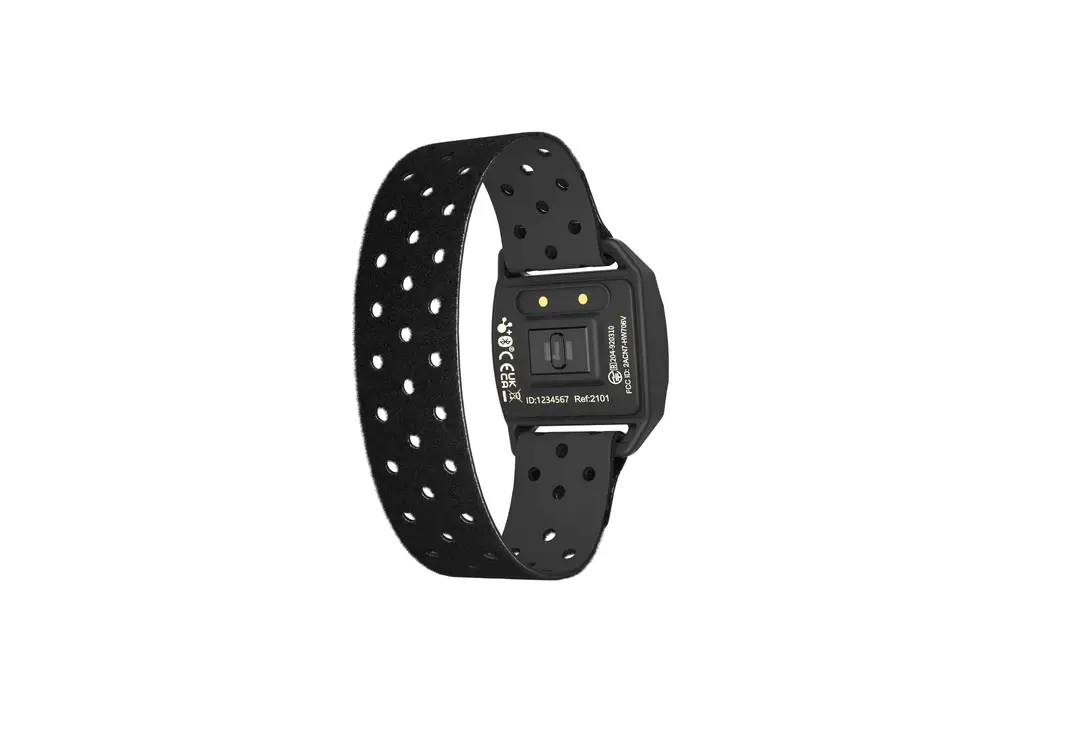
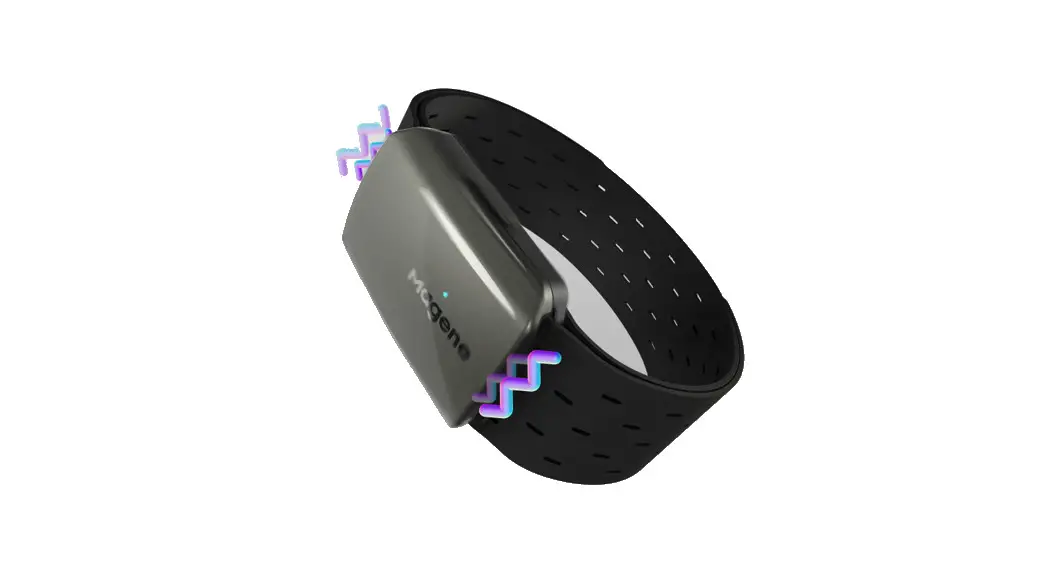
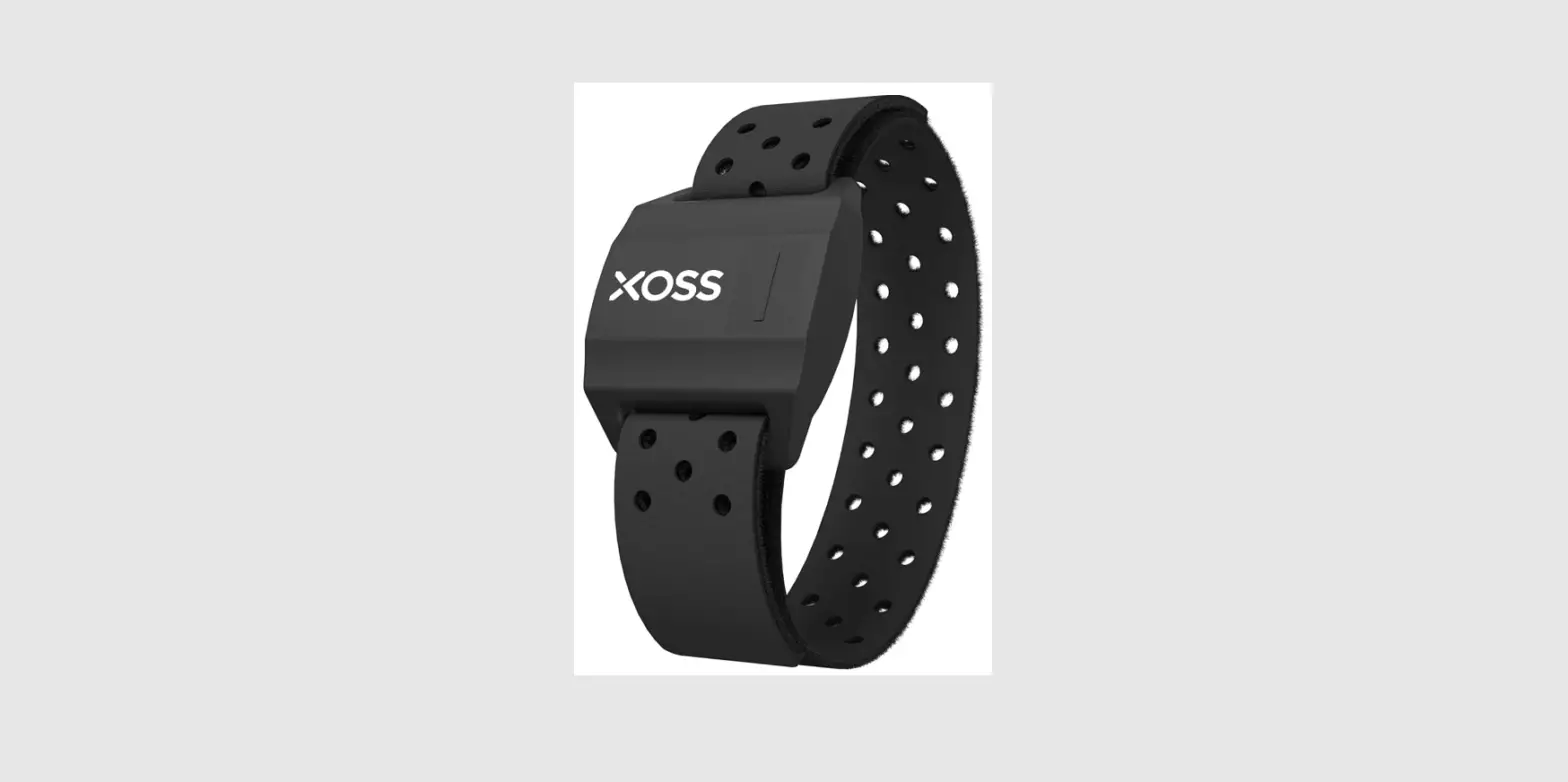
HW807 heart rate armband transmits the real-time heart rate data through Bluetooth or ANT+ to heart rate receiving device, sports and health App, helping you to manage your exercise intensity scientifically. This user manual will help you to use the product properly, please keep it for reference.
Note: This product is for sport purposes only and it is not meant to replace any medical device.
Function and Operation
Turn-on:
Press the start-up button, the LED light will flash blue quickly until the heart rate was found.
Turn-off:
Hold the start-up button, The LED will flash red light and vibrates, then enter the shutdown state.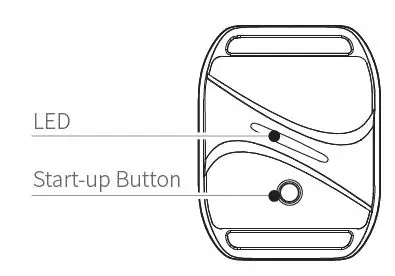 Heart Rate Indicating:
* Max Heart Rate (MHR) = 180 (default)
| Zone | Color | Range (Default) |
| Zone 1 | Blue | Below 60% MHR |
| Zone 2 | Green | 61% ~ 70% MHR |
| Zone 3 | Yellow | 71% ~ 80% MHR |
| Zone 4 | Purple | 81% ~ 90% MHR |
| Zone 5 | Red | Above 91% MHR |
Heart Rate Alarm:
If the heart rate exceeds the maximum value, the sensor will vibrate 3 times continuously.
Power:
Low Power Alert: LED flashes red and green alternately, and vibrates once.
Charging: LED flashes green and will stay on with green when fully charged.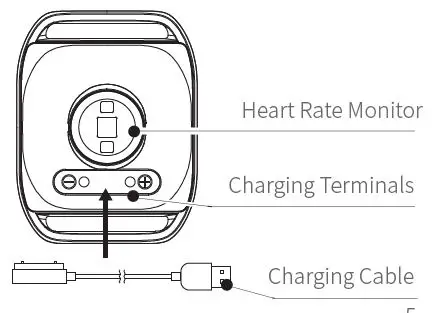
Wearing:
Wear armband on the upper portion of the forearm. Monitor should be on the inside or top of forearm. It should be worn snug enough (not to move on your arm), but NOT so tight that it restricts arm circulation.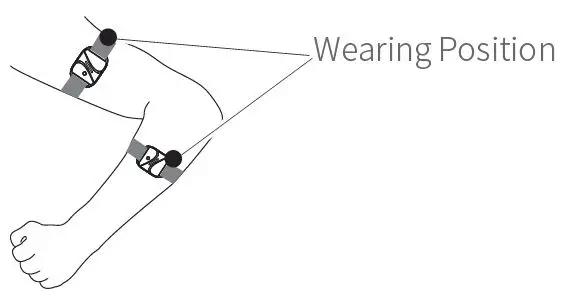 Initial Setup with Bluetooth Smart Fitness Apps
- Set Bluetooth on the device to ON.
- Find the Monitor Settings menu in the Bluetooth Smart Fitness App.
- Connect to armband by turning it on.
Initial Setup with Bluetooth Smart devices
(Sports Watches, Fitness Equipment & GYM Team Training System.)
- From the device settings menu select "Add HR sensor"
- Connect to armband by turning it on.
Specifications
| Weight | 12.3og rs continuous 0 h ua m n t |
| Battery Life Wireless | hoef aeartcrh tceharoge i oring Bluetooth 5.0 & ANT+ |
| Battery Type | 90 mAh lithium battery |
| Workienrg | |
| Temp ature Size | 0 ℃ ~ 40 ℃ 46.5 x 36 x 14 mm |
| Waterproof | IP67 |
Applicable Smart Phones
IOS 9.0 or above, iPhone 5s model or above
Android 4.3 or above with Bluetooth 5.0
Compatible Apps
CoospoRide, Endomondo, Wahoo, Runtastic, UA Run, Zwift, or o ther Apps with heart rate display feature.
Disclaimer
- The information contained in this manual just for reference. The product described above may be subject to alteration owing to the manufacturer’s continuing research and development plans, without making an announcement in advance.
- We shall not bare any legal responsibility for any direct or indirect, accidental or special damages, losses and expenses arising from or in connection with this manual or the contained product.