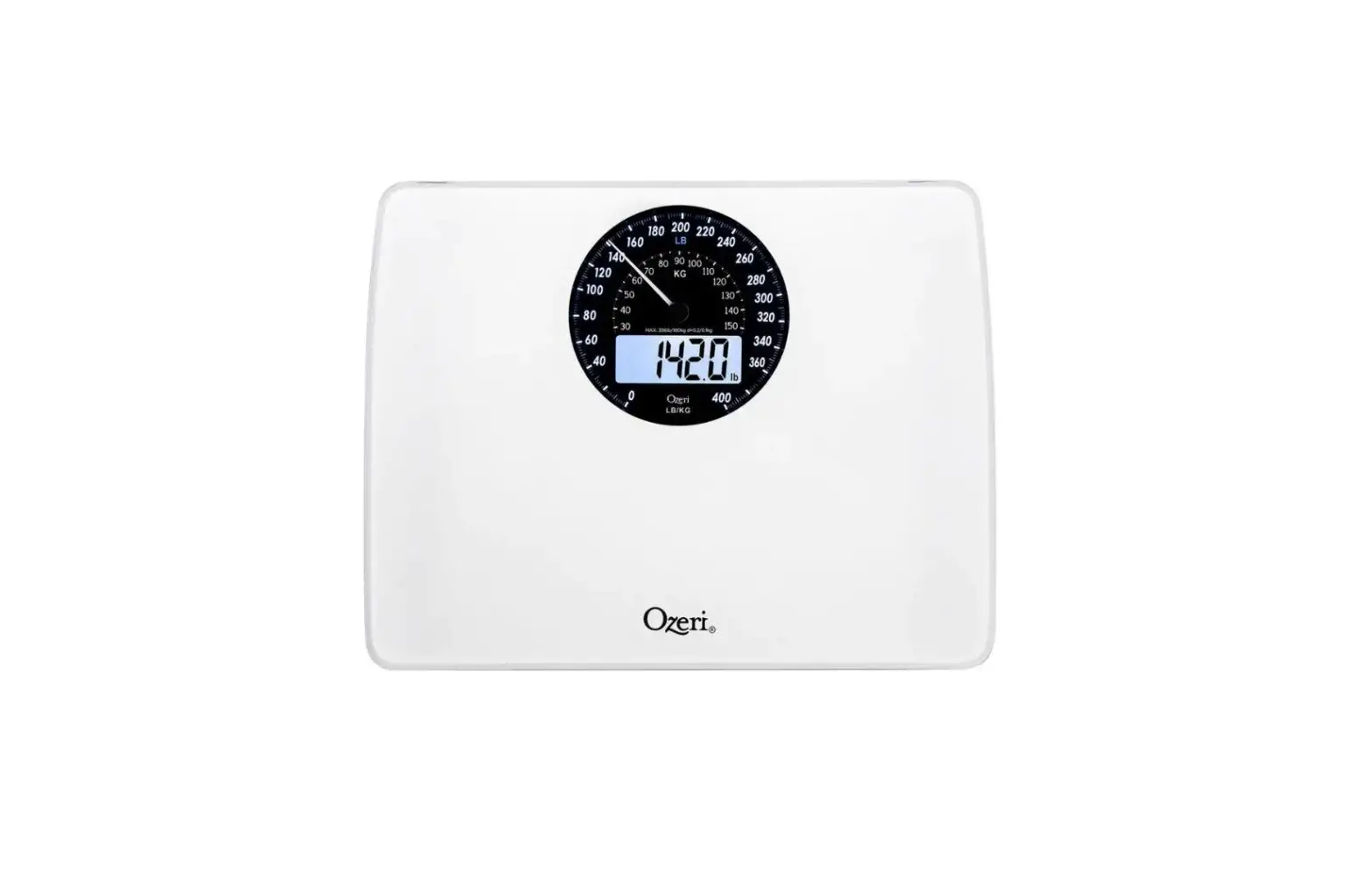
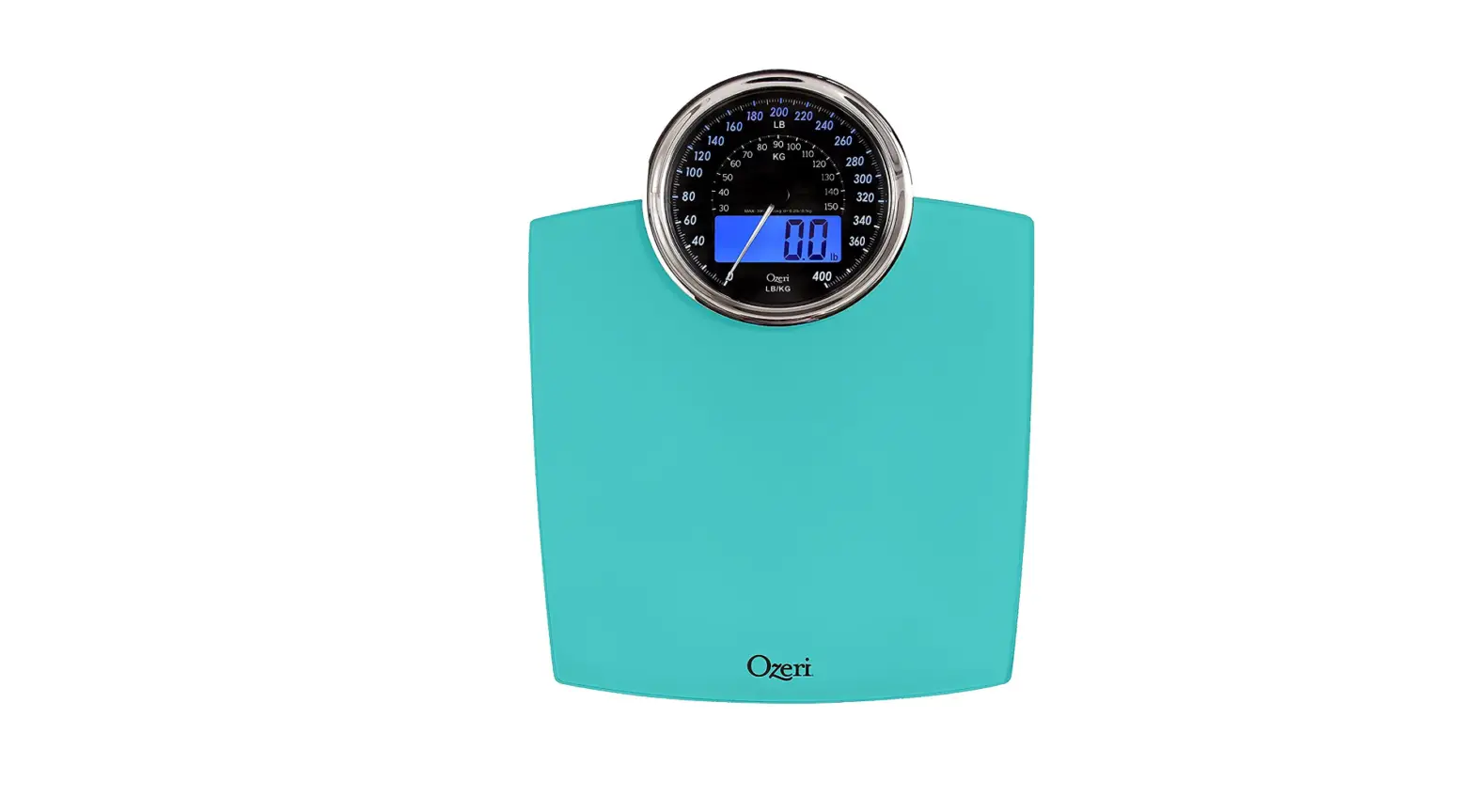
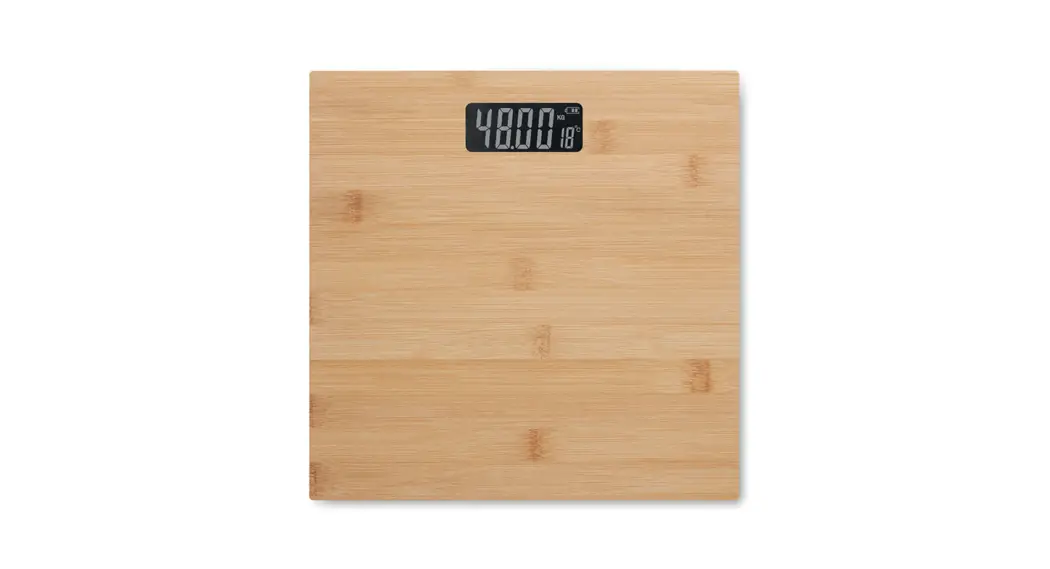
ZB23-W Rev Digital Bath Scale with Electro-Mechanical Dial
Product Information:
The Ozeri RevTM Digital Bath Scale with Electro-Mechanical Dial
is a finely tuned electronic instrument designed for accurate
weight measurements. It features StepOnTM technology that
eliminates the need for tapping to activate the scale. The scale
has an LCD screen that displays weight readings and can be set to
calculate weights in pounds (lbs.) or kilograms. It also includes a
daily reminder alarm that can be programmed to sound at the same
time every 24 hours.
Warnings:
- To ensure reliable readings, always place your feet on the
scale in the same position and remain still. - During the calibration process, disregard the first weight
reading, step off the scale, and allow it to turn off. - Avoid exposing the scale to excessive moisture and humidity, as
it can cause inaccuracy or malfunction. - Remove the batteries if the scale will not be used for an
extended period of time.
Batteries:
To insert the batteries:
- Slide the included 3 AA batteries into the battery compartment
located underneath the scale. - Ensure the +/- terminals are correctly oriented.
- If necessary, use a small tool to help remove the battery from
the compartment when replacing them.
First-time Calibration:
- After inserting the batteries, place the scale on a level
surface. - The scale’s LCD will activate for 5 seconds and then turn
off. - Disregard the first weight reading, step off the scale, and
allow it to turn off.
Product Usage:
- Place the scale on an even hard flat surface.
- Ensure the scale is dry prior to use, and never step onto a wet
scale. - Step onto the scale without tapping it to activate the StepOnTM
technology. - The scale will display one or more weight readings while
quickly calculating your weight. - After the calculation is complete, your final weight will flash
3 times and remain on the screen. - If you remain standing on the scale after a measurement, the
weight will be displayed for 15 seconds before the scale turns
off. - If you step off the scale immediately after a measurement, the
scale will automatically turn off after 5 seconds to conserve
battery power.
Changing Unit of Measurement:
To change the unit of measurement between pounds and
kilograms:
- Locate the Unit switch underneath the scale.
- Use the switch to toggle between pounds (lbs.) and
kilograms.
Daily Reminder Alarm:
To activate the reminder alarm:
- Press the 24H/Alarm button located underneath the scale.
- The LCD will display an Alarm icon ( ) indicating that the
alarm has been programmed to sound at the same time every 24
hours.
RevTM Digital Bath Scale with Electro-Mechanical Dial
User Manual Model: ZB23-W
RevTM Digital Bath Scale
with Electro-Mechanical Dial
User Manual Model: ZB23
(Model # may vary by color)
Congratulations
Congratulations on your purchase of the Ozeri RevTM Digital Bath Scale with Electro-Mechanical Dial. Please read through this manual before first using your new scale, and keep this manual handy for future reference.
Warnings
Your Ozeri RevTM Digital Bath Scale with Electro-Mechanical Dial is a finely tuned electronic instrument. One of the hardest things to weigh is the human body because there is always subtle in motion. To ensure reliable readings, always try to place your feet on the scale in the same place each time and remain still.
Your scale will auto-calibrate once when the batteries are changed and after each time the scale detects it has been moved. As part of this calibration process, please disregard the first weight reading, step off the scale and allow it to turn off. This will complete the calibration process.
· Note that your body weight will vary based on hydration, clothing, and
variances occur, it is recommended to average your weight over time. · Treat your scale with care. Do not drop it or jump on it. While the
scale is made out of durable materials, misuse or abuse may render the electronic sensors inoperable. · The maximum weight capacity of this scale is 400 lbs / 180 kg. To avoid permanent damage, do not attempt to exceed the weight limit and do not store any items on this scale when not in use.
contains no user serviceable parts.
Page 3
Always ensure the glass platform of the scale is dry before stepping onto it. Never step on the scale with wet feet. ·
Moisture can damage the scale’s sensors and electronics. · Do not use the scale on a carpet or uneven surface.
of your scale. Do not store the scale on its side. · Store your scale in a clean, dry location at room temperature. Dust, dirt,
and moisture from humidity can accumulate on the weighing sensors and electronics, causing inaccuracy or malfunction.
Remove the batteries if the scale will not be used for an extended period of time.
· Tempered Glass Platform: 15.35″ x 11.81″ · Dual Display (Digital LCD and Electro-Mechanical Dial) · Weight Units: lbs/kg · Maximum Capacity: 400 lbs / 180 kg · Minimum Weight Capacity: 11 lbs / 5 kg · Weight Graduation: 0.2 lbs / 0.1 kg · Power Supply: 3 AA batteries (included) · Low Battery Indicator: “Lo” · Auto On/Off: Powers on when you step on the scale; powers
off after 15 seconds of inactivity. · Daily Reminder Alarm: reminds you to measure and track your weight
every 24 hours · Equipped with 4 high precision sensors.
Page 4
Batteries
Slide the included 3 AA batteries into the battery compartment located underneath the scale. Ensure +/- terminals are correctly oriented. When replacing the batteries, please use a small tool to help remove the battery from the battery compartment if necessary.
After inserting the batteries, place the scale on a level surface. The scale’s LCD will activate and remain on for 5 seconds and then turn off. Follow the instructions below on first-time calibration.
Note: Your scale will auto-calibrate once when the batteries are changed and after each time the scale detects it has been moved. As part of this calibration process, please disregard the first weight, step off the scale and allow it to turn off. This will conclude the calibration process.
Once calibrated, place your scale on an even hard flat surface. Do not use your scale on carpets or soft uneven surfaces. Ensure your scale is dry prior to use. WARNING: NEVER step onto a wet scale and always ensure solid footing to avoid injury.
Step onto the scale. Your scale features StepOnTM technology that requires no tapping to activate the scale. One or more weight readings will display on the screen while your scale quickly calculates your weight. When complete, your final weight calculation will flash 3 times and remain on the screen.
If you remain standing on the scale after a measurement, the scale will display the weight for 15 seconds before turning off. If you step off the scale immediately after a measurement, the scale will automatically turn off after 5 seconds to conserve battery power.
Page 5
Unit of Measurement
Your scale is set to calculate weights in pounds (lbs.). To change the unit of measurement between pounds and kilograms, simply use the Unit switch located underneath the scale.
Daily Reminder Alarm
This scale features a daily reminder alarm that you can set to remind you to measure your weight at the same time every 24 hrs. To activate the reminder alarm, press the “24H/Alarm” button underneath the scale. The LCD will display an Alarm icon ( ) indicating that the alarm has been programmed to sound as the exact same time every 24 hours.
When the alarm activates with its beeping sound, step on the scale to measure your weight. The alarm will deactivate as soon as you step on the scale. If you do not step on the scale, the alarm will sound for 20 seconds.
To deactivate the alarm, simply press the the “24H/Alarm” button underneath the scale. The alarm icon will no longer display on the LCD.
Troubleshooting Guide
If you experience any difficulties with your scale, please ensure the following:
inserted according to their +/- polarity.
not touching a wall or other object.
(Lo), replace batteries with 3 new AA batteries of the same type.
If the “——” appears on the screen, the maximum weight of 400 lbs has been exceeded.
If the electro-mechanical dial does not return to zero, remove and insert the batteries to reset the scale. Follow the instructions under the Batteries section.
Page 6
WARRANTY INFORMATION
Your “Ozeri Scale” is warranted to the original owner for 1 year from the date of purchase against defects in material and workmanship under normal use and service. Should your scale prove defective within 1 year from the date of purchase, return the defective part or unit, freight prepaid along with an explanation of the claim to “Ozeri Scale.” Please pack your scale carefully to avoid damages in transit. Under this warranty, Ozeri will repair or replace
extends only to personal use and does not extend to any product that has
not transferable. Ozeri is not responsible in any way for damages, losses or inconveniences caused by equipment failure or by user negligence, abuse, or use not in accordance with the “User Guide” or any additional safety, use, or warnings included in the product materials. Further, Ozeri is not liable for incidental or consequential damages of any nature resulting from the use of this product and any liability shall not exceed the purchase price of
other rights which vary from state to state.
– Damage due to accident, misuse, abuse, alterations or vandalism. – Improper or inadequate maintenance.
– Damage in return transit. – Unsupervised use by children under 18 years of age.
Ozeri Customer Service: Phone: 1-877-299-1296 Email: [email protected]
(OzeriTM and its subsidiaries assume no liability for damage caused by the use of the Ozeri Scale other than for its intended use or as instructed above and in the User Manual.)