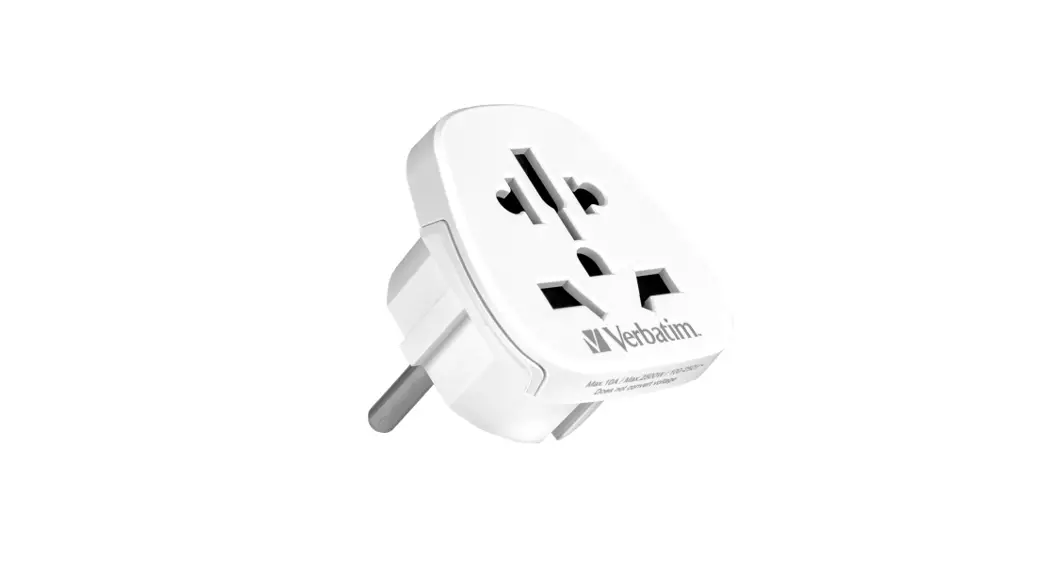
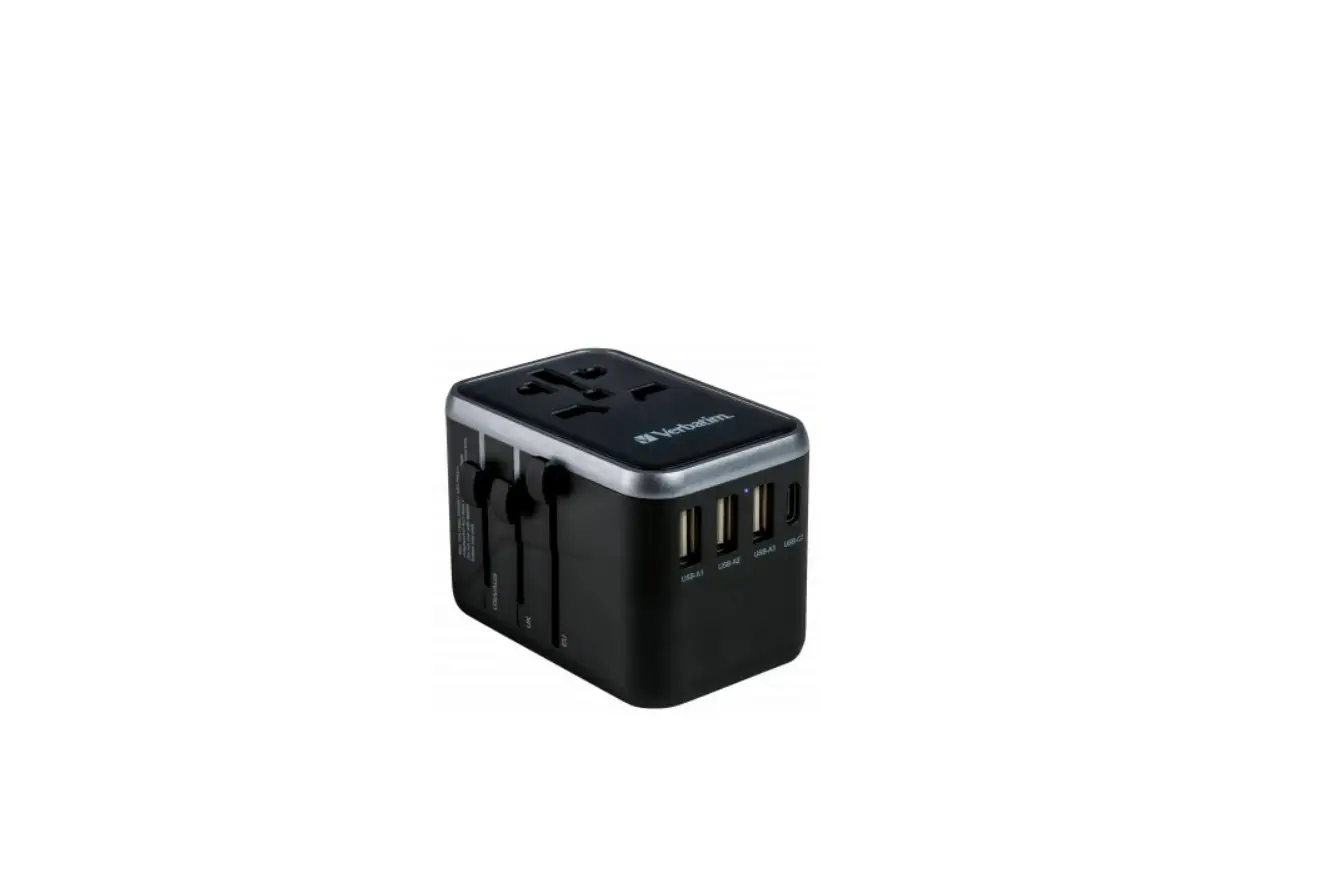
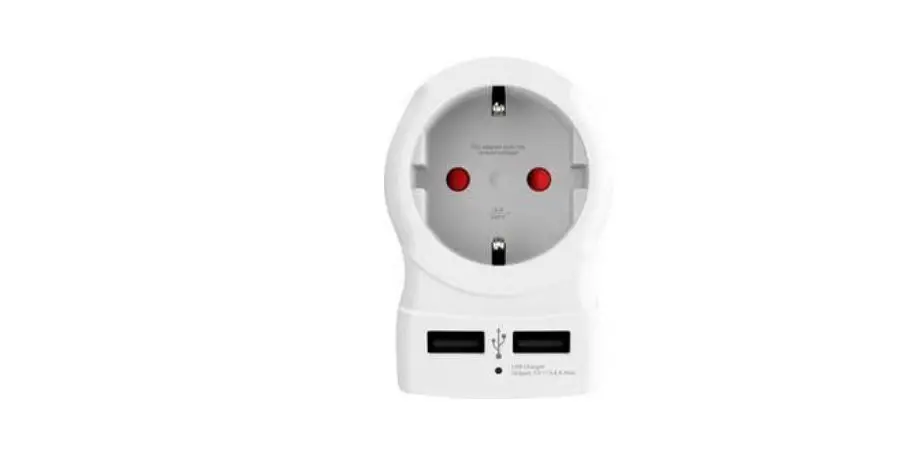
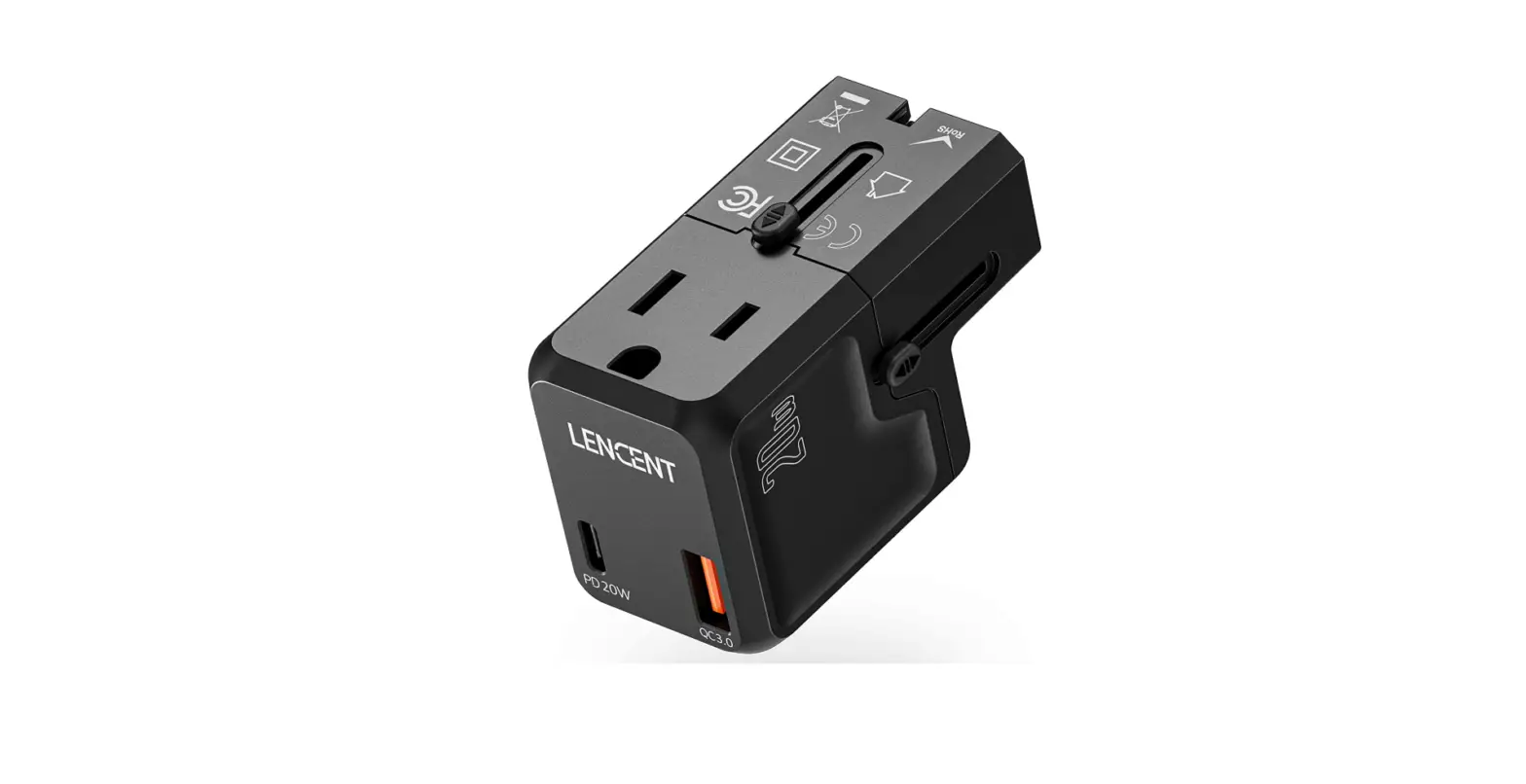
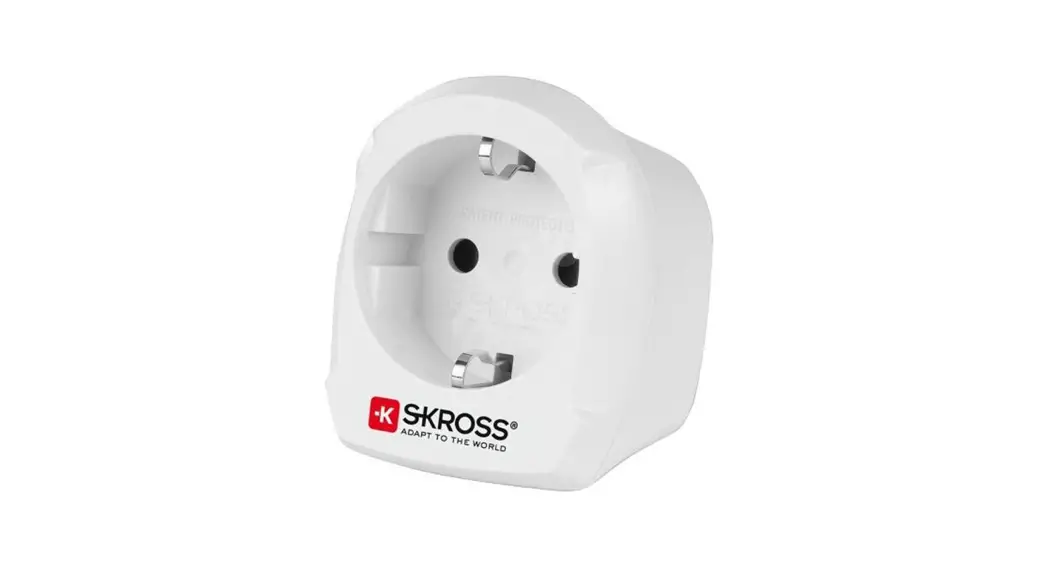
PCHU224A Universal Travel Adapter
Product Information
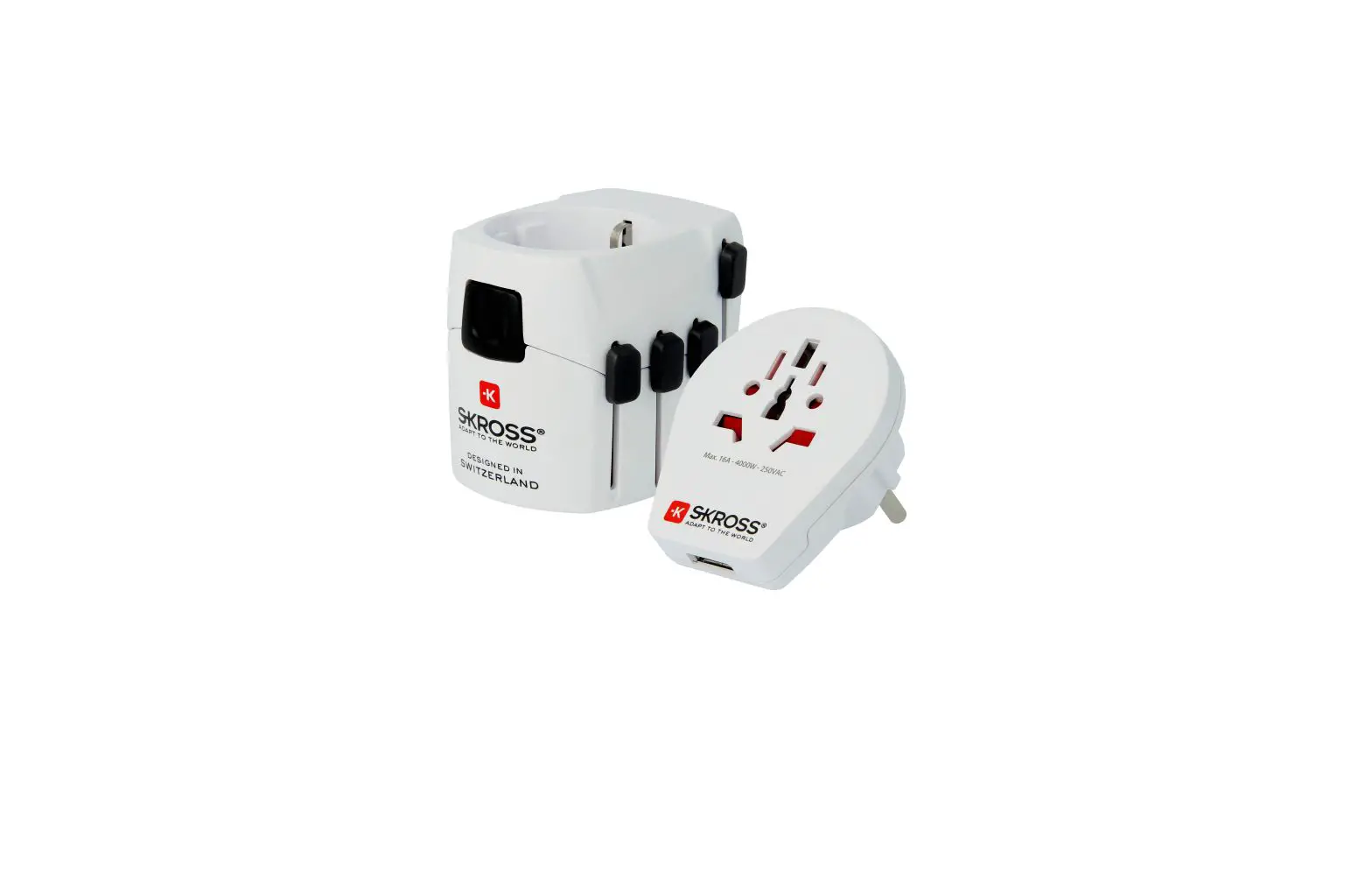
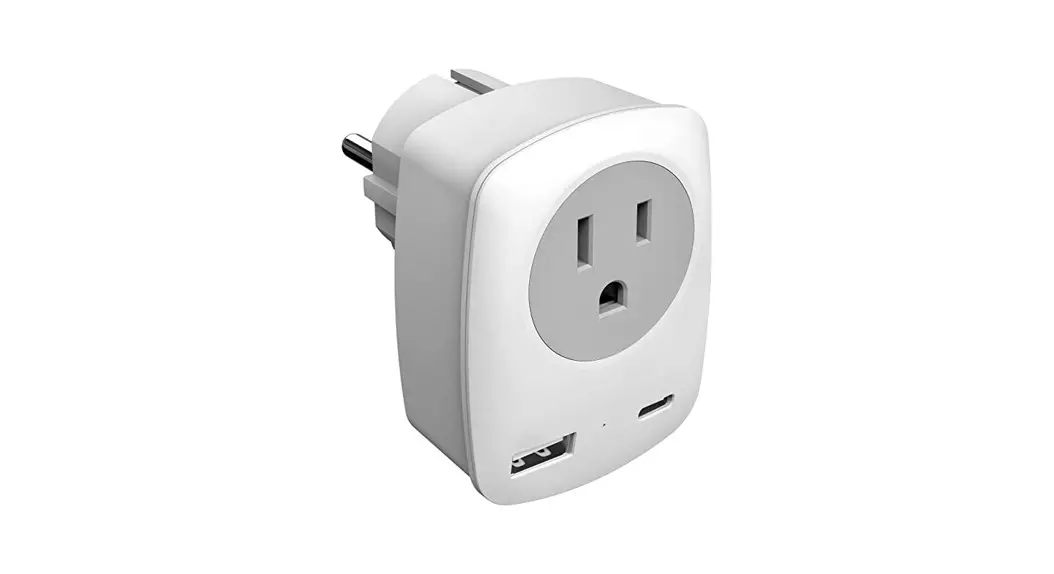
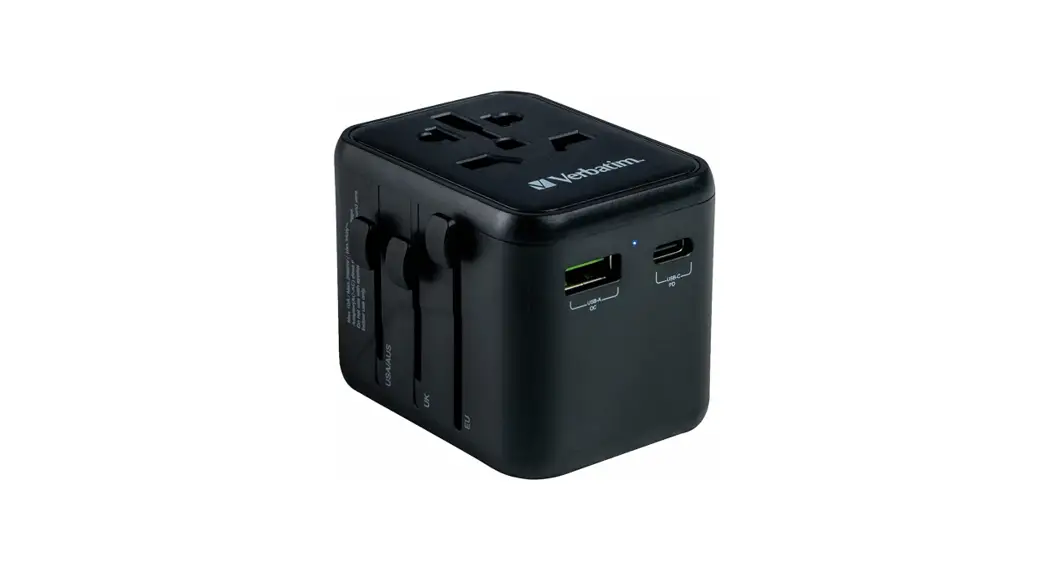
The Universal Travel Adapter is a versatile device that can be
used with a wide variety of electronics. It is compatible with
outlets in Australia, USA, China, UK, and Europe. The adapter can
handle a maximum power of 1,840W at 230V and 880W at 110V. Please
note that the adapter does not convert voltage, so it is important
to ensure that your electronics match the voltage of the outlet you
want to use before plugging them in.
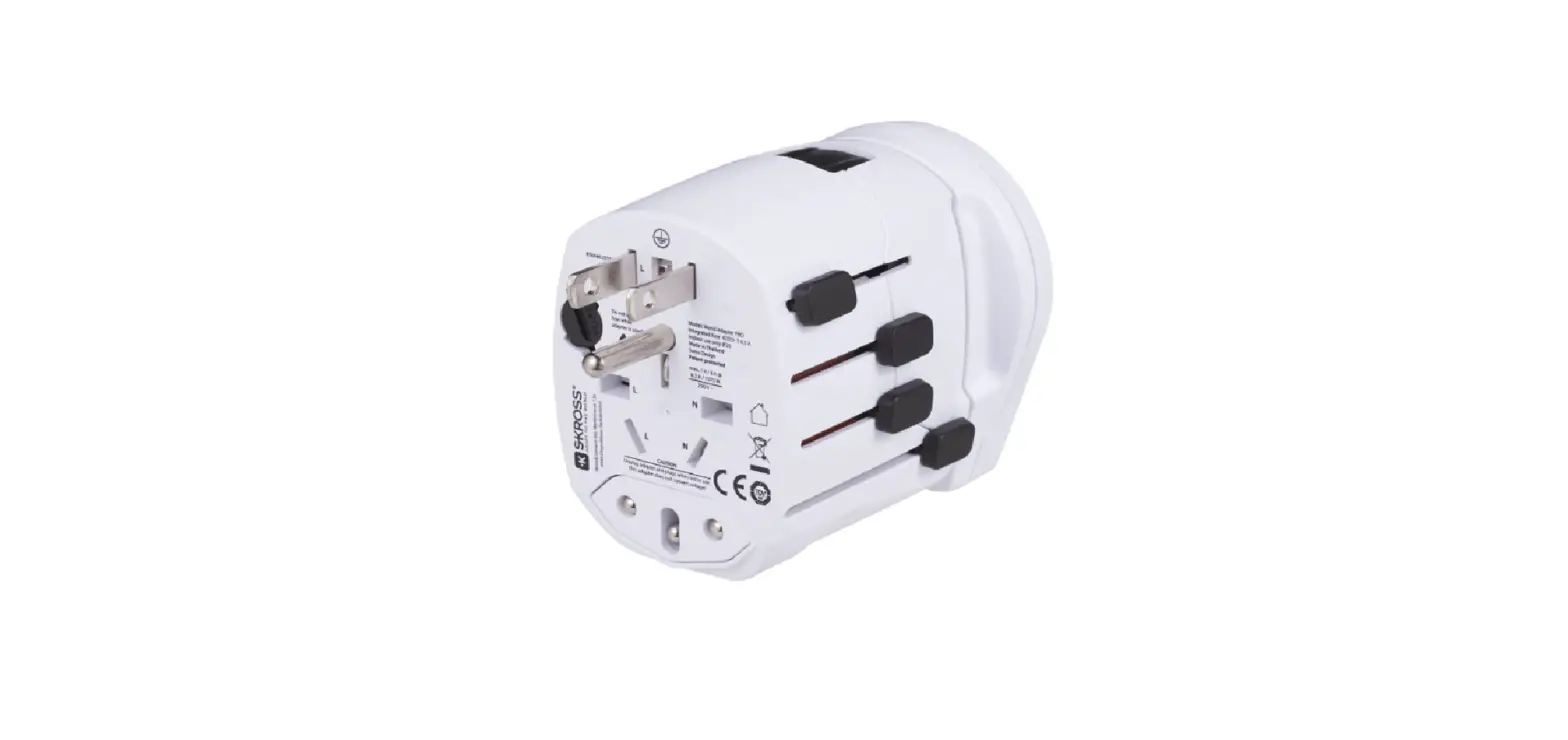
The adapter features different plug configurations for different
countries:
- For the US, Canada, Japan, and Taiwan (2-corner flat), slide
the USA/AUS plug out completely and make sure the blades are
parallel. - For China (Mainland), Australia, New Zealand (octagon pins),
slide the USA/AUS plug out completely and turn the blades in at the
top as shown. - For the UK, Hong Kong, Malaysia, Singapore (UK 3 pins), slide
the UK plug out completely. - For Germany, France, the Netherlands, Belgium (EU universal
round pin), slide the EU plug out completely.
The adapter also includes a retractable pin feature. To retract
the pins, simply push the square button on the side of the adapter
and slide the pins back.
In addition, the adapter has an 8A overload fuse that
automatically cuts off power when overloaded to protect your
devices from potential damage. The fuse can be replaced by
following these steps:
- Remove the fuse cover.
- Remove the old fuse.
- Replace with the spare fuse included.
Product Usage Instructions
1. Determine the voltage of the outlet you want to use (110V or
220V) and ensure that your electronics are compatible with that
voltage.
2. Select the appropriate plug configuration for the country you
are in or traveling to.
3. Slide the corresponding plug out completely from the
adapter.
4. Adjust the blades of the plug, if necessary, as instructed
for specific countries.
5. Insert the plug into the outlet.
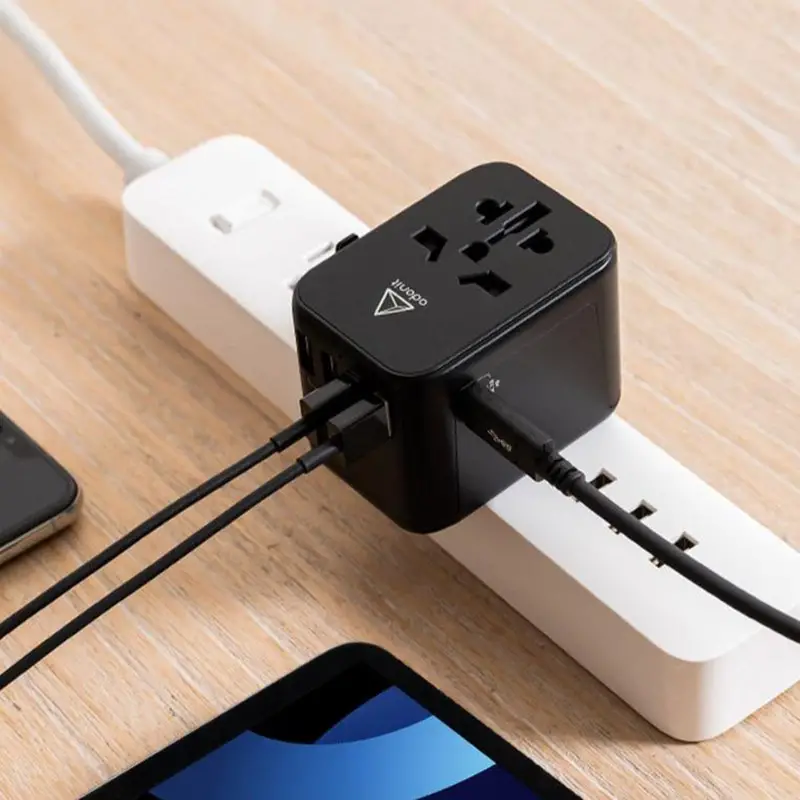
6. Connect your electronic device to the universal socket on the
adapter.
7. If using the USB outlets, connect your USB devices to the USB
ports.
8. Ensure that the indicator light on the adapter is on,
indicating that it is receiving power.
9. If you need to retract the pins, push the square button on
the side of the adapter and slide the pins back.
10. To replace the fuse, follow the instructions provided in the
product manual.
Please note that it is important to always follow safety
guidelines and ensure that your electronics are compatible with the
voltage and power requirements before using the adapter.
Compatibility
Australia,
USA
China
UK
Europe
Your universal travel adapter can be used with a wide variety of electronics, such as tablets, phones, laptop computers, gaming devices, electric razors, and GPS devices, up to a max of 1,840W at 230V and 880W at 110V.
WARNING: This adapter does not convert voltage! Make sure your electronics match the voltage of the outlet you want to use (110 or 220) before you plug them in! Mismatched voltage may cause damage to your electronics.
Using the adapter
For the US, Canada, Japan,
and Taiwan (2-corner flat) Slide the USA/AUS plug out completely. Make sure the
B
blades are parallel.
For China (Mainland),
Australia, New Zealand
(octagon pins)
Slide the USA/AUS plug out
completely. Turn the blades in
B
at the top as shown here.
For the UK, Hong Kong,
Malaysia, Singapore (UK
3 pins)
Slide the UK plug out
B
completely.
For Germany, France, the
Netherlands, Belgium (EU
universal round pin)
Slide the EU plug out
B
completely.
To retract the pins: Push the square button on the side of the adapter and slide the pins back.
Replacing the fuse
Your adapter has an 8A overload fuse that automatically cuts off power when overloaded, protecting your devices from a potentially damaging surge.
1
2
To replace the fuse:
3
Remove the fuse cover (1). Remove
the old fuse (2).
Replace with the
spare fuse included
(3).
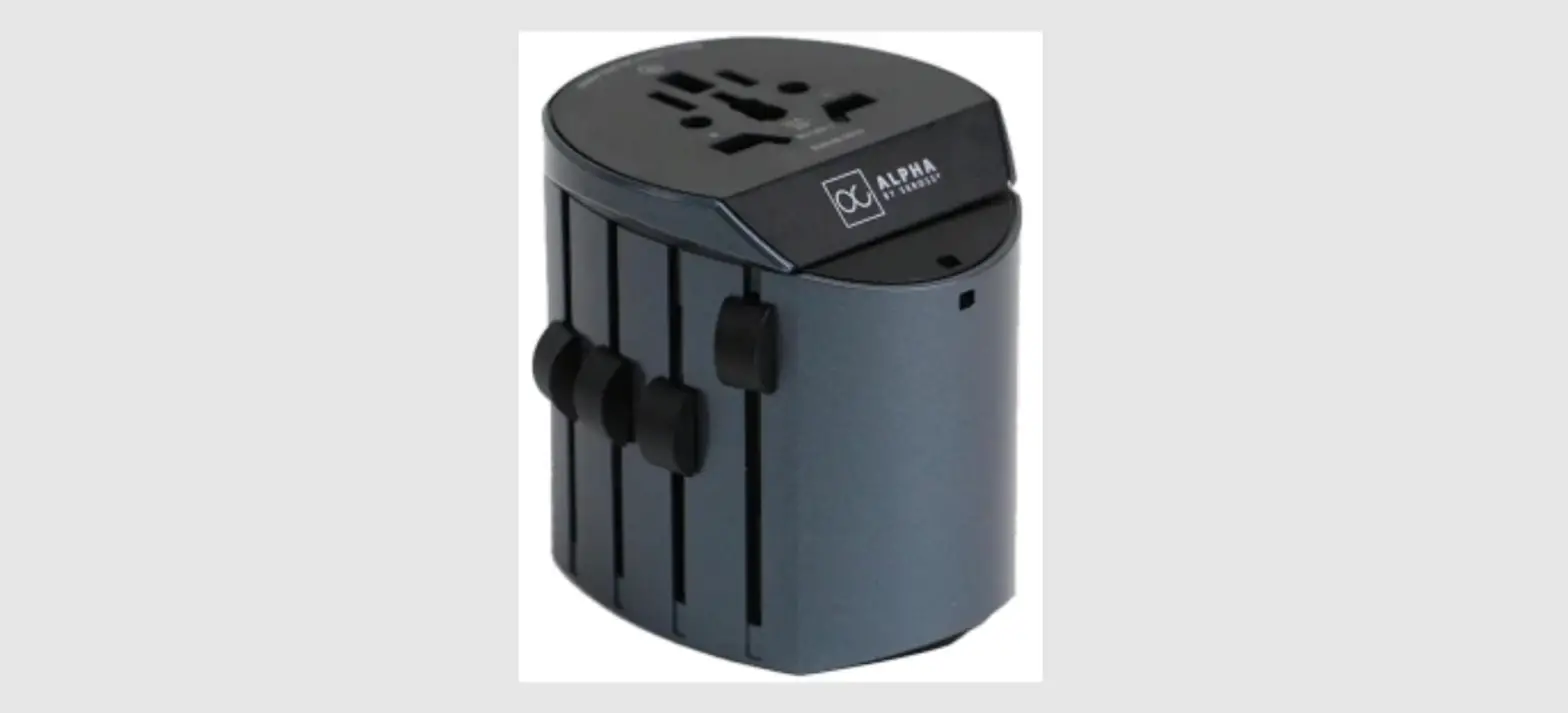
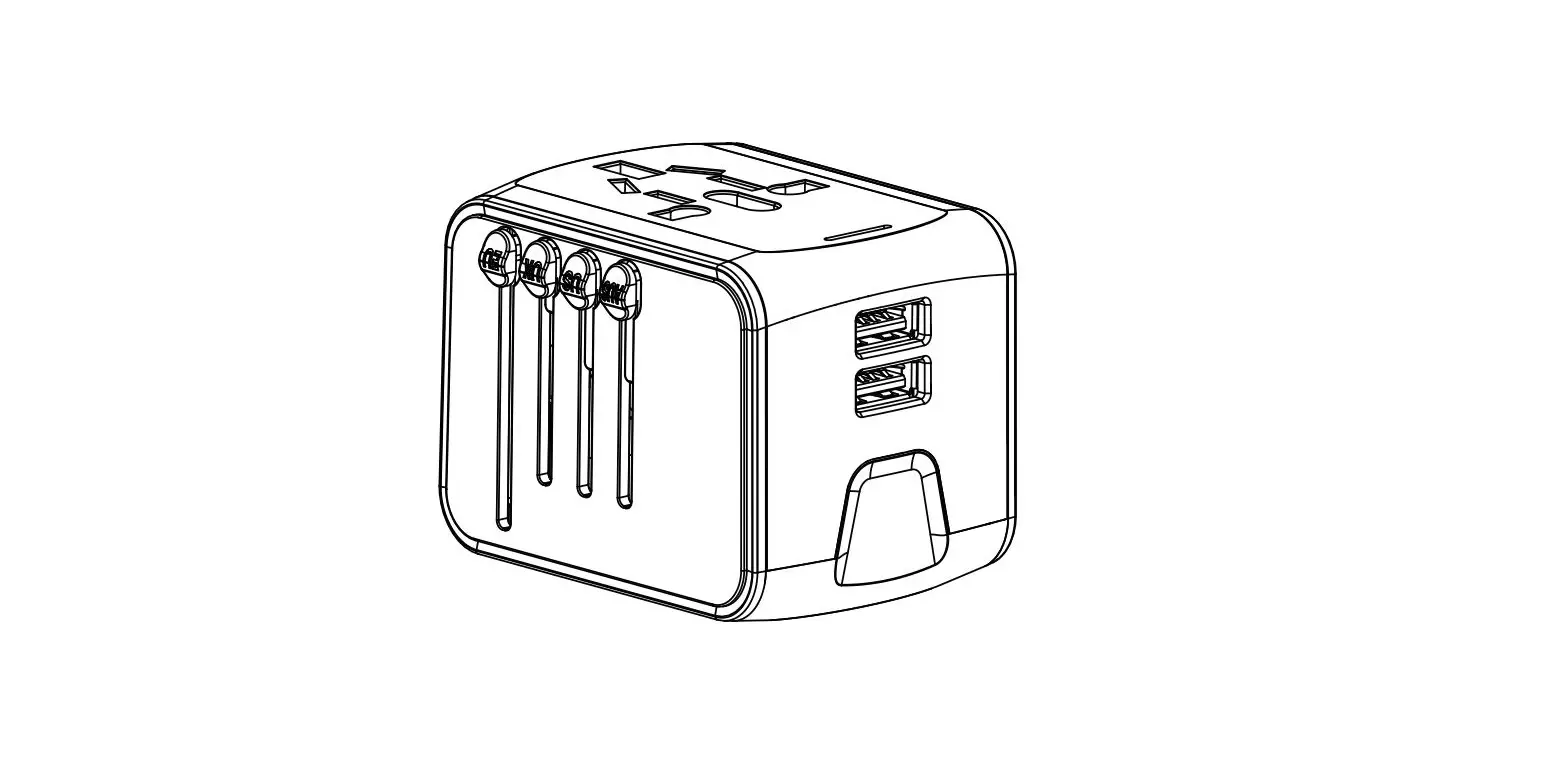
Tour of the adapter
Sliders
Universal socket
Indicator light
USB outlets
universal travel adapter
quick start guide
PCHU224 QSG 00