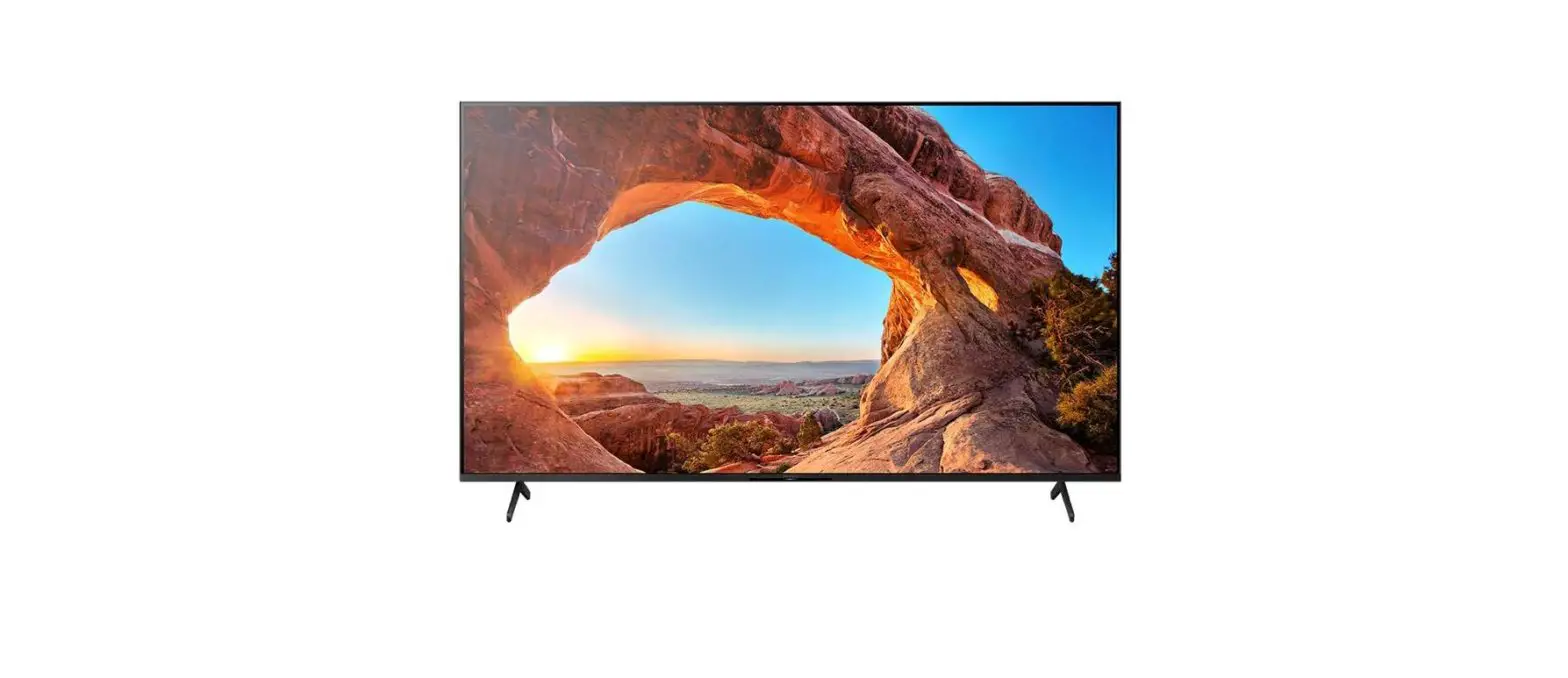
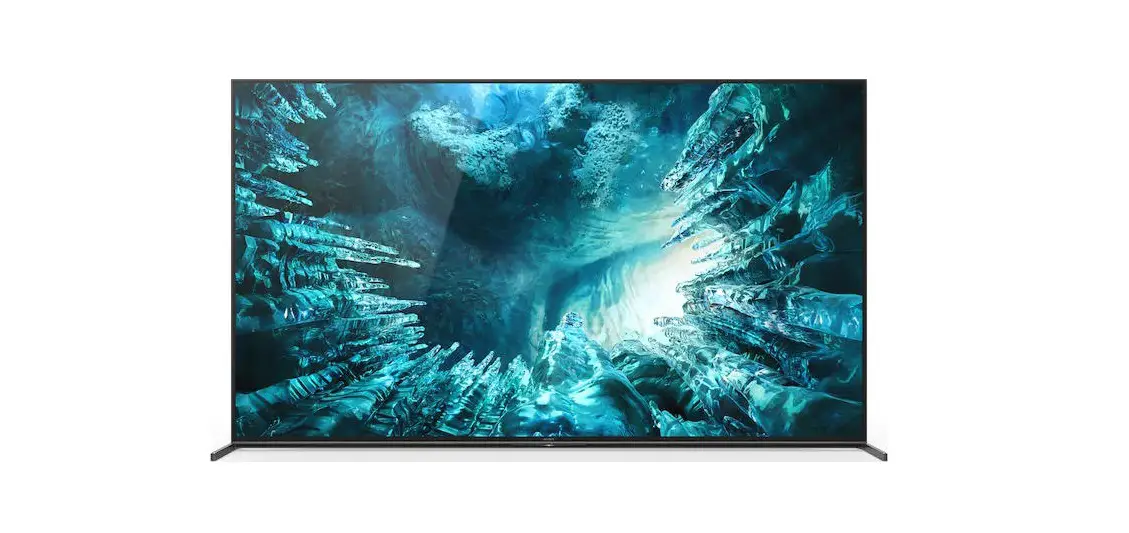
KD-65X80J LED Smart TV
Product Information
This section of the user manual pertains to the KD/KM-65X8*J and
FW-65BZ30J TV models. The shaded parts mentioned in this section
are critical for safety and should only be replaced with the
specified part number. Some parts contain confidential information,
so it’s important to strictly follow the instructions whenever
components are repaired and/or replaced. The exploded view and part
list provided in this section may have slight differences from the
actual sets. The reference number beside each part indicates the
disassembly sequence, and screws should be removed before
disassembly. Connectors should also be unplugged before
disassembly. Some components are not stocked since they are seldom
required for routine service, so delays may be expected when
ordering these parts.
Product Usage Instructions
- When repairing or replacing components of the KD/KM-65X8*J or
FW-65BZ30J TV models, make sure to strictly follow the instructions
provided in this section of the user manual. - Only replace shaded parts with the specified part number to
ensure safety. - If ordering components that are not stocked, expect some
delays. - The reference number beside each part indicates the disassembly
sequence. Remove screws before disassembly and unplug connectors
before disassembly. - Note that the picture provided in this section may have slight
differences from the actual sets.
SECTION 4 KD / KM-65X8*J / FW-65BZ30J
· Place the TV set facing downwards on a stable, level surface before disassembly and assembly of parts.
·
and shaded parts are critical for safety. Replace only with part number specified.
·
Parts contain confidential information. Strictly follow the instruction whenever the components are repaired and/or replaced
4-4 EXPLODED VIEW AND PART LIST
18
19
20
17
(*) Parts are not stocked since they are seldom required for routine service. Some delays should be anticipated when ordering these components.
Picture provided in this section might have slight difference from the actual sets. The reference number beside the part indicates the disassembly sequence. Remove screws before disassembly. Unplug connectors before disassembly
* Only on limited region / country / TV model
15
5
14
7
16
*
3
4
*
1
TOOLS & EQUIPMENTS
SECTION 1
9 8
6 13 12
*
10
11
2
SECTION 2
SECTION 3
SECTION 4
Stand
21 22
SECTION 5
SECTION 6
SMART CORE
89