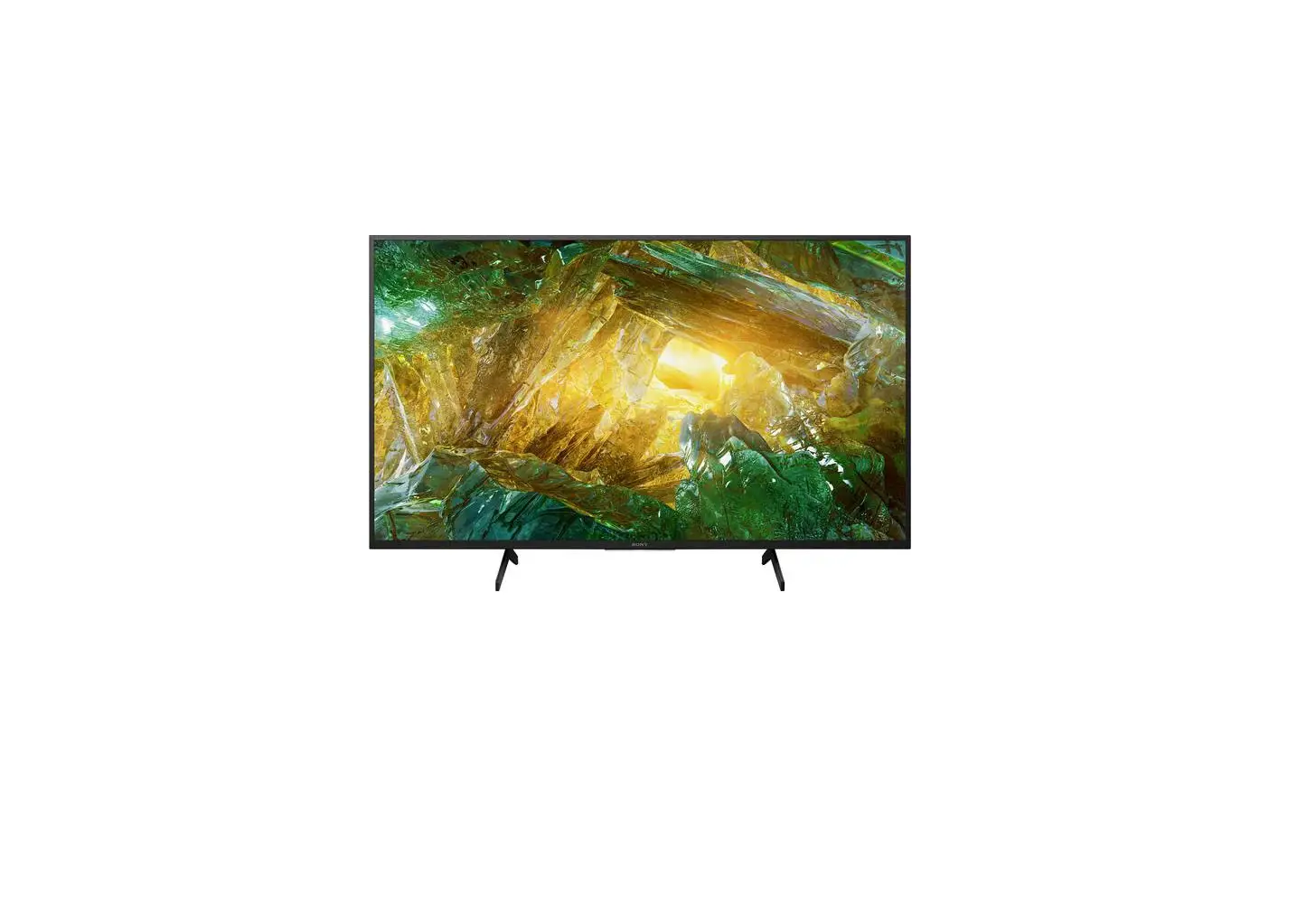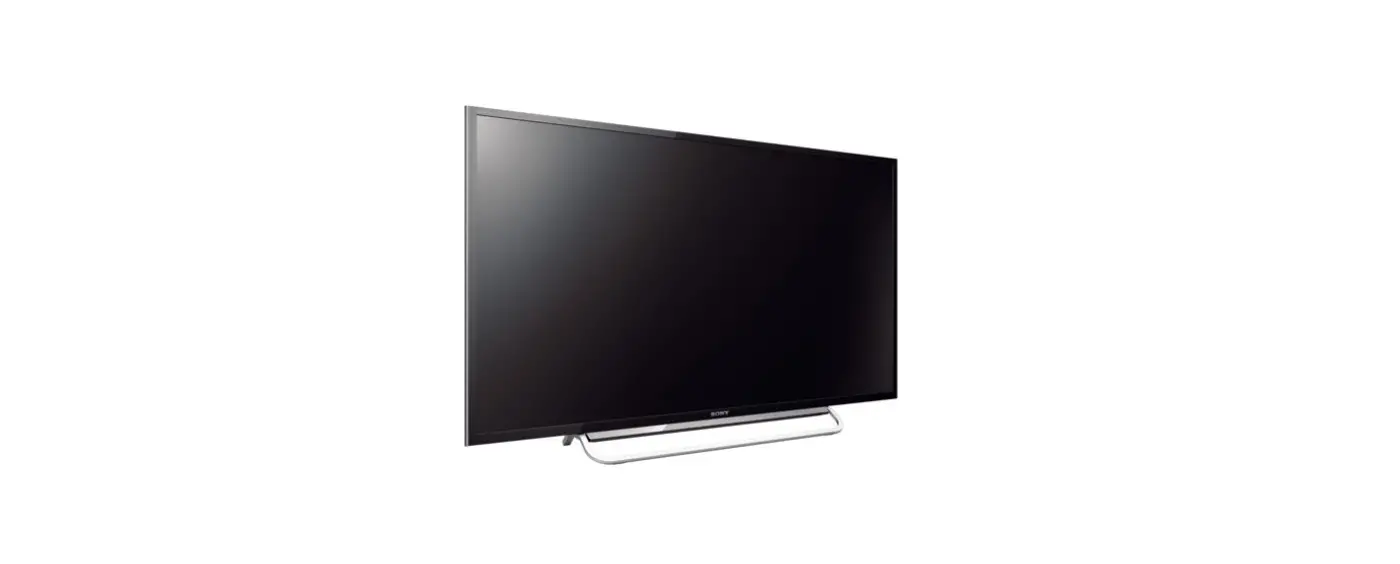

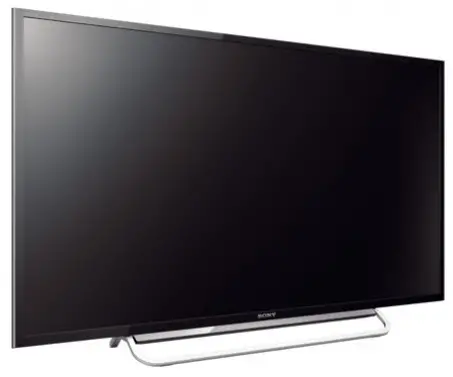
Sony KDL-60W600B Full HD Smart TV
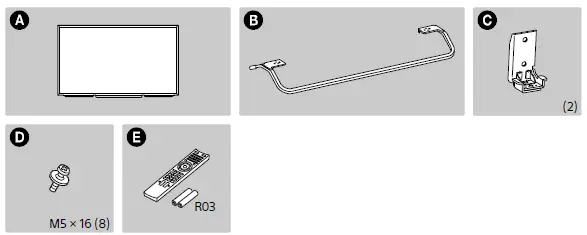
TOOLS REQUIRED
Reference
Refer to “Safety Information” in the Reference
Guide
Guide before transporting the TV.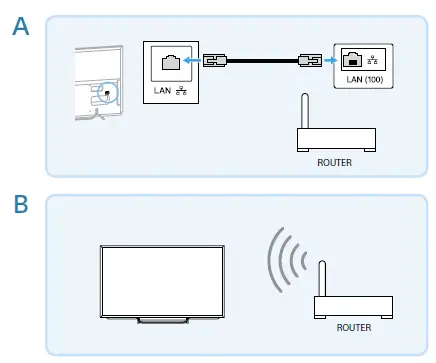
Connections
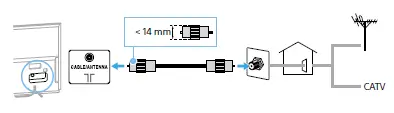
Connections Refer to “Connecting Other Devices” in the Reference Guide for other connection methods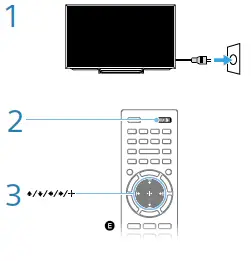
Internet connection
Internet connection Wired (use category 7 LAN cable) (A), wireless (B). Refer to the manufacturer or the manual supplied with the router on the router settings. For more information, press i-MANUAL, then select [Table-of Contents] [Connecting to the Internet].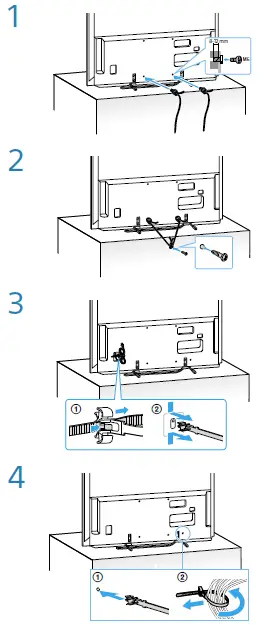
Installation Do not bundle the AC power cord (mains lead) together with other cables.
Press DISCOVER to search for content (such as TV programs, Internet contents, etc.). Contents that appear in Discover vary depending on your TV model/region/country.
Press SOCIAL VIEW to enjoy chatting with friends while watching TV. The available features in Social Viewing may vary depending on your TV model/ region/country.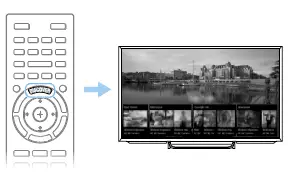
Reference Guide: Safety information, Precautions, Other connections, Wall-mounting, Troubleshooting, Specifications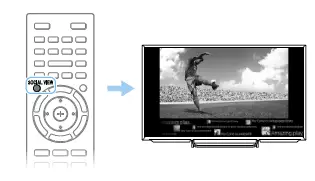
Manual: Information on how to use all TV features
FAQS
Is KDL 60W600B a smart TV?
Sony’s KDL-60W600B 60″ BRAVIA Smart Multi System LED TV with its digital comb filter and Motionflow XR 400, provides realistic pictures with fine gradations for movies and other video content.
Is Sony KDL 48w600b a smart TV?
The Sony W600B 47.6″ Full HD Smart LED TV is designed to deliver a dynamic viewing experience
Is Sony KDL 40W605B a smart TV?
The KDL-40W605B is an unassuming, yet smart package: its thin, glossy, black bezel is nicely rounded at the edges
How do I know if my older TV is a smart TV?
To check if your TV is smart, try pressing the Home or Menu button on your TV remote.
How do I know if my Sony TV is a smart TV?
Go to your model support page , click the Specifications link on the page, and then scroll down to the Software section. If Android is listed under the Operating System field, then it is an Android TV.
Is Sony Bravia KDL a smart TV?
Sony Bravia smart TVs offer some of the best Android TVs on the market, but even the best smart TVs can be hard to navigate
Is Sony a smart TV or Android?
Sony, on the other hand, is fully committed to the Android TV platform and since 2015, it has shipped all its TVs with Android TV OS
How can I convert my Sony Bravia TV to smart TV?
Take out the HDMI cable (it comes inside the box), plug it to the HDMI port of the box and then to your TV
Is Sony Bravia 40 a smart TV?
SONY Bravia 101.6 cm (40 inch) Full HD LED Smart TV Online at best Prices In India.
Is Sony Bravia 40 inch a smart TV?
Packed with a high refresh rate and X-Reality PRO technology, this Sony 40 inch LED TV is one of the best Smart TVs for gaming
How can I change my normal TV to Smart?
You may convert TV to smart TV in several methods, the best of which is to purchase an intelligent media player (also known as a streaming device) and connect it to your TV’s HDMI connector
Can you take a regular TV and make it a smart TV?
Usually, the cheapest way to make your TV a smart TV is by buying a streaming stick.
What is the difference between smart and smart TV?
Android TV is similar to a smart TV, but it offers additional options in terms of auxiliary features and app libraries
Do you have to use a smart TV as a smart TV?
You don’t necessarily need a smart TV to stream online content or access other apps through your television.
What is the difference between a flat screen TV and a smart TV?
A smart TV can stream video on demand, play music, and do a lot more.