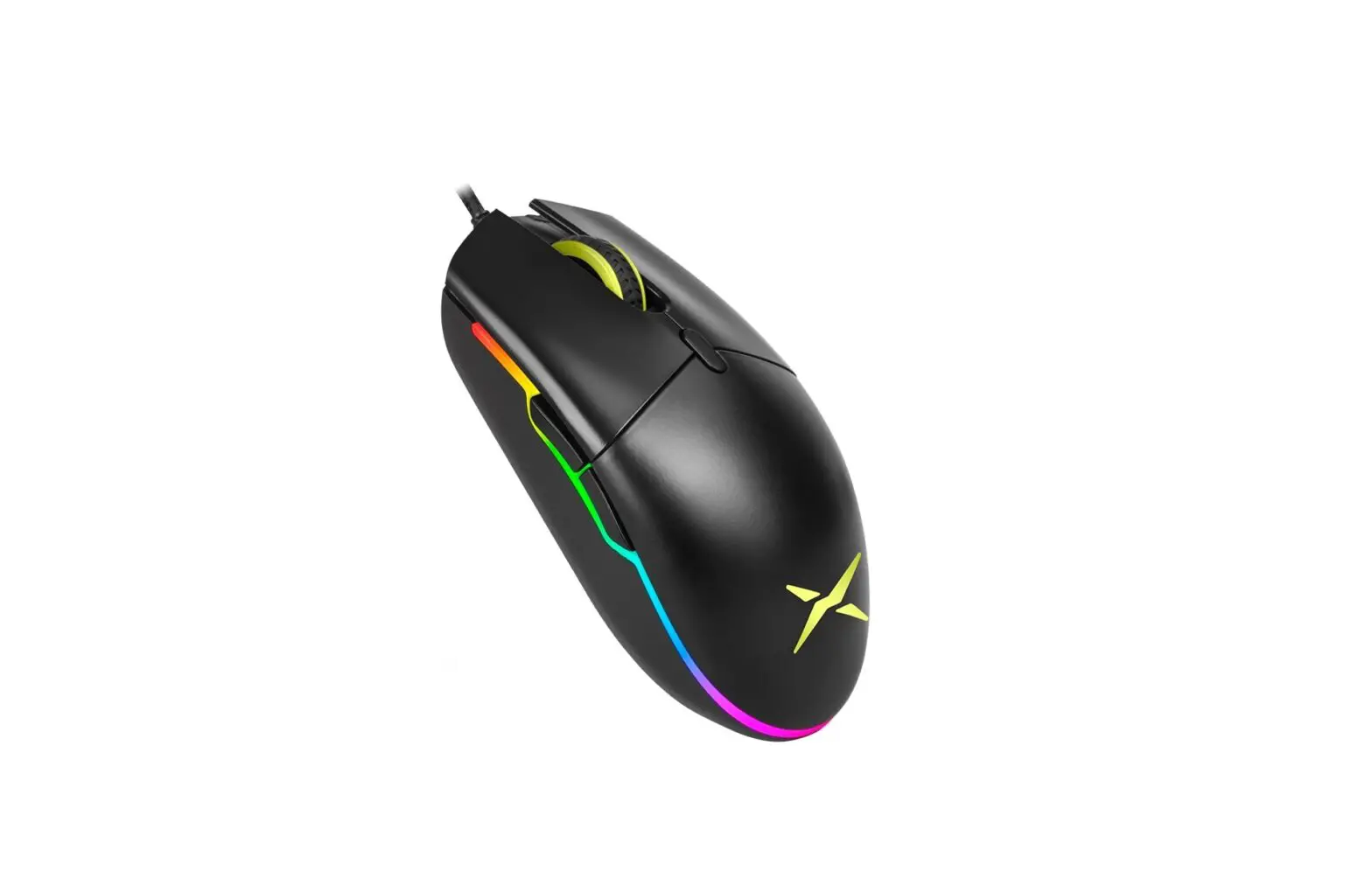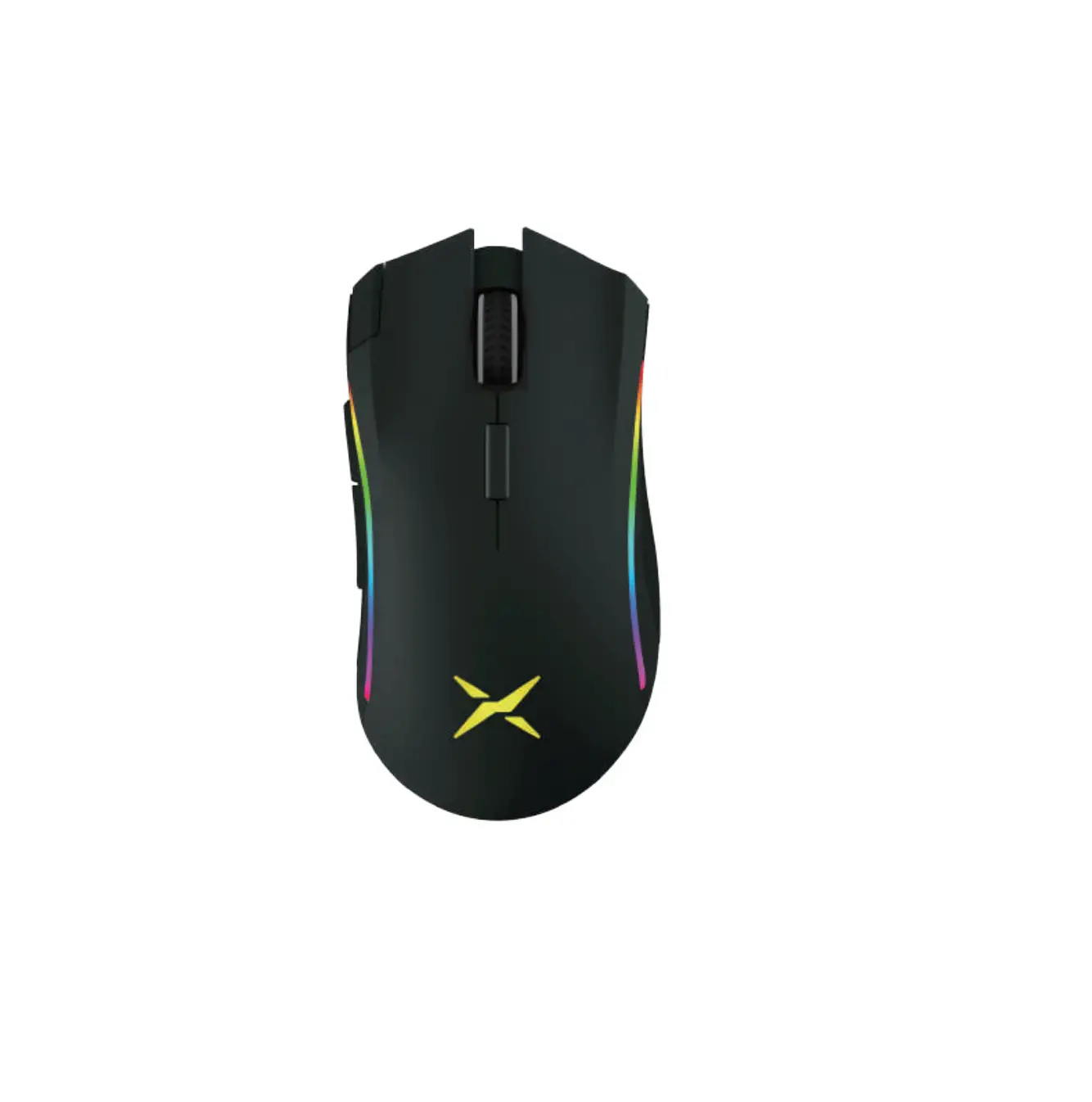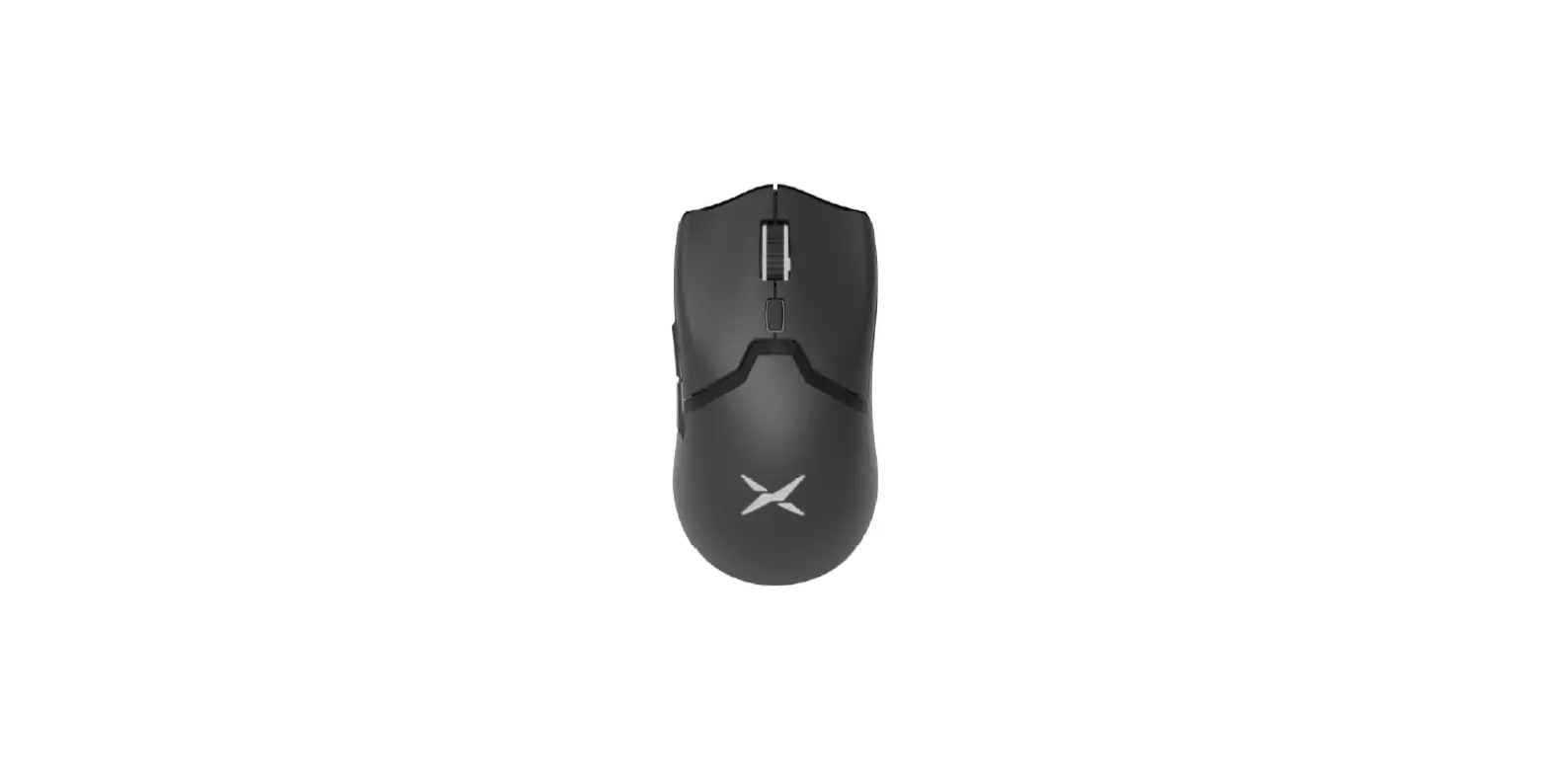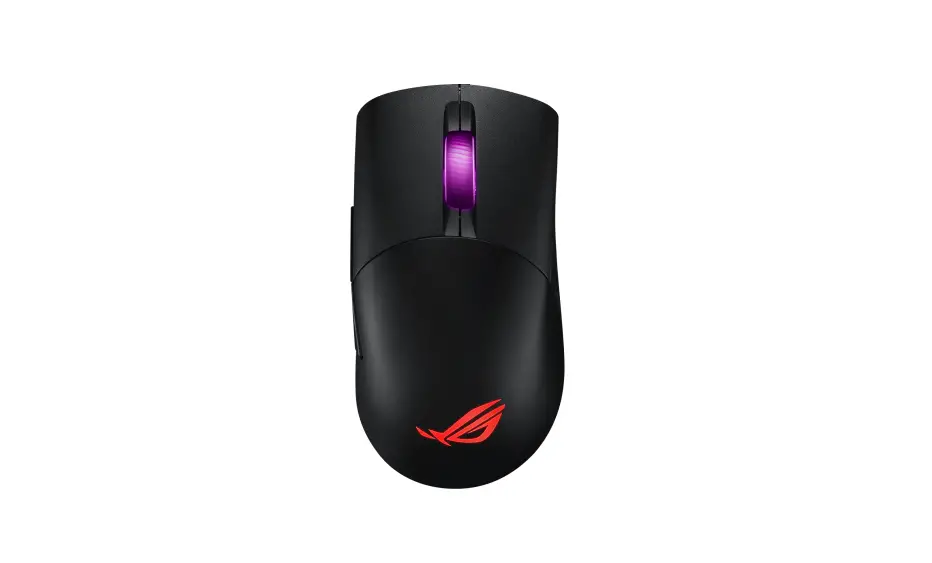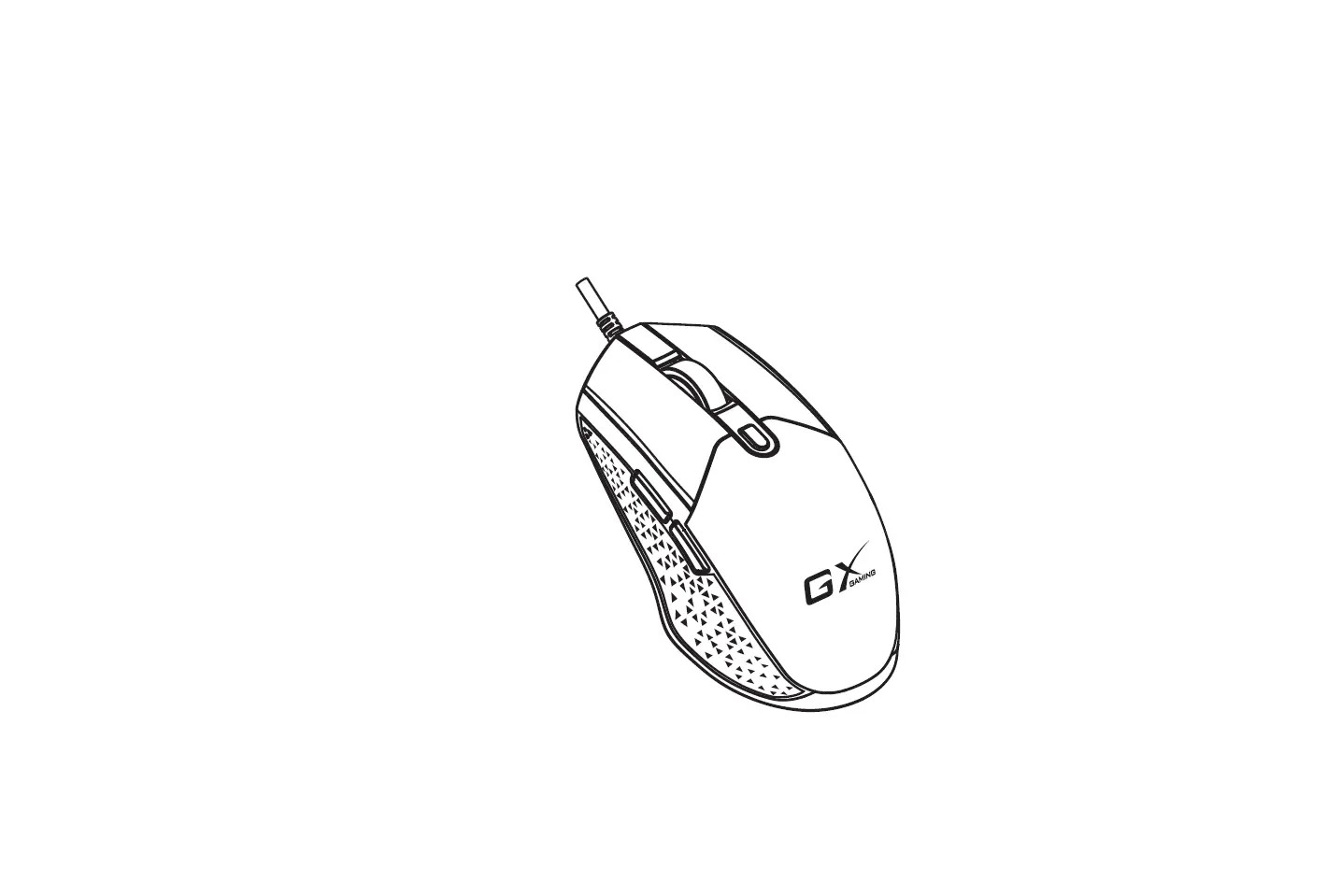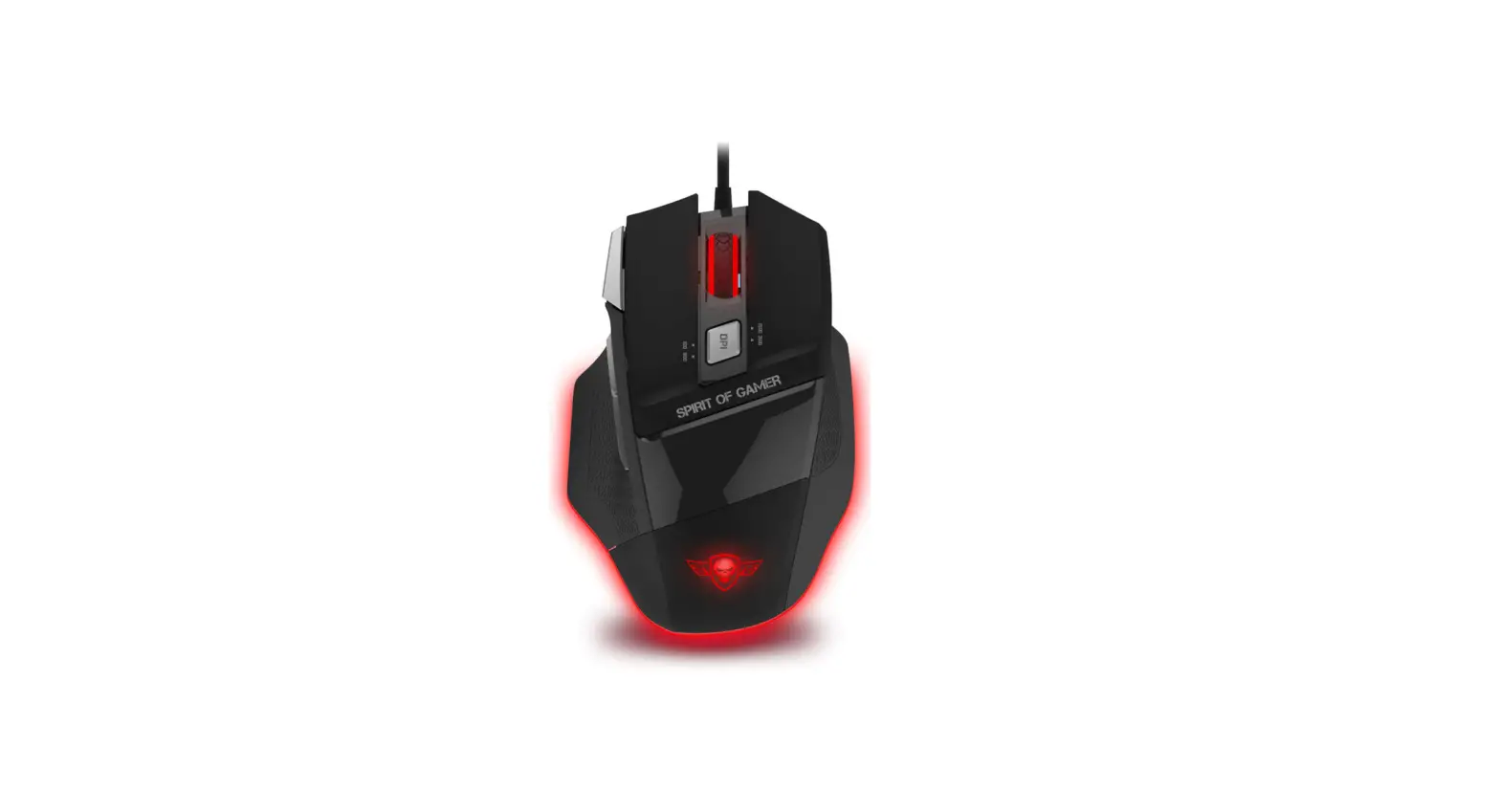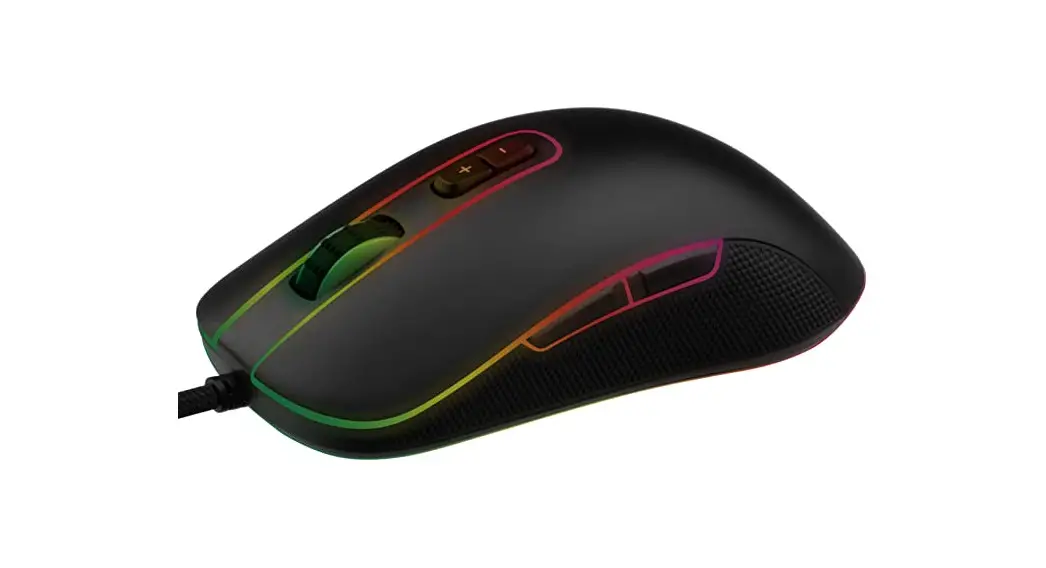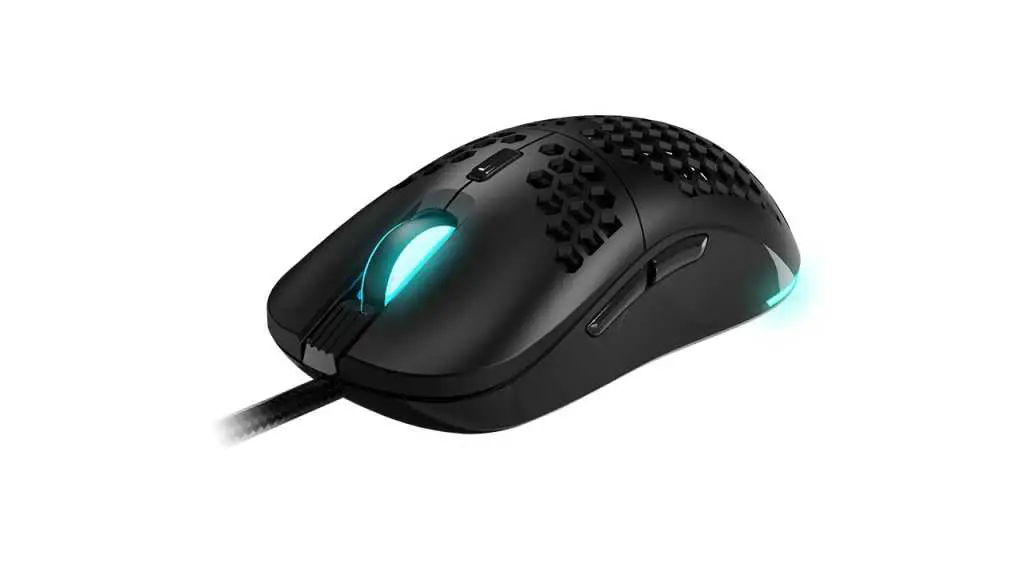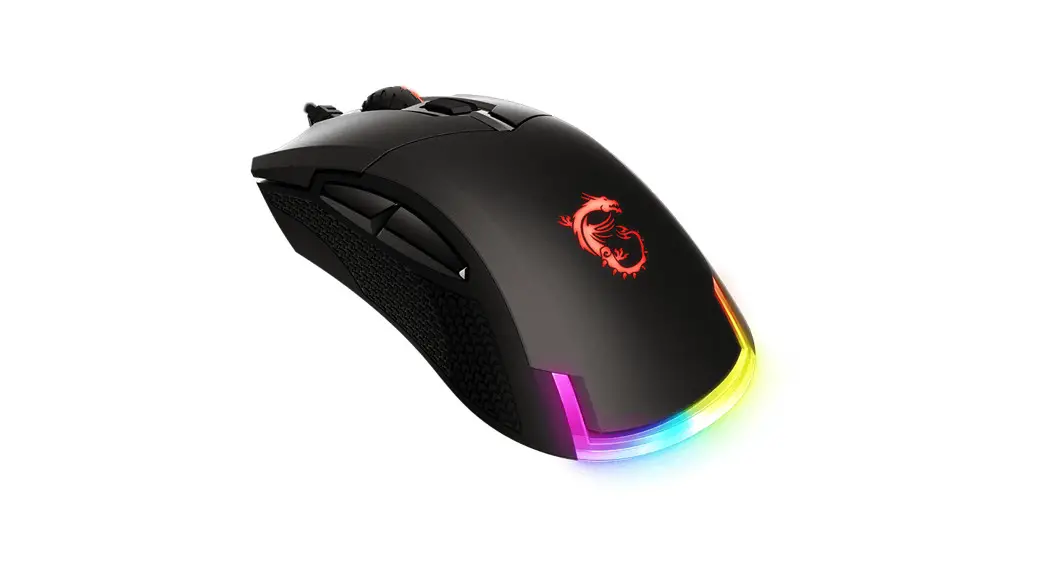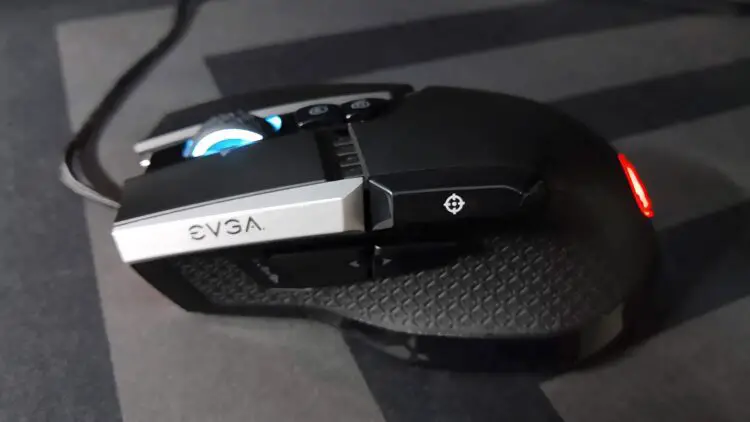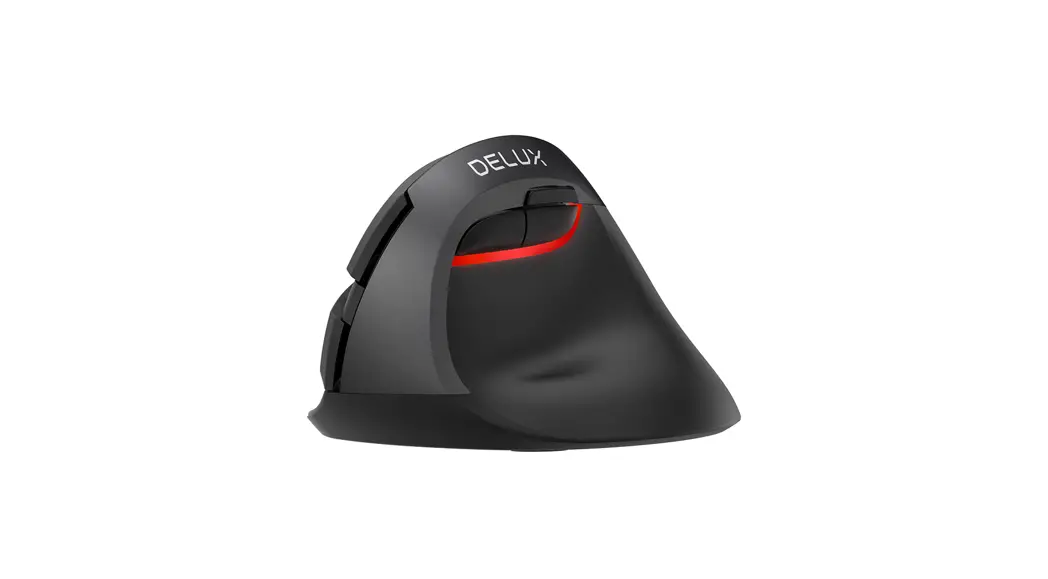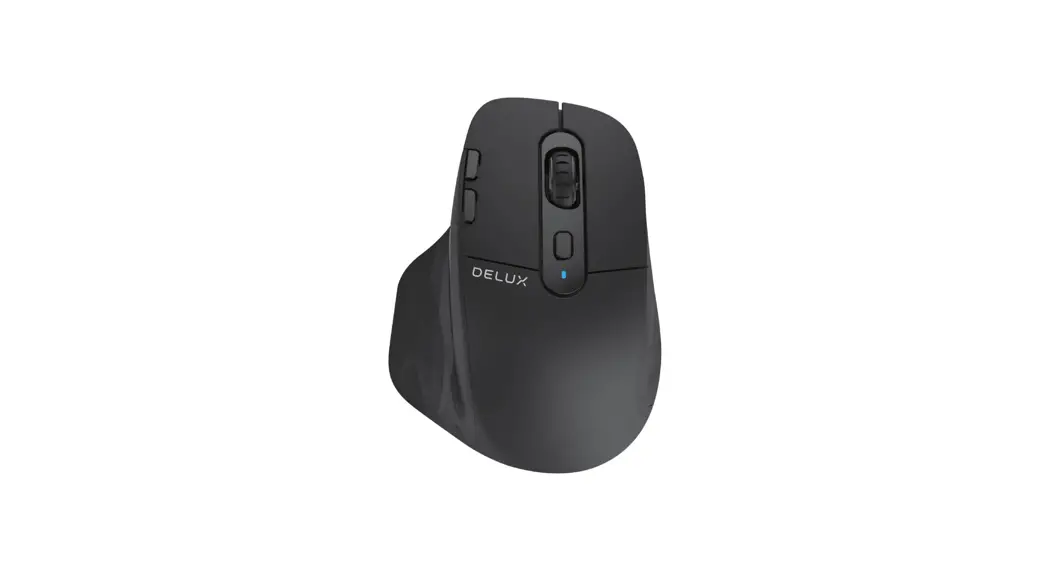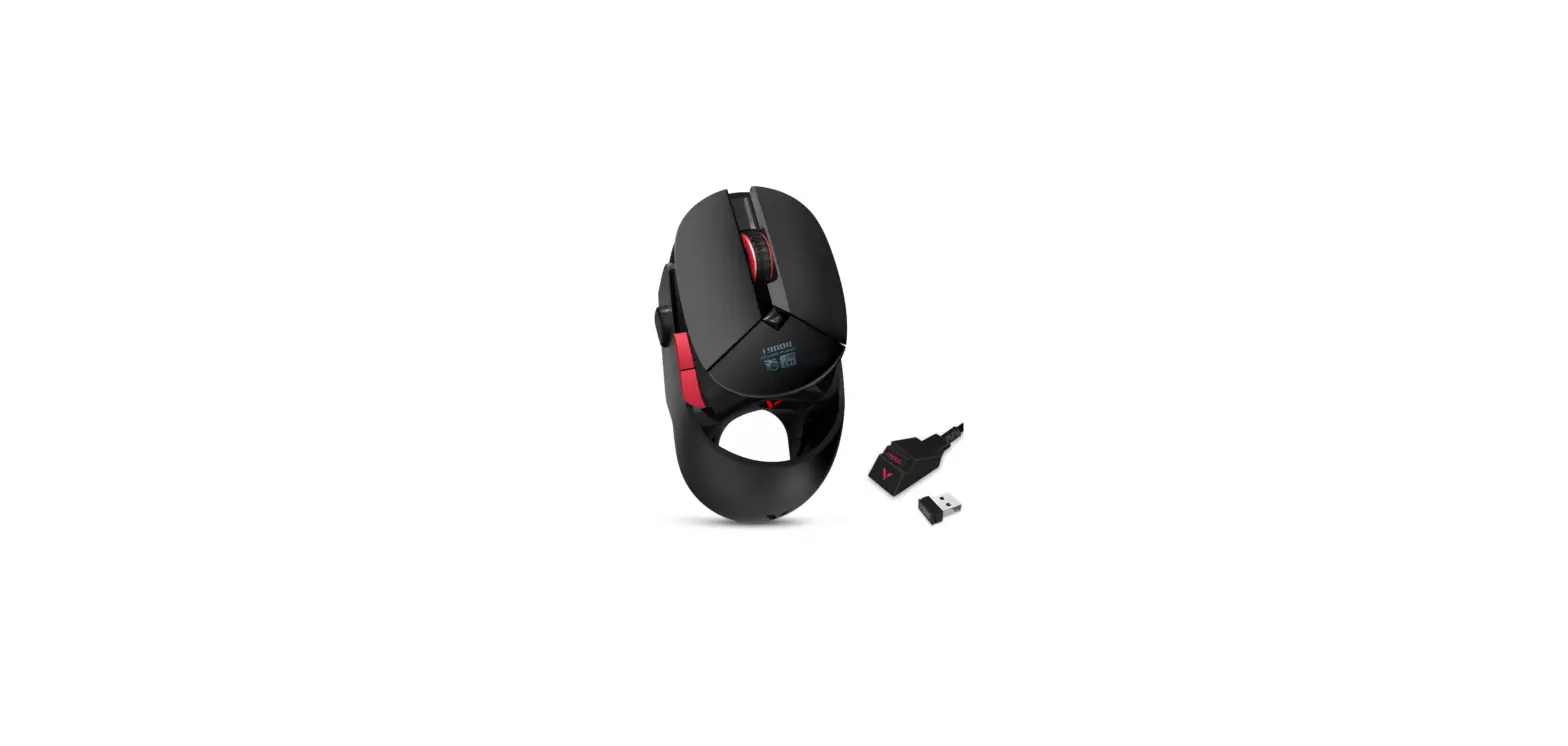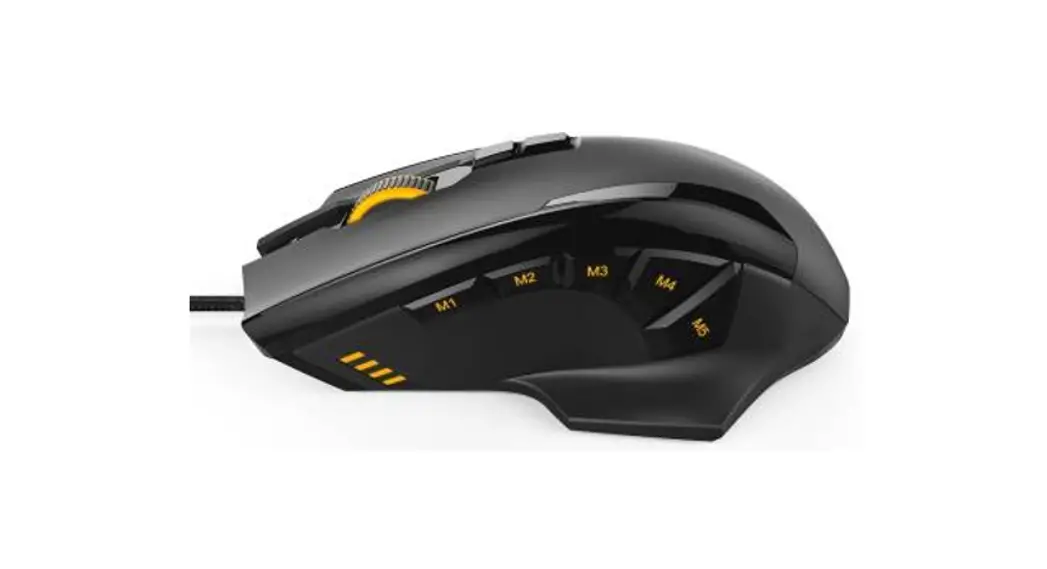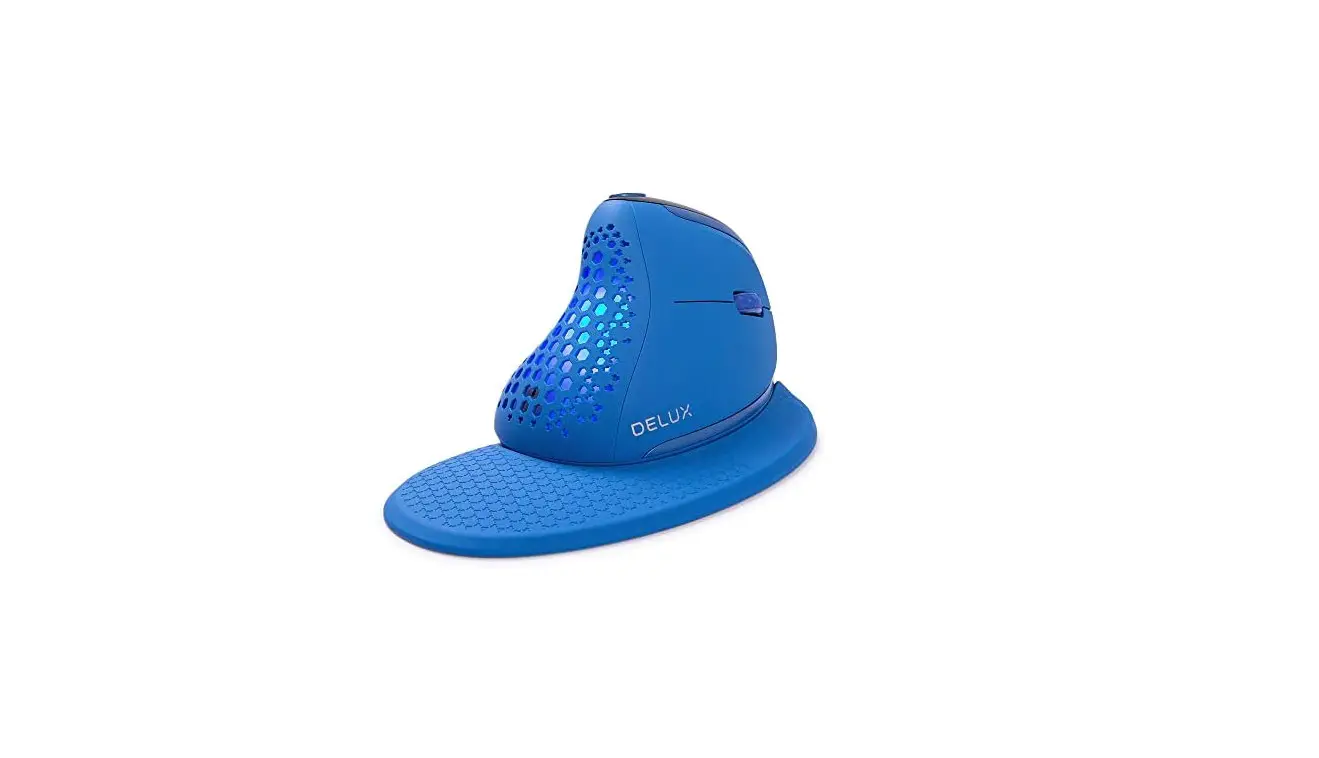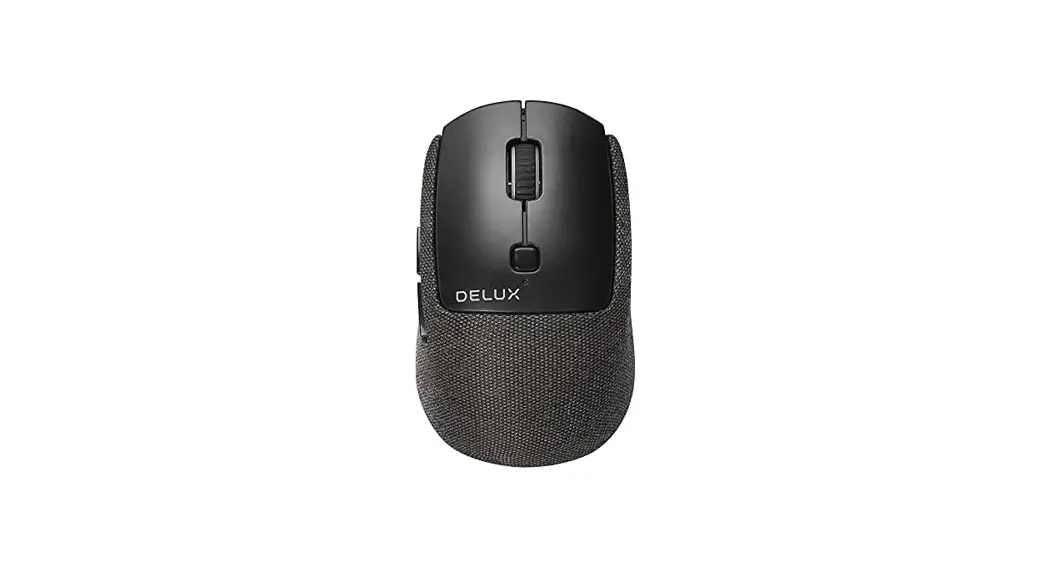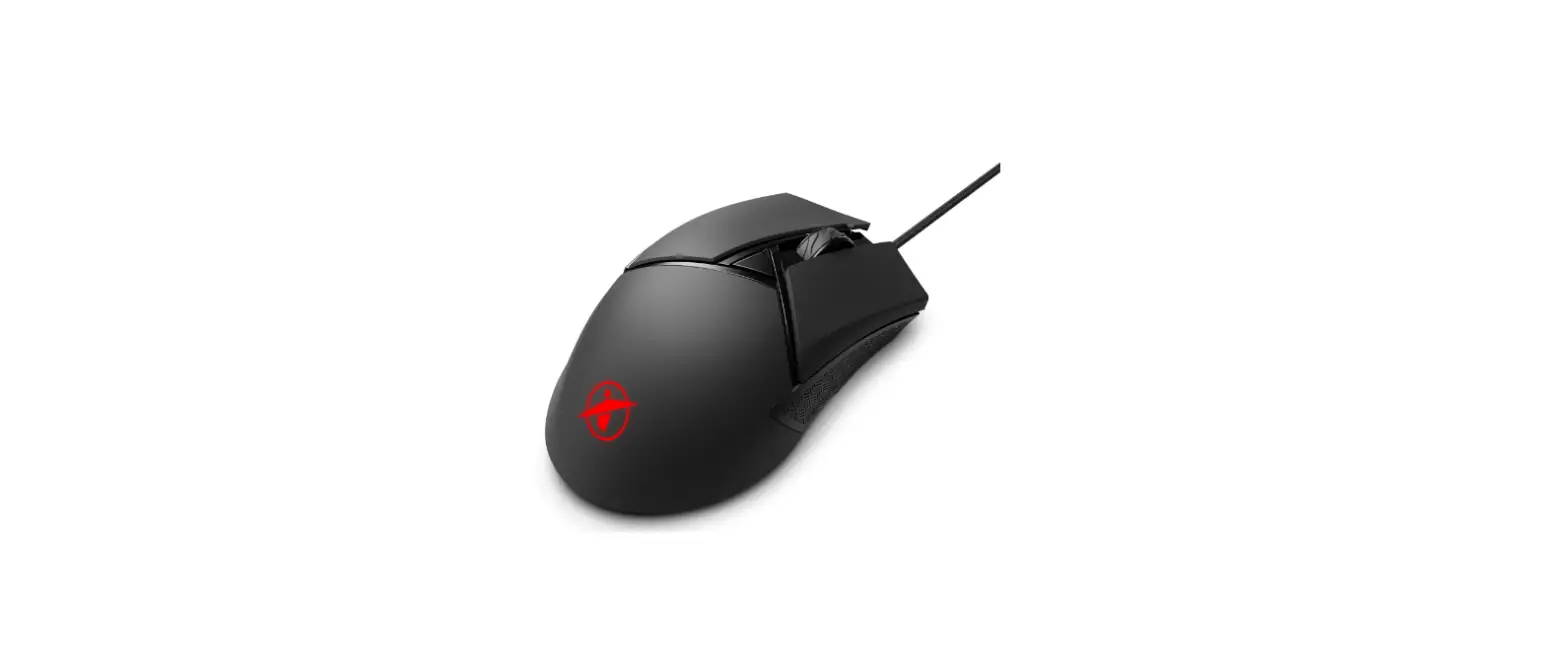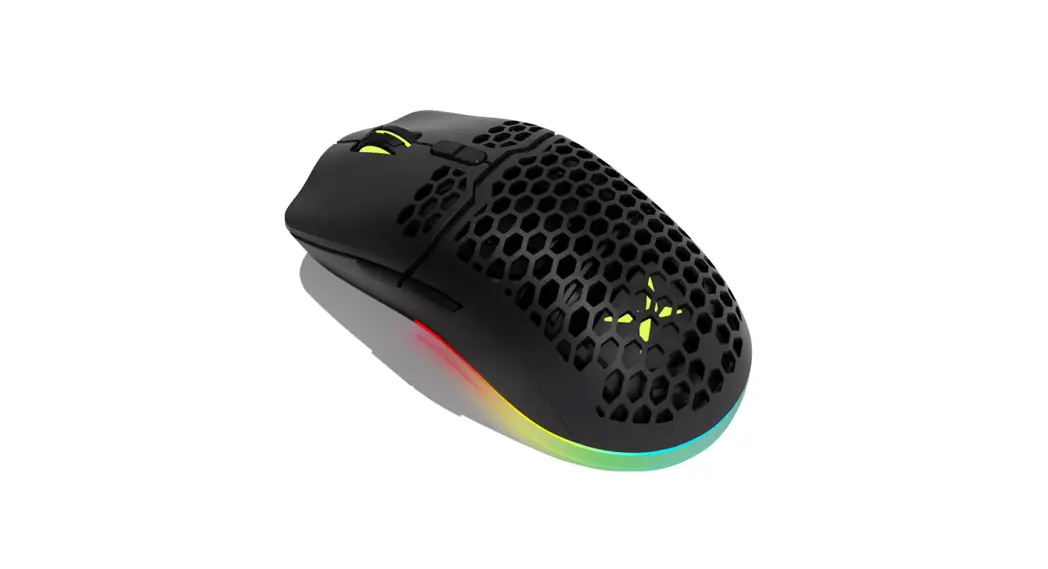

M700 pro-gaming mouse
User Guide
 M700
M700
PFC-GAIVIIIG IVIOLSE
—– A825
Thank you for choosing our gaming mouse. Please read the user manual carefully before and when you use this product.
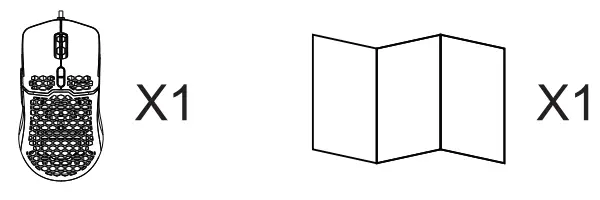
Package content
Compatibility
Compatible with Windows 7, Windows 8, Windows 10, Mac OS (Only basic function, no software available)
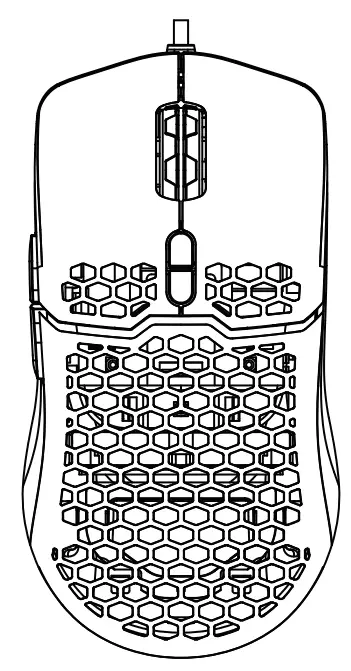
Keys Function
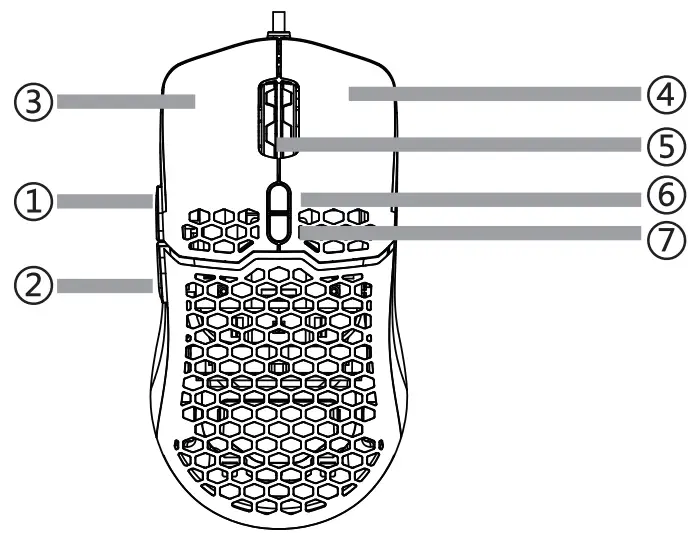
| 1 | Forward |
| 2 | Backward |
| 3 | Left button |
| 4 | hot button |
| 5 | Scroll wheel |
| 6 | 0 4 |
| 7 | D¥ |
Specification
| Mouse size | 128.26738.7mm |
| DPI | 800-1200(Default)-2400-4800-6400-7200 |
| Working Voltage | 5V |
| Working Current | <100mA |
| L R Key Switch | 10 million |
| Cable | 1.8M nickel plating braided cable |
| Footpad material | Teflon |
| Weight | 67g±3g(cable weight not included) |
- In lighting effect switch mode, press the DPI key +advance/backward key at the same time to switch among 10 light effects.
- DPI:
Yellow—— 800 DPI
Blue ——— 1200 DPI
Purple ——- 2400 DPI’
Green ——- 4800 DPI
Red ———- 6400 DPI
Light Blue — 7200 DPI - Switch between OFFICE and GAMING mode: Press the middle and right key for 3S to change the model. Re-connecting mouse can recover office mode.
- Driven with pressure gun function
Mouse Installation
Connect the mouse to your computer by a USB port, it can work normally after detecting finished. 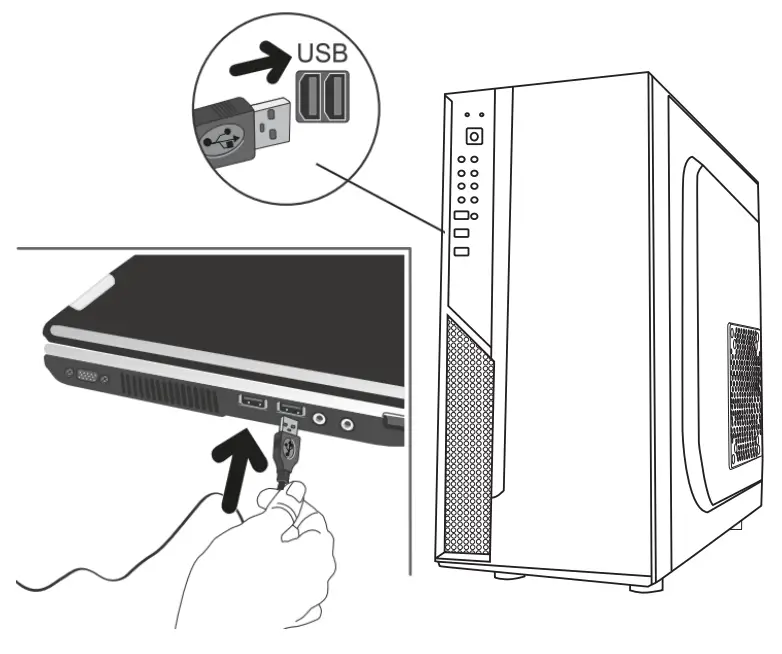
Driver Installation
Download the driver from
http://www.deluxworld.com/en/service/download/ installs the driver.
Environment and Usage
The optical mouse is suitable for a variety of colors and materials planes, such as wood, paper, cloth, etc. But not suitable for smooth glass or mirrors. If encounter this kind of situation, it is recommended that you use the mouse pad.