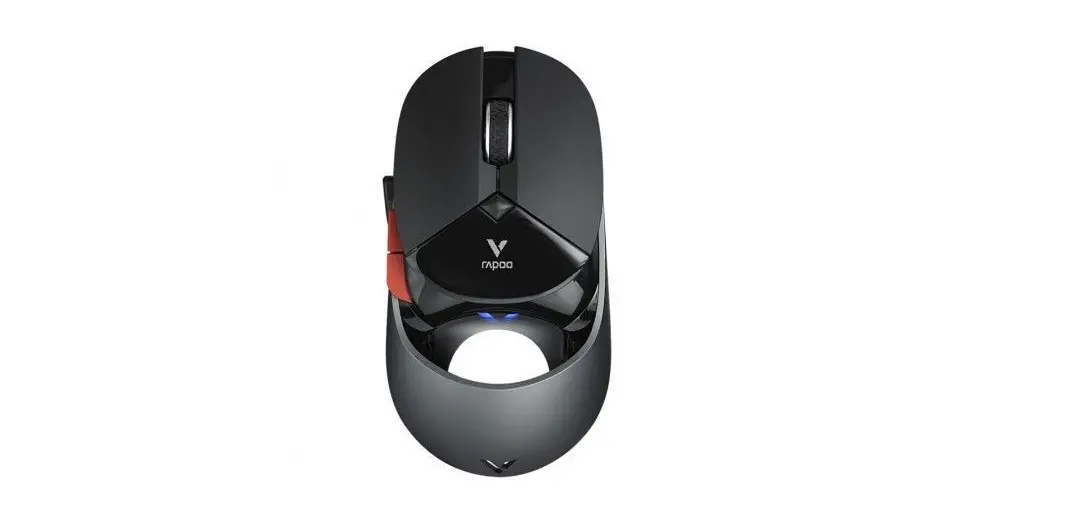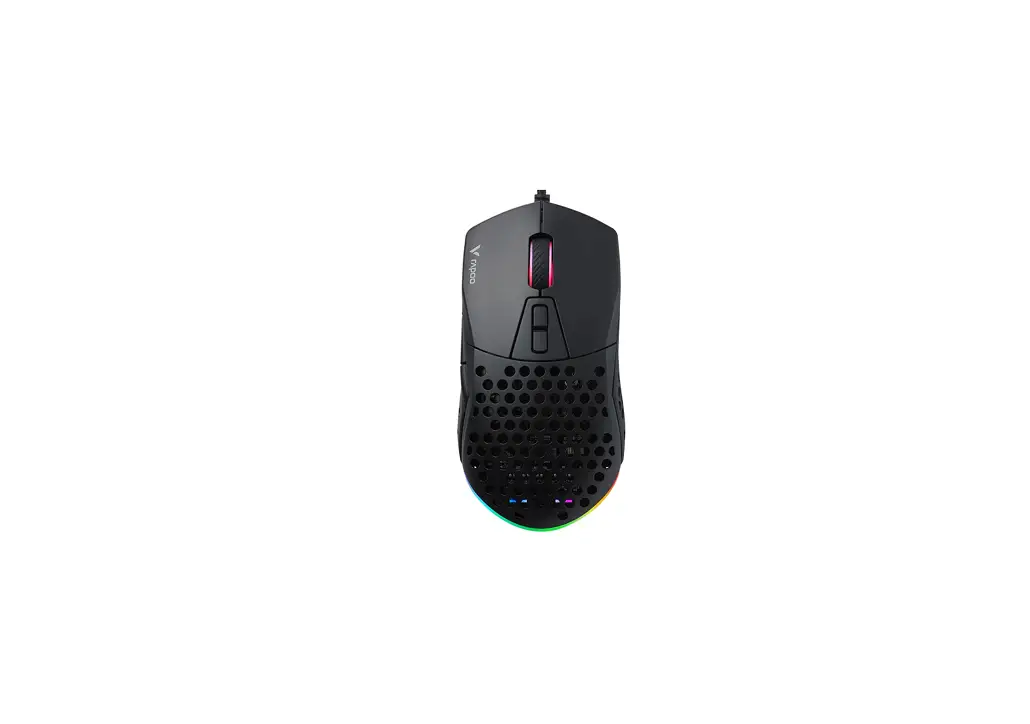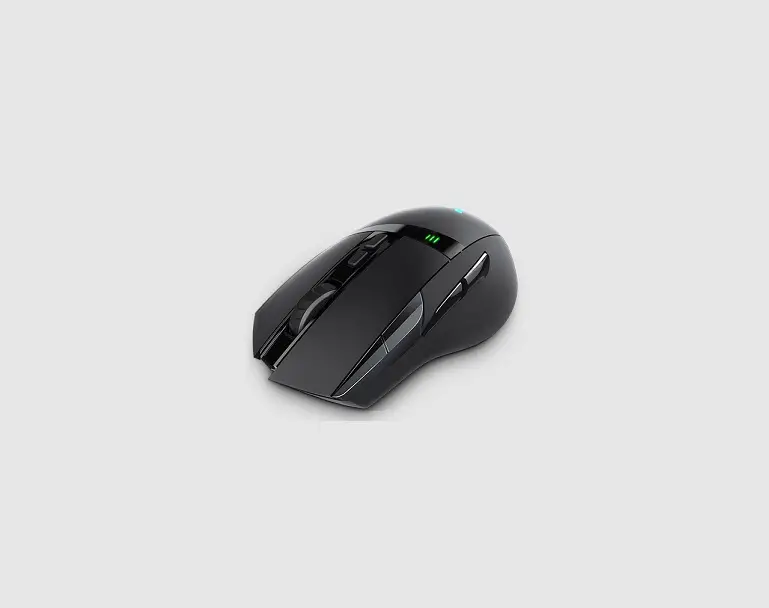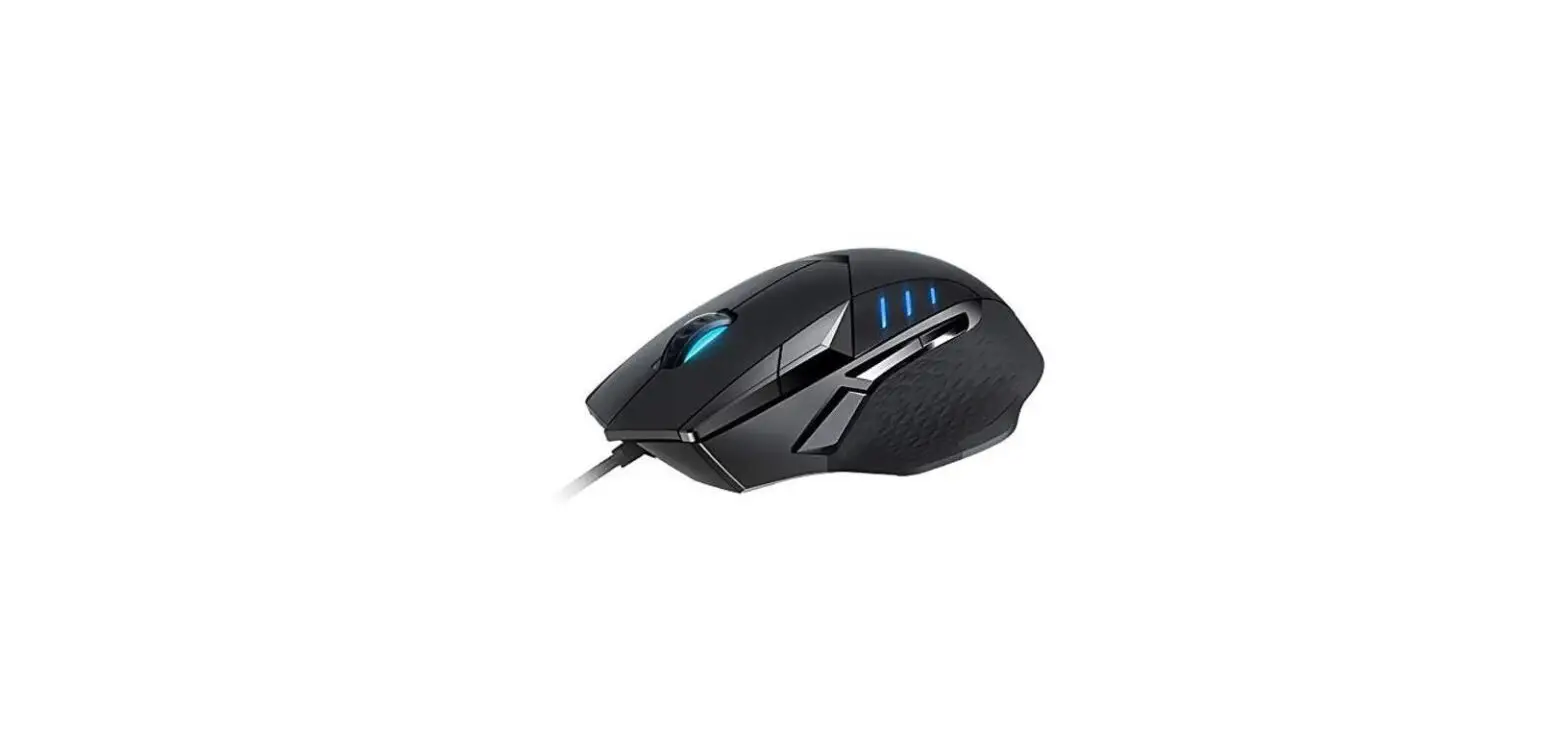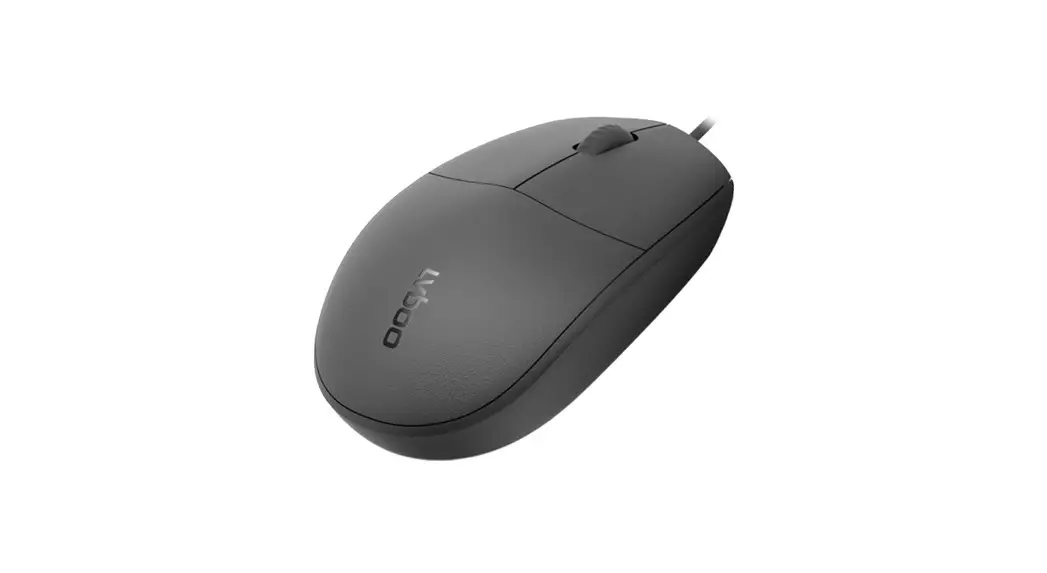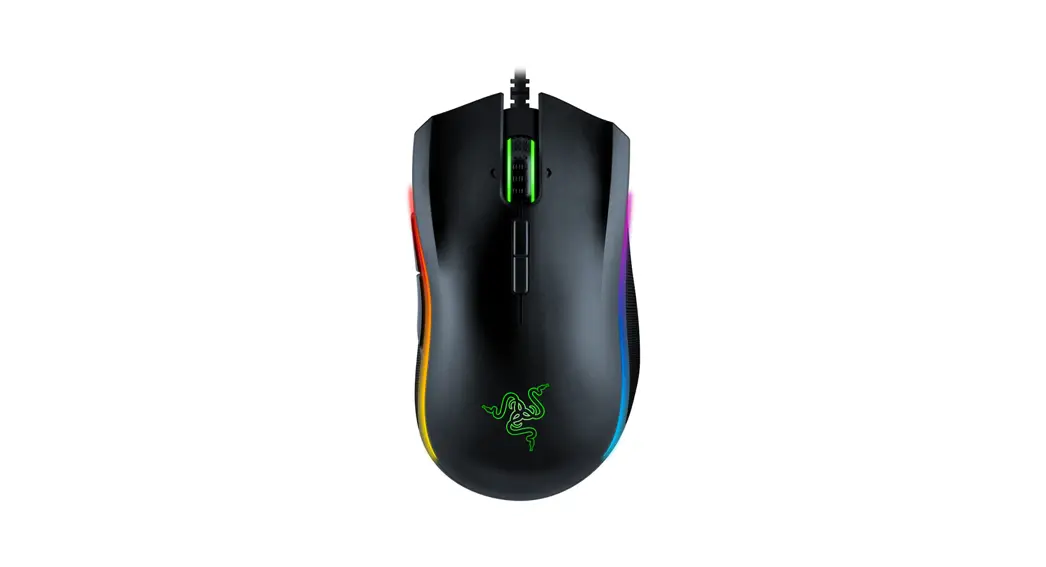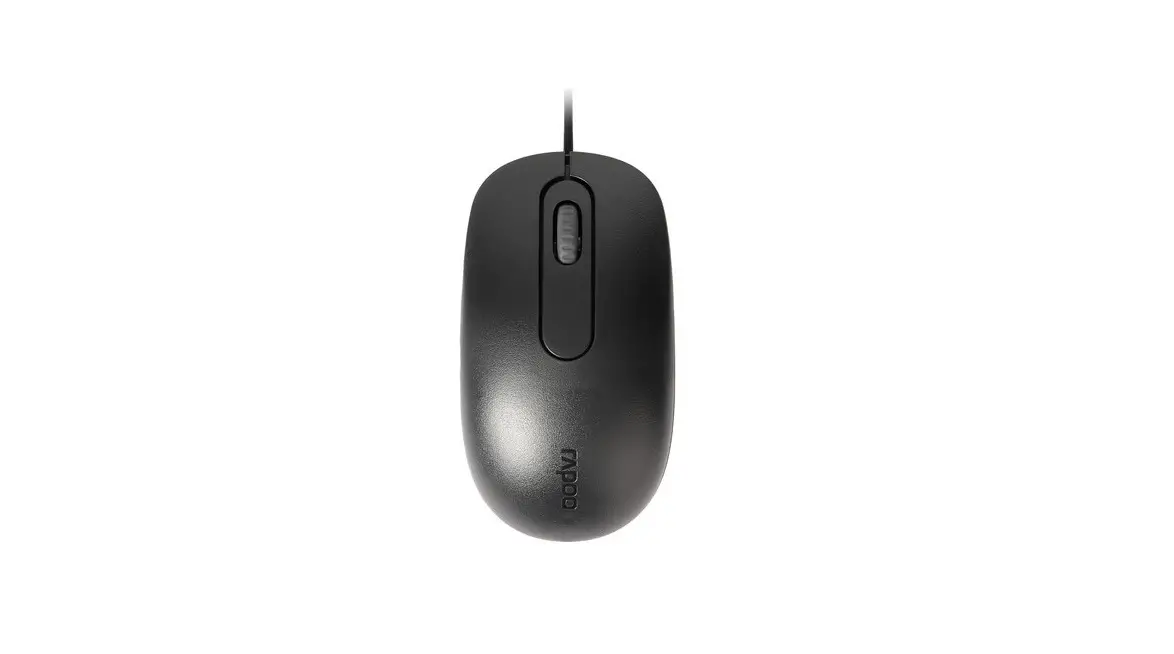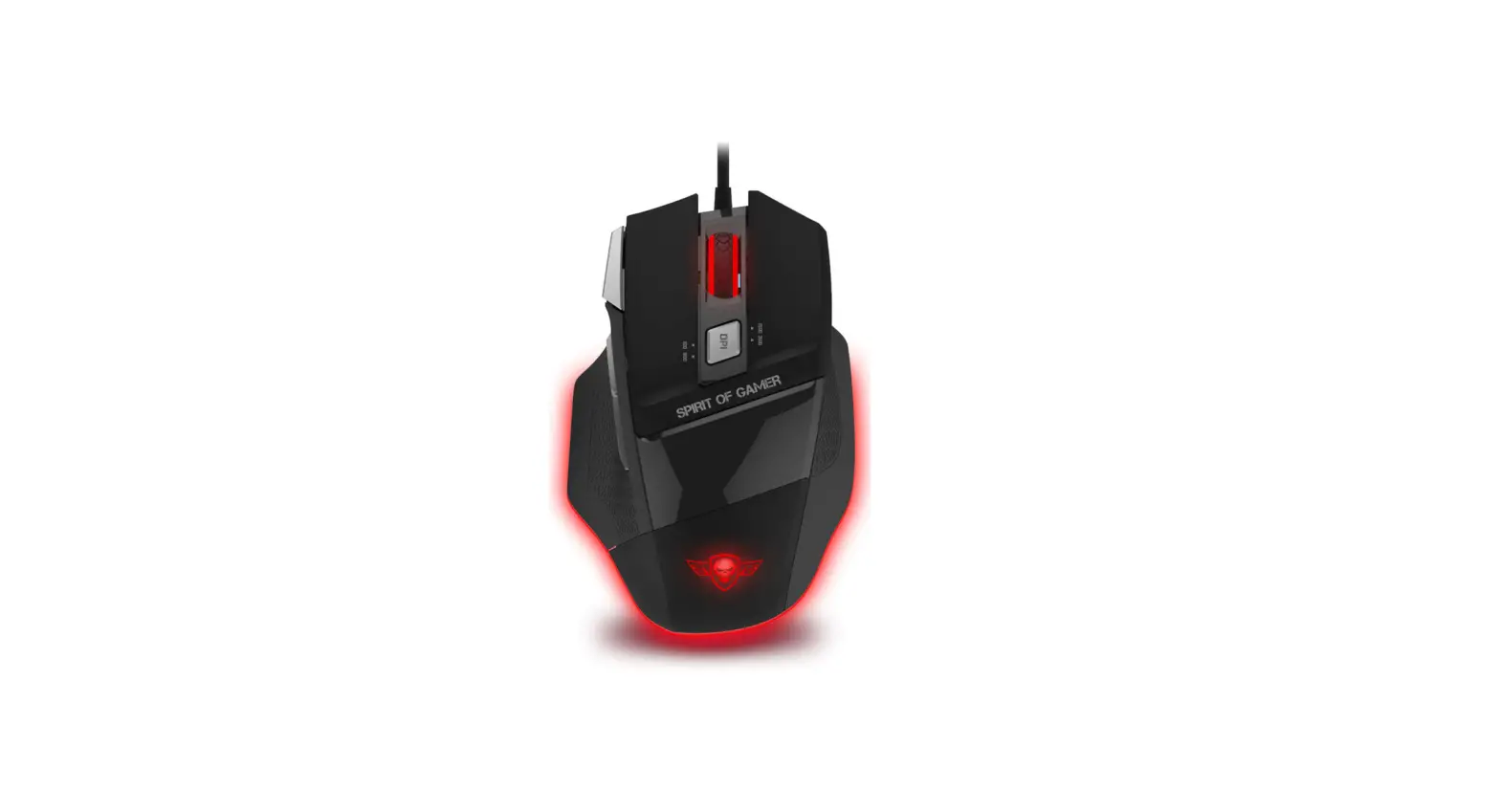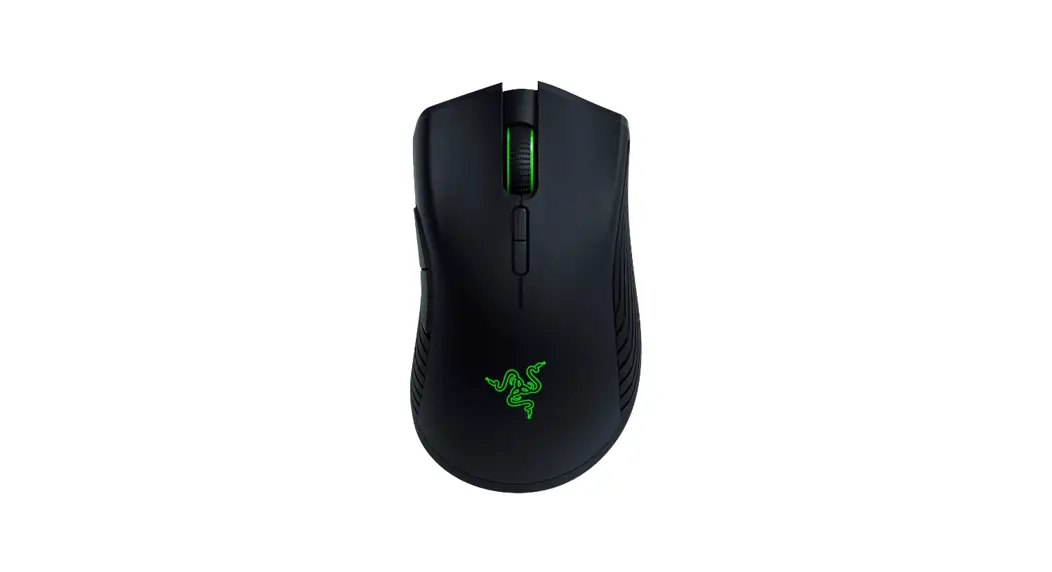

rapoo VT960S Gaming Mouse

OVERVIEW
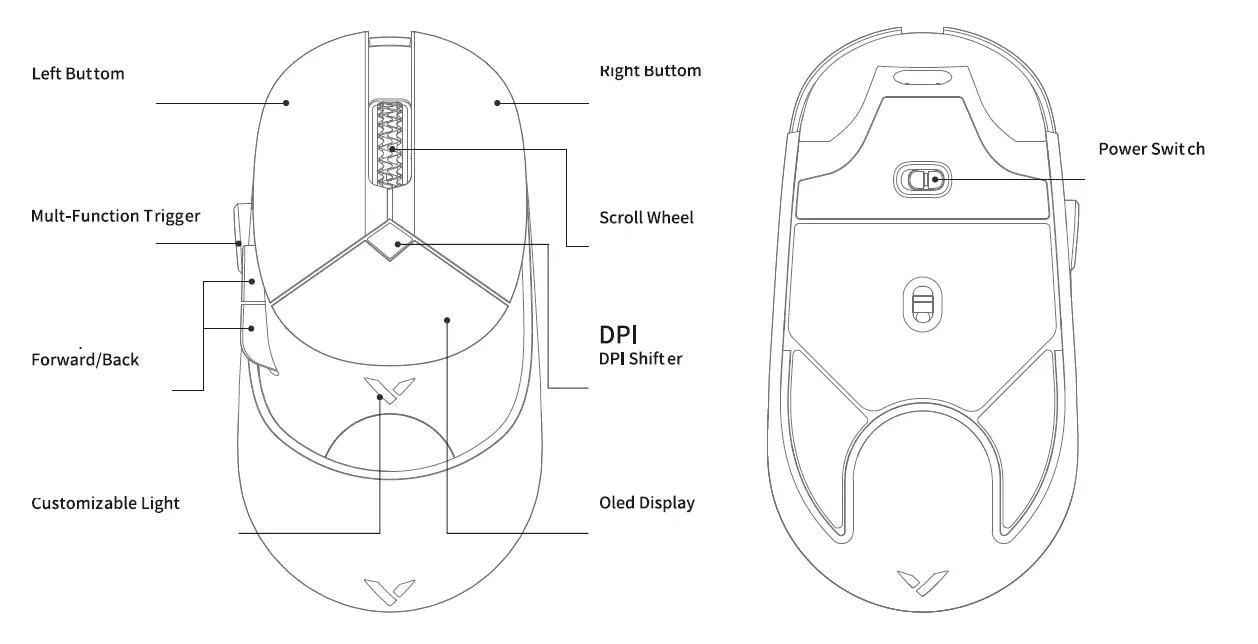
PARTS
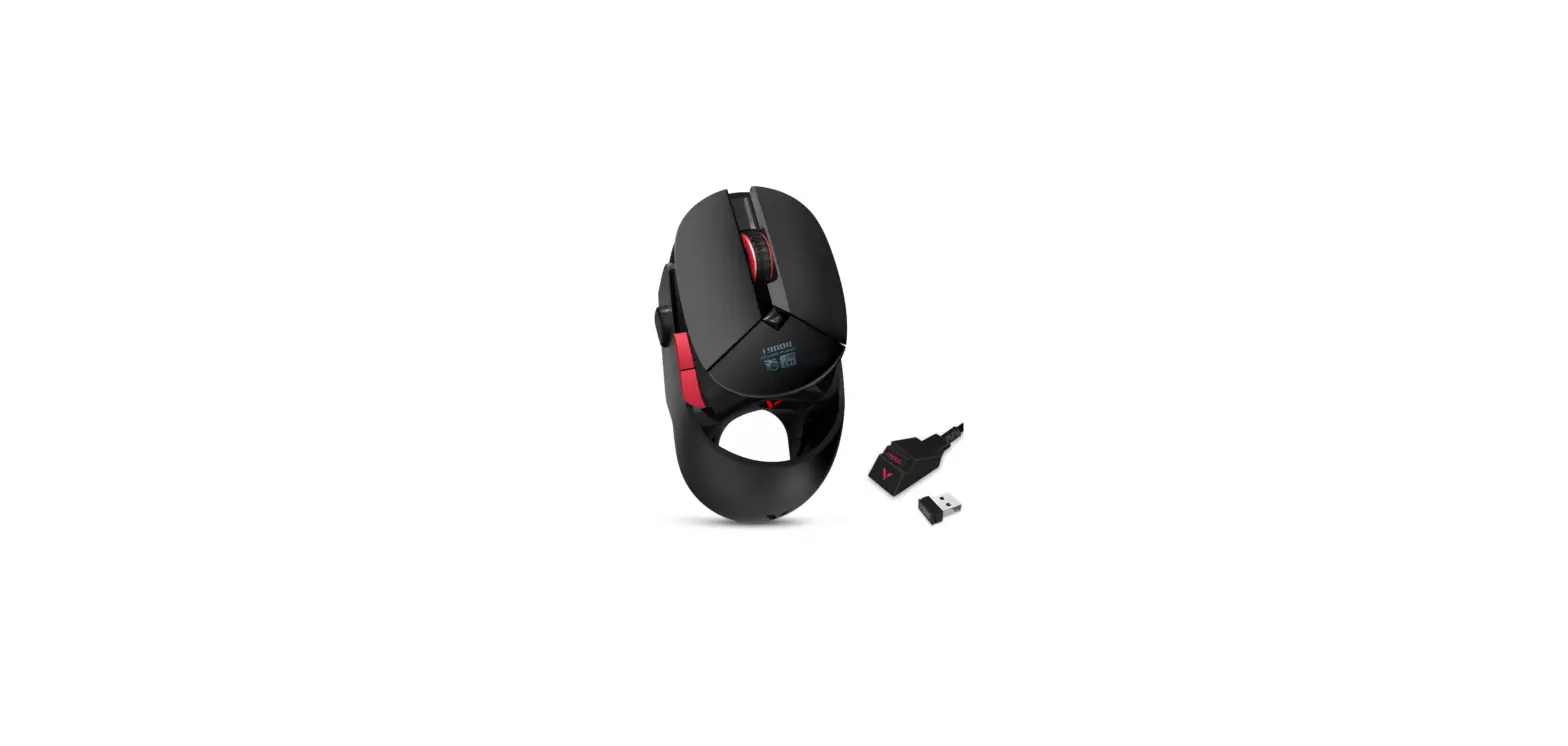
- Receiver
- USB CABLE
- USB to Tybe-C Adapter
- Mouse Feet
- Anti- Skid Pad


How to connect wirelessly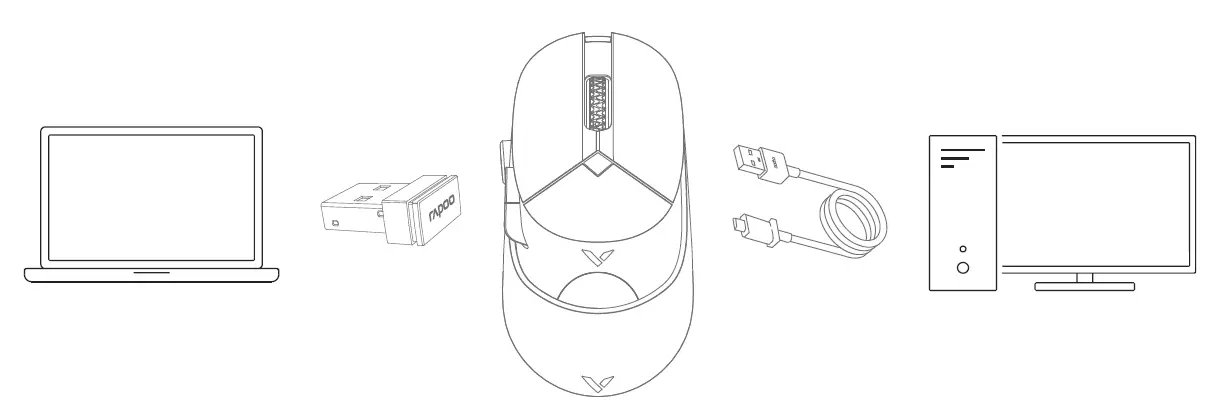
How to connect by cable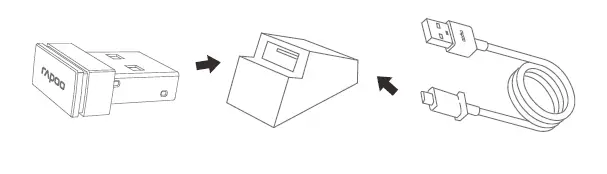
For signal enhancement, a USB-Type-C converter can be used
Install driver
To customize the gaming mouse for each operation, please download the software from www.rapoo.com.
OLED display adjustment
More functions can be activated through the driver: lighting settings, OLED screen customization, macro settings, etc.
DPI adjustment
You can switch DPI values among 7 levels which is up to 19000 DPI. The backlight color changes when you press the DPI button.
Troubleshooting
Please visit www.rapoo.com for FAQs and download the latest drivers and quick start guide. For more help with our services, please visit www.rapoo.com and register on the site.
| ztf#. EquipmerHmc1me: Wir”ed/VIJir”eless Gaming Mo1.1se Type desiR:nlion(Type): | ||||||
|
| ||||||
| lead jPb) |
( Hg I | C.adrrn.1111 ( Cd I | chromium (CrtilJ | Polybromfrntad (PBS) | Polybrcm: ( PBOE) | |
| Cab’.e | 0 | 0 | 0 | 0 | 0 | 0 |
|
| 0 | 0 | 0 | 0 | 0 | 0 |
| Pl suc per;s | 0 | 0 | 0 | 0 | 0 | 0 |
| Mata. | 0 | 0 | 0 | 0 | 0 | 0 |
| Rutlt,s | 0 | 0 | 0 | 0 | 0 | 0 |
Why does the cursor drift appear when I set the reporting rate to above 125Hz?
The algorithm of enhanced pointer precision is not suitable for Windows systems. To ensure you can use your mouse normally, please take the following steps:
- Open the “control panel”;
- Click the “Mouse” icon;
- Select the “Pointer Options”;
- Disable the “”Enhanced pointer precision'” option.
How to turn off the backlight?
You can set the backlight mode by driver, turn on or off the backlight.
Safety instructions
Do not open or repair this device. Do not use the device in a damp environment. Clean the device with a dry cloth.
Agent Information
|
Hongkong | Cornpafly name Addre s Tel# | Vim Yield Company 8…”i2-3 t 52278Q |
| Malaysia | Company name Address | AV FUTURE LINK SON BHO N0.23A.JALAN 51152.TAMAN PERINOUSTRIAN OUG.PUCHONG.58200 KUALA LUMPUR J1.’IALAYSIA 1•0060)377830011 |
| Vil)INam |
| Vir&t Nam 0084-4-37834530 |