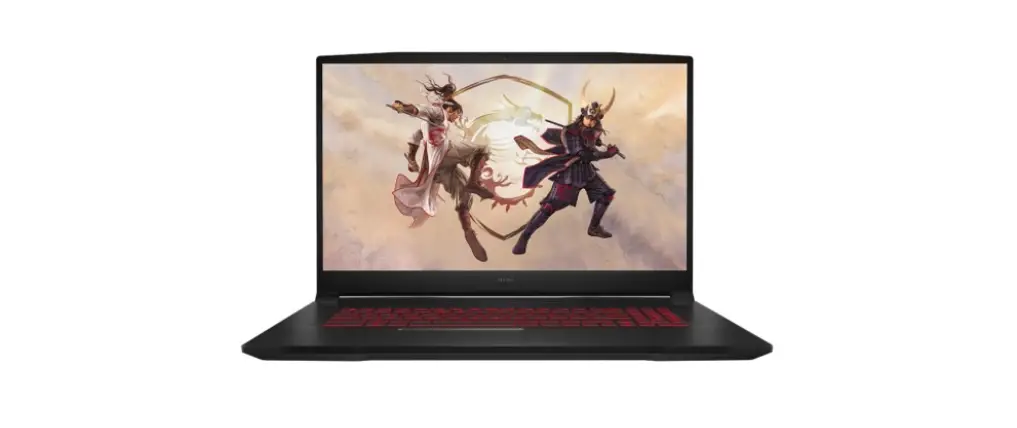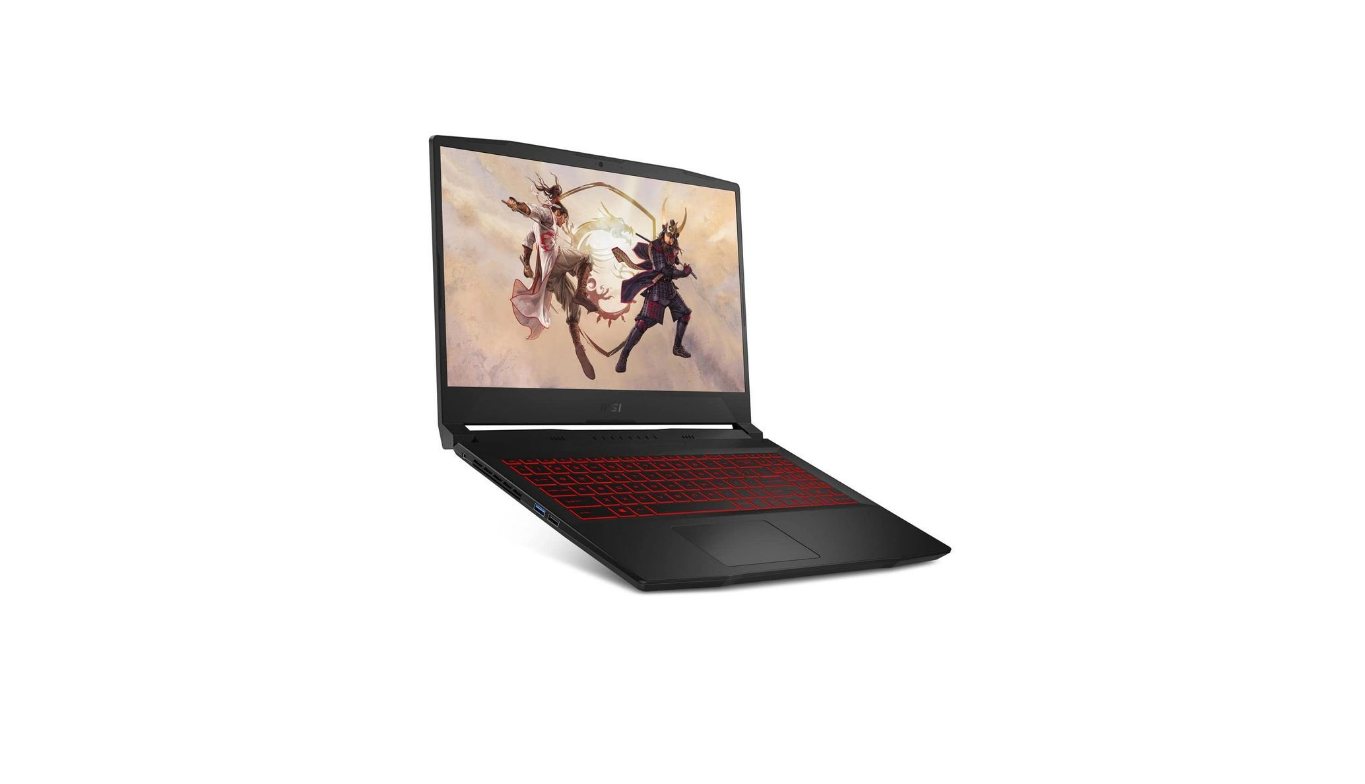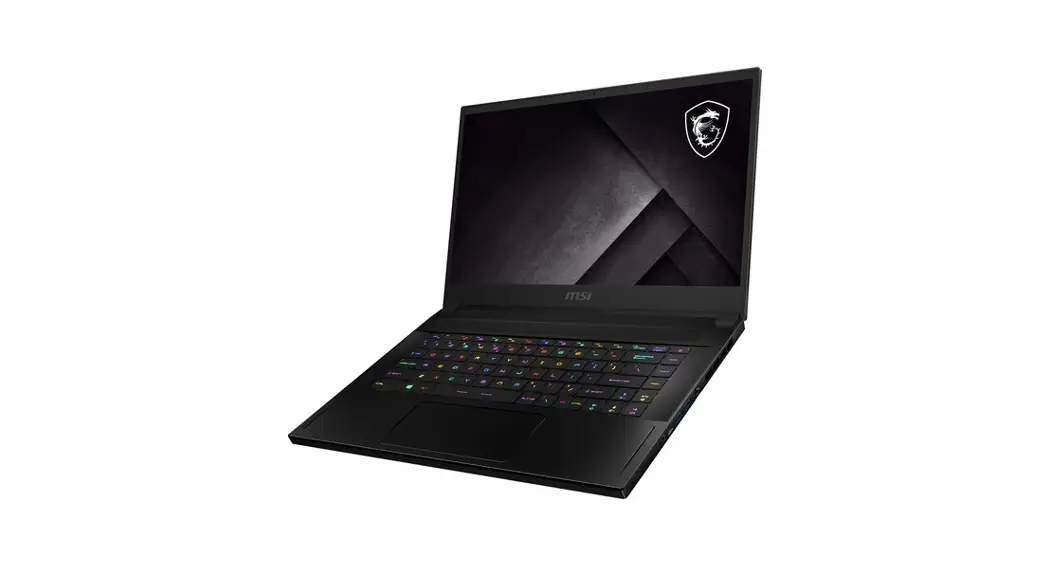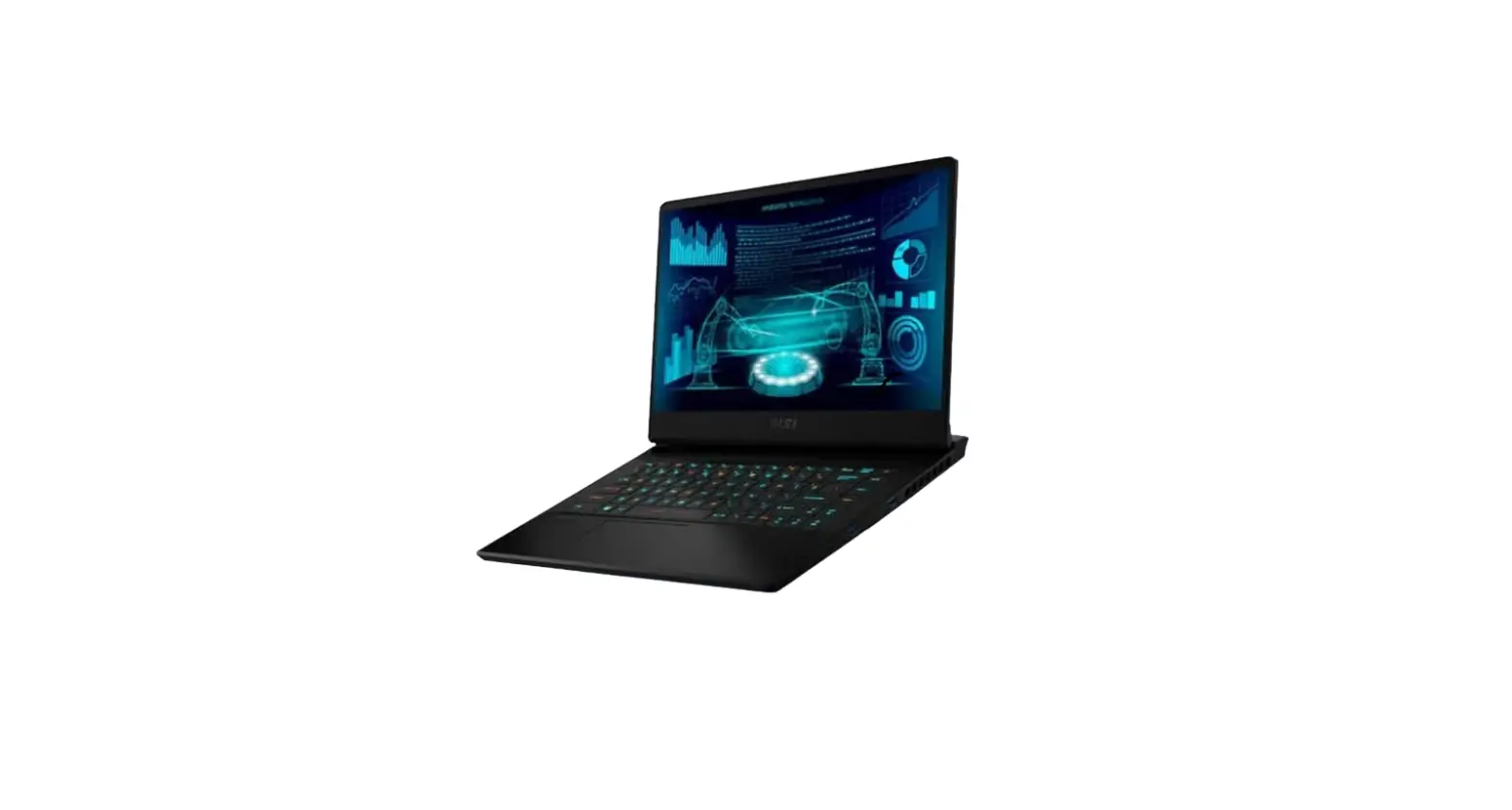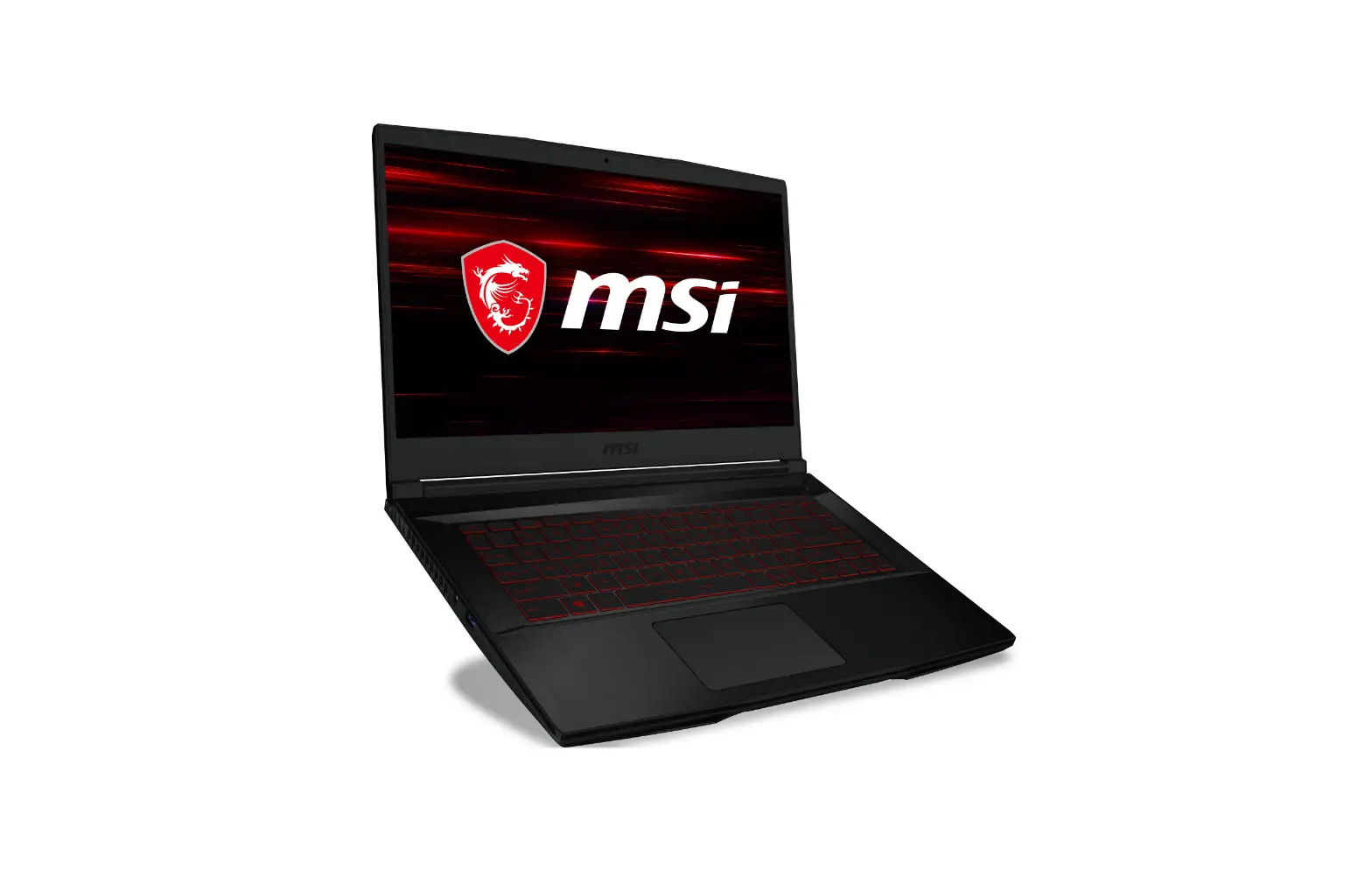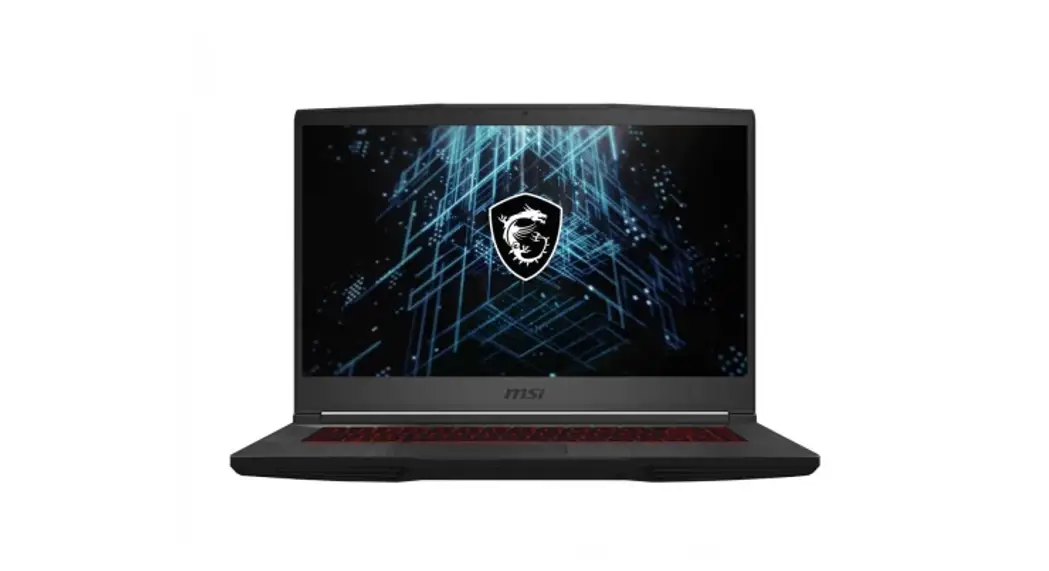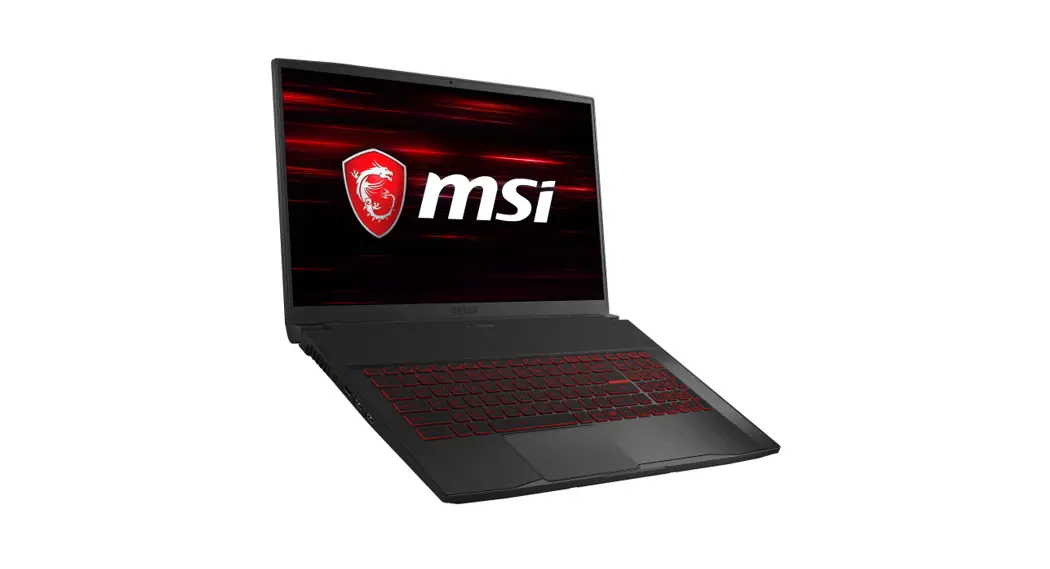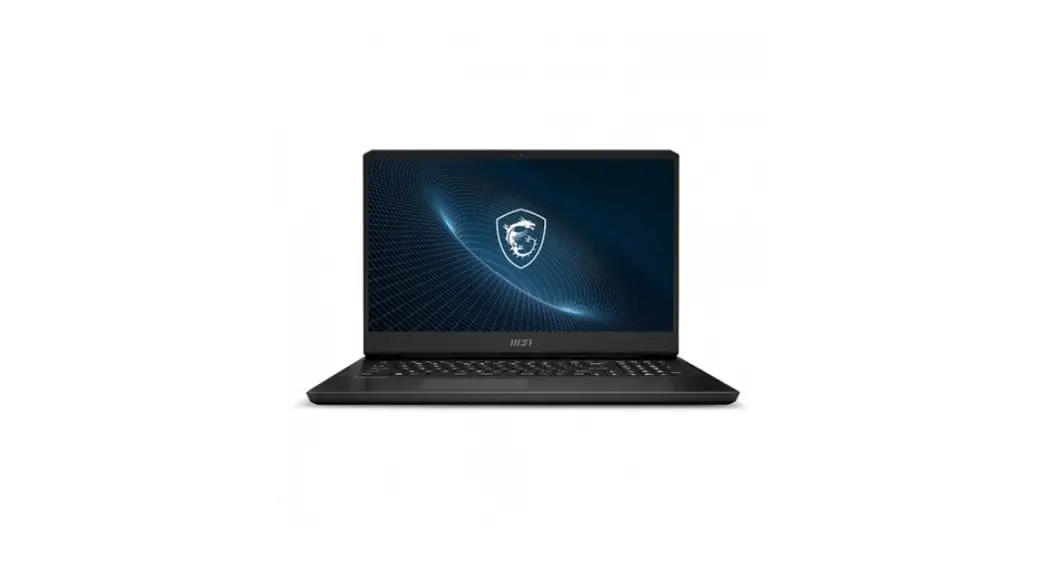
 Katana GF66 Gaming Laptop
User Guide
Product Overview (for reference)
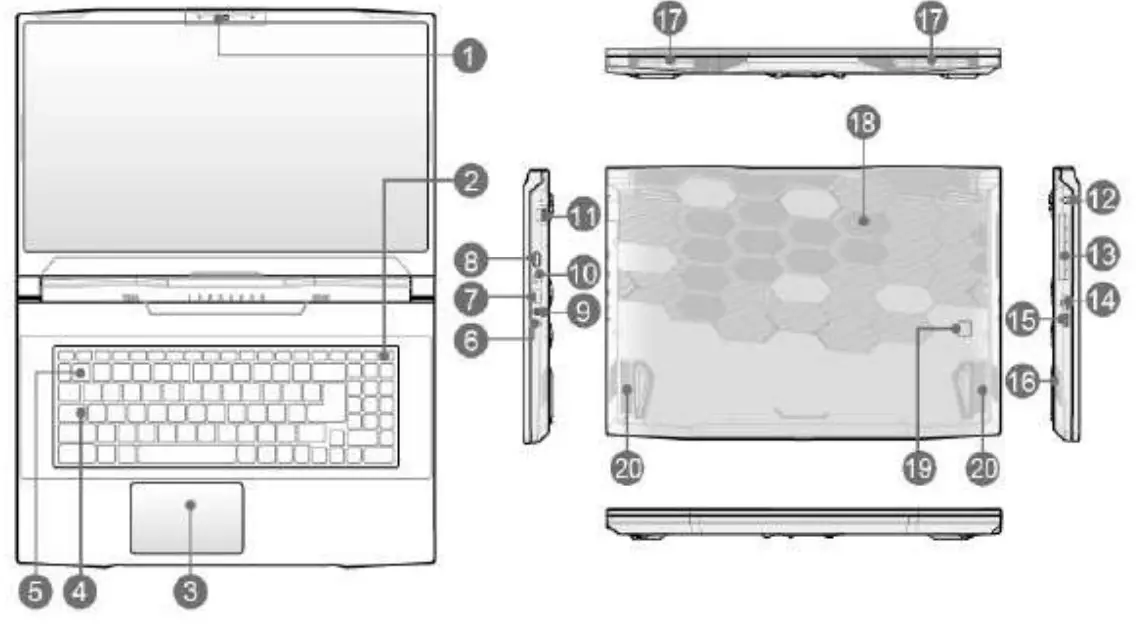
- Webcam/ Webcam LEO/ Internal Microphone
- Power Key/ Power LED
- Touchpad
- Status LED
ACaps Lock - Keyboard
- Status LED
 Battery Status : Continuously blinking If the battery fails.
If the problem persists. please contact your local authorized retailer or service center. - U.S.B 3.2 Gen I Port
- HDMI Connector

- Audio Port Connectors
- USB 3.2 Gen 1 Port (Type-C)
- RJ-45 Connector
- Power Connector
- Ventliator
- USB 3.2 Gen 1 Port
- USB 2.0 Port
- Stereo Speakers
- Ventilator
- Ventilator
- 8attery Reset Hole
- Stereo Speakers
 Battery Status : Continuously blinking If the battery fails.
Function Keys
Getting Started ((for reference)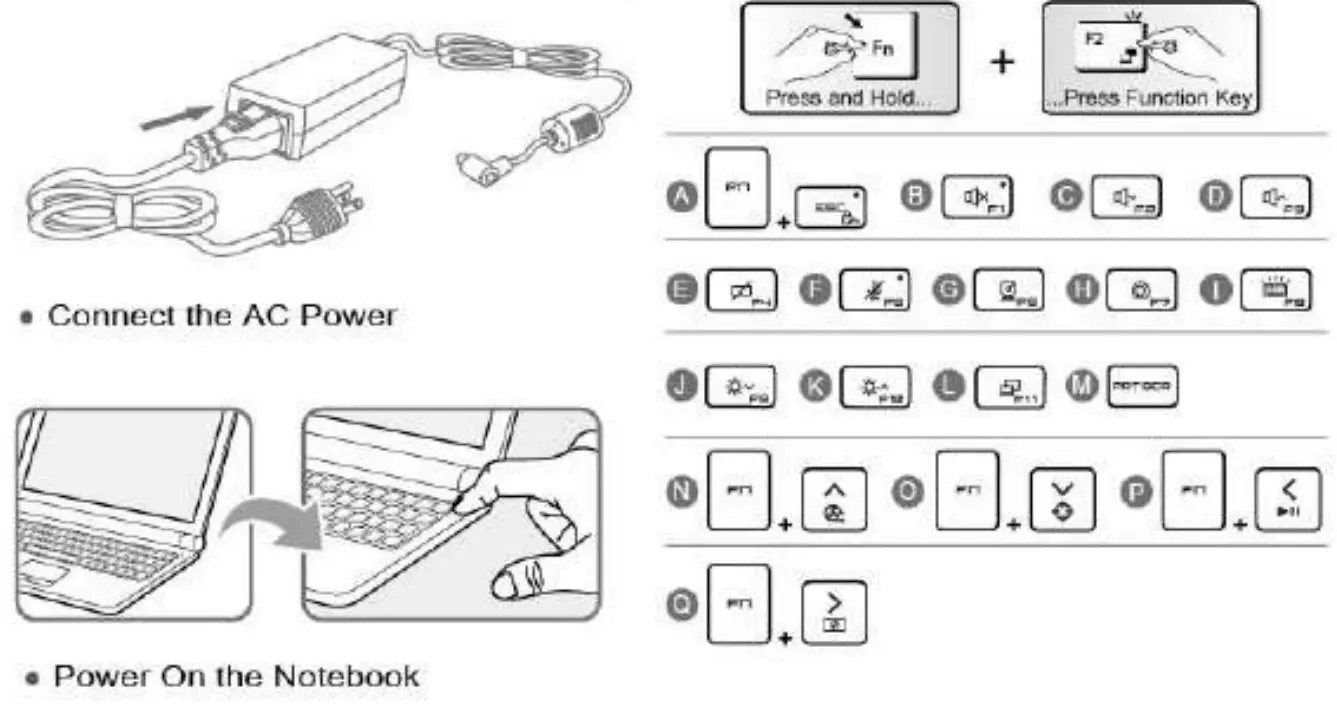
I- Connect the AC Power
It is sir ungly recommended to connect the AC/ DC adapter to the notebook and use the AC power while using this notebook for the first time since some models may require the AC/DC adapter to be connected in order to power on the notebook safely and properly.
i. Unpack the package to find the AC/DC adapter and power cord.
ii. Attach the power cord to the connector of the AC/DC adapter.
iii. Plug the DC end of the adapter to the noteboo and the male end of the power cord to the electrical outlet
II- Power On the Notebook
When the AC power is connected, press the power button to turn the notebook on.
III- Function Keys
A. Enable or disable the default FN function keys.
B. Mute the built-in speakers.
C. Decease the built-in speaker’s %oakum.
D. Increase the built-in speakers volume,
E. Enable or disable the touchpad function.
F. Enable or disable the microphone function.
G. Enable or disable the Webcam function.
H. Select a proper user scenario between Extreme Performance/ Balanced/ Silent/ Super Battery! User provided by MSI Center.
I. Select a keyboard backlight LED level.
J. Decrease the LCD brightness.
K. Increase the LCD brightness.
L. Switch the display output mode.
M. Take a screen capture.
N. Maximize the fan speed.
O. Use this button to switch ON/ OFF of the front sight function.
P. Use this button to switch PLAY/ PAUSE of the media.
Q. Use this button to turn OFF the screen.
CE Conformity
 Products bearing the CE marking comply with one or more of Me following LU Directives as may be applicable:
RED 2014/53/EU: Low Voltage Directive 2014135/EU;
EMC Directive 2014/30/EU;
RoHS Directive 2011/65/EU;
ErP Directive 2009/1251EC.
Compliance with these directives Is assessed using applicable European Harmonized Standards.
The point of contact for regulatory manors Is MSI, MSI NL Eindhoven 5706 6602 ER Son.
Products with Radio Functionality (EMF)
This product Incorporates a radio transmitting and receiving device. For notebook computers In normal use, a separation distance of 20 cm ensures that radio frequency exposure levels comply with EU requirements. Products designed to be operated at closer proximIties, such as tablet computers, comply with applicable EU requirements in typical operating positions. Products can be operated without maintaining a separation distance unless otherwise indicated in instructions specific to the product
Restrictions for Products with Radio Functionality (select products only) CAUTION: ILEL 802.1 lx wireless LAN with 5.15-5.35 GHz frequency band is restricted for Indoor use only In all European Union member states, EFTA (Iceland, Norway. Liechtenstein). and most other European countries (e.g.. Switzerland. Turkey, Republic of Serbia). Uskig litWLAN application o indoors might lead to inlet renown issues with existing radio sei vices.CAUTION: Fixed outdoor Installallons for \Wig application (57-66 GHz frequency band) are excluded in all European Union member states, EFTA (Iceland. Norway. Liechtenstein), and other European countries (e.g.. Switzerland. Turkey. Republic of Serbia).
| Radio frequency bands and maximum power levels | |
| Features | 802.11 a/big/iliac. ST | |
| Frequency Range | 2.4 GHz. 5 GHz | |
| Modulation | FILISS, DSSS, OFDM | |
| Power Output | 10/20/23 | |
| Channel 13andwIdth | 1, 5. 20. 40. 80 MHz | |
Find User Manual at C:\Windows\User Manual\User Manual
 |  |  |
| https://www.msi.com/ | https://www.msi.com/support | http://www.msi.com |