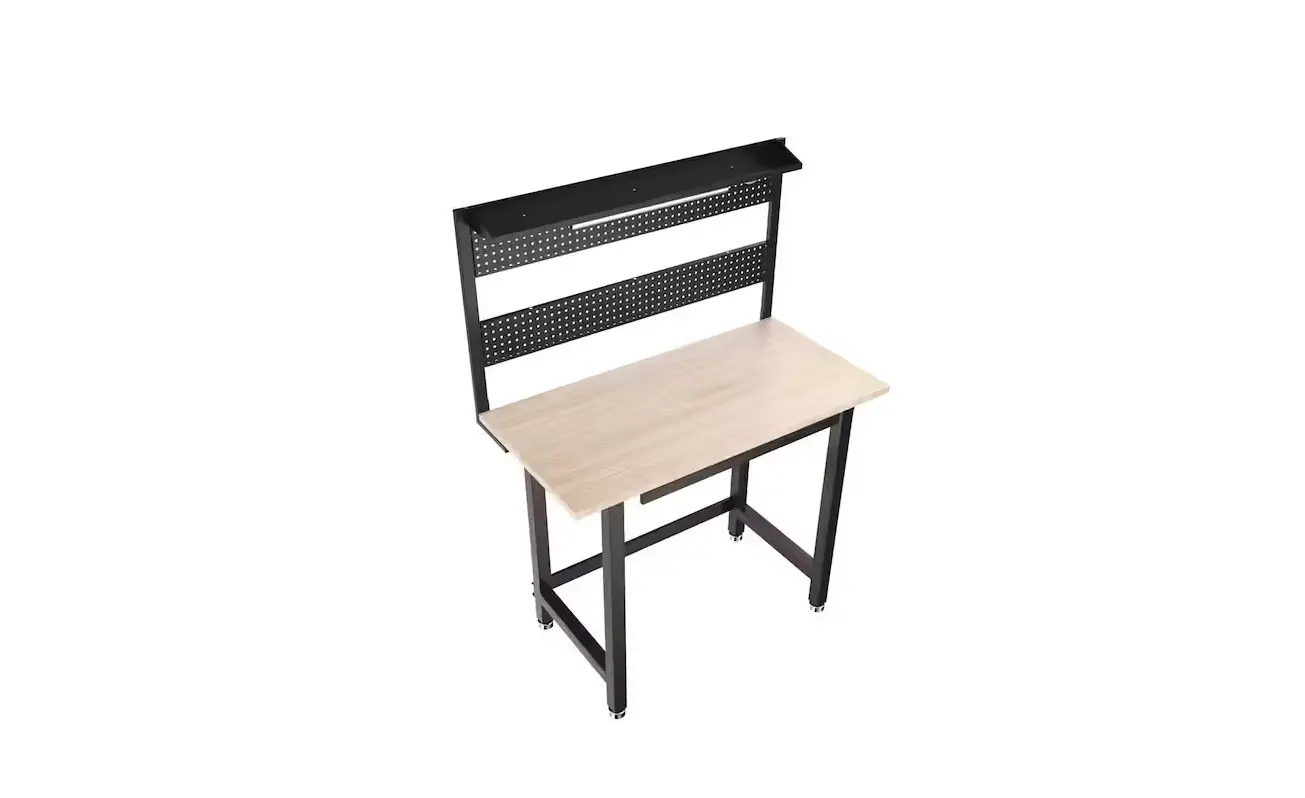
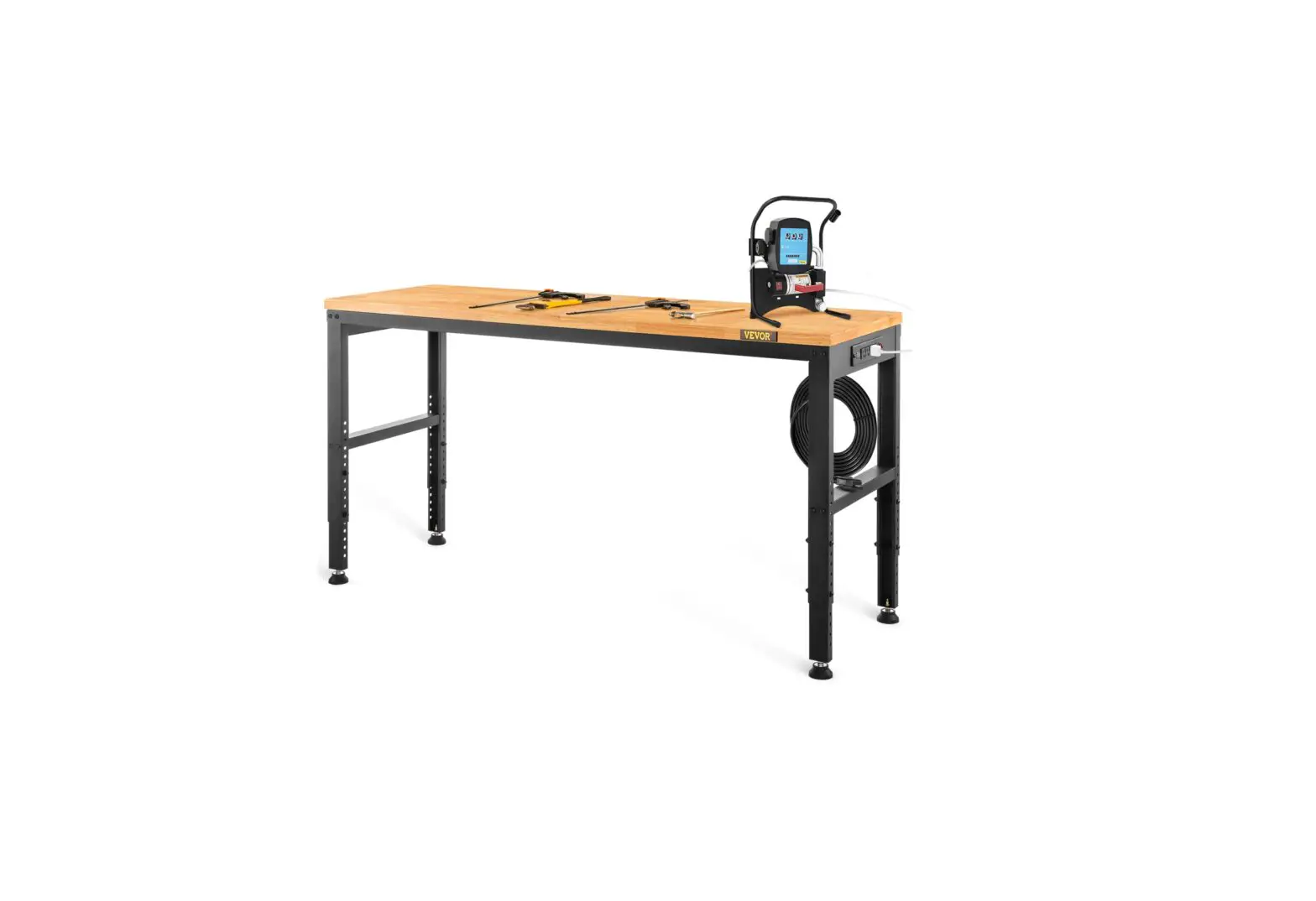
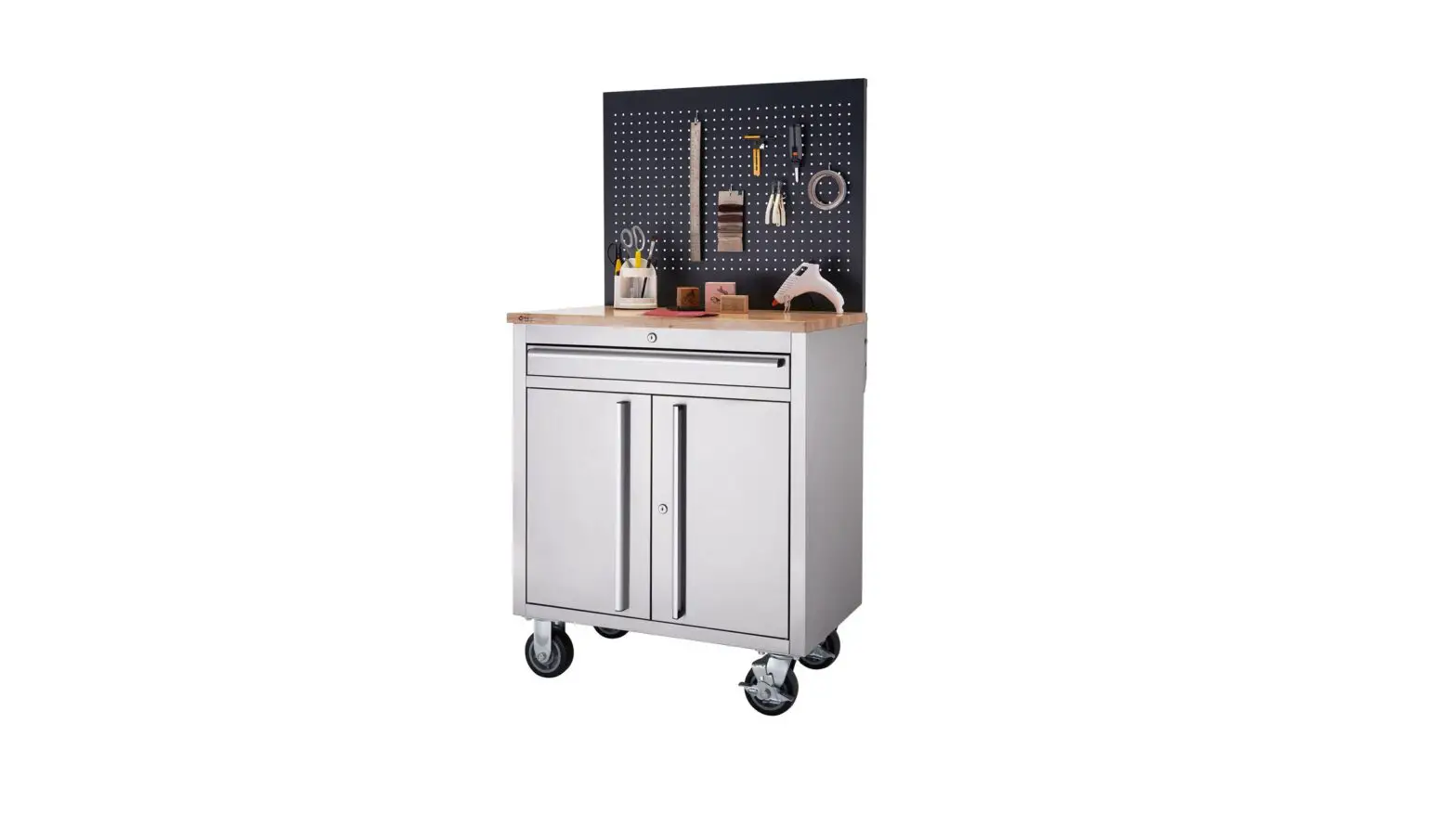
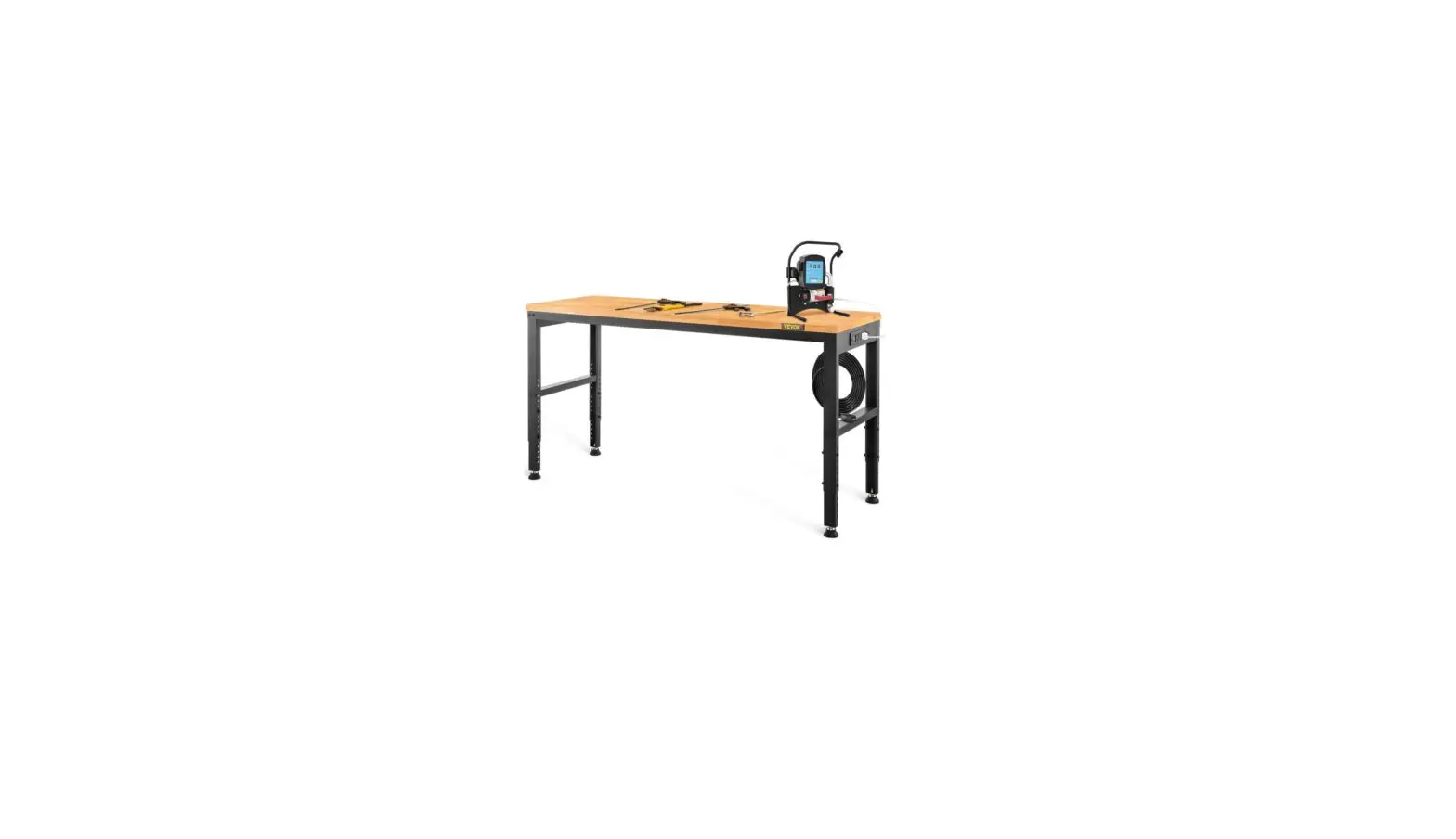
JL-WB05-3 Workbench with Pegboard
Product Information: Workbench with Pegboard
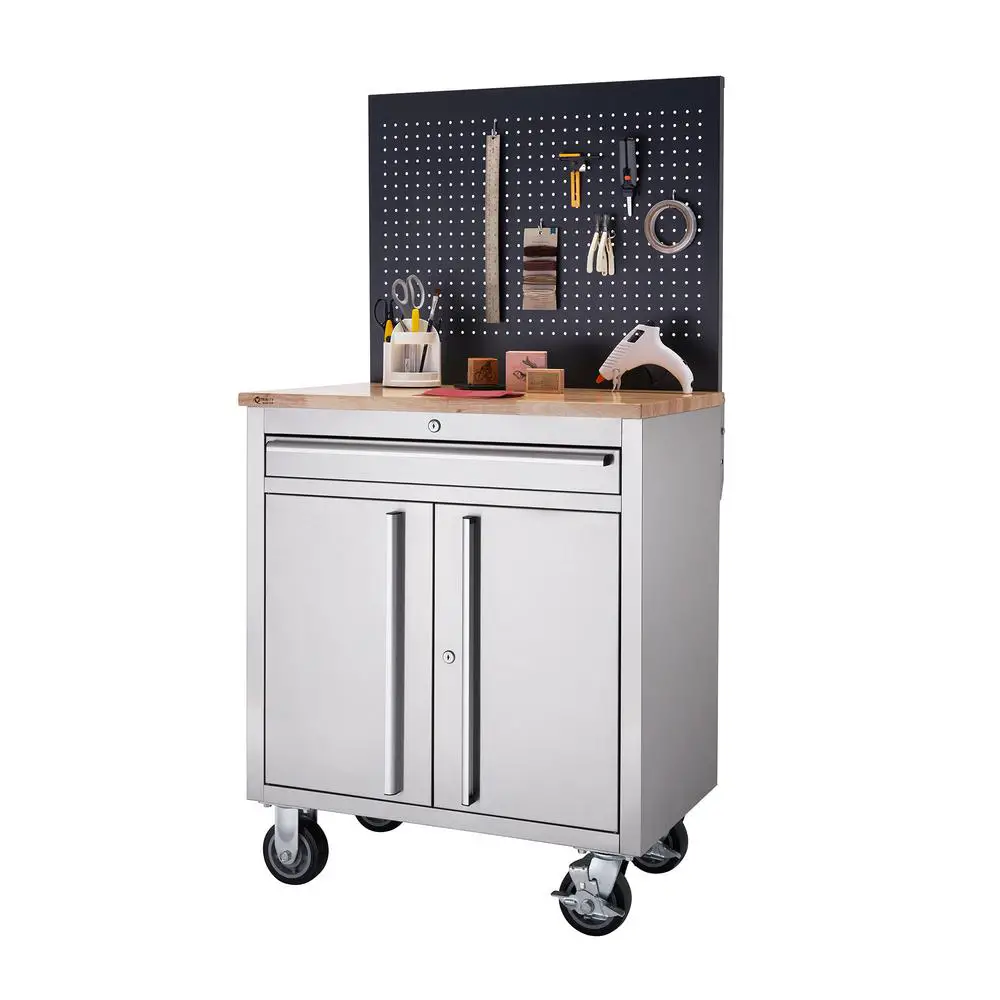
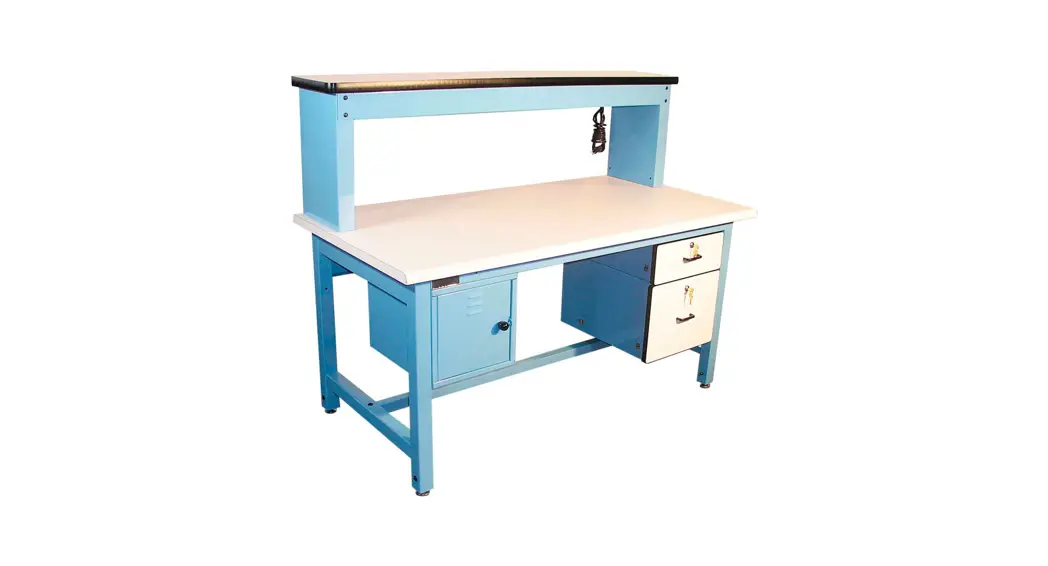
The Workbench with Pegboard is a product offered by VEVOR, a
company committed to providing tools at competitive prices. The
model number is JL-WB05-3 and it has a maximum load capacity of
220lbs. The desktop size is 120*59.5cm and it is made of MDF and
metal. The product dimensions are 120*60W*150cm and it comes with a
120V~ 60Hz rating, with a maximum of 1500W (Power Strip) with 14W
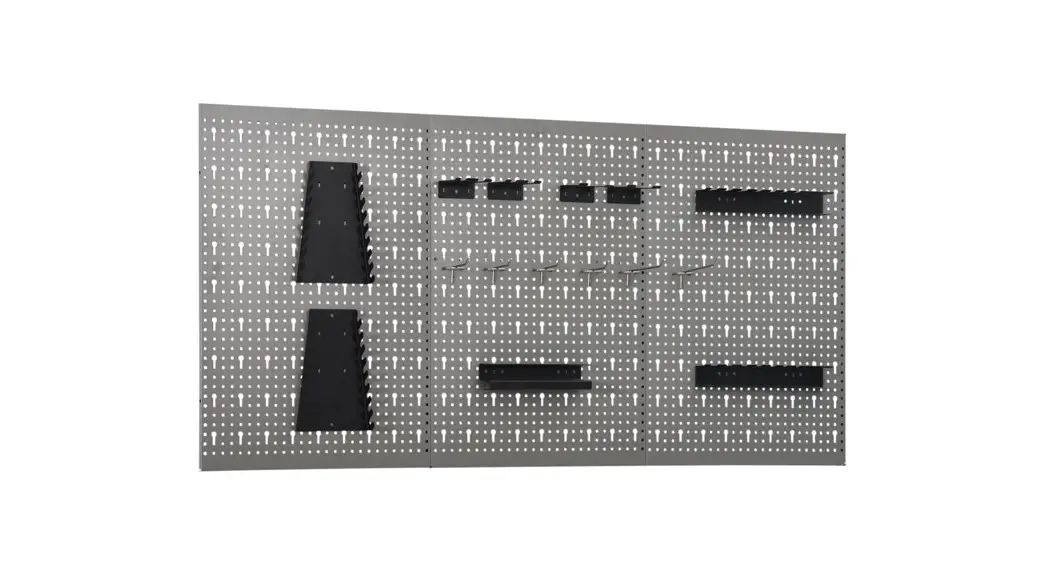
LED Light. The product also includes a pegboard for additional
storage space.
Product Usage Instructions
Safety Instructions
Please read the user manual carefully before using the Workbench
with Pegboard. Follow the safety instructions below:
- Do not attach or mount this product to a vehicle.
- Do not stand or step on this product.
- Keep the product on level surfaces.
- Lock the drawers before moving this product.
- Keep children and bystanders away while loading, unloading, and
moving the product. - Do not lift the product directly with a forklift or tow with
any mechanical devices. - Do not exceed the maximum load capacity, including
contents.
Installation Instructions
Follow these steps to install the Workbench with Pegboard:
Step 1: Install the lower workbench support
Refer to Component #1, #2L, #2R, #3, #4, and #5 in the
COMPONENTS section of the manual. Assemble the lower workbench
support according to the diagram in STEP 1.
Step 2: Install the upper workbench support
Refer to Component #6, #7, #8L, and #8R in the COMPONENTS
section of the manual. Assemble the upper workbench support
according to the diagram in STEP 2.
Step 3: Assemble drawer and install drawer guide
Refer to Component #9L, #9R, #10, #11, #12L, #12R, #13L, #13R,
#14L, and #14R in the COMPONENTS section of the manual. Assemble
the drawer and install the drawer guide according to the diagram in
STEP 3.
Step 4: Install pegboard and supports
Refer to Component #15, #16, #17, #18, #19, #20, and #21 in the
COMPONENTS section of the manual. Install the pegboard and supports
according to the diagram in STEP 4.
Step 5: Install roof and cover the upper and lower desktop.
Install power strip and LED light
Refer to Component #22, #23, #24, and #25 in the COMPONENTS
section of the manual. Install the roof and cover the upper and
lower desktop. Install power strip and LED light according to the
diagram in STEP 5.
Maintenance Instructions
To maintain the Workbench with Pegboard:
- Avoid putting wet items on the desktop.
- Dust off regularly with a clean rag and arrange items neatly on
desktop. - Avoid letting it sit in the sun for too long.
- Regularly check the table to prevent screws from loosening and
falling off.
Technical Support and E-Warranty Certificate
If you have any questions or need technical support, contact
VEVOR at [email protected]. The company also offers an
E-Warranty Certificate, which can be found at
www.vevor.com/support.
Technical Support and E-Warranty Certificate www.vevor.com/support
WORKBENCH WITH PEGBOARD
USER’S MANUAL
We continue to be committed to provide you tools with competitive price. “Save Half”, “Half Price” or any other similar expressions used by us only represents an estimate of savings you might benefit from buying certain tools with us compared to the major top brands and doses not necessarily mean to cover all categories of tools offered by us. You are kindly reminded to verify carefully when you are placing an order with us if you are
actually saving half in comparison with the top major brands.
MODEL:JL-WB05-3
WORKBENCH WITH PEGBOARD
NEED HELP? CONTACT US! Have product questions? Need technical support? Please feel free to contact us:
[email protected]
This is the original instruction, please read all manual instructions carefully before operating. VEVOR reserves a clear interpretation of our user manual. The appearance of the product shall be subject to the product you received. Please forgive us that we won’t inform you again if there are any technology or software updates on our product.
-1-
SAFE INSTRUCTIONS
Please read this user manual carefully
Assembly Precautions 1.Assemble only according to these instructions. Improper assembly can create hazards. 2. Wear ANSI-approved safety goggles and heavy-duty work gloves during assembly. 3.Keep assembly area clean and well lit. 4.Keep bystanders out of the area during assembly. 5.Do not assemble when tired or when under the influence of alcohol, drugs or medication. 6.Weight capacity and other product capabilities apply to properly and completely assembled product only. 7.Assemble on a flat, level, hard and smooth surface capable of safely supporting a fully loaded workbench.
Use Precautions 1. Do not attach or mount this product to a vehicle.This may cause
personal injury or product damage. 2. Do not stand or step on this product.You may fall which may cause
personal injury. 3. Keep the product on level surfaces.The product may become unstable
and tip if stored or moved on an unlevel surface,which may cause personal injury or product damage. 4. Lock the drawers before moving this product.The drawers could come open and make the product unstable and tip,which may cause personal or product damage. 5. Keep children and bystanders away while loading,unloading and moving the product. 6. Do not lift the product directly with a forklift or tow with any mechanical
-2-
devices. 7. Do not exceed the maximum load capacity,including contents.Do not
exceed the maximum load capacity of each drawer.Do not exceed the maximum load capacity of each tray. 8. Do not alter this product in any manner. 9. The box contains some small components; please place them properly before installation to keep them away from kids and ensure safety. 10. Before installing the socket, the desktop should be cleaned to ensure that there are no stains on the desktop. In particular, attention should be paid to not bringing water into the socket so as to avoid safety problems during subsequent use.
CAUTION: Carefully read instructions and procedures for safe operations. SAVE THESE INSTRUCTIONS
PRODUCT INTRODUCTION
SPEC.
Model
Maximum Load Capacity
Desktop Size
Material Product Dimensions
Rating(s)
Pegboard
JL-WB05-3
220lbs 120*59.5cm MDF, Metal 120*60W*150cm 120V~ 60Hz Max.1500W(Power Strip) with 14W LED Light 118.5*59cm
-3-
STRUCTURE DIAGRAM
6 1
2
5
3
4
1. Pegboard 2.Desktop 3.Power strip 4.Leg 5. Drawer 6.LED Light
-4-
Name 1 2L 2R 3
31 4 5 6 7 8L
COMPONENTS
Component
-5-
Quantity 2 1 1 3 1 2 1 2 2 1
8R
1
9L
1
9R
1
10
2
11
2
12L
2
12R
2
13L
1
13R
1
14L
1
14R
1
-6-
15
1
16
1
17
1
18
1
19
2
20
2
21
16
22
28
23
30
24
1
25
1
-7-
INSTALLATION INSTRUCTION STEP 1: Install the lower workbench support.
-8-
STEP 2: Install the upper workbench support.
-9-
STEP 3:Assemble drawer and install drawer guide.
. – 10 –
STEP 4:Install pegboard and supports.
– 11 –
STEP 5:Install roof and cover the upper and lower desktop. Install power strip and LED light.
– 12 –
MAINTENANCE 1. Please try to avoid putting wet items on desktop. 2. Dust off regularly with a clean rag, and arrange items neatly on desktop. 3. Don’t let it sit in the sun for too long. 4. Check the table regularly to prevent screws from loosening and falling off.
– 13 –
VEVOR STORE INC Address: 9448 RINCHMOND PL #E RANCHO CUCAMONGA, California, 91730 United States of America Made In China
– 14 –
Technical Support and E-Warranty Certificate www.vevor.com/support
 vevor.com/support