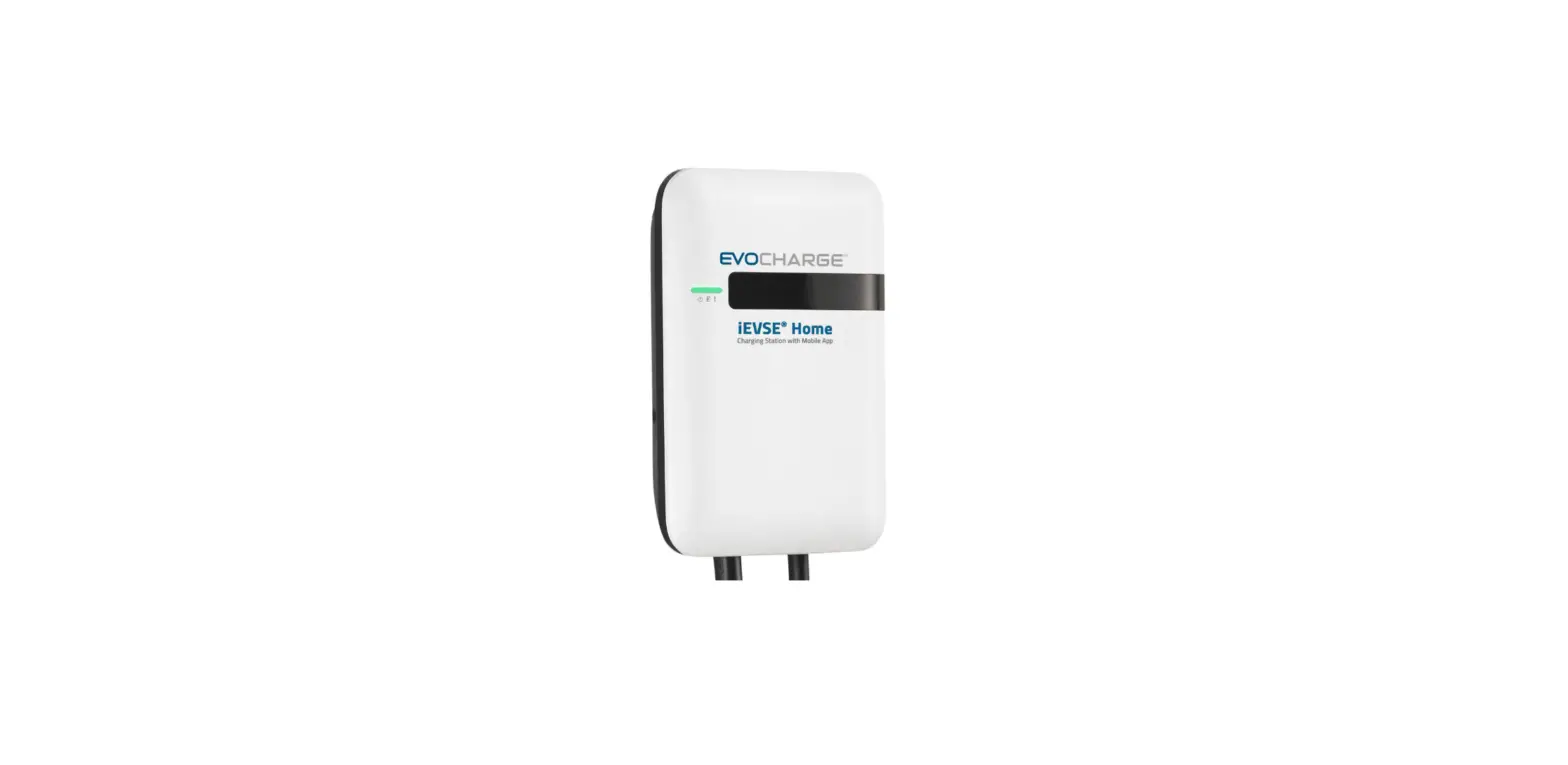

EVOCHARGE App Key
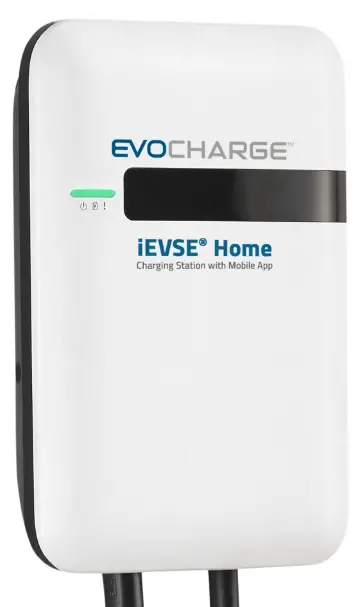
Downloading EvoCharge App
Download the EvoCharge app by scanning the QR code below with your mobile device or searching for “EvoCharge” in the Apple App Store™ (for iPhones) or Google Play™ (for Android phones).
Account Setup
To set up an account in the EvoCharge app, select “Sign Up” on the login screen and follow the in-app instructions.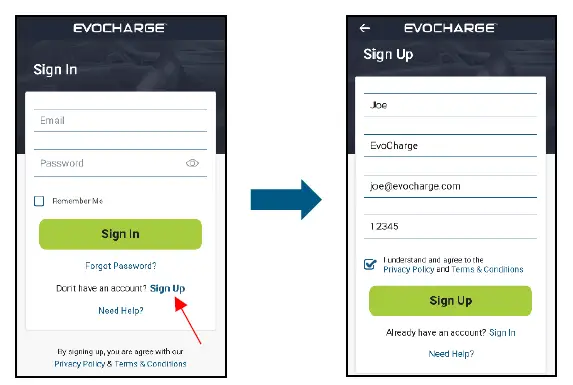
Add Charger to Users Account
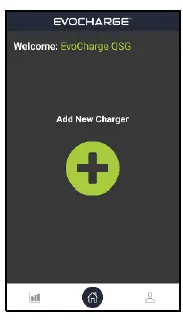
- To add a charger to your account login to the app and click on the “Add New Charger” button on the Home screen.

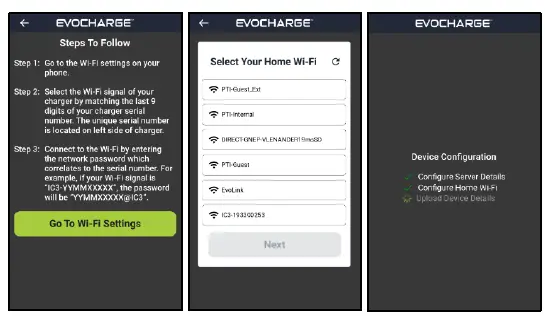
- Follow the in-app instructions to connect the charger to your local Wi-Fi network.

- The charger will then reboot once all the onboarding steps have been completed. Please be patient, this will take a few minutes.
- Congratulations! You have completed connecting your charger to local Wi-Fi and the EvoCharge app.
Charging
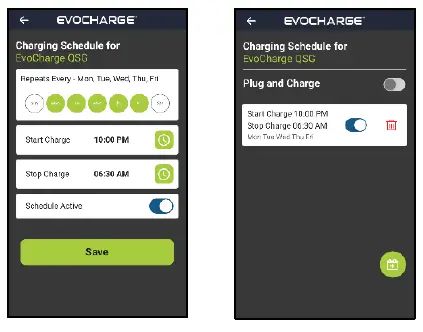
Schedule Charging
- Create a charging schedule that will automatically start your charging session.
- Save money by scheduling charging during off-peak electric hours when electricity rates are low.

Plug and Charge
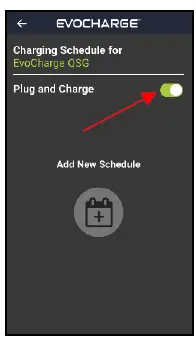
- When Plug and Charge is turned on your vehicle will automatically start charging whenever it is plugged in.
- This feature will disable your set charging schedules, but when Plug and Charge is turned off the schedules will become active again.

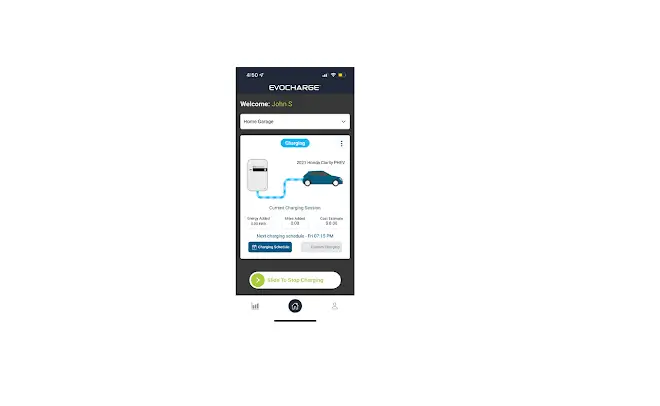
Remote Start/Stop Charge
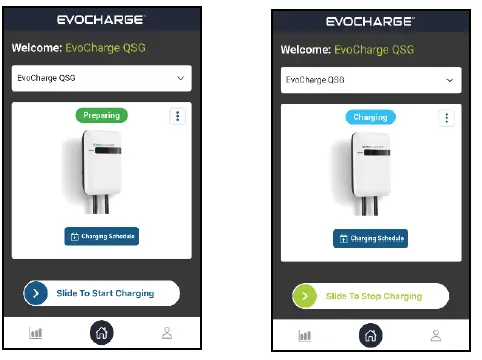
- Remotely start and stop a charging session by using the start/stop slider bar.

Charging History
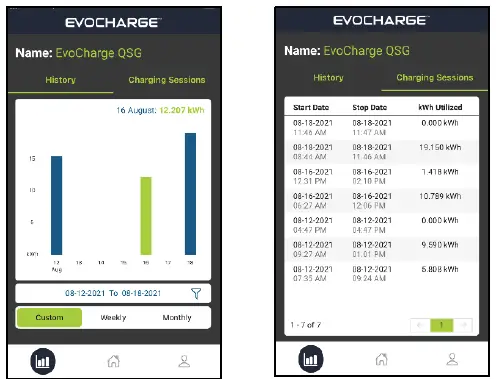
- View your previous charging sessions and see how much energy you are using to charge your vehicle.
- Use the interactive chart to visualize your charging energy usage.