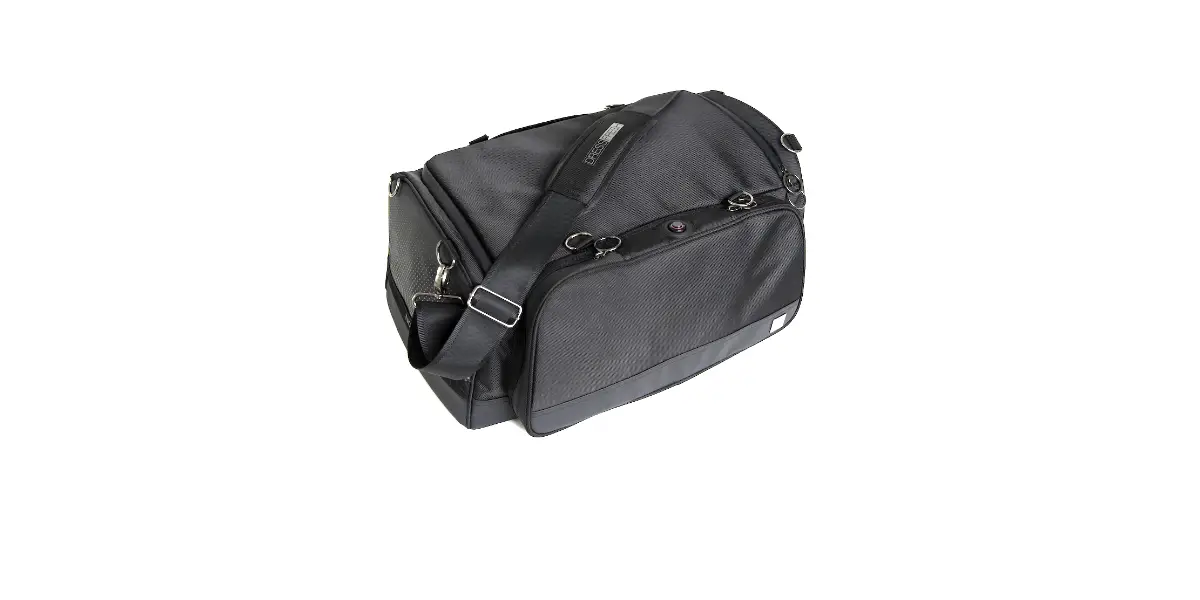
NOVO DRESSFRESH® Duffel Sports Bag User Guide

Contents
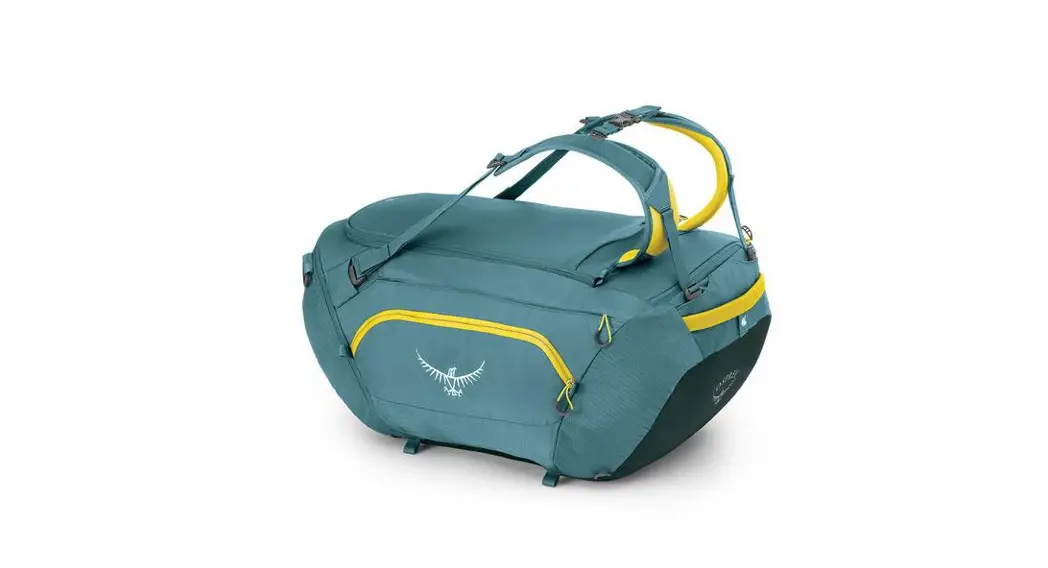
1 DUFFEL
1 MODULE
1 GRID BASE
1 USB-C CHARGER
4 FILTER CARTRIDGES
2 BUNGEE STRAPS
2 CARRY HANDLES
2 BACKPACK STRAPS
1 SHOULDER STRAP
Unbox
- Unpack the box. Confirm all components are present (contents list on back page)
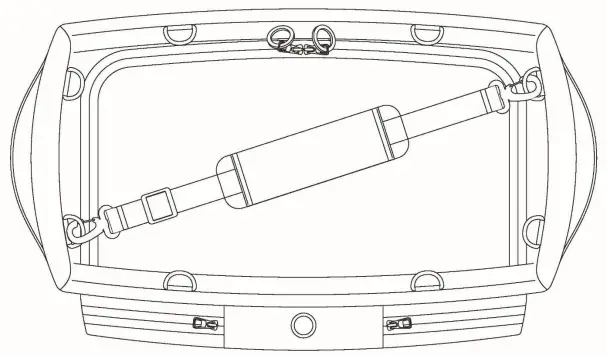
- Ensure module and grid are installed in proper position
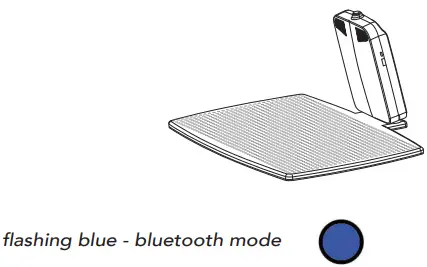
- Press button on module five times to activate bluetooth mode and confirm module has power

- If flashing blue, turn to Panel 2
- If not flashing, go to Panel 4 for charging instructions
- Return to panel 2 to continue setup
Connect
Download the DRESSFRESH® Connect app
Launch the DRESSFRESH® Connect app and follow the prompts
Register
Step 1 – Create account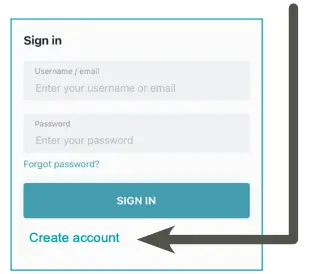
Step 2 – Enter info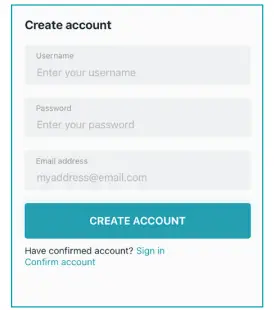
Step 3 – Register bag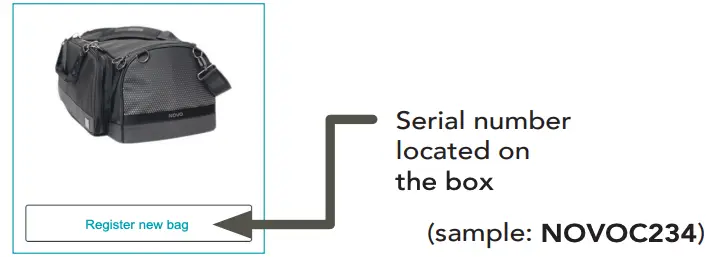
Installation
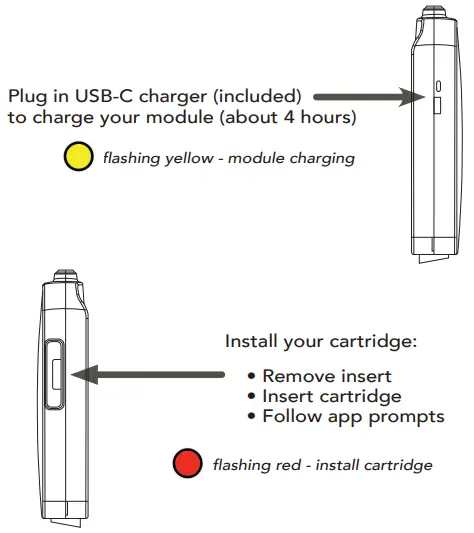
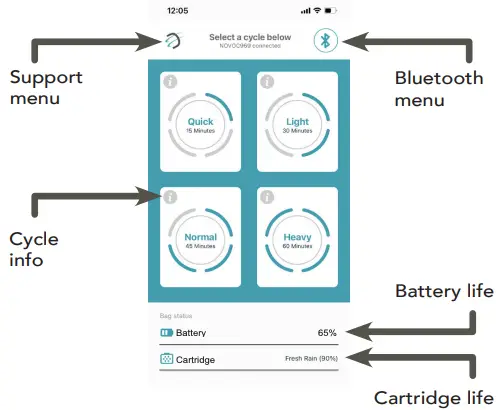
Home Screen
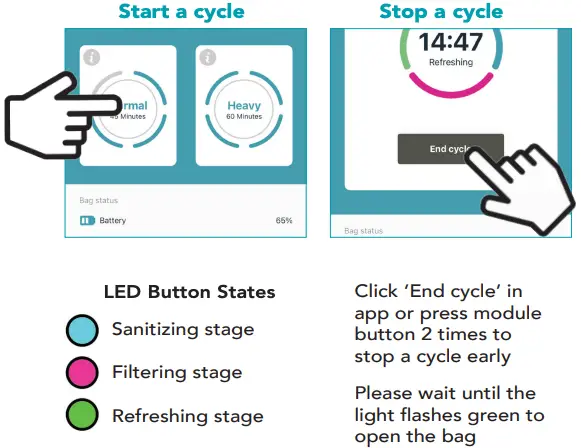
Action
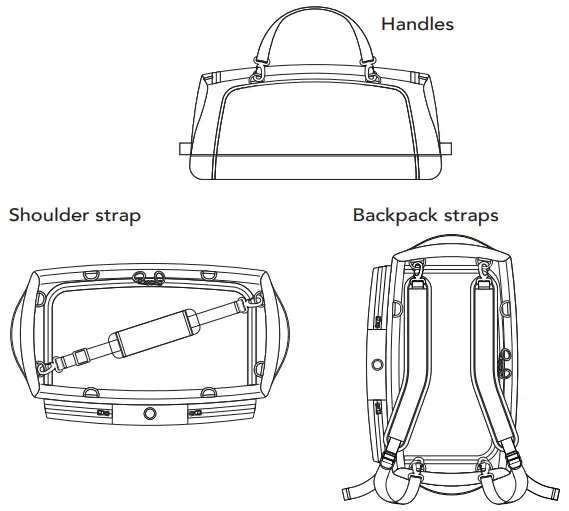
Carry
Tips
For optimal performance:
- make sure items are dry
- make sure items are evenly spread inside
- make sure all zippers are sealed tight
Troubleshooting
 solid red – module error
Hold down button for 5 seconds –
module restart – light flashes white rapidly
If solid red still, please contact us:
[email protected] (or in app)
Your NOVO™ Duffel is ready for action!