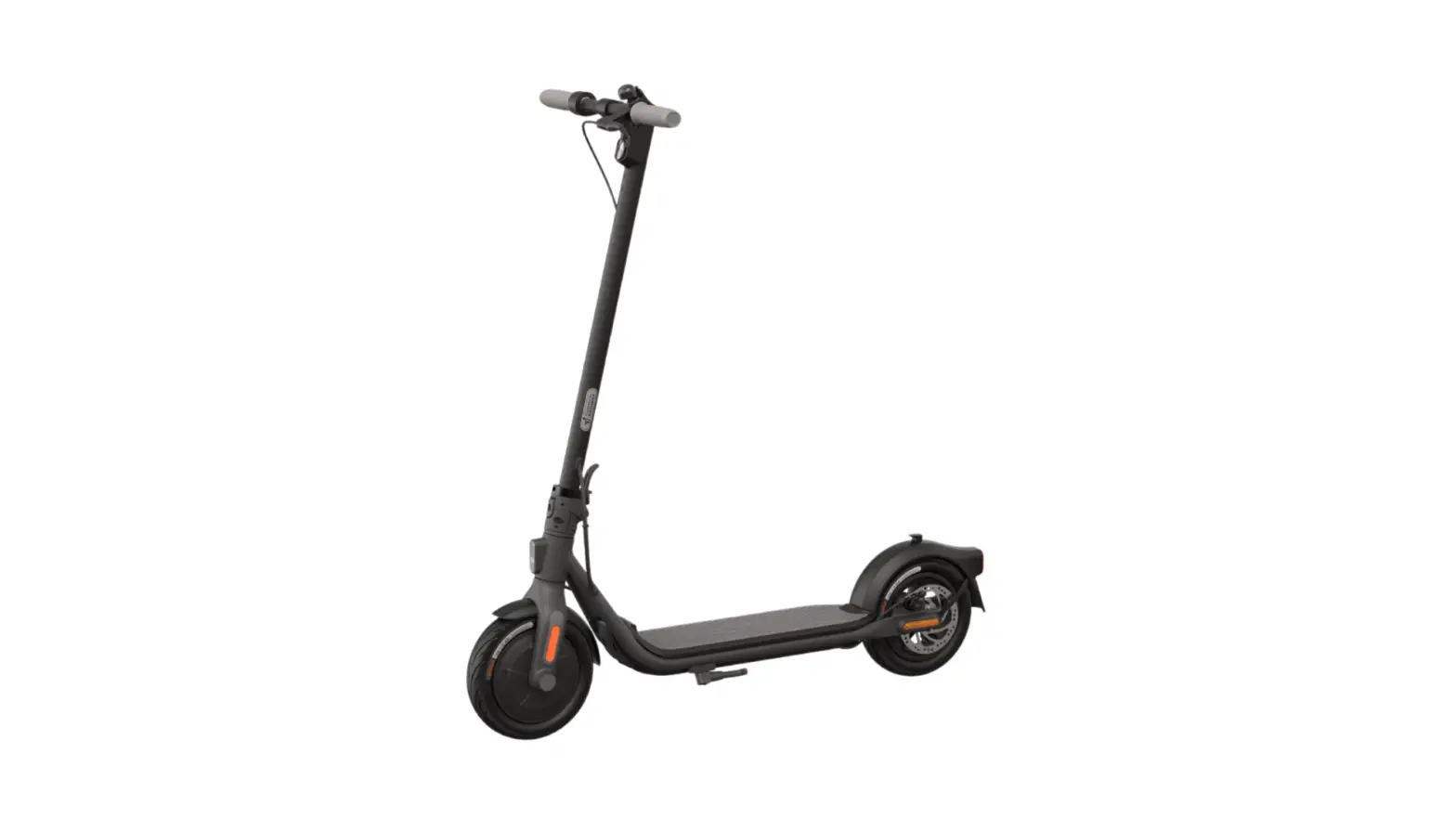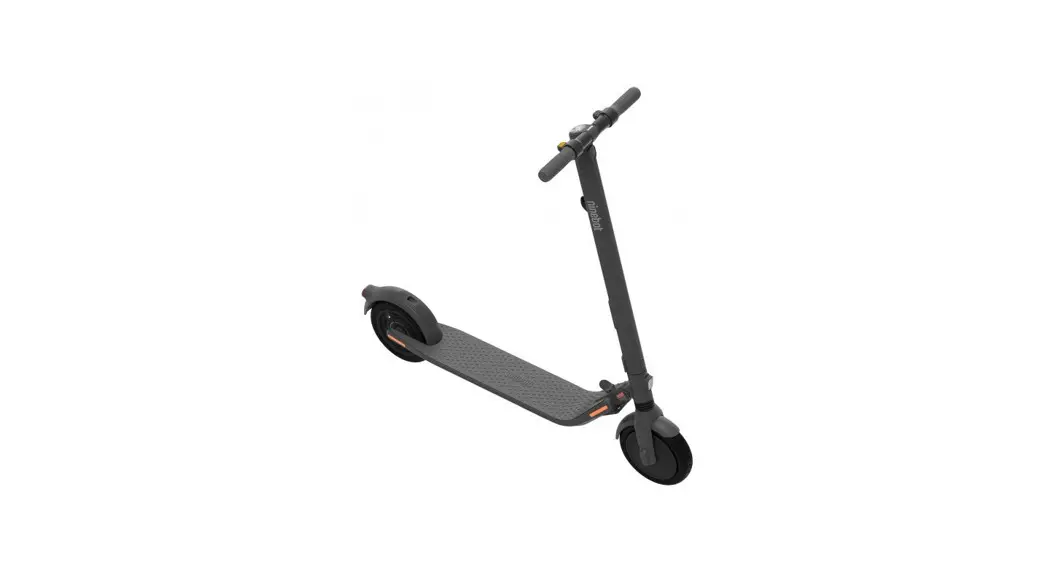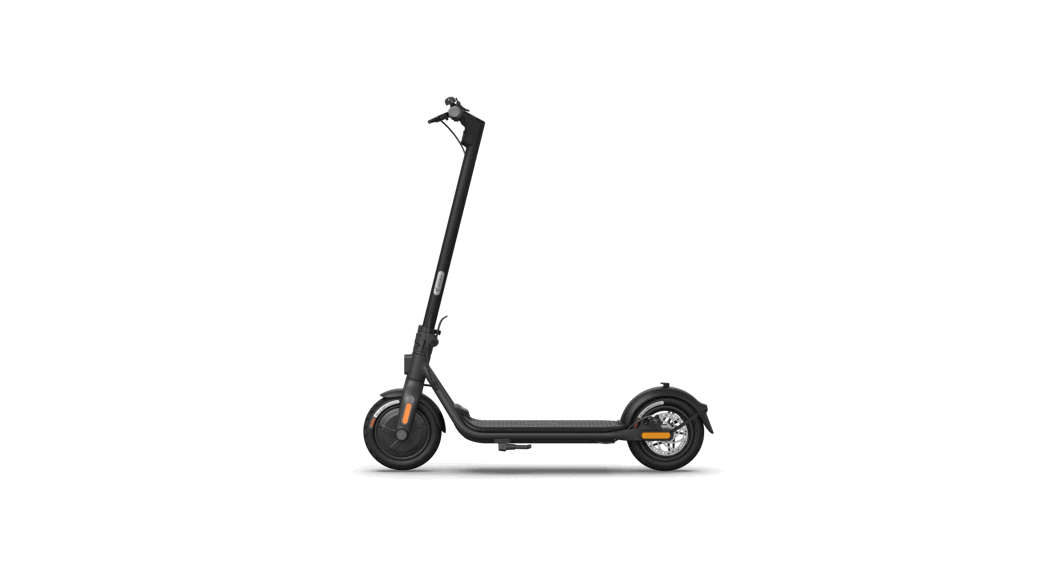
 Nanobot Kicks Cooter
Product Manual
Diagram
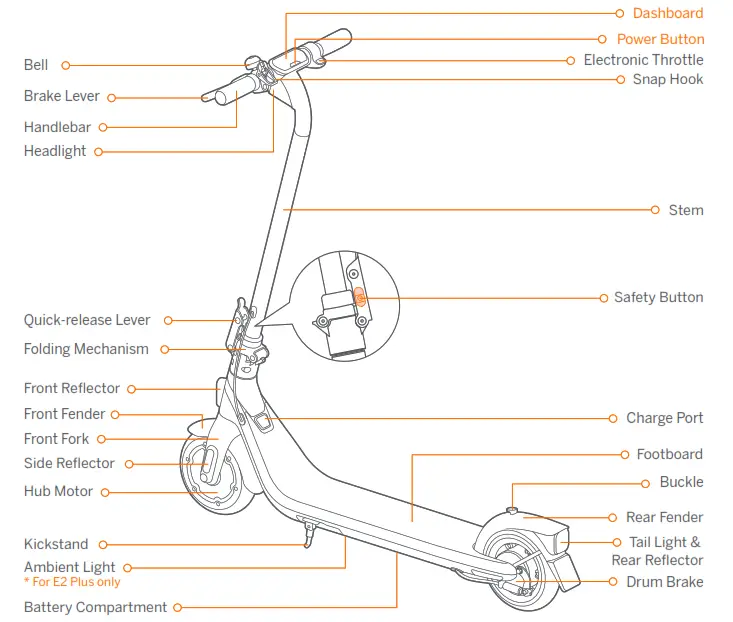
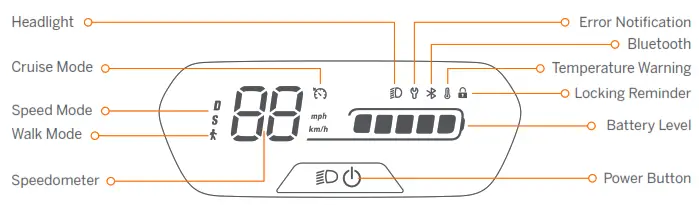
Power Button: Press the button to power on the scooter; press and hold the button for 3 seconds to power it off. When the scooter is on, press the power button to turn on/off the headlight and the tail light, and press twice to switch between the speed modes.
Speedometer: It displays the current speed of the scooter, as well as error codes.
Speed Mode: There are two modes available. The top speed is as follows:
| Mode Model | E2 Speed limit | E2 Plus Speed limit |
| D (Standard mode) | 9.3 mph (15 km/h) | 12.4 mph (20 km/h) |
| S (Sport mode) | 12.4 mph (20 km/h) | 15.5 mph (25 km/h) |
Walk Mode: Max. speed is 5 km/h (3.1 mph). The headlight and tail light are always on and can’t be turned off.
* How to enable in the Segway-Ninebot app: Settings > Walk Mode.
Error Notification: It indicates that the scooter has detected an error.
Temperature Warning: It indicates that the battery temperature has reached 55°C (131°F) or is below 0°C (32°F).
* At this point, the scooter cannot accelerate normally and may not be charged. Do not use until the temperature has reverted to the normal range.
Bluetooth: It indicates that the scooter has been successfully connected to the mobile device.
Battery Level: The total battery power equals 5 bars.
* The battery power is very low when the first battery bar is red. Please charge your scooter immediately.
Locking Reminder: When the icon lights up, it means the scooter is locked. If abnormal movements are detected, the scooter will start beeping and the tail light will false.
Cruise Mode: When the icon lights up, it means cruise mode is turned on.
Specifications
| Item | Parameter | ||
| Product | Name | Nanobot Kick Scooter E2 | Nanobot Kick Scooter E2 Plus |
| Model | 051401U | 051402U | |
| Length × Width × Height | Approx. 42.1 × 17.5 × 44.9 in (1070 × 445 × 1140 mm) | ||
| Folded: Length × Width × Height | Approx. 42.1 × 17.5 × 19.8 in (1070 × 445 × 504 mm) | ||
| Net Weight | Approx. 31.3 lbs (14.2 kg) | Approx. 31.7 lbs (14.4 kg) | |
| Rider | Max. Payload | 198 lbs (90 kg) | |
| Recommended Age | 14+ | ||
| Required Height | 4’3”–6’2” (130–190 cm) | ||
| Machine | Max. Speed | Approx. 12.4 mph (20 km/h) | Approx. 15.5 mph (25 km/h) |
| Theoretical Range[1] | Approx. 15.5 miles (25 km) | ||
| Typical Range[2] | Approx. 12.4 miles (20 km) | ||
| Max. Slope | Approx. 12% | ||
| Traversable Terrain | Mostly smooth roads or normal asphalt, tarmac roads | ||
| Operating Temperature | 14–104°F (-10–40°C) | ||
| Storage Temperature | 14–122°F (-10–50°C) | ||
| IP Rating | IPX4 | ||
| Duration of Charging | Approx. 7.5 h | ||
| Battery | Nominal Voltage | 21.6 V | |
| Max. Charging Voltage | 25.2 V | ||
| Charging Temperature | 32–111°F (0℃–44℃) | ||
| Nominal Energy | 220 Wh | ||
| Nominal Capacity | 10.2 Ah | ||
| Battery Management System | Protection against overvoltage/undervoltage/short circuit/overcur- rent/over temperature | ||
| Motor | Nominal Power | 0.25 kW, 250 W | 0.3 kW, 300 W |
| Max. power | 0.45 kW, 450 W | 0.5 kW, 500 W | |
| Charger | Model | NBW25D201D5N-US | |
| Output Power | 36.3 W | ||
| Input Voltage | 100-240 V~ 50-60 Hz | ||
| Max. Output Voltage | 25.2 V | ||
| Rated Output | 24.2 V 1.5 A | ||
| Tire | Tires | 8.1-inch inner hollow shock-absorbing tires | |
- Theoretical Range: tested while riding with a full battery, 165 lbs (75 kg) load, 77°F (25°C), 70% of max. speed on average on pavement.
- Typical Range: tested while riding with a full battery, 165 lbs (75 kg) load, 77°F (25°C), at the max. speed on average on pavement.
* Some of the factors that affect range include speed, load, number of starts and stops, ambient temperature, etc.
Certifications
This product is certified to ANSI/CAN/UL-2272 by TUV Rheinland.
The battery complies with UN/DOT 38.3.
The battery complies with ANSI/CAN/UL-2271.
Federal Communications Commission (FCC) Compliance Statement for USA
This device complies with part 15 of the FCC rules. Operation is subject to the following two conditions: (1) This device may not cause harmful interference, and (2) this device must accept any interference received, including interference that may cause undesired operation.
Any Changes or modifications not expressly approved by the party responsible for compliance could void the user’s authority to operate the equipment.
NOTE
This equipment has been tested and found to comply with the limits for a Class B digital device, pursuant to part 15 of the FCC Rules. These limits are designed to provide reasonable protection against harmful interference in a residential installation. This equipment generates, uses and can radiate radio frequency energy and, if not installed and used in accordance with the instructions, may cause harmful interference to radio communications. However, there is no guarantee that interference will not occur in a particular installation. If this equipment does cause harmful interference to radio or television reception, which can be determined by turning the equipment off and on, the user is encouraged to try to correct the interference by one or more of the following measures:
- Reorient or relocate the receiving antenna.
- Increase the separation between the equipment and receiver.
- Connect the equipment into an outlet on a circuit different from that to which the receiver is connected.
- Consult the dealer or an experienced radio/TV technician for help.
This equipment complies with FCC radiation exposure limits set forth for an uncontrolled environment. This equipment should be installed and operated with minimum distance 5 mm between the radiator & your body.
Industry Canada (IC) Compliance Statement for Canada
This device complies with Industry Canada license-exempt RSS standard (s). Operation is subject to the following two conditions:
- this device may not cause interference, and
- this device must accept any interference, including interference that may cause undesired operation of the device.
CAN ICES-3 (B)/NMB-3(B).
To maintain compliance with the RF exposure requirement, a separation distance of 5 mm between the device and the human should be maintained.
- Alarm information in France (IC)
| Bluetooth | Frequency Band(s) | 2.4000-2.4835GHz |
| Max. RF Power | ≤1mW |
| Model: E2 | Model: E2 Plus |
| FCC ID:2ALS8-KS0014 | FCC ID:2ALS8-KS0015 |
| IC: 22636-KS0014 | IC: 22636-KS0015 |
Trademark
Nanobot is the trademark of Nanobot (Beijing) Tech Co., Ltd; Segway and the Rider Design are the registered trademarks of Segway Inc., App Store®/App Store, Apple logo® /Apple Logo are registered trademarks/trademarks of Apple Inc. ,
registered in the U.S. and other countries. Google Play and the Google Play logo are trademarks of Google LLC. The Bluetooth® word mark and logos are registered trademarks owned by Bluetooth SIG, Inc. and any use of such marks by Segway-Nanobot is under license. Other trademarks and trade names are those of their respective owners.
The Kick Scooter is covered by relevant patents. For patent information, go to http://www.segway.com
We have attempted to include descriptions and instructions for all the functions of the Kick Scooter at the time of printing.
However, due to constant improvement of product features and changes of design, your Kick Scooter may dire slightly from the one shown in this document. Scan the QR code or visit the Apple App Store (iOS) or the Google Play Store (Android) to download and install the App.
Please note that there are multiple Segway and Nanobot models with different functions, and some of the functions mentioned herein may not be applicable to your unit. The manufacturer reserves the right to change the design and functionality of the Kick Scooter product and documentation without prior notice.
© 2023 Nanobot (Beijing) Tech Co. Ltd. All rights reserved.
(※The Segway-Nanobot App can support Kick Scooter with built-in Bluetooth)
Common Failures
| Error code | Possible causes | Solution |
| 10 | Bluetooth communication failure | Check the connection of the dashboard communication wire and the control cable, or contact after-sales service or an authorized dealer. |
| 11 | Abnormal 1A phase current sampling of motor | Please contact after-sales service or an authorized dealer. |
| 12 | Abnormal 1B phase current sampling of motor | |
| 13 | Abnormal 1C phase current sampling of motor | |
| 14 | Abnormal throttle hall sampling | Check whether the throttle is pressed when powered on, or contact after-sales service or an authorized dealer. |
| 15 | Abnormal brake hall sampling | Check whether the brake lever is squeezed when powered on, or contact after-sales service or an authorized dealer. |
| 24 | Abnormal default voltage | Check whether the wire connected with the battery cable and the controller is loose, or contact after-sales service or an authorized dealer. |
| 26 | Abnormal data writing/reading | Please contact after-sales service or an authorized dealer. |
| 31 | Incorrect FLASH operation | |
| 35 | Default S/N | Check whether the Kick Scooter’s S/N is the default S/N. |
| 39 | Abnormal battery temperature | Check the working environment of battery, or contact after-sales service or an authorized dealer. |
| 40 | Abnormal controller temperature | Controller temperature is too high, please contact after-sales service or an authorized dealer. |
| 41 | Abnormal motor temperature | Please contact after-sales service or an authorized dealer. |
| 42 | Motor not calibrated | |
| 45 | Abnormal bus current sampling | |
| 50 | Motor phase loss | Check whether the wire connected with the motor and the controller is loose, or contact after-sales service or an authorized dealer. |
| 52 | Motor stalled | Check whether the Kick Scooter is overload, or contact after-sales service or an authorized dealer. |
Recommended Maintenance Schedule
To ensure safe riding, day to day care and regular maintenance are essential. You, the owner, have control and knowledge of how often you use your scooter, how hard you use it and where you use it. It is the owner’s responsibility to perform regular checks and bring your scooter to authorized service center for inspection and service. Please refer to the maintenance schedule below.
Note: This maintenance schedule charges a service fee.
| Item | Component | Maintenance Method | Every 3 months | Every 6 months or every 310 miles (500 km) | After 2 years or the total mileage > 3107 miles (5000 km) |
| Mainframe maintenance | Mainframe parts | Use a soft, wet cloth to wipe the mainframe clean. | √ | √ | √ |
| Tire wear | Check if the tires are cracked, deformed, or significantly worn. | √ | √ | ||
| Screws on the stem top | Tighten the six screws fixed with the handlebar and the stem. The suggested torque is 5.5±0.3 N·m. | √ | √ | √ | |
| Tighten the screw on the throttle. The suggested torque is 2±0.1 N·m. Tighten the screws on the brake levers. The suggested torque is 5±0.1 N·m. Tighten the screws on the stem top. The suggested torque is 2±0.1 N·m. | √ | √ | |||
| Function Inspection | Hub motor | To accelerate and decelerate, check if the hub motor is stalled or has abnormal sounds. | √ | √ | |
| Rear wheel maintenance | Check if the rear wheel is stalled or gets shaky, or the axis shaft is unbalanced. | √ | √ | ||
| Drum Brake | 1) Spin the rear wheel, it spins normally. The rear wheel shall not stuck or make abnormal sounds. Note: Slight noise does not affect riding safety. But if the drum brake makes loud noises when you apply brakes, please contact customer service for support. 2) Squeeze the brake lever, the rear wheel stops moving. | √ | √ |
| Item | Component | Maintenance Method | Every 3 months | Every 6 months or every 310 miles (500 km) | After 2 years or the total mileage > 3107 miles (5000 km) |
| Function Inspection | Ambient light * For E2 Plus only | Check the ambient light and see if it lights normally. | √ | √ | |
| Headlight | Check the headlight and see if it lights brightly. | √ | √ | ||
| Dashboard | Power on the scooter, the dashboard works properly. | √ | √ | ||
| Throttle | Press and hold the throttle, then release it, checking for acceleration and deceleration. | √ | √ | ||
| Fault detection | After connecting with the Segway-Nanobot app: 1) Update the firmware to the latest version. 2) Check if the notification of the corresponding error code and possible causes will prompt when the scooter detects an error. | √ | √ | ||
| Charging | Charge the scooter: 1) Check if the current battery power displays on the dashboard. 2) Check the LED indicator on the battery charger. Charging: red, Fully charged: green. | √ | √ | ||
| Buttons | Press or toggle the button 3 times without failure. | √ | √ | ||
| Steering | Test with left turns and right turns (the steering angle is 60°). No resistance or lag when turning. | √ | √ | ||
| Important parts | Battery assembly | The battery need to be replaced when it is charged and discharged for 500 times or the total mileage is more than 6213 miles (10000 km). Note: It is recommended to charge once every 60 days for long-term storage. | √ | ||
| Controller | It is required that original Segway-Nanobot parts shall be used for repairs and replacements. | ||||
| Hub motor |
| Item | Component | Maintenance Method | Every 3 months | Every 6 months or every 310 miles (500 km) | After 2 years or the total mileage > 3107 miles (5000 km) |
| Functional parts | Rear wheel assembly | It is required that original Segway-Nanobot parts shall be used for repairs and replacements. | √ | ||
| Throttle & Brake levers | |||||
| Front fork assembly | |||||
| Folding mechanism | |||||
| Drum brake assembly | |||||
| Dashboard |
 The manufacturer reserves the right to make changes to the product, release firmware updates, and update this manual at any time. Visit www.segway.com or check the Segway-Nanobot app to download the latest user materials. You must install the app, activate your Kick Scooter, and obtain the latest updates and safety instructions.
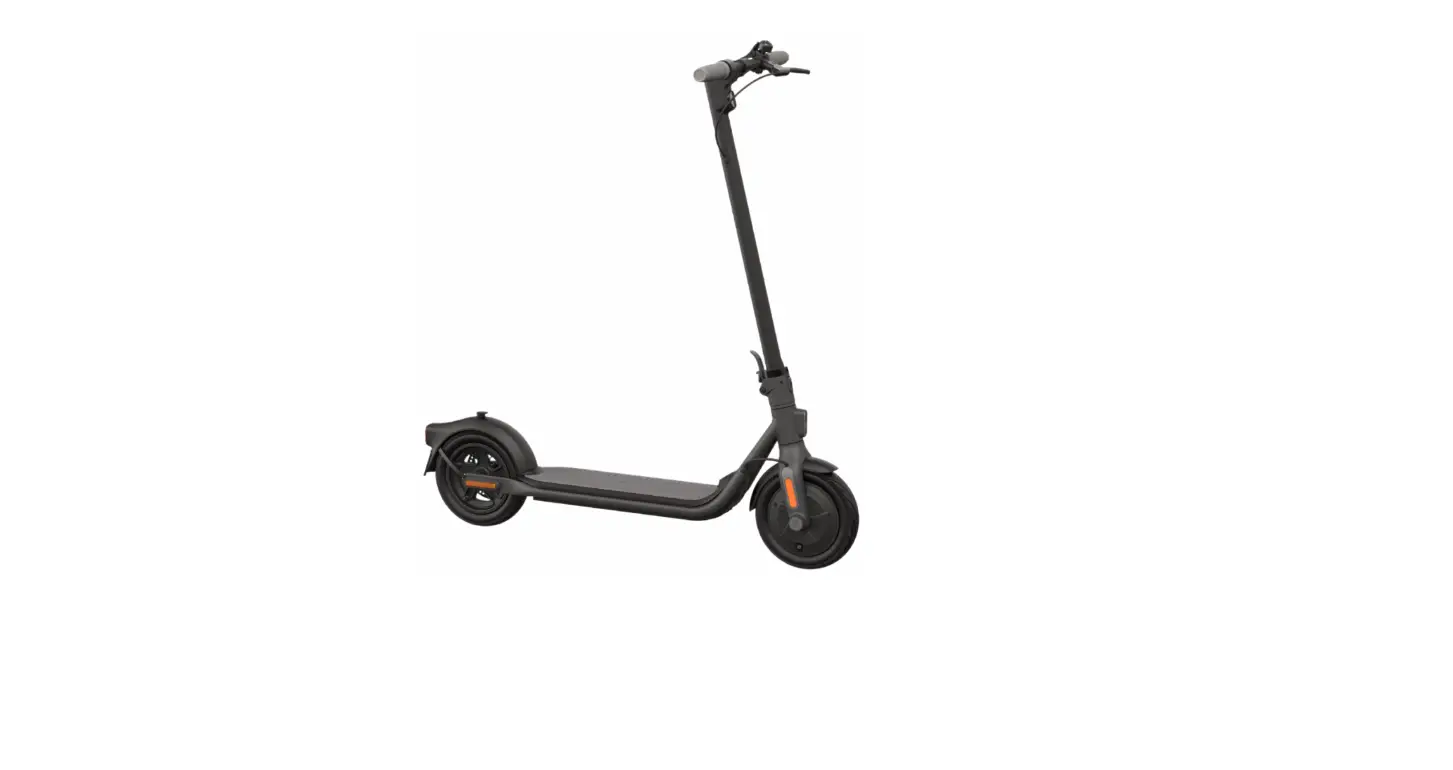
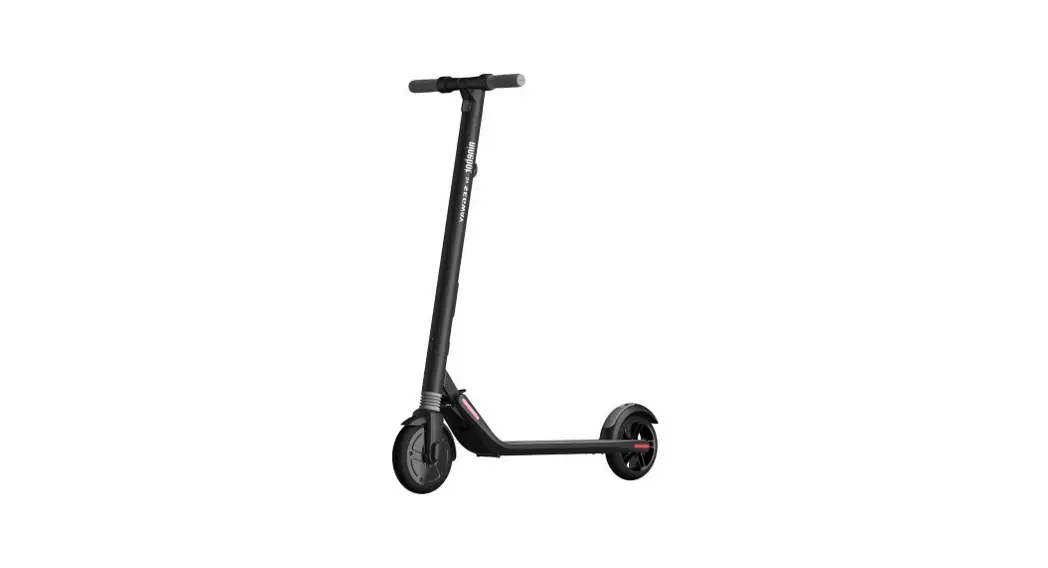
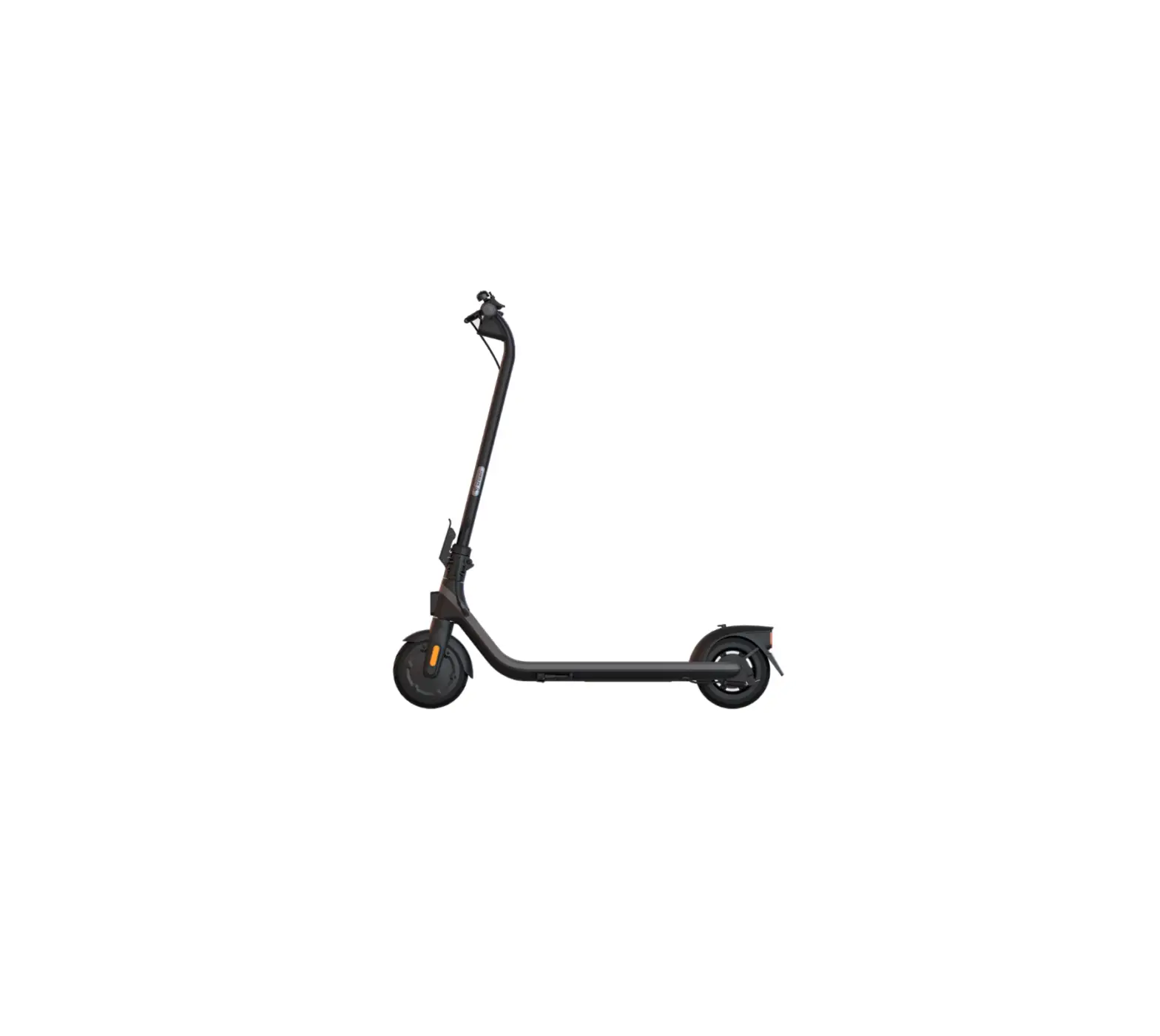
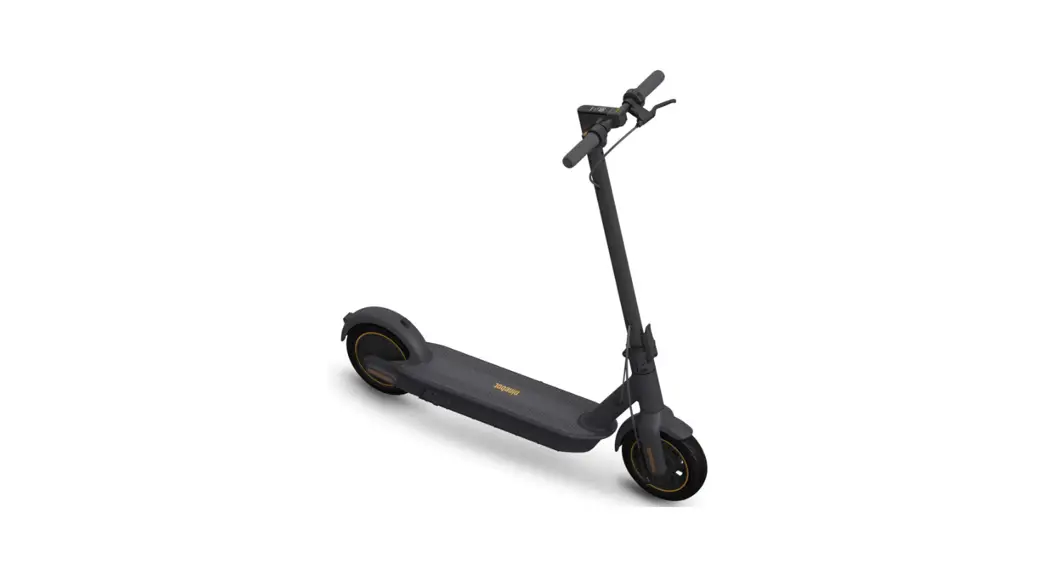
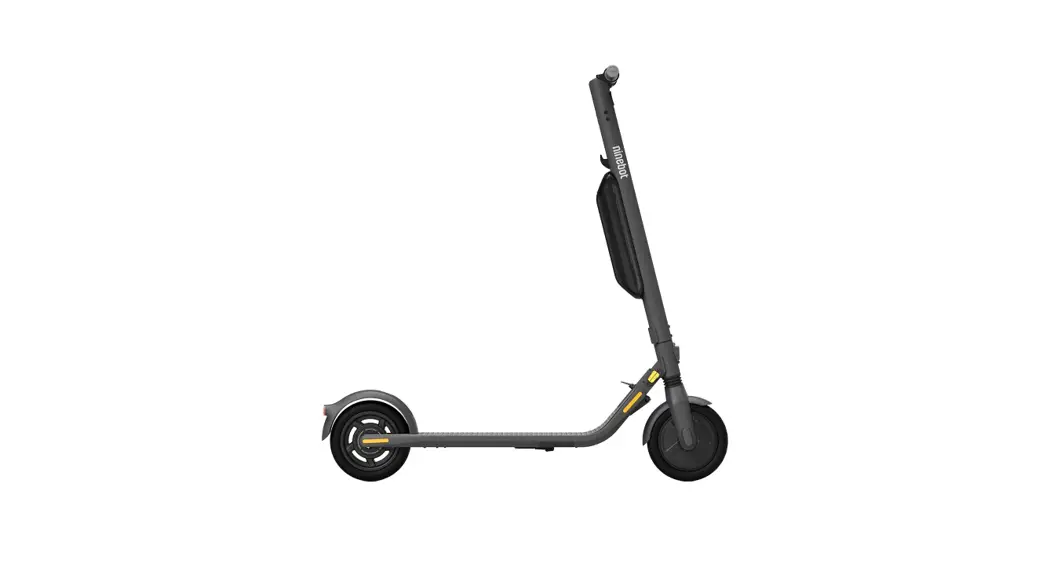
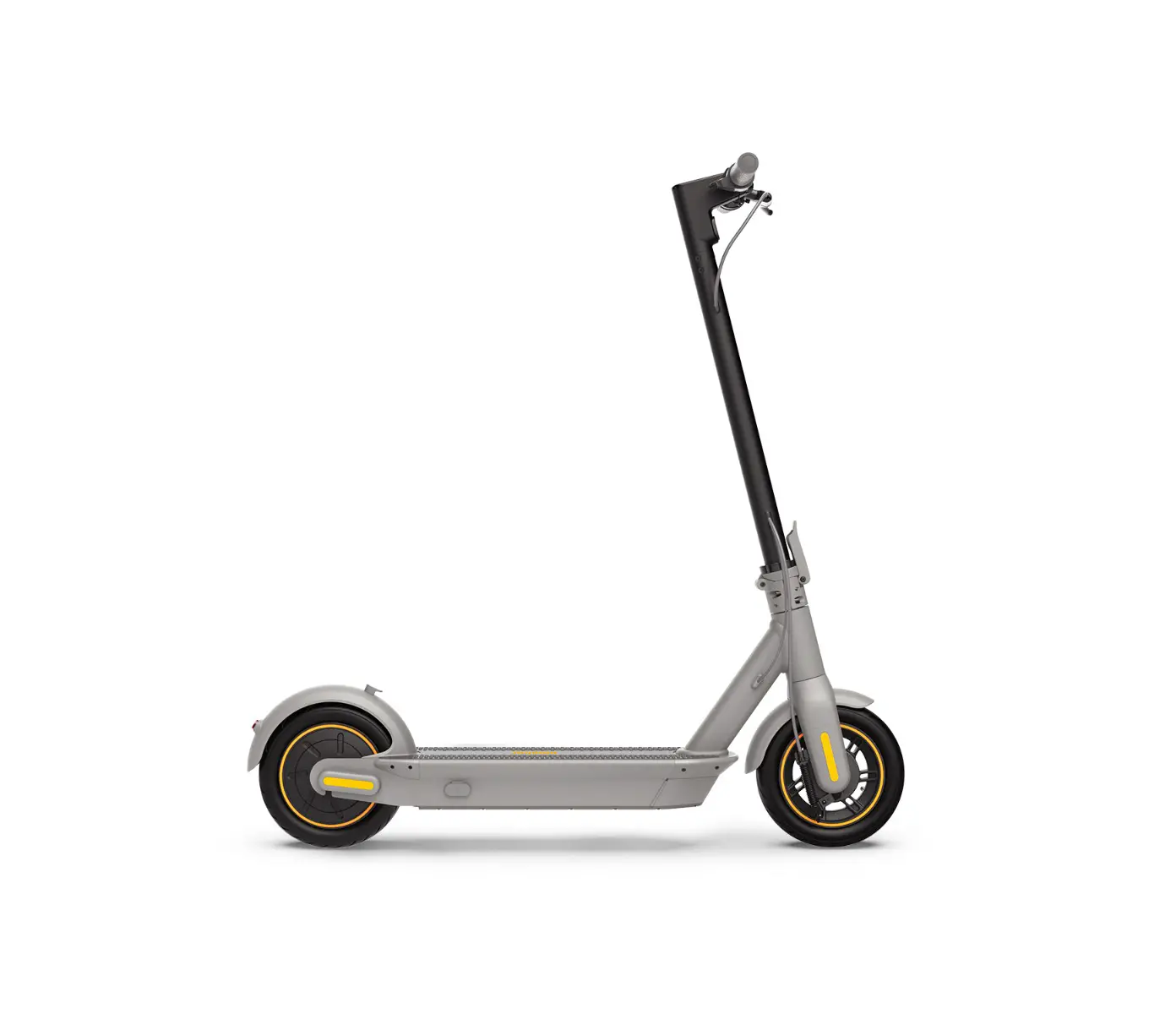
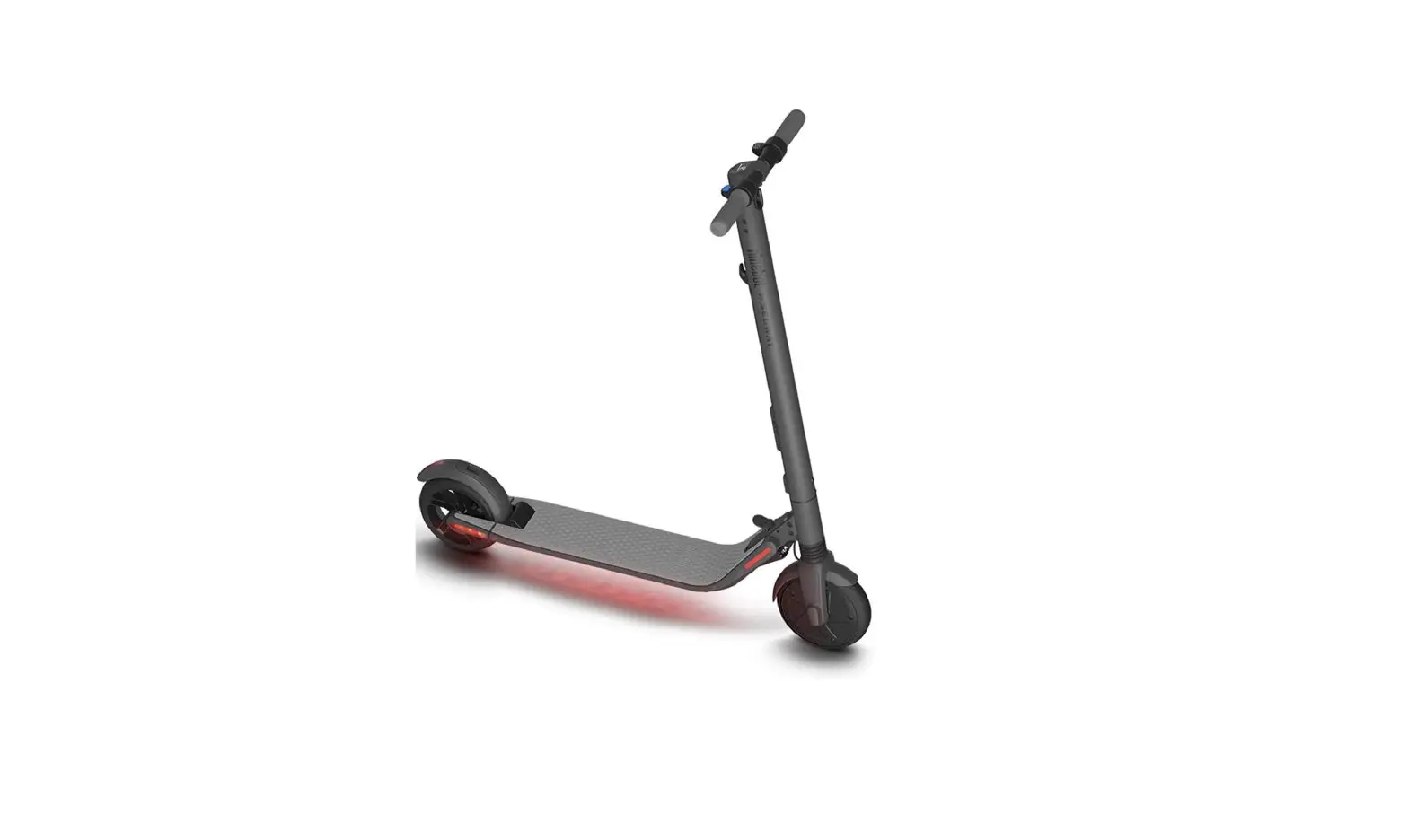
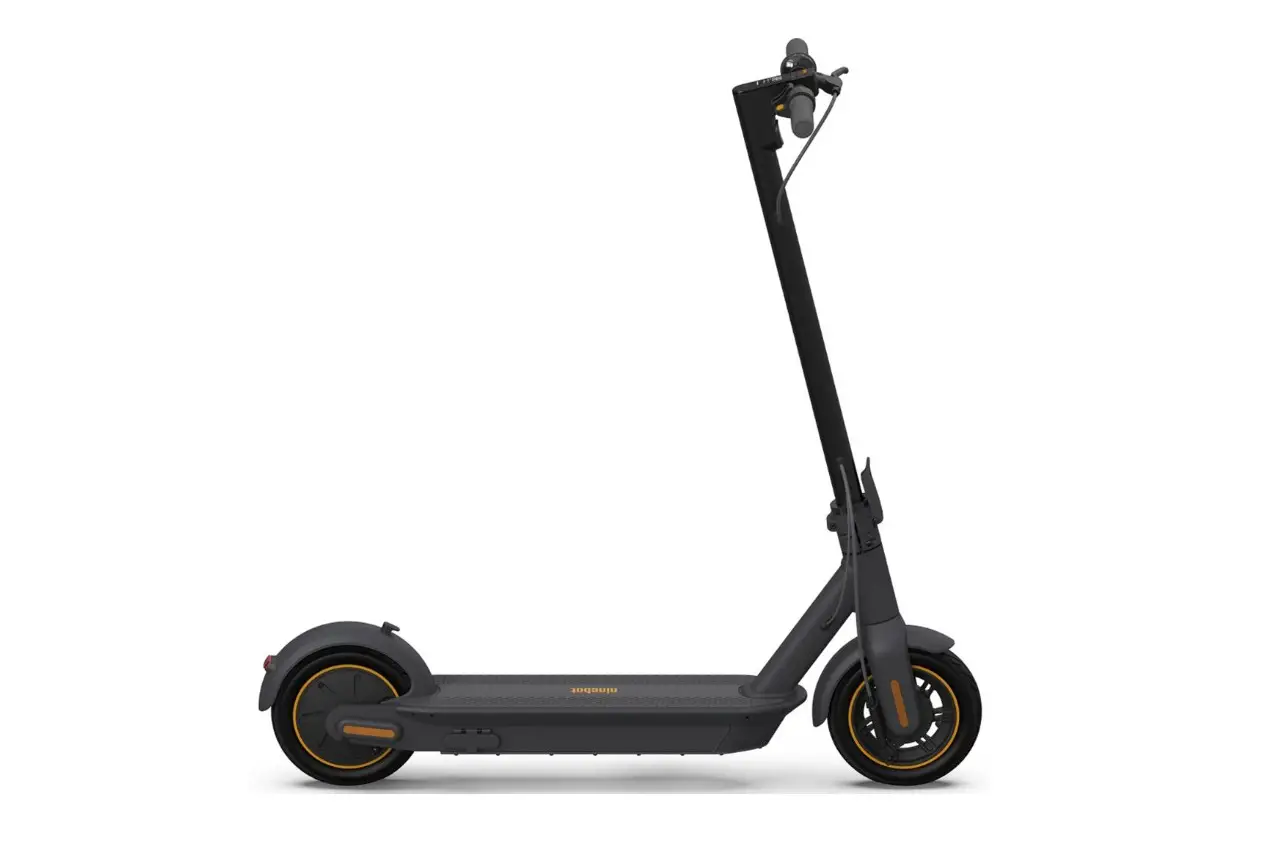
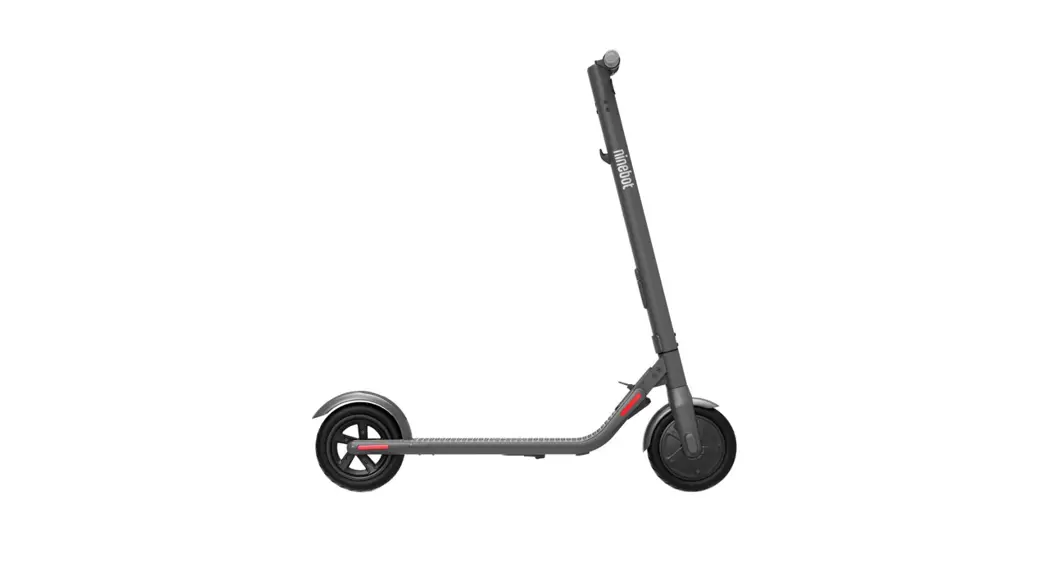
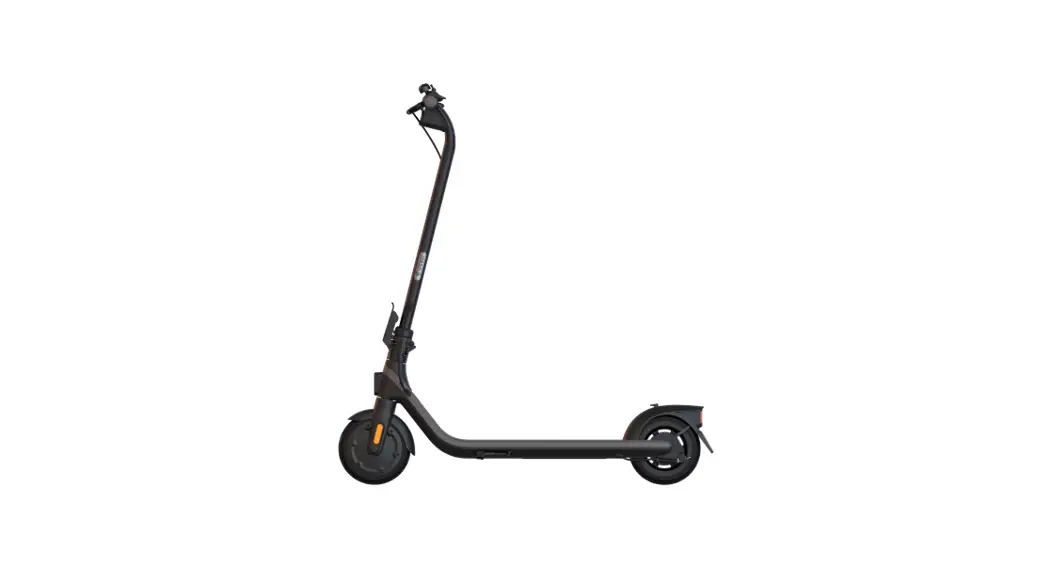
The pictures shown are for illustration purposes only. The actual product may vary.
www.segway.com
CE.04.00.0783.01-B
 Home | Segway