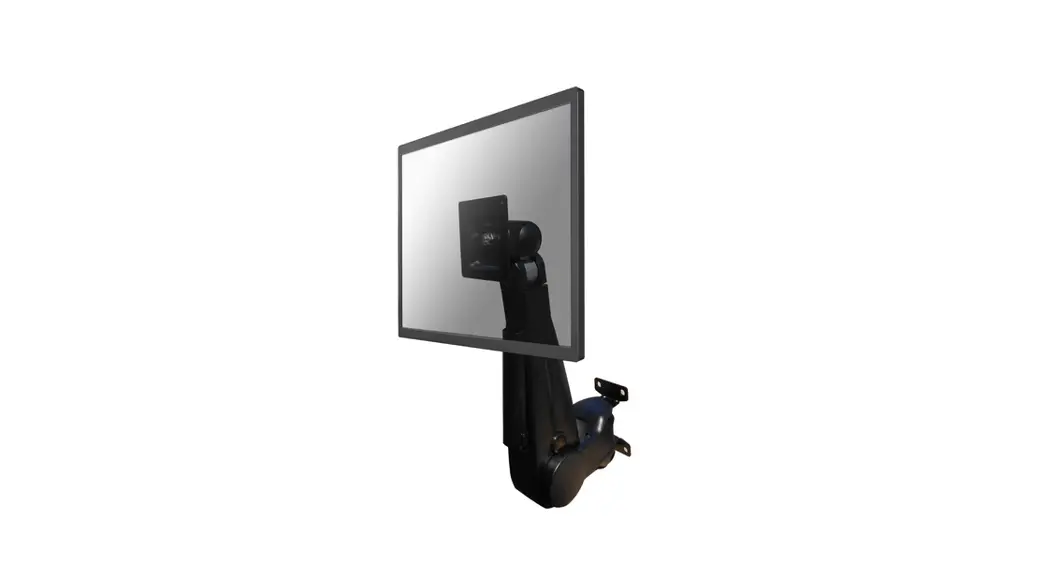
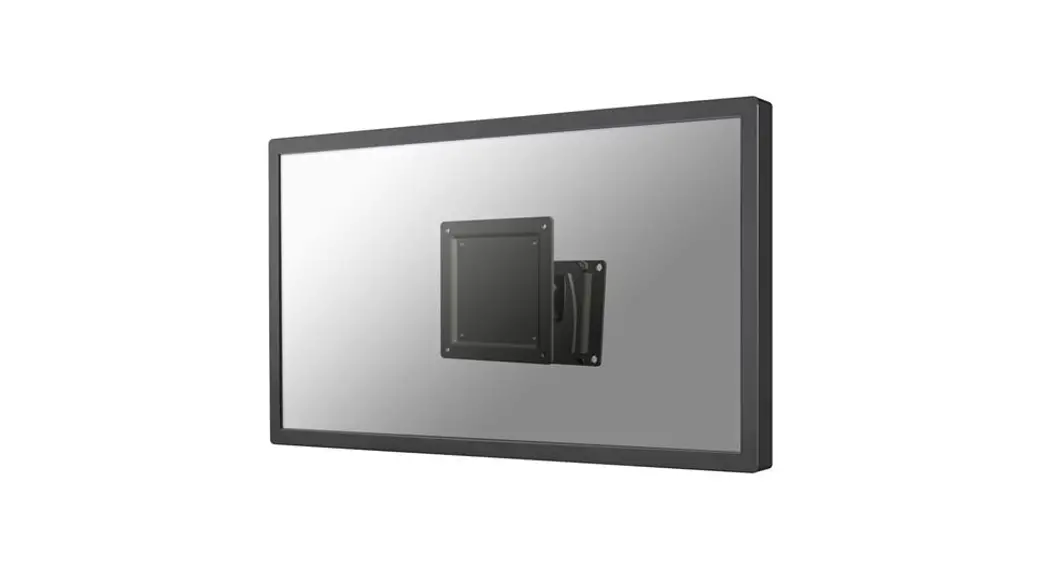
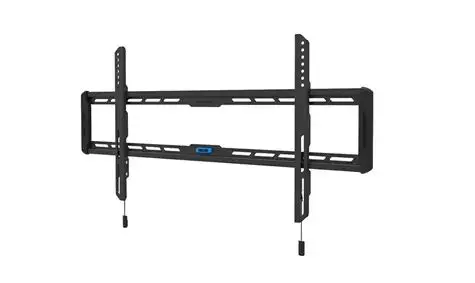
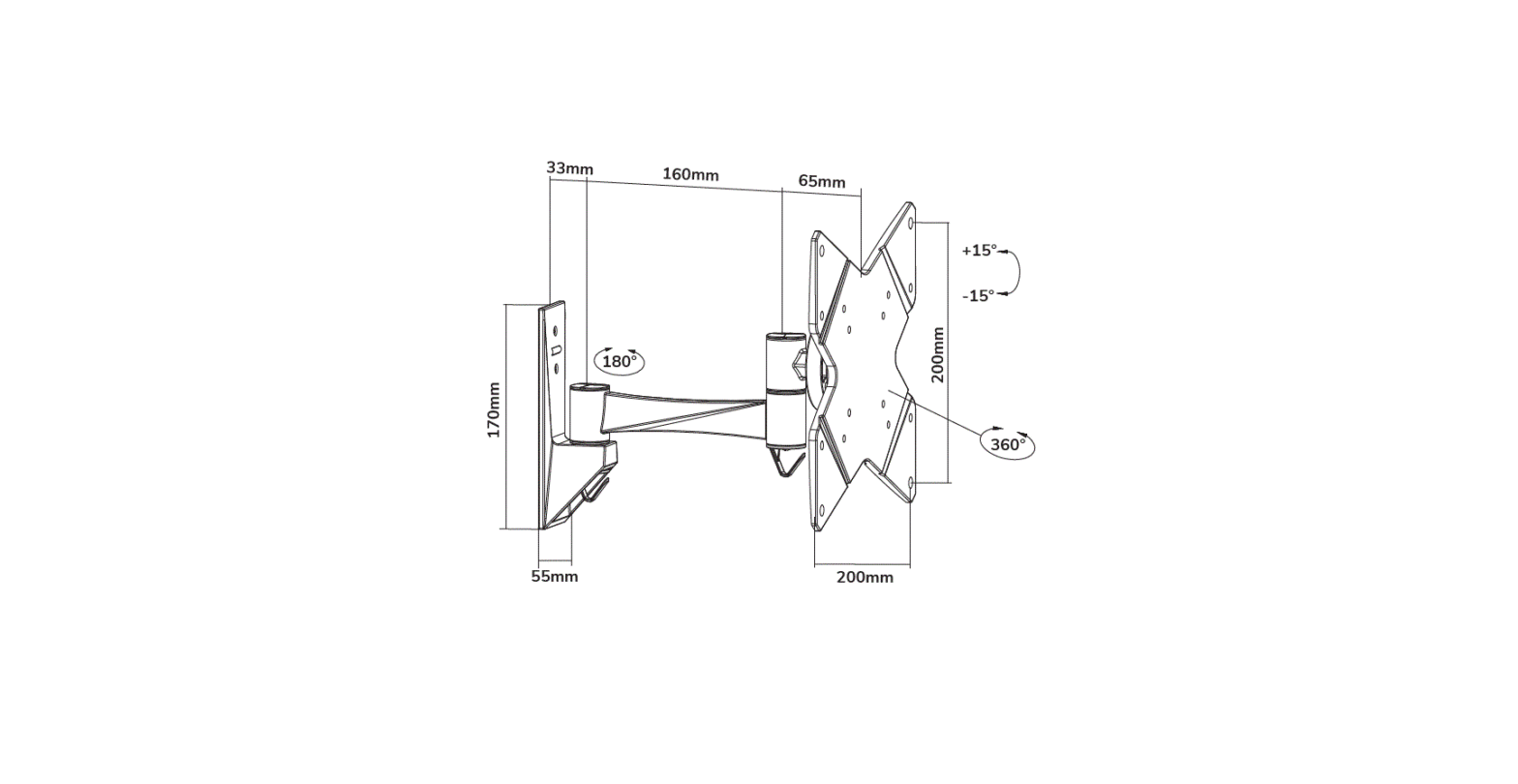
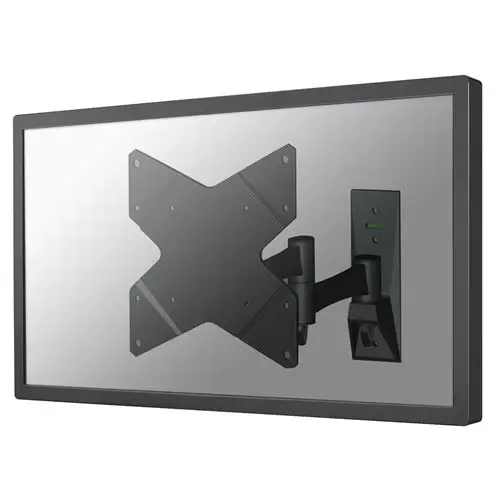
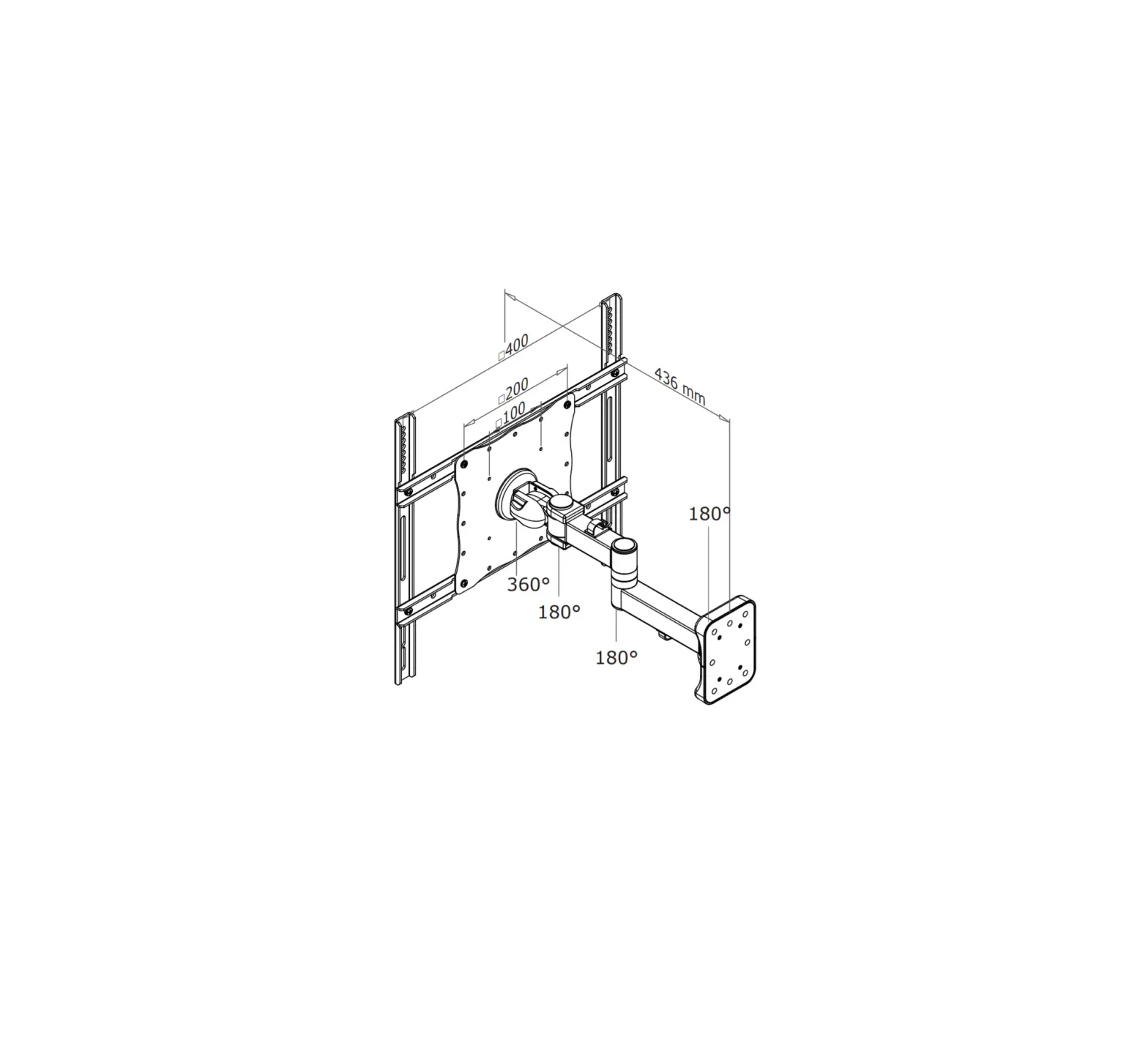
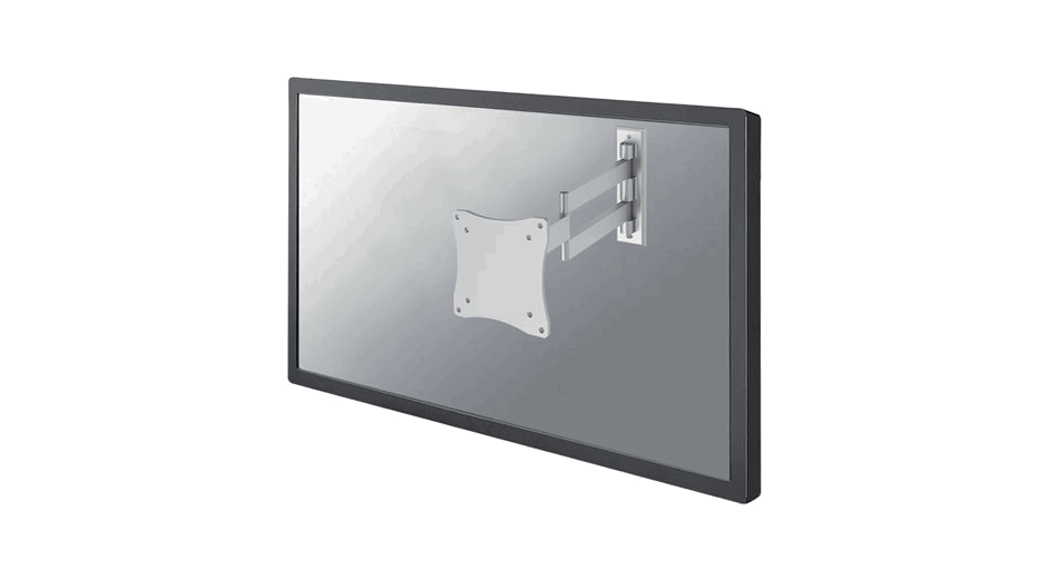
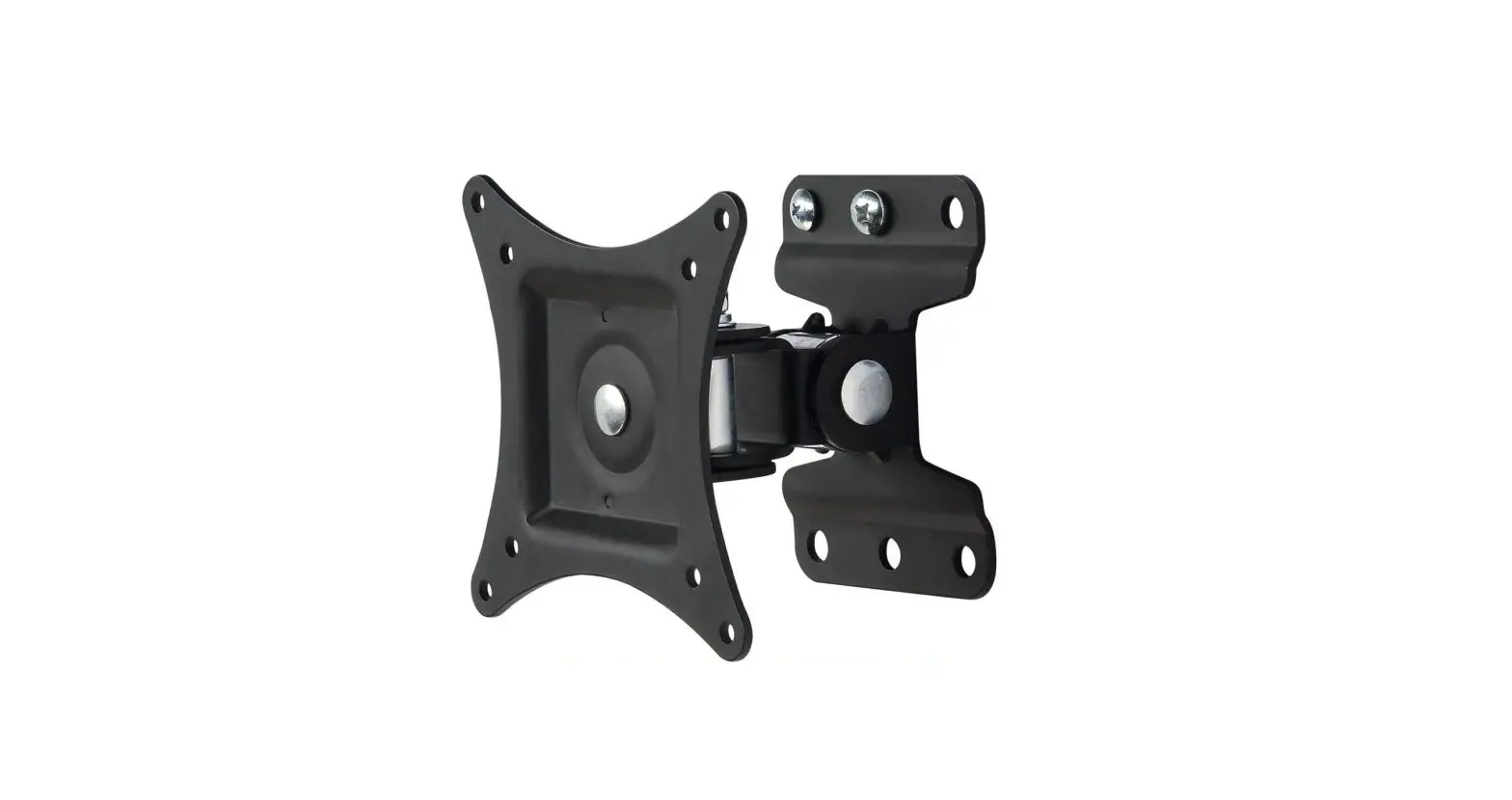
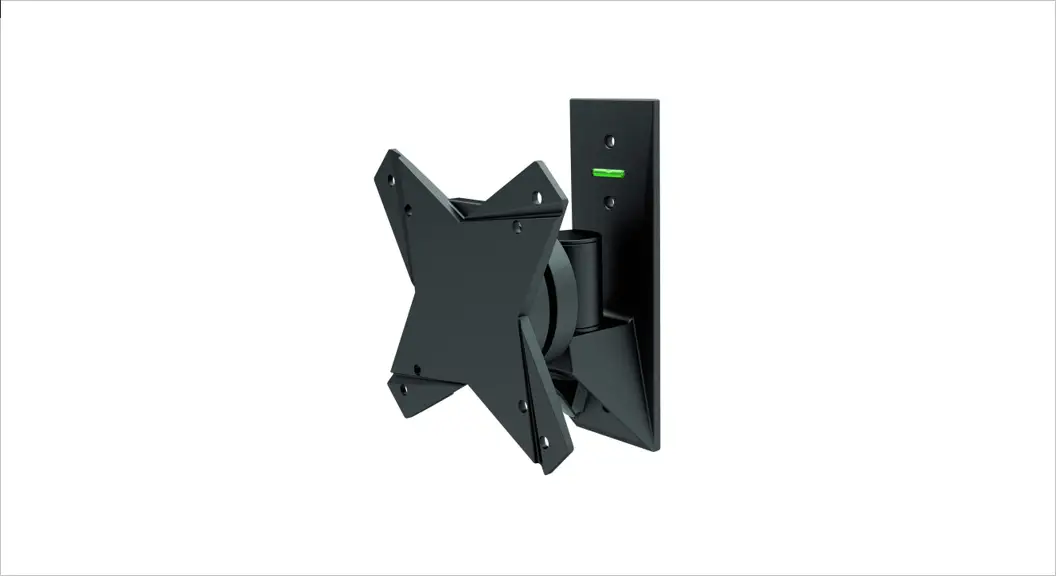
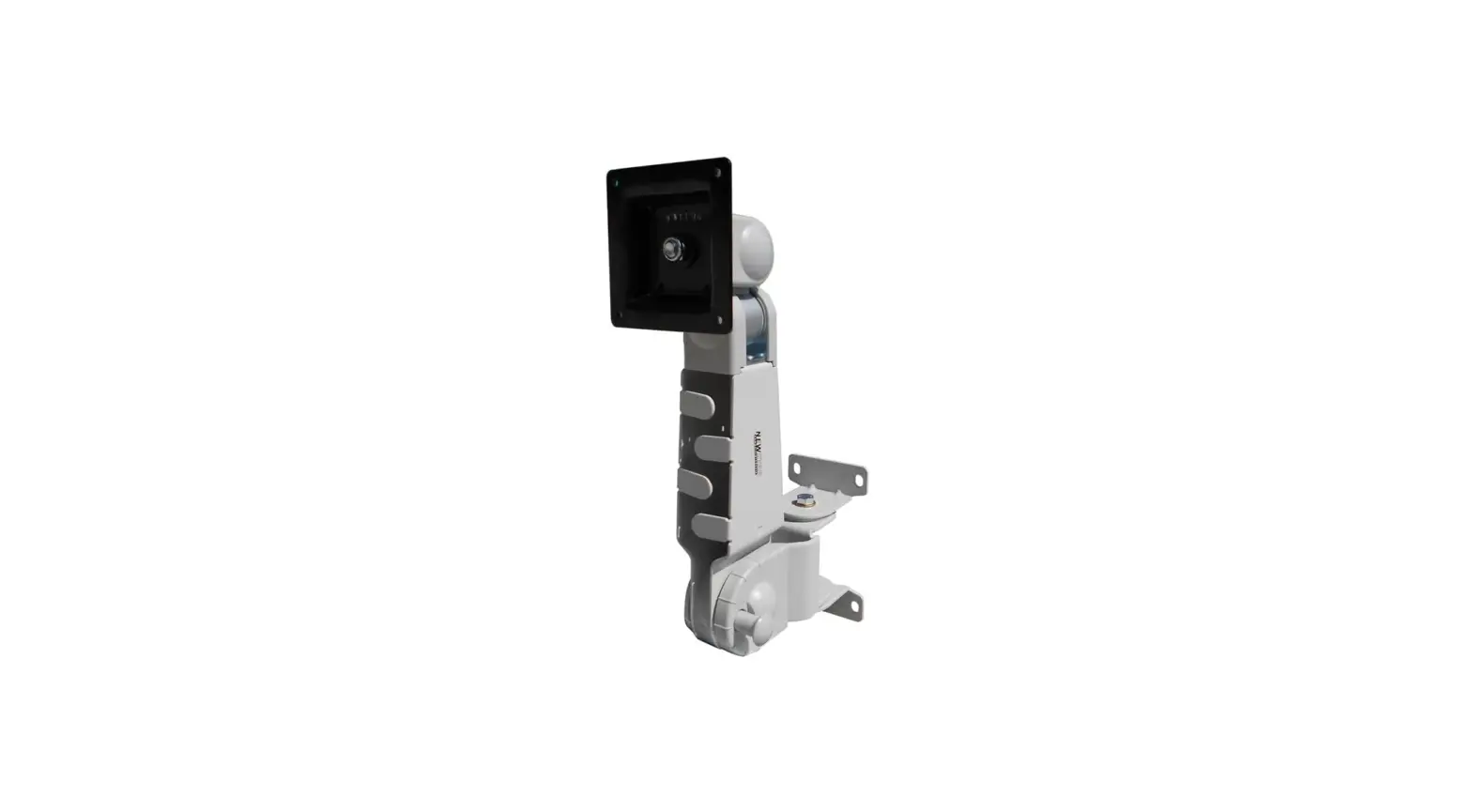
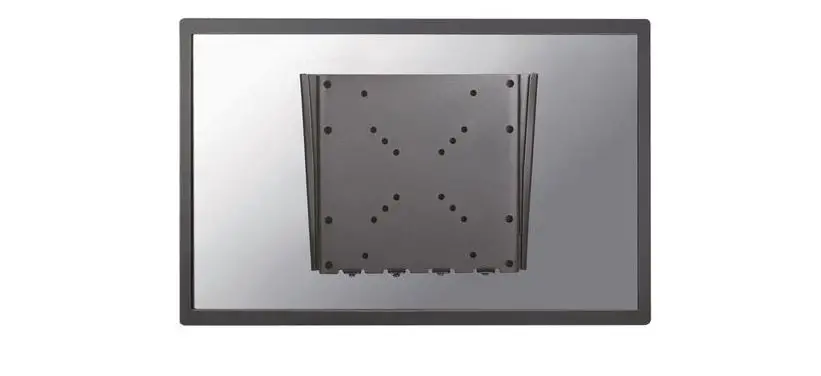
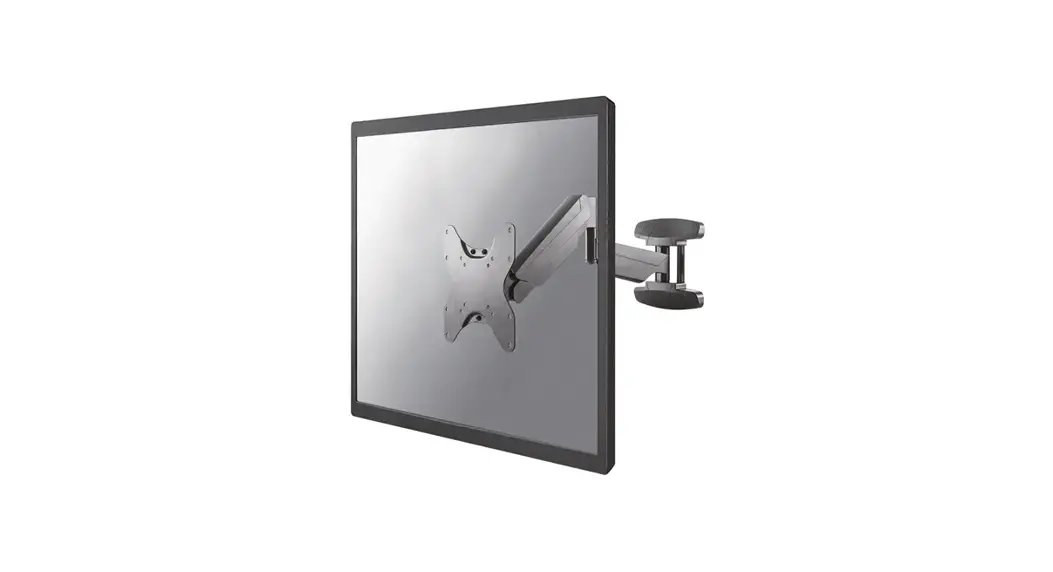
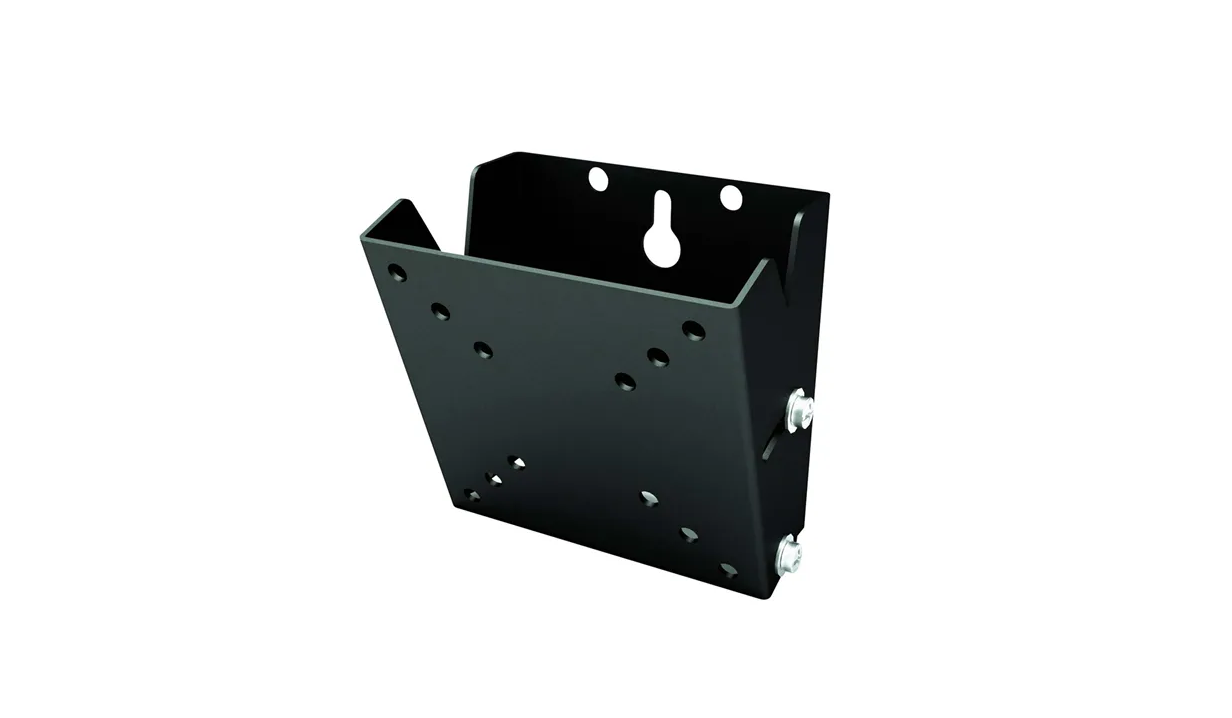
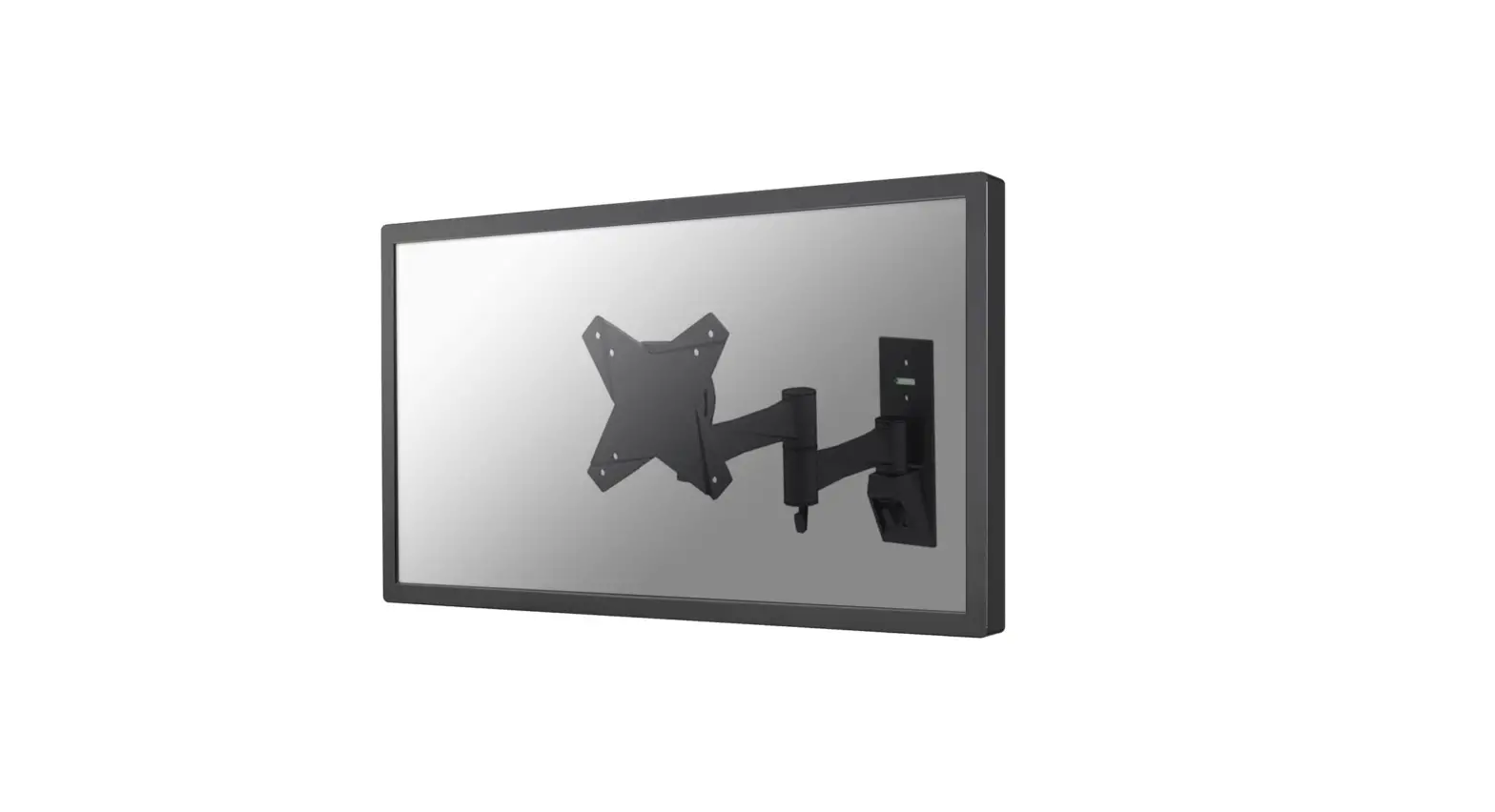
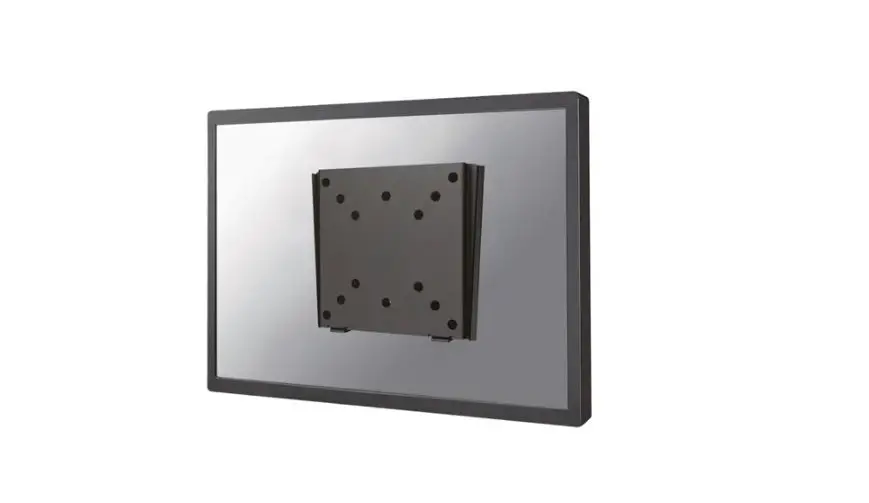
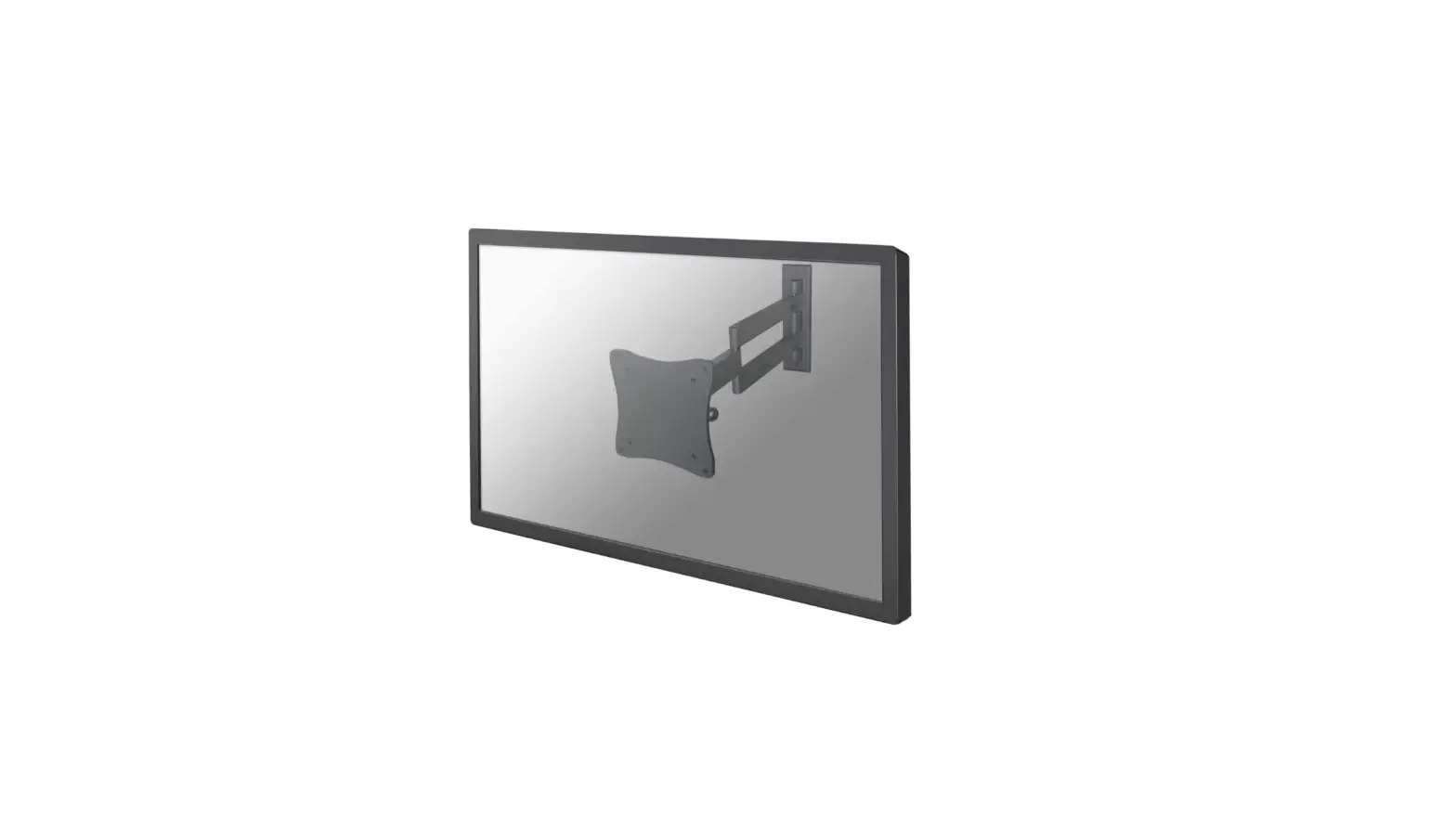
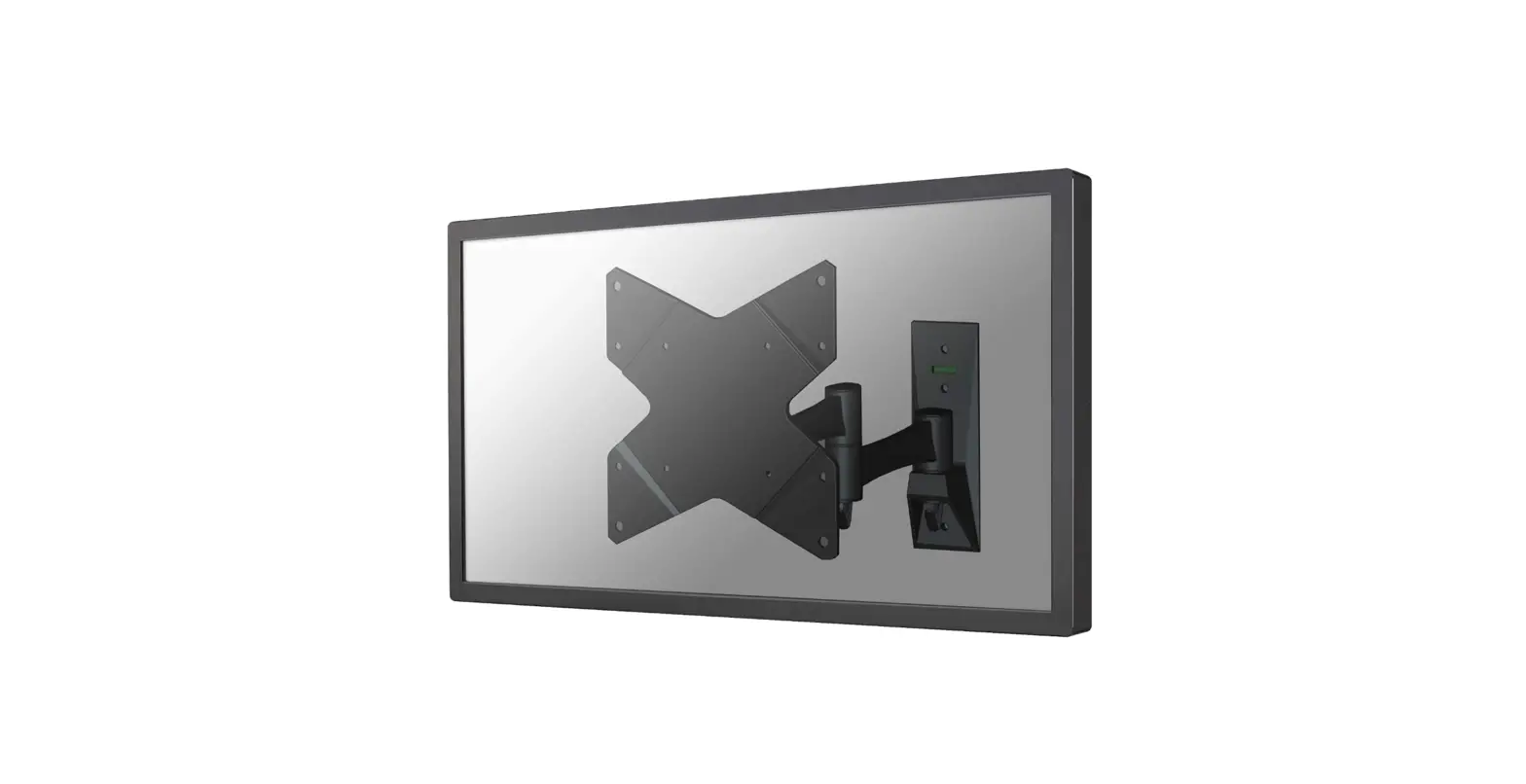
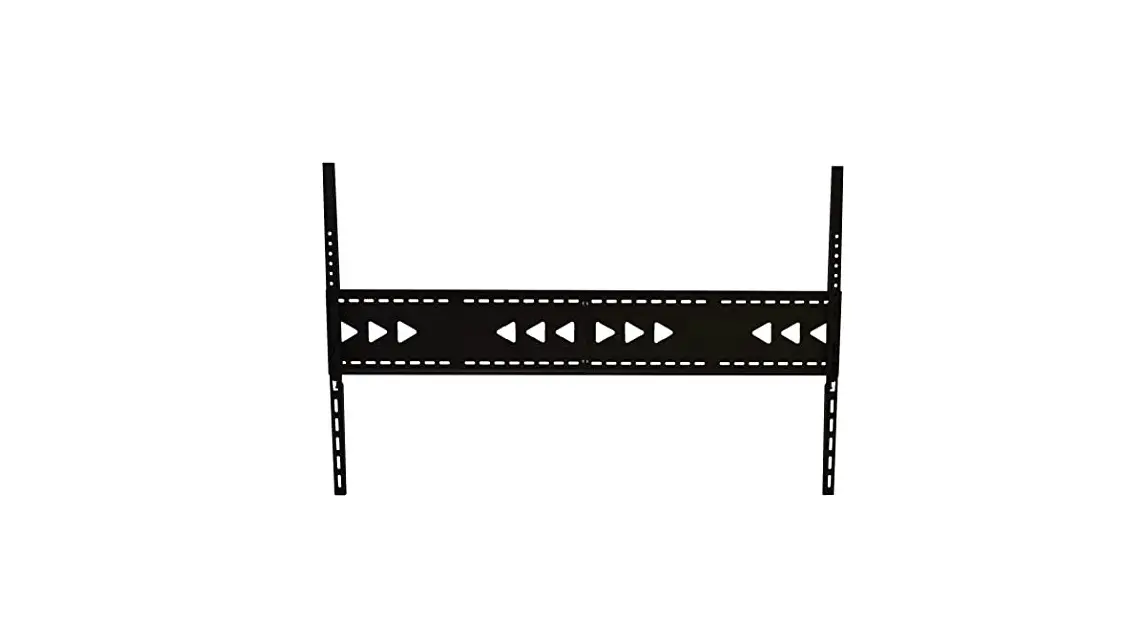
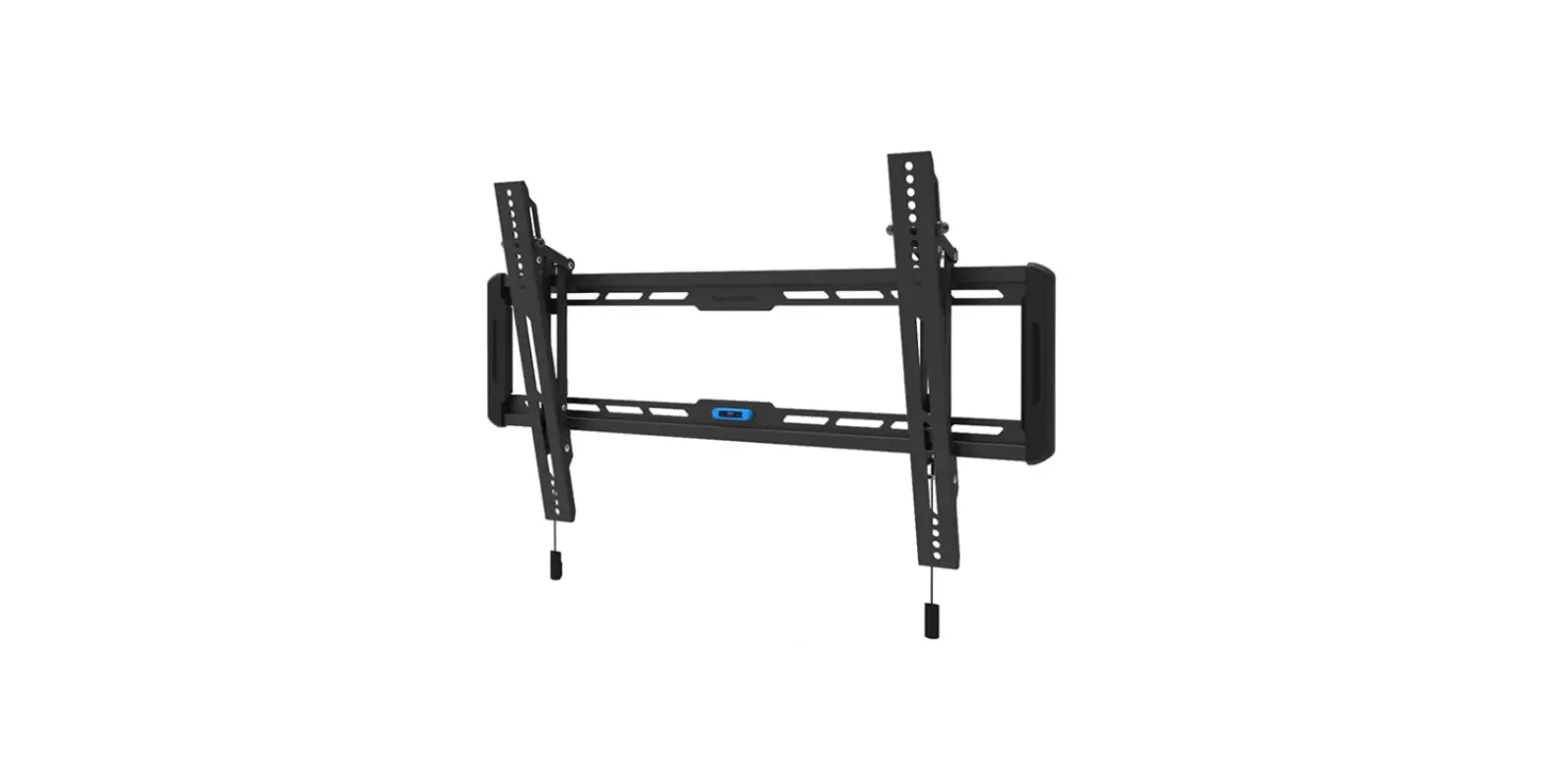
FPMA-D750 Wall TV Bracket
Product Information
The FPMA-D750 is a monitor desk mount designed to securely hold
monitors with VESA mounting patterns of 75×75 mm or 100×100 mm. It
is suitable for monitors weighing between 2-8 kg and with screen
sizes ranging from 19-49.8 cm. The mount allows for height
adjustment of up to 53 cm, providing flexibility and ergonomic
positioning options for the user.
For more information and support, visit www.neomounts.com
Product Usage Instructions
- Step 1: Choose the appropriate mounting option based on your
desk setup.- For desk clamp mounting:
- Attach part A to the desk by tightening the clamp.
- Attach part C to the VESA plate using screws provided.
- Attach part D to the back of the monitor using screws
provided. - Attach part E to the VESA plate and part D, securing them
together. - Attach part F to the VESA plate and part A, securing them
together.
- For grommet mounting:
- Insert part B through the grommet hole in the desk.
- Attach part C to the VESA plate using screws provided.
- Attach part D to the back of the monitor using screws
provided. - Attach part E to the VESA plate and part D, securing them
together. - Attach part F to the VESA plate and part B, securing them
together.
- For desk clamp mounting:
- Step 2: Attach the VESA plate to the monitor.
- Refer to the instructions in your language for detailed steps
on attaching the VESA plate to the monitor.
- Refer to the instructions in your language for detailed steps
- Step 3: Adjust the torques.
- Refer to the instructions in your language for detailed steps
on adjusting the torques of the mount.
- Refer to the instructions in your language for detailed steps
- Step 4: Enjoy your securely mounted monitor!
INSTRUCTION MANUAL
FPMA-D750BLACK2/SILVER2/WHITE2
EN Monitor desk mount
NO Bordstativ til skjerm
NL Monitor bureausteun
SE Skrivbordsfäste för bildskärm
DE Monitor Tischhalterung
FI Näytön pöytäteline
FR Support moniteur de bureau
PL Uchwyt nabiurkowy do monitora
IT Supporto da scrivania per monitor CS Stolní drzák monitoru
ES Soporte de escritorio para monitor SK Drziak na monitor
PT Suporte de mesa para monitor
RO Suport de birou pentru monitor
DK Bordbeslag skærm
WWW.NEOMOUNTS.COM
FPMA-D750BLACK2/SILVER2/WHITE2 PARTS
Tool
75×75 100×100 mm
2-8 kg
19-49,8 cm
0-53 cm
STEP 2
EN Mount the desk clamp/grommet to the monitor arm NL Monteer de klem/doorvoer aan de monitorarm DE Montieren Sie die Tischklemme/Tülle an die Halterung FR Montez la pince de bureau/l’oeillet à la tige IT Montare il morsetto da tavolo/l’occhiello sull’asta ES Monte la abrazadera/alimentación del escritorio en
la varilla PT Monte a braçadeira/anel da mesa na haste PL Zamocuj zacisk biurka/przelotk do prta
A. (x1)
B. (x1)
STEP 1 A Clamp
EN Install the clamp to the desk NL Installeer de klem aan het bureau DE Installieren Sie die Klemme auf dem Schreibtisch FR Installez la pince sur le bureau IT Installa il morsetto sulla scrivania ES Instale la abrazadera en el escritorio PT Instale a braçadeira na mesa PL Zainstaluj zacisk na biurku
C. (x1)
D. (x1)
E. (x4)
F. (x2)
F
B
STEP 1 B Grommet
EN Install the grommet through the desk NL Installeer de doorvoer in het bureau DE Installieren Sie die Tülle durch den Schreibtisch FR Installez l’oeillet à travers le bureau IT Installa l’occhiello attraverso la scrivania ES Instalar la alimentación a través del escritorio PT Instale o anel através da mesa PL Zainstaluj przelotk przez biurko
F C B
STEP 3
360º
F OR
STEP 3
EN Attach the VESA plate to the monitor NL Bevestig de VESA plaat aan de monitor DE Befestigen Sie die VESA-Platte am Monitor FR Fixez la plaque VESA sur le moniteur IT Fissare la piastra VESA al monitor ES Coloque la placa VESA en el monitor PT Fixar a placa VESA no monitor PL Przymocuj plytk VESA do monitora
D
A E
STEP 4
EN Adjust the torques NL Stel het koppel in DE Einstellen des Drehmoments FR Ajustez les couples de serrage IT Regolazione della coppia ES Ajuste el tornillo PT Ajustar os parafusos PL Ustawi momenty obrotowe
F
STEP 5
EN Adjust the gas spring NL Stel de gasveer af DE Gasfeder-Höhenverstellung einstellen FR Ajustez le ressort à gaz IT Regolare la forza della molla ES Ajustar la fuerza de resorte de gas PT Ajuste a força da mola a gás PL Ustawi momenty obrotowe
F
STEP 6
EN Run cable through the cable cover NL Leid de kabel(s) door de kabelgoot DE Kabel durch die Kabelabdeckung führen FR Positionnez vos câbles dans les chemins prévus à cet effet IT Far passare il cavo attraverso la copertura del cavo ES Pase el (los) cable (s) a través de la bandeja para cables PT Passe o cabo pela tampa do cabo PL Przeprowad kabel przez oslon kabla
STEP 7
EN Adjust the mount to the desired position NL Stel de steun in op de gewenste positie DE Positionieren die Halterung in der gewünschten Position FR Ajustez le support à la position souhaitée IT Regolare il supporto nella posizione desiderata ES Establecer el soporte en la posición deseada PT Ajuste o suporte na posição desejada PL Dostosuj pozycj uchwytu do twoich wymaga
170°
180° 180°
 Neomounts