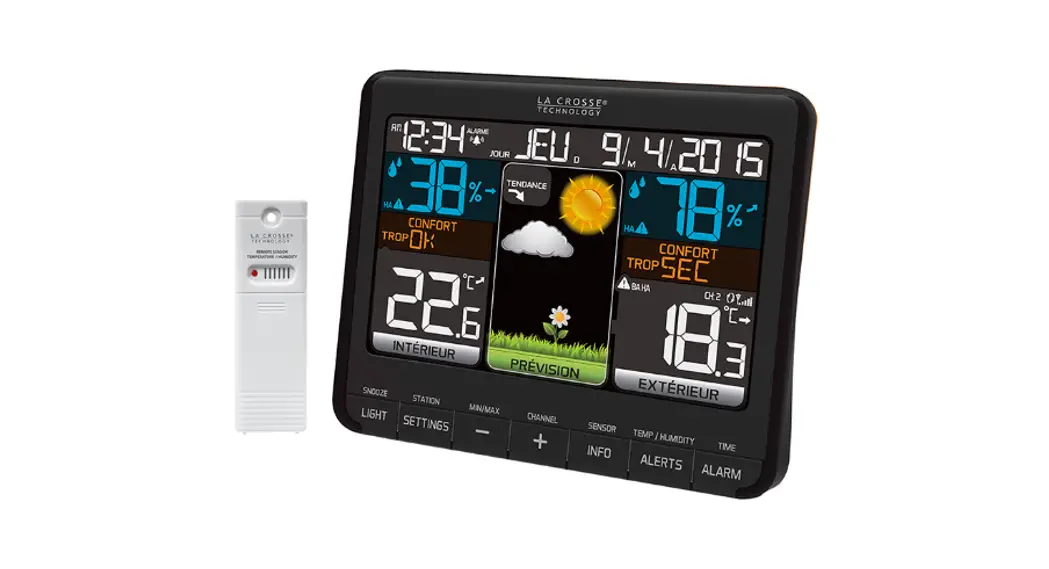
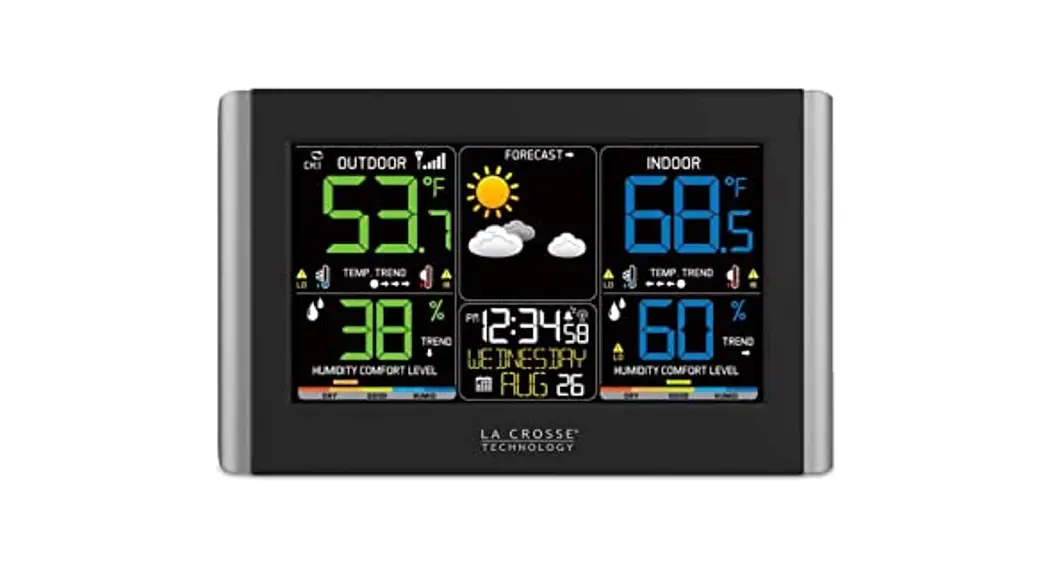
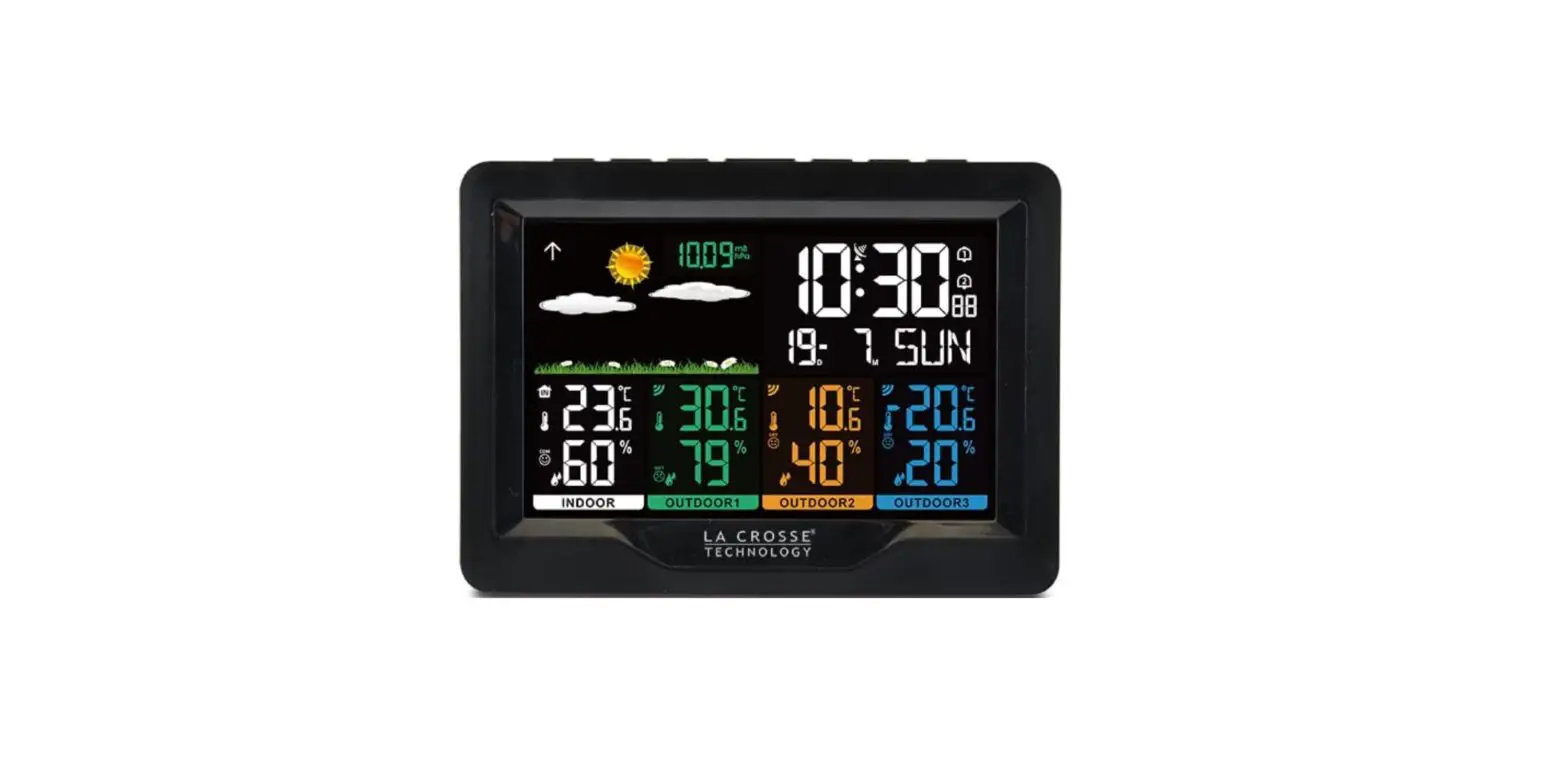
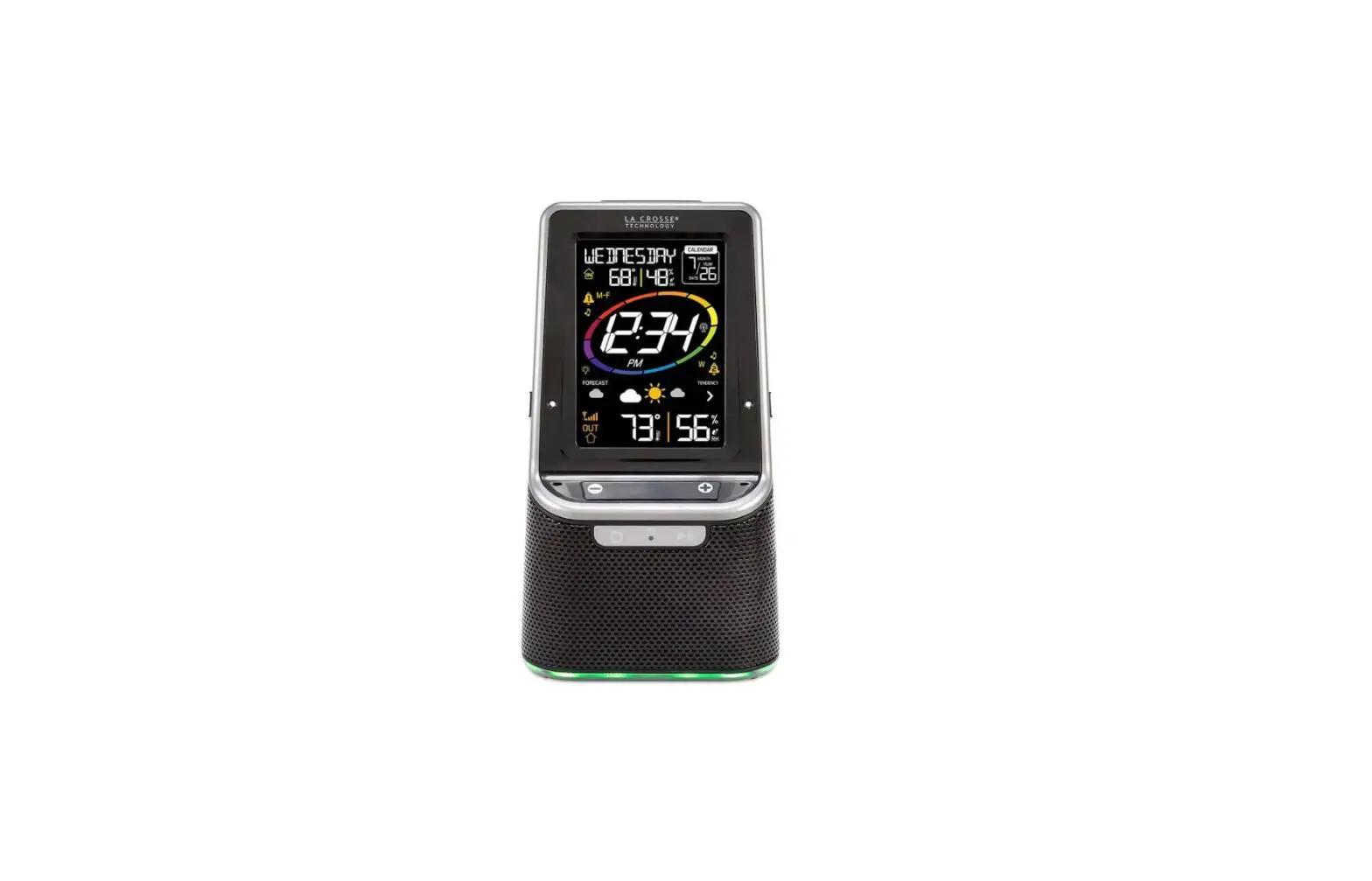
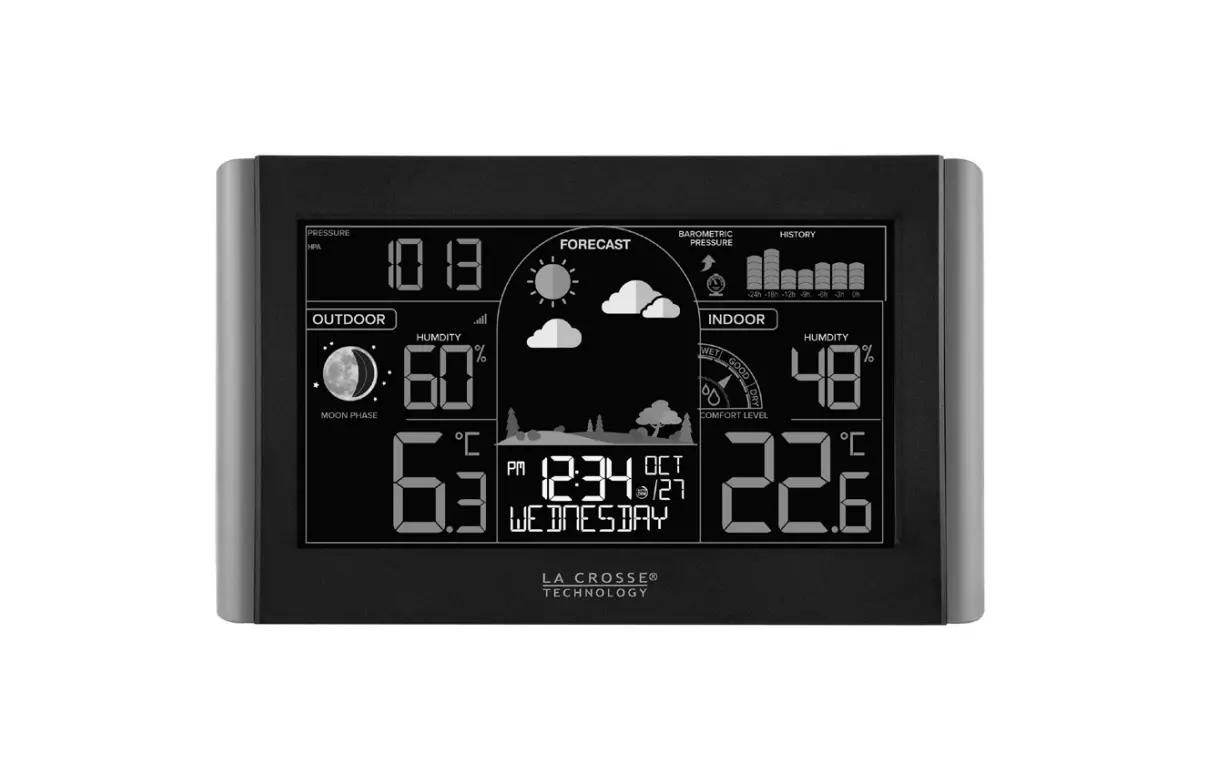
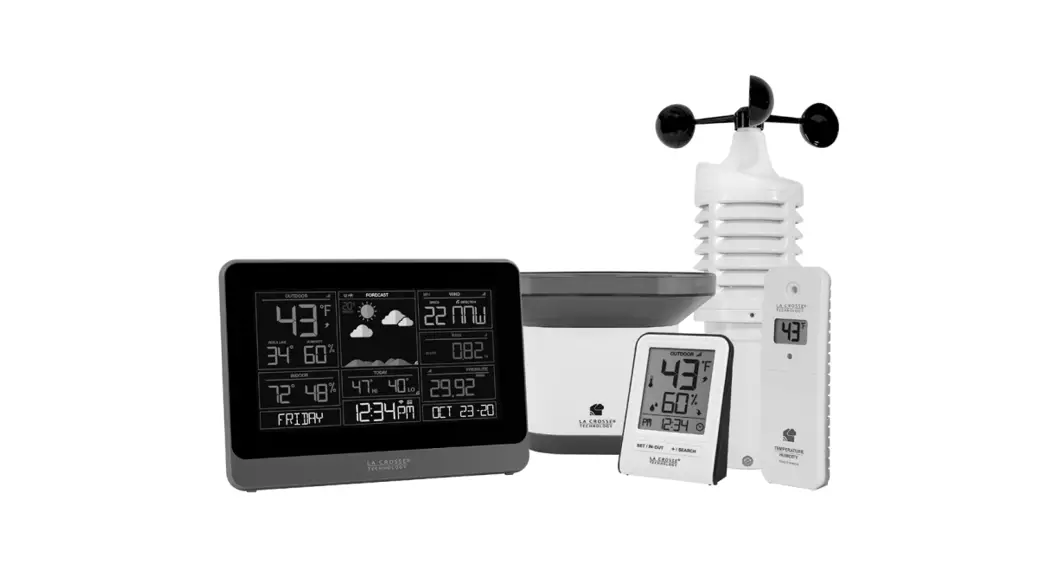
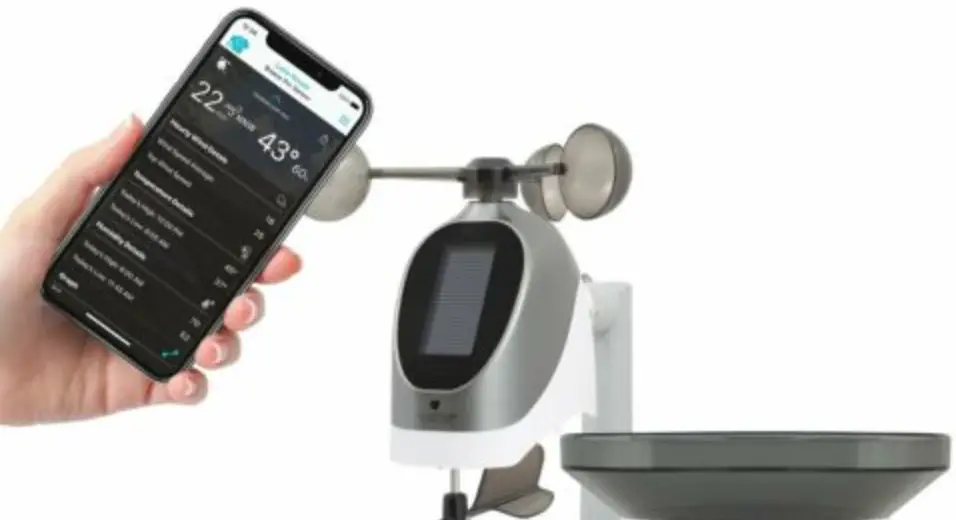
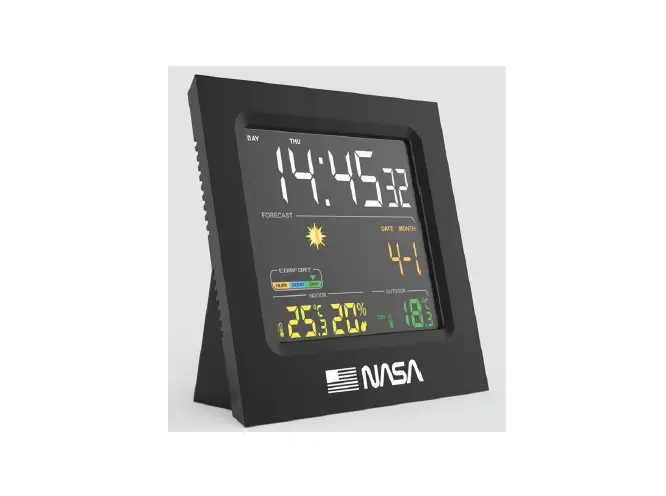
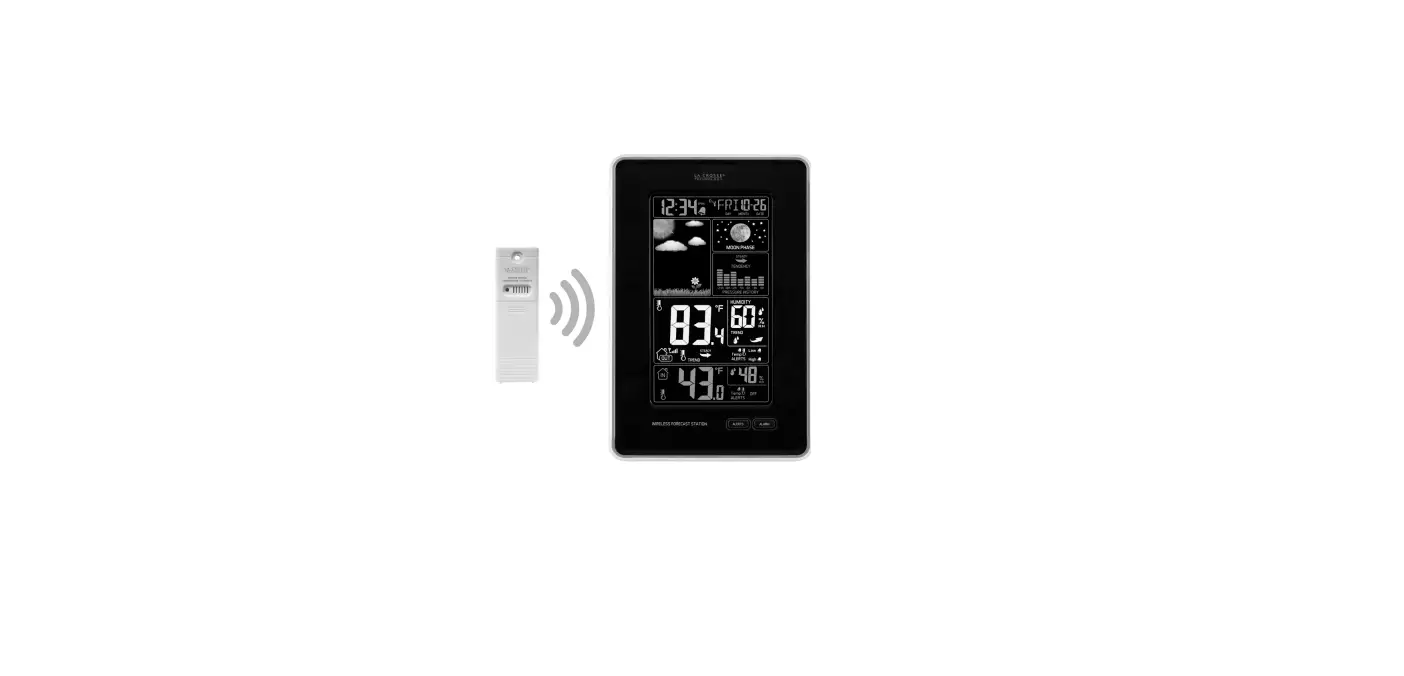
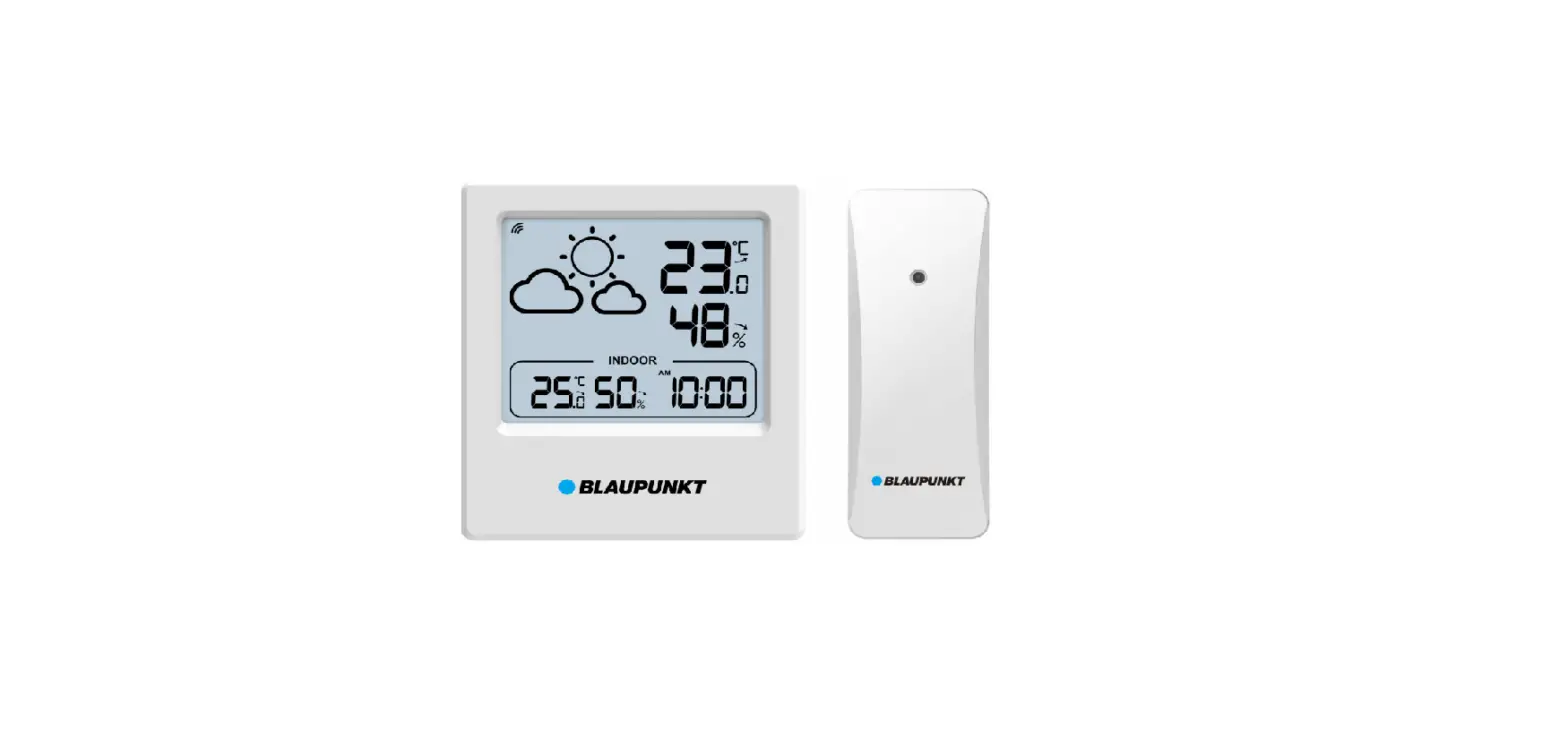
WS6304 Family Weather Station
Product Information
The WS6304 is a versatile digital clock with various features
designed to enhance your timekeeping experience. It offers a range
of functions including DCF radio control time, perpetual calendar,
multiple language options, 12/24 hour format, dual alarms, snooze
function, moon phase display, and temperature measurement.
Features:
- DCF Radio control time function
- Perpetual Calendar Up to Year 2099
- Day of week in 15 languages user selectable: English, German,
French, Spanish, Italian, Dutch, Danish, Portuguese, Norwegian,
Swedish, Polish, Finnish, Czech, Hungarian, and Russian - Time in optional 12/24 hour format
- Two daily alarms
- Automatic snooze function (OFF or 5~60min)
- The moon phase display
- Temperature measurement
Product Usage Instructions
Setting the Time:
- Press the “Time” button on the clock.
- The hour digits will start flashing.
- Use the “+” and “-” buttons to adjust the hour.
- Press the “Time” button again to move to the minute
digits. - Use the “+” and “-” buttons to adjust the minutes.
- Press the “Time” button once more to confirm and save the set
time.
Setting the Date:
- Press the “Calendar” button on the clock.
- The year digits will start flashing.
- Use the “+” and “-” buttons to adjust the year.
- Press the “Calendar” button again to move to the month
digits. - Use the “+” and “-” buttons to adjust the month.
- Press the “Calendar” button once more to move to the day
digits. - Use the “+” and “-” buttons to adjust the day.
- Press the “Calendar” button again to confirm and save the set
date.
Setting the Alarms:
- Press the “Alarm” button on the clock.
- The alarm hour digits will start flashing.
- Use the “+” and “-” buttons to adjust the alarm hour.
- Press the “Alarm” button again to move to the alarm minute
digits. - Use the “+” and “-” buttons to adjust the alarm minutes.
- Press the “Alarm” button once more to confirm and save the set
alarm time.
Snooze Function:
To activate or deactivate the snooze function, press and hold
the “Snooze” button for 3 seconds. When activated, the snooze
duration can be adjusted between 5 to 60 minutes using the “+” and
“-” buttons.
Moon Phase Display:
The moon phase display shows the current phase of the moon. It
is automatically updated based on the calendar settings.
Temperature Measurement:
The clock includes a built-in temperature sensor. The
temperature is displayed in Celsius or Fahrenheit units. To switch
between units, press and hold the “Temperature” button for 3
seconds.
Note: For detailed instructions and additional features, please
refer to the WS6304 User Manual.
WS6304 User Manual
Features:
DCF Radio control time function Perpetual Calendar Up to Year 2099 Day of week in 15 languages user selectable: English, German, French, Spanish, Italian, Dutch, Danish, Portuguese, Norwegian, Swedish, Polish, Finnish, Czech, Hungarian, and Russian Time in optional 12/24 hour format. Two daily alarms Automatic snooze function (OFF or 5~60min) The moon phase display Temperature:
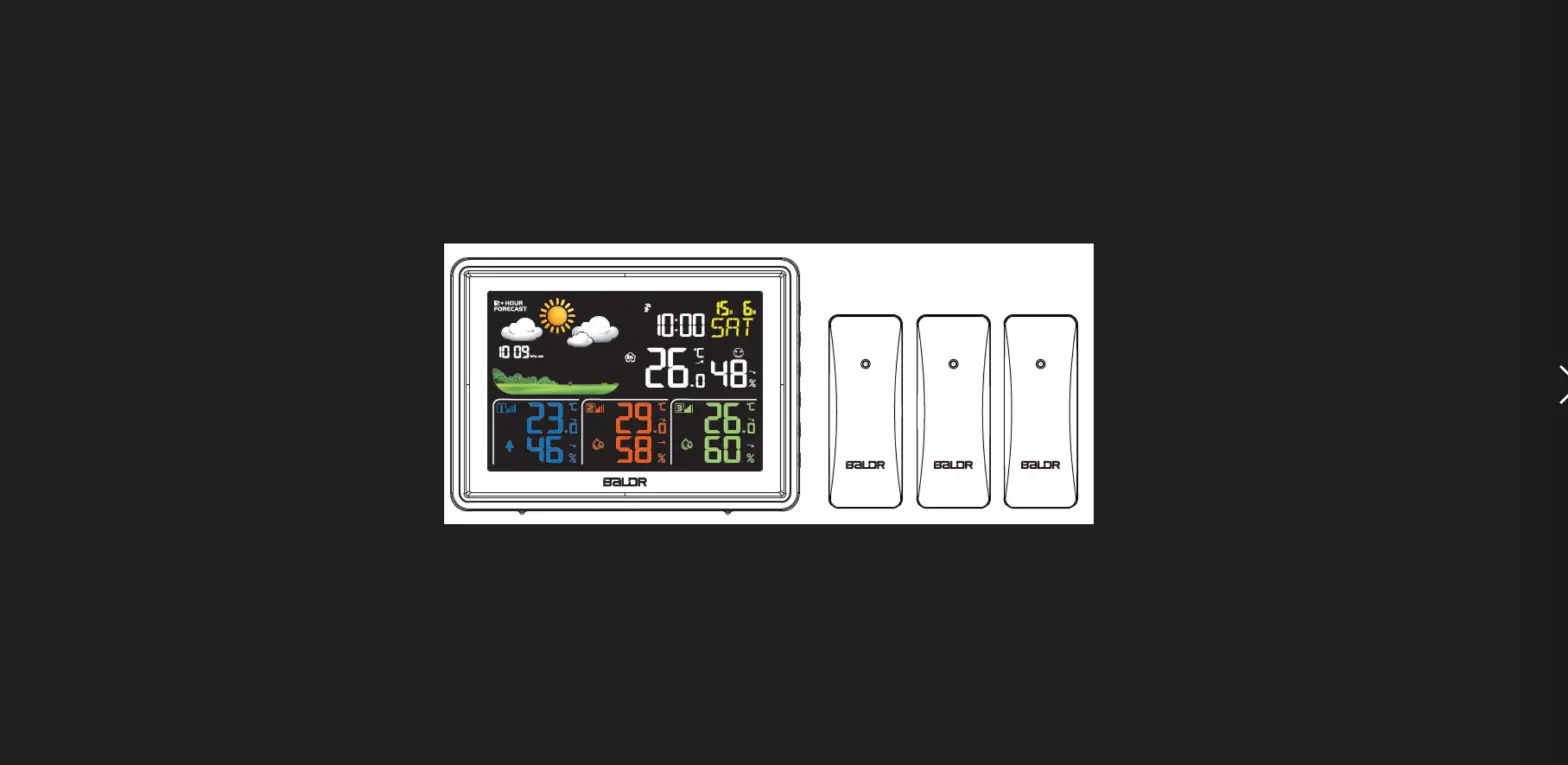
— Indoor temperature measurement ranges: 0°C (32°F) ~ 50°C (122°F) –Remote temperature measurement ranges: -40°C (-44°F) ~ 70°C (158°F) — Temperature alternatively in °C or °F. –Remote thermometer and frost alert Humidity: Indoor & Remote measurable range: 20%RH ~ 95%RH Minimum/maximum display for air humidity and temperature Display of comfort and mold risk Wireless Remote Sensor (3pcs): — Wall Mount or Table Stand — 3 Wireless Thermo/hygro Sensor Included — 433.92MHz RF transmitting frequency — 60 meter transmission range in an open area –Up to 3 wireless outdoor sensors can be connected. — Maximum transmit power: <+10mW
Atmospheric pressure: — Atmospheric pressure measurement ranges: 600 hPa/mb to 1100 hPa/mb — 17.72 inHg to 32.50 inHg — Pressure alternatively in hPa/mb or inHg
The weather forecasting function Power Supply:
Weather Station: Battery: 2 x LR6 AA Equipment power input: DC 5V 600mA (dedicated power adapter)
Wireless Remote Sensor: Battery: 2 x LR03 AAA
WS6304 User Manual
F.Y.I.: The wireless remote sensor can work at -30°C to +70°C. Please choose the right battery according to the limit temperature of the wireless sensor: Alkaline zinc manganese battery can work at -20°C to +60°C Polymer lithium ion rechargeable battery can work at -40°C to +70°C.
Weather Station Appearance
WS6304 User Manual
Part A-Positive LCD
WS6304 User Manual
A1: Weather Forecasting A2: Mold Risk of Wireless Remote Channel 1 A5: Comfort Index of Wireless Remote Channel 1 A7: Mold Risk of Wireless Remote Channel 2 A9: Comfort Index of Wireless Remote Channel 2 A11: Time A13: Mold Risk of Wireless Remote Channel 3 A15: Comfort Index of Wireless Remote Channel 3 A17: Temperature of Indoor A19: Humidity of Indoor A21: Moon phase
A2: Temperature of Wireless Remote Channel 1 A4: Humidity of Wireless Remote Channel 1 A6: Temperature of Wireless Remote Channel 2 A8: Humidity of Wireless Remote Channel 2 A10: Month and date A12: Temperature of Wireless Remote Channel 3 A14: Humidity of Wireless Remote Channel 3 A16: Atmospheric pressure A18: Mold Risk of Indoor A20: Comfort Index of Indoor A22: Week Day
Part B Back button and power
B1: ”
” button
B3: ” ” button
B5: ” ” button B7: “” button B9: Support frame
B2: ” ” button
B4: ”
” button
B6: “” button
B8: Battery compartment B10: Power supply socket
Part C Wireless Remote Sensor: C1: LCD display Temperature C2: LCD display Humidity C3: Transmit signal LED C4: “°C/°F” button C5: “TX” button C6: “CHANNEL 1 or 2 or 3” switch C7: Battery compartment
WS6304 User Manual
Initial operation:
First, open the battery slots of the three remote wireless sensors respectively, first set the number of channels, set them in channel 1, channel 2 and channel 3 respectively, and then install the 2 x “AAA” 1.5V battery according to the battery polarity direction. When the wireless sensor is loaded into the battery, all the icon on the LCD display will briefly light up for 3 seconds, and detect the temperature and humidity of the sensor, At the same time, LED lights flicker once, the wireless sensors automatically transmit wireless signals. According to the appearance of the Weather Station, the power adapter is inserted from the B10 position, and the power supply of the power adapter is also noted. Open Weather Station battery compartment cover, open Weather Station battery compartment cover, insert 2 x AA batteries observing polarity [ “+” and “” marks] After the weather station is connected to the power supply according to the above two steps, all the icons on
the LCD display will light up for 3 seconds, you will hear the buzzer, and check the indoor temperature and humidity. The weather station will now start connecting to the outdoor remote sensor. This operation takes about 3 minutes, and the receiving RF antenna symbol displays and flashes above the three channel labels corresponding to the weather station. The signal from 3 sensors will be automatically received within 3 minutes. After receiving, the temperature and humidity of the remote sensors in the 3 channel bars will be displayed.
Manual settings:
Press and hold down the ”
” button more than 2 seconds to enter the time and general settings, first set
the temperature of the unit, now use “” and “” buttons to set the unit of temperature in “°C” or “°F”.
Press ”
” to confirm your setting, switch to radio controlled clock (RCC) function setting, Now use “”
and “” buttons set the RCC receive function to activate(ON) or close (OFF)
Press ”
” to confirm your setting, switch to daylight saving time (DST) function setting. This function is
not usable in Europe.
Press ”
” to confirm your setting, switch to the 12/24 hour mode display setting. Now use “” and “”
buttons to set the time displayed in 12-hour or 24-hour format
Press ”
” to confirm your setting, switch to time zone setting, Now use “” and “” buttons set a
correct time zone (-2 to +2).
Press ”
WS6304 User Manual
” to confirm your setting, switch to the hour setting. Now use “” and “” buttons to set the
correct hour.
Press ”
” to confirm your setting, switch to the minute setting. Now use”” and “” buttons to set the
correct minute.
Press ”
” button to confirm your setting, switch to the Month and Date display setting. Now use “” and
“” buttons to set the date display on Month/Date or Date/Month.
Press ”
” button to confirm your setting, switch to the year setting. Now use “” and “” buttons to set
the correct year.
Press ”
” button to confirm your setting, switch to the month setting. Now use “” and “” buttons to
set the correct month.
Press ”
” button to confirm your setting, switch to the date setting. Now use “” and “” buttons to set
the correct date.
Press ”
” button to confirm your setting, switch to the language selection for the week and month
displays setting. Now use “” and “” buttons to select a language. Note: There are 15 languages of Weekday: English, German, French, Italian, Spanish, Portuguese, Dutch, Danish, Norwegian, Swedish, Polish, Finnish, Czech, Hungarian, and Russian
Week language display
Language Sunday Monday Tuesday Wednesday Thursday
Friday Saturday
ENGLISH
MONDAY
ENG
GERMAN
MON
MONTAG
GER
FRENCH
MON
LUNDI
FRE
ITALIAN
LUN
LUNEDI
ITA
SPANISH
LUN
LUNES
SPA
LUN
PORTUGUESE SEGUNDA-FEIRA
POR
DUTCH
SEG
MAANDAG
DUT
DANISH
MAA
MANDAG
DAN
NORWEGIAN
MAN
MANDAG
NOR
MAN
TUESDAY
TUE
DIENSTAG
DIE
MARDI
MAR
MARTEDÌ
MAR
MARTES
MAR
TERÇA
TER
DINSDAG
DIN
TIRSDAG
TIR
TIRSDAG
TIR
WEDNESDAY
WED
MITTWOCH
MIT
MERCREDI
MER
MERCOLEDÌ
MER
MIERCOLES
MIE
QUARTA-FEIRA
QUA
WOENSDAG
WOE
ONSDAG
ONS
ONSDAG
ONS
THURSDAY
THU
DONNERSTAG
DON
JEUDI
JEU
GIOVEDI
GIO
JUEVES
JUE
QUINTA-FEIRA
QUI
DONDERDAG
DON
TORSDAG
TOR
TORSDAG
TOR
FRIDAY
FRI
FREITAG
FRE
VENDREDI
VEN
VENERDÌ
VEN
VIERNES
VIE
SEXTA-FEIRA
SEX
VRIJDAG
VRI
FREDAG
FRE
FREDAG
FRE
SATURDAY
SAT
SAMSTAG
SAM
SAMEDI
SAM
SABATO
SAB
SABADO
SAB
SABADO
SAB
ZATERDAG
ZAT
LØRDAG
LOR
LØRDAG
LOR
SUNDAY
SUN
SONNTAG
SON
DIMANCHE
DIM
DOMENICA
DOM
DOMINGO
DOM
DOMINGO
DOM
ZONDAG
ZON
SØNDAG
SON
SØNDAG
SON
SWEDISH
MÅNDAG
WS6304 User Manual
TISDAG
ONSDAG
TORSDAG
FREDAG
LÖRDAG
SÖNDAG
SWE
POLISH
MAN
PONIEDZIALEK
TIS
WTOREK
ONS
RODA
TOR
CZWARTEK
FRE
PITEK
LOR
SOBOTA
SON
NIEDZIELA
POL
FINNISH
PON
MAANANTAI
WTO
TIISTAI
SRO
KESKIVIIKKO
CZW
TORSTAI
PIA
PERJANTAI
SOB
LAUANTAI
NIE
SUNNUNTAI
FIN
CZECH
MAN
PONDLÍ
TII
ÚTERÝ
KIS
STEDA
TOR
CTVRTEK
PER
PÁTEK
LAU
SOBOTA
SUN
NEDLE
CZE
HUNGARIAN
PON
HÉTF
UTE
KEDD
STR
SZERDA
CTV
CSÜTÖRTÖK
PAT
PÉNTEK
SOB
SZOMBAT
NED
VASÁRNAP
HUN
HET
RUSSIAN PERIOD
KED
SZE
CSU
PEN
SZO
VAS
RUS
BTO
CPE
Press ”
” to confirm your setting, switch to pressure unit setting. Now use the “” and “” button to set
the pressure of the unit, the unit of t pressure can be set to “hPa” or “inHg”
Press ”
” button to confirm your setting, switch to barometric pressure calibration mode. Now use “”
and “” buttons to set the atmospheric pressure value.
Press ”
” button to confirm your setting, switch to setting the initial weather. Now use “” and “”
buttons to select the current weather
Press”
” to confirm your setting and to end the setting procedures, enter the clock mode
During the time setting process, Press the ”
” button to exit the setting mode directly.
F.Y.I.: After 20 seconds without pressing any button, the clock switches automatically from Set Mode to Normal
Time Mode. In the set time, the number of minutes of the change, automatically from the zero second forward In the set time, you can press hold the “” and “” button to quickly change the setting of the value
When the weather station is in the same area as Germany, the time zone is set to 00, one hour slower than
German time, the time zone is set to -01, one hour faster than German time, the time zone is set to 01, 2
hours faster than German time, time zone Set to 02,
Exceeding the German signal tower diameter of 1500KM or more, the signal received by the radio clock
signal is very poor. It is recommended to set the RCC to OFF.
Setting the daily alarms:
Press and hold down” ” button more than 2 seconds to enter the alarm setting mode, first enter the alarm 1 hour setting. Use the “” and “” buttons to set the required hour.
WS6304 User Manual
Press ” ” button to confirm your setting, switch to the alarm 1 Minute setting. Use the “” and “” buttons
to set the required minute.
Press ” ” button to confirm your setting, switch to the alarm 1 repeat setting. Use the “” and “” buttons
to set the alarm type in “L-V” (from Monday to Friday) or “S-D” (from Saturday to Sunday) or “L-D” (from
Monday to Sunday).
Press ” ” button to confirm your setting, switch to the alarm 1 snooze time setting. Use the “” and “”
buttons to set the minute of snooze you need.
Press ” ” button to confirm your setting, switch to the alarm 2 hour setting. Use the “” and “” buttons to
set the required hour.
Press ” ” button to confirm your setting, switch to the alarm 2 minute setting. Use the “” and “” buttons
to set the required minute.
Press ” ” button to confirm your setting, switch to the alarm 1 repeat setting. Use the “” and “” buttons
to set the alarm type in “L-V” (from Monday to Friday) or “S-D” (from Saturday to Sunday) or “L-D” (from
Monday to Sunday).
Press ” ” button to confirm your setting, switch to the alarm 1 snooze time setting. Use the “” and “”
buttons to set the minute of snooze you need.
Press ” ” button to confirm your setting and to end the setting procedure.
During the alarm setting process, Press the ”
” button to exit the setting mode directly.
F.Y.I.: After 20 seconds without pressing any button the clock switches automatically from setting mode to Normal
clock mode. When the alarm repeat is set to L-V, the alarm function will be activated from Monday to Friday, and will be
disabled on Saturday and Sunday, “L-V” appears below the alarm symbol. When the alarm repeat is set to S-D, the alarm function will be activated on Saturday and Sunday, and will be disabled from Monday to Friday, and a “S-D” appears below the alarm symbol. When the alarm repeat is set to display L-D at the same time, the alarm function will be activated for a week, “L-V” and “S-D” appears below the alarm symbol. The snooze time setting range: 5 ~ 60MIN, OFF, when set to OFF, means no snooze function. Snooze time unit is minutes.
Alarm ON/OFF
WS6304 User Manual
Press ” ” button can switch the display ALARM1 time or ALARM2 time, in the alarm1 or alarm2 display
mode, press the “” button to turn the alarm on or off.
The alarm 1 or alarm 2 turn on, the ” ” or ” ” icon is displayed, the alarm 1 or alarm 2 function is open, the
repeat of alarm icon at the same time is also displayed.
The alarm 1 or alarm 2 turn off, the” ” or ” ” icon disappears, the alarm 1 or alarm 2 function is close.
During alarm viewing mode, Press the ”
” button to exit the setting mode directly.
F.Y.I.: The alarm will sound for 2 minutes if you do not deactivate it by pressing any button. In this case the alarm
will be repeated automatically after 24 hours.
Rising alarm sound (crescendo, duration: 2 minutes) changes the volume 4 times whilst the alarm signal is
heard.
Switching off the alarm signal
Press any button except the ”
” button to stop the alarm signal. It is not necessary to reactivate the
alarm. It switches itself automatically to the alarm time which has already been set.
Snooze function:
When the time is up to the alarm, press the ”
” button, the alarm signal stops, and enter the SNOOZE
mode. After the snooze time is counted, the alarm will ring again.
In snooze mode, press any buttons except the ”
” button or press the ”
” button and hold for
more than 2 seconds to exit the snooze mode. F.Y.I.: When the snooze function is set to OFF, when the time is up to the alarm, press the ”
have this snooze function.
” button does not
Lunar phases:
The Moon icon indicator of the Weather Station will also display 12 different Moon phase phases according to the set calendar.
New moon
Waxing half-moon Half-moon
Waxing full moon
Full moon
Waning full moon
Half-moon Waning half-moon
WS6304 User Manual
Temperature & Humidity detection:
Indoor temperature measuring range: -9.9°C (+14°F) ~ +50°C (+122°F), LL.L °C(°F) will displayed if value lower than -9.9°C (+14°F), HH.H °C(°F) will displayed if value higher than +50°C (+122°F).
Outdoor temperature measuring range: 40°C (-40°F) ~ +70°C (+158°F), LL.L °C(°F) will displayed if value lower than -40°C (-40°F), HH.H °C(°F) will displayed if value higher than +70°C (+158°F).
Indoor and outdoor humidity measuring range: 20%RH ~ 95%RH, 19%RH will displayed if value lower than 20%RH, 96%RH will displayed if value higher than 95%RH.
Wireless sensor transmission:
When the weather station successfully receives the signal from the wireless sensor, the outdoor temperature and humidity will be displayed in the columns of channels 1, 2 and 3 of the weather station.
The Weather station can connect up to 3 channel wireless sensor registration, the use of multiple wireless sensor, the wireless sensor channel cannot choose the same channel at the same time (A total of 1, 2, 3 channels can be set, three sensors need to set different channels)
If any channel of the weather station fails to receive the transmission from the outdoor sensor (“–” is displayed on the LCD), press the ” ” button to select the corresponding channel number. After selecting, the corresponding channel number will flash and display, at this time, press and hold the ” ” button for 3
seconds to receive and transmit manually. The RF receiving antenna symbol ” ” flashes, and the weather
station will receive the wireless signal from the outdoor sensor again.
Displaying temperature/humidity and temperature/humidity trend
The current indoor temperature/humidity/barometric pressure and the temperature/humidity trend (indoors) are shown in the LCD display.
After successfully connecting with the remote sensor, the weather station can display the remote temperature/humidity and the temperature/humidity trend (remote)
You may see the following displays: : The temperature/humidity is rising. : The temperature/humidity is remaining constant. : The temperature/humidity is falling.
Maximum/Minimum Temperature/Relative Humidity
WS6304 User Manual
To toggle indoor/outdoor maximum, minimum temperature and humidity data, press the “” button: Once to show the maximum temperature and humidity values. Twice to sow the minimum temperature and humidity values Three times to return to the current temperature and humidity levels
To reset the maximum and minimum temperature and humidity, press and hold down the “” button about 2 seconds. This will reset all minimum and maximum data recorded to the current displayed values. F.Y.I.: If the temperature reading is below ranges, the LL.L will be displayed. If the temperature reading is above ranges, the HH.H will be displayed. If the humidity reading is below ranges, the 19%RH will be displayed. If the humidity reading is above ranges, the 96%RH will be displayed.
Comfort and mildew risk instructions
There are 4 display modes for the comfort level, as follows: The temperature is any value, the humidity is less than 40% Temperature in the range of 20.028.0 & 68.082.4 , humidity in the range of 40%70% The temperature is any value, and the humidity is greater than 70% Temperature is less than 20.0 & 68.0 or greater than 28 & 82.4, humidity is in the range of 40%70%
The moldy risk display reads the humidity to determine moldy risk level. The weather station will display one of 4 indicators: HT (high) MO (medium) BS (low) and no risk (no arrow displayed).
Temperature and Humidity alerts setting
In the normal display, press the ” ” button to switch to the temperature and humidity alert item viewing mode, and then press the ” ” button to switch to view the next item, in order: temperature upper limit alarm, temperature lower limit alarm, humidity upper limit alarm, humidity lower limit alarm, frost alarm (INDOOR has no frost point alarm item) , and can switch cyclically
In this alert item viewing mode, press the ” ” button to switch to a different channel, in the order of items: IN, CH1, CH2, CH3, and can switch cyclically
WS6304 User Manual
In this alert item viewing mode, the alert function of each item can be turned on or off by pressing the
” / ” button when the respective item is displayed, and the corresponding alarm symbol ” ” or ”
”
or ” ” is displayed when it is turned on. During alert viewing mode, Press the ”
” button to exit the setting mode directly.
Press and hold down the ” ” button for more than 2 seconds to enter the temperature and humidity alert
setting, the first is the upper limit alert setting of the temperature. Use the “” and “” buttons to set the
upper limit alert value
Press the ” ” button to confirm and switch to the next item, set the lower limit of the temperature alert, Use
the “” and “” buttons to set the lower limit alert value
Press the ” ” button to confirm and switch to the next item, set the upper limit of the humidity alert, Use the
“” and “” buttons to set the upper limit alert value
Press the ” ” button to confirm and switch to the next item, set the lower limit of the humidity alert, Use the
“” and “” buttons to set the lower limit alert value
Press ” ” button to confirm your settings and end the setup process.
When setting the upper and lower limit alerts for temperature and humidity, press the ” ” button to switch
the alert settings for setting the upper and lower temperature and humidity limits of different channels.
During the alerts setting process, Press the ”
” button to exit the setting mode directly.
F.Y.I.: After 20 seconds without pressing any button, the clock switches automatically from Set Mode to Normal
Time Mode.
Temperature and humidity upper and lower limit and frost warning
When the upper limit or lower limit alarm of the corresponding channel is turned on, and the actual value of
its temperature or humidity exceeds the set upper limit or lower limit limit, the corresponding upper limit
symbol ” ” or lower limit symbol ”
” and the corresponding display data will flash. At the same time,
the product emits an alarm sound.
When the frost alarm of the channel corresponding to the remote wireless is turned on, and its temperature
is in the range of 1°C (+30°F) to + 3°C (+ 37°F), the frost alarm is triggered, the frost symbol ” ” is
displayed on the corresponding channel and flashes, and the product emits an alarm sound at the same
time.
In this alert mode, press any button to stop the alarm sound, and the warning is still displayed.
WS6304 User Manual
Low battery:
If the “INDOOR” column is display the battery icon ”
“, you need to replace the weather station’s battery
as soon as possible,
If the “OUTDOOR” column is to display the battery icon ” “, you need to replace the wireless sensor
battery of your channel as soon as possible based on the channel display.
The weather forecast:
The weather station calculates a weather forecast for about the next 12 hours based on the barometric pressure trend. Of course this forecast can`t compare to that of professional weather services supported by satellites and high performance computers, It provides only an approximate indication of the current weather development in a small local area. Please take the weather forecast from your local weather forecasting service into account as well as the forecast from your weather station. If there are discrepancies between the information from your device and from the local weather forecasting service, please take the advice of the latter as authoritative.
The weather station displays the following weather icon:
sunny
slightly cloudy
cloudy
rainy
Heavy rainy
Snowy
F.Y.I.: The Snowy icon will only appear if the outdoor temperature is below -4 (+25) and the forecast would be
rainy or stormy, By default, according to the temperature of CH1, when there is no signal in CH1, it is calculated according to the temperature of CH2. When there is no signal in CH1 and CH2, it is calculated according to the temperature of CH3. After the weather station needs 7-10 days of air pressure calibration, the weather forecast will tend to be stable with an accuracy rate of 70%-75%. The forecast can be given for a radius of up to 12-20km. The weather station can display the barometric pressure trend.
WS6304 User Manual
Reception of the Radio signal:
The clock automatically starts the DCF signal search after 7 minutes of any restart or changing of new fresh batteries. The radio mast icon starts to flash.
At 1:00 /2:00 / 3:00, the clock automatically carries out the synchronization procedure with the DCF signal to correct any deviations to the exact time. If this synchronization attempt is unsuccessful (the radio mast icon disappears from the display), the system will automatically attempt another synchronization at the next full one hour. This procedure is repeated automatically up to total 5 times.
To start manual DCF signal reception, press and hold down the “” button for two seconds. If no signals received within 7 minutes, then the DCF signal search stops (the radio mast icon disappears) and start again at the next full one hour. During DCF radio signal receptionto stop searching radio signal, press and hold down the “” button for
two seconds.
F.Y.I.: A flashing radio mast icon indicates that the DCF signal reception has started A continuously displayed radio mast icon indicates that the DCF signal was received successfully We recommend a minimum distance of 2.5 meters to all sources of interference, such as televisions or computer monitors Radio reception is weaker in rooms with concrete walls (e.g.: in cellars) and in offices. In such extreme circumstances, place the system close to the window. During the DCF radio reception mode, only the “” button function, other button operations can only turn on
the backlight. If you want to perform other operation functions, press the “” button to exit the DCF radio reception mode. Note that when you enter the radio control time receiving mode, the backlight will automatically turn off. This is a normal phenomenon. After the radio control time receiving reception, the backlight will be automatically lit.
Background lighting
If the product is powered by batteries, press the ”
” button. Backlight lit 15 seconds.
When the power supply of the product is inserted into the power supply adapter, the battery will
WS6304 User Manual
automatically disconnect the power supply, and the backlight will always be bright. Press the ” ” button to
adjust the brightness of the backlight, you can adjust the 5 state: 4 different brightness backlight and close
the backlight. When the backlight brightness is not at the maximum brightness, press the ”
” button.
Backlight turns to highest brightness of 15 seconds.
The weather station can also set the backlight to automatically dim at night. Press and hold the ”
”
button for more than 2 seconds to enter the night mode setting. First, turn the night function on or off. Now
use “” and “” buttons set the night function to activate (ON) or close (OFF).
Press ”
” button to confirm your setting, switch to the brightness setting of the backlight change after
entering the night. Now use “” and “” buttons set the brightness required for the backlight change after
entering the night
Press ”
” button to confirm your setting, switch to the hour of enter night mode setting. Now use “”
and “” buttons set the required hour
Press ”
” button to confirm your setting, switch to the minute t of enter night mode setting. Now use
“” and “” buttons set the required minute
Press ”
” button to confirm your setting, switch to the hour of exit night mode setting. Now use “”
and “” buttons set the required hour
Press ”
” button to confirm your setting, switch to the minute of exit night mode setting. Now use “”
and “” buttons set the required minute
Press ”
” button to confirm your setting and to end the setting procedure.
During the night mode setting process, Press the ”
” button to exit the setting mode directly.
When the night mode is on, the icon ” ” will be displayed. When the time reaches the time to enter the
night mode, the backlight will automatically switch to the set night mode brightness, and when the time
reaches the time to exit the night mode, the backlight will return to the original brightness In night mode, the backlight can be switched to the highest brightness for 15 seconds by pressing the
”
” button
F.Y.I.: During the reception of the time radio wave signal, the backlight will be automatically closed to prevent the
interference of the radio wave.
ABOUT AC/DC POWER SUPPLY Do not use the device:
WS6304 User Manual
-if the power supply or the power cable is damaged, -in the event of a malfunction, -if the device has been damaged in any way. Never use sharp objects to access the inside of the power supply. Do not disassemble the power supply, do not throw it into a fire. Do not attempt to disassemble or modify this product or any of its components. Do not expose the food to high temperatures or direct sunlight. Do not incinerate it. Do not install the power supply near any heat sources, such as a radiator, hot air supply, oven, or other apparatus (including amplifiers) that produce heat. Do not store this product in a place where the temperature exceeds the following range: – 10 to 70 ° C. Do not use this product in a location where the temperature exceeds the following range: 0 to 40 ° C, as this may damage it or shorten its life. Do not place the power supply near water or a source of moisture, such as a bathtub, kitchen sink, swimming pool, in a wet basement, or other damp locations. The device must not be exposed to splashes. Do not place objects filled with water, such as vases for example, near the appliance. Connect the power supply into an easily accessible DC outlet. Ensure that the power cord can not be crushed or pinched, particularly at plugs, convenience receptacles, and the point where they are connected to the apparatus. The supplied power supply is intended for indoor use only. Do not place naked flame sources (such as a lit candle) on or near the power supply. Unplug this power during lightning storms or during long periods of non-use to avoid damage. Turn off your device before disconnecting the power cable. This device is not intended for use by people (including children) whose physical, sensory or mental capabilities are reduced, or people without experience or knowledge, unless they could benefit ,by the” throung a person responsible for their safety, surveillance or prior instructions concerning the use of the device. Children should be supervised to make sure that they do not play with the device. If the power supply works abnormally,and especoally if it emits sounds or odors that you think are abnormal, unplug it immediately and have it examined by a qualified repairer. The socket-outlet must be installed near the equipment and must be easily accessible.
LIABILITY DISCLAIMER ·The electrical and electronic wastes contain hazardous substances. Disposal of electronic waste in wild country and/or in unauthorized grounds strongly damages the environment. ·Please contact your local or/and regional authorities to retrieve the addresses of legal dumping grounds with selective collection.
WS6304 User Manual
·All electronic instruments must from now on be recycled. User shall take an active part in the reuse, recycling and recovery of the electrical and electronic waste. ·The unrestricted disposal of electronic waste may do harm on public health and the quality of environment. ·As stated on the gift box and labeled on the product, reading the “User manual” is highly recommended for the benefit of the user. This product must however not be thrown in general rubbish collection points. ·The manufacturer and supplier cannot accept any responsibility for any incorrect readings and any consequences that occur should an inaccurate reading take place. ·This product is designed for use in the home only as indication of the temperature. ·The plug on the power adapter (if included) is intended to serve as the disconnect device, the socket-outlet shall be installed near the equipment and shall be easily accessible. ·This product is not to be used for medical purposes or for public information. ·The specifications of this product may change without prior notice. ·This product is not a toy. Keep out of the reach of children. ·No part of this manual may be reproduced without written authorization of the manufacturer.
RED DIRECTIVE 2014/53/EU Summary of the Declaration of Conformity: We hereby declare that this wireless transmission device does comply with the essential requirements of RED Directive 2014/53/EU.
LA CROSSE TECHNOLOGY 6 A RUE DU COMMERCE 67118 GEISPOLSHEIM FRANCE