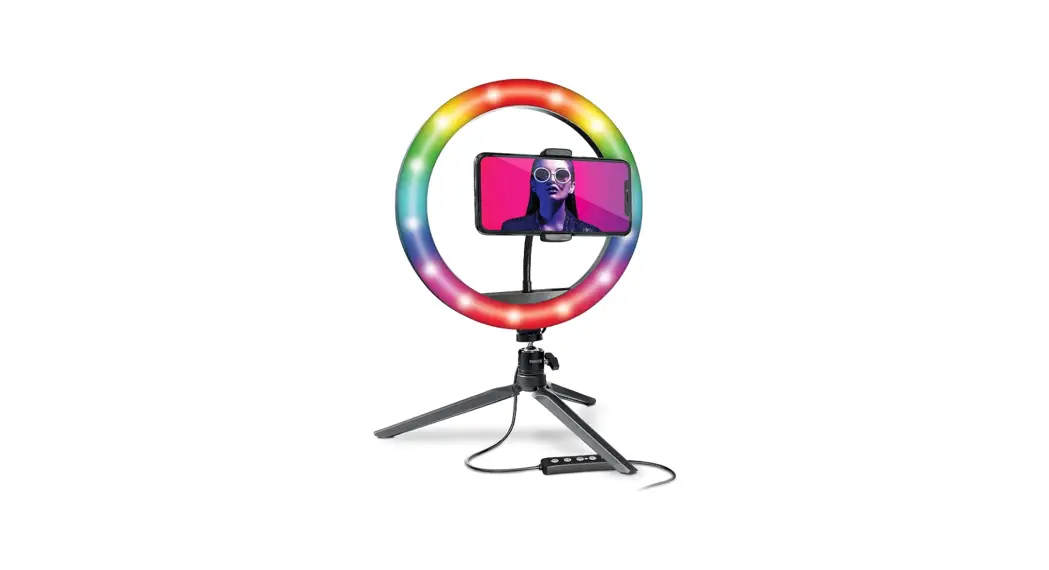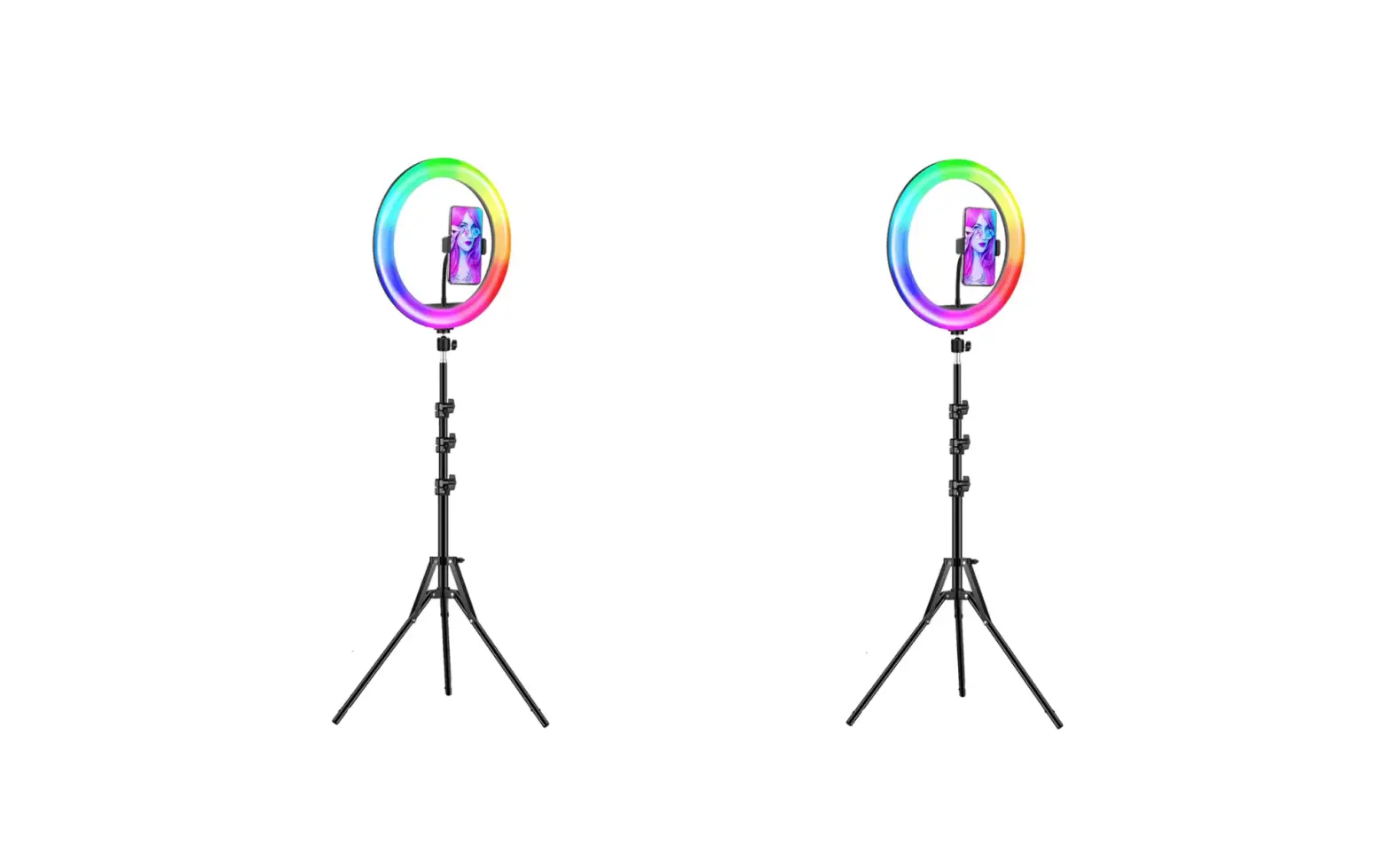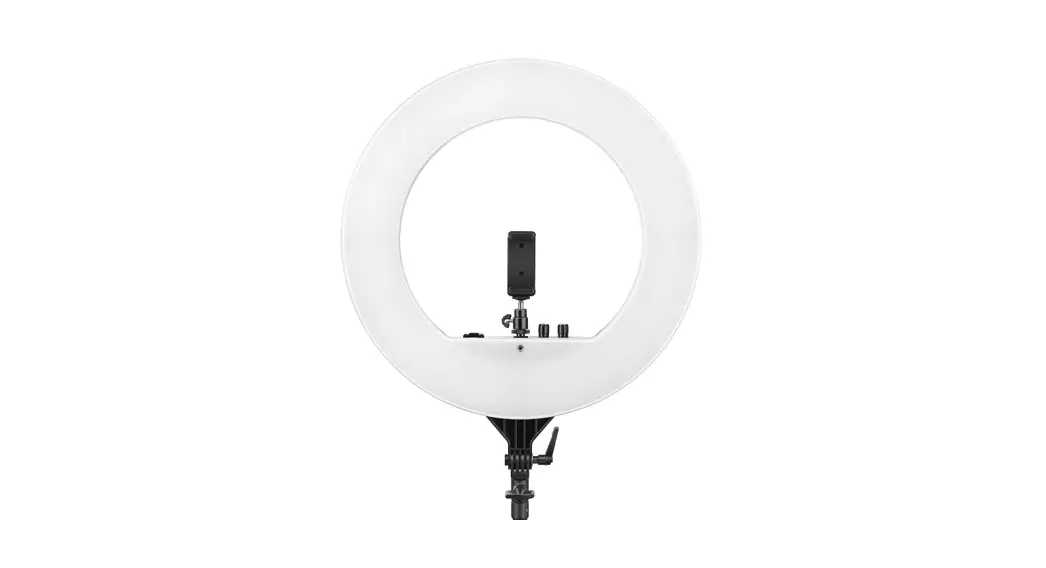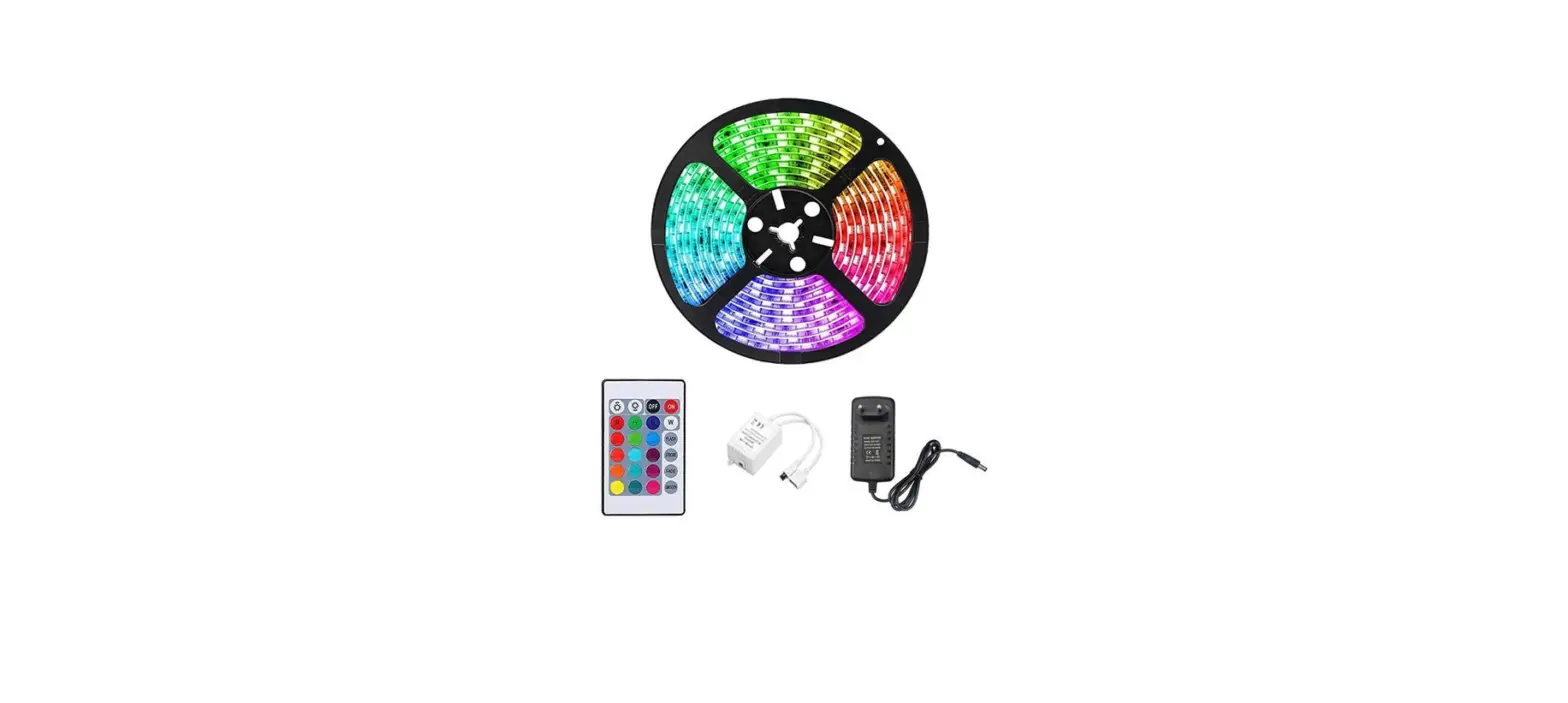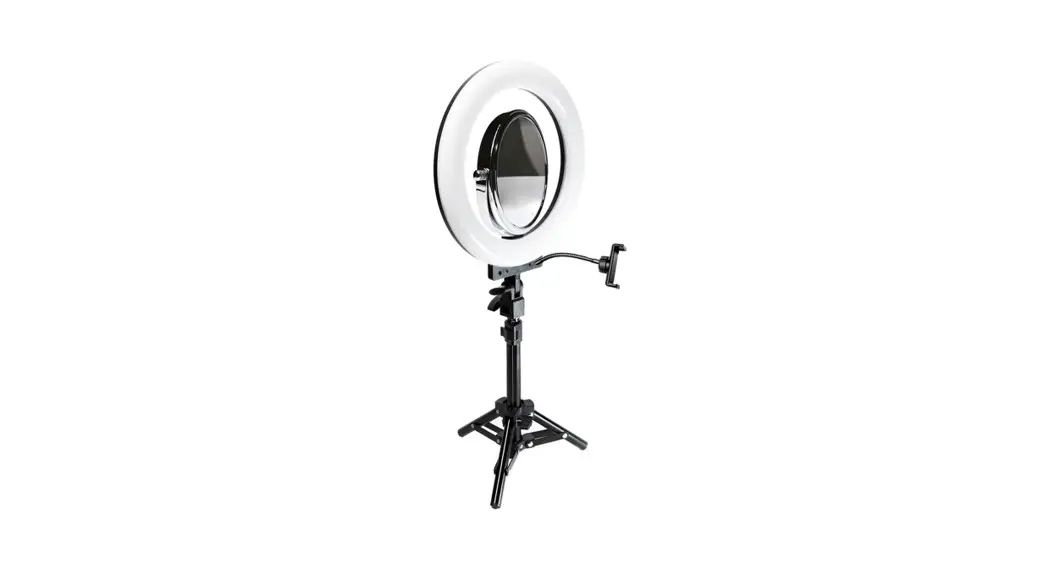
 43115044 10 Inch RGB Ring Light with Remote Control
Instruction Manual
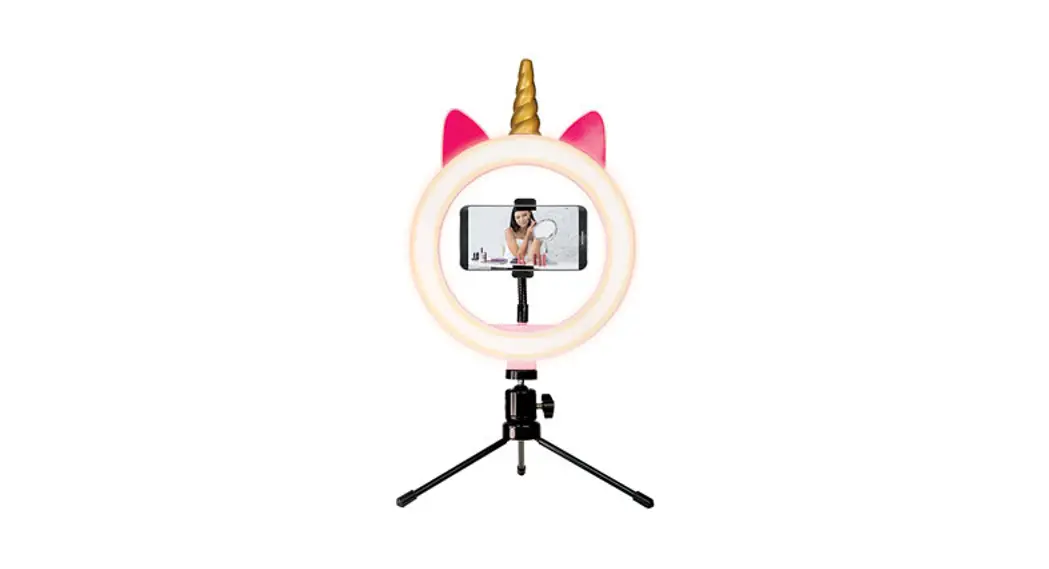
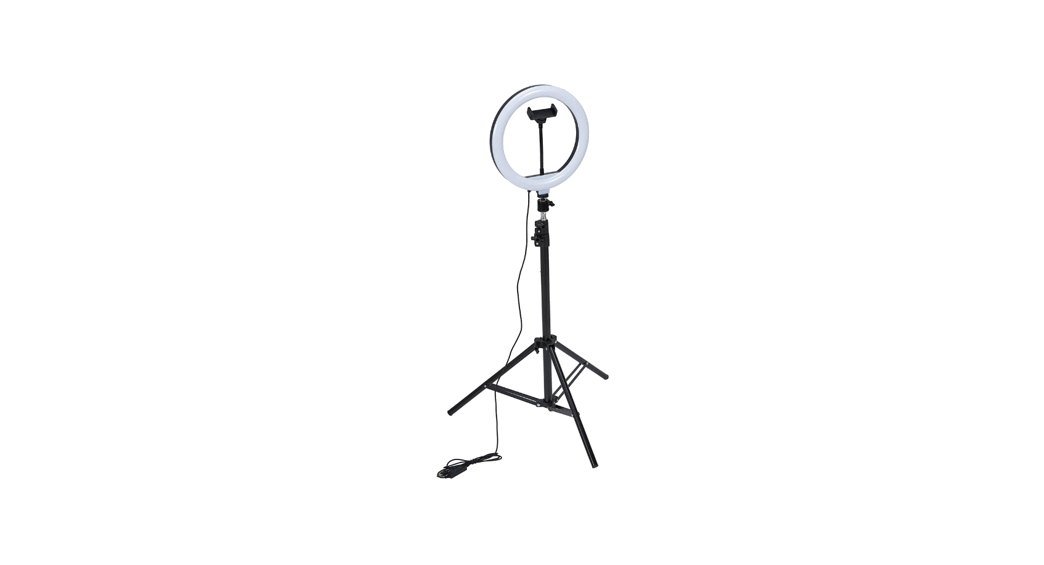
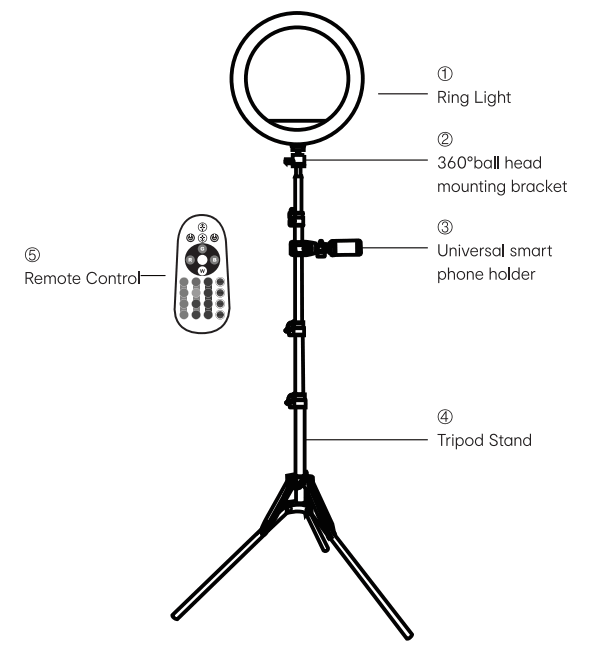
includes:
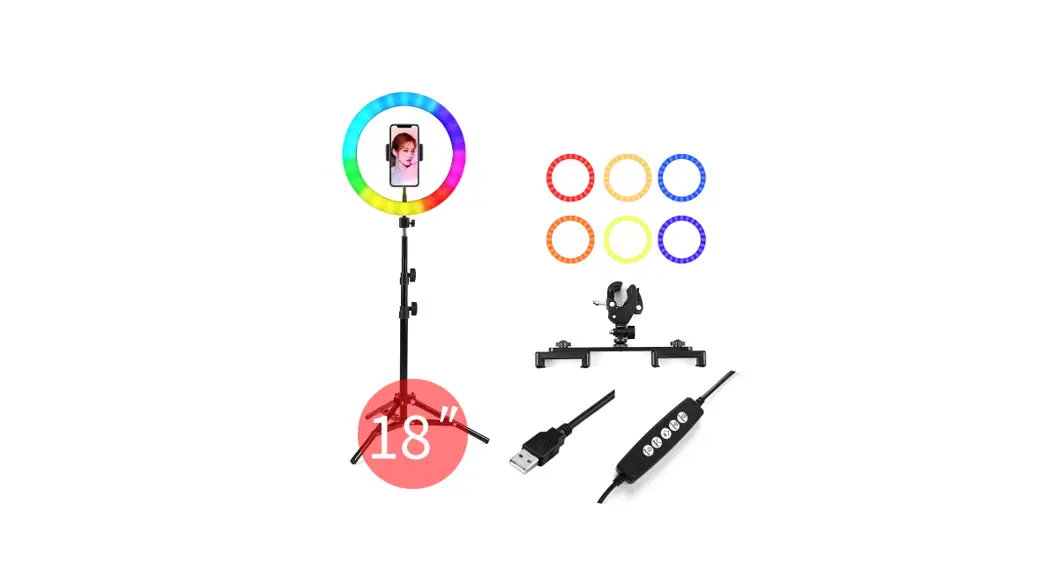
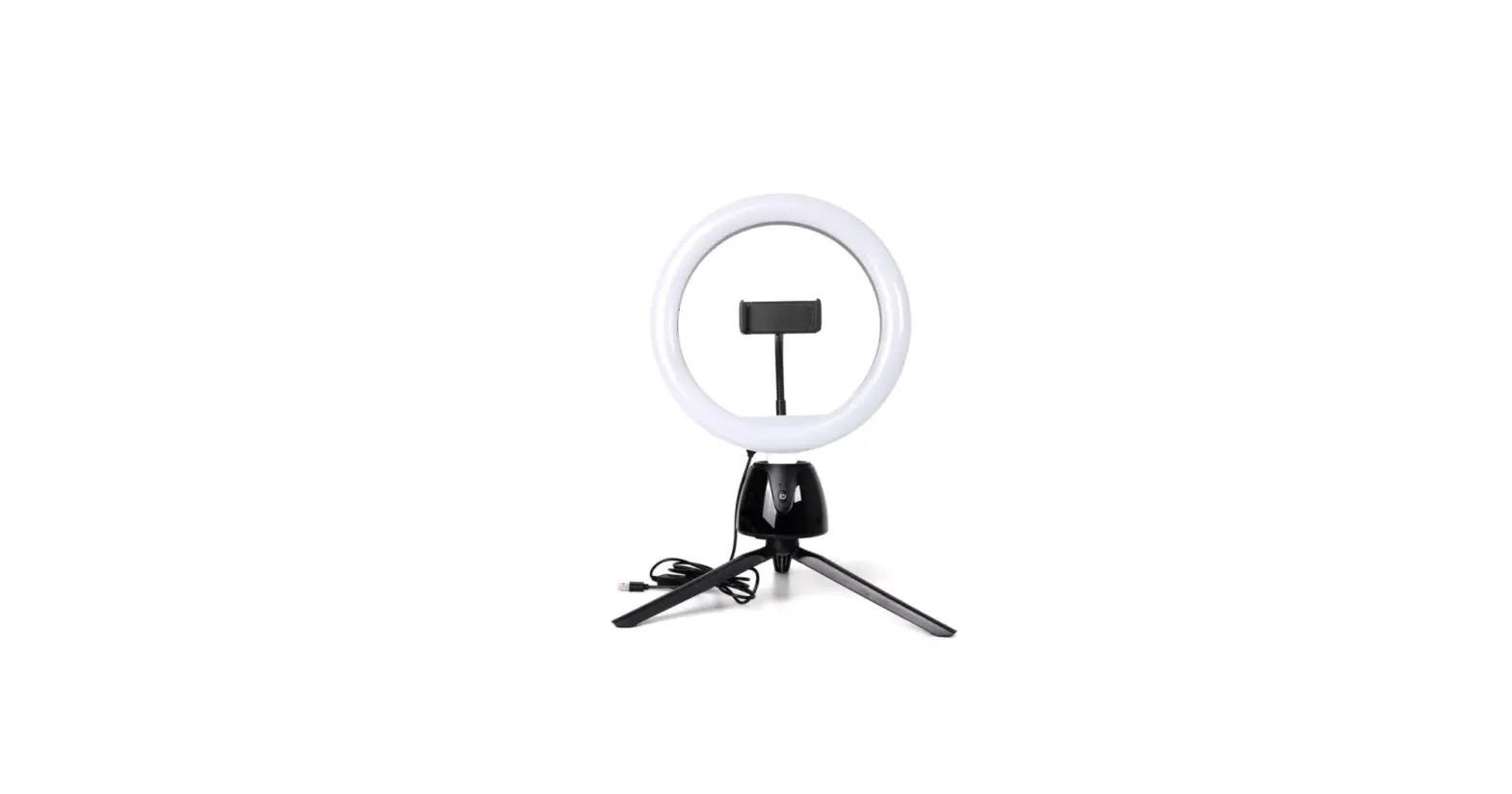
- 10″ RGB ring light )
- Remote control )
- Universal smart phone holder
- Tripod stand )
- 360° ball head mounting bracket
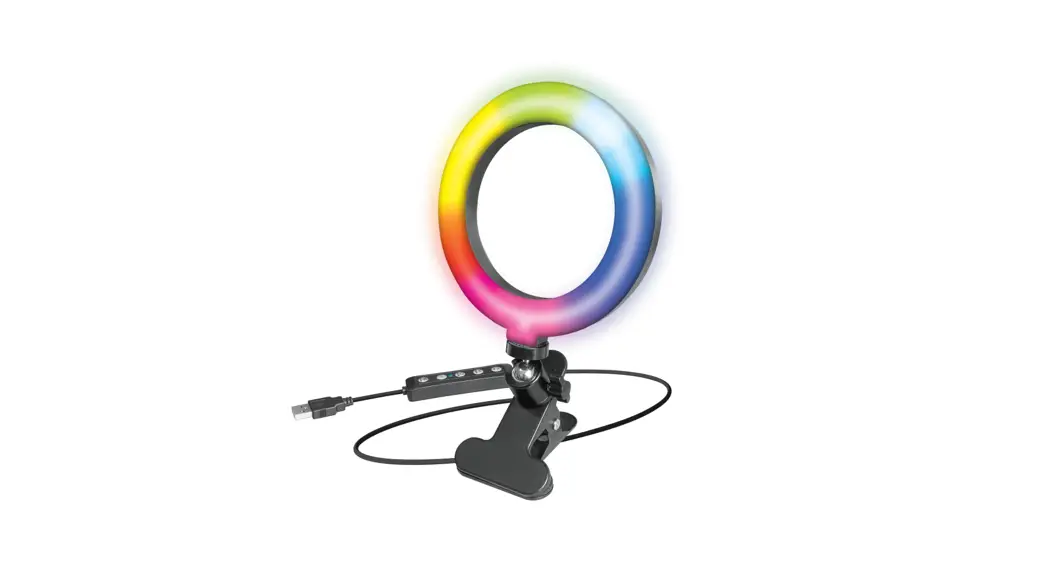
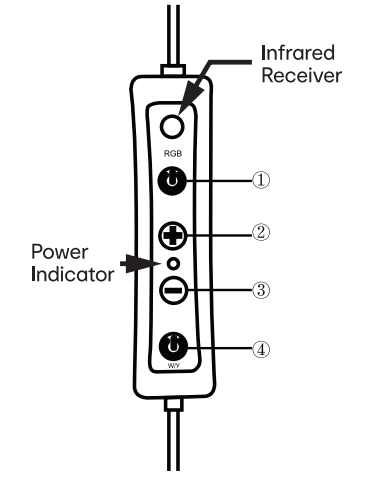
 In-line Control Operation:
- ON/OFF and RGB Button Press once to turn light on or off, and change to RGB light.
- UP Button Press once to increase light by 1 level.
- DOWN Button Press once to reduce the brightness by 1 level.
- ON/OFF and LED Button Press once to turn light on or off, and change to Warm/Natural white/Cool light.

Specifications:
Model No: 43115044
Power: low
Colors: 13 RGB solid colors + 3 white colors
Power Supply Mode: USB 5V/2A
Product Size: 26cm x 185cm
WARNING:
- Only qualified service technicians or service agents should attempt to repair this product.
- The light source contained in this light shall only be replaced by the manufacturer or his service agent or a similar qualified person
- The external flexible cable or cord of this light cannot be replaced; if the cord is damaged, the light should not be used.
Installation Method:
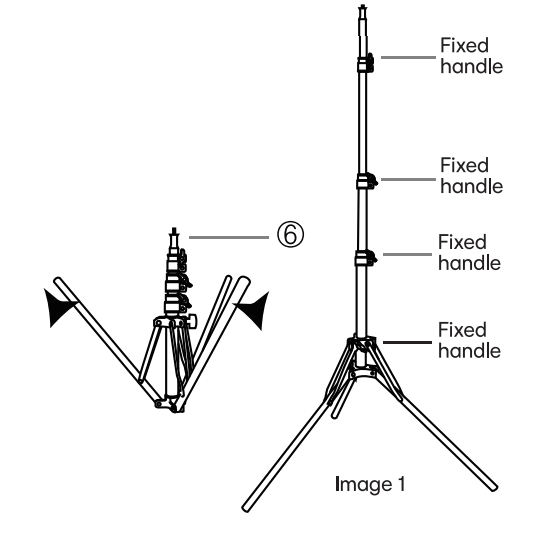
- Take the tripod stand © from box. Pull out the fixed feet. Adjust tripod height, turn fixed handle clockwise to lock it. (as shown image 1)

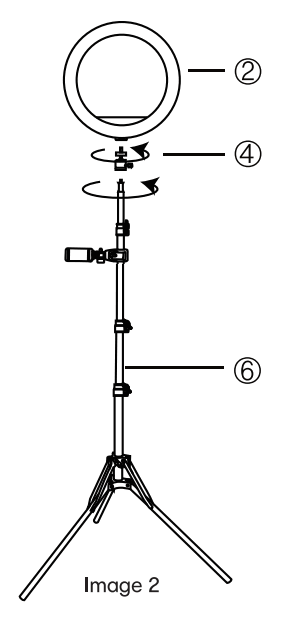
- Take out ® and C) from the packing box, turn C) clockwise to the top of ®, and then screw C) to the top of C). (as shown in image 2)
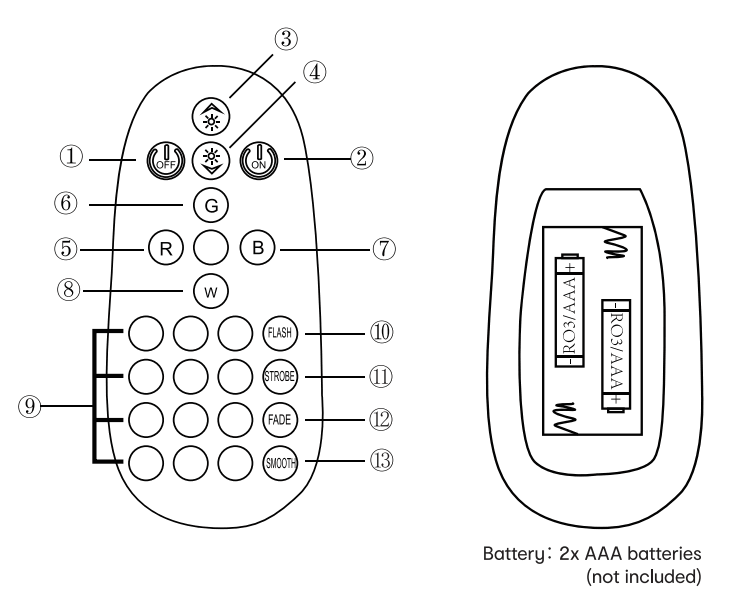
Demote Control Operation
- OFF Button – Press once to turn light off.
- ON Button – Press once to turn light on.
- UP Button – Press once to increase light by 1 level.
- DOWN Button – Press once to reduce the brightness by 1 level.
- Red Light – Press once to change Red light.
- Green Light – Press once to change Green light.
- Blue Light – Press once to change Blue light.
- White Light – Press once to change to Natural white/Warm white/Cool white lights.
- 12 RGB Lights – Press buttons in different colors to chose RGB solid lights
- FLASH Mode – Press once to change flash mode.
- STROBE Mode – Press once to change strobe mode.
- FADE Mode – Press once to change fade mode.
- SMOOTH Mode – Press once to change smooth mode.