 QUICKSTART GUIDE
IMPORTANT
READ BEFORE USING
Any questions? Des questions?
turtlebeach.com/support
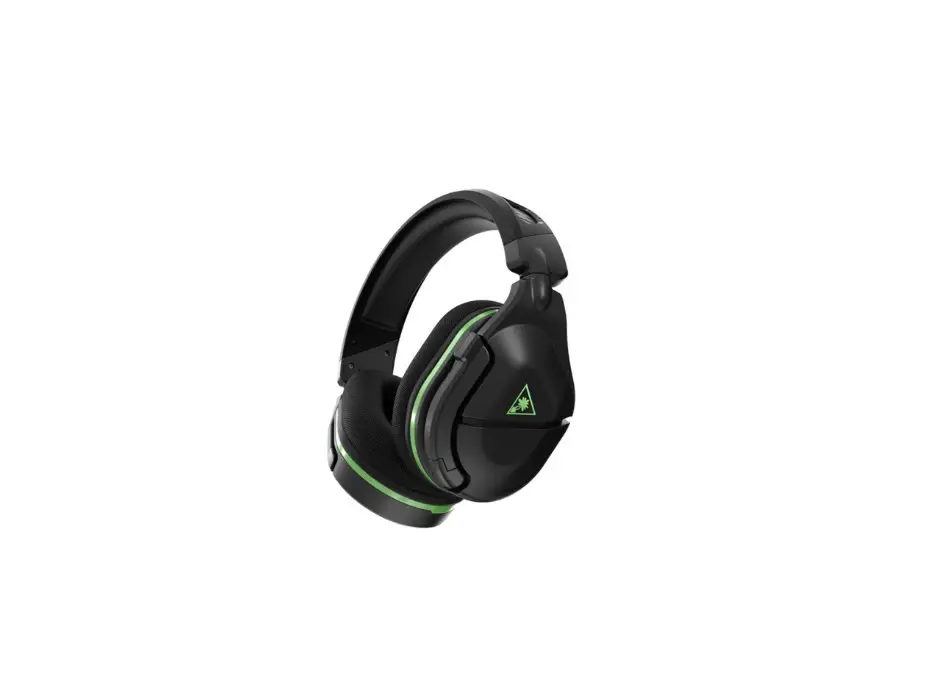
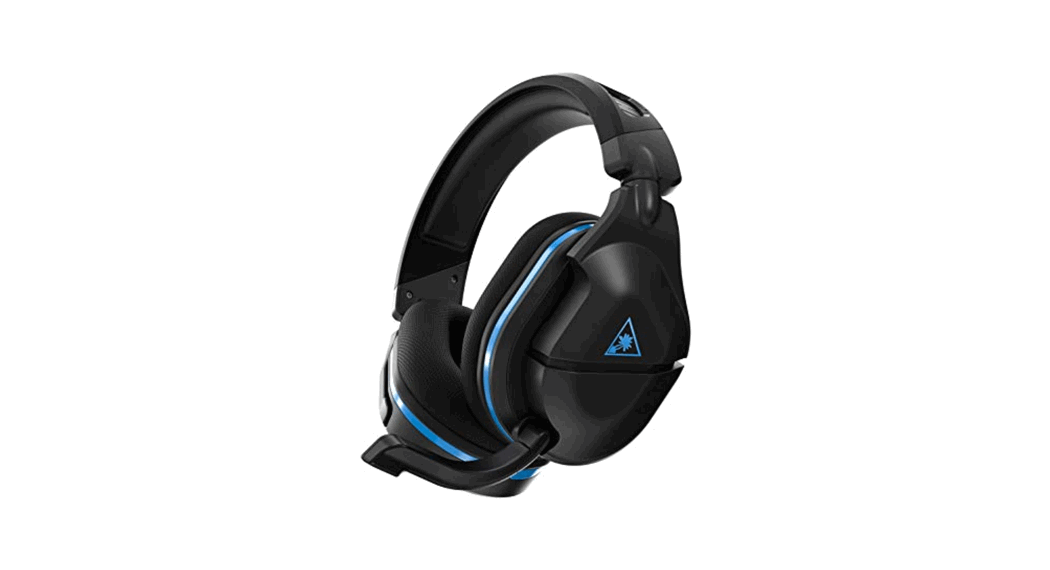
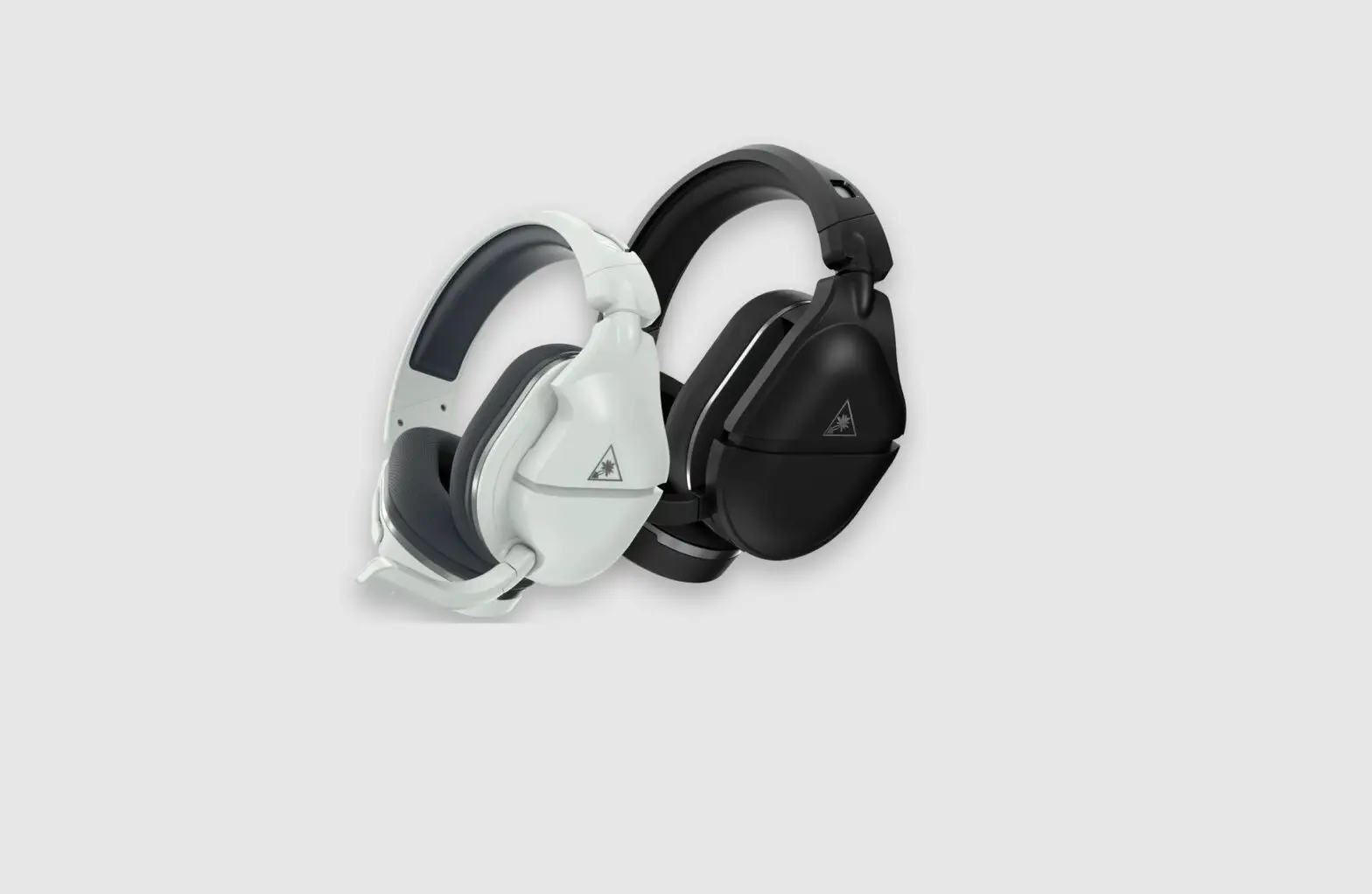
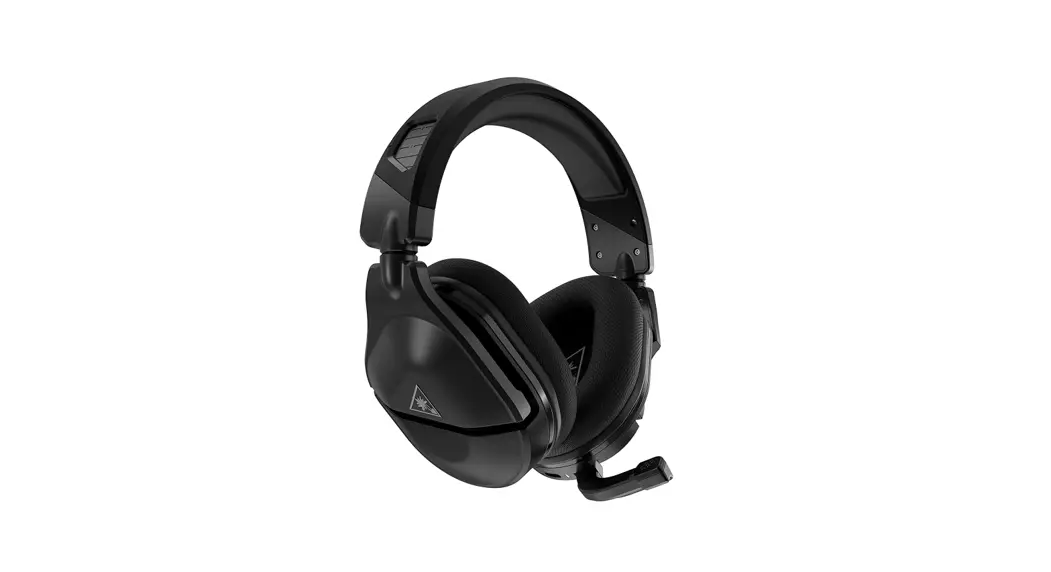
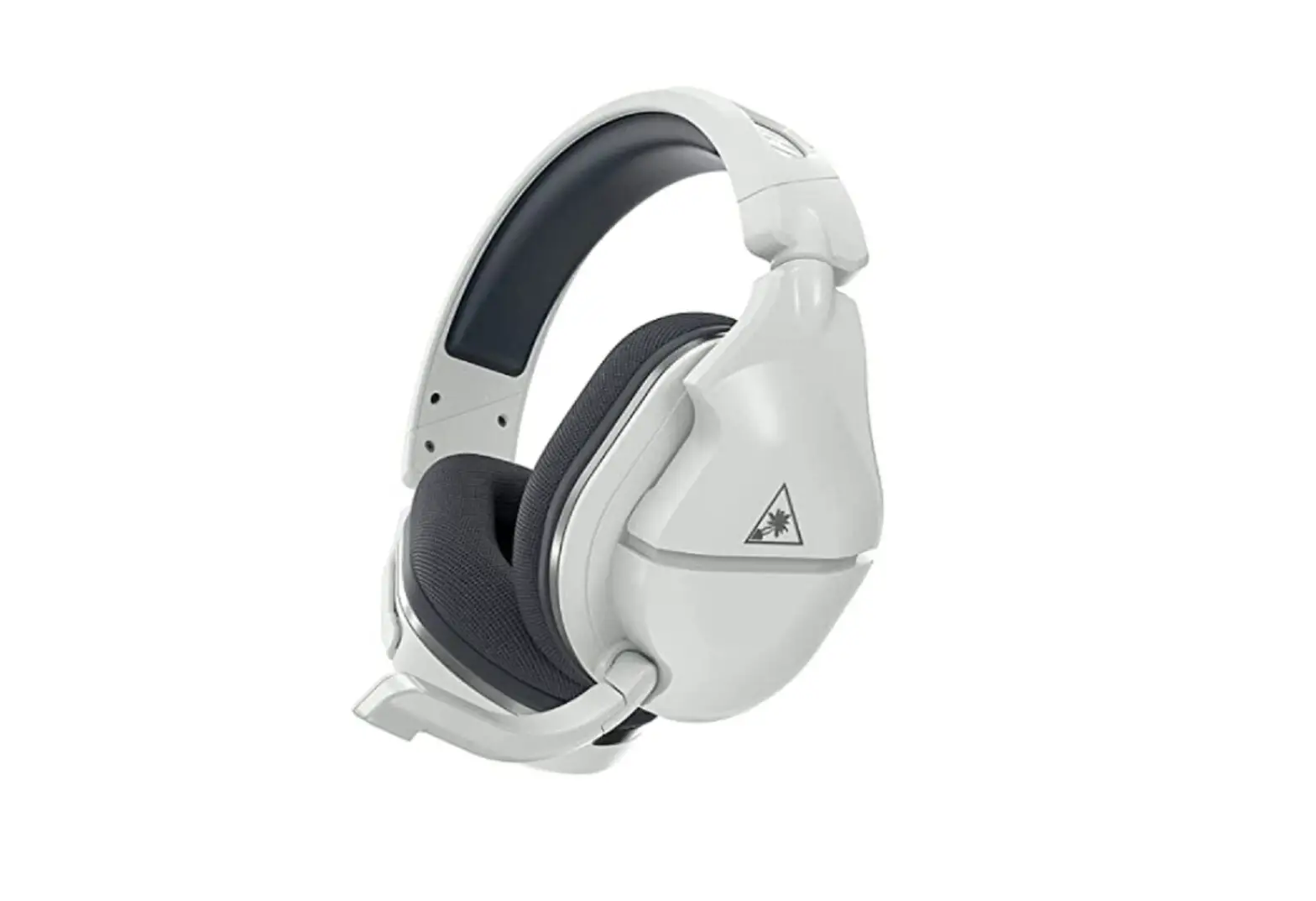
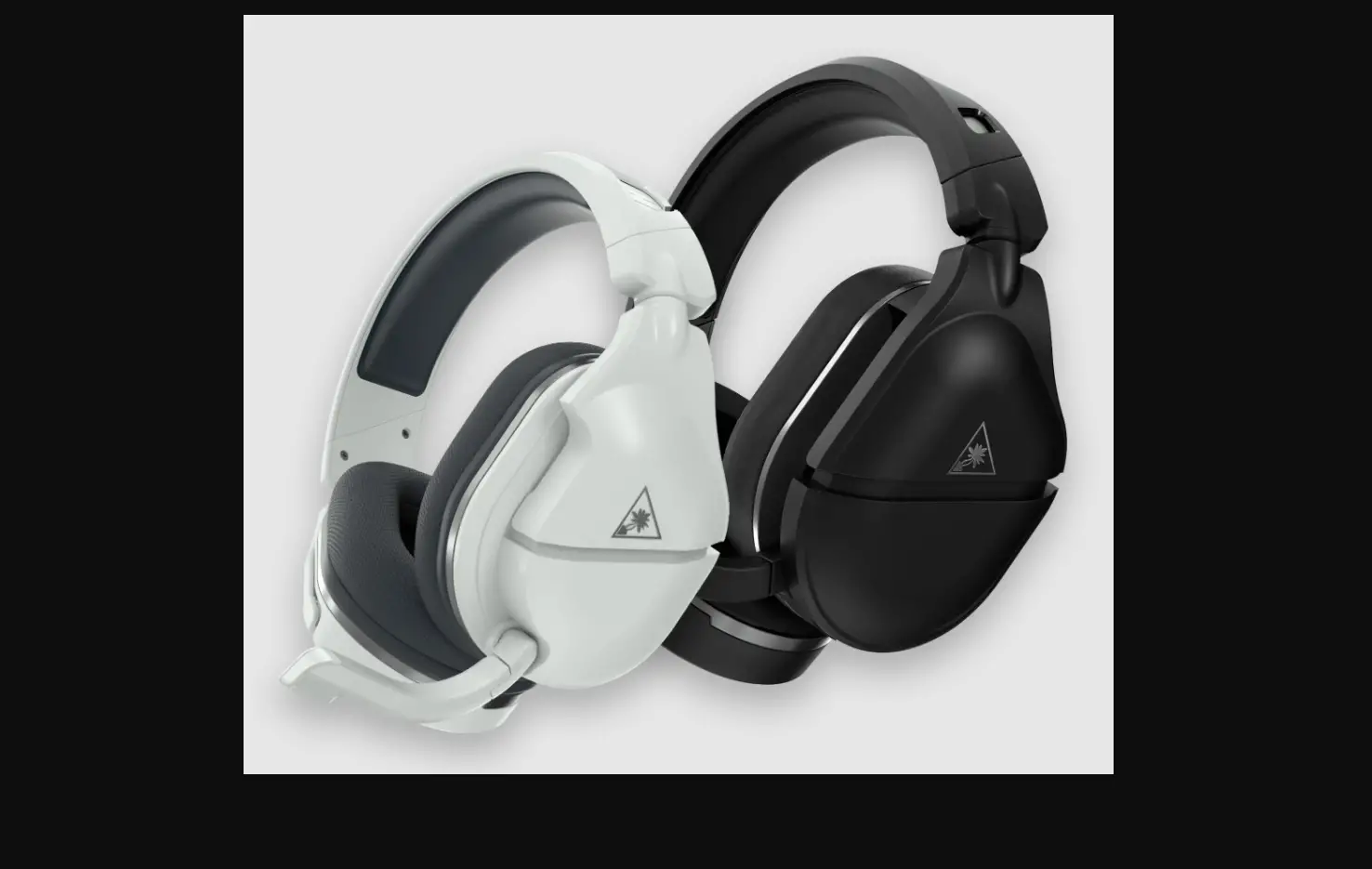
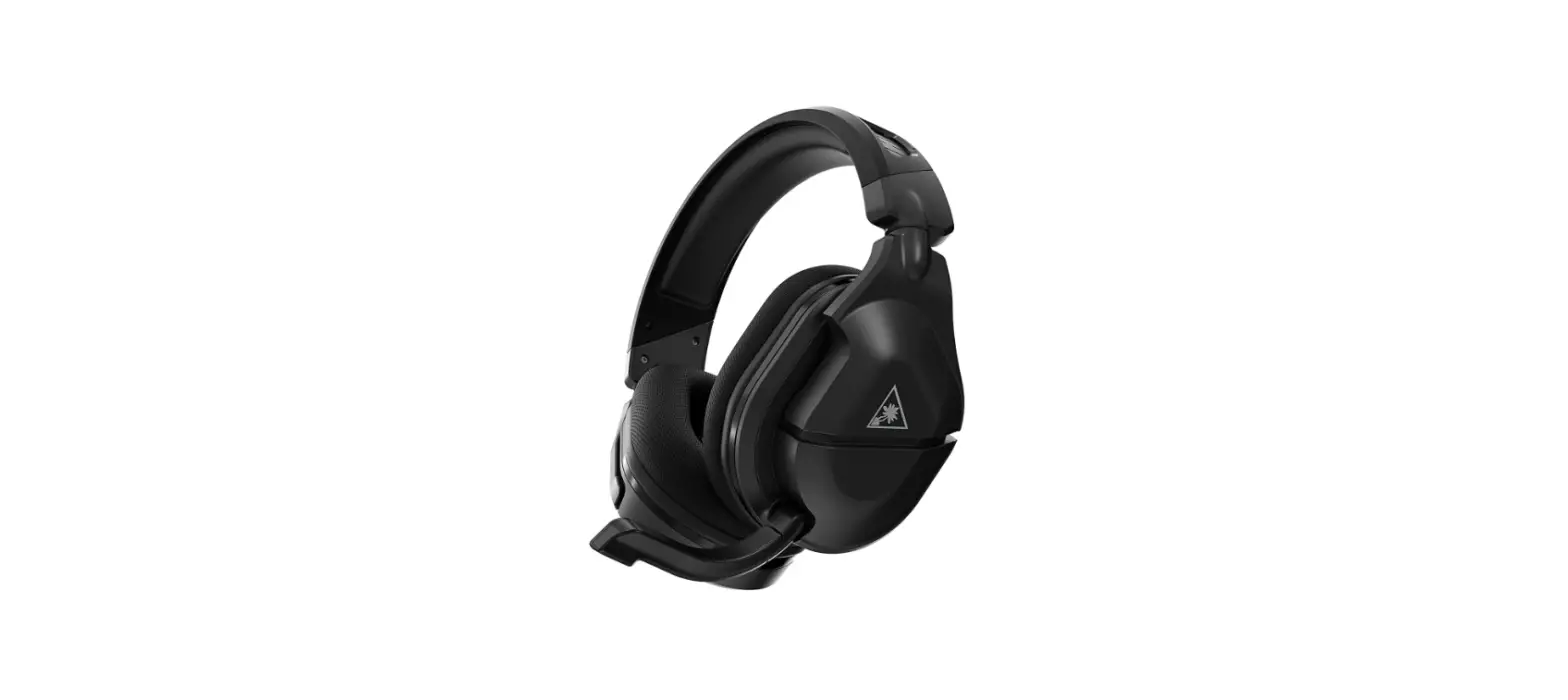
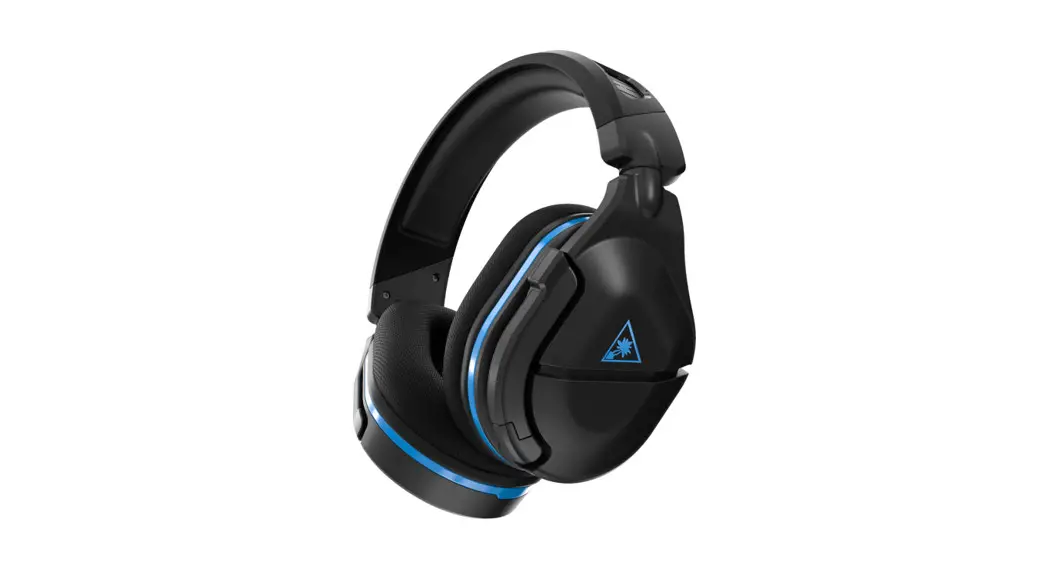
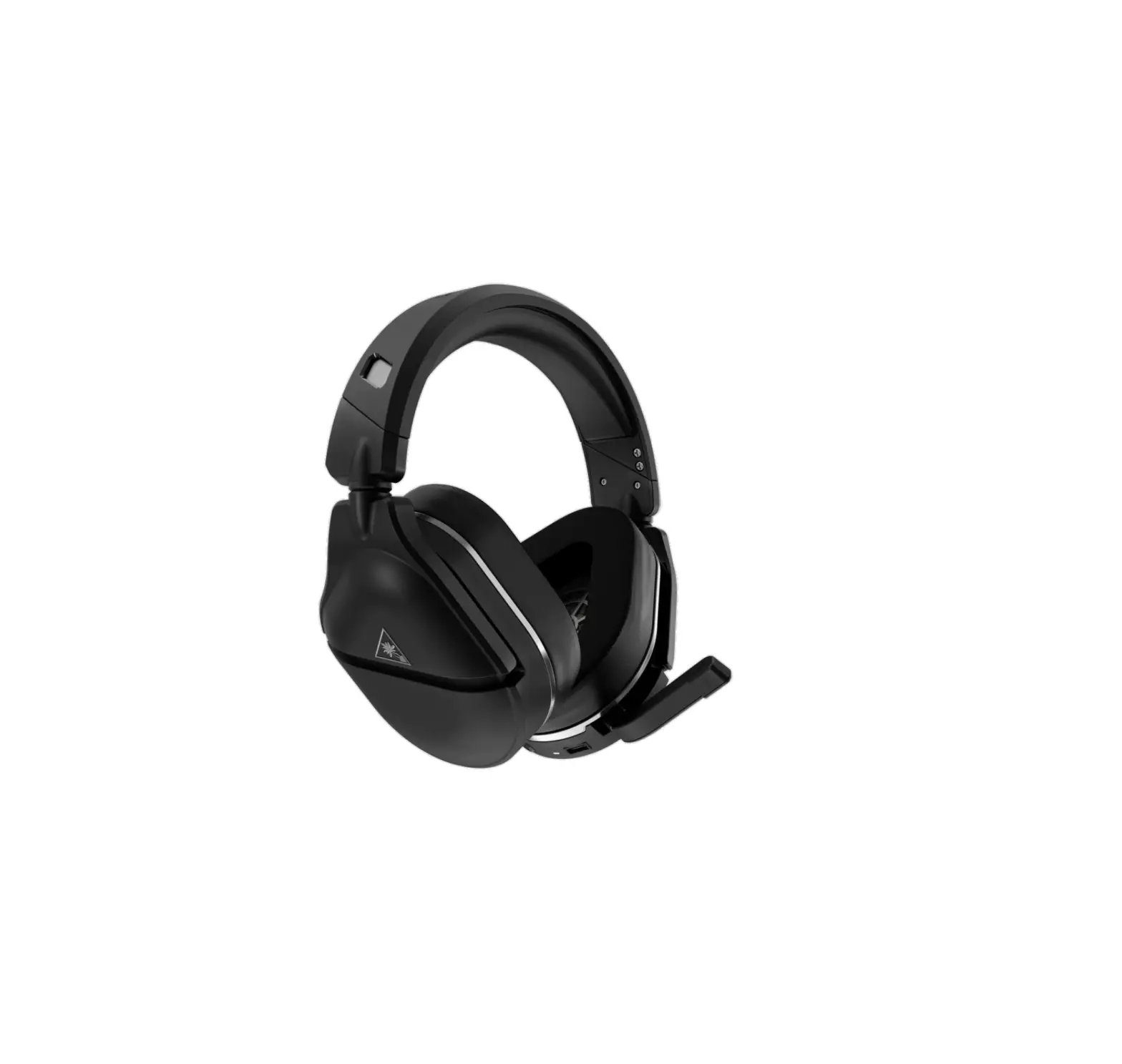
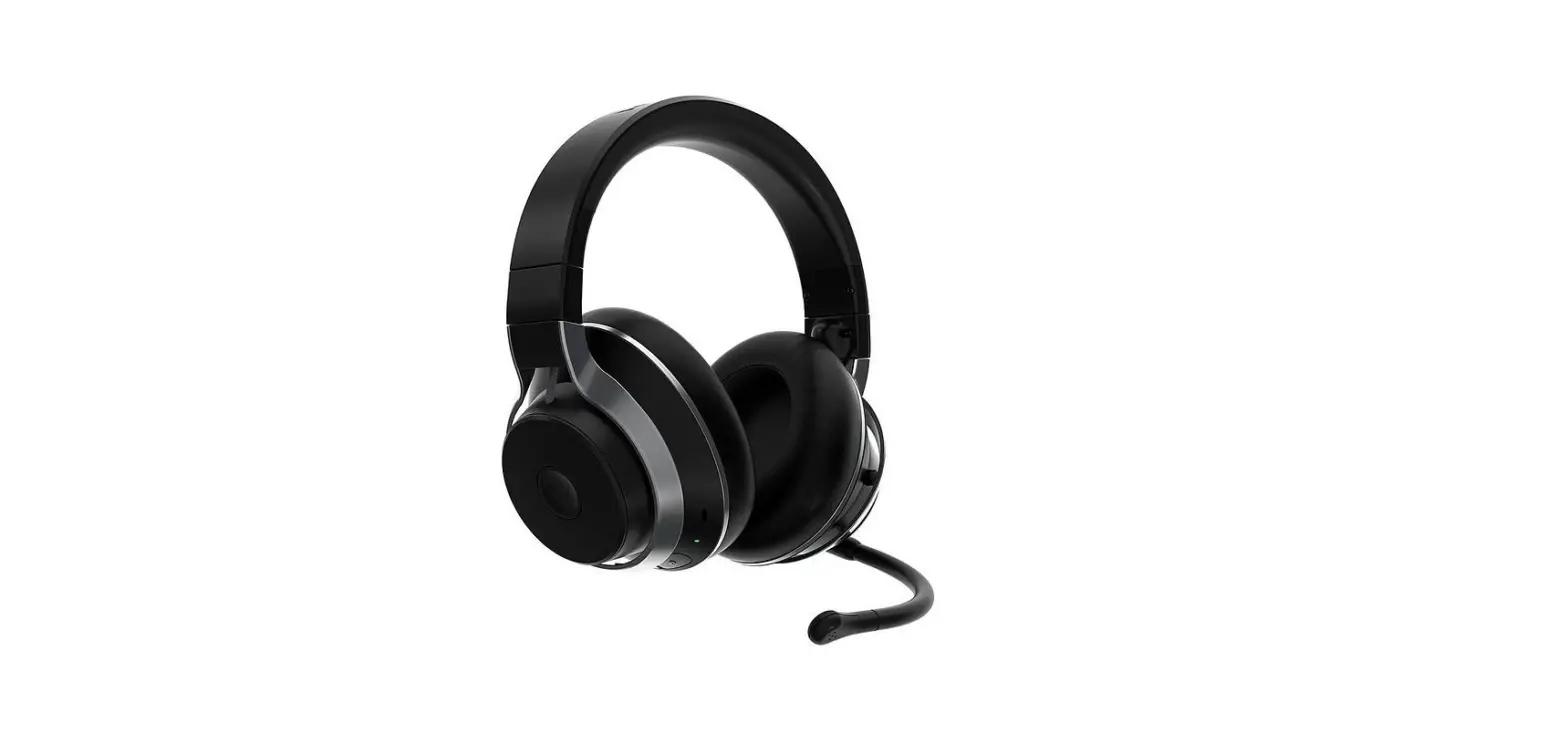
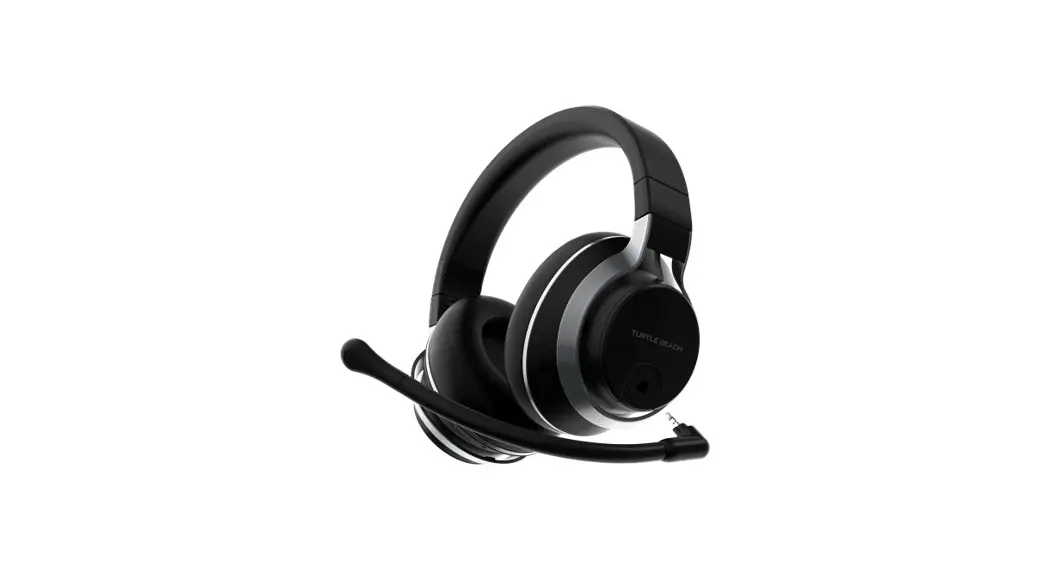
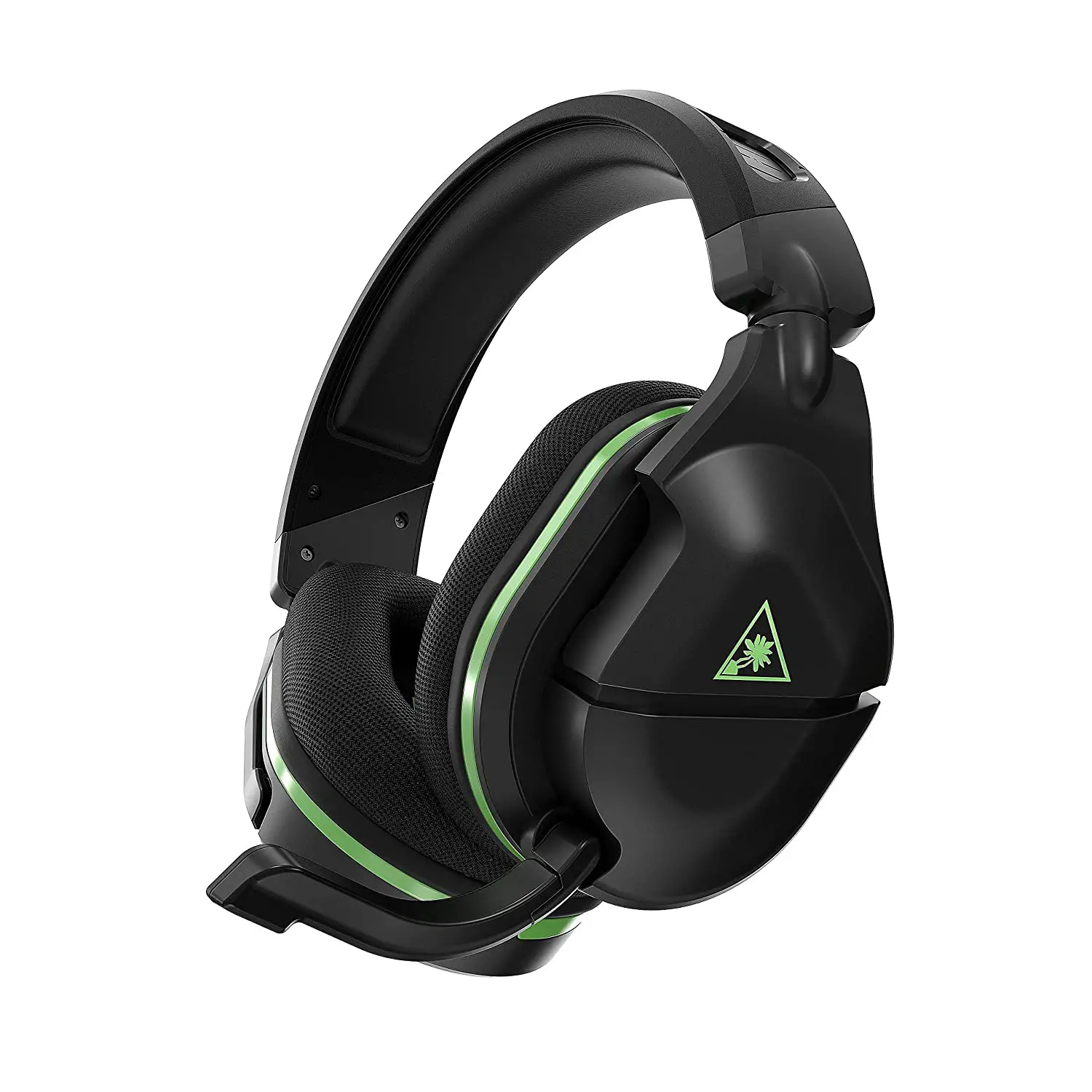
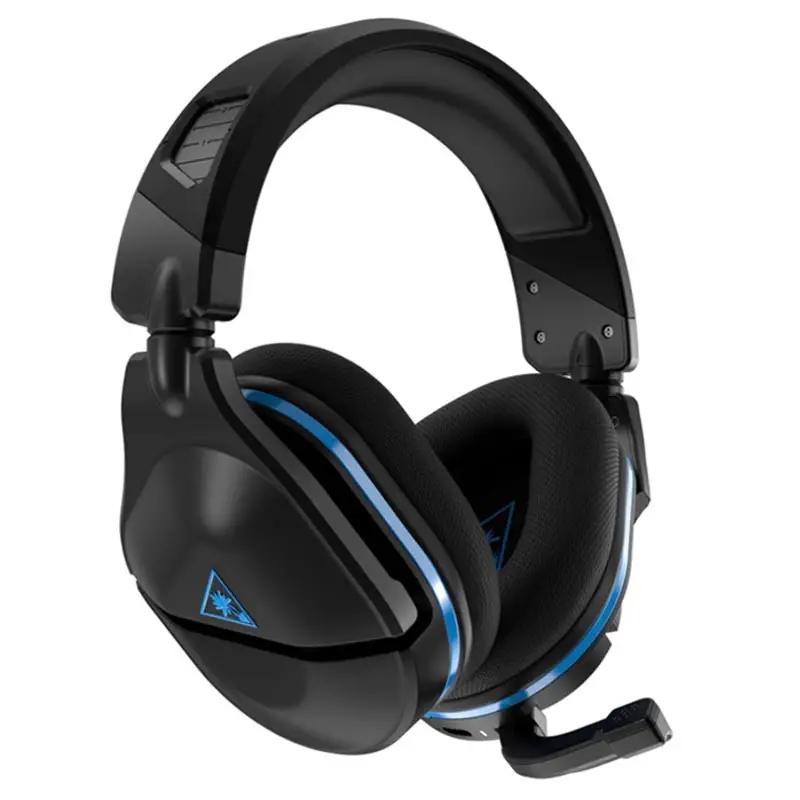
Model: Stealth™ 600 Gen 2 for PlayStation®
IMPORTANT
PLEASE MAKE SURE YOUR HEADSET
IS UPDATED WITH THE LATEST FIRMWARE.
CONTENTS
 HEADSET CONTROLS
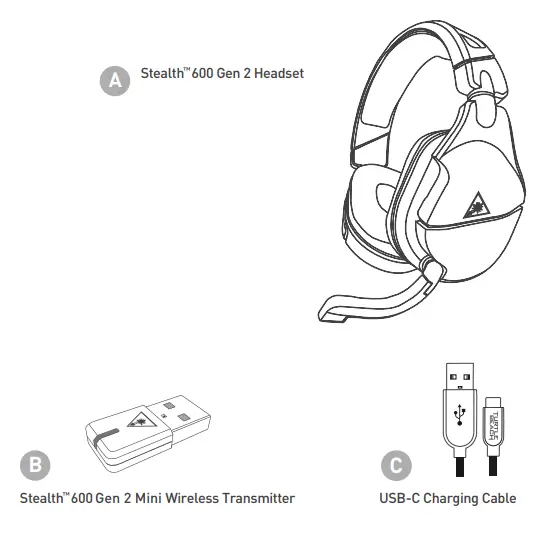 HEADSET CONTROLS

Use Superhuman Hearing® Mode to pinpoint quiet audio cues like enemy footsteps and weapon reloads.
During gameplay, you can activate and deactivate Superhuman Hearing® by pressing the POWER button once, quickly.
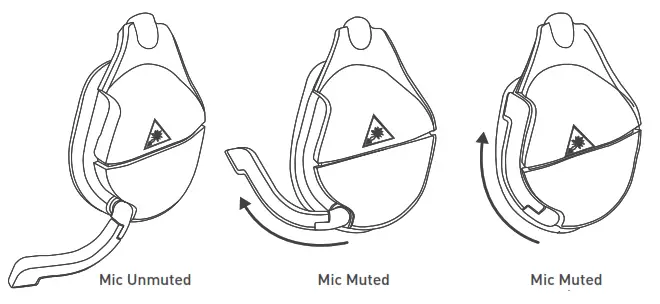 Microphone Mute
Flip up the mic to mute. There is an audible tone when the mic is muted or unmuted.
 EQ PRESETS
Signature Sound
Bass Boost
Bass + Treble Boost
Vocal Boost
SETUP FOR PLAYSTATION®
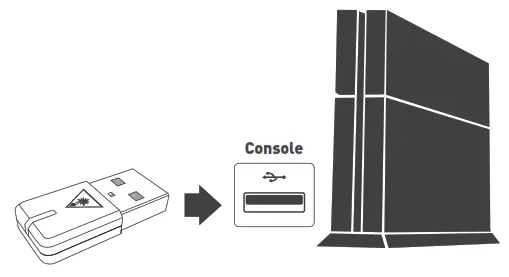
- Connect Mini Transmitter to USB Port

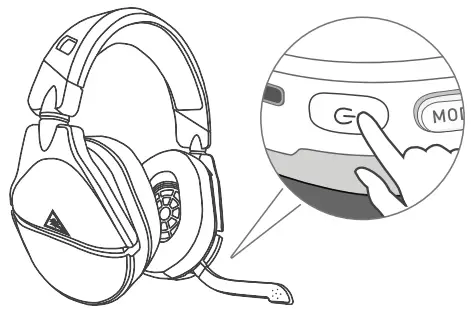
- Power on Headset

- Go to Settings > Devices > Audio Devices
a. Select Stealth™600 Gen 2 for Input & Output Device
b. Set Output to Headphones to All Audio
c. Set Volume Control (headphones) level to maximum
d. Select Adjust Microphone Level and follow the on-screen instructions to calibrate your microphone
CHARGING
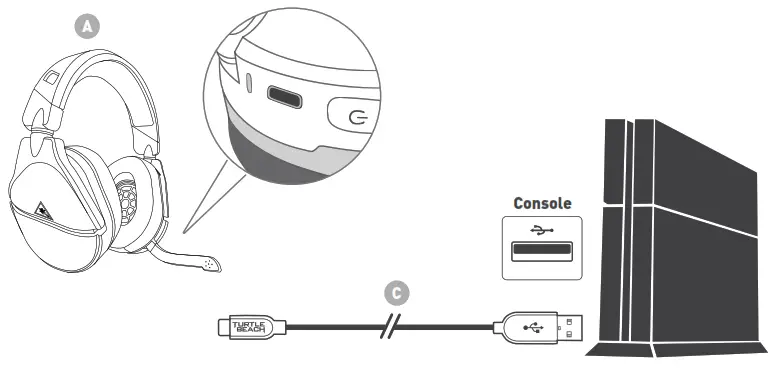
The Stealth™ 600 Gen 2 gives you 15 hours of rechargeable battery life. Make sure to charge it regularly before storing.
Headset Storage
Always charge your headset before storing it for an extended period of time (greater than 3 months). Never store the unit in temperatures above 113°F/45°C.
Connect to the Turtle Beach Audio Hub for Windows or Mac® to update the firmware.
turtlebeach.com/audiohub

 Turtle Beach® Audio Hub - Download Firmware Updates for PC & Mac
 Turtle Beach Support
 Recycling Room | Comply Direct