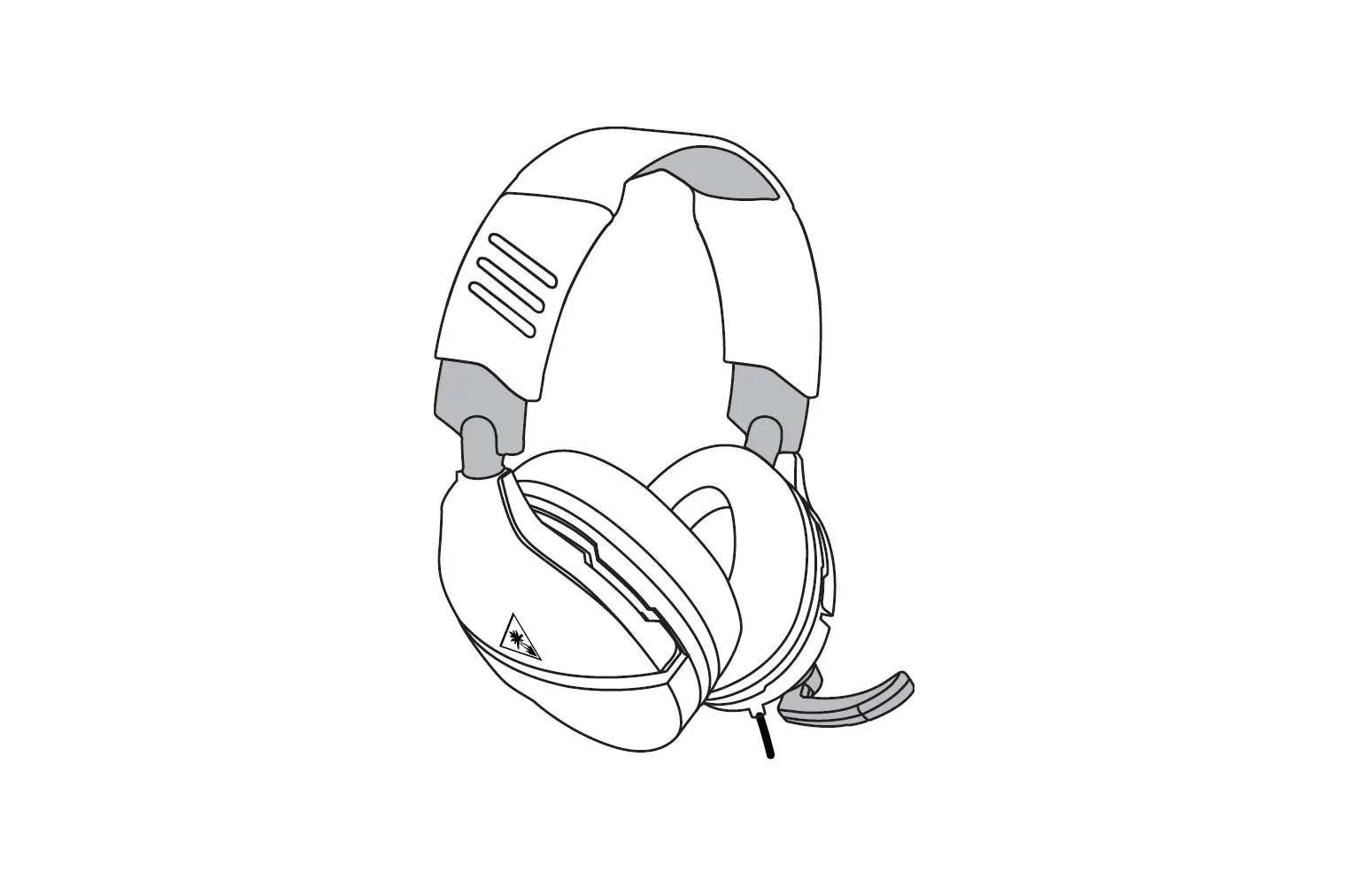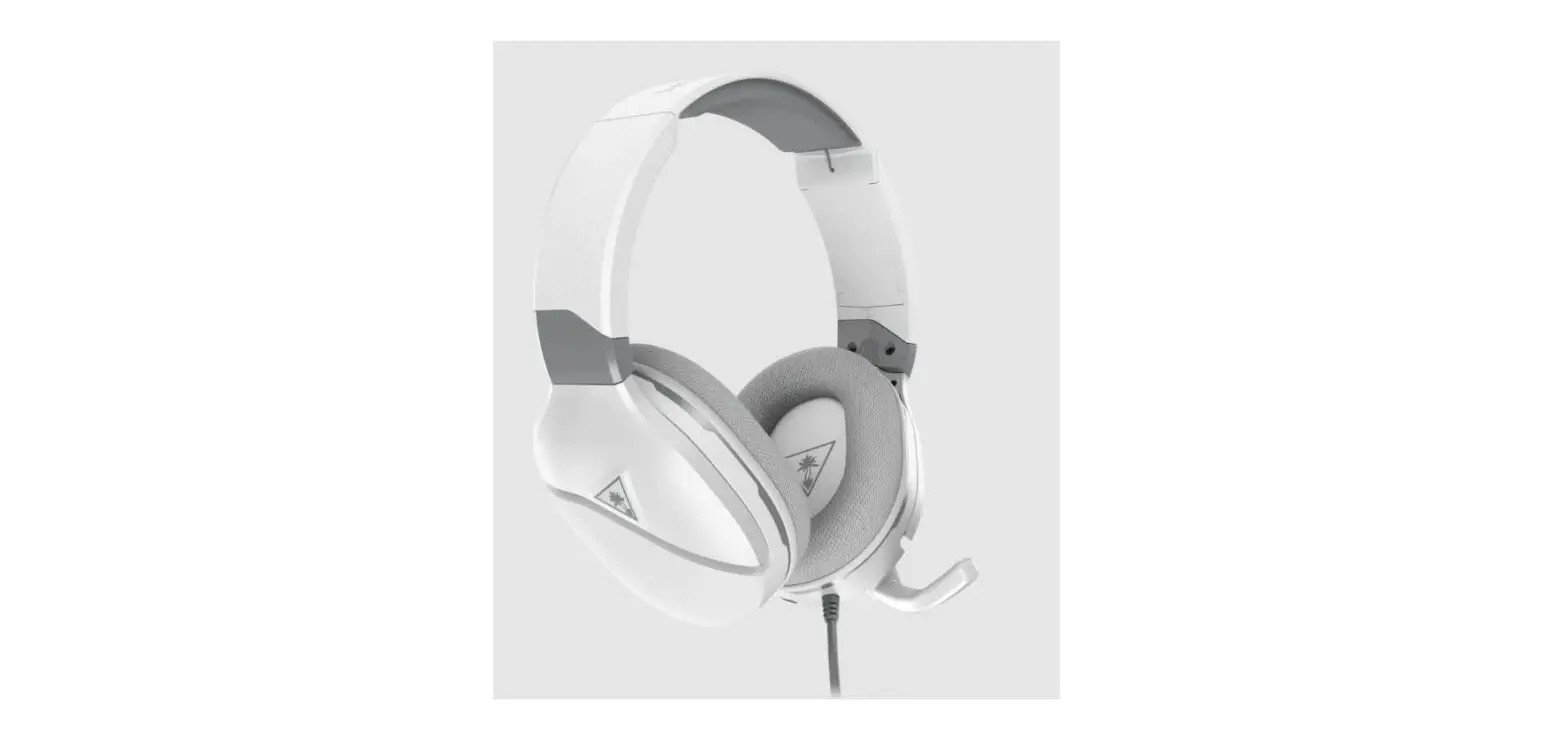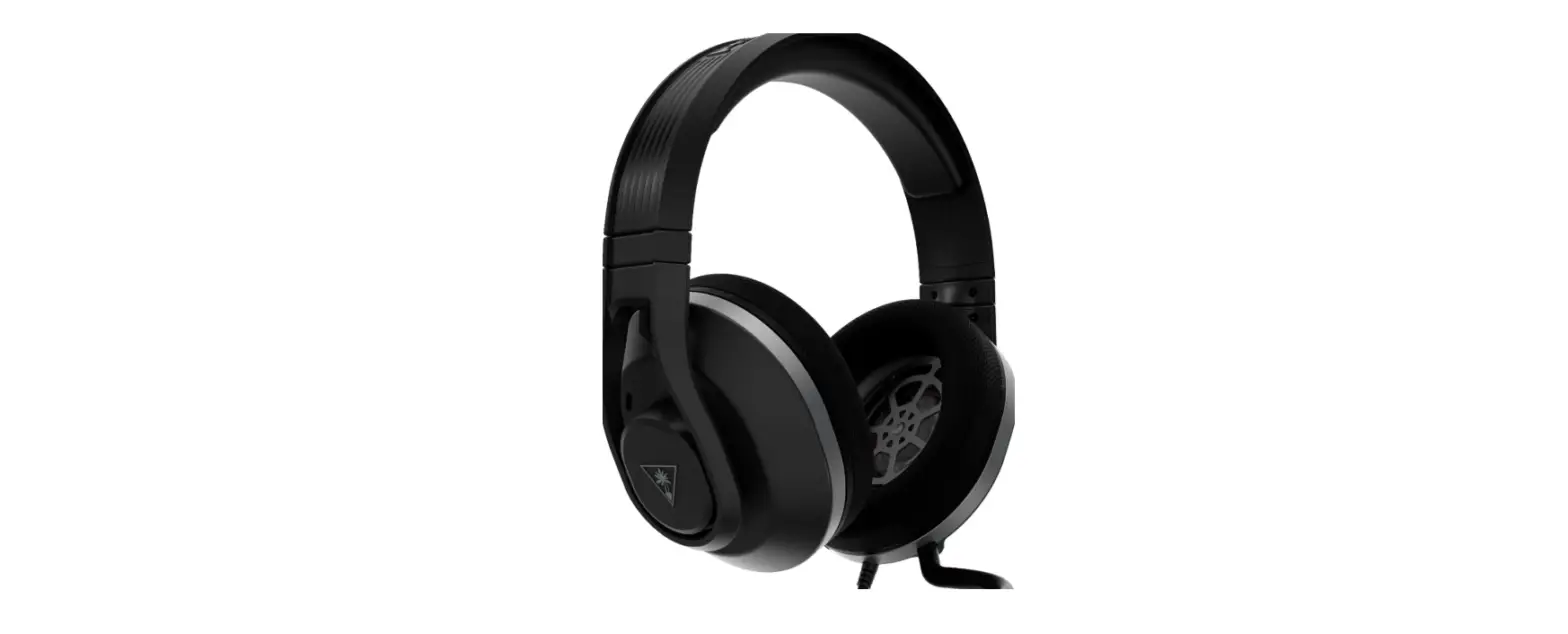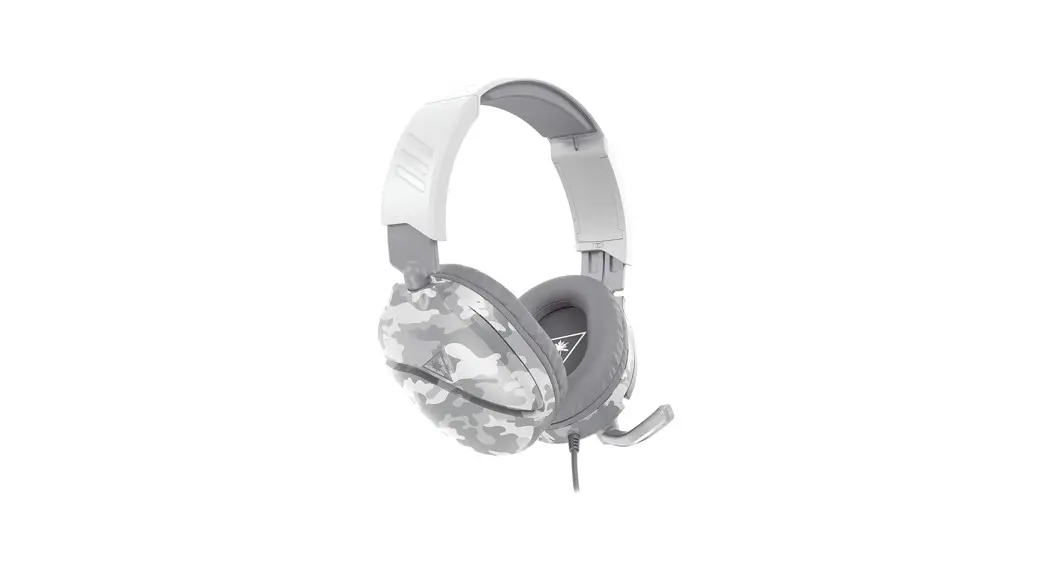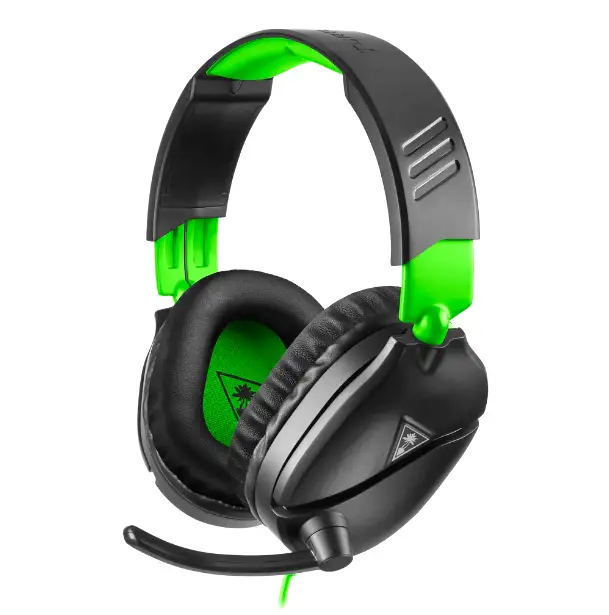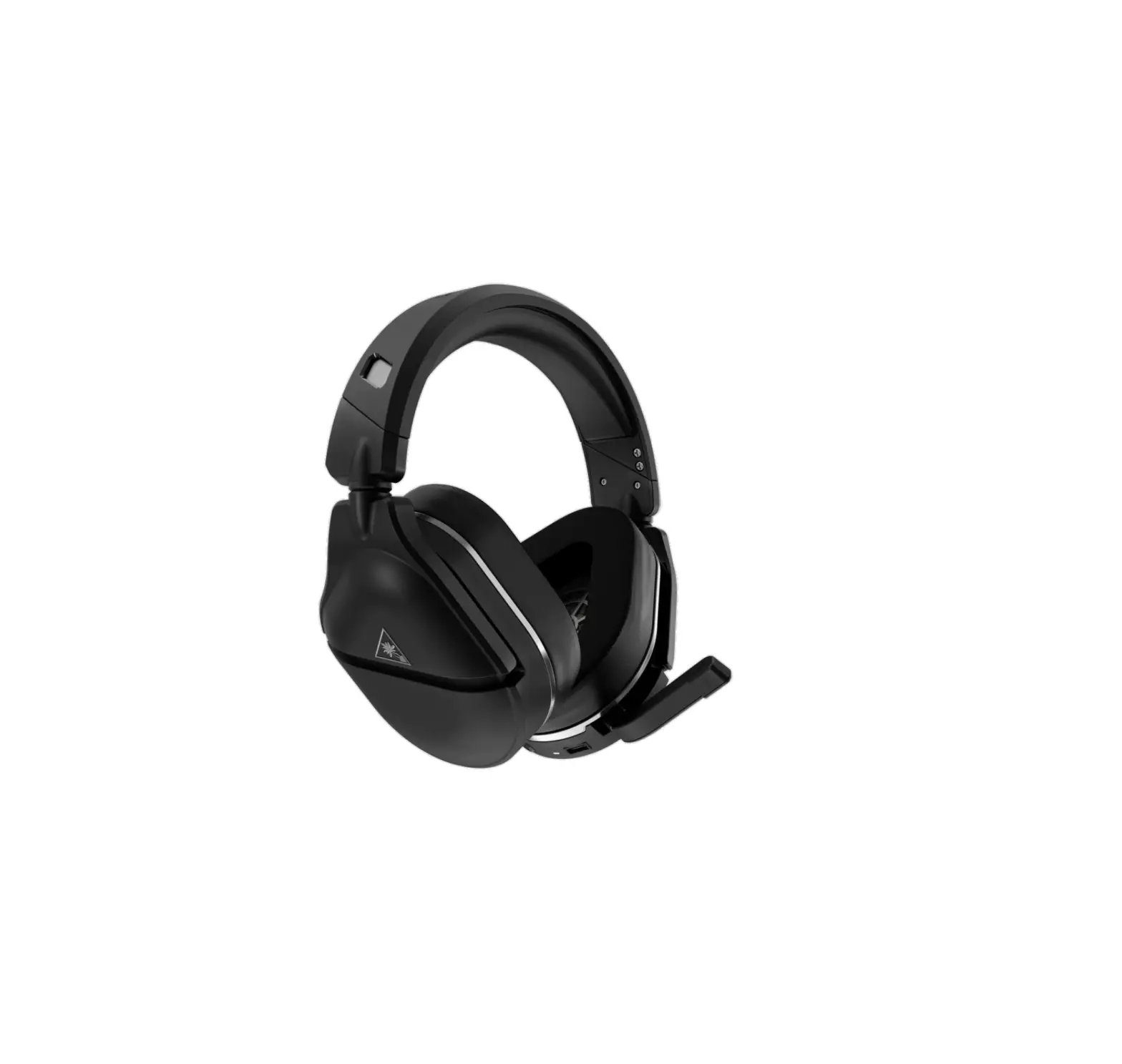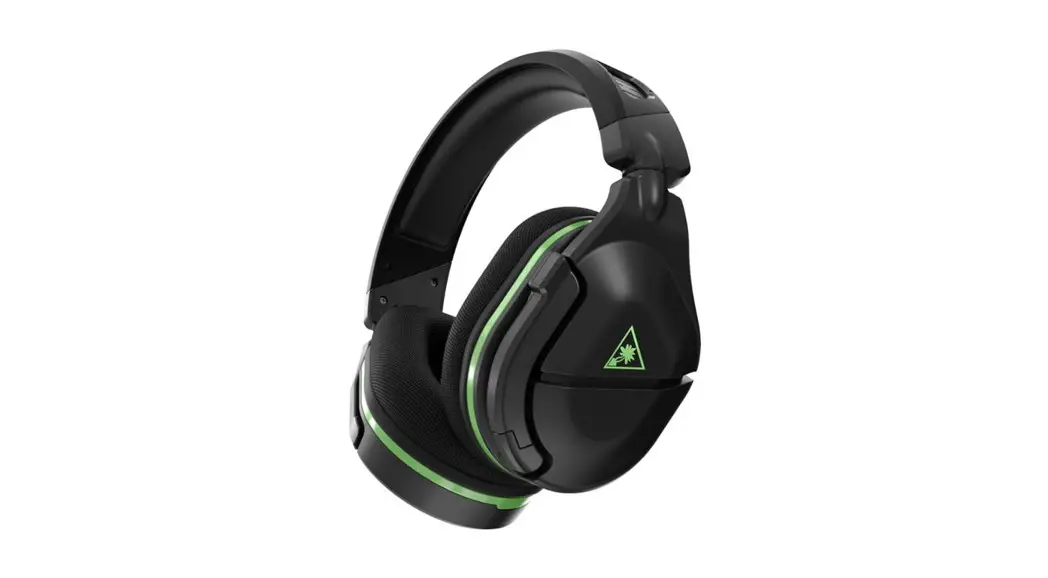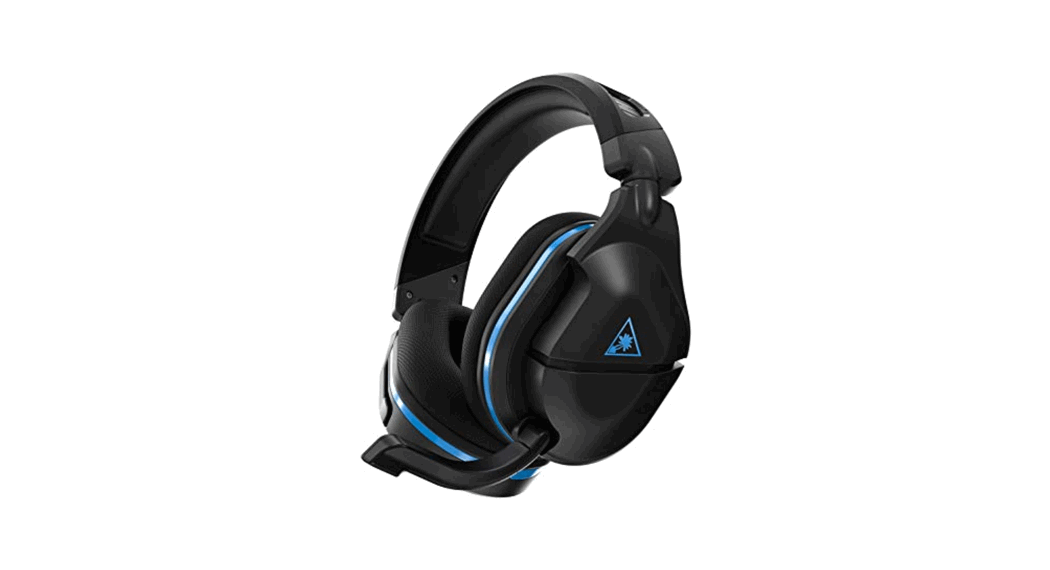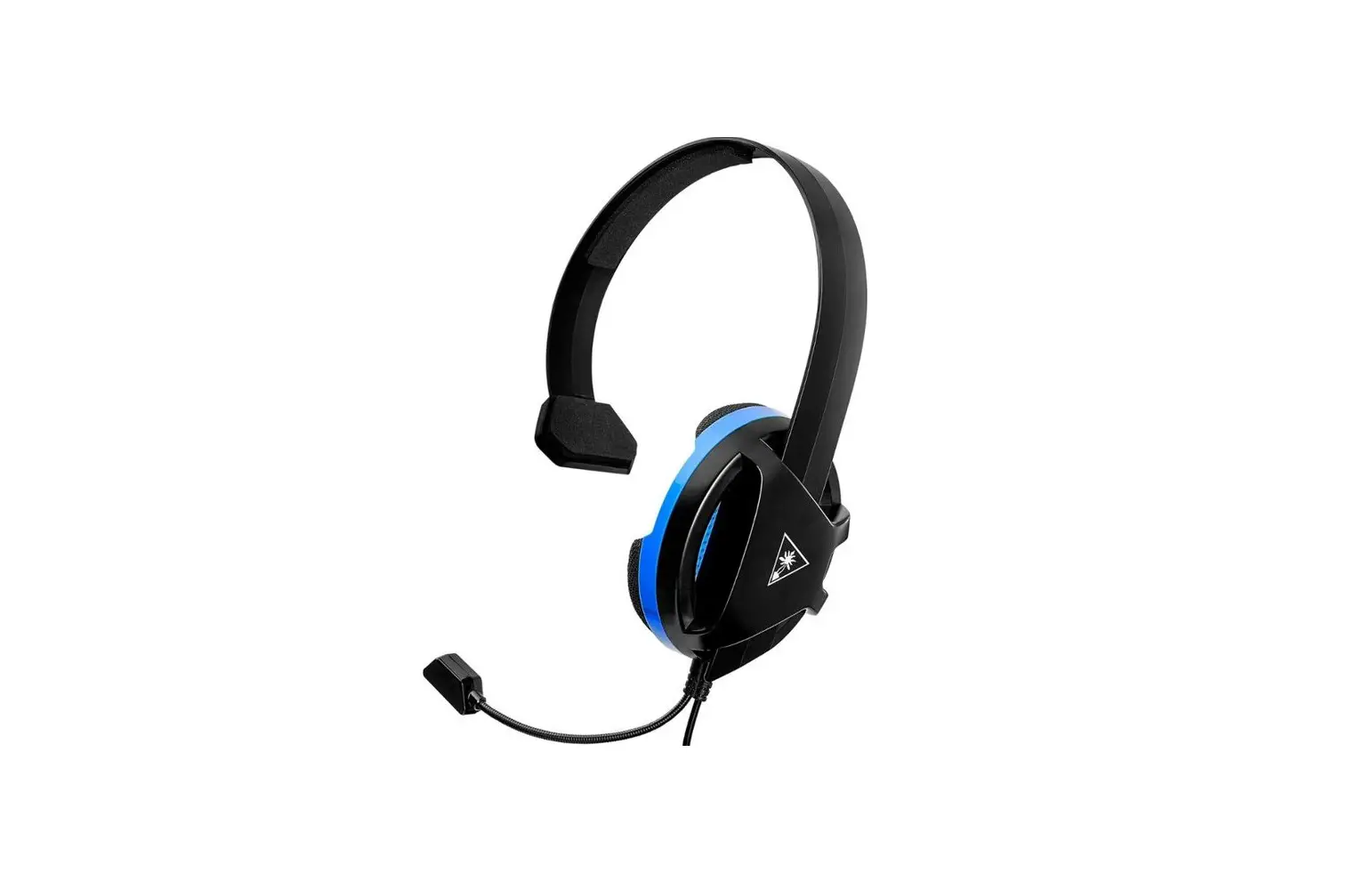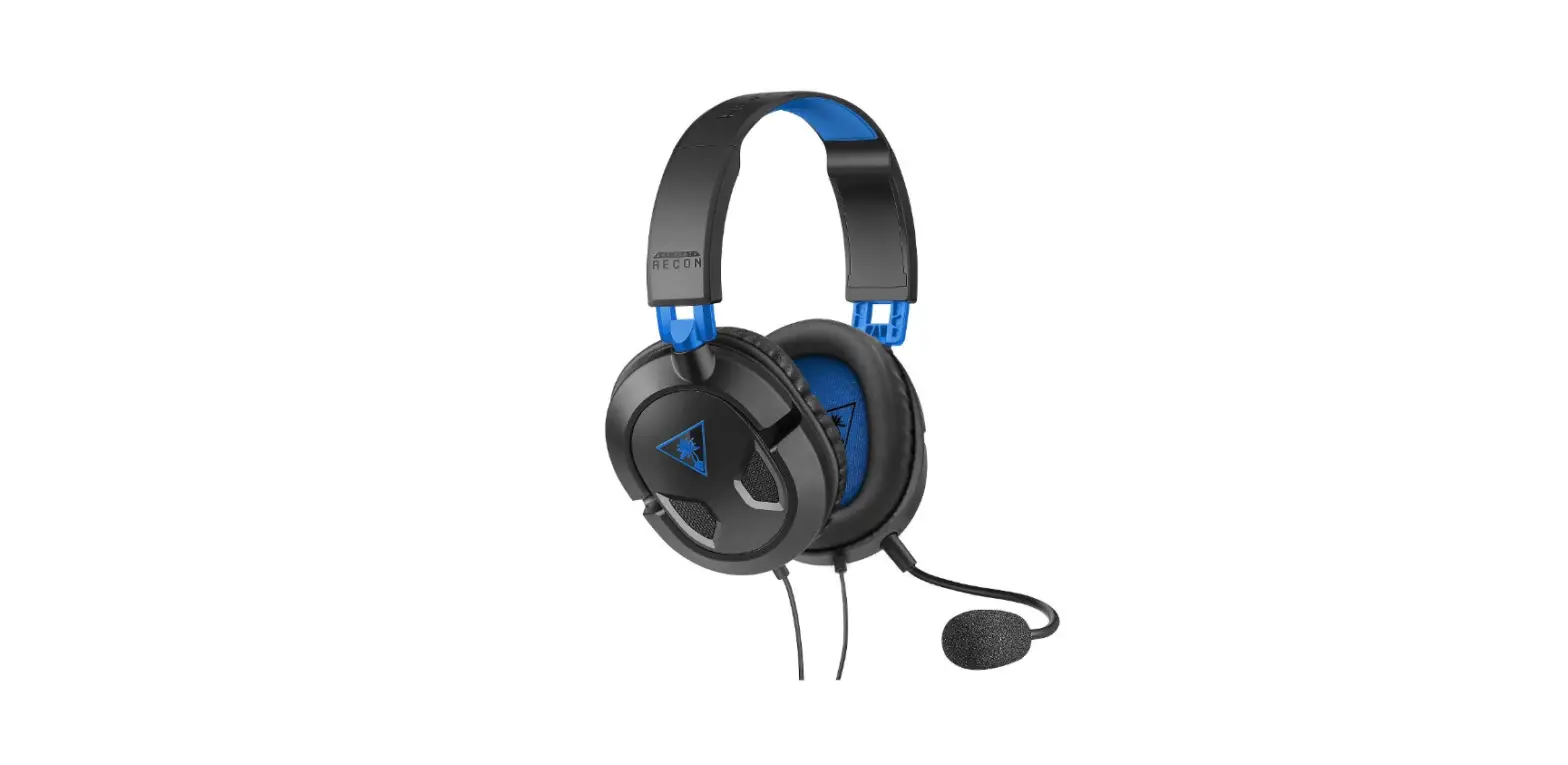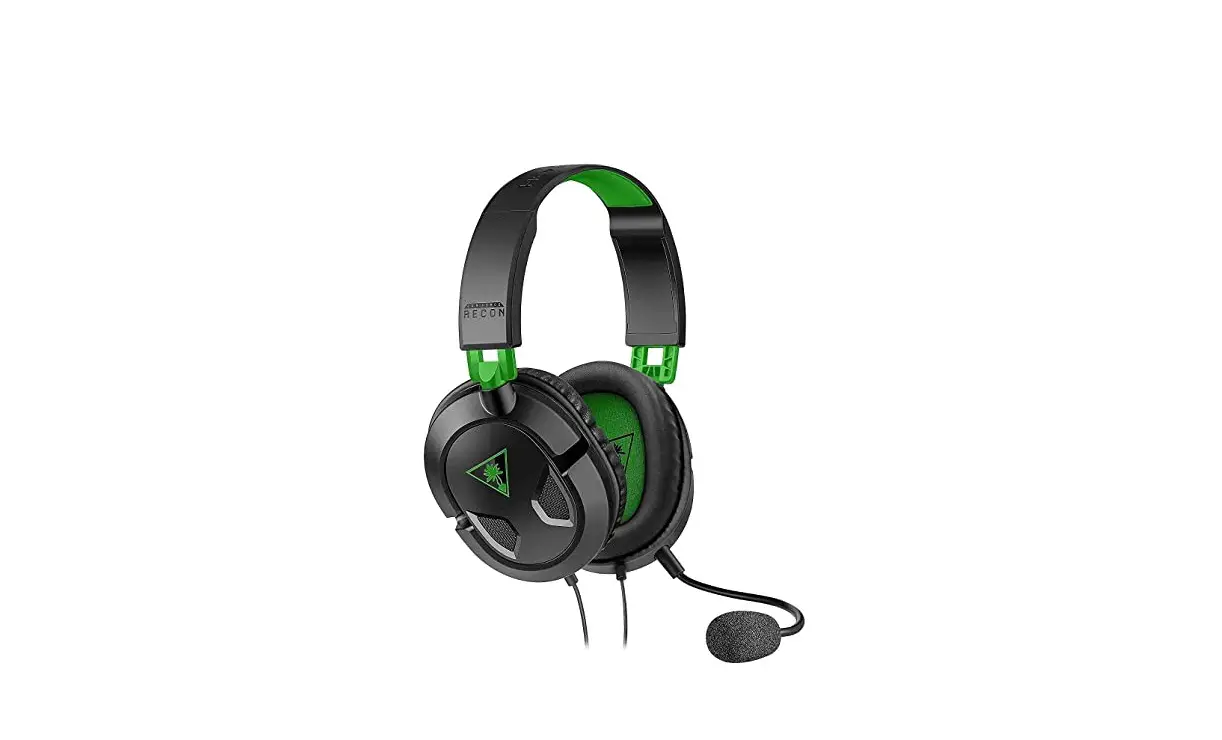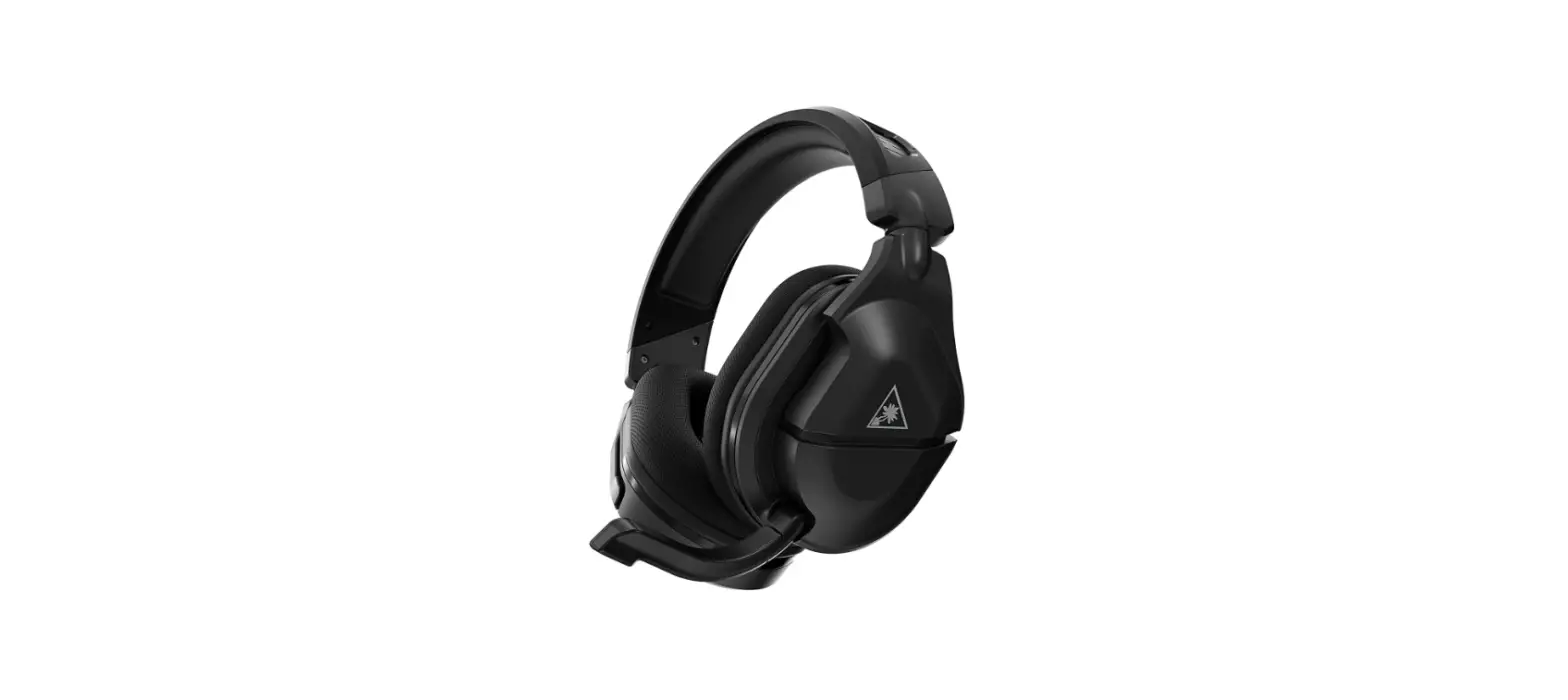
TURTLE BEACH Recon 70 Gaming Headset
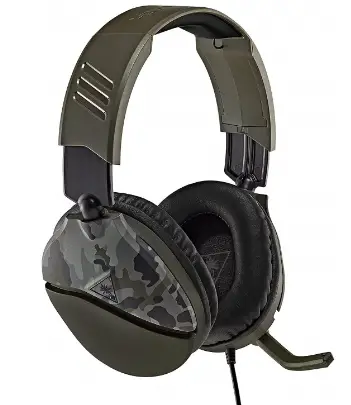
Package Contents
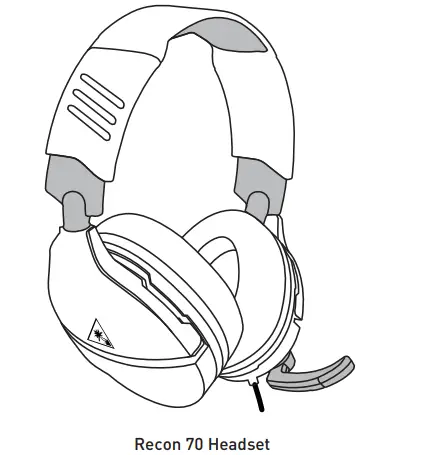
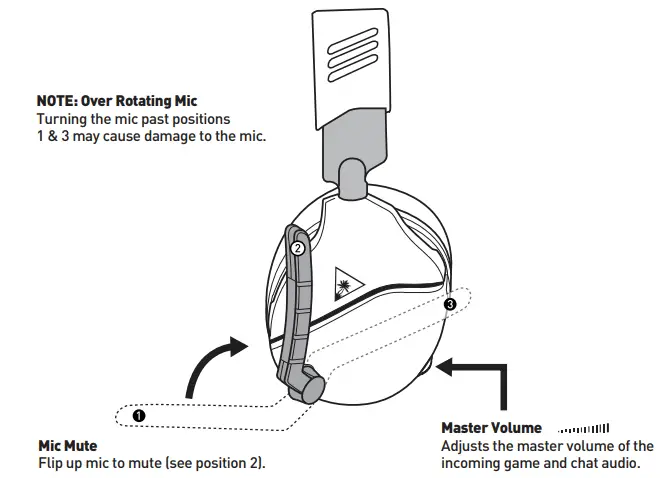
Headset Controls
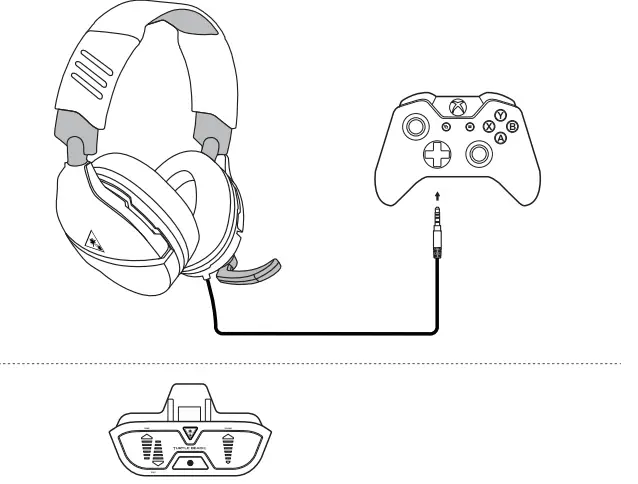
Xbox One Setup
Note
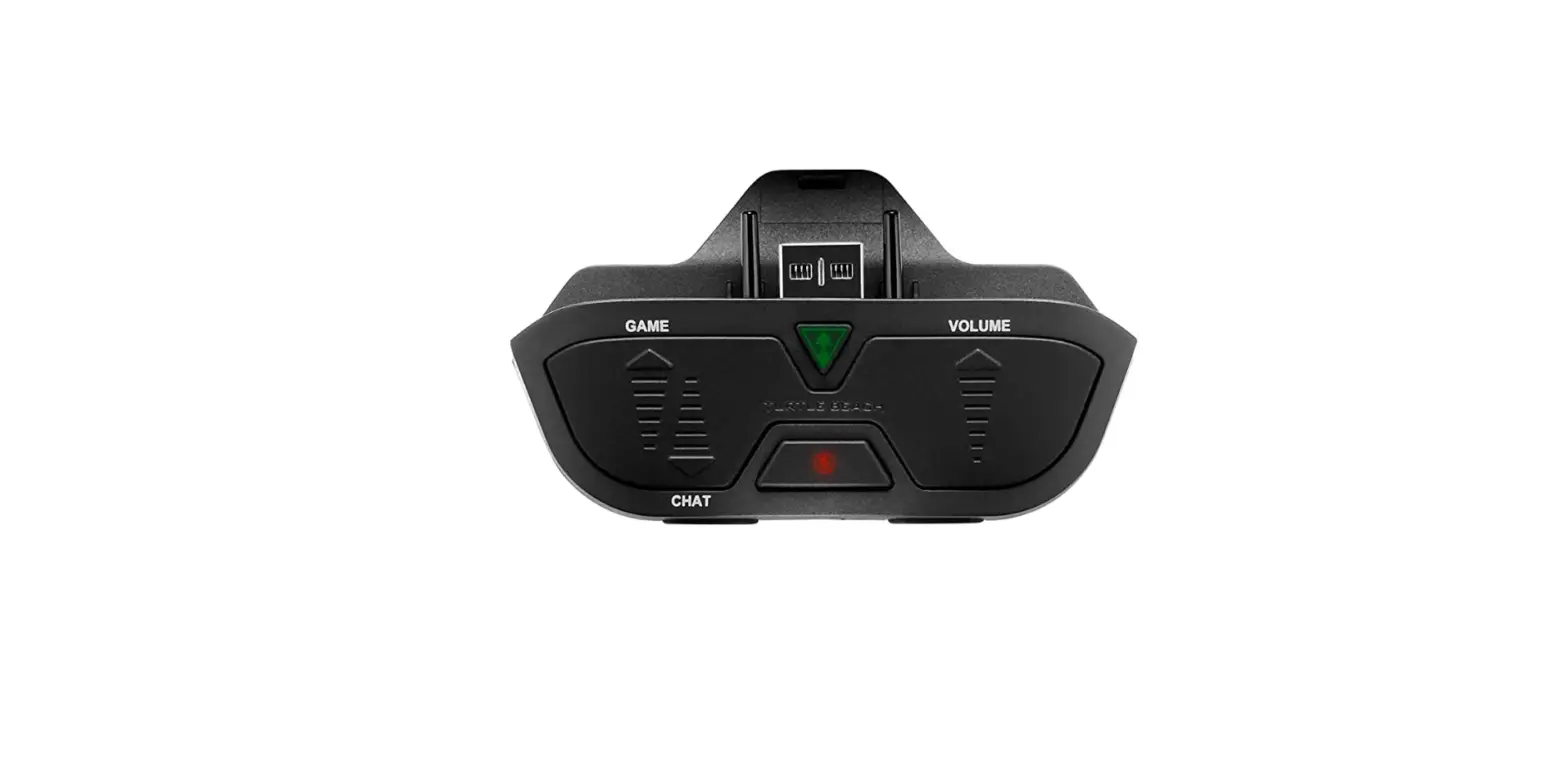
The Recon 70 requires the Xbox One Controller with 3.5mm headset jack. Purchase the Ear Force Headset Audio Controller from turtlebeach.com for use with the original Xbox One Controller.
VOLUME SETUP
- Press the Xbox Button on your controller
- Go to the System tab ( )
- Select Audio
- Set Headset Volume to maximum
- Set Headset Chat Mixer to the middle setting
- Set Mic Monitoring to your preferred level
SURROUND SOUND SETUP (AVAILABLE ONLY ON XBOX ONE)
- Press the Xbox Button on your controller
- Go to the System tab ( )
- Select Settings >> Display & sound >> Audio Output
- Set Headset format to Windows Sonic for Headphones
For more information on Xbox Surround Sound visit: turtlebeach.com/sonic
Nintendo Switch™ Setup
Note
Chat available for games that support in-game chat capability.
PC/Mac® & Mobile Setup
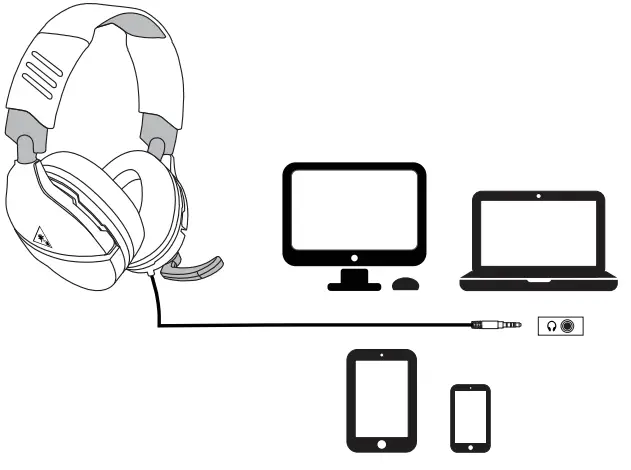
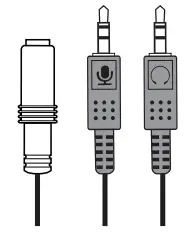 Note: If your PC uses separate Green/Pink connectors for audio you will need a PC Splitter Cable. This adapter is available online at turtlebeach.com
Regulatory Compliance Statements for the EAR FORCE RECON 70 Federal Communications Commission (FCC) Compliance Notices Class B Interference Statement This equipment has been tested and found to comply with the limits for a Class B digital device, pursuant to Part 15, Subpart B of the FCC Rules. These limits are designed to provide reasonable protection against harmful interference in a residential installation. This equipment generates, uses, and can radiate radio frequency energy and, if not installed and used in accordance with the instructions, may cause harmful interference to radio communications. However, there is no guarantee that interference will not occur in a particular installation. If this equipment does cause harmful interference to radio or television reception, which can be determined by turning the equipment off and on, the user is encouraged to try to correct the interference by one or more of the following measures:
- Reorient or relocate the receiving antenna.
- Increase the separation between the equipment and receiver.
- Connect the equipment into an outlet on a circuit different from that to which the receiver is connected.
- Consult the dealer or an experienced radio/TV technician for help.
FCC
This device complies with Part 15 of the FCC Rules. Operation is subject to the following two conditions: (1) This device may not cause harmful interference, and (2) this device must accept any interference received, including interference that may cause undesired operation.
This product is compliant with the Consumer Product Safety Improvement Act of 2008, Public Law 110-314 (CPSIA)
Canadian ICES Statements
Canadian Department of Communications Radio Interference Regulations
This digital apparatus does not exceed the Class B limits for radio-noise emissions from a digital apparatus as set out in the Radio Interference Regulations of the Canadian Department of Communications. This Class B digital apparatus complies with Canadian ICES-003.
European Union and European Fair Trade Association (EFTA) Regulatory Compliance
Declaration of Conformity
Marking by this symbol:
indicates compliance with the Essential Requirements of the EMC Directive of the European Union (2014/30/EU). This equipment meets the following conformance standards:
Safety:
EN 60950-1: 2006 + A11: 2009 + A1: 2010 + A12: 2011 + A2: 2014 (T-Mark License)
IEC 60950-1: 2005 (2nd Edition) + Am 1: 2009 + Am 2: 2013 (CB Scheme Certificate), EN 50332-1: 2013, EN 50332-2: 2013, EN 71-3: 2013
Additional licenses issued for specific countries available on request
Emissions:
EN 55032: 2012, CISPR 32: 2015
Immunity:
EN 55024: 2010, CISPR 24: 2010
EN 61000-4-2: 2009, EN 61000-4-3: 2006 + A1: 2008 + A2: 2010 EN 61000-4-8: 2010
The products are licensed, as required, for additional country specific standards for the International Marketplace. Additional issued licenses available upon request.
Environmental:
Low Voltage Directive 2014/35/EU, RoHS 2011/65/EU,
REACH 2006/1907/EC, WEEE 2012/19/EU, Packaging 94/62/EC, Toys Safety Directive 2009/48/EC
Please visit the following URL for a complete copy of the Declaration of Conformity: http://www.turtlebeach.com/homologation
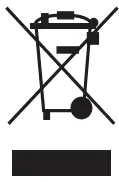 This symbol on the product or its packaging indicates that this product must not be disposed of with your other household waste. Instead, it is your responsibility to dispose of your waste equipment by handing it over to a designated collection point for the recycling of waste electrical and electronic equipment. The separate collection and recycling of your waste equipment at the time of disposal will help conserve natural resources and ensure that it is recycled in a manner that protects human health and the environment. For more information about where you can drop off your waste for recycling, please contact your local authority, or where you purchased your product. https://www.complydirect.com/the-recycling-room/
 Turtle Beach® #1 Gaming Headsets - Hear Everything. Defeat Everyone.
 Turtle Beach Support
 Recycling Room | Comply Direct