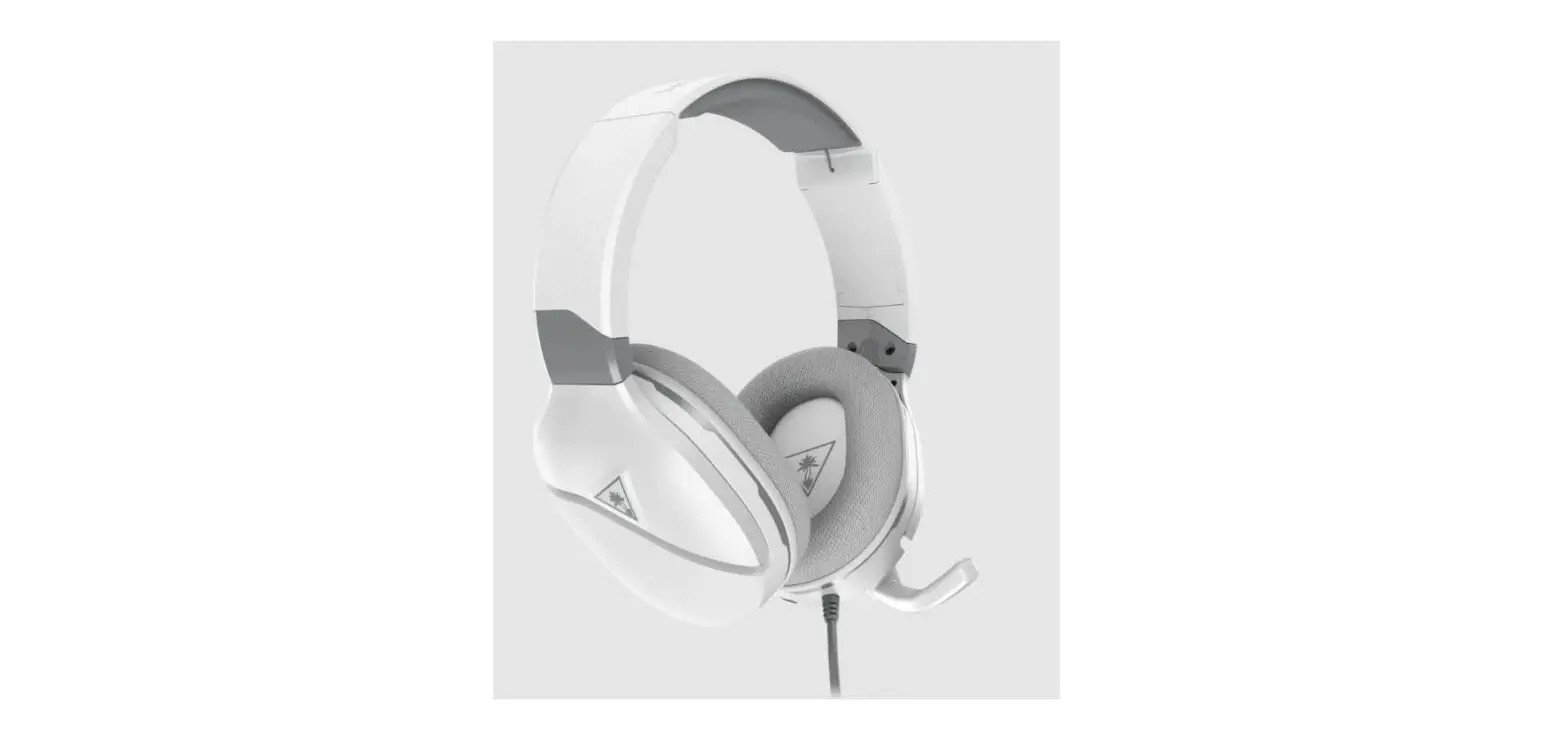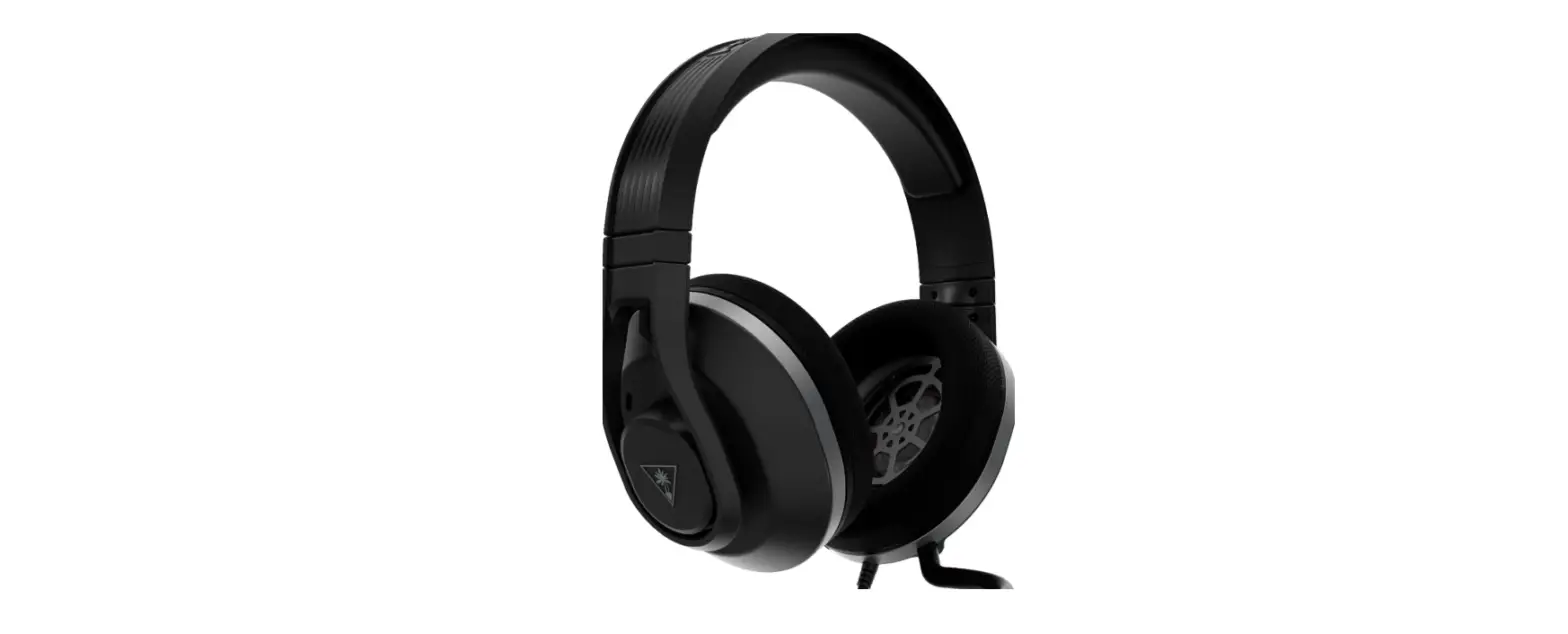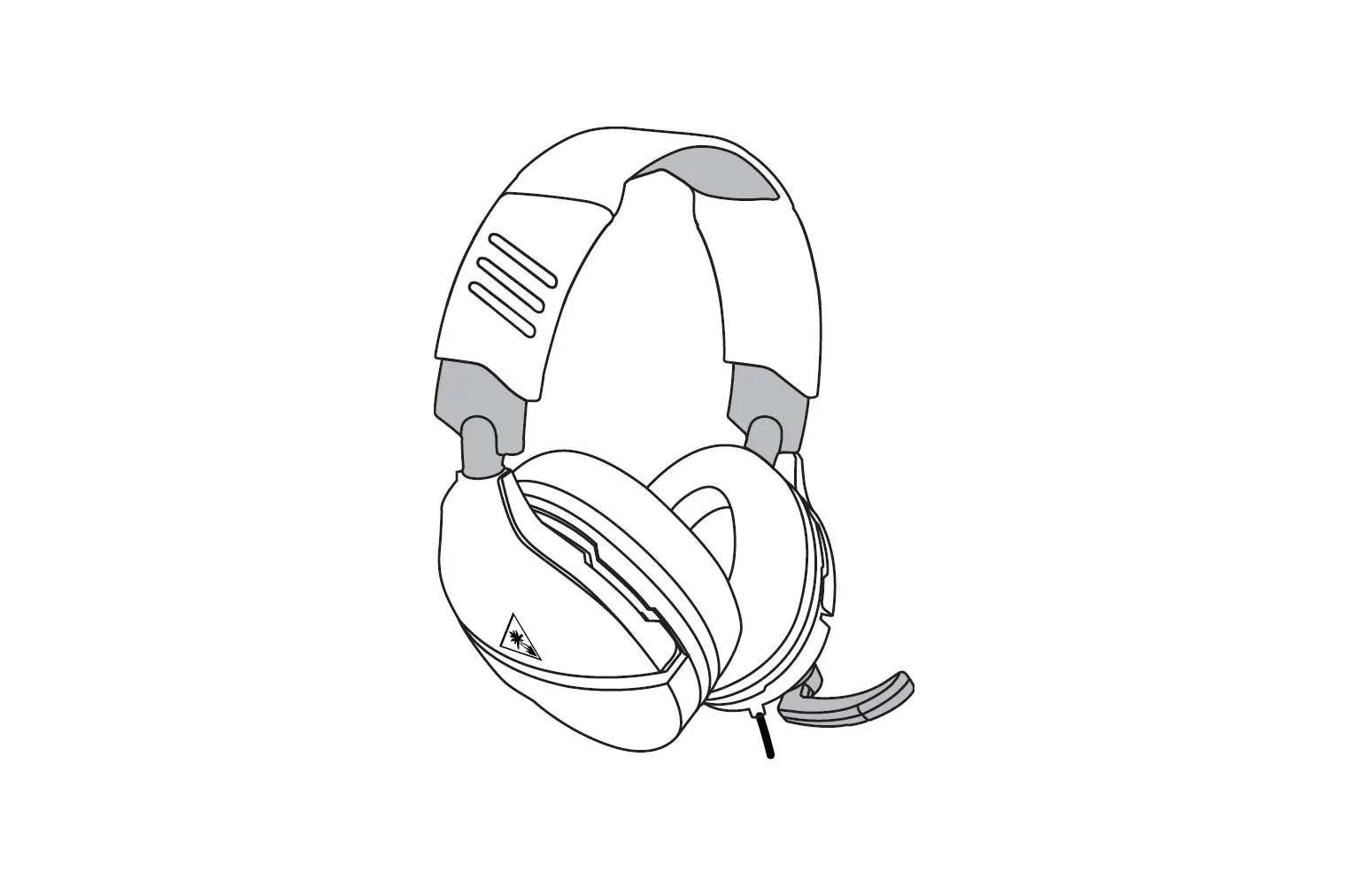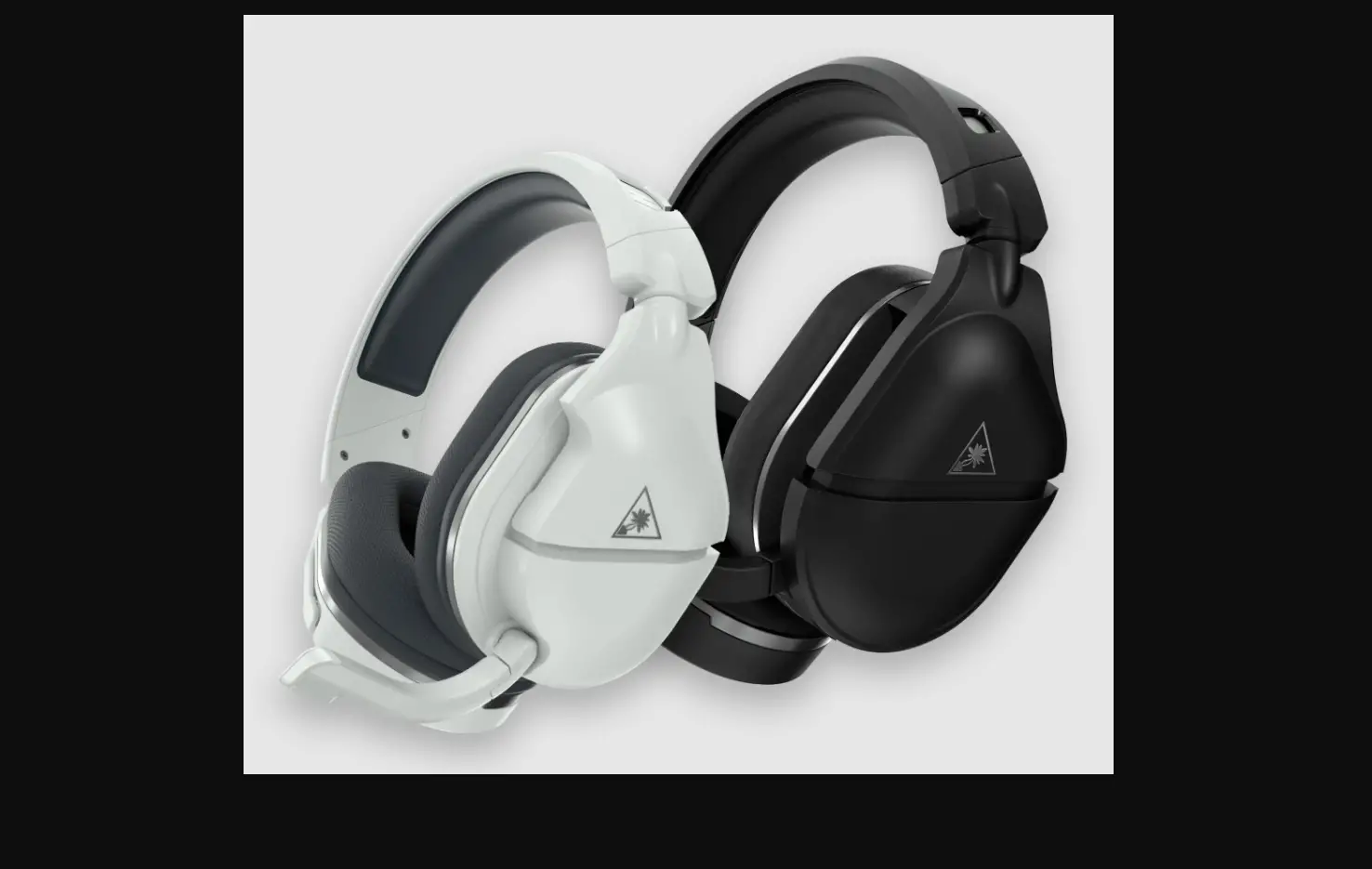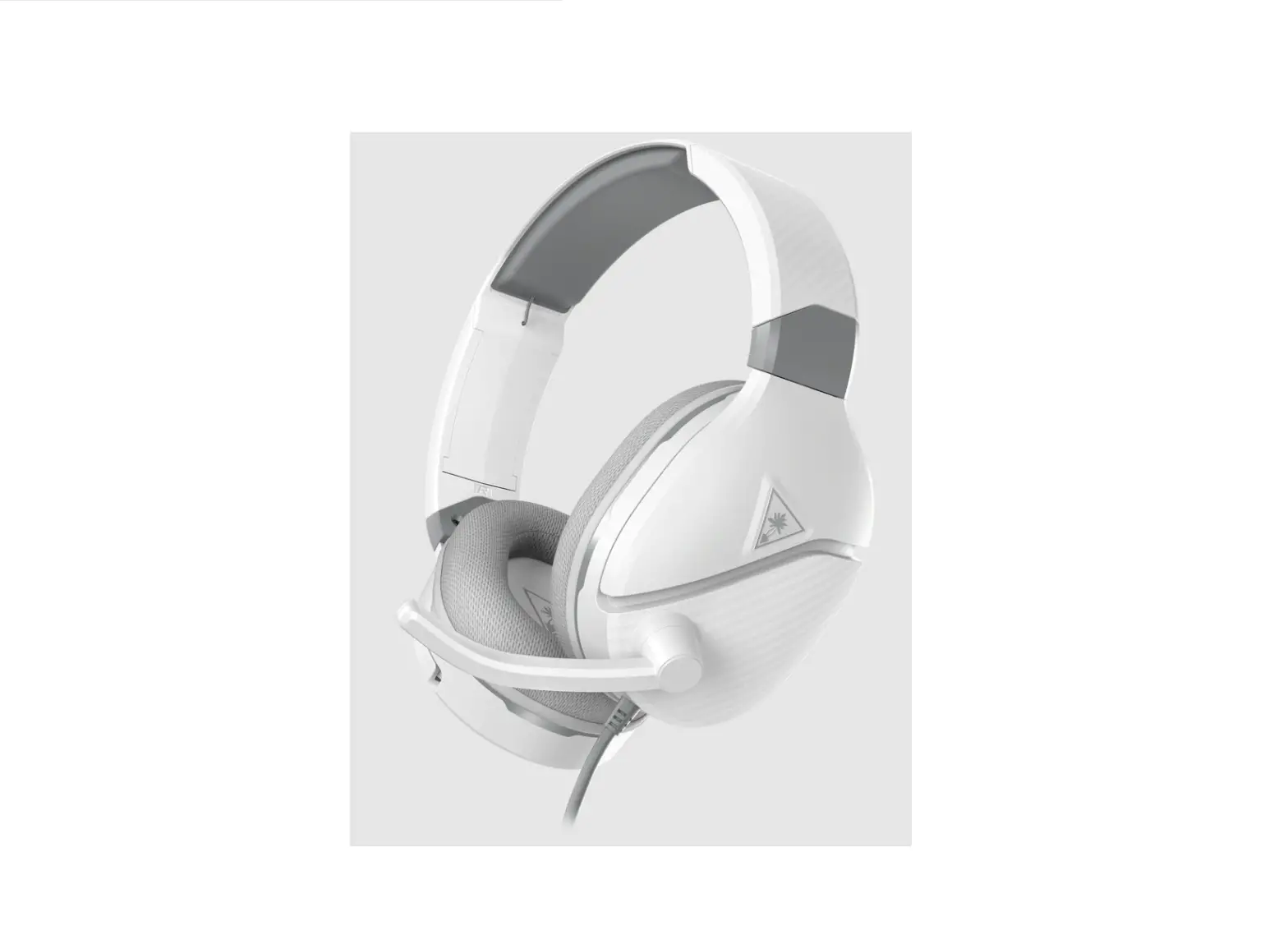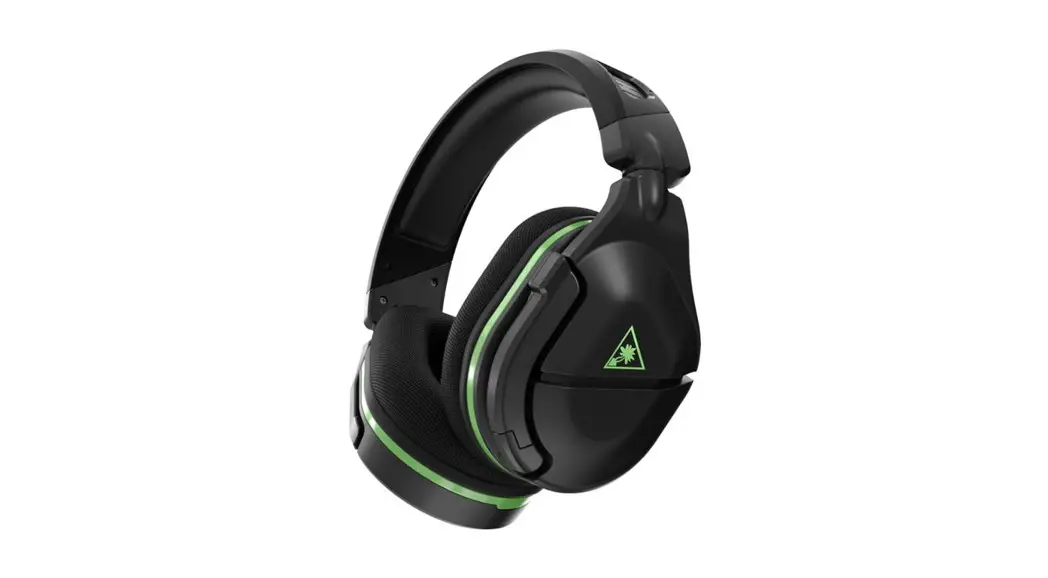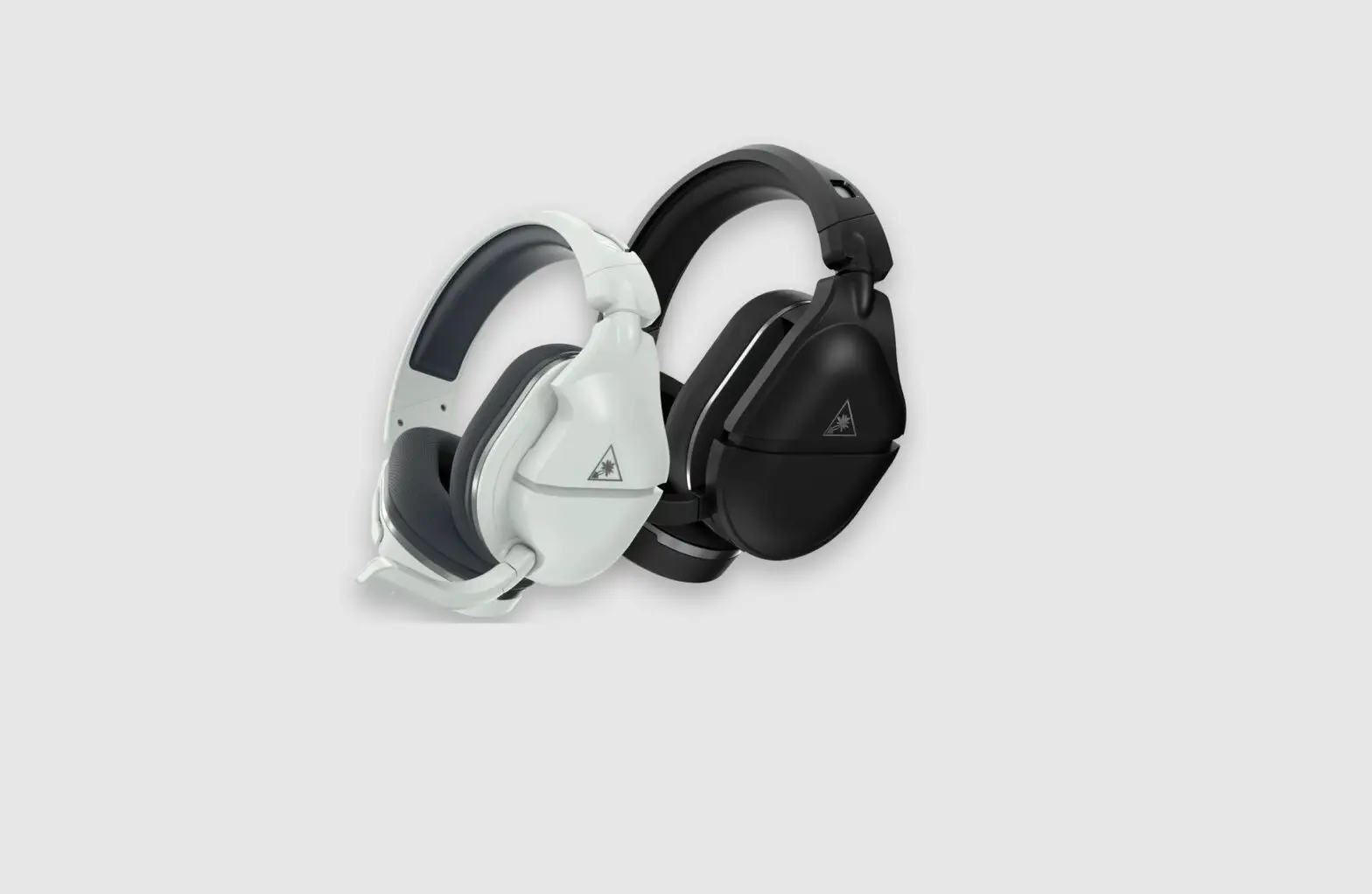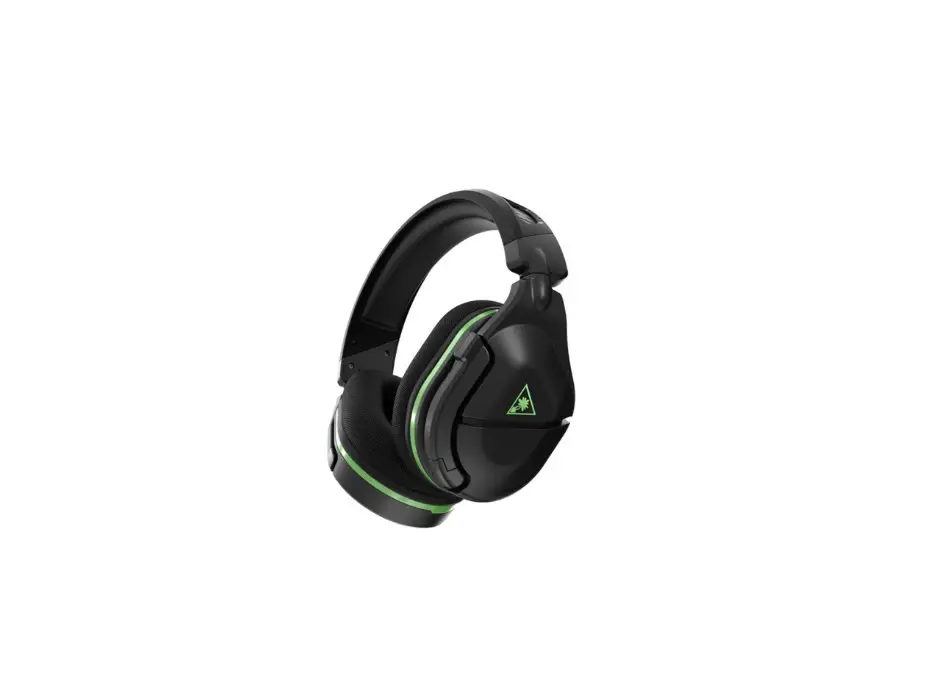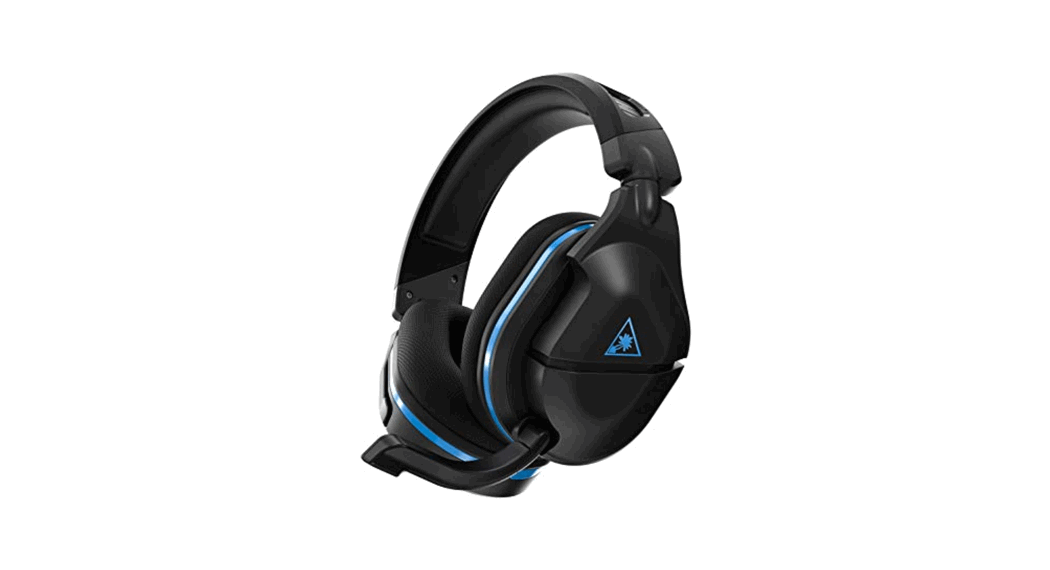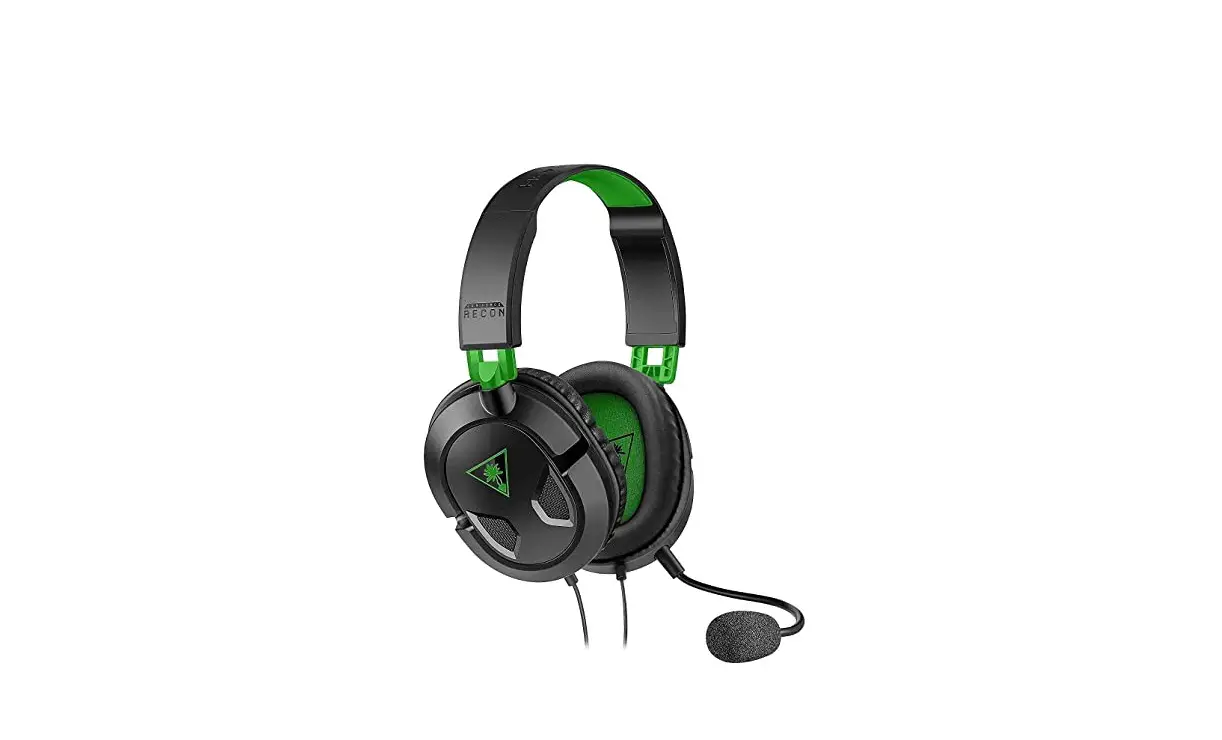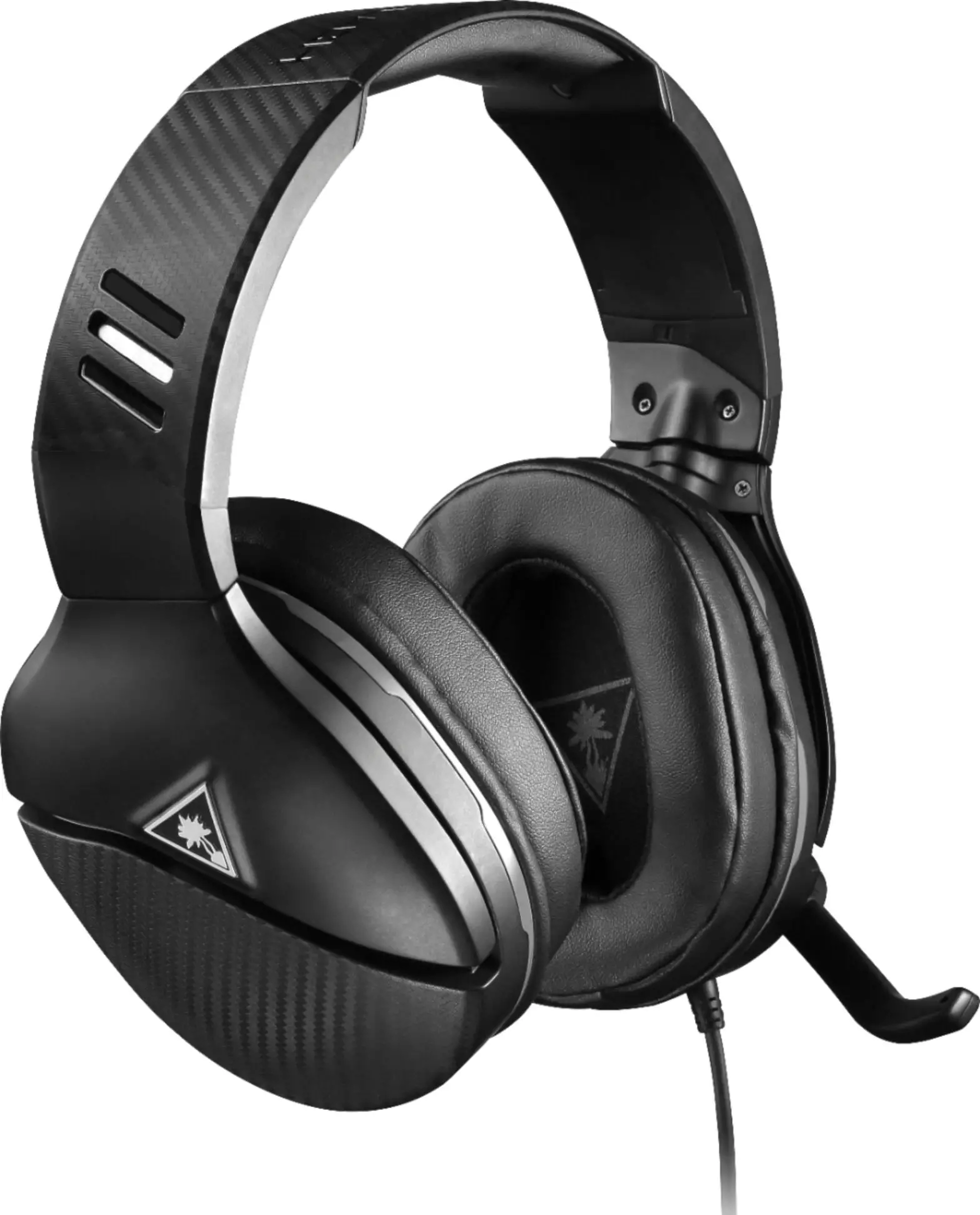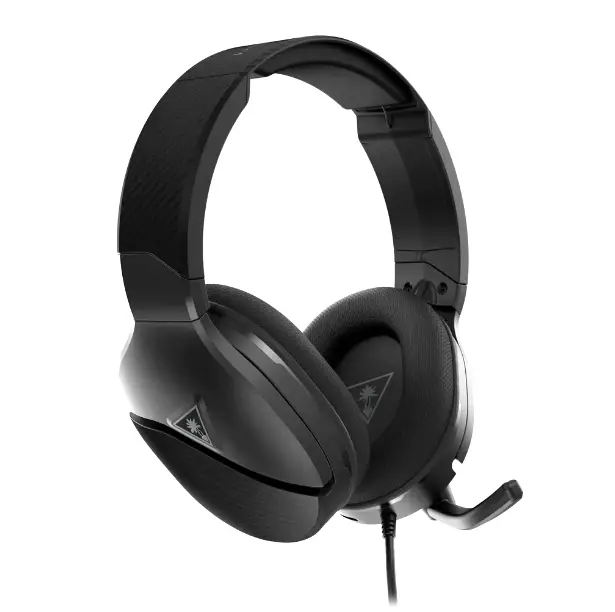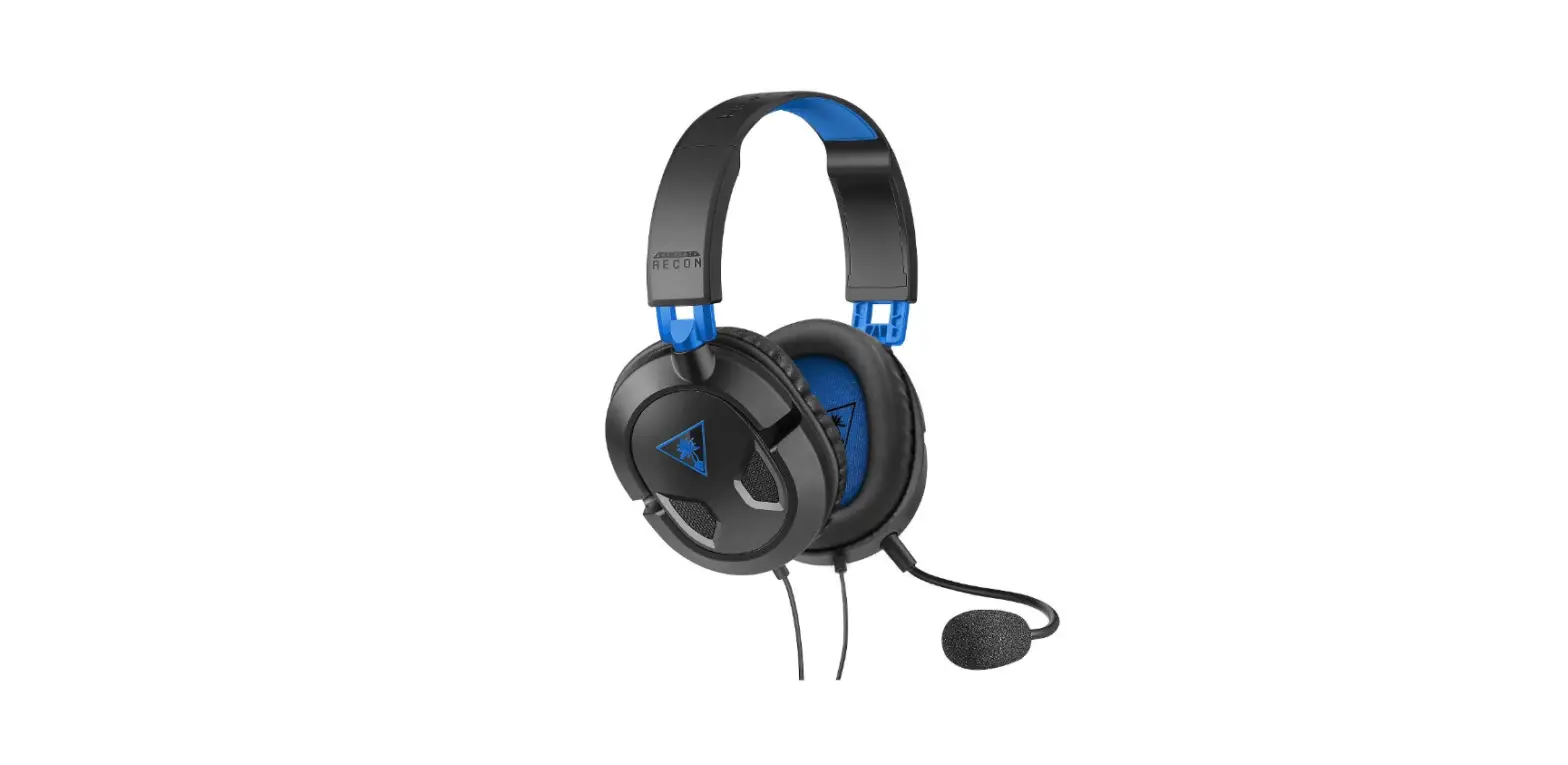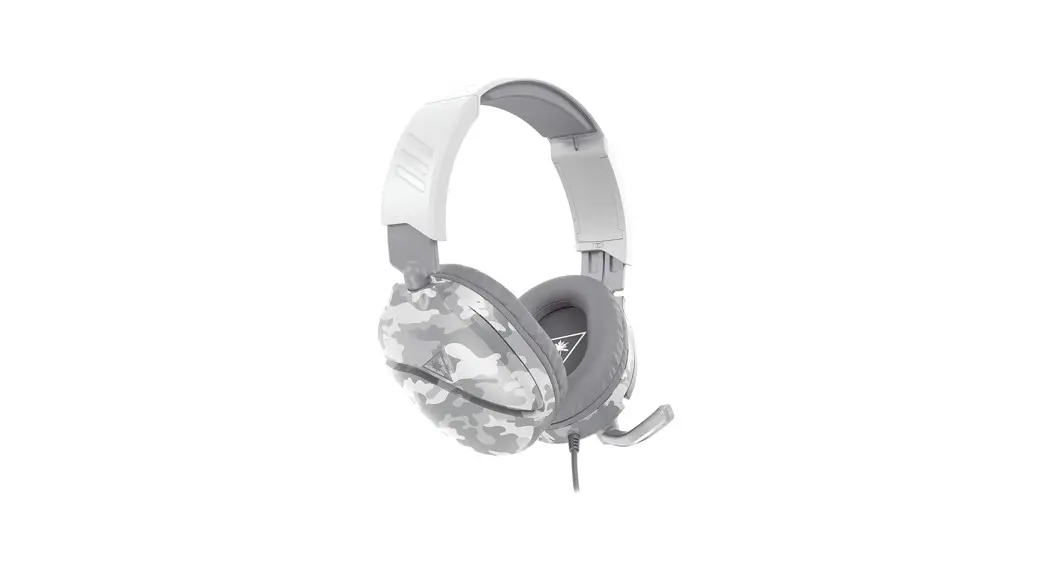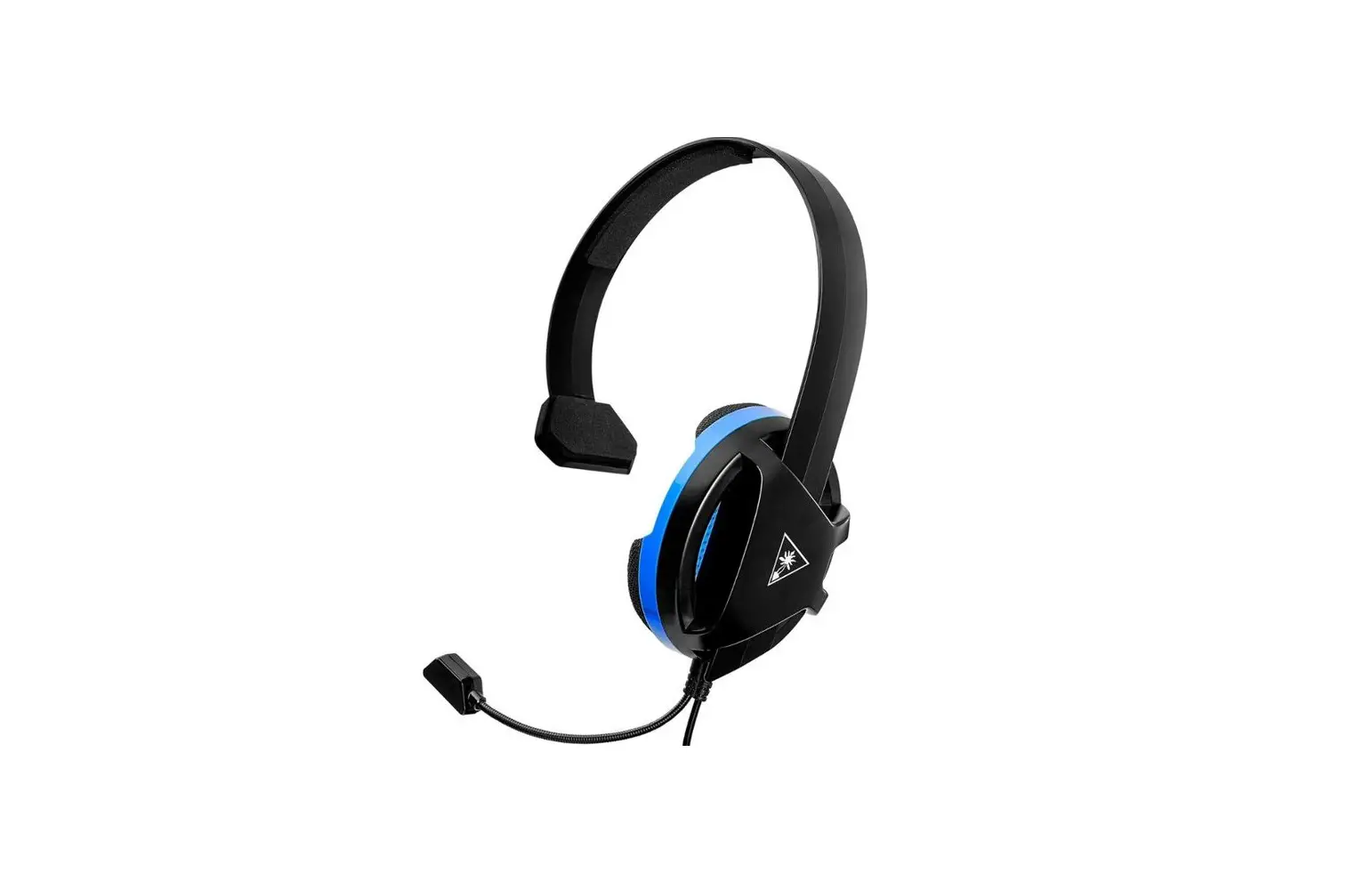

TURTLE BEACH Recon 200 Amplified Gaming Headset
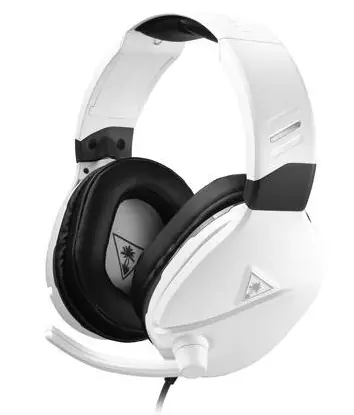
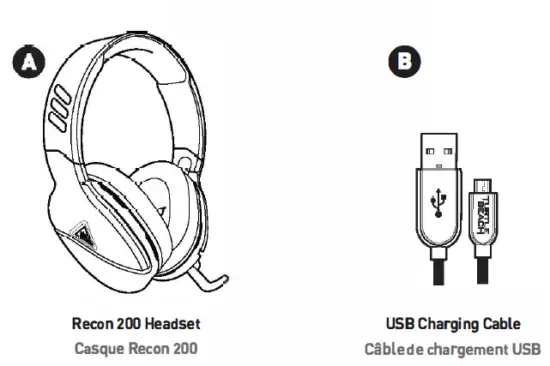
Package Contents
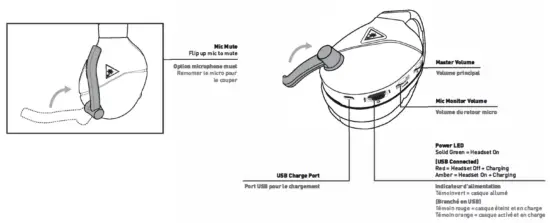
Headset Controls
Setup for Xbox One
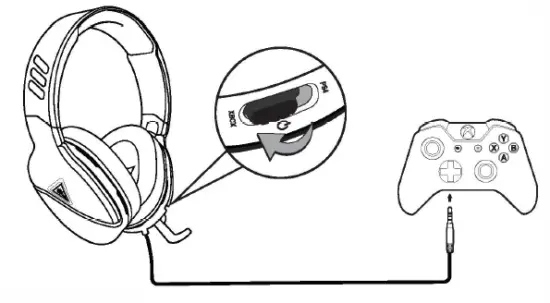
Note: The Reoon 200 requires theXbox One Controller with 3.5mm headset jack. Purchase the Ear Force Headset Audio Controller from turtlebaach.com fer use with the original Xbox One Controller.
Xbox One Volume Setup
- Press the Xbox Button on your controller
- Go to the System tab | |
- Select Audio
- Set Headset Volume to maximum
- Set Headset Chat Mixer to the middle setting
- Set Mic Monitoring to minimum
Xbox One Surround Sound Setup
- Press the Xbox Button on your controller
- Go to the System tab
- Select Settings>> Display & sound>> Audio Output
- Set Headset format to Windows Sonic for Headphones
PS4 Setup
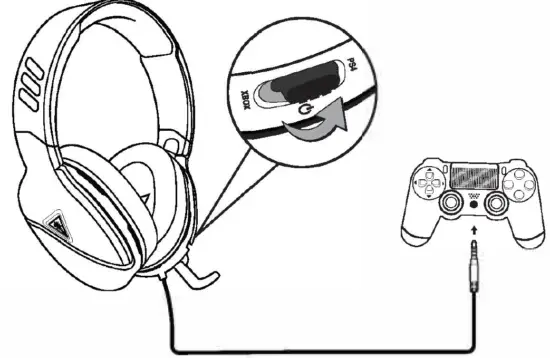
- Go to Settings »> Devices >> Audio Devices
- Set Input& Output Device to Headset Connected to Controller
- Set Output to Headphones to All Audio
- Set Volume Control (Headphones) level to maximum
- Select Adjust Microphone Level and follow the on-screen instructions to calibrate your microphone
PC/Mac, Mobile/Tablet & Nintendo Switch Setup
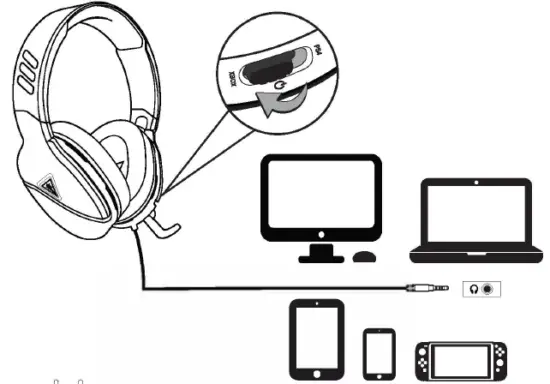
Note: If your PC uses separate Green/Pink connectors for audio you will need a PC Splitter Cable. This adapter is available online at turtlebeach.com
Charging
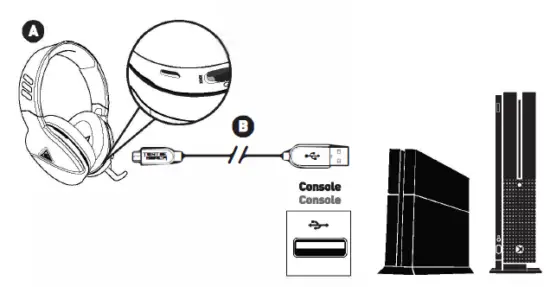
The Recon 200 uses a rechargeable battery. Make sure to charge it regularly. Headset Storage: Always charge your headset before storing it for any extended period of time greater than 3 months). Never store the unit in temperatures above 113°F/45°C.
Regulatory Compliance Statements for the Ear Force Recon 200
Federal Communications Commission [FCC] Compliance Notices
Class B Interference Statement
This equipment has been tested and found to comply with the limits for a Class Digital device, pursuant to Part 15 of the FCC Rules. These limits are designed to provide again Eirene particular installation. If this equipment does cause harmful interference to radio or television reception, which can be determined by turning the equipment off and on, the user is encouraged to try to correct the interference by one or more of the following measures:
- Reorient or relocate the receiving antenna.
- IncreaseE nt into an outlet on a circuit oine
- Increase the separation between the equipment and receiver. Connect the equipment
- Consult the dealer or an experienced radio/ lV tecnnician tor help. t from that to which the receiver is nnected.
This FCC device Caution complies with Part 15 of the FCC Rules. Operation is subject to the following two conditions: (1) This device may not cause harmful interference, and (2) this device must accept any interference received, including interterence that may cause undesired operation. This product is compliant with the Consumer Product Safety Improvement Act of 2008, Public Law 110-314 |CPSIA|
Warning! This is a Class B product. In a domestic environment, this product may cause radio interference, in which case, the user may be required to take appropriate measures.