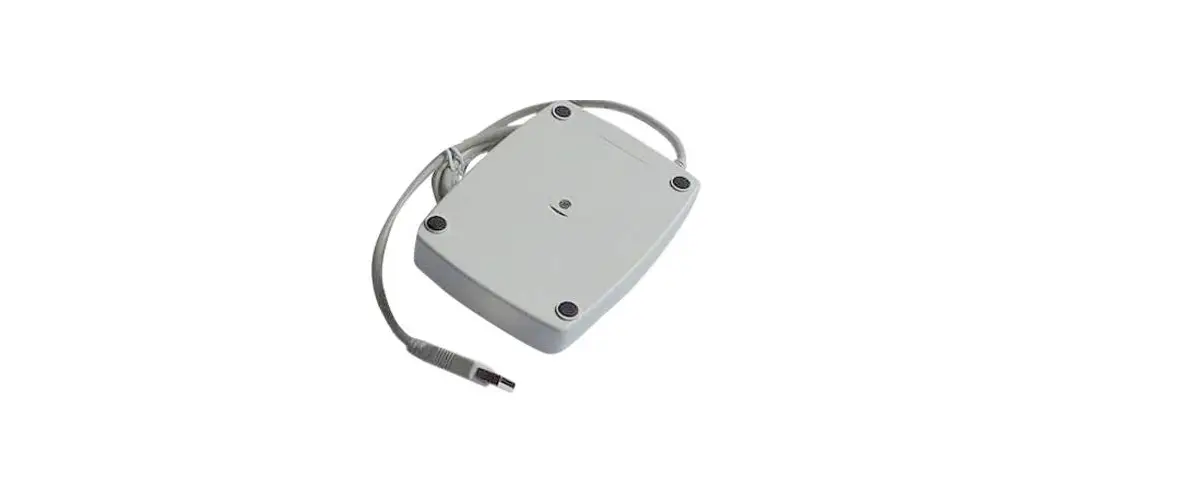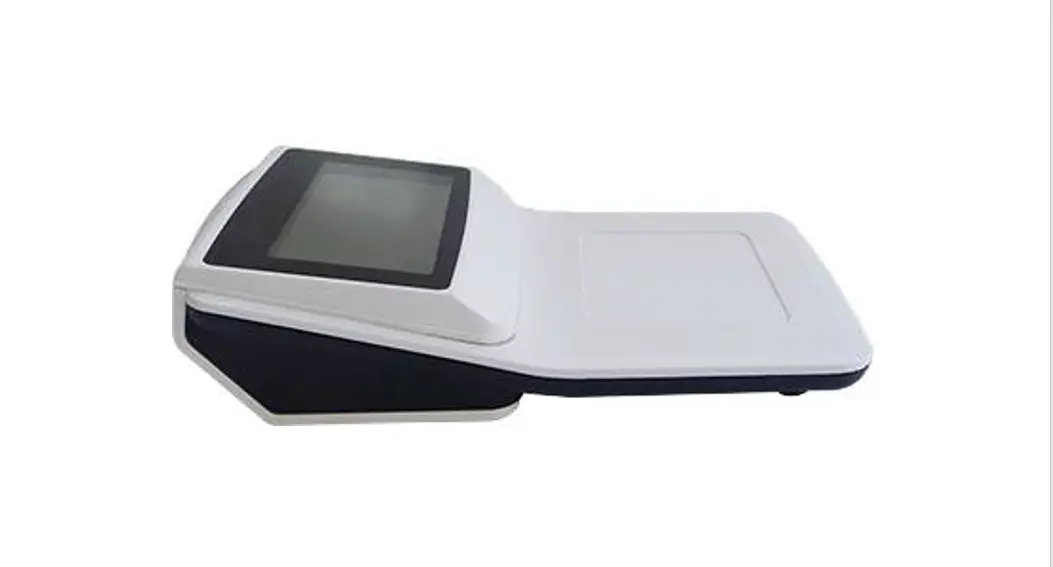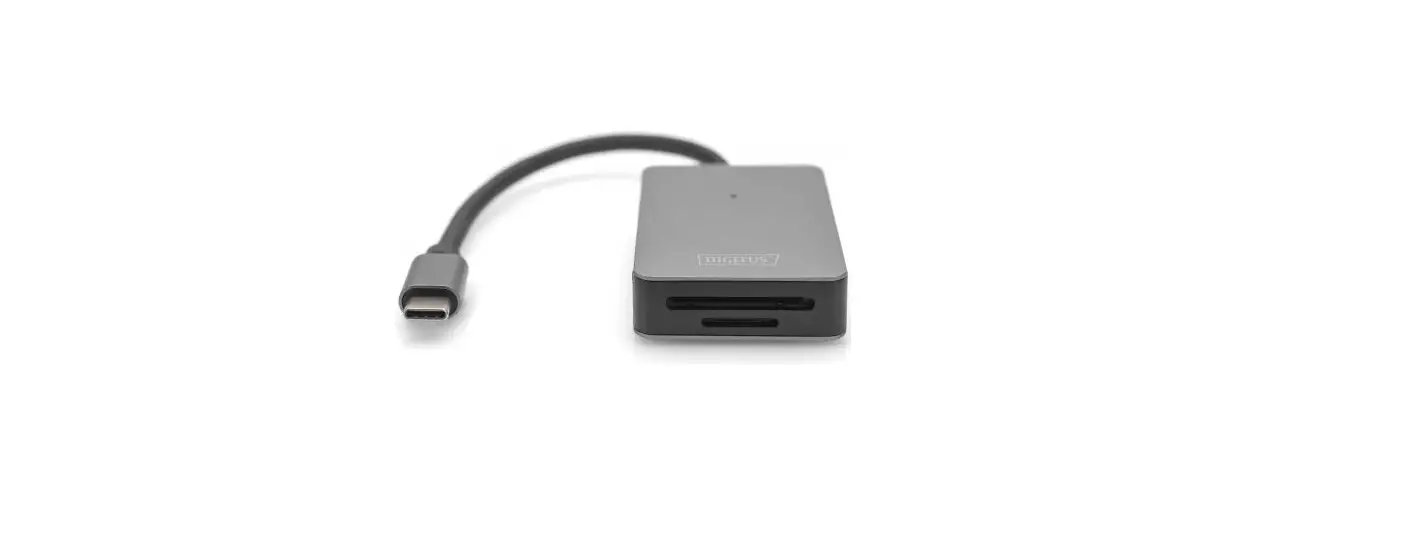

Ricoh RFICM01 IC Card Reader/Writer
Overview
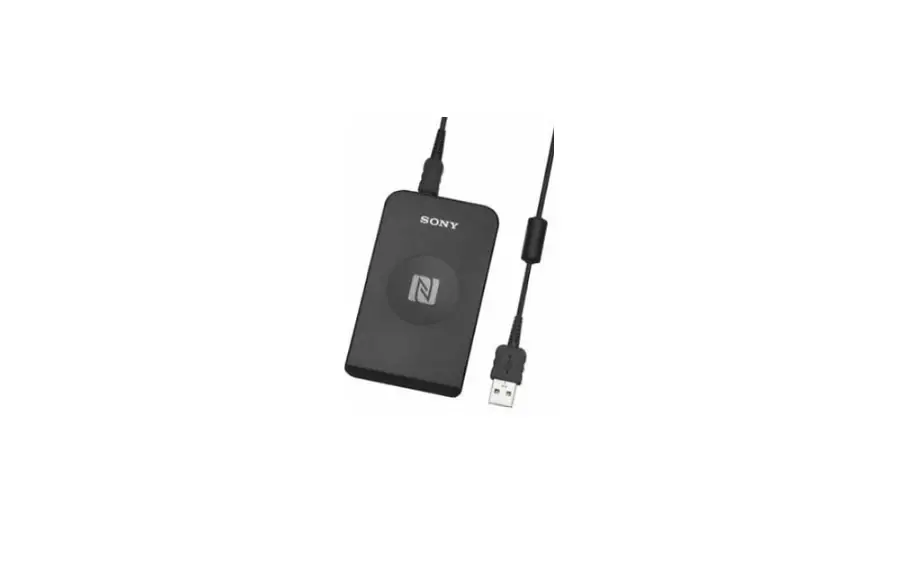
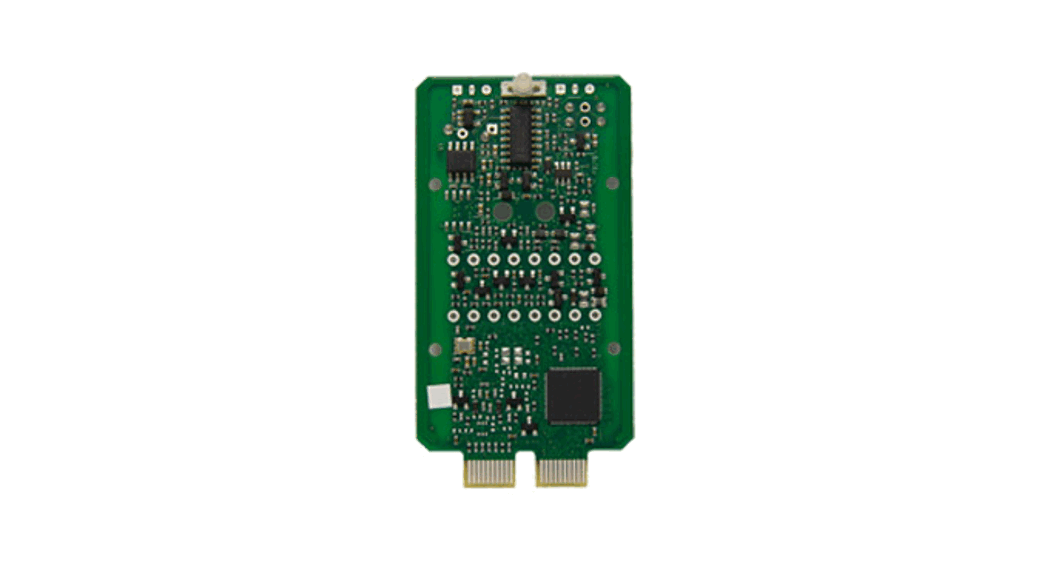
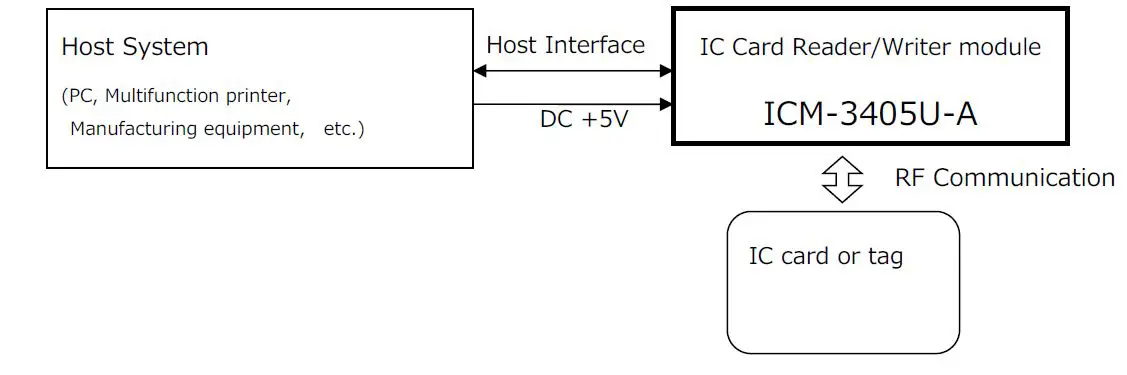
The product is IC Card Reader/Writer module intended to be embedded into other devices. The product is provided with a USB interface; through control from a host controller, it can transmit and receive data to and from IC card or tag. The following diagram shows a typical setup for IC Card Reader/Writer module ICM-3405U-A.
Installation
Hardware Prerequisites The following section shows the hardware required for the installation.
- Host system For example PC, Multifunction printer and Manufacturing equipment etc. are connected with the IC Card Reader/Writer module.
- Regulated DC +5V power supply (USB Bus-powered)
- Host interface cable
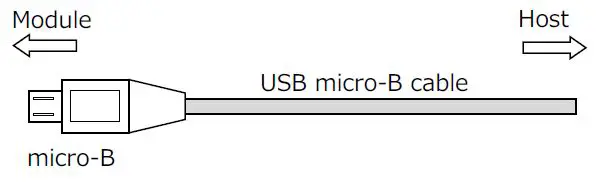
USB micro-B cable Refer to “Host Interface Specifications” about pin assigns.
- Mounting frame (Plastic frame)
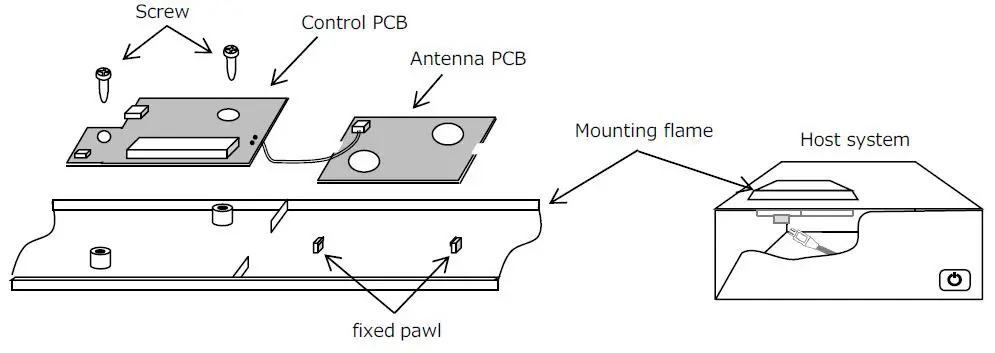
Please use non-conductive material for mounting frame. - Screw (M3×1 or 2)
Please use non-conductive material for screw.
Hardware Installation Steps
- Turn OFF the power of a host system before starting the installation.
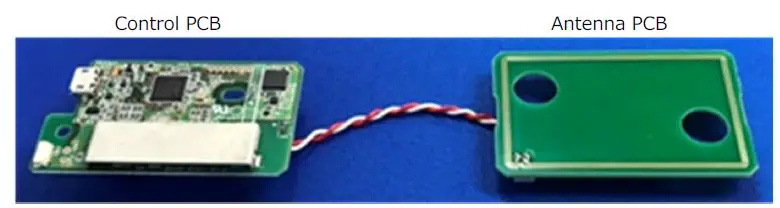
- The IC Card Reader/Writer module consists of the Control PCB and the Antenna PCB.

- Screw the Control PCB and install it on the equipment. It is possible to attach to the device using the mounting hole.
- Attach the Antenna PCB by fixed pawl.

- Connect the host system to the IC Card Reader/Writer module using the host interface cable.

- Turn ON the power of a host system.
- Supply power to The IC Card Reader/Writer module. And it should start working.
- Application software can communicate to IC Card Reader/Writer module through USB.

RF Communication Steps
- Turn ON the power of a host system.
- Supply power to the IC Card Reader/Writer module.
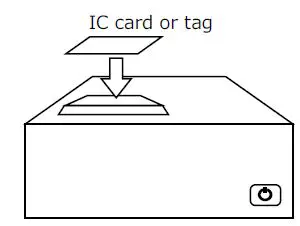
- Put the IC card or tag on a communication area.
- Send the configuration command from the host system.
- Send the read or write operation command.
- Check the response data.
Host Interface Specifications
- Interface Universal Serial Bus Specification Revision 2.0
- Data Flow Types Controlled Transfer/Bulk Transfer
- Transfer rate 12Mbps (Full Speed)
- Power Supply USB Bus-powered
- Connector USB micro-B
- Connector Pin assigns
| Pin # | Signal Name | Remarks |
| 1 | VBUS | Power(+5V+/-5%) |
| 2 | D- | Data signal |
| 3 | D+ | Data signal |
| 4 | Reserved | Not to be connected |
| 5 | GND | Ground |
Host Connector

Communication Method
| ISO/IEC 14443 Type A | ISO/IEC 14443 Type B | ISO/IEC 18092 | ISO/IEC 15693 | ||
| 1 | Modulation type | ASK 100% | ASK 10% | ASK 10% | ASK 10% |
| 2 | Data speed | 106kbps | 106kbps | 212kbps 424kbps | 26.5kbps |
| 3 | Carrier frequency | 13.56MHz | |||