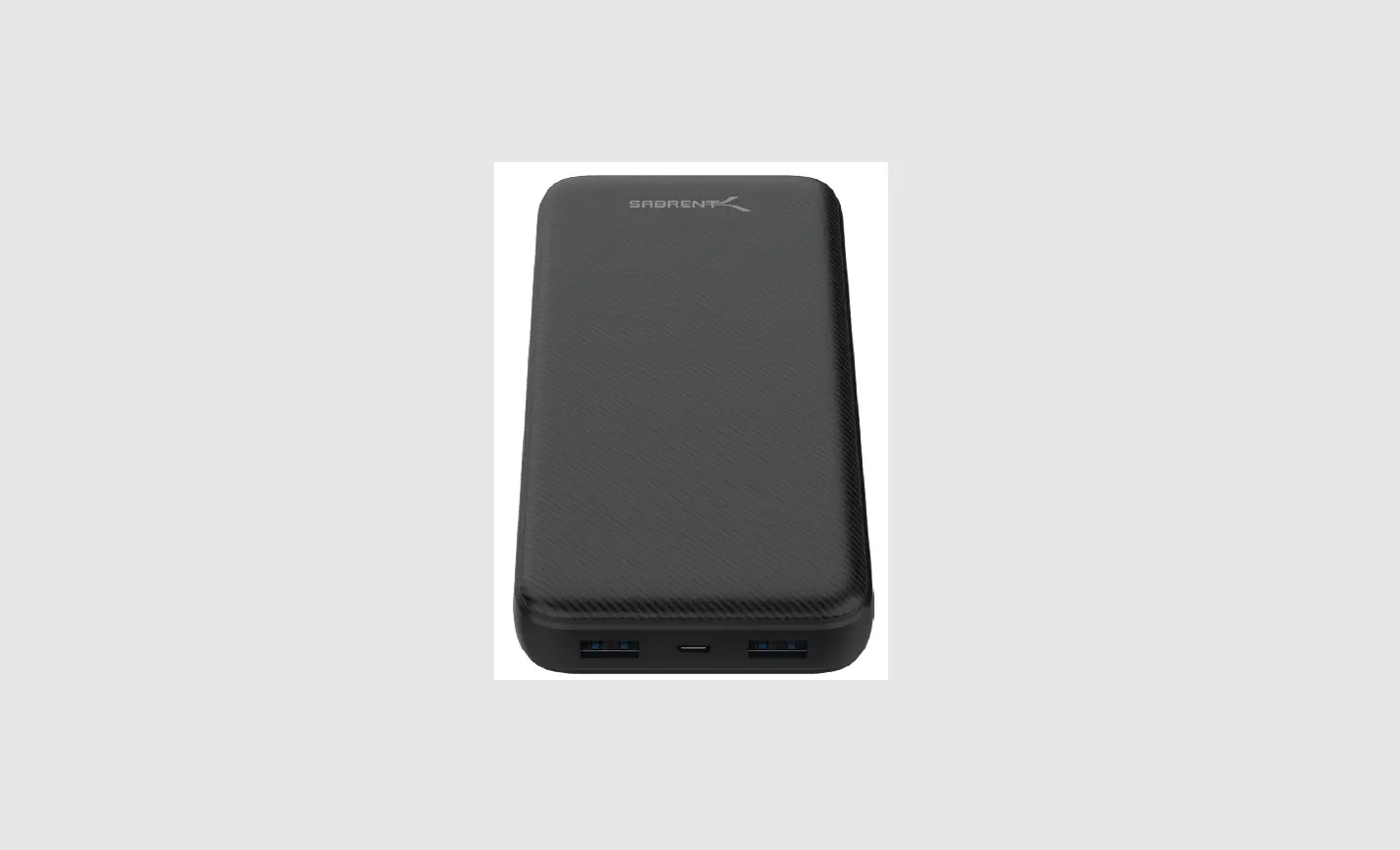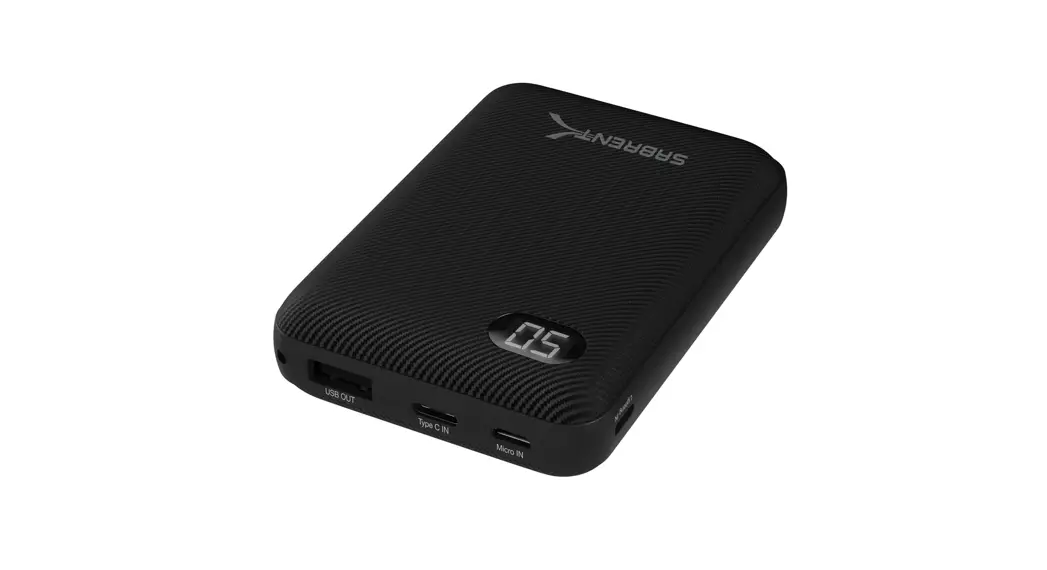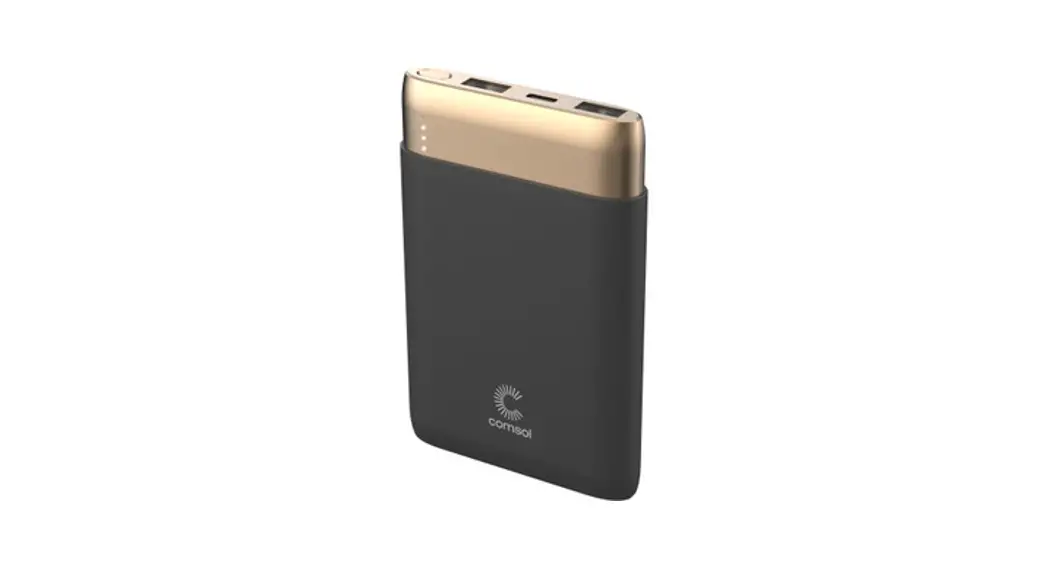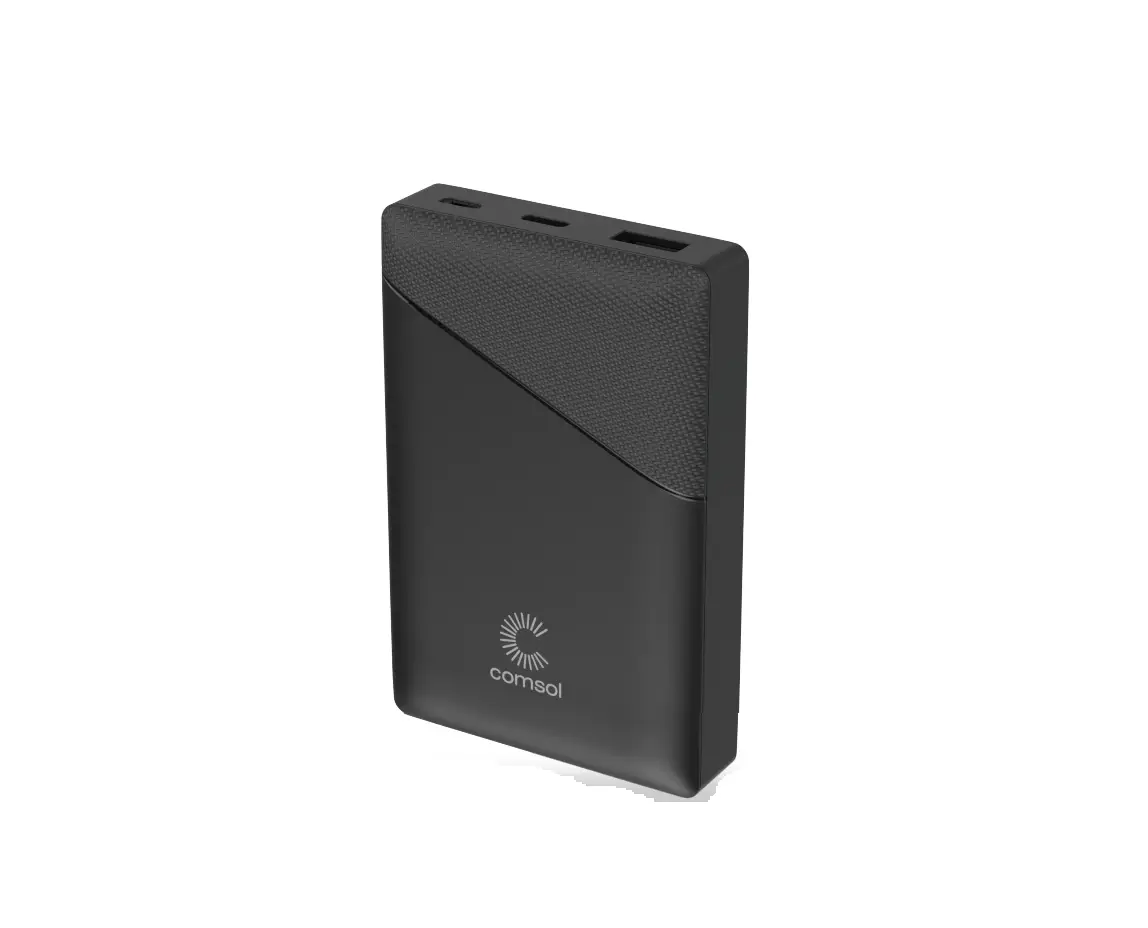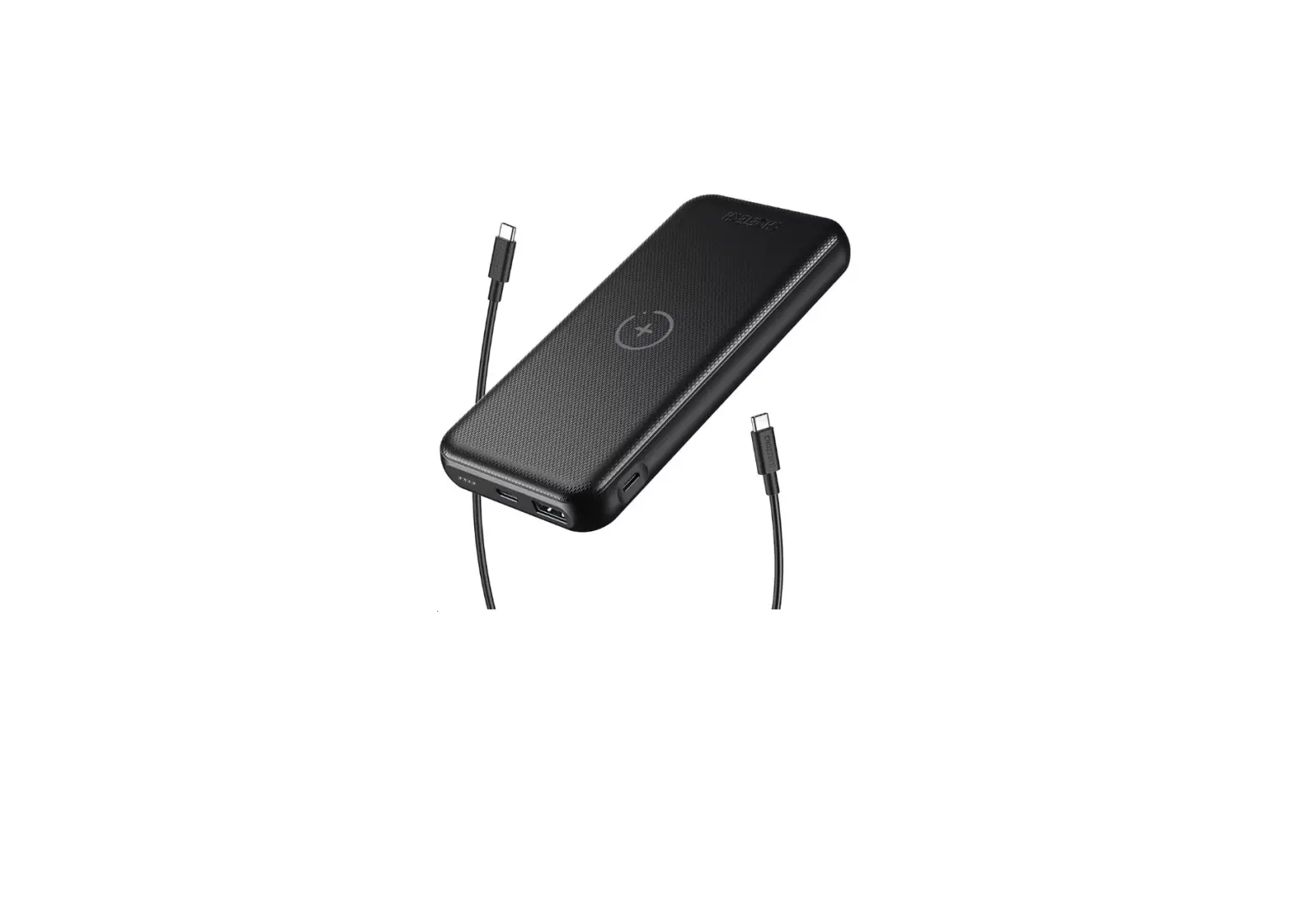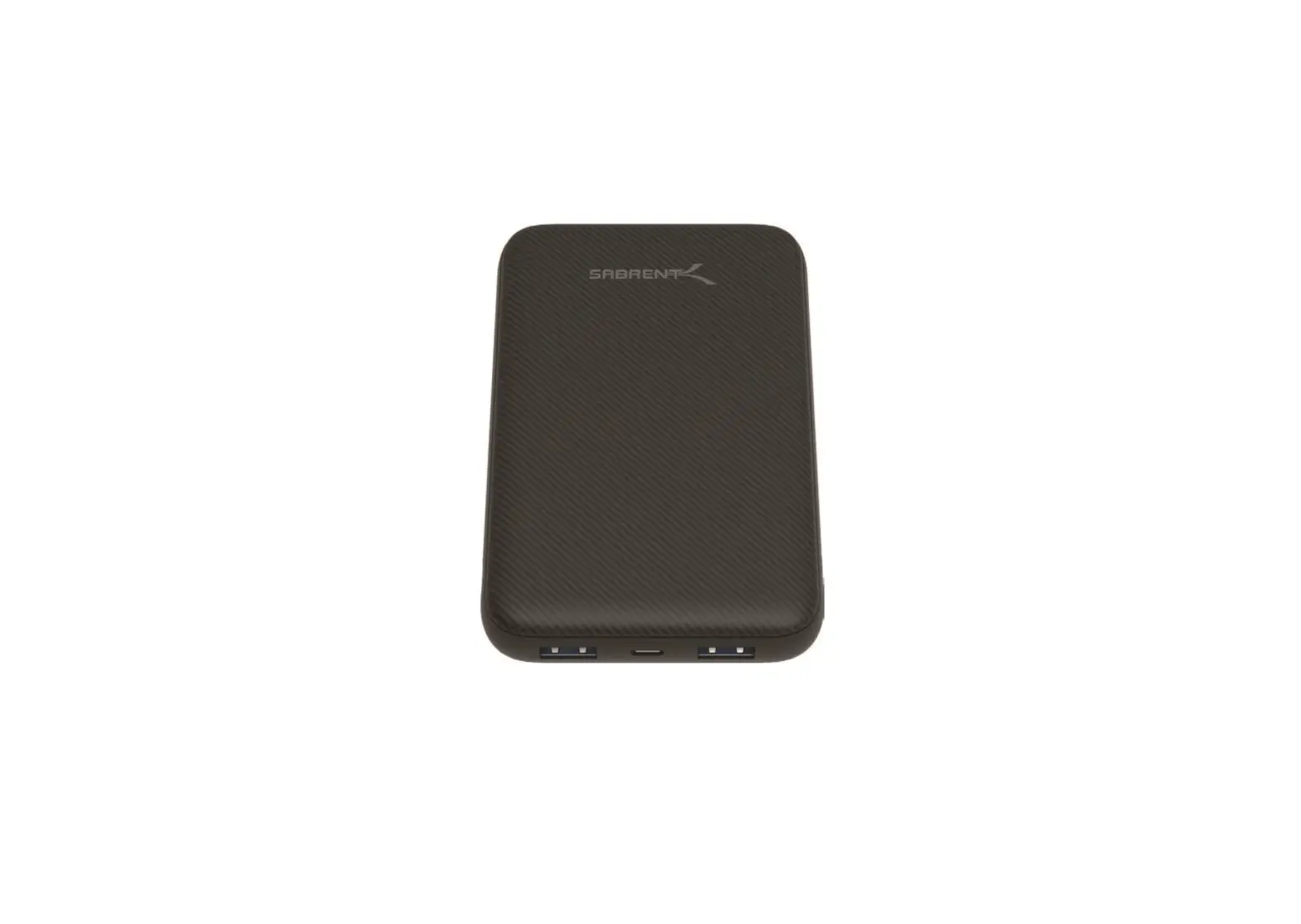

Sabrent PB-Y10B 10000 mAh WITH USB-C PD POWER BANK
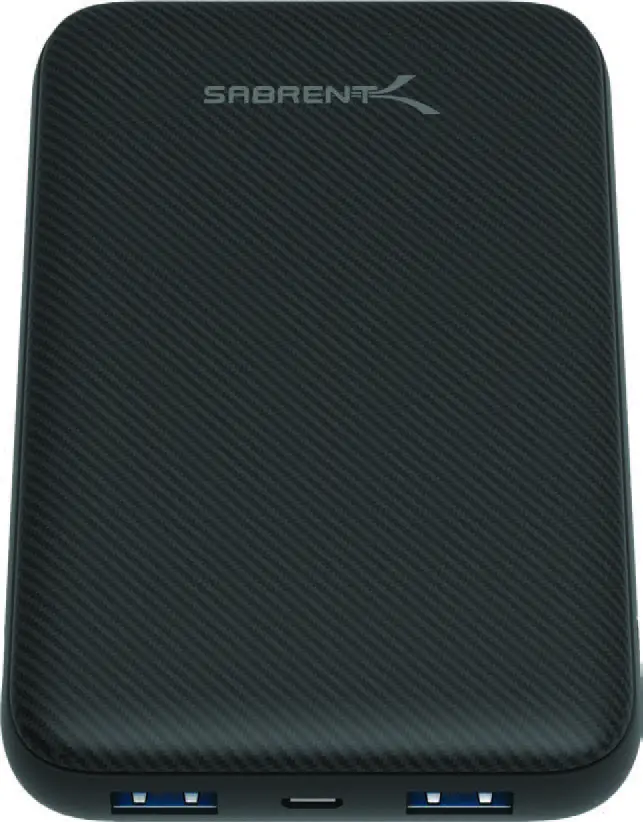
QUICK REFERENCE
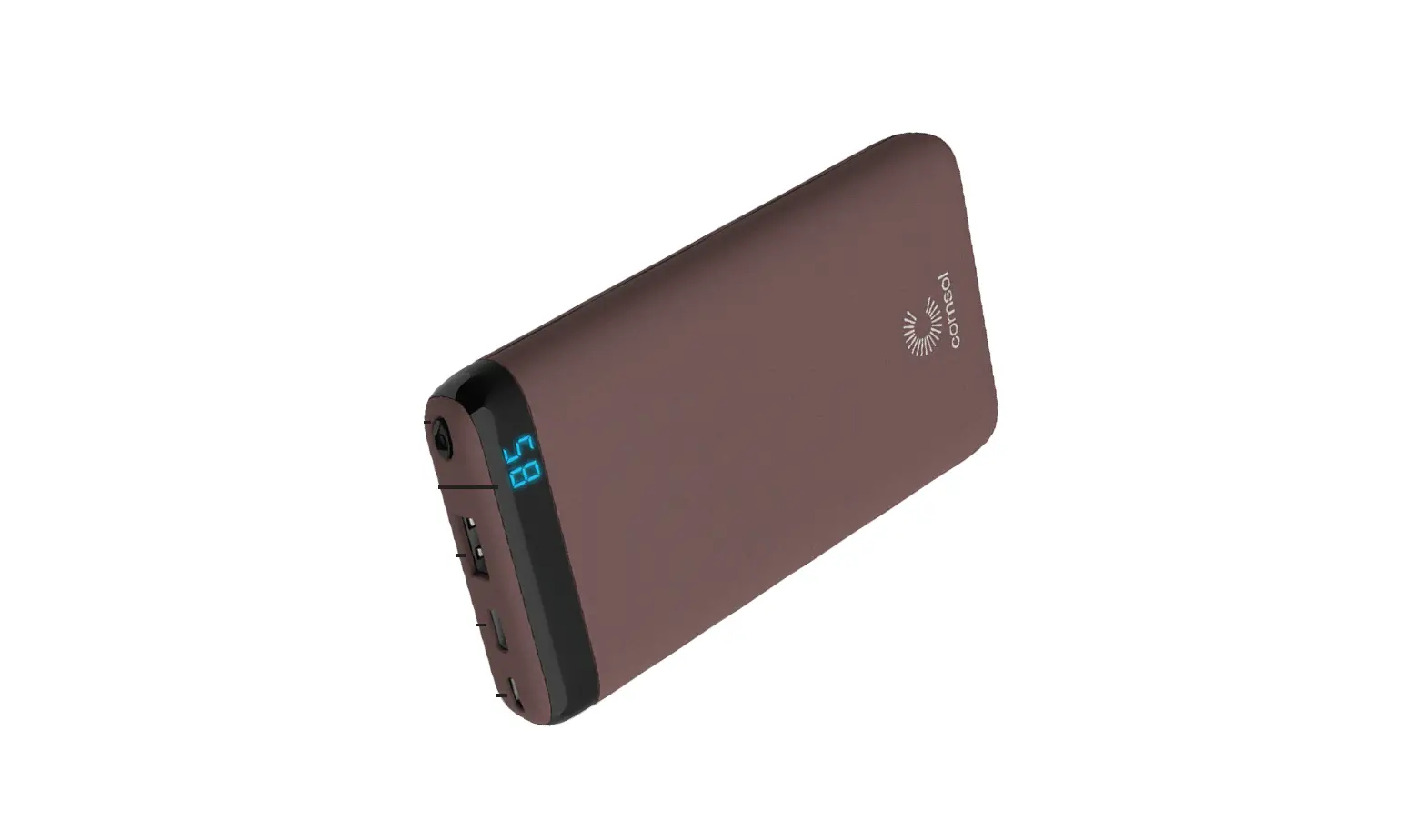
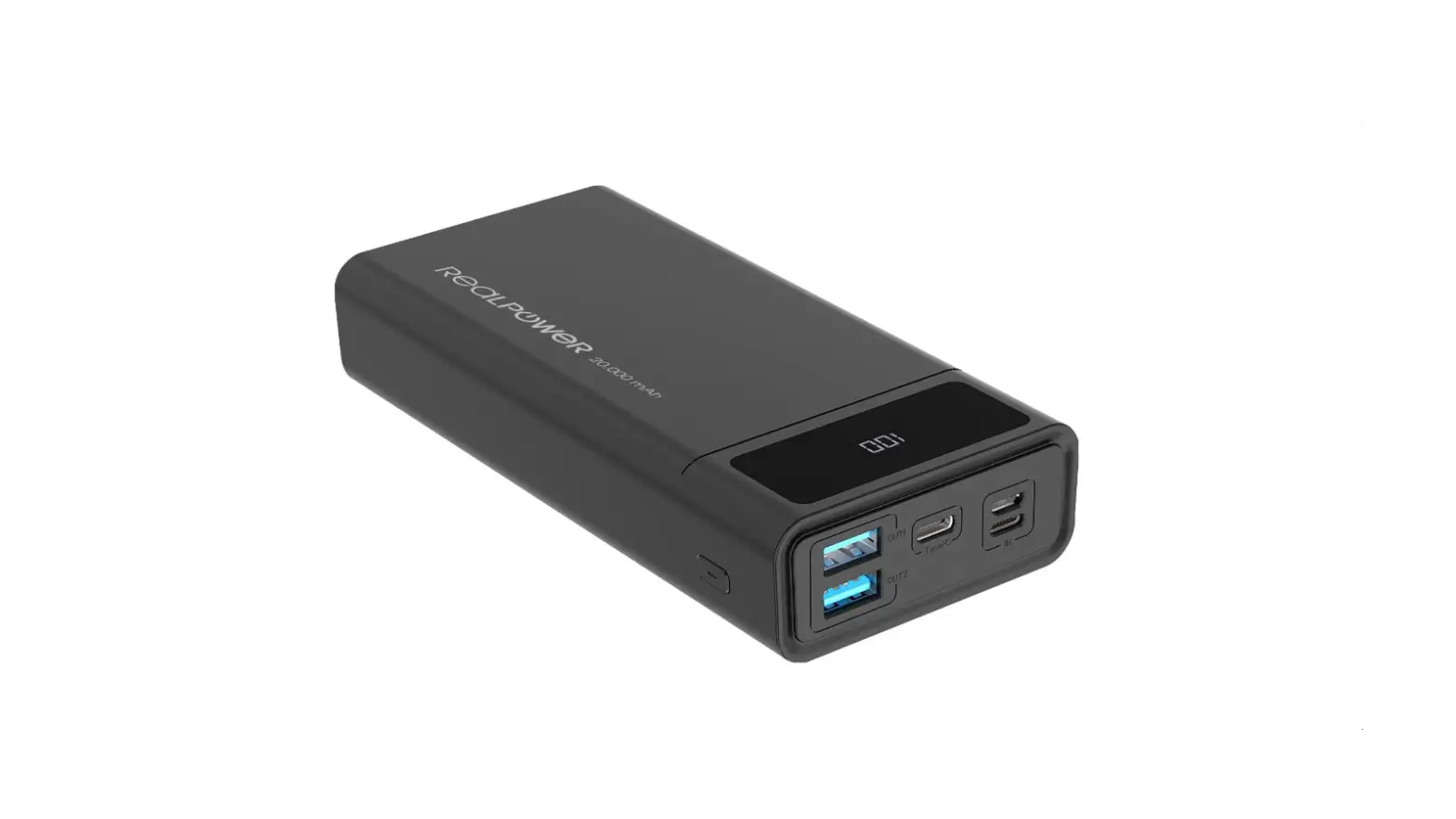
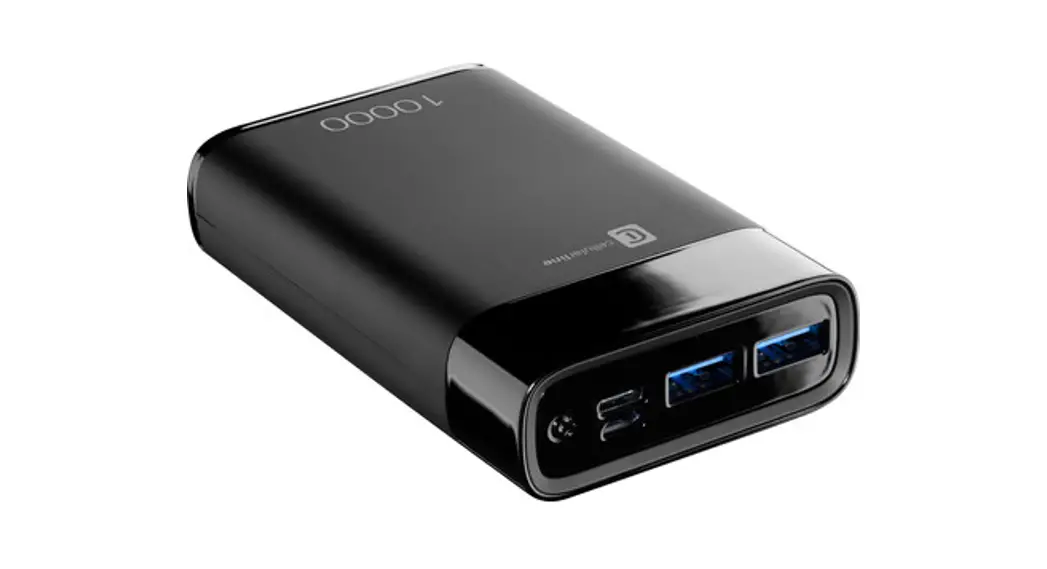
- USB OUTPUT
- MICRO-USB INPUT
- USB OUTPUT
- POWER LEVEL LED INDICATOR
- POWER BUTTON: ON/OFF
- TYPE-C: INPUT OR OUTPUT
HOW TO CHECK THE BATTERY’S POWER LEVEL
Push the power button and the LED indicator will light up to let you know the battery’s power level.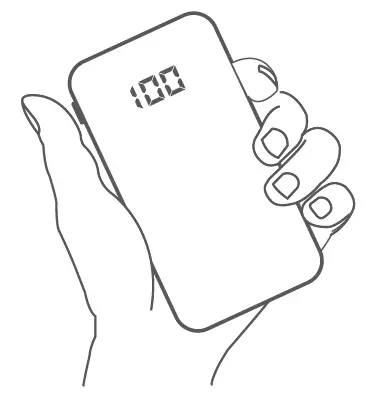
HOW TO RECHARGE YOUR SABRENT USB BATTERY
You have several options to recharge your Sabrent battery
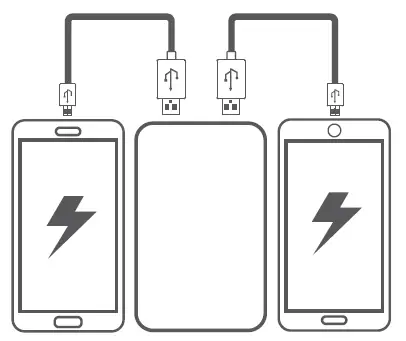
HOW TO RECHARGE YOUR PHONE, TABLET, OR ANY OTHER USB DEVICE
You can use both USB TYPE-A output ports or the USB TYPE-C port. You can safely recharge any USB device.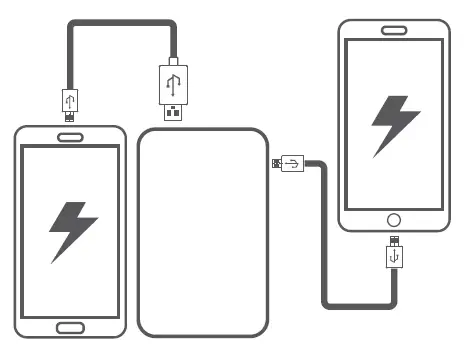
ATTENTION
- In order to extend the lifespan of your battery, please use and recharge it at least once every 3 months.
- Whenever possible, use certified or original cables. In general, if a cable gets too hot to the touch, stop using it immediately and replace it with a thicker cable.
- Avoid dropping it.
- Do not disassemble, do not pierce. Do not spill any liquids on it.
- Do not leave your battery under direct sunlight for extended periods of time. Avoid extreme temperatures (either cold or hot), rain, and humidity.
- Overall, use common sense as you would with any other electronic device.
Please contact our Technical Support Team for additional troubleshooting