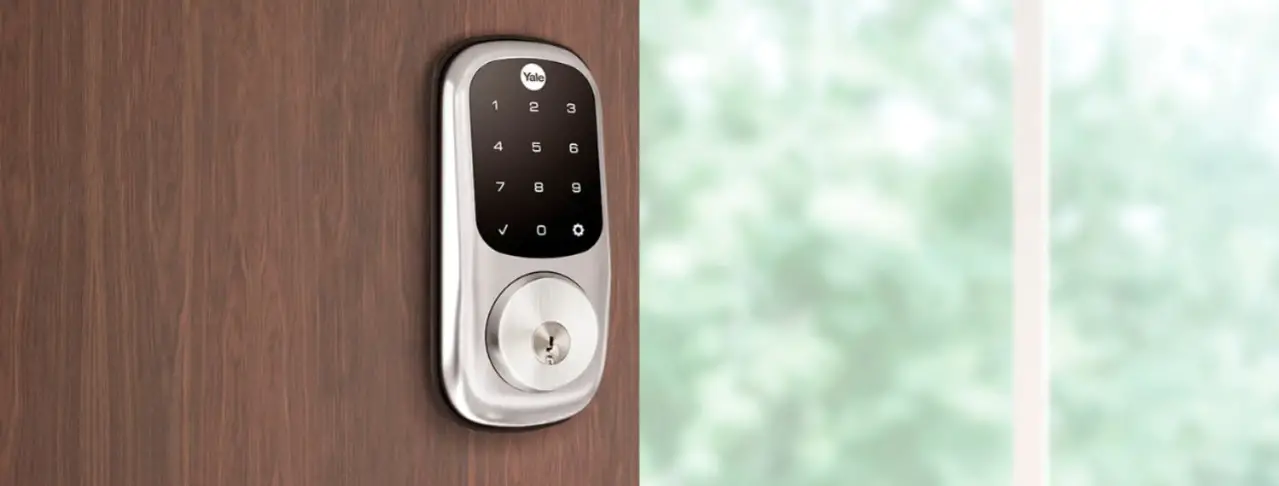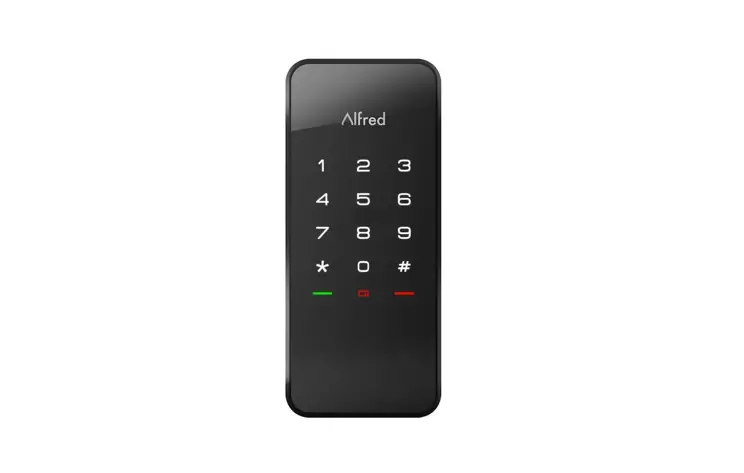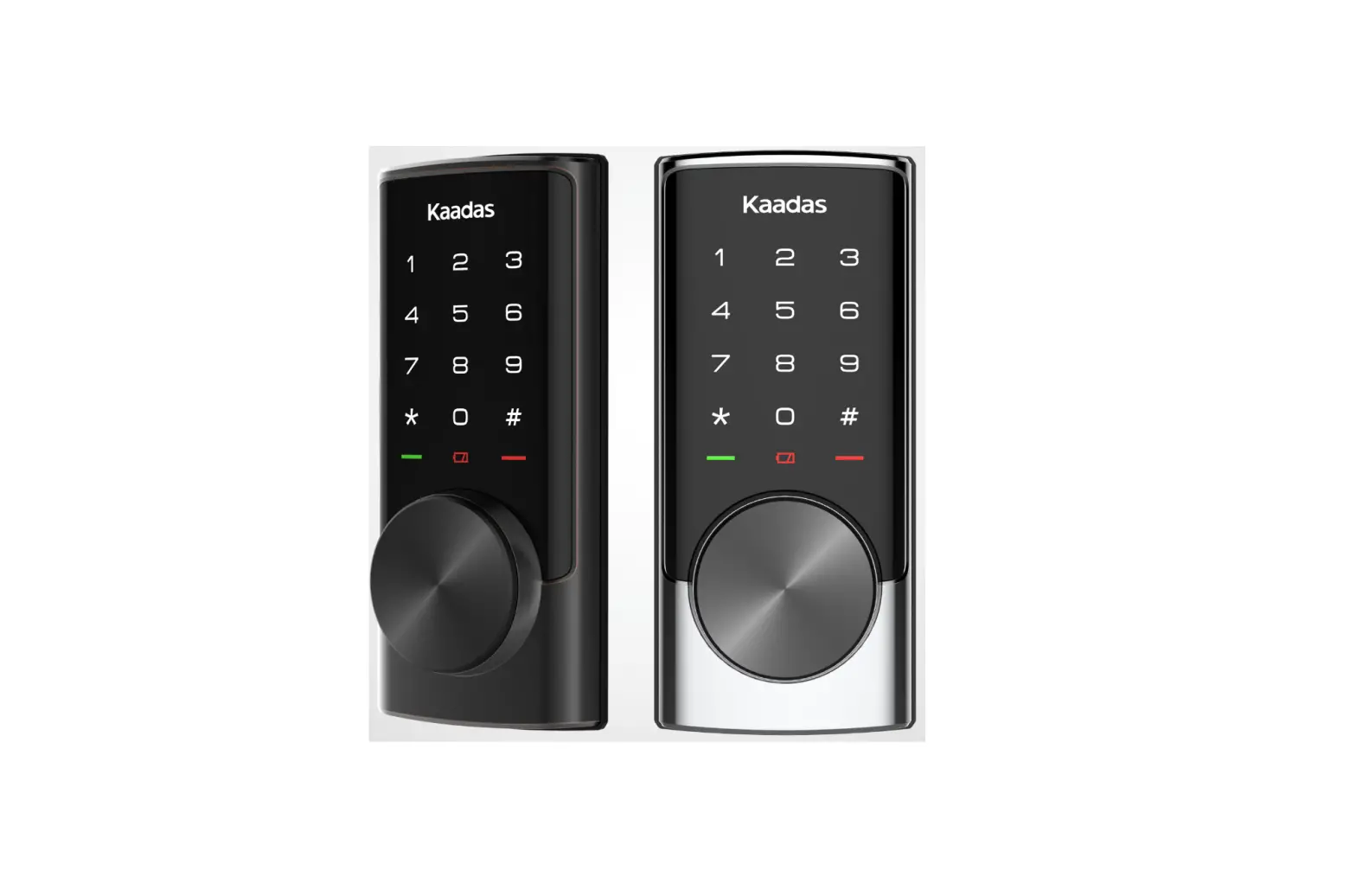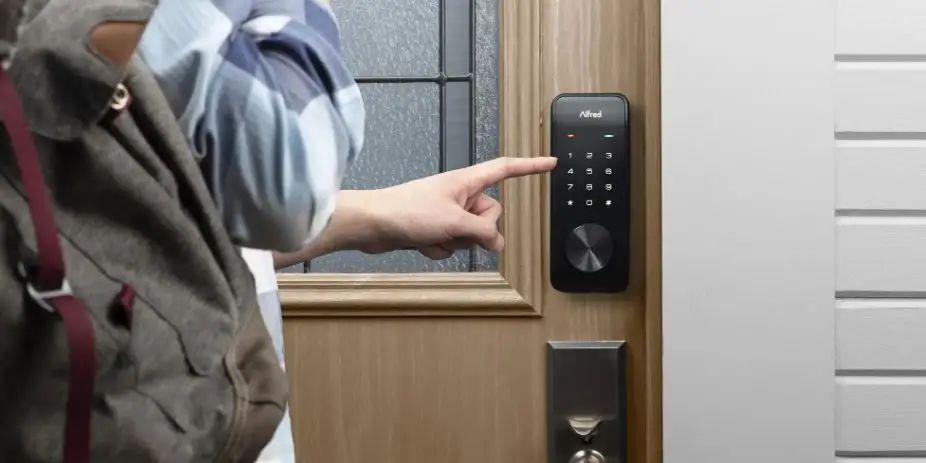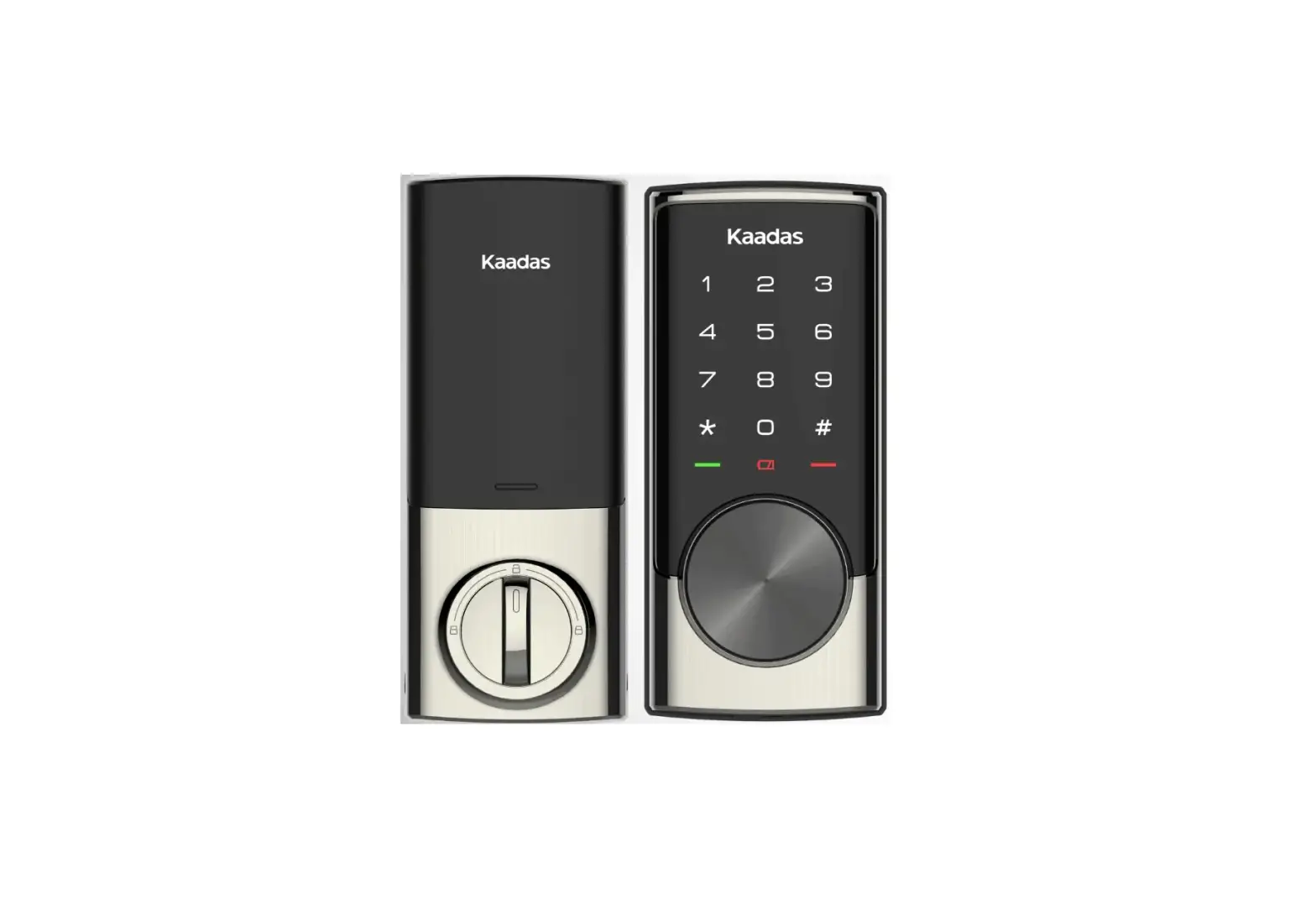
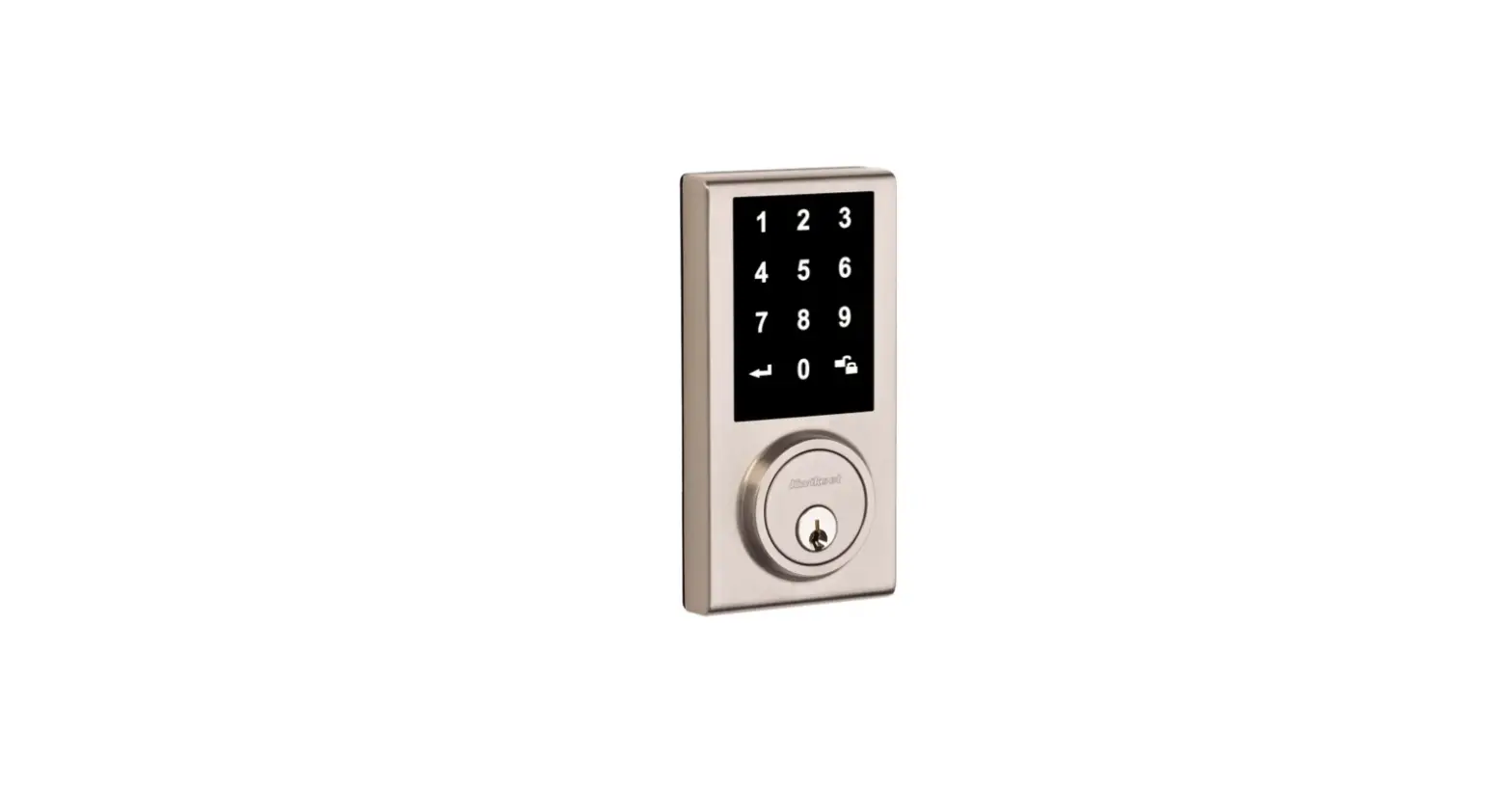
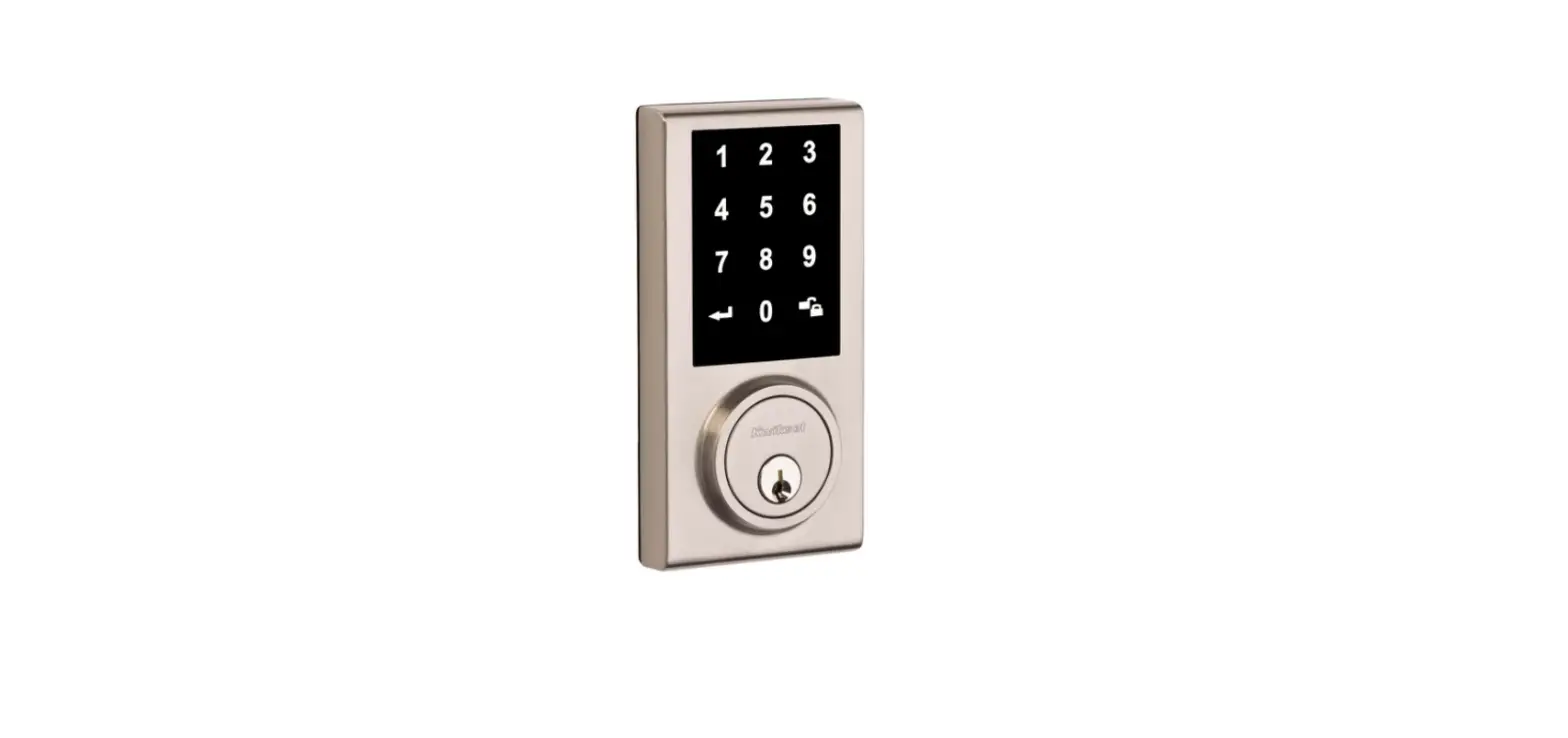
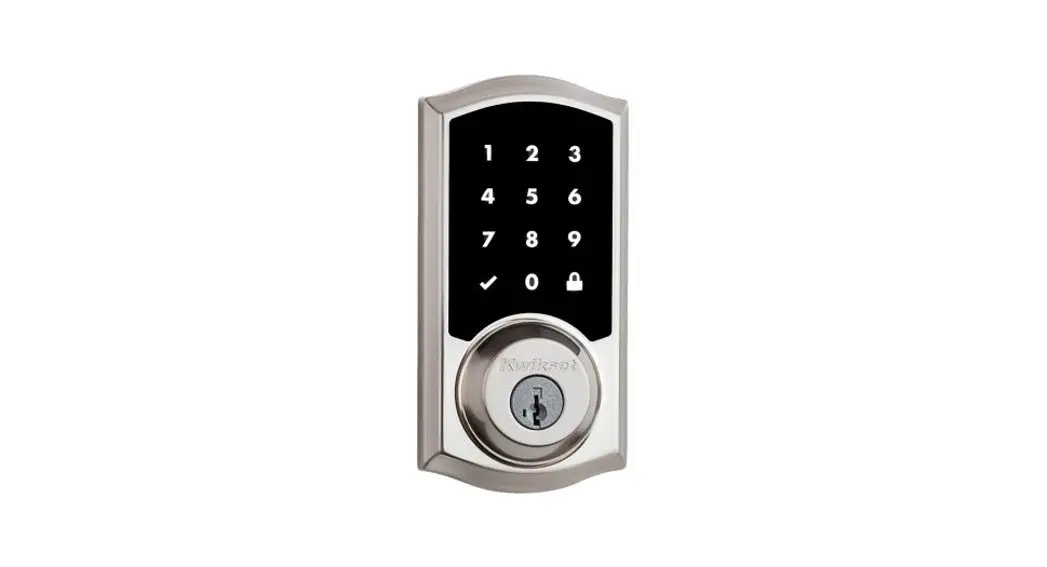
 kenaurd SC1/KW1 Premium Electronic Touchscreen Deadbolt with Key Override
  INSTALLATION INSTRUCTION
 kenaurd SC1/KW1 Premium Electronic Touchscreen Deadbolt with Key Override
 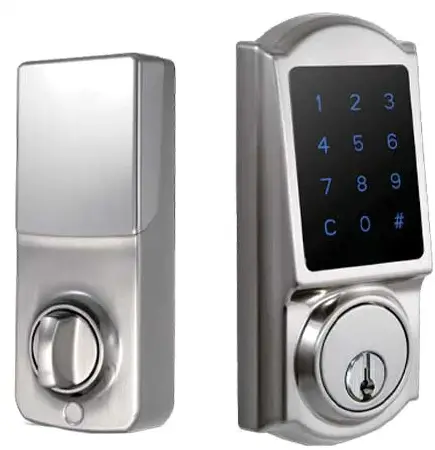 INSTALLATION INSTRUCTION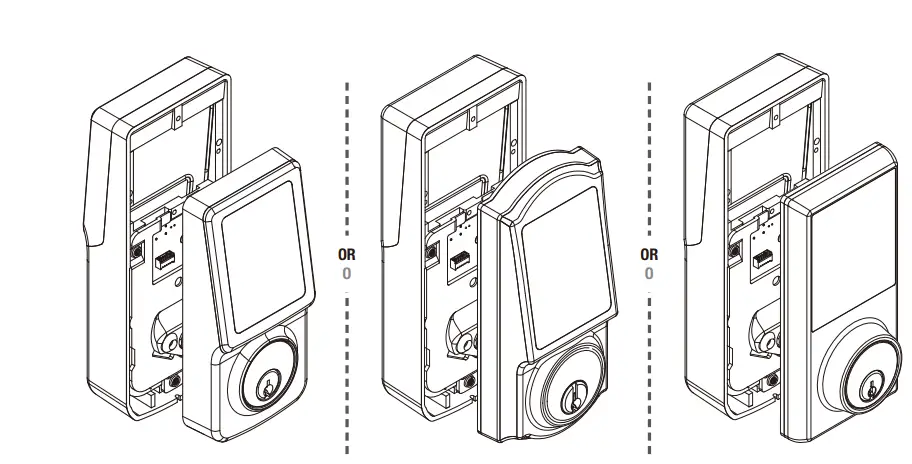
Safety Information
Read the precautions and instructions in this manual before installing and using this lock. Save this manual for future reference.
CAUTION
Please use four alkaline batteries for the best performance.
- Do not attempt to disassemble any internal components of the lockset personally. You will void the limited warranty.
- Do not drop or hit the lockset. Too much shock may result in permanent damage.
- Do not use pins or sharp objects to press on the keypad.
- Always create a backup of the information you want to keep (such as the programming code and user codes). Please use the last page of this booklet as your reference.
- Please change the programming code before operating this lockset.
CARE and MAINTENANCE
CARE and MAINTENANCE /CUIDADO Y MANTENIMIENTO:
- Remove locks, or do not install locks, prior to painting your door.
- Periodically clean with mild soap and a soft cloth only.
- Do not use any abrasives or chemical products containing alcohol, benzene, hydrochloric acid or nitric acid, and avoid using sharp or abrasive objects to clean this lockset.
- Do not let any water or liquid into the lockset during the installation process.
Pre-installation — tools Required / Hardware Included
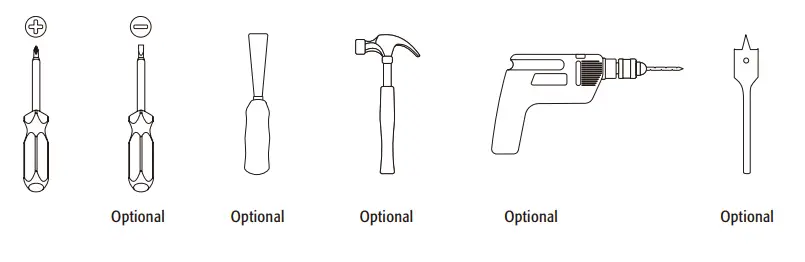
WARNING
If the door needs to be drilled, be familiar with how to use your drill safely, and understand all the door preparation steps before proceeding.
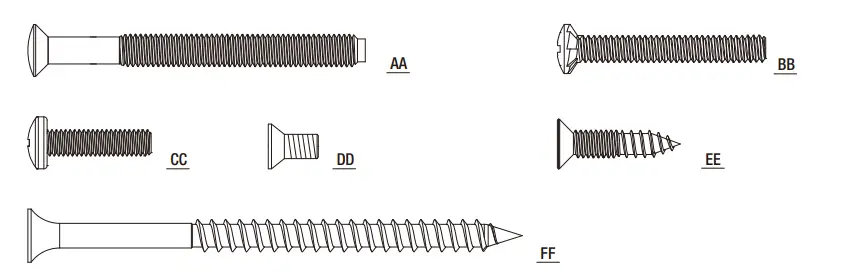
| Part | Description | Quantity |
| A | 2″ (52mm) Mounting Bolt | 2 |
| B | 1-1/4″ (32mm) Screw | 1 |
| C | 13/16″ (20mm) Screw | 1 |
| D | 5/16″ (8 mm) Screw / Tornillo de 5/16″ (8 mm) | 2 |
| E | 3/4″ (19 mm) Wood Screw | 4 |
| F | 3″ Wood Screw (76 mm) | 2 |
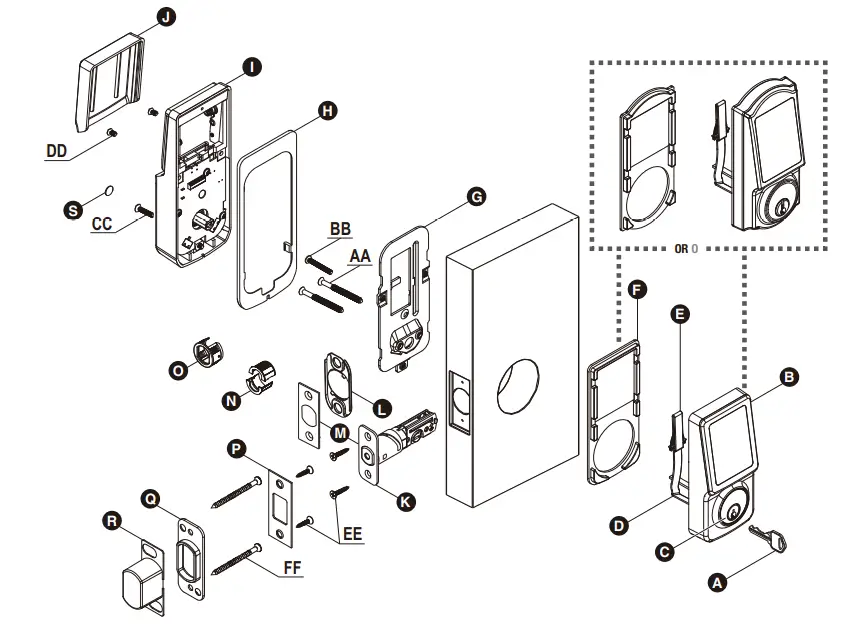
| Part Parte | Description Descripción | Quantity Cantidad |
| A | Key | 2 |
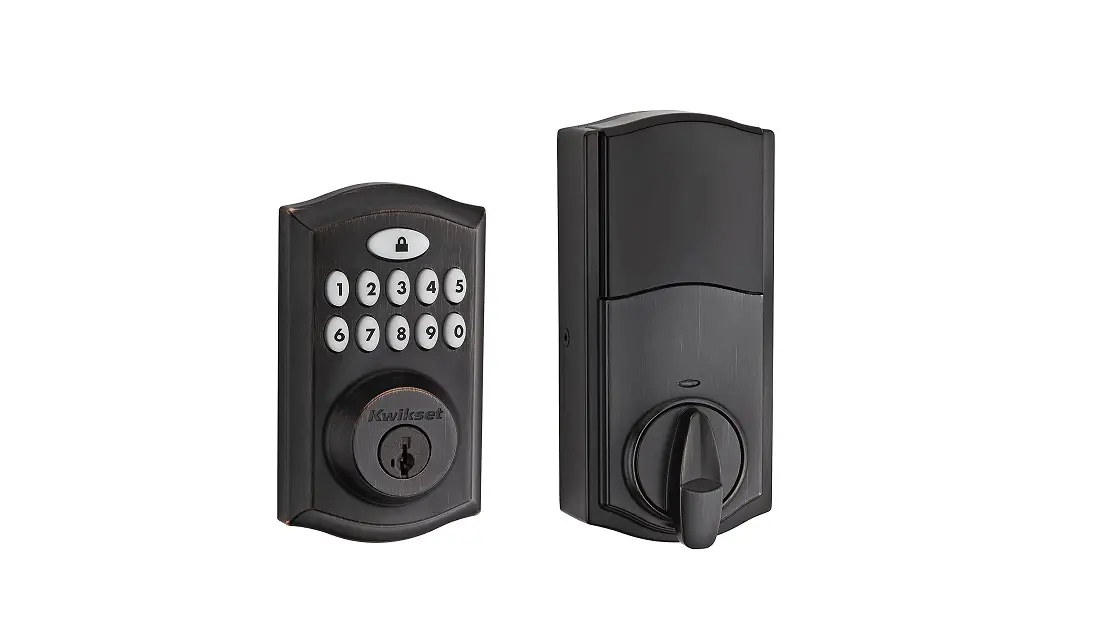
| B | Exterior Assembly | 1 |
| C | Cylinder | 1 |
| D | Tailpiece | 1 |
| E | Power Cable | 1 |
| F | Exterior Gasket (Optional) | 1 |
| G | Mounting Plate | 1 |
| H | Interior Gasket (Optional) | 1 |
| I | Interior Assembly | 1 |
| J | Battery Cover | 1 |
| K | Latch | 1 |
| L | Bottom Plate (Optional) | 1 |
| M | Square Or Radius Faceplate (Optional) | 1 |
| N | Drive-in Collar (Optional) | 1 |
| O | Drive-in Collar (Optional) | 1 |
| P | Strike Plate | 1 |
| Q | Reinforced Strike Plate | 1 |
| R | Dust Box | 1 |
| S | Screw Hole Cover | 1 |
 Pre-installation (Continued) — Door Preparation
 Pre-installation (Continued) — Door Preparation
NOTE: If your door is pre-drilled, check the hole sizes to make sure they are the proper size. If they are the proper size, skip to the Installation section.
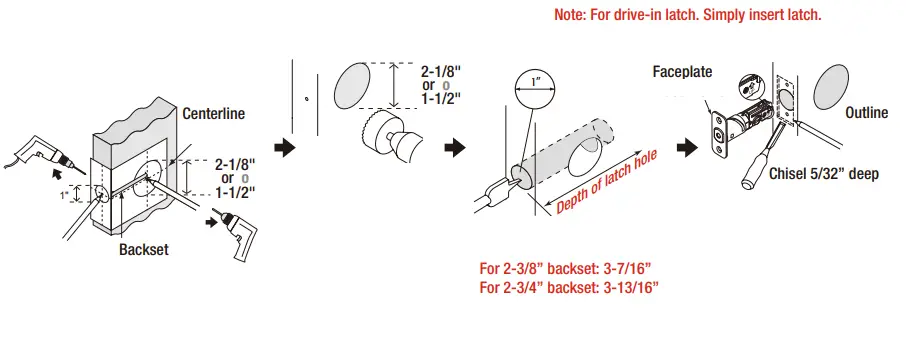
- Using the template, mark the door and drill the holes, and chisel out a mortise.
NOTE: Drill from both sides to avoid wood splitting.
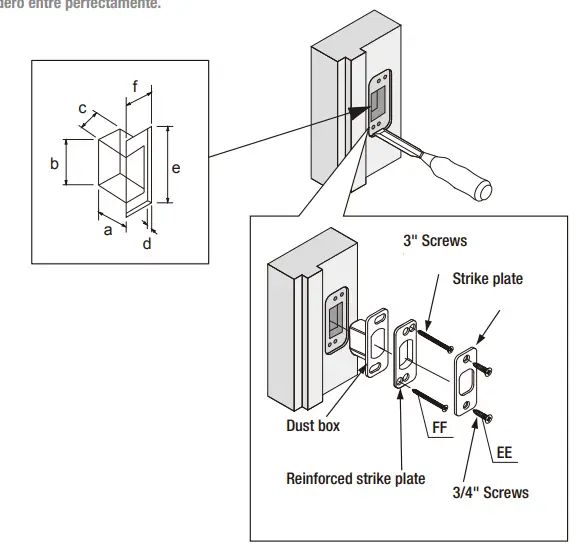
- Prepare the door jamb – using the strike plate as a pattern, drill the latch and screw holes, and chisel out a mortise until the strike plate fits flush.

- Door jamb hole dimension
- 1-3/16″(30 mm)
- 1-9/16″(40 mm)
- 1″(25 mm)
Strike dimension - 5/32″(4 mm)
- 2-3/4″(70 mm)
- 1-1/8″(28 mm)
TEMPLATE
NOTE: Double check your product for the correct hole sizes.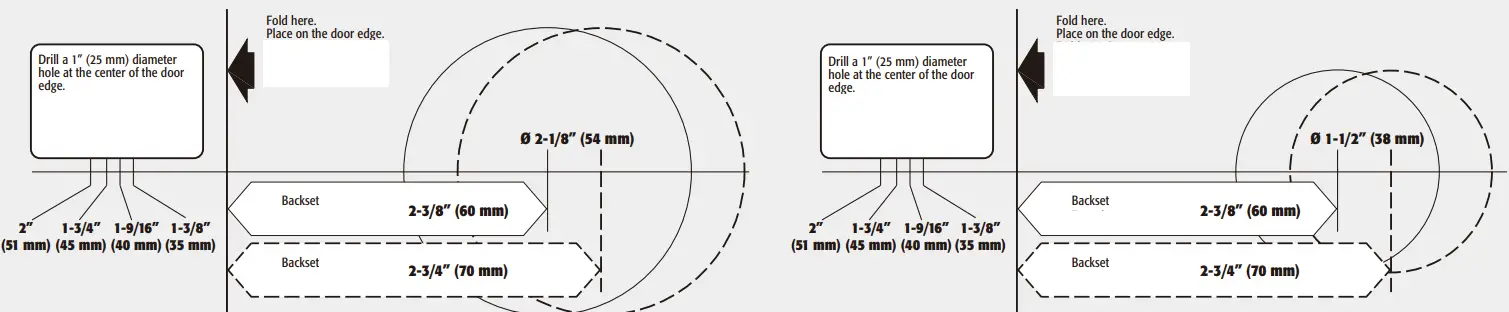
Installation

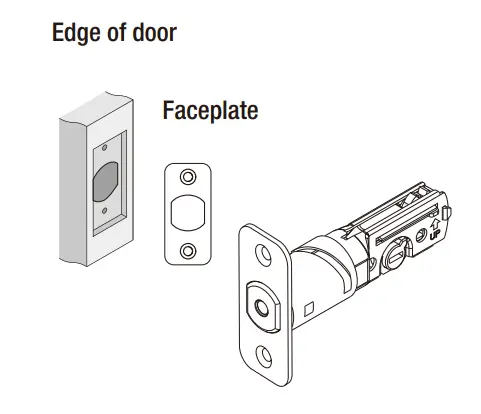
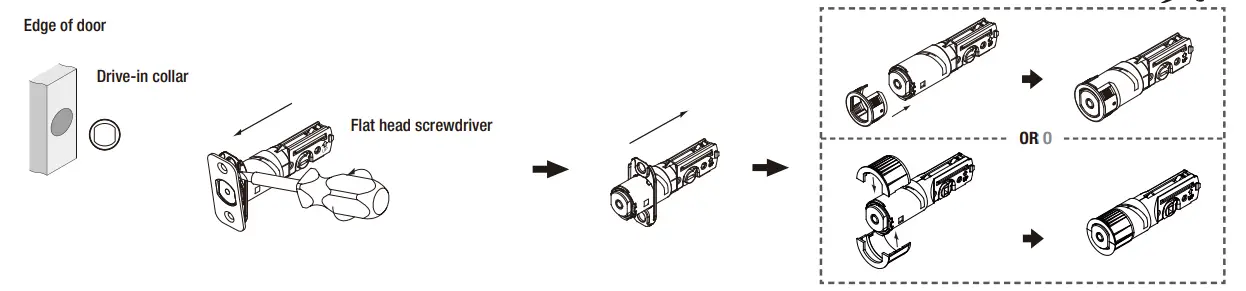
Set the latch backset
CAUTION: Be sure the latch cam is upright before making any backset adjustment. Install the latch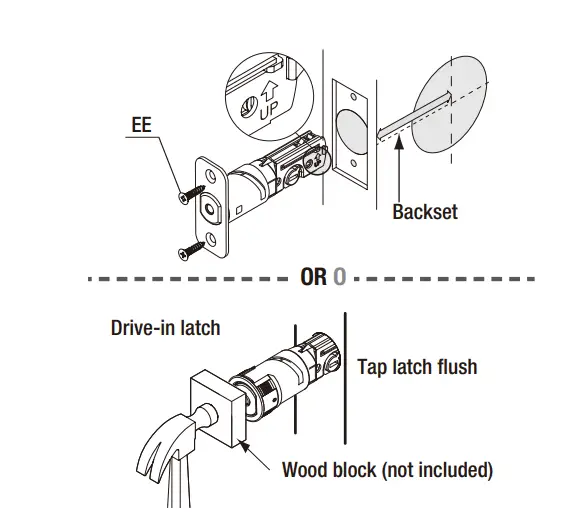
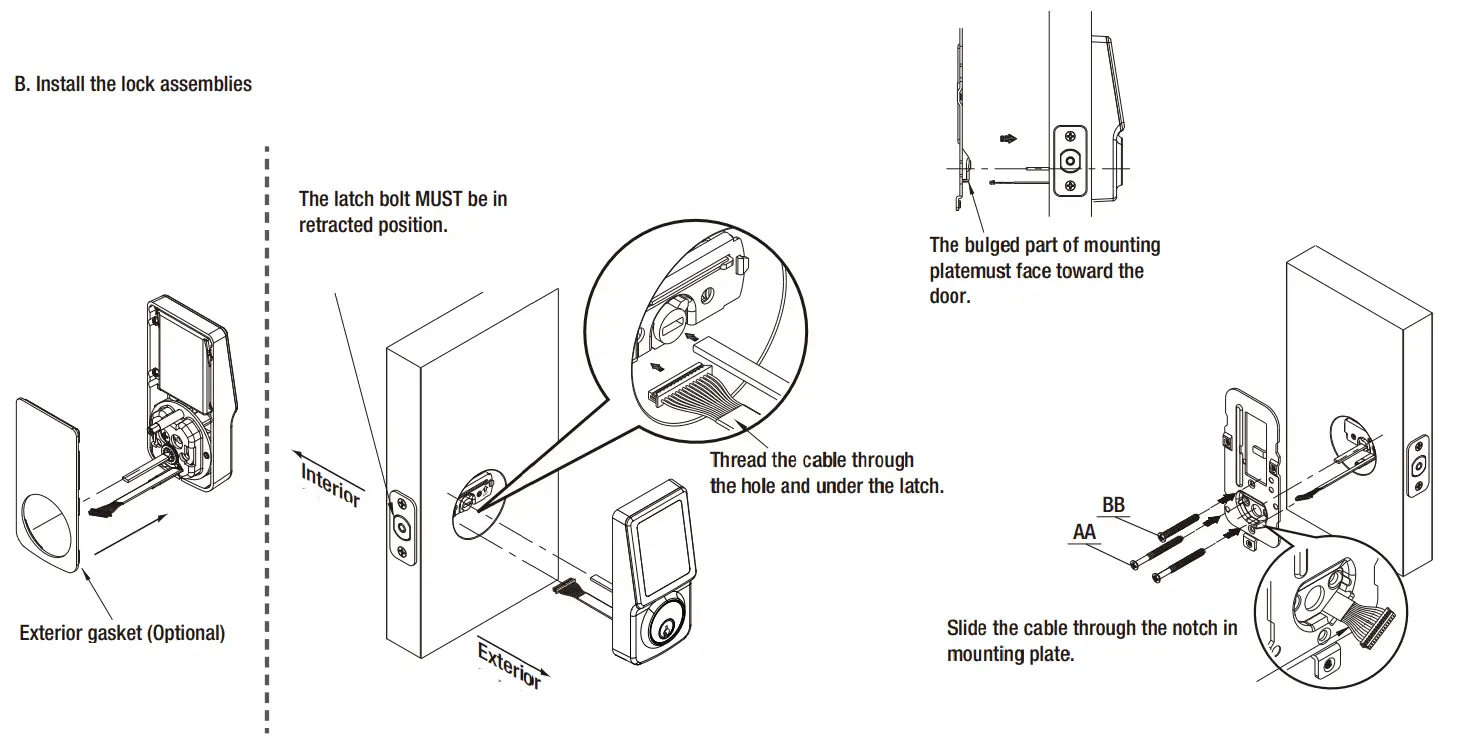
INSTALLING THE LOCK ASSEMBLIES


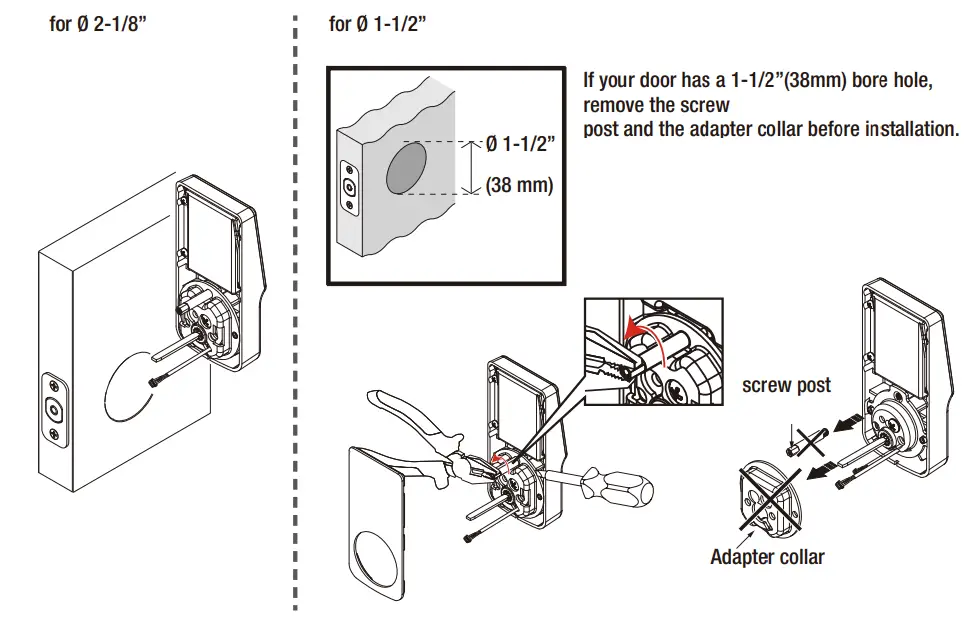
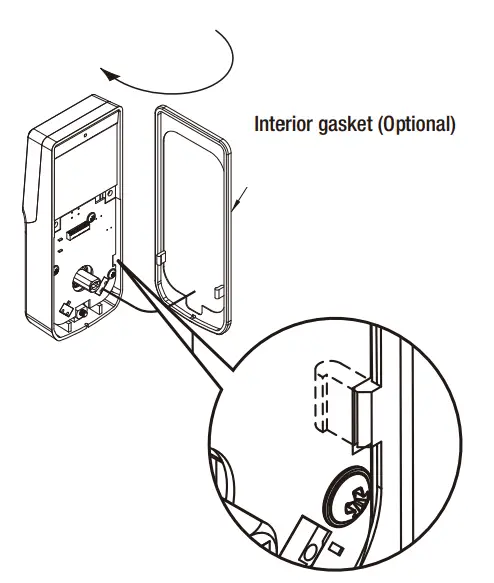
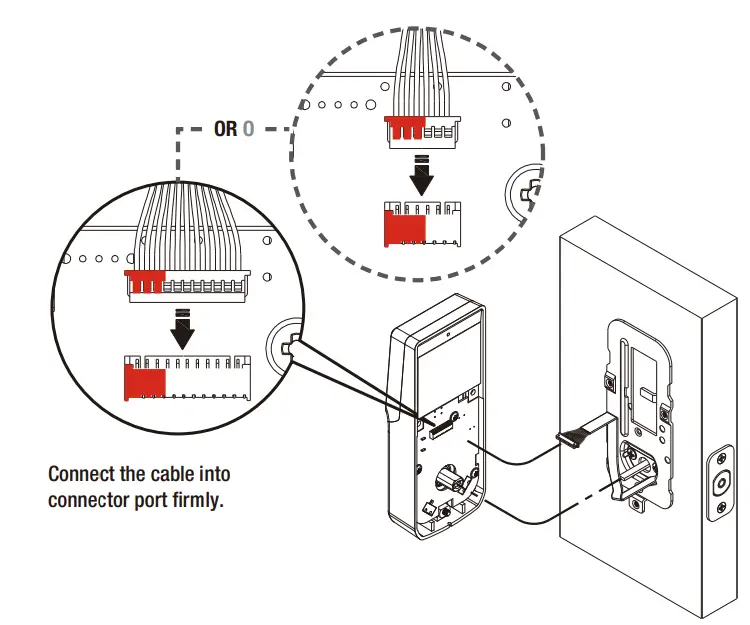
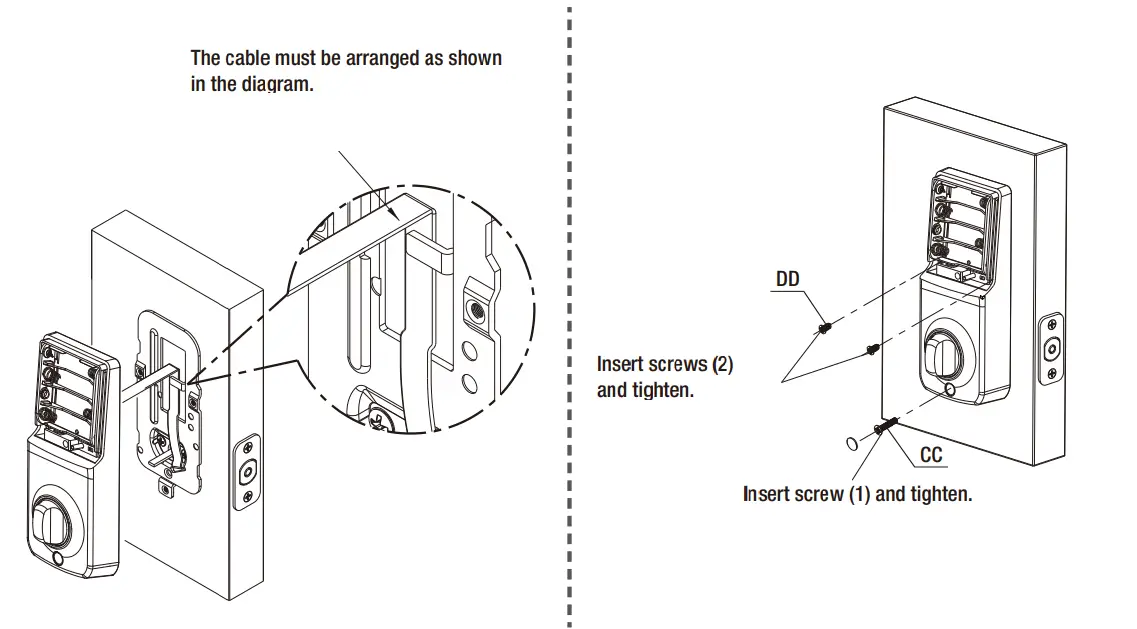
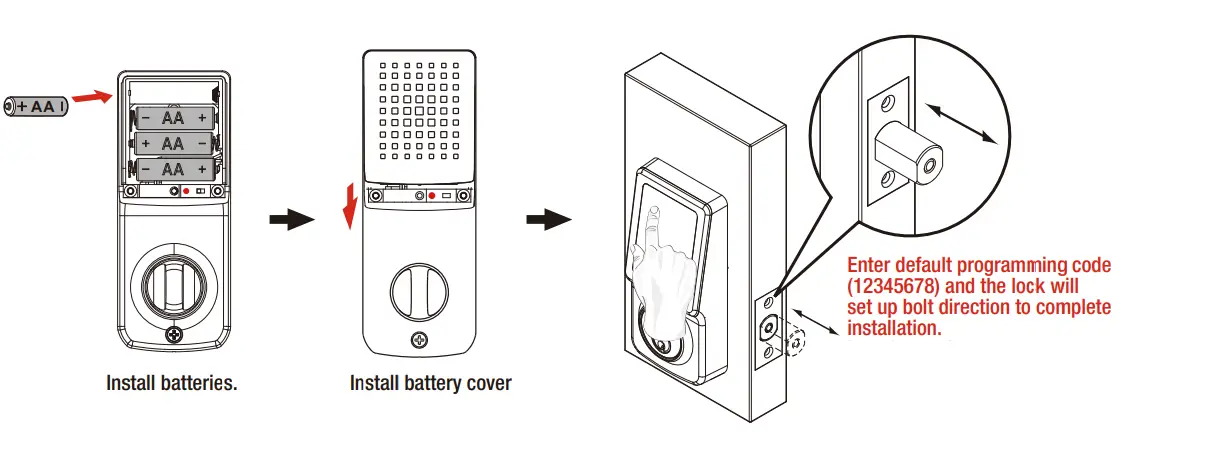
CAUTION: Please complete this step to initiate your lock.
The step will set up bolt direction and is a required step for lock CAUTION: Please complete this step to initiate your lock.
The step will set up bolt direction and is a required step for the lock
![Schlage Keyless Touchscreen Deadbolt [be375] Instructions Manual](https://static-data1.manualsee.com/1/img/161/20267/2020/12/Schlage-Keyless-Touchscreen-Deadbolt.png "Schlage Keyless Touchscreen Deadbolt [be375] Instructions Manual")