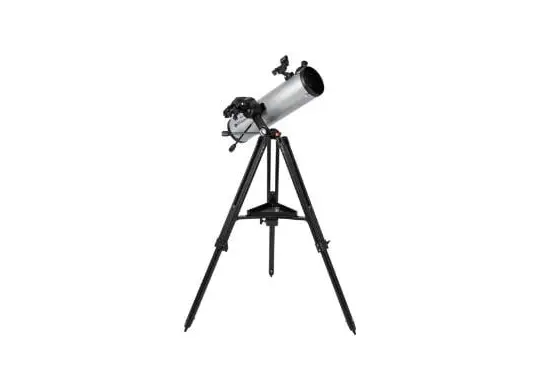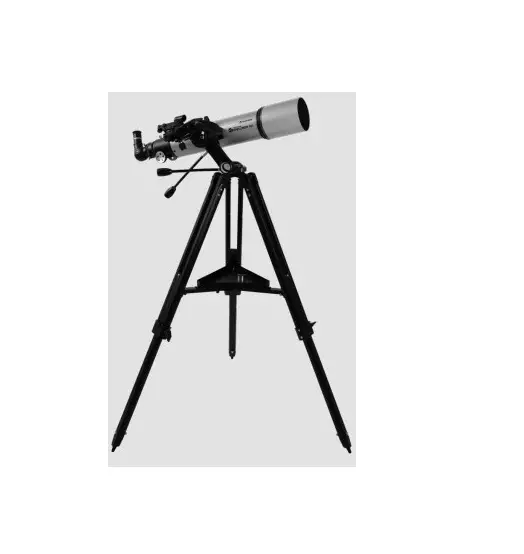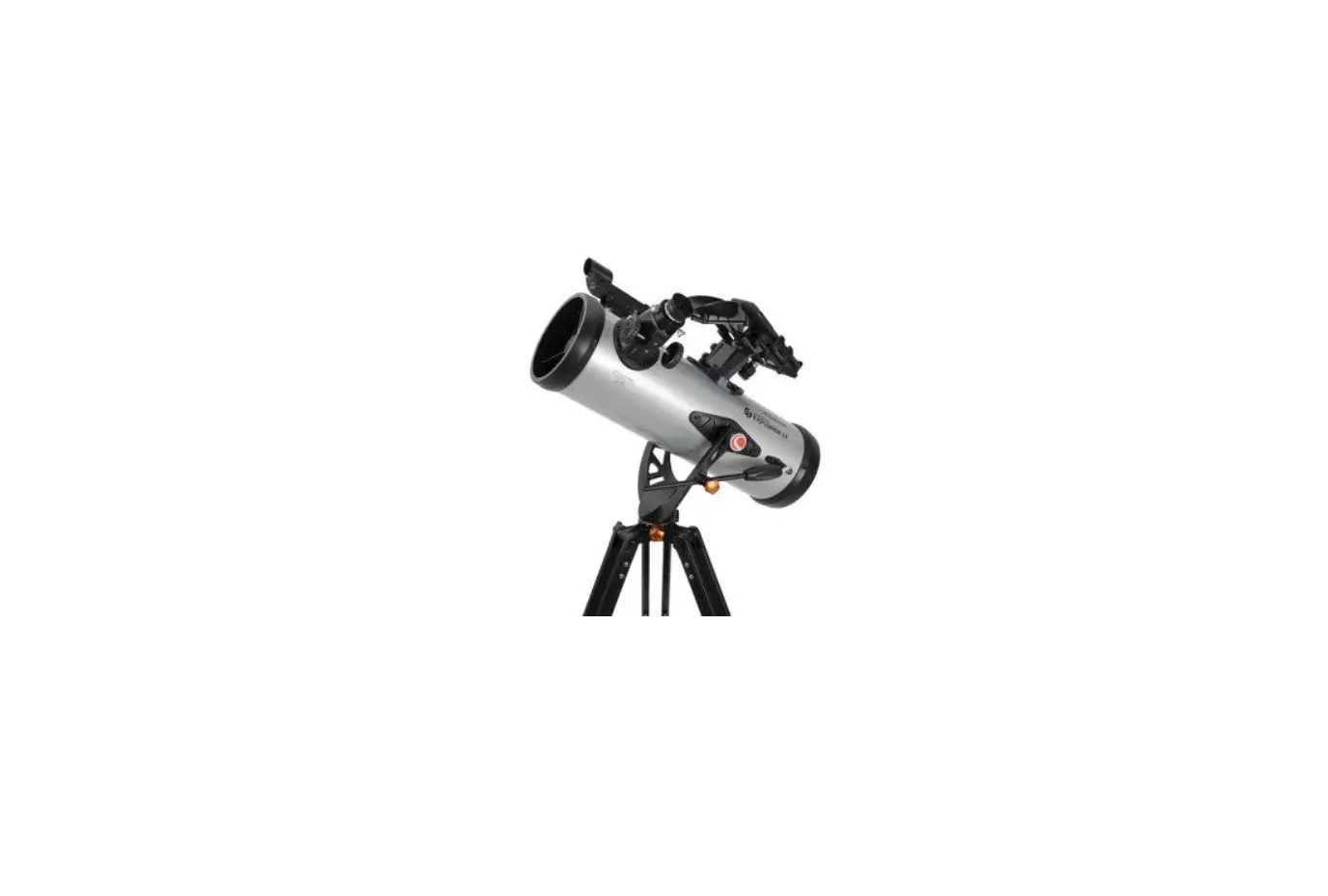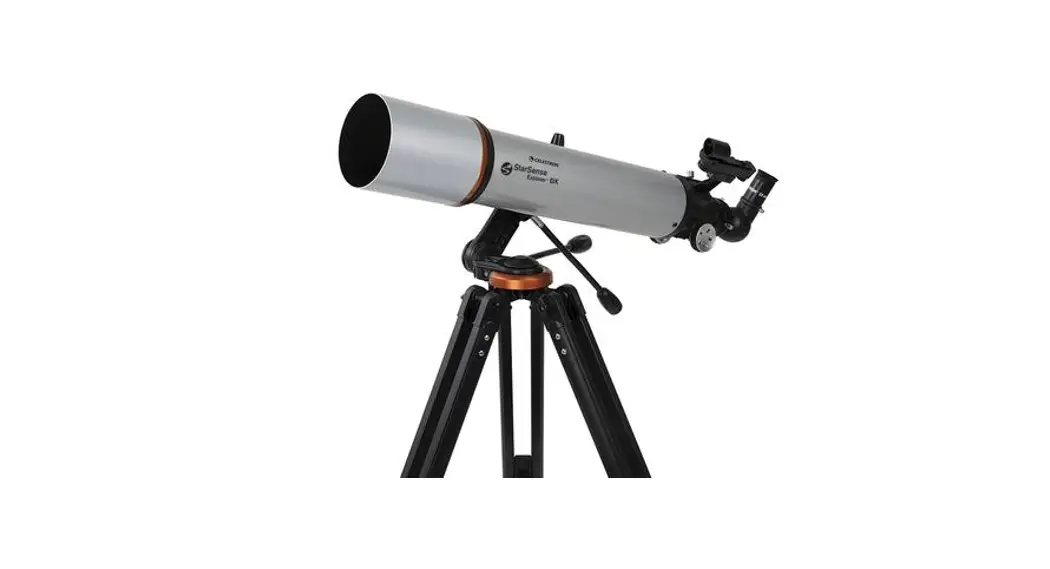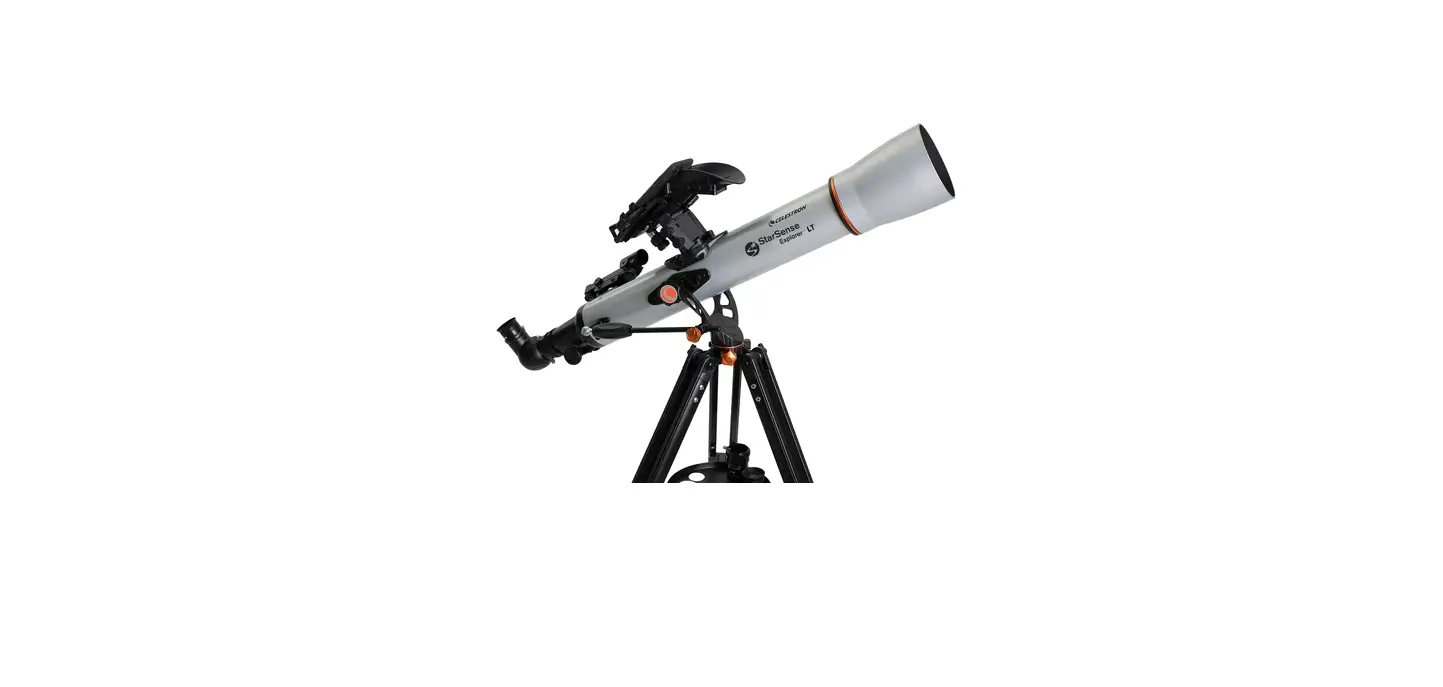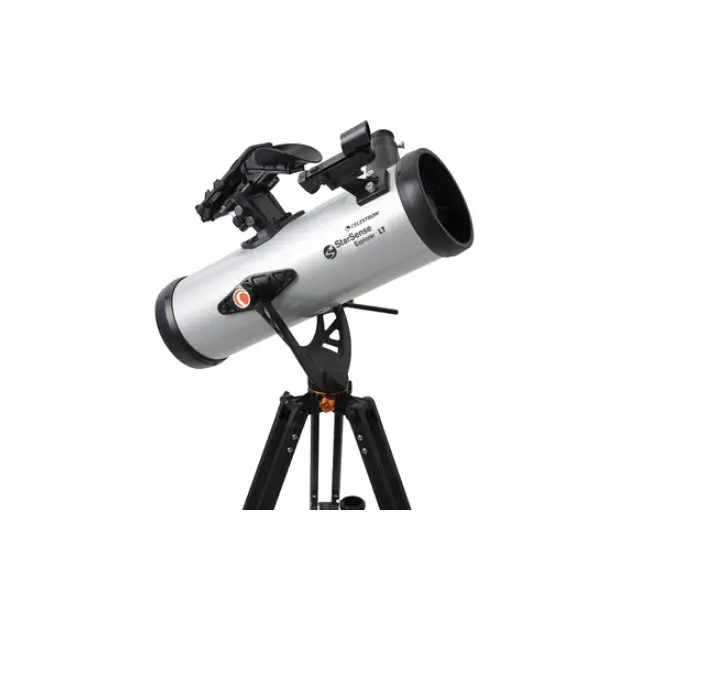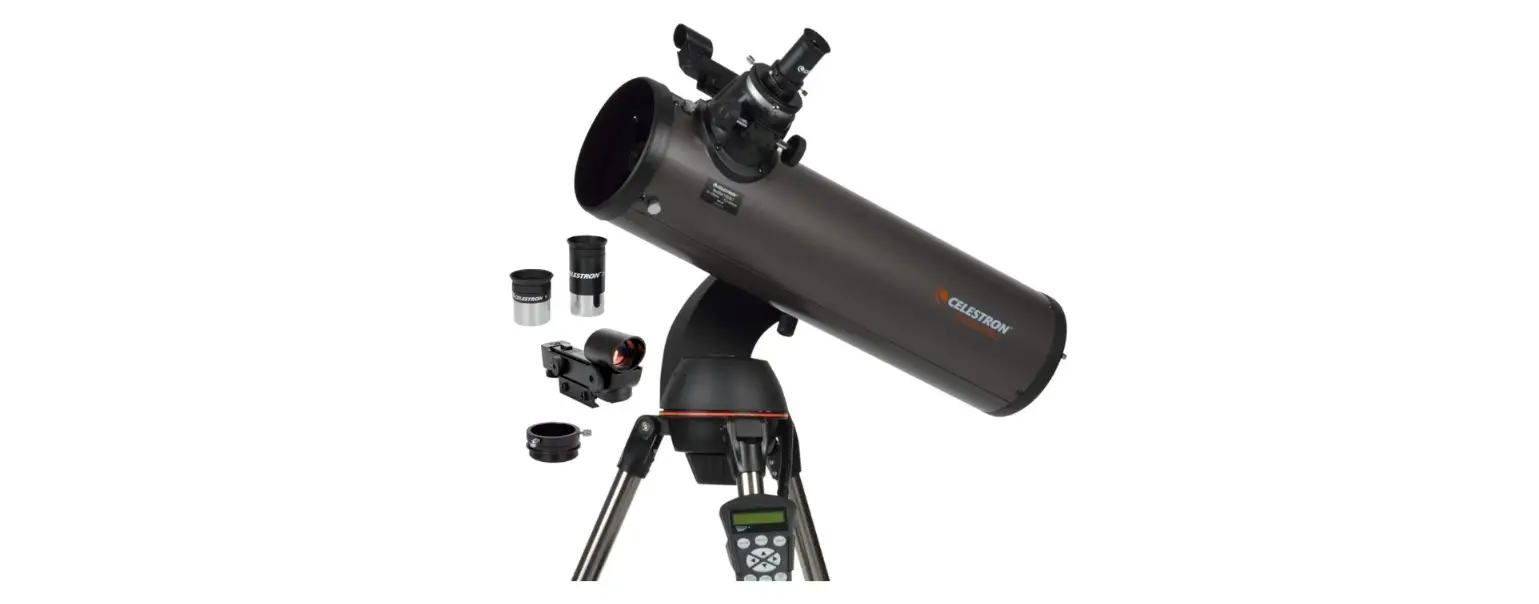

 Star Sense
Explorer™ DX
130AZ
Quick Setup Guide
ITEM #22461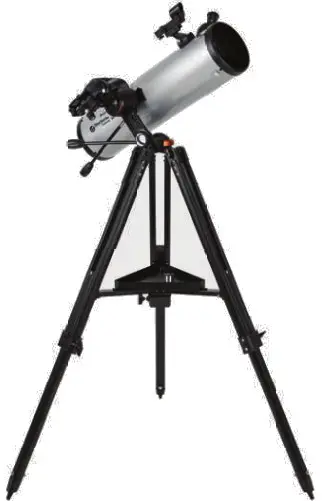
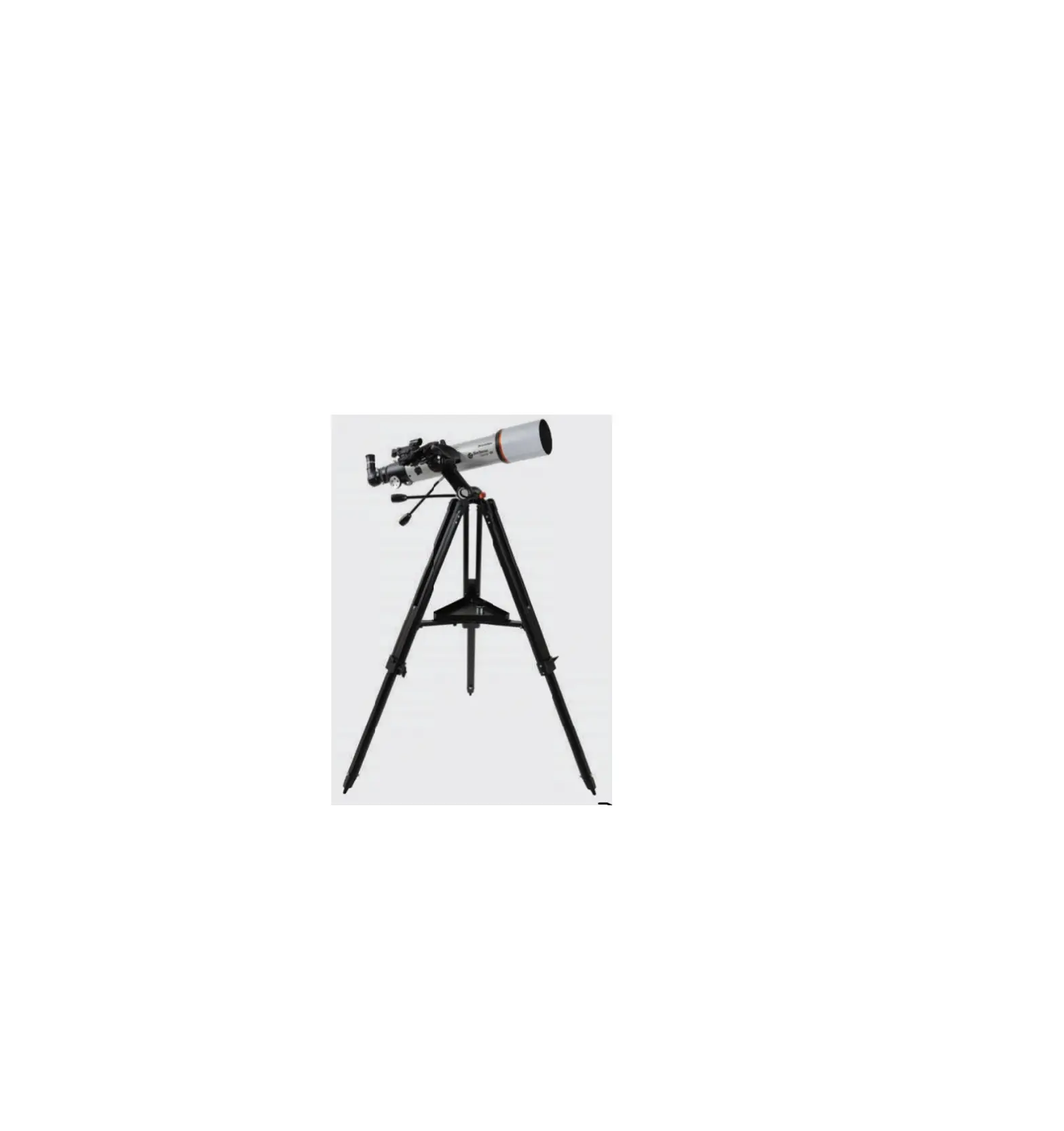
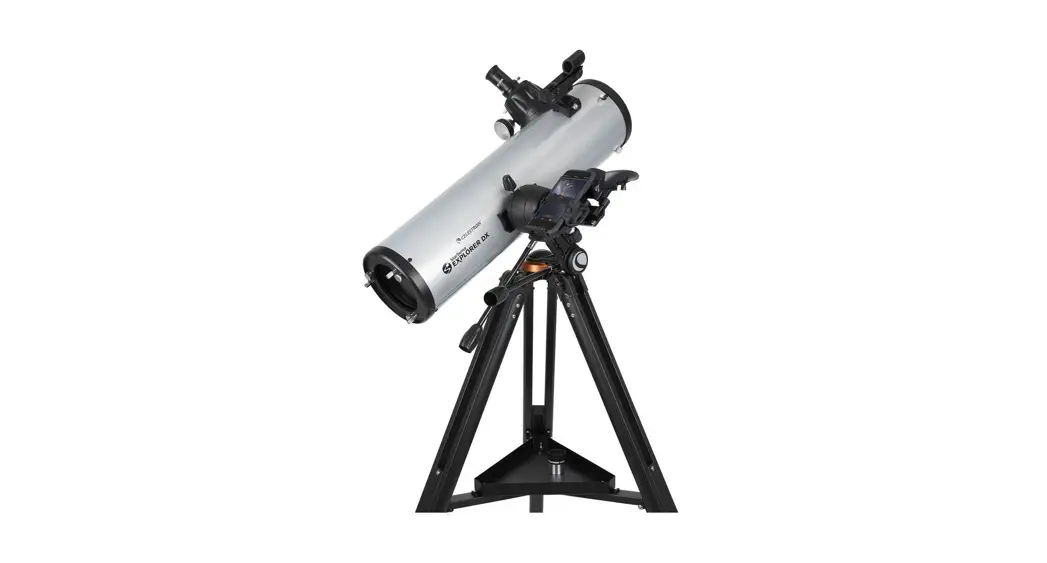
DX 130AZ StarSense Explorer Enabled Telescope
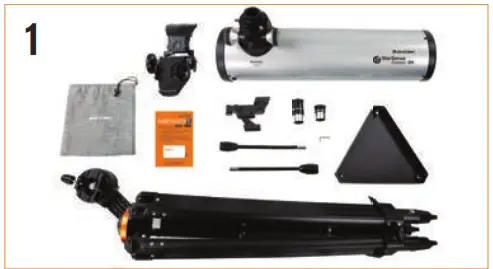
Unpack your telescope and verify that all parts are present. Your StarSense Explorer DX includes: a telescope tube, a tripod and mount head, an accessory bag, slow motion controls, an accessory tray, two eyepieces, a finder scope, a StarSense phone dock, StarSense Explorer app code card, and a hex key (hidden inside the slot in the front of the mount head).
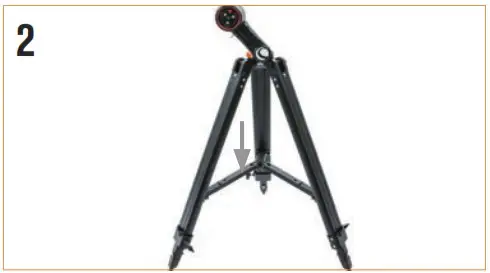
To set up the tripod, spread the legs outward until they are fully extended and push down the center leg brace.
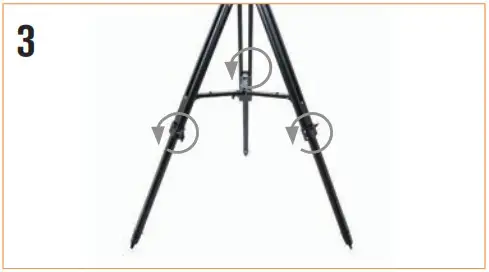
Extend the legs of the tripod by loosening the three hand knobs on each leg. Pull each leg section all the way out and tighten the hand knobs to secure them in place.
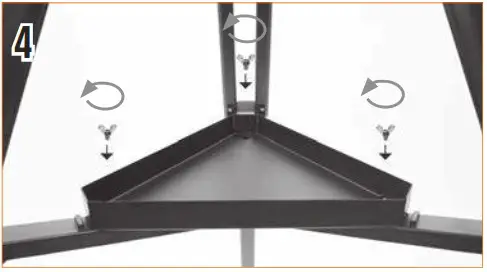
Place the accessory tray on top of the center brace and line up the three holes. Insert the three thumb screws through the top of the leg brace and thread them into the tray.
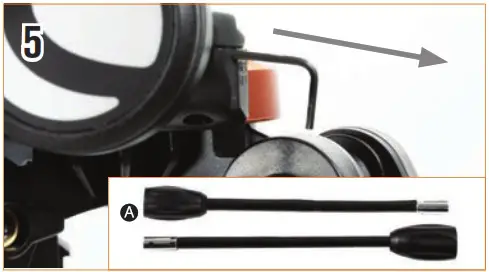
To attach the slow-motion knobs A to your mount, first locate the supplied hex key hidden inside the slot in the front of your mount.
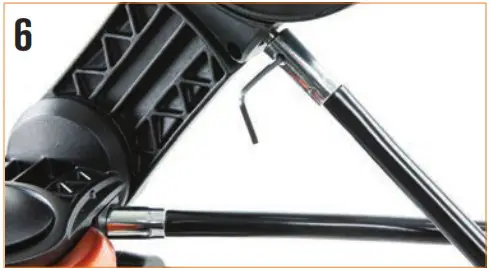
To attach the slow-motion knobs to your mount, first locate the supplied hex key hidden inside the slot in the front of your mount.
Place the slow-motion control knob over the D-shaped gear shaft and push inward to make sure it is fully seated. Use the hex key to tighten the setscrews onto the gear shaft. Return the hex key to its storage position in the front of the mount.
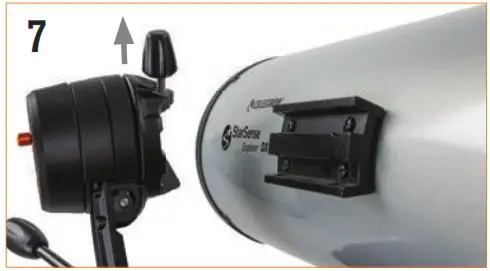
Turn the clamp assembly so that the locking screw is on top of the dovetail clamp. Hold the telescope tube next to the mount with the dovetail bar on the tube facing the clamp on the top of the mount arm.
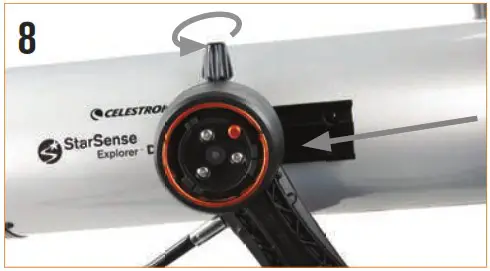
Slide the dovetail bar into the clamp at the top of the mount and tighten the hand knob on the bottom of the clamp to secure the telescope in place.
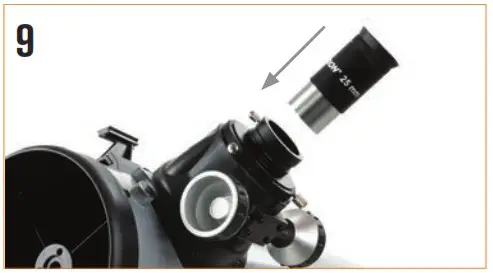
Remove the cap from the focuser and insert the barrel of the 25 eyepiece into the focuser. Tighten the setscrew to secure the eyepiece in place.
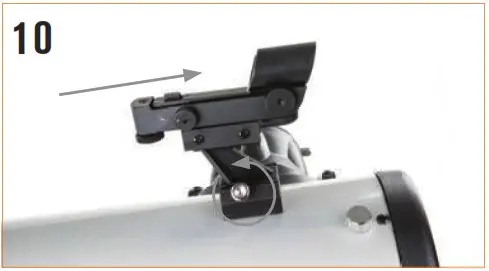
Slide the finders cope bracket into the dovetail slot on the telescope tube near the focuser. The large window on the finder should be facing the front of the telescope. Secure the bracket by tightening the setscrew on the dovetail slot.
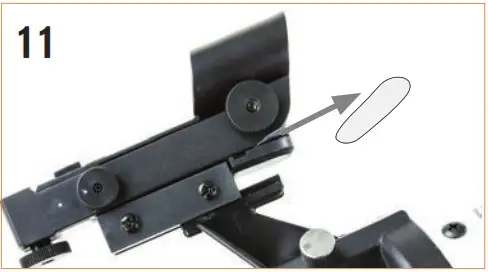
There is a small clear plastic tab inserted between the battery and the contact. This was included to prevent the battery from discharging during shipment. Pull this out to allow your battery to work.
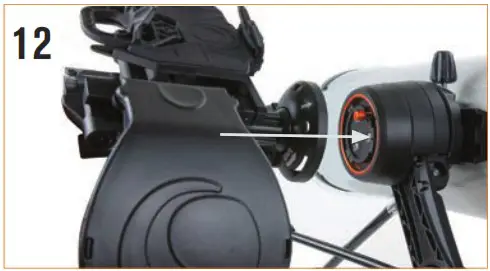
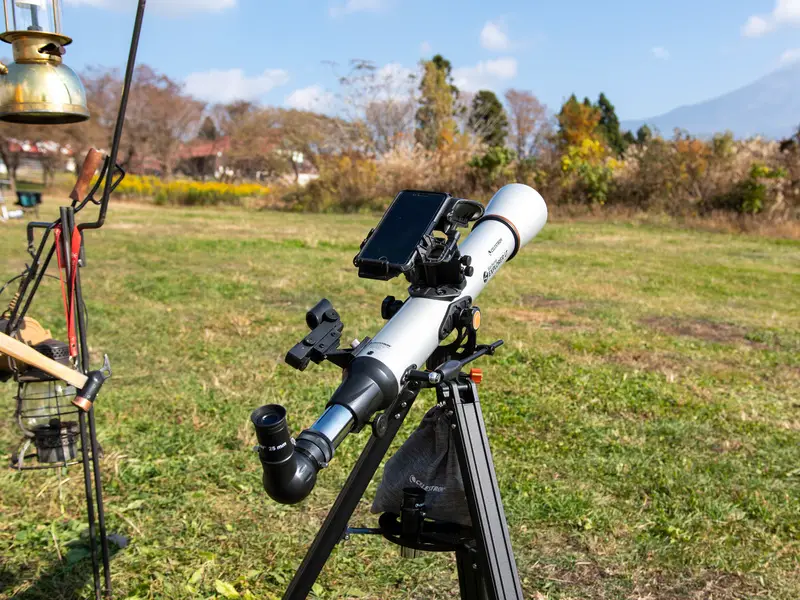
To install the Star Sense phone dock, insert the bayonet mount on the side of the dock into the port on the side of the mount opposite the dovetail clamp.
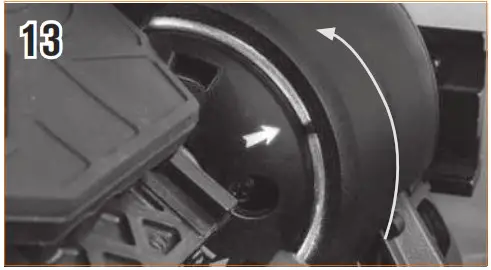
Line up the arrow on the dock with the alignment mark on the mount and press inward while turning the dock counterclockwise until the orange release button snaps into place in the hole on the dock.
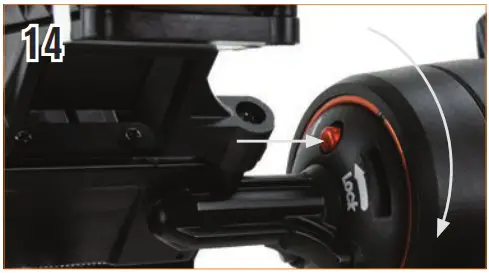
To remove the dock, press the orange release button and turn the dock clockwise until the bayonet mount releases.
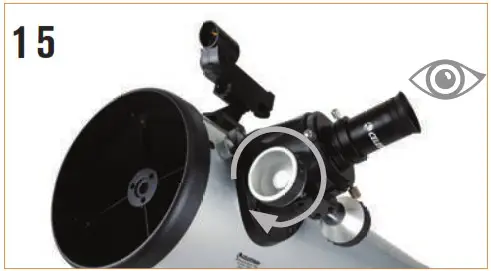
Remove the lens cap from the front of the telescope. To observe, look through the eyepiece as shown above. Focus the image by turning the knobs below the focuser.
Downloading and Activating the App
Before you take your telescope outside, download the StarSense Explorer app to your mobile device. Search for “Celest Ron StarSense Explorer” in the Apple App Store or Google Play. The app is large, so we recommend downloading it while connected to Wi-Fi.
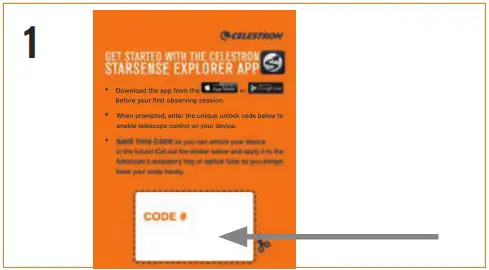
Once you have downloaded the app, locate the orange postcard in your telescope box. Launch the app. When prompted, enter the activation code on the postcard to activate the app. Your code will unlock up to 5 devices.
Moving the Telescope
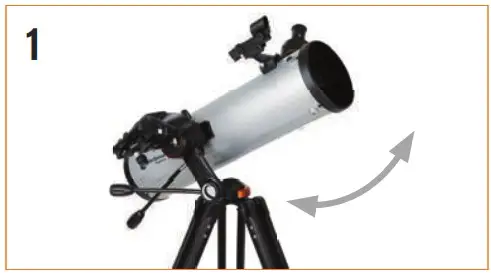
The StarSense Explorer DX mount has slip clutches in both axes. To make large movements with the telescope, simply hold a tripod leg with one hand and use the other hand on the telescope tube to push the telescope in the desired direction.
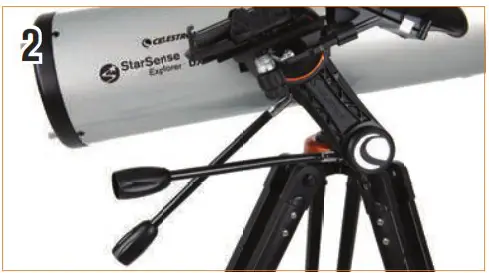
To make fine adjustments or to track celestial objects, turn both slow motion knobs as required.
Aligning the Finder scope
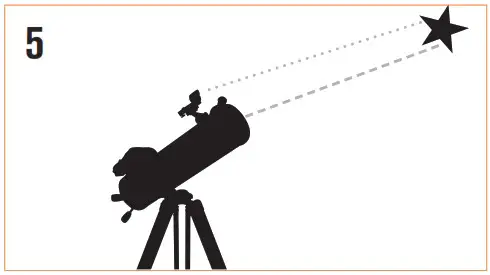
The fi nder is one of the most important parts of your telescope. It helps you locate objects and center them in the eyepiece. The fi rst time you assemble your telescope, you need to align the fi nder to the telescope’s main optics. It’s best to do this during the day*.
 *SOLAR WARNING! Never attempt to view the Sun through any telescope without a proper solar fi lter!
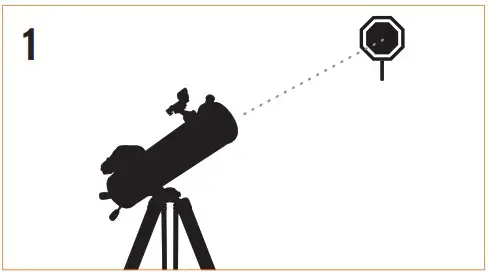
CHOOSE A TARGET
Take the telescope outside during the day and fi nd an easily recognizable object, such as a streetlight, car license plate or sign. The object should be as far away as possible, but at least a quarter mile away.
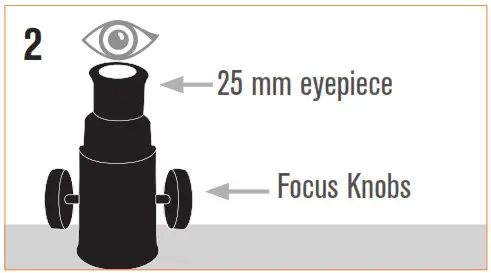
CENTER THE TARGET IN THE EYEPIECE
Look through the telescope using your lower powered eyepiece. Move the telescope until the object you chose lies in the center of the view. If the
image is blurry, gently turn the focus knobs on either side of the telescope until it comes into sharp focus.
NOTE: The image in your telescope may appear inverted. This is perfectly normal in an astronomical telescope.
LOOK THROUGH FINDERSCOPE
Once the object is centered in your 25 mm eyepiece, look through the fi underscore and locate the red dot.
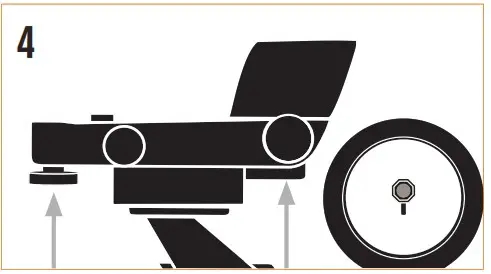
ADJUST THE FINDERSCOPE
Without moving the telescope, use the two adjustment knobs to move the fi nder around until the red dot appears over the same object you are observing in the telescope’s 25 mm eyepiece.
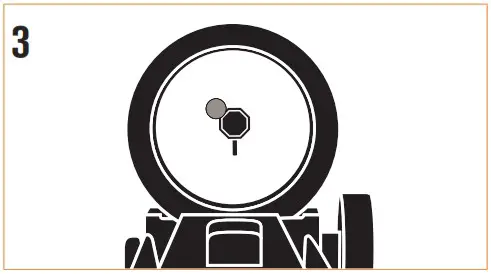
YOUR FINDERSCOPE IS NOW ALIGNED!
It should not require realignment unless it is bumped or dropped.
Attaching the Smartphone
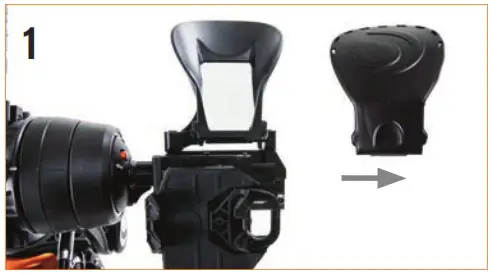
Remove the large cap covering the mirror on the front of the StarSense dock.
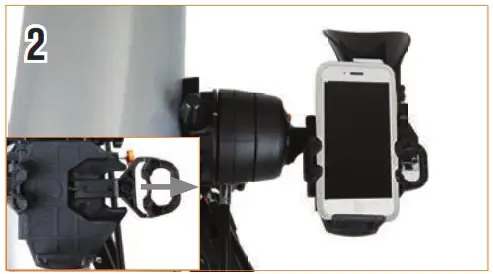
Pull open the spring loaded slider on the top of the phone dock and set the phone into the holder so it is fl use with the bottom lip of the phone holder. Slowly release the slider to secure the phone in place. Most phones fi t into the dock with the case on. However, you may need to remove your phone case if it is especially bulky or unable to fi t into the clamp (i.e. folio style cases).
Your First Night Out
Congratulations! Your telescope is now set up and you are ready to explore the cosmos. Take the telescope outside, insert your 25 mm eyepiece, remove the lens cap, insert your smartphone into the holder, and launch the StarSense Explorer app. The tutorial in the app will walk you through the steps on fi ding your fi rest astronomical target.
For more information on this product, please visit the respective product page on celestron.com
SOLAR WARNING:
Never attempt to view the sun through any telescope without a proper solar fi liter.
Need assistance?
Contact Celest Ron Technical Support celestron.com/pages/technical-support
08-20
 www.celestron.com/pages/warranty
 Celestron - Telescopes, Telescope Accessories, Outdoor and Scientific Products
 Warranty | Celestron