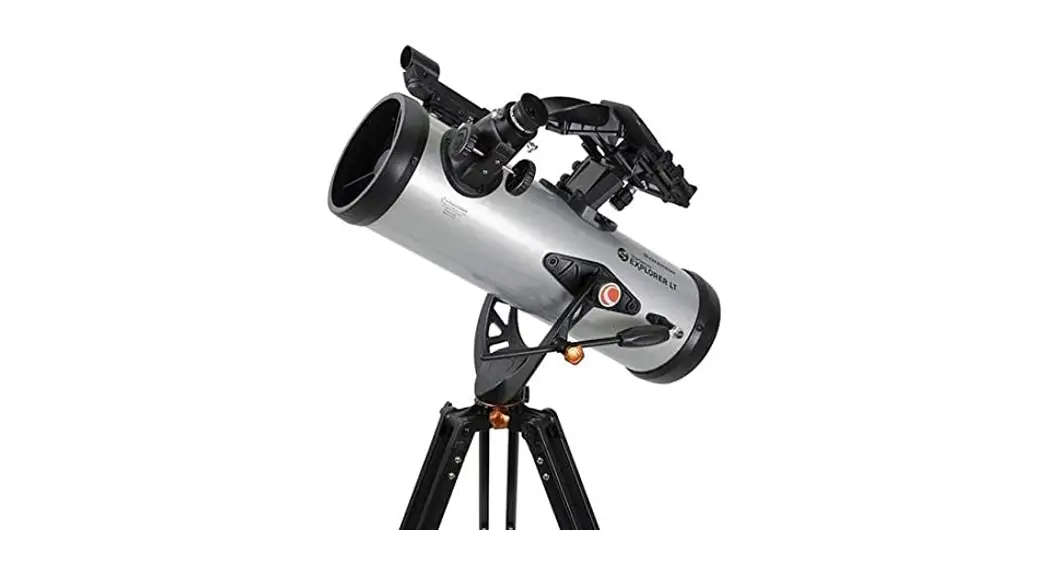
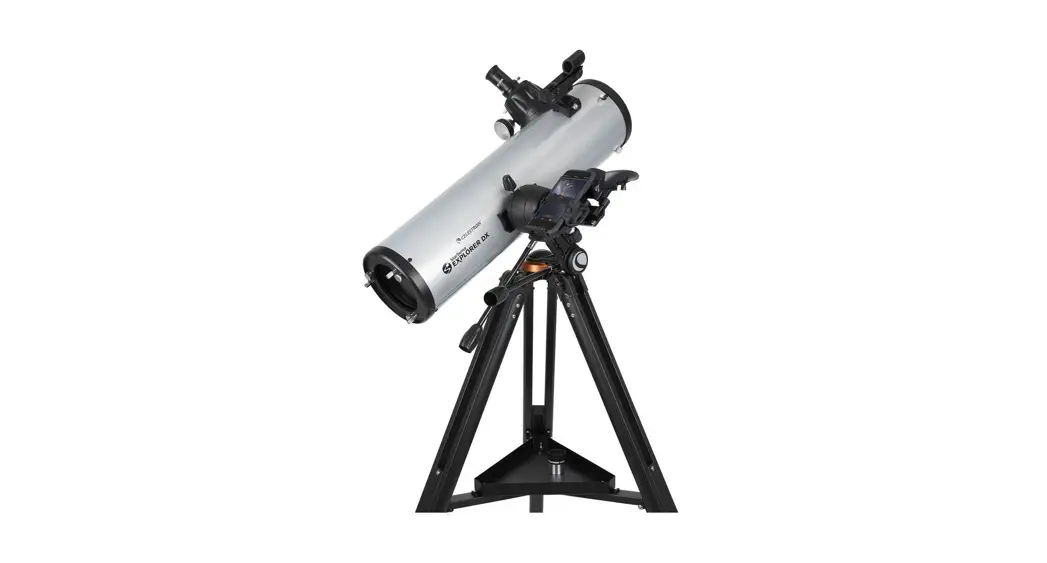
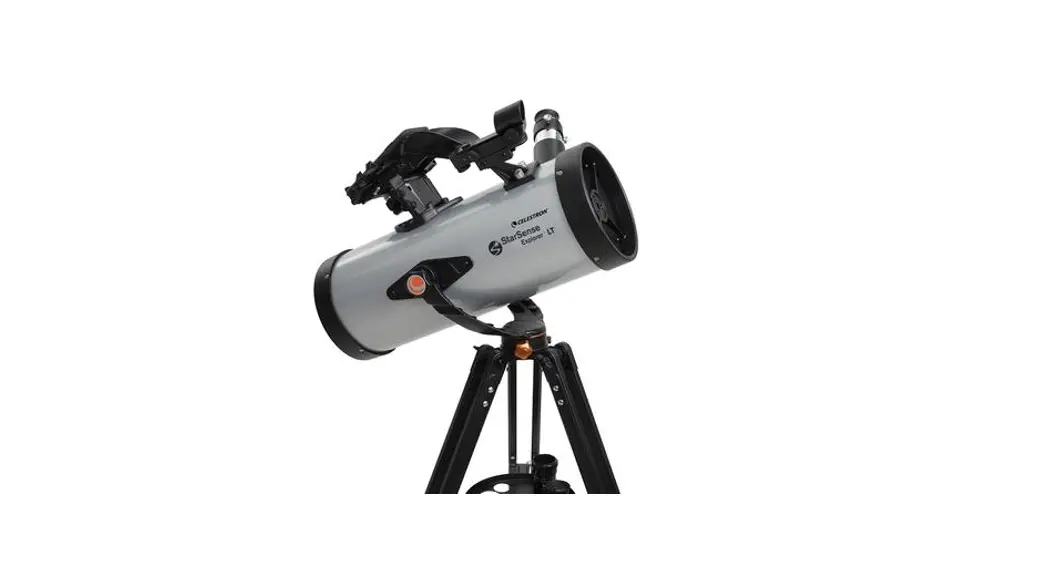
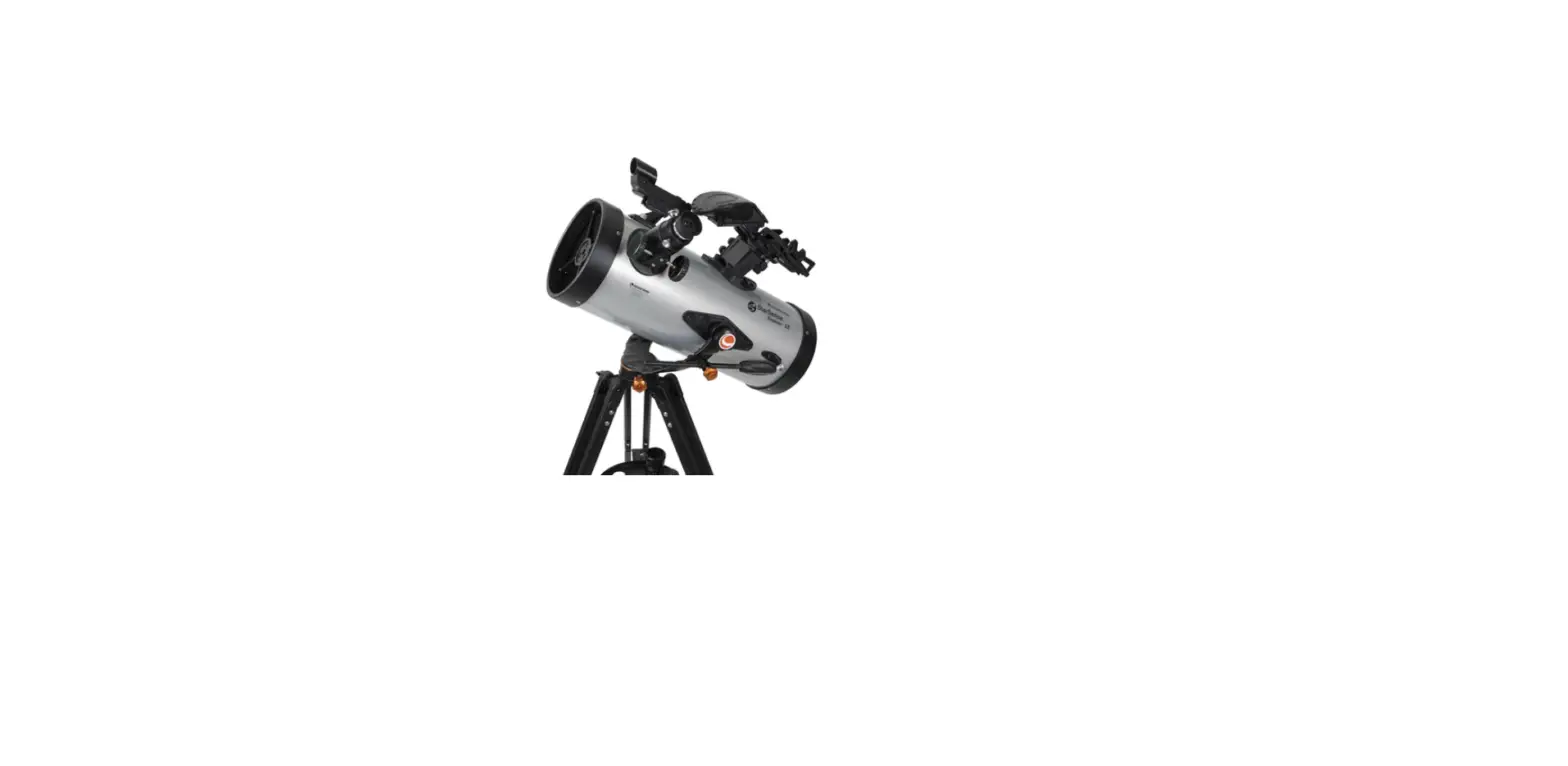
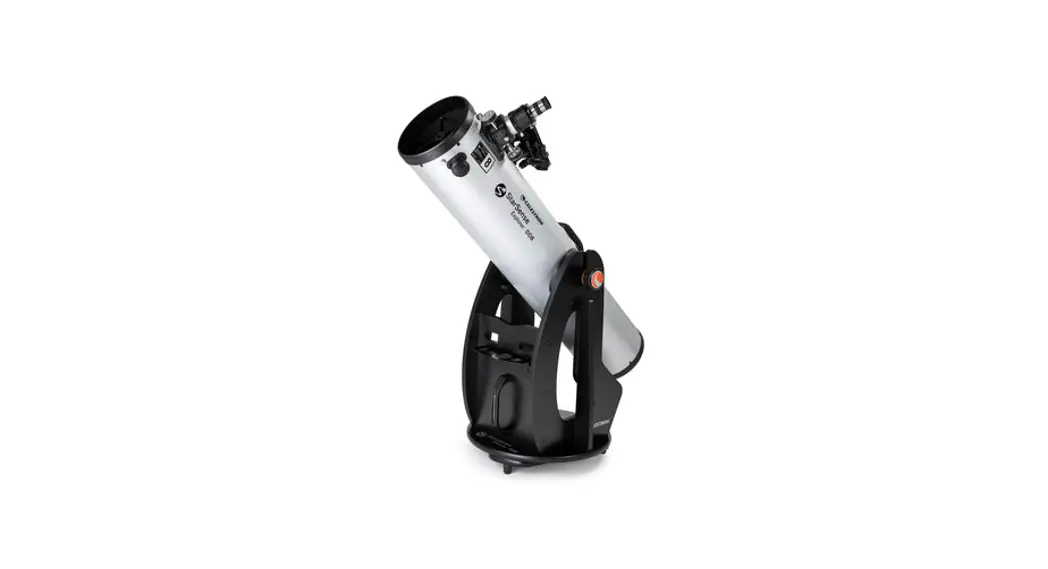
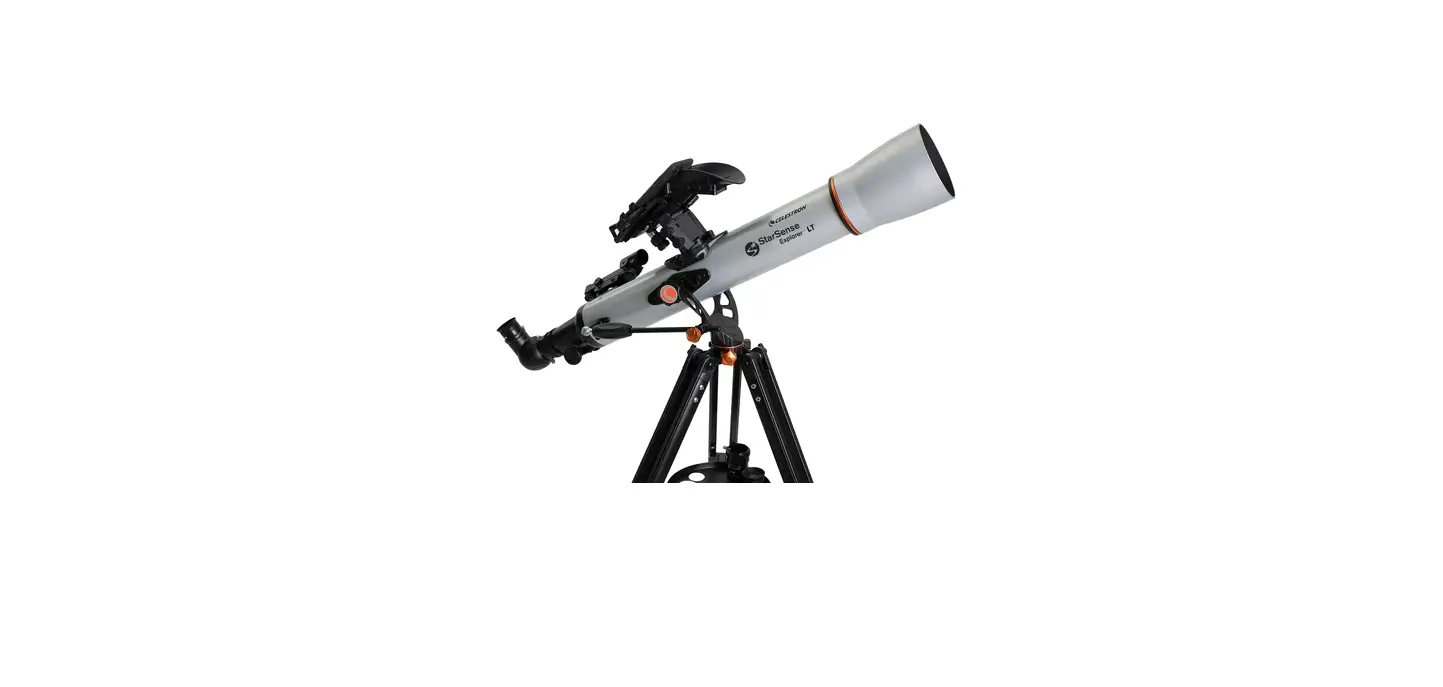
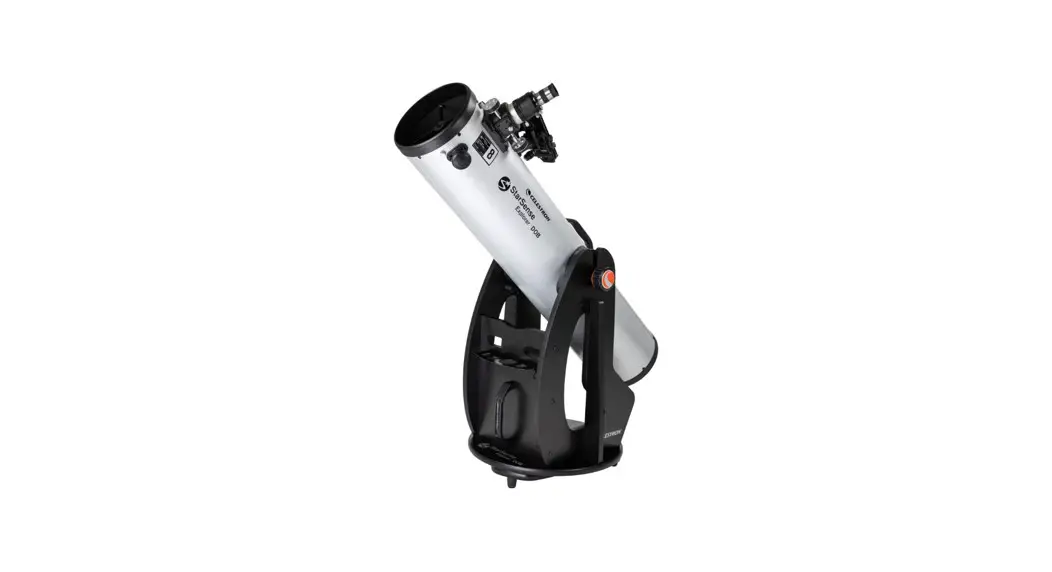
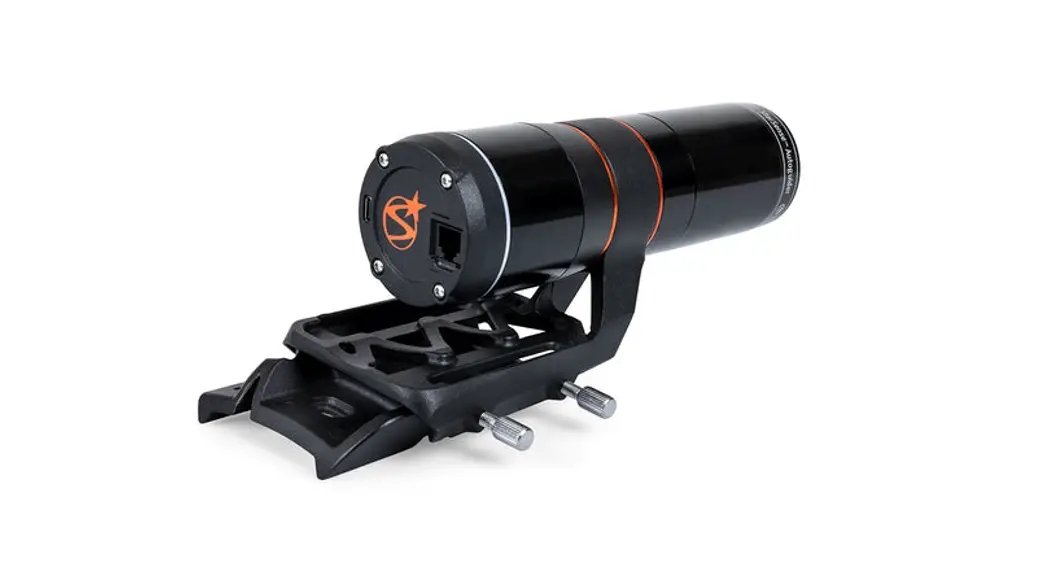
22480 StarSense Explorer
Product Information:
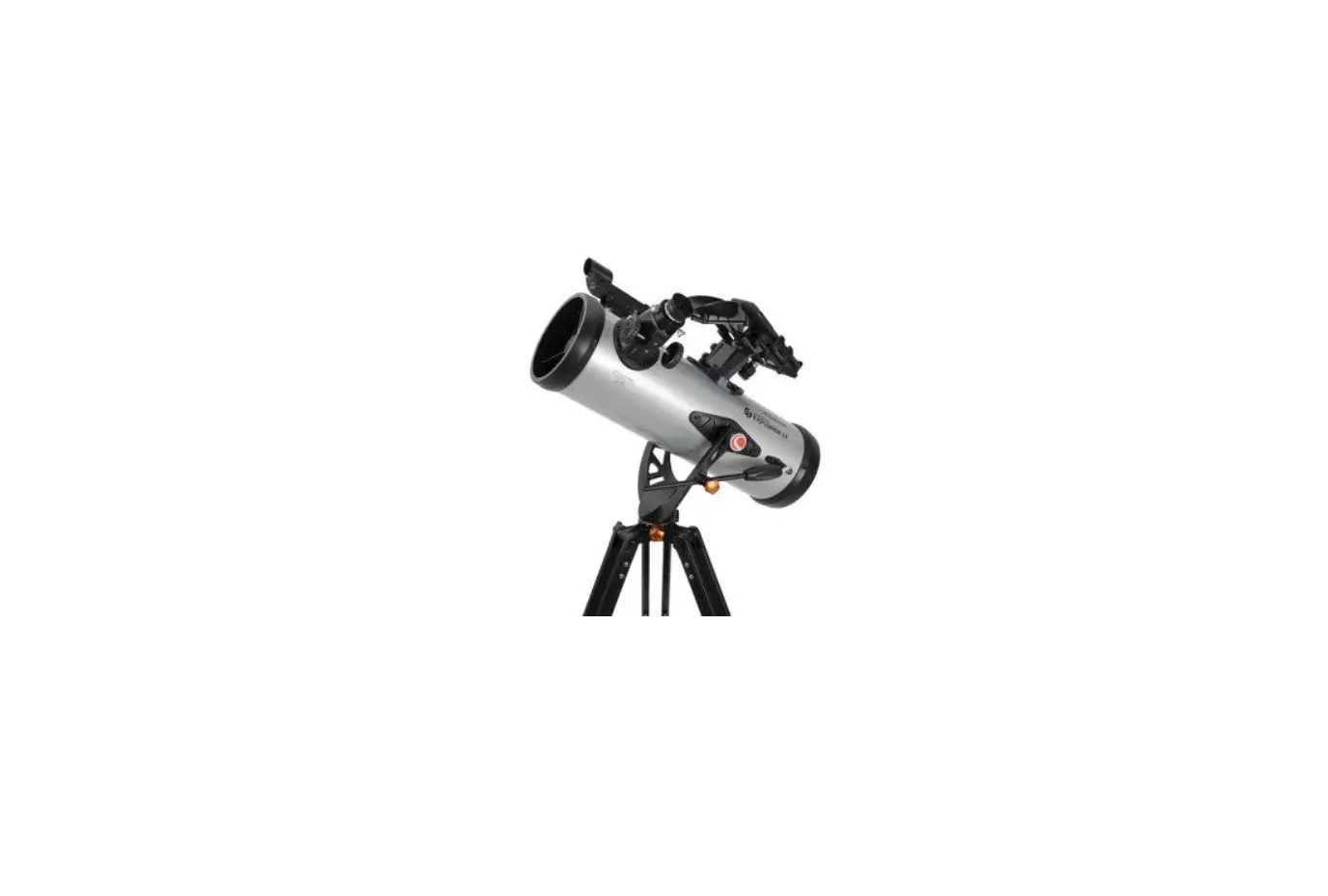
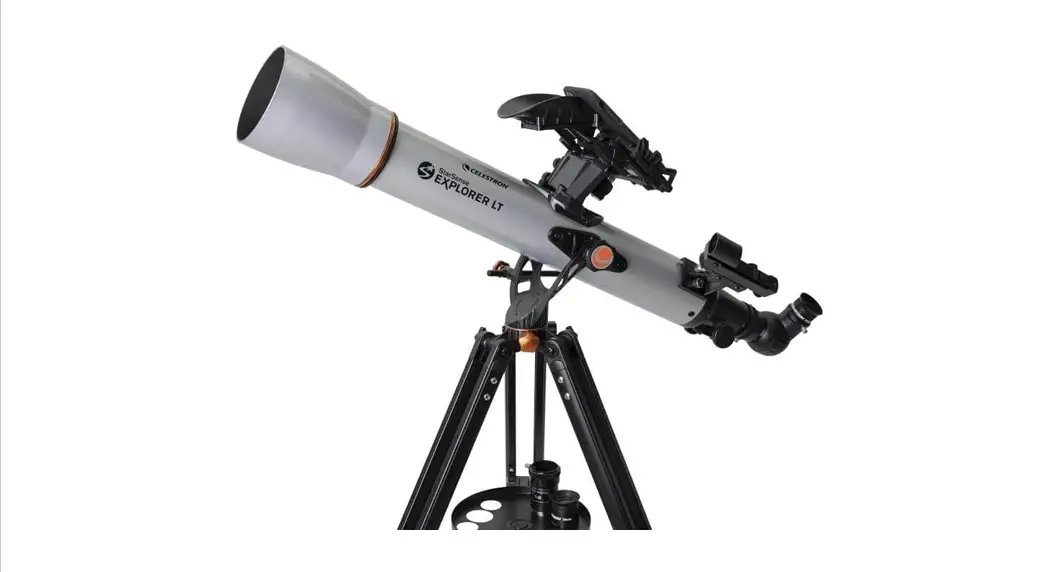
The product is the StarSense Explorer tabletop Dobsonian
telescope. It comes in three different models: 114mm, 130mm, and
150mm. The telescope includes an optical tube assembly with a dust
cover, side panel assembly, side support(s), tripod adapter, feet
assembly, eyepiece rack assembly, base assembly, azimuth pivot bolt
assembly, StarSense Explorer Dock, StarPointer red-dot finder, and
various tools and accessories.
Product Usage Instructions:
1. Assembly:
For the 114mm and 130mm models:
- Connect the side support (B2) to the side panel (B1) with the
base assembly screws (B5).
For the 150mm model:
- Connect the two side supports (B2) to the side panel (B1) with
the base assembly screws (B5).
2. Screw Covers:
If desired, you can install the cosmetic screw covers (B6) on
the screws installed in Step 1. Press the covers firmly onto the
screw heads.
3. Top Plate Assembly:
Connect the assembly to the top plate (B3) using the base
assembly screws (B5). Orient the top plate so that the side with
the logo faces upward.
4. Bottom Plate Assembly:
- Attach the three tripod adapter discs (C1) to the bottom plate
(B4) using the tripod adapter screws (C2). Thread the screws firmly
into the predrilled pilot holes, but do not overtighten.
5. Feet Assembly:
- Attach the three feet (D1) to the bottom plate (B4) using the
feet screws (D2). Thread the screws firmly into the predrilled
pilot holes.
6. Feet Screw Covers:
Once installed, press the feet screw covers (D3) onto the ends
of the feet.
7. Azimuth Pivot Bolt Assembly:
- Use the crescent wrench and large hex key to tighten the nut
(E1) onto the bolt. Hold the head of the bolt stationary with the
hex key while using the crescent wrench to tighten the nut. Do not
overtighten; the steel washer underneath the nut should still be
movable with your fingers.
Note: For collimating your telescope’s optics, refer to the full
instruction manual provided at celestron.com.
114mm
Quick Setup Guide
#22480 STARSENSE EXPLORER 114MM TABLETOP DOBSONIAN #22481 STARSENSE EXPLORER 130MM TABLETOP DOBSONIAN #22482 STARSENSE EXPLORER 150MM TABLETOP DOBSONIAN
See product page at celestron.com for other language versions of this Instruction Manual. Consultez la page produit sur celestron.com pour les autres versions linguistiques de ce manuel d’instructions Siehe die Produktseite auf celestron.com für andere Sprachversionen dieser Bedienungsanleitung. Consultare la pagina relativa al prodotto su celestron.com per le versioni in altre lingue del presente manuale di istruzioni. Consulte la página del producto en celestron.com para ver las versiones en otros idiomas de este Manual de instrucciones.
130mm
150mm
What’s in the Box
114mm
A
Optical tube assembly with
dust cover
B1
Side panel assembly
130mm
A
Optical tube assembly with
dust cover
B1
Side panel assembly
150mm
A
Optical tube assembly with
dust cover
B1
Side panel assembly
B2
Side support(s) 114mm (x1)
130mm (x1)
150mm (x2)
TRIPOD ADAPTER
B3 Top Plate
B4 Bottom Plate
FEET ASSEMBLY
C1
Tripod adapter discs (x3)
C2
Tripod adapter screws (x9)
EYEPIECE RACK ASSEMBLY
D1
Feet (x3)
D2
Feet screws (x3)
Base assembly
B5 screws
114mm (x6) 130mm (x7) 150mm (x11)
Base assembly
B6 screw covers
114mm (x2) 130mm (x2) 150mm (x6)
D3
Feet screw covers (x3)
AZIMUTH PIVOT BOLT ASSEMBLY
E1 Nut
Steel
E2 washers
(x2)
E3
Teflon washer
F1
Eyepiece rack 114mm
Eyepiece rack
F1 130mm
150 mm
G
StarSense Explorer Dock
INCLUDED TOOLS
H
StarPointer red-dot finder
E4
Hollow plastic
cylinder
I1
17mm Eyepiece (114mm)
I2
10mm Eyepiece
J
Collimation cap*
25mm Eyepiece
(130mm & 150mm)
*For collimating your telescope’s optics, refer to
the full instruction manual at celestron.com.
2 | ENGLISH
Screwdriver
Hey keys 114mm (x2) 130mm (x3) 150mm (x3)
Crescent wrench
E5 Bolt
Assembly
1a B1
1b
B1
B5
B5
B2
For the 114mm and 130mm models:
1. Connect the side support (B2) to the side panel (B1) with the base assembly screws (B5). The supports go on the on the same side of the panels as the Celestron logo.
B2
For the 150mm model: 1a. Connect the 2 side supports (B2) to the side panel (B1) with
the base assembly screws (B5). The supports go on the on the same side of the panels as the Celestron logo.
2
3
B3 B6
B6
2. If desired, you can install the cosmetic screw covers (B6) on the screws installed in Step 1. Press the covers firmly onto the screw heads. For the 114mm and 130mm models there will be 2 screw covers to install, for the 150mm model there will be 6 screw covers to install.
B5
3. Connect the assembly to the top plate (B3) using the base assembly screws (B5). Orient the top plate so the side with the logo faces upward. For the 114mm model there will be 4 screws to install, for the 130mm and 150mm models there will be 5 screws to install.
ENGLISH | 3
4
5
B4
B4
C1
C2
4. Attach the 3 tripod adapter discs (C1) to the bottom plate (B4) using the tripod adapter screws (C2). Thread the screws firmly into the predrilled pilot holes but do not overtighten or you may strip the wood.
D1 D2 D3
5. Attach the 3 feet (D1) to the bottom plate (B4) using the feet screws (D2). Thread the screws firmly into the predrilled pilot holes. Once installed, press the feet screw covers (D3) onto the ends of the feet.
6
E1
7
E12
E3
BB44
E4
E2
E5
6. Connect the assembly to the bottom plate (B4). Place one of the steel washers (E2) and the plastic cylinder (E4) onto the bolt (E5). Then, insert the bolt through the central hole in the bottom plate. Next, place the Teflon washer (E3) over the plastic cylinder (E4) now protruding from the bottom plate. Take the assembled base and lower it onto the bottom plate so that the plastic cylinder goes through the central hole in the top plate. Now, place the remaining steel washer (E2) on the end of the bolt protruding from the top plate. Thread the nut (E1) onto the bolt. Go to Step 7 for instructions to tighten the bolt.
4 | ENGLISH
7. Use the crescent wrench and large hex key to tighten the nut onto the bolt. Hold the head of the bolt stationary with the hex key while using the crescent wrench to tighten the nut. DO NOT OVERTIGHTEN THE NUT! With some force, you should still be able to move the steel washer underneath the nut with your fingers. If the washer cannot be moved with your fingers, slightly loosen the nut.
8
9a
A
F1
8. Install the eyepiece rack (F1) by placing the keyholes in the rack over the mounting screws pre-installed in the side panel, then push the rack downwards.
NOTE: If you want to remove the rack for storage or transport, simply pull it upward.
For the 114mm model:
9a. Connect the optical tube assembly (A) to the assembled base.Fully unthread the clamping knob on the cradle and open the cradle. Place the optical tube in the cradle as shown, close the cradle, and retighten the clamping knob until secure.
9b
9c
A A
For the 130mm model:
9b. Loosen the knob on the dovetail holder on the side panel. Then, insert the dovetail connected to the optical tube with the tube rings, and retighten the knob until the dovetail is secure in the holder.
For the 150mm model: 9c. Connect the optical tube assembly (A) to the assembled
base.You’ll need to connect the tube rings to the tube ring mounting plate on the base. Use the screws and lock washers already installed in the rings to do this. It will be easiest to first remove the rings from the optical tube to assemble them onto the mounting plate. Fully unthread the tube ring knobs and open the rings to remove the tube.
ENGLISH | 5
10
11
G
G
10. Install the StarSense dock (G). Insert the bayonet mount on the side of the dock into the port on the side panel of the base.
11. Line up the arrow on the dock with the alignment mark on the base and press inward while turning the dock counterclockwise until the orange release button snaps into place in the hole on the dock. To remove the dock, press the orange release button and turn the dock clockwise until the bayonet mount releases.
12a
12b
H H
For the 114mm model: 12a. Install the StarPointer red dot finderscope (H) onto the
optical tube assembly. First, unthread and remove the two thumbnuts from the threaded posts adjacent to the focuser. Place the StarPointer on the tube so the threaded posts go through the holes in the StarPointer’s base, then rethread the thumbnuts onto the posts to secure the StarPointer.
6 | ENGLISH
For the 130mm and 150mm models:
12b. Install the StarPointer red dot finderscope (H) onto the optical tube assembly. First, loosen the thumbscrew on the finderscope holder. Insert the base of the StarPointer into the holder and tighten the thumbscrew.
13
I1
Downloading and Activating the App
Before you take your telescope outside, download the StarSense Explorer app to your mobile device. Search for “Celestron StarSense Explorer” in the Apple App Store or Google Play. The app is large, so we recommend downloading it while connected to Wi-Fi.
Once you have downloaded the app, locate the orange postcard in your telescope box. Launch the app. When prompted, enter the activation code on the postcard to activate the app. Your code will unlock up to 5 devices.
13. Loosen the thumbscrews on the end of the focuser, remove the focuser’s cover cap, and insert the 25mm (or 17mm) eyepiece. Retighten the thumbscrews on the focuser to secure the eyepiece in place.
Balancing the
1
2
Telescope
For best altitude (up-and-down) motions, the telescope optical tube should be roughly balanced on the base.
1. To check balance, loosen the altitude tensioning knob so the altitude axis moves freely. Note if the telescope wants to tilt forward (front-heavy) or back (back-heavy).
2. Loosen the tube ring knobs (130mm and 150mm models) or tube clamp knob (114mm) and slide the telescope forward or back in the rings/clamp so it is balanced. Retighten the knob(s) when done.
Moving the Telescope
The StarSense Explorer Tabletop Dobsonian telescope moves freely in altitude (up-and-down) and azimuth (left-to-right).
1
1. Simply move the tube by pushing it in the desired direction. For the 150mm model, you can use the knob handle at the front of the telescope for a hand grip.
1
Attaching the
Smartphone
22
2. If the altitude motion moves too freely, or the telescope moves up or down with no force being applied, tighten the altitude tensioning knob. Conversely, if it takes much force to move the telescope upwards or downwards, loosen the knob.
2
1. Remove the large cap covering the mirror on the front of the StarSense dock.
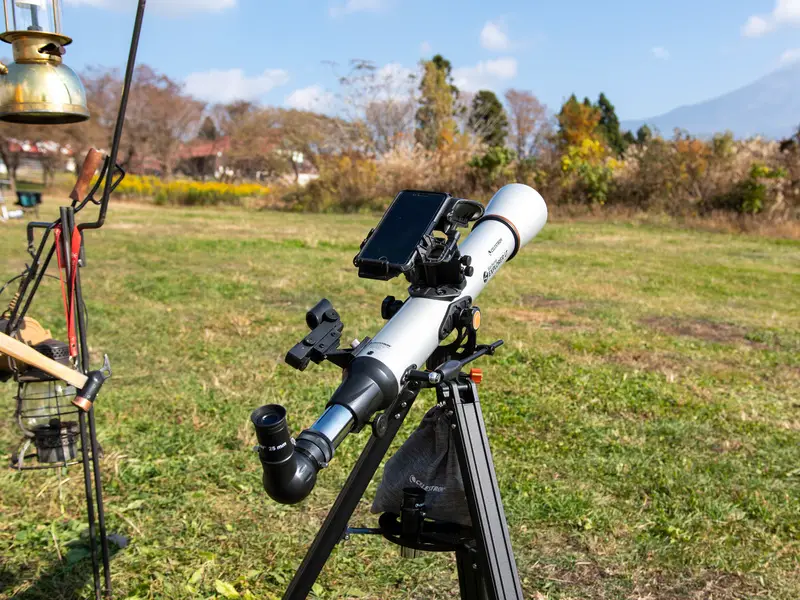
2. Pull open the spring-loaded slider on the top of the phone dock and set the phone into the holder so it is flush with the bottom lip of the phone holder. Slowly release the slider to secure the phone in place.
ENGLISH | 7
Aligning the StarPointer
The StarPointer red dot finderscope is one of the most important parts of your telescope. Although the StarSense Explorer app will locate and center objects for you, having the StarPointer properly aligned will help you align the app to the telescope. The first time you assemble your telescope, you need to align the finder to the telescope’s main optics. It’s best to do this during the day.*
*SOLAR WARNING! Never attempt to view the Sun through any telescope without a proper solar filter!
1
1. CHOOSE A TARGET Take the telescope outside during the day and find an easily recognizable object, such as a streetlight, car license plate or sign. The object should be as far away as possible, but at least a quarter mile away.
2
FOCUS KNOBS
25MM EYEPIECE
2. CENTER THE TARGET IN THE EYEPIECE
Look through the telescope using the 25mm (17mm for the 114 model) eyepiece. Move the telescope until the object you chose lies in the center of the view. If the image is blurry, gently turn the focus knobs until it comes into sharp focus. NOTE: The image in your telescope may appear
inverted. This is perfectly normal in an astronomical telescope.
3
4
5
ON/OFF KNOB
3. LOOK THROUGH FINDERSCOPE
Pull the battery protection tab out of the StarPointer and turn it on to maximum brightness using the on/ off knob. Look through the StarPointer and locate the red dot.
4. ADJUST THE FINDERSCOPE
Without moving the telescope, use the two adjustment knobs to move the red dot until it appears over the same object you are observing in the telescope’s low-power eyepiece.
Your First Night Out
5. YOUR FINDERSCOPE IS NOW ALIGNED!
It should not require realignment unless it is bumped or dropped. Now, when you look through the StarPointer, the red dot will indicate where the telescope is pointing. Don’t forget to turn off the red dot when you are finished to conserve battery.
Congratulations! Your telescope is now set up and you are ready to explore the cosmos. Take the telescope outside, insert your 25mm eyepiece (17mm for the 114 model), remove the lens cap, insert your smartphone into the holder, and launch the StarSense Explorer app. The tutorial in the app will walk you through the steps to find your first astronomical target.
For more information on this product, please visit the respective product page on celestron.com/ssetelescopes
Celestron Tools for Astronomers
BATTERY WARNING
· INGESTION HAZARD: This product contains a button cell or coin battery.
· DEATH or serious injury can occur if ingested. · A swallowed button cell or coin battery can cause Internal Chemical Burns in as little as 2 hours. · Keep new and used batteries OUT OF REACH OF
CHILDREN · SEEK MEDICAL ATTENTION if battery is suspected to be
swallowed or inserted inside any part of the body.
For more information on this product, please visit the respective product page on celestron.com
SOLAR WARNING: Never attempt to view the Sun through any telescope without a proper solar filter.
FCC NOTICE: This device complies with Part 15 of the FCC Rules. Operation is subject to the following two conditions: (1) This device may not cause harmful interference, and (2) this device must accept any interference received, including interference that may cause undesired operation.
SAFETY INSTRUCTIONS
· There is a risk of explosion if the battery is replaced with an incorrect type.
· The included battery is not rechargeable. · Only use the battery as originally intended to avoid
a short circuit. Connecting the conductive material directly to the battery’s positive and negative sides will cause a short circuit. · Do not use a damaged battery. 8 | ENGLISH
· Do not store the battery in an extremely cold or hot environment. Doing so can reduce battery life.
· When replacing the battery, refer to the instruction manual and ensure the positive and negative sides are oriented correctly.
· Do not put the battery in fire. · Dispose of the battery according to local regulations.
celestron.com/pages/warranty NEED ASSISTANCE? Contact Celestron Technical Support celestron.com/pages/technical-support Product design and specifications are subject to change without prior notification. This product is designed and intended for use by those 14 years of age and older
©2023 Celestron. Celestron and Symbol are trademarks of Celestron, LLC. All rights reserved. Celestron.com · 2835 Columbia Street, Torrance, CA 90503 USA Made in China | 06-23
114mm
Guide de configuration rapide
#22480 STARSENSE EXPLORER 114MM DOBSONIAN DE TABLE #22481 STARSENSE EXPLORER 130MM DOBSONIAN DE TABLE #22482 STARSENSE EXPLORER 150MM DOBSONIAN DE TABLE
130mm
150mm
Contenu de la boîte
114mm
Tube optique
A
assemblé avec cache anti-
poussière
B1
Assemblage du panneau latéral
130mm
Tube optique
A assemblé avec
cache antipoussière
B1
Assemblage du panneau latéral
150mm
Tube optique
A assemblé avec
cache antipoussière
B1
Assemblage du panneau
latéral
B2
Supports latéraux 114mm (x1)
130mm (x1)
150mm (x2)
B3 Plaque supérieure
B4 Plaque inférieure
ADAPTATEUR DE TRÉPIED
ASSEMBLAGE DES PIEDS
C1
Adaptateur de trépied
disques (x3)
C2
Adaptateur de trépied
vis (x9)
COMPOSANTS DU PORTEOCULAIRE
D1
Pieds (x3)
D2
Pieds vis (x3)
Vis d’assemblage
B5 de la base
114mm (x6) 130mm (x7) 150mm (x11)
Vis d’assemblage
du cache de la
B6
base 114mm (x2)
130mm (x2)
150mm (x6)
D3
Vis des pieds Caches (x3)
COMPOSANTS DE L’AXE DU PIVOT D’AZIMUT
E1 Écrou
Rondelles
E2 d’acier
(x2)
E3
Rondelle de téflon
F1
Support de l’oculaire
114mm
Support de l’oculaire
F1 130mm
150mm
G
Dock StarSense Explorer
OUTILS INCLUS
H
StarPointer chercheur à
point rouge
E4
Cylindre de
plastique
creux
I1
Oculaire de 17 mm (114mm)
I2
10mm Oculaire
J
Cache de collimation*
Oculaire de 25 mm (130mm & 150mm)
*Pour effectier la collimation des optiques de votre télescope, consultez le mode d’emploi manuel à l’adresse celestron.com.
10 | FRANÇAIS
Tournevis
Clés hexagonales 114mm (x2) 130mm (x3) 150mm (x3)
Clé à molette
E5 Boulon
Assemblage
1a B1
1b
B1
B5
B5
B2
B2
Pour les modèles de 114mm et de 130mm:
1. Connectez le support latéral (B2) au panneau latéral (B1) avec les vis de l’assemblage de la base (B5). Les supports s’installent du même côté des panneaux que le logo Celestron.
Pour le modèle de 150mm:
1a. Connectez les 2 supports latéraux (B2) au panneau latéral (B1) avec les vis de l’assemblage de la base (B5). Les supports s’installent du même côté des panneaux que le logo Celestron.
2
3
B3 B6
B6
2. Si nécessaire, vous pouvez installer les caches de vis décoratifs (B6) sur les vis installées à l’étape 1. Enclenchez les caches fermement sur les têtes de vis. Pour les modèles de 114mm et de 130mm, vous trouverez 2 caches de vis à installer, pour le modèle de 150mm, vous trouverez 6 caches de vis à installer.
B5
3. Connectez l’assemblage sur la plaque supérieure (B3) avec les vis d’assemblage de la base (B5). Orientez la plaque supérieure de manière que le logo soit orienté vers le haut. Pour le modèle de 114mm, vous trouverez 4 vis à installer, pour les modèles de 130 mm et de 150mm, vous trouverez 5 vis à installer.
FRANÇAIS | 11
4
5
B4
B4
C1
C2
4. Attachez les 3 disques d’installation de trépied (C1) à la plaque inférieure (B4) avec les vis d’adaptateur de trépied (C2). Vissez fermement les vis dans les trou-guides pré-percés, mais ne les serrez pas excessivement, car vous pourriez endommager le bois.
D1 D2 D3
5. Attachez les 3 pieds (D1) à la plaque inférieure (B4) à l’aide des vis des pieds (D2). Vissez fermement les vis dans les trouguides pré-percés. Une fois installés, enfoncez les cache-vis des pieds (D3) sur les extrémités des pieds.
6
E1
7
E12
E3
BB44
E4
E2
E5
6. Connectez l’ensemble à la plaque inférieure (B4). Placez une des rondelles en acier (E2) et le cylindre en plastique (E4) sur le boulon (E5). Ensuite, insérez le boulon dans le trou central de la plaque inférieure. Puis, placez la rondelle en Téflon (E3) sur le cylindre en plastique (E4) qui dépasse maintenant de la plaque inférieure. Abaissez la plaque assemblée sur la plaque inférieure de sorte que le cylindre en plastique passe par le trou central de la plaque supérieure. Placez ensuite la rondelle en acier restante (E2) sur l’extrémité du boulon dépassant de la plaque supérieure. Vissez l’écrou (E1) sur le boulon. Passez à l’étape 7 pour trouver des instructions sur comment serrer le boulon.
12 | FRANÇAIS
7. Utilisez la clé à molette et la clé hexagonale de grande taille pour serrer l’écrou sur le boulon. Maintenez la tête du boulon immobile avec la clé hexagonale en utilisant la clé à molette pour serrer l’écrou. NE PAS SERRER EXCESSIVEMENT L’ÉCROU! En appliquant suffisamment de force, vous devriez toujours pouvoir déplacer la rondelle en acier sous l’écrou avec vos doigts. Si la rondelle ne peut pas être déplacée des doigts, desserrez légèrement l’écrou.
8
9a
A
F1
8. Installez le porte-oculaire (F1) en positionnant les trous de guidage sur le porte-oculaire sur les vis de monture préinstallées sur le panneau latéral, puis poussez-le vers le bas.
REMARQUE: Si vous souhaitez retirer le support pour le rangement ou le transport, tirez-le simplement vers le haut.
9b
Pour le modèle de 114mm: 9a. Connectez l’assemblage de tube optique (A) à la base
assemblée. Dévissez complètement la molette de maintien sur la nacelle et ouvrez-la. Placez le tube optique sur la nacelle comme illustré, fermez-la et resserrez la molette de maintien jusqu’à ce qu’elle soit fixée.
9c
A A
Pour le modèle de 130mm:
9b. Desserrez la molette sur le support en queue d’aronde sur le panneau latéral. Ensuite, insérez la queue d’aronde fixée au tube optique avec les anneaux de tube, et resserrez la molette jusqu’à ce que la queue d’aronde soit bien fixée au support.
Pour le modèle de 150mm: 9c. Connectez l’assemblage de tube optique (A) à la base
assemblée. Vous aurez besoin de connecter les anneaux de tube sur la plaque de monture des anneaux sur la base. Utilisez les vis et verrouillez les rondelles déjà présentes sur les anneaux pour faire cela. Il sera plus simple de d’abord retirer les anneaux du tube optique pour les assembler sur la plaque de monture. Devissez complètement les molettes des anneaux de tube et ouvrez les anneaux pour retirer le tube.
FRANÇAIS | 13
10
11
G
G
10. Installer la base d’accueil StarSense (G). Insérez la monture à baïonnette sur le côté de la base d’accueil sur le port sur le panneau latéral de la base.
12a
11. Alignez la flèche de la base d’accueil sur la marque d’alignement de cette dernière et pressez vers l’intérieur tout en faisant tourner la base dans le sens antihoraire jusqu’à que le bouton de libération orange s’enclenche dans le trou de la base d’accueil. Pour retirer le support, appuyez sur le bouton de libération orange et faites tourner le support dans le sens des aiguilles d’une montre jusqu’à ce que la monture à baïonnette se libère.
12b
H H
Pour le modèle de 114mm: 12a. Installez le chercheur à point rouge StarPointer (H) sur
l’ensemble du tube optique. Commencez par dévisser et retirer les deux écrous à main des tiges filetées situées aux côtés du système de mise au point. Placez le StarPointer sur le tube de manière que les tiges filetées s’insèrent dans les trous de la base du StarPointer, puis revissez les écrous à main sur les tiges pour sécuriser le StarPointer.
14 | FRANÇAIS
Pour les modèles de 130mm et de 150mm:
12b. Installez le chercheur à point rouge StarPointer (H) sur l’ensemble du tube optique. Pour commencer, desserrez la vis moletée sur le support du chercheur. Insérez la base de StarPointer dans le support et serrez la vis de fixation.
13
I1
13. Desserrez les vis à main à l’extrémité du système de mise au point, retirez le cache du système de mise au point et insérez l’oculaire de 25mm (ou 17mm). Reserrez les vis à main sur le système de mise au point pour sécuriser l’oculaire en place.
Télécharger et
activer l’application
Avant de sortir avec votre télescope, téléchargez l’application StarSense Explorer par SkySafari sur votre appareil mobile. Recherchez « Celestron StarSense Explorer » dans l’App Store d’Apple ou sur Google Play. L’application est volumineuse, nous vous recommandons donc de la télécharger connectés au Wi-Fi.
Une fois que vous avez téléchargé l’application, munissez-vous de la carte orange qui se trouve dans la boîte de votre télescope. Lancez l’application. Lorsque vous y êtes invité, entrez le code d’activation sur la carte postale pour activer l’application. Votre code pourra débloquer jusqu’à 5 appareils.
Équilibrer le
1
2
télescope
Pour garantir le meilleur mouvement en altitude (de haut en bas), le tube optique du télescope doit être globalement équilibré sur la base.
Orienter le télescope
1. Pour vérifier l’équilibre, desserrez la molette de tension d’altitude de manière que l’axe bouge librement. Notez si le télescope a tendance à se pencher vers l’avant (déséquilibré par l’avant) ou vers l’arrière (déséquilibré par l’arrière).
2. Desserrez les molettes des anneaux de tube (modèles de 130mm et 150mm), ou la molette de maintien du tube (114mm) et faites glisser le télescope vers l’avant ou l’arrière dans les anneaux/le maintien pour effectuer son équilibrage. Resserrez les molettes quand nécessaire.
1
22
Le télescope Dobsonian de StarSense Explorer de table s’oriente librement en altitude (de haut en bas) et en azimut (de gauche à droite).
1. Déplacez simplement le tube en le poussant dans la direction souhaitée. Pour le modèle de 150 mm, vous pouvez utiliser la poignée à boule à l’avant du télescope pour une bonne tenue en main.
1
Attacher le téléphone intelligent
2. Si le mouvement d’altitude n’offre pas suffisamment de résistance, ou si le télescope se déplace vers le haut ou vers le bas sans le toucher, serrez le bouton de tension d’altitude. À l’inverse, s’il faut appliquer une grande force pour déplacer le télescope vers le haut ou vers le bas, desserrez le bouton.
2
1. Retirez le grand cache couvrant le miroir sur le devant de la base d’accueil StarSense.
2. Ouvrez la glissière à ressort située sur le
dessus du support de téléphone et installez le
téléphone pour qu’il soit à niveau sur le rebord
du bas du support de téléphone. Relâchez
la glissière en douceur pour maintenir le
téléphone en place.
FRANÇAIS | 15
Aligner
1
StarPointer
Le chercheur à point rouge StarPointer est l’un des composants les plus importants de votre télescope. Bien que l’application StarSense Explorer soit capable de localiser et de centrer les objets pour vous, aligner StarPointer correctement vous aidera à aligner le télescope. La première fois que vous assemblez votre télescope, vous devez aligner le chercheur avec le système optique principal du télescope. Il est plus facile d’effectuer cette opération pendant la journée*.
*AVERTISSEMENT SUR LE SOLEIL!
N’essayez jamais d’observer le soleil à l’aide d’un télescope sans utiliser un filtre solaire adéquat.
1. CHOISIR UNE CIBLE
Installez le télescope à l’extérieur en journée, et repérez un objet aisément reconnaissable, comme un feu de signalisation, une plaque d’immatriculation ou un panneau. L’objet doit se situer aussi loin que possible, mais à au moins un quart de mile de vous.
3
4
MOLETTE ON/OFF
2
MOLETTES DE MISE AU POINT
OCULAIRE DE 25MM
2. CENTRER L’OCULAIRE DANS LA CIBLE Regardez dans le télescope à l’aide de l’oculaire de 25mm (17mm pour le modèle de 114). Déplacez le télescope jusqu’à que l’objet choisi se trouve au centre du champ de vision. Si l’image est floue, faites doucement tourner la molette de mise au point jusqu’à ce que l’image soit nette.
REMARQUE: L’image dans votre télescope apparaîtra probablement inversée. Cela est parfaitement normal pour un télescope astronomique.
5
3. REPÉRER AVEC LA LUNETTE DU
CHERCHEUR
Tirez sur la languette de protection de la pile du StarPointer et activez-le à la luminosité maximale avec la molette On/Off. Regardez dans le StarPointer et localisez le point rouge.
4. AJUSTER LE CHERCHEUR
Sans déplacer le télescope, utilisez les deux molettes d’ajustement pour déplacer le chercheur jusqu’à que le point rouge s’aligne sur l’objet observé dans l’oculaire basse puissance du télescope.
Votre première nuit d’observation
5. VOTRE CHERCHEUR EST MAINTENANT ALIGNÉ! Il n’aura pas besoin d’être aligné de nouveau tant qu’il n’aura pas subi un choc ou qu’il sera tombé. Maintenant, quand vous regarderez dans le StarPointer, le point rouge indiquera la direction de visée du télescope. N’oubliez pas d’éteindre le point rouge quand vous avez terminé, pour préserver la pile.
Félicitations! Votre télescope est maintenant configuré et vous êtes prêt à explorer le cosmos. Sortez le télescope en extérieur, insérez votre oculaire de 25 mm (17mm pour le modèle 114), retirez le cache de lentille, insérez votre téléphone intelligent dans le support et lancez l’application StarSense Explorer. Le guide de l’application vous indiquera les étapes pour trouver votre cible astronomique.
Pour obtenir plus d’informations sur le produit, veuillez visiter la page correspondante du produit sur celestron.com/ssetelescopes
Outils Celestron pour les astronomes
AVERTISSEMENT SUR LES PILES
Pour obtenir plus d’informations sur le produit, veuillez visiter la page correspondante du produit sur celestron.com
· DANGER D’AVALEMENT: Ce produit contient une pilebouton.
· Cela peut causer la DEATH ou des blessures graves. · Une pile avalée peut causer des brûlures chimiques
internes en moins de 2 heures. · Conservez les piles neuves et usées HORS DE PORTÉE
DES ENFANTS · CONSULTEZ IMMÉDIATEMENT UN MÉDECIN si vous
suspectez qu’une pile a été avalée ou insérée n’importe-où dans le corps.
AVERTISSEMENT SUR LE SOLEIL: N’essayez jamais d’observer le soleil à l’aide d’un télescope sans utiliser un filtre solaire adéquat.
Déclaration de la FCC: Cet appareil respecte la section 15 des règles de la FCC. Son utilisation est sujette aux deux conditions suivantes: (1) Cet appareil ne doit pas causer d’interférences nuisibles et (2) cet appareil doit accepter toutes les interférences reçues, y compris celles pouvant entraîner un fonctionnement indésirable.
INSTRUCTIONS DE SÉCURITÉ · Risque d’explosion si la pile est remplacée par un
type incorrect. · La pile incluse n’est pas rechargeable. · N’utilisez la pile que de la manière prévue pour éviter
les court-circuits. Si un matériau conducteur met directement en contact les pôles positifs et négatifs d’une pile, cela crée un court-circuit. · N’utilisez pas une pile endommagée.
· Ne stockez pas la pile dans un lieu extrêmement froid ou chaud. Ceci pourrait réduire sa durée de vie.
· Avant de remplacer la pile, consultez le mode d’emploi et faites attention au sens positif et négatif de la pile.
· Ne jetez pas la pile au feu. · Jetez la pile dans le respect de la réglementation
celestron.com/pages/warranty BESOIN D’ASSISTANCE? Contactez le support technique de Celestron celestron.com/pages/technical-support Le design et les spécifications du produit sont sujettes à modification sans préavis. Ce produit est conçu et prévu pour être utilisé par des personnes âgées de 14 ans et plus
©2023 Celestron. Celestron et le Symbol sont des marques déposées de Celestron, LLC. Tous droits réservés. Celestron.com · 2835 Columbia Street, Torrance, CA 90503 USA Fabriqué en Chine | 05- 23
16 | FRANÇAIS
114 mm
Kurzanleitung zur Einrichtung
#22480 STARSENSE EXPLORER 114 MM TISCHGERÄT DOBSON #22481 STARSENSE EXPLORER 130 MM TISCHGERÄT DOBSON #22482 STARSENSE EXPLORER 150 MM TISCHGERÄT DOBSON
130 mm
150 mm
DEUTSCH | 17
Lieferumfang
114 mm
A
Tubus mit
Staubschutzkappe
B1
Seitliche Ansicht
130 mm
A
Tubus mit
Staubschutzkappe
B1
Seitliche Ansicht
150 mm
A
Tubus mit
Staubschutzkappe
B1
Seitliche Ansicht
B2
Seitstütze(n) 114 mm (x 1)
130 mm (x 1)
150 mm (x 2)
B3 Obere Platte
B4 Untere Platte
Schrauben für die
Schraubabdeckungen
B5 Sockelmontage B6 für die Sockelmontage
114 mm (x 6)
114 mm (x 2)
130 mm (x 7)
130 mm (x 2)
150 mm (x 11)
150 mm (x 6)
STATIVADAPTER
MONTAGE DER FÜßE
C1
Stativadapter Scheiben (x 3)
C2
Stativadapter Schrauben (x 9)
D1
Füße (x 3)
MONTAGE DES OKULARHALTERS
D2
Füße Schrauben (x 3)
D3
Abdeckungen für Fußschrauben (x 3)
F1
Okularhalter 114 mm
Okularhalter
F1 130 mm
150 mm
G
StarSense Explorer Dock
H
StarPointer Leuchtpunktsucher
MITGELIEFERTE WERKZEUGE
MONTAGE DES AZIMUTSCHWENKZAPFENS
E1
Mutter
E2
Stahl-Unterlegscheiben (x 2)
E3
TeflonUnterlegscheibe
E4
KunststoffHohl-Zylinder
I1
17-mm-Okular (114 mm)
I2
25-mm-Okular
(130 mm und 150 mm)
18 | DEUTSCH
10 mm Okular
J Kollimationskappe*
*Informationen zur Kollimation der Optik Ihres Teleskops finden Sie in der vollständigen Bedienungsanleitung unter celestron.com.
Schraubendreher
Inbusschlüssel 114 mm (x 2) 130 mm (x 3) 150 mm (x 3)
Rollgabelschlüssel (Engländer)
E5
Schraube
Zusammenbau
1a B1
1b
B1
B5
B5
B2
Für die 114-mm- und 130-mm-Modelle:
1. Verbinden Sie die Seitenstütze (B2) mit den Sockelmontageschrauben (B5) mit der Seitenwand (B1). Die Stützen werden auf der gleichen Seite, wo sich die Celestron Logos befinden, angebracht.
B2
Für das 150-mm-Modell: 1a. Verbinden Sie die Seitenstützen (B2) mit den
Sockelmontageschrauben (B5) mit der Seitenwand (B1). Die Stützen werden auf der gleichen Seite, wo sich das Celestron Logo befindet, angebracht.
2
3
B3 B6
B6
2. Bei Bedarf können Sie die kosmetischen Schraubenabdeckungen (B6) auf den in Schritt 1 installierten Schrauben anbringen. Drücken Sie die Abdeckungen fest auf die Schraubenköpfe. Für die 114-mm- und 130-mm-Modelle müssen 2 Schraubenabdeckungen installiert werden, für das 150-mm-Modell müssen 6 Schraubenabdeckungen installiert werden.
B5
3. Verbinden Sie das bereits Zusammengebaute mit der oberen Platte (B3) und verwenden die Schrauben des Sockels (B5). Richten Sie die obere Platte so aus, dass die Seite mit dem Logo nach oben zeigt. Für das 114-mm-Modell müssen 4 Schrauben installiert werden, für die 130-mm- und 150-mmModelle müssen 5 Schrauben installiert werden.
DEUTSCH | 19
4 B4
C1
C2 4. Befestigen Sie die 3 Stativadapterscheiben (C1) mit den
Stativadapterschrauben (C2) an der Bodenplatte (B4). Schrauben Sie die Schrauben fest in die vorgebohrten Führungslöcher, aber ziehen Sie sie nicht zu fest an, da sonst das Holz beschädigt werden könnte.
5
B4
D1 D2 D3
5. Befestigen Sie die 3 Füße (D1) mit den Schrauben für die Füße (D2) an der unteren Platte (B4). Ziehen Sie die Schrauben in den vorgebohrten Löchern fest. Drücken Sie nach dem Festziehen die Schraubenabdeckungen (D3) auf die Fußunterseite.
6
E1
7
E12
E3 BB44
E4 E2 E5
6. Verbinden Sie das Zusammengebaute mit der unteren Platte (B4). Stecken Sie eine Stahl-Unterlegscheibe (E2) und den Kunststoffzylinder (E4) auf den Bolzen (E5). Führen Sie dann den Bolzen durch das Loch in der Mitte in der unteren Platte. Setzen Sie dann die Teflon-Unterlegscheibe (E3) über den Kunststoffzylinder (E4), der jetzt aus der unteren Platte ragt. Nehmen Sie den zusammengebauten Sockel und setzen ihn auf die untere Platte, sodass der Kunststoffzylinder durch das Loch in der Mitte der oberen Platte geht. Setzen Sie nun die verbleibende Stahl-Unterlegscheibe (E2) auf die Schraube, die aus der oberen Platte ragt. Schrauben Sie die die Schraube mit der Mutter (E1) fest. Gehen Sie zu Schritt 7 für die Anweisungen zum Anziehen der Schraube.
20 | DEUTSCH
7. Ziehen Sie die Mutter mit dem Engländer und dem großen Inbusschlüssel an der Schraube fest Halten Sie den Kopf der Schraube mit dem Inbusschlüssel fest, während Sie die Mutter mit dem Engländer festziehen. ZIEHEN SIE DIE SCHRAUBEN NICHT ZU FEST AN! Mit wenig Kraft sollten Sie die Stahl-Unterlegscheibe mit den Fingern unter der Mutter bewegen können. Lösen Sie die Mutter etwas, wenn sich die Unterlegscheibe nicht mit den Fingern bewegen lässt.
8
9a
A
F1
8. Installieren Sie das Okulargestell (F1), indem Sie die Schlüssellöcher im Gestell über den in der Seitenwand vorinstallierten Befestigungsschrauben platzieren und dann das Gestell nach unten drücken.
HINWEIS: Wenn Sie den Okularhalter zur Lagerung oder zum Transport entfernen möchten, ziehen Sie ihn einfach nach oben.
9b
Für das 114-mm-Modell: 9a. Verbinden Sie den Tubus (A) mit der zusammengebauten
Basis. Lösen Sie den Klemmknopf an der Halterung vollständig und öffnen sie. Setzen Sie den optischen Tubus wie abgebildet in die Halterung, schließen Sie die Halterung und ziehen den Klemmknopf wieder fest, bis er fest sitzt.
9c
A A
Für das 130-mm-Modell:
9b. Lösen Sie den Knopf der Schwalbenschwanzhalterung an der Seitenwand. Setzen Sie dann den Schwalbenschwanz, der mit den Rohrschellen mit dem Tubus verbunden ist, ein und ziehen den Knopf wieder fest, bis der Schwalbenschwanz sicher in der Halterung sitzt.
Für das 150-mm-Modell: 9c. Verbinden Sie den Tubus (A) mit der zusammengebauten
Basis. Sie müssen die Rohrschellen mit der Montageplatte an der Basis verbinden. Verwenden Sie dazu die bereits in den Rohrschellen verbauten Schrauben und Sicherungsscheiben. Am einfachsten ist es, zunächst die Ringe vom optischen Tubus zu entfernen, um sie auf der Montageplatte zu montieren. Schrauben Sie die Rohrschellen vollständig ab und öffnen sie, um den Tubus zu entfernen.
DEUTSCH | 21
10
11
G
G
10. Das StarSense-Dock (G) einbauen. Stecken Sie den Bajonettverschluss an der Seite der Dockingstation in den Anschluss an der Seitenwand der Basis.
12a
11. Richten Sie den Pfeil am Dock an der Ausrichtungsmarkierung an der Basis aus und drücken es nach innen, während Sie das Dock gegen den Uhrzeigersinn drehen, bis der orangefarbene Entriegelungsknopf im Loch am Dock einrastet. Um das Dock zu entfernen, drücken Sie den orangefarbenen Entriegelungsknopf und drehen das Dock im Uhrzeigersinn, bis sich der Bajonettverschluss löst.
12b
H H
Für das 114-mm-Modell: 12a. Installieren Sie den StarPointer Sucher mit rotem Punkt
(H) auf dem optischen Tubus. Lösen und entfernen Sie zuerst die beiden Rändelmuttern von den Gewindestiften neben dem Fokussierer. Setzen Sie den StarPointer so auf den Tubus, dass die Gewindestifte durch die Löcher in der Basis des StarPointers gehen und schrauben dann die Rändelmuttern wieder auf die Stifte, um den StarPointer zu befestigen.
22 | DEUTSCH
Für die 130-mm- und 150-mm-Modelle:
12b. Installieren Sie den StarPointer Sucher mit rotem Punkt (H) auf dem optischen Tubus. Lösen Sie zuerst die Rändelschraube am Sucherfernrohrhalter. Stecken Sie den Sockel des StarPointer in die Halterung und ziehen Sie die Rändelschraube fest.
13
I1
13. Lösen Sie die Rändelschrauben am Ende des Fokussierers, entfernen die Abdeckkappe des Fokussierers und setzen das 25-mm-Okular (oder 17-mm-Okular) ein. Ziehen Sie die Rändelschrauben am Fokussierer wieder fest, um das Okular zu befestigen.
Ausbalancieren 1 des Teleskops
Für optimale Höhenbewegungen (auf und ab) sollte der optische Tubus des Teleskops ungefähr auf der Basis ausbalanciert sein.
Herunterladen und Aktivieren der App
Bevor Sie Ihr Teleskop mit nach draußen nehmen, laden Sie die StarSense Explorer-App auf Ihr Mobilgerät. Suchen Sie im Apple App Store oder bei Google Play nach ,,Celestron StarSense Explorer”. Die App ist groß. Daher empfehlen wir, sie über eine bestehende WLAN-Verbindung herunterzuladen.
Nachdem Sie die App heruntergeladen haben, suchen Sie die orangefarbene Postkarte in Ihrer Teleskopverpackung. Öffnen Sie die App. Wenn Sie dazu aufgefordert werden, geben Sie den Aktivierungscode auf der Postkarte ein, um die App zu aktivieren. Ihr Code entsperrt bis zu 5 Geräte.
2
1. Um das Gleichgewicht zu überprüfen, lösen Sie den Höhenspannknopf, sodass sich die Höhenachse frei bewegen kann. Beachten Sie, ob das Teleskop nach vorne (vorderlastig) oder nach hinten (hecklastig) geneigt ist.
2. Lösen Sie die Rohrschellen (130-mm- und 150-mm-Modelle) oder den Rohrklemmenknopf (114 mm) und schieben das Teleskop in den Ringen/der Klemme nach vorne oder hinten, damit es ausbalanciert ist. Wenn Sie fertig sind, ziehen Sie alles wieder fest.
Bewegen des Te- 1
22
leskops
Das StarSense Dobson Teleskop bewegt sich frei in Höhe (auf und ab) und Azimut (von links nach rechts).
1. Sie bewegen einfach den Tubus, indem Sie ihn in die gewünschte Richtung schieben. Beim 150-mm-Modell können Sie den Knopfgriff an der Vorderseite des Teleskops als Handgriff verwenden.
2. Wenn sich die Höhenbewegung zu leicht bewegt oder sich das Teleskop ohne Kraftanwendung nach oben oder unten bewegt, ziehen Sie den Höhenwiderstandsknopf fest. Umgekehrt, wenn viel Kraft erforderlich ist, um das Teleskop nach oben oder unten zu bewegen, lösen Sie den Knopf.
1
2
Smartphone
anbringen
1. Entfernen Sie die große Kappe, die den Spiegel an der Vorderseite der StarSenseDockingstation abdeckt.
2. Öffnen Sie durch Ziehen den federgespannten Schieber oben am Telefondock und setzen das Telefon so in die Halterung ein, dass es bündig mit der unteren Lippe der Telefonhalterung abschließt. Lassen Sie den Schieber langsam los, um das Telefon zu sichern. DEUTSCH | 23
Ausrichten des
1
StarPointers
Der StarPointer Sucher mit rotem Punkt ist einer der wichtigsten Teile Ihres Teleskops. Obwohl die StarSense Explorer-App Objekte für Sie lokalisiert und zentriert, hilft Ihnen die richtige Ausrichtung des StarPointers dabei, die App auf das Teleskop auszurichten. Wenn Sie Ihr Teleskop zum ersten Mal zusammenbauen, müssen Sie das Sucherfernrohr auf die Hauptoptik des Teleskops ausrichten. Am besten tun Sie dies tagsüber.*
*WARNUNG BEI SONNENBEOBACHTUNG! Versuchen Sie niemals die Sonne ohne einen geeigneten Sonnenfilter durch ein Teleskop zu beobachten.
3
1. WÄHLEN SIE EIN ZIEL Nehmen Sie das Teleskop tagsüber mit nach draußen und suchen ein leicht erkennbares Objekt wie eine Straßenlaterne, ein Nummernschild oder ein Schild. Das Objekt sollte so weit wie möglich entfernt sein, mindestens 400 Meter entfernt.
4
EIN-/AUS-KNOPF
2
FOKUSSIERKNÖPFE
25 MM OKULAR
2. ZENTRIEREN SIE DAS ZIEL IM OKULAR Schauen Sie mit dem 25-mm-Okular (17 mm beim Modell 114) durch das Teleskop. Schwenken Sie das Teleskop, bis das ausgewählte Objekt im Zentrum des Sichtfelds liegt. Ist das Bild unscharf, drehen Sie langsam am Fokussierknopf, bis das Bild scharf gestellt ist.
HINWEIS: Das Bild in Ihrem Teleskop erscheint möglicherweise spiegelverkehrt. Dies ist bei einem astronomischen Teleskop völlig normal.
5
3. SCHAUEN SIE DURCH DAS
SUCHERFERNROHR
Ziehen Sie die Batterieschutzlasche aus dem StarPointer und schalten ihn mit dem Ein-/ Ausschalter auf maximale Helligkeit. Schauen Sie durch den StarPointer und suchen den roten Punkt.
4. DAS SUCHERFERNROHR EINSTELLEN
Ohne das Teleskop zu bewegen, bewegen Sie mit den zwei Knöpfen den roten Punkt bis er über demselben Objekt erscheint, das Sie im Okular des Teleskops mit geringer Vergrößerung beobachten.
Ihre erste Nacht draußen
5. IHR SUCHERFERNROHR IST JETZT AUSGERICHTET! Es ist keine Neuausrichtung erforderlich, es sei denn, es wurde einem Stoß ausgesetzt oder fiel um. Wenn Sie jetzt durch den StarPointer blicken, zeigt der rote Punkt an, wohin das Teleskop zeigt. Vergessen Sie nicht, den roten Punkt auszuschalten, wenn Sie fertig sind, um den Akku zu schonen.
Herzlichen Glückwunsch! Nun ist Ihr Teleskop vollständig zusammengebaut und Sie sind bereit, den Kosmos zu erforschen. Nehmen Sie das Teleskop mit nach draußen, setzen Sie Ihr 25-mm-Okular (17 mm beim Modell 114) ein, entfernen Sie den Objektivdeckel, stecken Ihr Smartphone in die Halterung und öffnen die StarSense Explorer-App. Das Tutorial in der App führt Sie durch die Schritte, um Ihr erstes astronomisches Ziel zu suchen.
Weitere Informationen zu diesem Produkt finden Sie auf der jeweiligen Produktseite auf celestron.com/ssetelescopes
Celestron-Tools für Astronomen
BATTERIEWARNUNG
· VERSCHLUCKUNGSGEFAHR: Dieses Produkt enthält eine Knopfzelle.
· Beim Verschlucken kann es zum TOD oder zu schweren Verletzungen kommen.
· Eine verschluckte Knopfzelle kann bereits nach 2 Stunden zu inneren Verätzungen führen.
· Bewahren Sie neue und gebrauchte Batterien AUßERHALB DER REICHWEITE VON KINDERN auf.
· SUCHEN SIE EINEN ARZT AUF, wenn der Verdacht besteht, dass die Batterie verschluckt oder in einen Körperteil eingeführt wurde.
FCC-HINWEIS: Dieses Gerät entspricht Teil 15 der FCC-Bestimmungen. Der Betrieb unterliegt den folgenden beiden Bedingungen: (1) Dieses Gerät darf keine schädlichen Störungen erzeugen und (2) dieses Gerät muss Störungen von außen akzeptieren, dazu gehören solche Störungen, die einen unerwünschten Betrieb verursachen. SICHERHEITSHINWEISE
· Es besteht eine Explosionsgefahr, wenn die Batterie · Lagern Sie die Batterie nicht in einer extrem kalten oder heißen
durch einen falschen Batterietyp ersetzt wird.
Umgebung. Dies kann die Batterielebensdauer verringern.
· Die mitgelieferte Batterie ist nicht wiederaufladbar. · Beachten Sie beim Ersetzen der Batterie die
· Verwenden Sie die Batterie nur wie ursprünglich
Bedienungsanleitung und sorgen Sie dafür, dass die positiven
vorgesehen, um einen Kurzschluss zu vermeiden. Das und negativen Pole richtig ausgerichtet sind.
direkte Anschließen des leitenden Materials an die · Werfen Sie die Batterie nicht ins Feuer.
positiven und negativen Seiten der Batterie führt zu · Entsorgen Sie die Batterie gemäß den örtlichen Vorschriften.
einem Kurzschluss.
· Verwenden Sie keine beschädigte Batterie.
24 | DEUTSCH
Weitere Informationen zu diesem Produkt finden Sie auf der jeweiligen Produktseite auf celestron.com
SONNENSTRAHLEN-WARNHINWEIS: Versuchen Sie niemals, ohne einen geeigneten Sonnenfilter die Sonne durch ein Teleskop zu beobachten.
celestron.com/pages/warranty BENÖTIGEN SIE UNTERSTÜTZUNG? Wenden Sie sich an die technische Unterstützung von Celestron unter celestron.com/pages/technical-support Produktdesign und technische Daten können ohne vorherige Ankündigung geändert werden. Dieses Produkt ist für Personen ab 14 Jahren konzipiert und vorgesehen.
©2023 Celestron. Celestron und Symbol sind Warenzeichen von Celestron, LLC. Alle Rechte vorbehalten. Celestron.com · 2835 Columbia Street, Torrance, CA 90503 USA Hergestellt in China | 06-23
114mm
Guida rapida
TELESCOPIO DA TAVOLO DOBSON STARSENSE EXPLORER 114MM N. 22480 TELESCOPIO DA TAVOLO DOBSON STARSENSE EXPLORER 130MM N. 22481 TELESCOPIO DA TAVOLO DOBSON STARSENSE EXPLORER 150MM N. 22482
130mm
150mm
ITALIANO | 25
Contenuto della confezione
114mm
130mm
A
Gruppo tubo ottico con
copertura antipolvere
B1
Gruppo pannello laterale
A
Gruppo tubo ottico con
copertura antipolvere
B1
Gruppo pannello laterale
150mm
A
Gruppo tubo ottico con
copertura antipolvere
B1
Gruppo pannello laterale
Supporto(i)
B2 laterale(i)
114mm (x1) 130mm (x1) 150mm (x2)
ADATTATORE TREPPIEDE
B3 Piastra superiore
B4 Piastra inferiore
MONTAGGIO PIEDINI
C1
Dischi adattatore treppiede (x3)
C2
Viti adattatore treppiede (x9)
MONTAGGIO GRIGLIA PER OCULARI
D1
Piedini (x3)
D2
Viti piedini (x3)
Viti gruppo base
B5 114mm (x6)
130mm (x7) 150mm (x11)
Cappucci copriviti
B6 gruppo base
114mm (x2) 130mm (x2) 150mm (x6)
D3
Cappucci copriviti
piedini (x3)
MONTAGGIO BULLONE PERNO AZIMUT
E1 Dado
Rondelle
E2 acciaio
(x2)
E3
Rondella in
teflon
F1
Griglia per oculari
114mm
Griglia per oculari
F1 130mm
150 mm
G
Aggancio StarSense
Explorer
H
Cercatore con mirino
StarPointer
ATTREZZI IN DOTAZIONE
E4
Cilindro in plastica
cavo
I1
Oculare 17mm (114mm)
I2
Oculare 10mm
J
Tappo collimazione*
Oculare 25mm (130mm & 150mm)
*Per la collimazione delle ottiche del telescopio, consultare il manuale di istruzioni completo su celestron.com.
26 | ITALIANO
Cacciavite
Chiavi a brugola 114mm (x2) 130mm (x3) 150mm (x3)
Chiave inglese
E5 Bullone
Assemblaggio
1a B1
1b
B1
B5
B5
B2
Per i modelli da 114mm e 130mm: 1. Collegare il supporto laterale (B2) al pannello laterale (B1)
mediante le viti del gruppo base (B5). I supporti vanno sullo stesso lato dei pannelli con il logo Celestron.
B2
Per il modello da 150mm: 1a. Collegare i 2 supporti laterali (B2) al pannello laterale (B1)
mediante le viti del gruppo base (B5). I supporti vanno sullo stesso lato dei pannelli con il logo Celestron.
2
3
B3 B6
B6
2. Se si desidera, è possibile installare i cappucci copriviti (B6) sulle viti installate al Punto 1. Premere fermamente i cappucci sulle teste delle viti. Per i modelli da 114mm e 130mm sono presenti 2 cappucci copriviti da installare, per il modello da 150mm sono presenti 6 cappucci da installare.
B5
3. Collegare il gruppo alla piastra superiore (B3) mediante le viti del gruppo base (B5). Orientare la piastra superiore in modo che il lato con il logo sia rivolto verso l’alto. Per i modelli da 114mm e 130mm sono presenti 4 viti da installare, per il modello da 150mm sono presenti 5 viti da installare.
ITALIANO | 27
4 B4
C1
C2 4. Fissare i 3 dischi dell’adattatore treppiede (C1) alla piastra
inferiore (B4) mediante le viti per adattatore treppiede (C2). Avvitare fermamente le viti nei fori pilota presenti, ma non serrare eccessivamente per non danneggiare il legno.
5
B4
D1 D2 D3
5. Fissare i 3 piedini (D1) alla piastra inferiore (B4) mediante le viti dei piedini (D2). Avvitare fermamente le viti nei fori pilota presenti. Una volta installati, premere i cappucci copriviti per piedini (D3) alle estremità dei piedini.
6
E1
7
E12
E3
BB44
E4
E2
E5
6. Collegare il gruppo alla piastra inferiore (B4). Sistemare una delle rondelle in acciaio (E2) e il cilindro in plastica (E4) sul bullone (E5). Quindi inserire il bullone nel foro centrale della piastra inferiore. Quindi, sistemare la rondella in teflon (E3) sul cilindro in plastica (E4) che ora fuoriesce dalla piastra inferiore. Prendere la base assemblata e abbassarla sulla piastra inferiore in modo che il cilindro in plastica passi attraverso il foro centrale della piastra superiore. Ora, sistemare la restante rondella in acciaio (E2) all’estremità del bullone che fuoriesce dalla piastra superiore. Avvitare il dado (E1) sul bullone. Passare al punto 7 per istruzioni su come serrare il bullone.
28 | ITALIANO
7. Usare la chiave inglese e la chiave a brugola grande per serrare il dado sul bullone. Tenere ferma la testa del bullone con la chiave a brugola e usare la chiave inglese per serrare il dado. NON SERRARE ECCESSIVAMENTE IL DADO! Con un po’ di forza, dovrebbe essere ancora possibile muovere con le dita la rondella in acciaio sotto il dado. Se non è possibile muovere la rondella con le dita, allentare leggermente il dado.
8
9a
A
F1
8. Installare la griglia oculari (F1) sistemando i fori della griglia sulle viti di montaggio pre-installate nel pannello laterale, quindi spingere la griglia verso il basso.
NOTA: Se si desidera rimuovere la griglia per riporla o trasportarla, tirarla semplicemente verso l’alto.
9b
Per il modello da 114mm: 9a. Collegare il gruppo tubo ottico (A) alla base assemblata.
Svitare completamente la manopola di fermo sul supporto e aprirlo. Sistemare il tubo ottico sul supporto come mostrato, chiudere il supporto e serrare nuovamente la manopola di fermo fino a serrarlo.
9c
A A
Per il modello da 130mm:
9b. Allentare la manopola sul supporto a coda di rondine sul pannello laterale. Quindi, inserire la coda di rondine fissata al tubo ottico con gli appositi anelli, fissare poi la manopola fino a quando la coda di rondine è fissata al supporto.
Per il modello da 150mm: 9c. Collegare il gruppo tubo ottico (A) alla base assemblata.
Occorre collegare gli anelli del tubo alla piastra di montaggio degli anelli sulla base. Utilizzare le viti e le rondelle di blocco già installate sugli anelli per fare ciò. È più facile rimuovere innanzitutto gli anelli dal tubo ottico per assemblarli nella piastra di montaggio. Svitare completamente le manopole degli anelli del tubo e aprire gli anelli per rimuovere il tubo.
ITALIANO | 29
10
11
G
G
10. Installare l’attacco StarSense (G). Inserire la montatura a baionetta sul lato dell’attacco nella porta sul pannello laterale della base.
11. Allineare la freccia sull’aggancio con il segno presente sulla base e premere verso l’interno ruotando contemporaneamente in senso antiorario l’aggancio fino a quando il pulsante di rilascio arancione scatta in posizione sul foro dell’aggancio. Per rimuovere l’aggancio, premere il pulsante di rilascio arancione e ruotare l’aggancio in senso orario fino al rilascio della montatura a baionetta.
12a
12b
H H
Per il modello da 114mm: 12a. Installare il cercatore con mirino StarPointer (H) sul gruppo
tubo ottico. Innanzitutto, svitare e rimuovere i due dadi dalle aste filettate vicine al focheggiatore. Sistemare lo StarPointer sul tubo in modo che le aste filettate passino attraverso i fori nella base dello StarPointer, quindi avvitare nuovamente i dadi sulle aste per fissare lo StarPointer.
30 | ITALIANO
Per i modelli da 130mm e 150mm:
12b. Installare il cercatore con mirino StarPointer (H) sul gruppo tubo ottico. Innanzitutto, allentare la vite sul supporto del cercatore. Inserire la base dello StarPointer nel supporto e serrare la vite.
13
I1
Download e attivazione dell’app
Prima di portare fuori il telescopio, scaricare l’app StarSense Explorer sul proprio dispositivo mobile. Cercare “Celestron StarSense Explorer” nell’App Store Apple o su Google Play. L’app è di grandi dimensioni, pertanto si consiglia di scaricarla mentre si è connessi al Wi-Fi.
Una volta scaricata l’app, individuare la cartolina arancione all’interno della scatola del telescopio. Avviare l’app. Quando richiesto, inserire il codice di attivazione presente sulla cartolina per attivare l’app. Il codice consente di sbloccare fino a 5 dispositivi alla volta.
13. Allentare le viti di fissaggio sull’estremità del focheggiatore, rimuovere il tappo del focheggiatore e inserire l’oculare da 25mm (o 17mm). Serrare nuovamente le viti di fissaggio sul focheggiatore per fissare l’oculare in posizione.
Bilanciamento
1
2
del telescopio
Per movimenti in altitudine ottimali (su e giù), il tubo ottico del telescopio deve essere bilanciato approssimativamente sulla base.
1. Per verificare il bilanciamento, allentare la manopola di tensionamento dell’altitudine in modo che l’asse dell’altitudine si muova liberamente. Osservare se il telescopio si sposta in avanti (avanti-pesante) o indietro (indietro-pesante).
2. Allentare le manopole degli anelli del tubo (modelli da 130mm e 150mm) o la manopola del fermo del tubo (114mm) e spostare il telescopio in avanti o indietro negli anelli/ supporto, in modo da essere bilanciato. Al termine, serrare nuovamente le manopole.
1
Spostamento del
22
telescopio
Il telescopio da tavolo Dobson StarSense Explorer si sposta liberamente in altitudine (su e giù) e lungo l’azimut (da sinistra a destra).
Fissaggio dello smartphone
1. Per spostare il tubo, è sufficiente spingerlo nella direzione desiderata. Per il modello da 150mm, è possibile usare la manopola sulla parte anteriore del telescopio come maniglia.
1
2. Se lo spostamento in altitudine è troppo libero, o se il telescopio si sposta verso l’alto o verso il basso senza necessità di applicare forza, serrare la manopola di tensionamento dell’altitudine. Similmente, se occorre eccessiva forza per spostare il telescopio verso l’alto o verso il basso, allentare la manopola.
2
1. Rimuovere il coperchio grande che copre lo specchio nella parte anteriore dell’aggancio StarSense.
2. Tirare per aprire il binario caricato a molla in cima all’aggancio per telefono e sistemare il telefono nel supporto in modo che sia a contatto con il lembo inferiore del supporto del telefono. Rilasciare lentamente il binario per fissare il telefono in posizione. ITALIANO | 31
Allineamento dello 1 StarPointer
Il cercatore con mirino StarPointer è uno dei componenti più importanti del telescopio. Sebbene l’app StarSense Explorer individui e centri i corpi celesti, un corretto allineamento dello StarPointer aiuta ad allineare l’app al telescopio. Al primo assemblaggio del telescopio è necessario allineare il cercatore con le ottiche principali del telescopio. È preferibile eseguire questa operazione durante il giorno.*
* AVVERTENZA SOLARE! Non tentare mai di osservare il Sole attraverso un telescopio senza un filtro solare adeguato.
3
1. SCEGLIERE UN OGGETTO Portare il telescopio all’esterno durante il giorno e individuare un oggetto facilmente riconoscibile, come ad esempio un semaforo, la targa di un’auto o un cartello. L’oggetto dovrebbe trovarsi il più lontano possibile, minimo a 400 metri.
4
MANOPOLA ON/OFF
2
MANOPOLE MESSA A FUOCO
OCULARE 25MM
2. CENTRARE L’OGGETTO NELL’OCULARE Guardare attraverso il telescopio utilizzando l’oculare da 25mm (17mm per il modello 114). Muovere il telescopio fino a quando l’oggetto prescelto si trova al centro del campo visivo. Se l’immagine è sfocata, ruotare con delicatezza le manopole di messa a fuoco fino a quando l’immagine non è nitida.
NOTA: L’immagine del telescopio potrebbe apparire capovolta. Ciò è perfettamente normale per un telescopio astronomico.
5
3. GUARDARE ATTRAVERSO IL CERCATORE
Estrarre la linguetta protettiva della batteria dallo StarPointer e impostarlo alla luminosità massima mediante la manopola on/off. Osservare attraverso lo StarPointer e localizzare il mirino.
4. REGOLARE IL CERCATORE
Senza spostare il telescopio, utilizzare le due manopole di regolazione per spostare il puntino rosso fino a quando appare sullo stesso oggetto che si sta osservando nell’oculare a bassa potenza.
5. IL CERCATORE È ORA ALLINEATO!
Non occorre effettuare un nuovo allineamento salvo colpi o cadute. Ora, quando si guarda attraverso lo StarPointer, il puntino rosso indica dove sta puntando il telescopio. Non dimenticare di spegnere il mirino al termine per preservare la batteria.
La prima osservazione notturna
Congratulazioni! Il telescopio è ora configurato e tutto è pronto per esplorare il cosmo. Portare all’esterno il telescopio, inserire l’oculare da 25 mm (17mm per il modello 114), rimuovere il tappo dalla lente, inserire lo smartphone nel supporto e avviare l’app StarSense Explorer. Il tutorial dell’app guida l’utente attraverso i vari passaggi necessari per localizzare il primo oggetto astronomico.
Per maggiori informazioni sul prodotto, visitare la relativa pagina del prodotto su celestron.com/ssetelescopes
Strumenti Celestron per astronomi
AVVERTENZA RELATIVA ALLA BATTERIA
· PERICOLO DI INGESTIONE: Il prodotto contiene una batteria a bottone.
· MORTE o lesioni gravi possono verificarsi in caso di ingestione. · L’ingestione di una batteria a bottone può causare Bruciori interni dovuti a sostanze chimiche in appena 2 ore. · Tenere le batterie nuove e usate LONTANO DALLA
PORTATA DEI BAMBINI · CONSULTARE UN MEDICO se si ha il sospetto che la
batteria sia stata ingerita o inserita all’interno del corpo.
Per maggiori informazioni sul prodotto, visitare la relativa pagina su celestron.com
AVVERTENZA SOLARE: Non tentare mai di osservare il Sole attraverso un telescopio senza un filtro solare adeguato.
NOTA FCC: Il presente dispositivo è conforme alla Parte 15 delle Norme FCC. L’utilizzo è soggetto alle seguenti due condizioni: (1) Il presente dispositivo non deve causare interferenze dannose, e (2) il presente dispositivo deve accettare qualsiasi interferenza ricevuta, comprese interferenze che potrebbero causare un funzionamento indesiderato.
ISTRUZIONI DI SICUREZZA
· Rischio di esplosione se la batteria è sostituita con un tipo di batteria non corretto.
· La batteria in dotazione non è ricaricabile. · Utilizzare la batteria esclusivamente come previsto
originariamente per evitare un corto circuito. Quando il materiale conduttivo è in contatto diretto con il polo positivo e negativo della batteria si ha un corto circuito. · Non usare una batteria danneggiata.
· Non conservare la batteria in un ambiente eccessivamente freddo o caldo. Ciò può ridurre la durata della batteria.
· Quando si sostituisce la batteria, consultare il manuale di istruzioni e assicurarsi che i poli positivo e negativo siano orientati correttamente.
· Non gettare la batteria nelle fiamme. · Smaltire la batteria in conformità ai regolamenti locali.
32 | ITALIANO
celestron.com/pages/warranty BISOGNO DI AIUTO? Contattare il supporto tecnico Celestron celestron.com/pages/technical-support Il design del prodotto e le specifiche sono soggetti a modifiche senza previa notifica. Questo prodotto è progettato per essere utilizzato da persone di età pari o superiore ai 14 anni
©2023 Celestron. Celetron e Symbol sono marchi di Celestron, LLC. Tutti i diritti riservati. Celestron.com · 2835 Columbia Street, Torrance, CA 90503 Stati Uniti Prodotto in Cina | 06-23
114mm
Guía de instalación rápida
#22480 DOBSONIANO DE SOBREMESA STARSENSE EXPLORER 114MM #22481 DOBSONIANO DE SOBREMESA STARSENSE EXPLORER 130MM #22482 DOBSONIANO DE SOBREMESA STARSENSE EXPLORER 150MM
130mm
150mm
ESPAÑOL | 33
Contenido de la caja
114mm
A
Estructura de tubo óptico con
cubierta para polvo
B1
Estructura de panel lateral
130mm
A
Estructura de tubo óptico con
cubierta para polvo
B1
Estructura de panel lateral
150mm
A
Estructura de tubo óptico con
cubierta para polvo
B1
Estructura de panel lateral
Soporte(s)
B2 lateral(es)
114mm (x1) 130mm (x1) 150mm (x2)
B3 Plancha superior
B4 Plancha inferior
Tornillos de
B5 montaje de base
114mm (x6) 130mm (x7) 150mm (x11)
Cubiertas de tornillos de
B6 montaje de base
114mm (x2) 130mm (x2) 150mm (x6)
ADAPTADOR PARA TRÍPODE
MONTAJE DE PATAS
MONTAJE DE PERNO DE PIVOTAJE AZIMUT
E1 Rosca
C1
Discos de adaptador
C2
Tornillos de adaptador
para trípode (x3)
para trípode (x9)
ESTRUCTURA DE SOPORTE DE OCULARES
D1
Patas (x3)
D2
Tornillos para patas (x3)
D3
Cubiertas de tornillos
de patas (x3)
Arandelas
E2 de acero
(x2)
E3
Arandela de teflón
Soporte de oculares
F1 114mm
Soporte de oculares
F1 130mm
150 mm
G
Conector StarSense
Explorer
H
Localizador de punto rojo
StarPointer
HERRAMIENTAS INCLUIDAS
E4
Cilindro de plástico
hueco
I1
Ocular de 17mm (114mm)
Ocular de 25mm
(130mm y 150mm)
34 | ESPAÑOL
I2
Ocular de 10mm
J
Tapón de colimado*
*Para el colimado de la óptica de su telescopio, consulte el manual de instrucciones completo en celestron.com.
Destornillador
Llaves hexagonales 114mm (x2) 130mm (x3) 150mm (x3)
Llave abierta
E5 Perno
Montaje
1a B1
1b
B1
B5
B5
B2
Para los modelos de 114mm y 130mm: 1. Conecte el soporte lateral (B2) al panel lateral (B1) con los
tornillos de montaje de la base (B5). Los soportes van al mismo lado de los paneles que el logotipo de Celestron.
2
B2
Para el modelo de 150mm: 1a. Conecte los 2 soportes laterales (B2) al panel lateral (B1)
con los tornillos de montaje de la base (B5). Los soportes van al mismo lado de los paneles que el logotipo de Celestron.
3
B3 B6
B6
2. Si lo desea, puede instalar las cubiertas de tornillo cosméticas (B6) sobre los tornillos instalados en el paso 1. Presione firmemente las cubiertas sobre los cabezales de los tornillos. Para los modelos de 114mm y 130mm tendrá que instalar 2 cubiertas de tornillo, para el modelo de 150mm tendrá que instalar 6 cubiertas de tornillo.
B5
3. Conecte la estructura a la plancha superior (B3) usando los tornillos de montaje de la base (B5). Oriente la plancha superior de forma que el lado con el logotipo esté orientado hacia arriba. Para el modelo de 114mm tendrá que instalar 4 tornillos, para los modelos de 130mm y 150mm tendrá que instalar 5 tornillos.
ESPAÑOL | 35
4
5
B4
C1
C2
4. Instale los 3 discos del adaptador para trípode (C1) a la plancha inferior (B4) usando los tornillos del adaptador para trípode (C2). Atornille firmemente los tornillos en los agujeros pretaladrados, pero no los apriete en exceso o podría dañar la madera.
B4
D1 D2 D3
5. Instale las 3 patas (D1) en la plancha inferior (B4) usando los tornillos de las patas (D2). Enrosque firmemente los tornillos en los agujeros pretaladrados. Una vez instalados, presione las tapas de los tornillos de las patas (D3) en los extremos de las patas.
6
E1
7
E12
E3 BB44
E4
E2
E5
6. Conecte la estructura a la plancha inferior (B4). Ponga una de las arandelas de acero (E2) y el cilindro de plástico (E4) sobre el perno (E5). A continuación, introduzca el perno por el agujero central de la plancha inferior. A continuación, ponga la arandela de teflón (E3) sobre el cilindro de plástico (E4) que sobresale de la plancha inferior. Tome la base montada y bájela sobre la plancha inferior de forma que el cilindro de plástico pase por el agujero central de la plancha superior. A continuación, coloque la arandela de acero restante (E2) en el extremo del perno que sobresale de la plancha superior. Enrosque la rosca (E1) sobre el perno. Vaya al paso 7 para obtener instrucciones para apretar el perno.
7. Use la llave abierta y la llave hexagonal grande para apretar la rosca sobre el perno. Aguante el cabezal del perno estacionario con una llave hexagonal mientras usa la llave abierta para apretar la rosca. ¡NO APRIETE LA ROSCA EN EXCESO! Con cierta fuerza debería ser capaz de mover la arandela de acero bajo la rosca con los dedos. Si la arandela no puede moverse con los dedos, afloje ligeramente la rosca.
36 | ESPAÑOL
8
9a
A
F1
8. Instale el soporte de oculares (F1) colocando los huecos del soporte sobre los tornillos de montaje preinstalados en el panel lateral, y presione el soporte hacia abajo.
NOTA: Si desea sacar el soporte para almacenamiento o transporte, tire de él hacia arriba.
9b
Para el modelo de 114mm: 9a. Conecte la estructura del tubo óptico (A) a la base montada.
Desenrosque por completo el mando de fijación del soporte y abra el soporte. Ponga el tubo óptico en el soporte del modo indicado, cierre el soporte y vuelva a apretar el mando de fijación hasta que quede asegurado.
9c
A A
Para el modelo de 130mm:
9b. Afloje el mando del soporte machihembrado en el panel lateral. A continuación, inserte el machihembrado conectado al tubo óptico con las arandelas del tubo, y vuelva a apretar el mando hasta que el machihembrado quede asegurado en el soporte.
Para el modelo de 150mm: 9c. Conecte la estructura del tubo óptico (A) a la base
montada. Deberá conectar las anillas del tubo a la plancha de montaje de las anillas del tubo en la base. Use los tornillos y las arandelas de bloqueo ya instaladas en las anillas para hacerlo. Será más fácil retirar primero las anillas del tubo óptico para montarlas en la plancha de montaje. Desenrosque por completo los mandos de las anillas del tubo y ábralas para retirar el tubo.
ESPAÑOL | 37
10
11
G
G
10. Instale el conector de StarSense (G). Inserte el soporte de bayoneta en el lateral del conector en el puerto del panel lateral de la base.
12a
11. Alinee la flecha del conector con la marca de alineación de la base y presione hacia dentro girando el conector en sentido contrario a las agujas del reloj hasta que el botón de liberación naranja encaje en posición en el agujero del conector. Para sacar el conector pulse el botón de liberación naranja y gire el conector en el sentido de las agujas del reloj hasta que el soporte de bayoneta se suelte.
12b
H H
Para el modelo de 114mm: 12a. Instale el localizador de punto rojo StarPointer (H) en la
estructura del tubo óptico. Primero, desenrosque y retire los dos tornillos manuales de los postes estriados adyacentes al enfoque. Ponga el StarPointer sobre el tubo de forma que los postes estriados pasen por los agujeros de la base del StarPointer, y vuelva a enroscar los tornillos manuales sobre los postes para asegurarlo.
38 | ESPAÑOL
Para los modelos de 130mm y 150mm:
12b. Instale el localizador de punto rojo StarPointer (H) en la estructura del tubo óptico. Primero, afloje el tornillo manual del soporte del localizador. Introduzca la base del StarPointer en el soporte y apriete el tornillo manual.
13
I1
13. Afloje los tornillos manuales del extremo del enfoque, retire la tapa del enfoque e introduzca el ocular de 25mm (o 17mm). Vuelva a apretar los tornillos manuales del enfoque para fijar el ocular en posición.
Descargar y activar la app
Antes de sacar el telescopio al exterior, descargue la app StarSense Explorer en su dispositivo móvil. Busque “Celestron StarSense Explorer” en Apple App Store o Google Play. La app tiene un gran tamaño, recomendamos que la descargue cuando esté conectado a WiFi.
Cuando haya descargado la app, localice la tarjeta naranja en la caja de su telescopio. Ejecute la app. Cuando se solicite, introduzca el código de activación de la tarjeta para activar la app. Su código desbloqueará hasta 5 dispositivos.
Equilibrar el
1
2
telescopio
Para un mejor movimiento en altitud (arriba y abajo), el tubo óptico del telescopio debe estar equilibrado sobre la base de forma aproximada.
Mover el telescopio
1. Para comprobar el equilibrio, afloje el mando de tensado de altitud de forma que el eje de altitud se mueva libremente. Observe si el telescopio tiende a inclinarse hacia adelante (peso anterior) o atrás (peso posterior).
2. Afloje los mandos de la anilla del tubo (modelos de 130mm y 150mm) o el mando de la fijación del tubo (114mm) y deslice el telescopio hacia adelante o atrás en las anillas/fijación de forma que quede equilibrado. Vuelva a apretar el(los) mando(s) cuando haya terminado.
1
22
El telescopio dobsoniano de sobremesa StarSense Explorer se mueve libremente en altitud (arriba y abajo) y azimut (izquierda a derecha).
1. Mueva el tubo empujándolo en la dirección deseada. Para el modelo de 150mm puede usar el mango de la parte delantera del telescopio para agarrarlo con la mano.
1
Instalar el teléfono
2. Si el movimiento en altitud es demasiado libre, o el telescopio se mueve arriba o abajo sin aplicar fuerza, apriete el mando de tensado de altitud. Por otro lado, si es necesaria demasiada fuerza para mover el telescopio arriba o abajo, afloje el mando.
2
1. Saque la tapa grande que cubre el espejo de la parte anterior del conector de StarSense.
2. Abra el deslizador de muelle de la parte superior del conector del teléfono y coloque el teléfono en el soporte de forma que quede llano con el borde inferior del soporte del teléfono. Suelte lentamente el deslizador para asegurar el teléfono en posición. ESPAÑOL | 39
Alinear el StarPointer
El localizador de punto rojo StarPointer es una de las piezas más importantes de su telescopio. Aunque la app StarSense Explorer localizará y centrará objetos por usted, tener correctamente alineado StarPointer ayudará a alinear la app con el telescopio. La primera vez que monte el telescopio, deberá alinear el localizador con la óptica principal del telescopio. Es preferible hacerlo de día.*
*¡AVISO SOLAR! No intente nunca observar el sol por ningún telescopio sin un filtro solar adecuado.
3
1
2
OCULAR DE 25MM
MANDOS DE ENFOQUE
1. SELECCIONE UN OBJETIVO Saque el telescopio de día y localice un objeto fácilmente reconocible, como una farola, una matrícula de coche, o una señal. El objeto debe estar lo más lejos posible, al menos a 400 m.
4 MANDO DE ENCENDIDO/APAGADO
2. CENTRE EL OBJETIVO EN EL OCULAR Mire por el telescopio usando el ocular de 25mm (17mm para el modelo de 114). Mueva el telescopio hasta que el objeto elegido quede en el centro del campo de visión. Si la imagen está borrosa, gire suavemente los mandos de enfoque hasta que quede enfocada.
NOTA: La imagen del telescopio puede aparecer invertida. Es normal en un telescopio astronómico.
5
3. MIRE POR EL LOCALIZADOR
Saque la pestaña de protección de la batería de StarPointer y póngalo al máximo brillo usando el mando de encendido/ apagado. Mire por el StarPointer y localice el punto rojo.
4. AJUSTE EL LOCALIZADOR
Sin mover el telescopio, use los dos mandos de ajuste para mover el punto rojo hasta que aparezca sobre el mismo objeto que esté observando en el ocular de baja potencia del telescopio.
Su primera noche en el exterior
5. SU LOCALIZADOR ESTÁ ALINEADO.
No debería realinearse a menos que reciba golpes o caiga. Ahora, cuando mire por el StarPointer, el punto rojo indicará a dónde apunta el telescopio. No olvide apagar el punto rojo cuando termine para conservar batería.
Felicidades. El telescopio está totalmente montado y listo para explorar el cosmos. Saque el telescopio al exterior, introduzca el ocular de 25mm (17mm para el modelo de 114), saque la tapa de la lente, introduzca el teléfono en el soporte y ejecute la app StarSense Explorer. El tutorial de la app le guiará por los pasos para localizar su primer objetivo astronómico.
Para obtener más información de este producto, visite la página de producto correspondiente en celestron.com/ssetelescopes Herramientas Celestron para astrónomos
ADVERTENCIA DE LA BATERÍA
· PELIGRO POR INGESTIÓN: Este producto contiene una batería de botón o moneda.
· MUERTE o lesiones graves pueden darse si se ingiere. · Una batería de botón o moneda puede causar quemaduras químicas internas en tan solo 2 horas. · Mantenga las baterías nuevas y usadas FUERA DEL
ALCANCE DE LOS NIÑOS · BUSQUE ATENCIÓN MÉDICA si sospecha que la batería
se ha tragado o introducido en cualquier parte del cuerpo.
Para obtener más información de este producto, visite la página de producto correspondiente en celestron.com
AVISO SOLAR: No intente nunca observar el Sol por un telescopio sin un filtro solar adecuado.
NOTIFICACIÓN FCC: Este dispositivo cumple con el apartado 15 de las normas FCC. Su uso está sujeto a las dos condiciones siguientes: (1) este dispositivo no puede causar interferencias nocivas, y (2) este dispositivo debe admitir cualquier interferencia recibida, incluidas las interferencias que puedan causar un funcionamiento indeseado.
INSTRUCCIONES DE SEGURIDAD · Riesgo de explosión si se sustituye la batería por un
tipo incorrecto. · La batería incluida no es recargable. · Use la batería exclusivamente del modo originalmente
pretendido para evitar un cortocircuito. Cuando el material conductor se conecte directamente al positivo y negativo de la batería causará un cortocircuito.
· No use una batería dañada. · No guarde la batería en un entorno extremadamente frío o
cálido. Hacerlo puede reducir la duración de la batería. · Cuando cambie la batería, consulte el manual de
instrucciones y asegúrese de que los lados positivo y negativo estén correctamente orientados. · No ponga la batería en el fuego. · Deseche la batería según la normativa local.
40 | ESPAÑOL
celestron.com/pages/warranty ¿NECESITA AYUDA? Contacte con el soporte técnico de Celestron celestron.com/pages/technical-support El diseño y las especificaciones del producto están sujetos a cambios sin notificación previa. Este producto ha sido diseñado y está pensado para ser usado por personas de 14 años o más de edad.
©2023 Celestron. Celestron y su símbolo son marcas comerciales de Celestron, LLC. Todos los derechos reservados. Celestron.com · 2835 Columbia Street, Torrance, CA 90503 EE.UU. Fabricado en China | 06-23
 Celestron - Telescopes, Telescope Accessories, Outdoor and Scientific Products