 Reverb for bouzouki
Owner’s Manual REVERB BAOOΣ
FEATURES
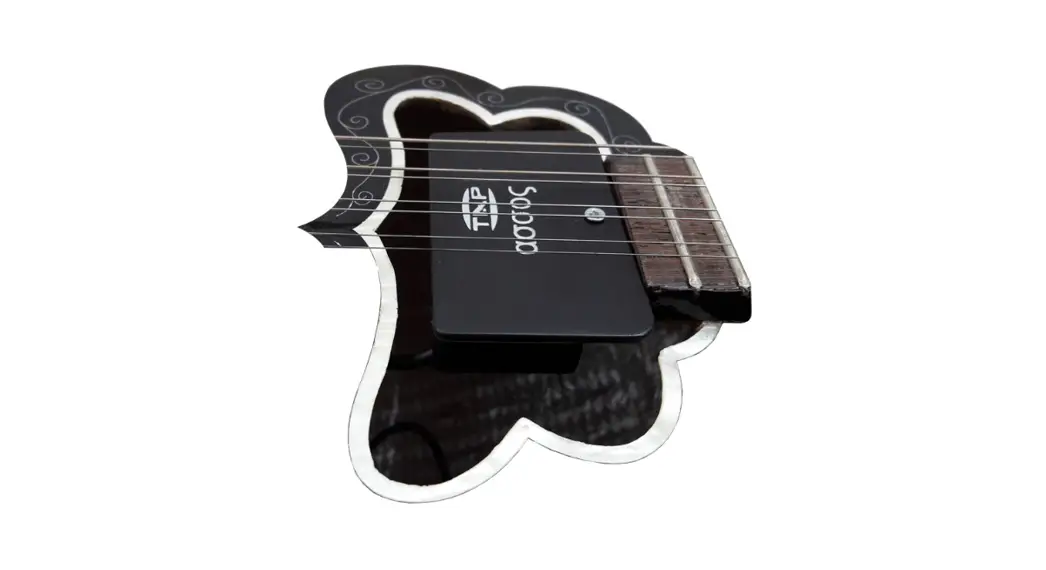
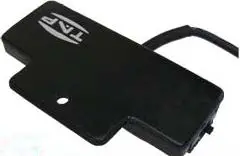
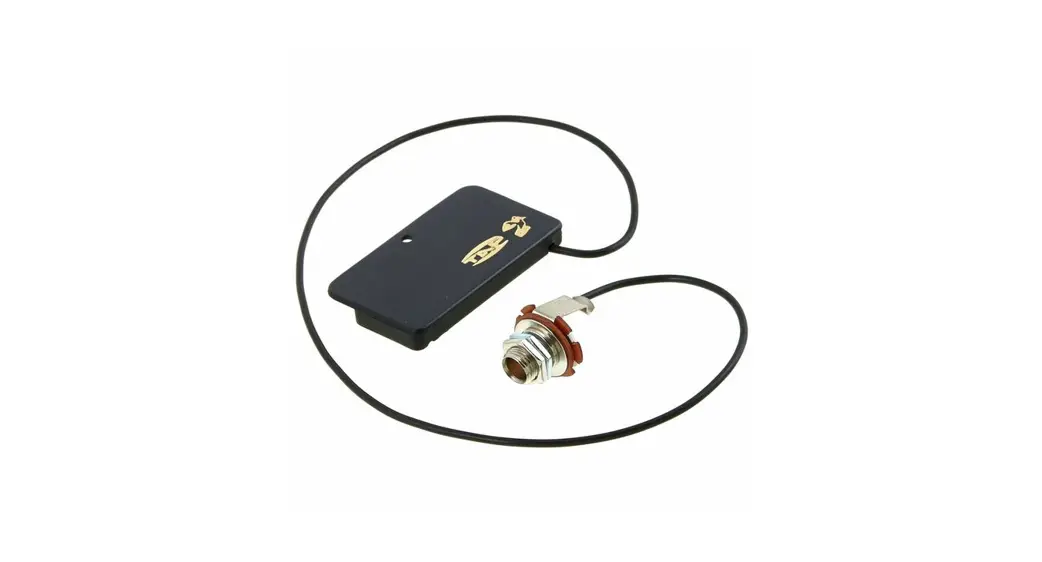
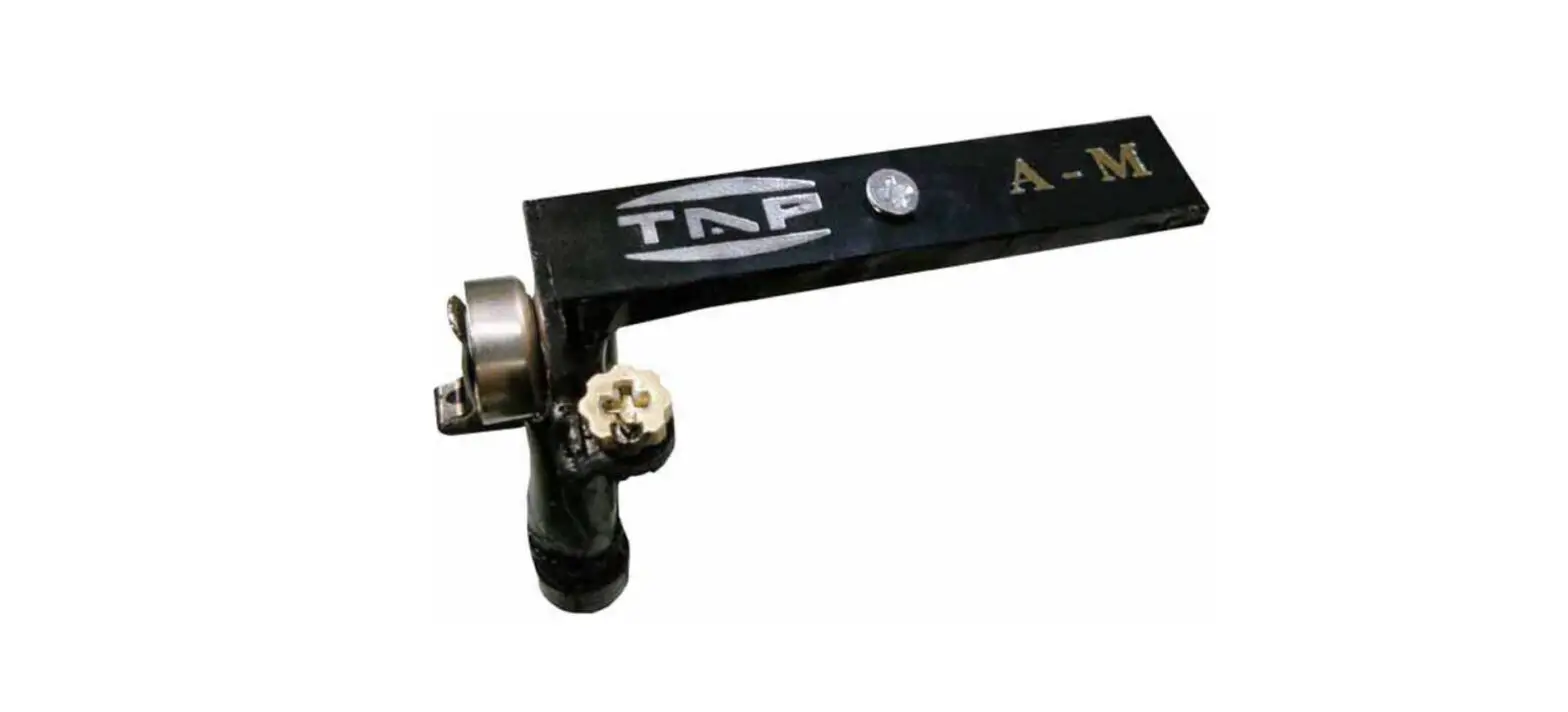
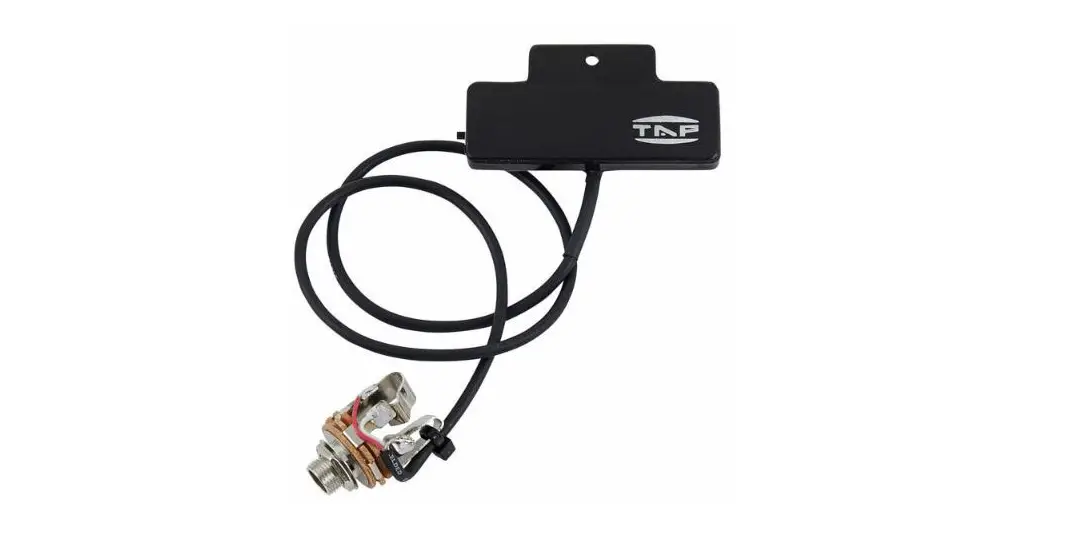
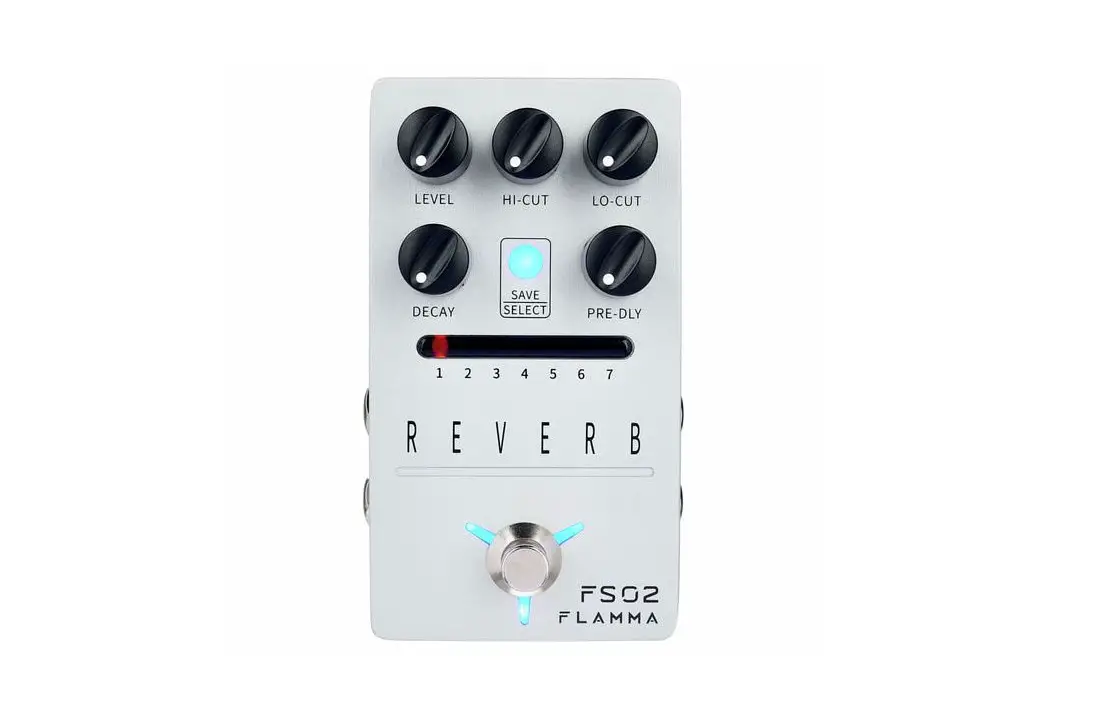
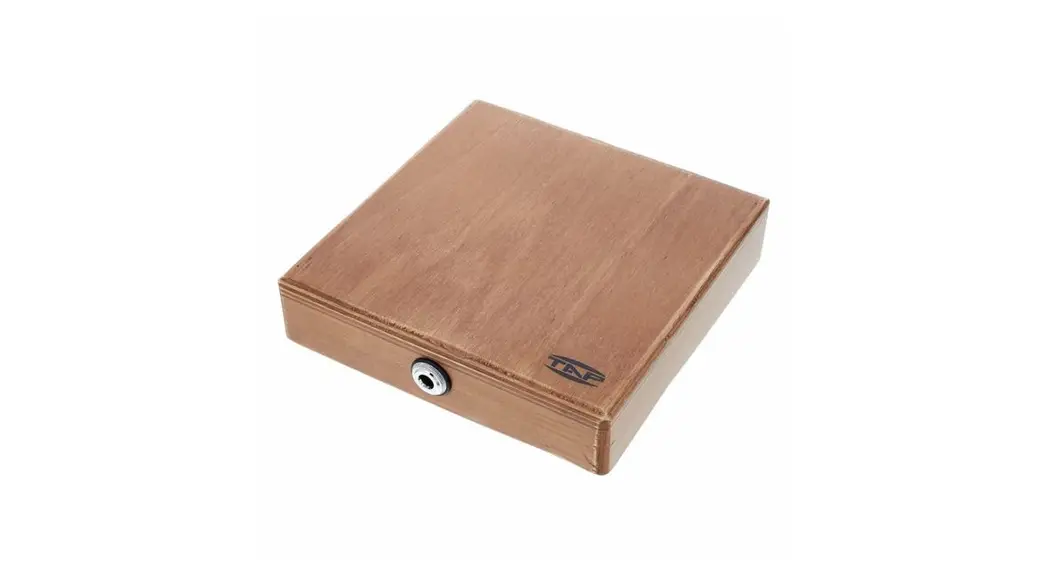
TAP reverb unit is of a high quality one build in the right box. This multiply-use digital reverb unit has all the characteristics of a studio one. It has a new quit different character in sound modulation as for the depth and produces a pleasant-warm feeling with reverb sense.
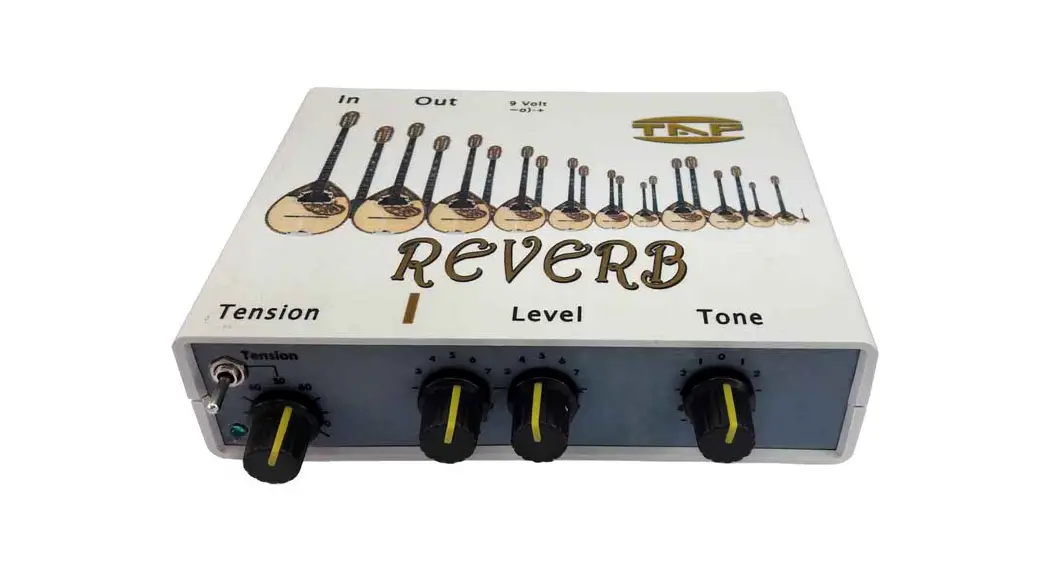
Level Knob
Controls the output level of the reverb effect. Turn this knob clockwise to increase the output the output level, and counter-clockwise to decrease the output level.
Tone
Controls the amount of high and low frequencies Turn this knob clockwise to boost high frequencies, and counter-clockwise to reduce high frequencies.
Revert
Controls the amount of reverb signal that is mixed in with the normal signal -Reverb
Tension
This Knob simulates the tension off the springs. Tension knob changes the transmission off the sound to the strings from the slow and smooth (left), to quick and harsh (right) action.
Set
This switch simulates the number of the springs added.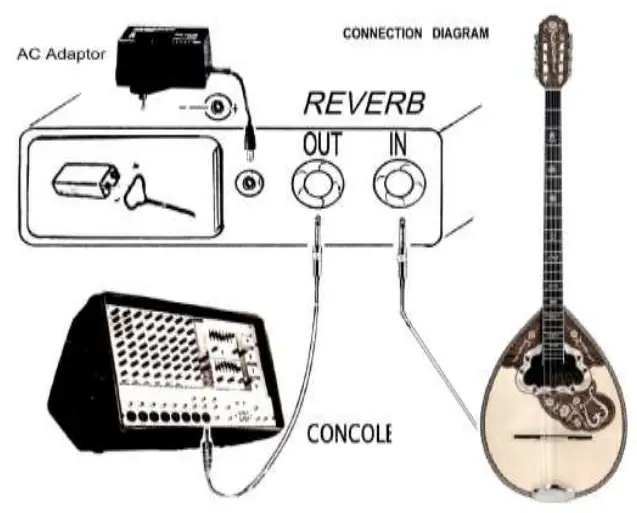
Maintenance
Clean and wipe the unit with a Soft, dry cloth or one that has been slightly dampened with water. To remove stubborn din, use a cloth impregnated with a mild, nonabrasive detergent. Never use benzene, alcohol or solvents of any kind. to avoid the possibility of discoloration and/or deformation Do not expose the unit to direct sunlight can deform or discolour the unit.
SPECIFICATIONS
Nominal input level -2.0 dBm ——-Input Impedance 1 MΩ
Nominal output level -20 dBm—Output impedance 1 KΩ
AC Adapter DC 9.0 Volt – 200mA 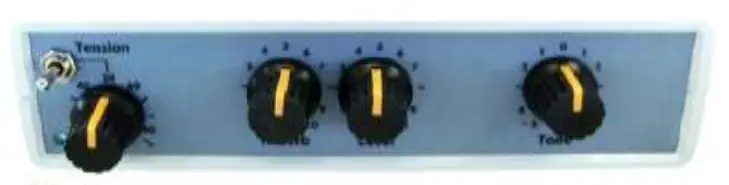
Warning
Before using this unit, make sure to read the instructions below. Do not open (or modify in any way) the unit or Its AC/DC adaptor Do not attempt to repair the unit. Refer all servicing to your dealer or qualified TAP service.
Before connecting this unit to other devices, turn off the power to all units. This will help prevent malfunctions and/or damage to speakers or other devices. Do not place the system near to power amplifiers (or other equipment containing large power transformers) because may Induce hum. To avoid hum interference change the orientation of the system or keep it far away from the above equipments.
REAR PANEL DESCRIPTIONS
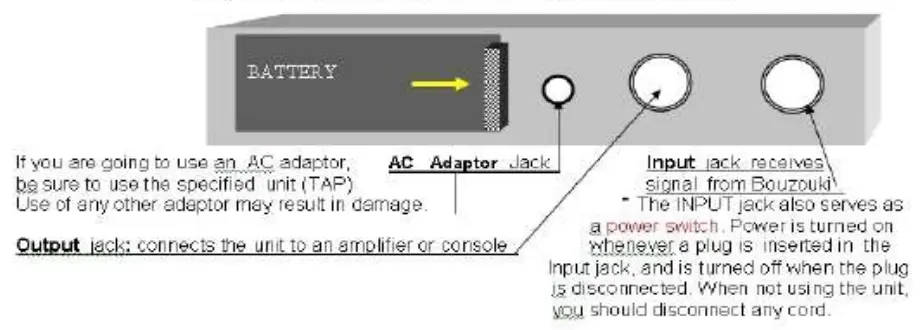
BATTERY REPLACE
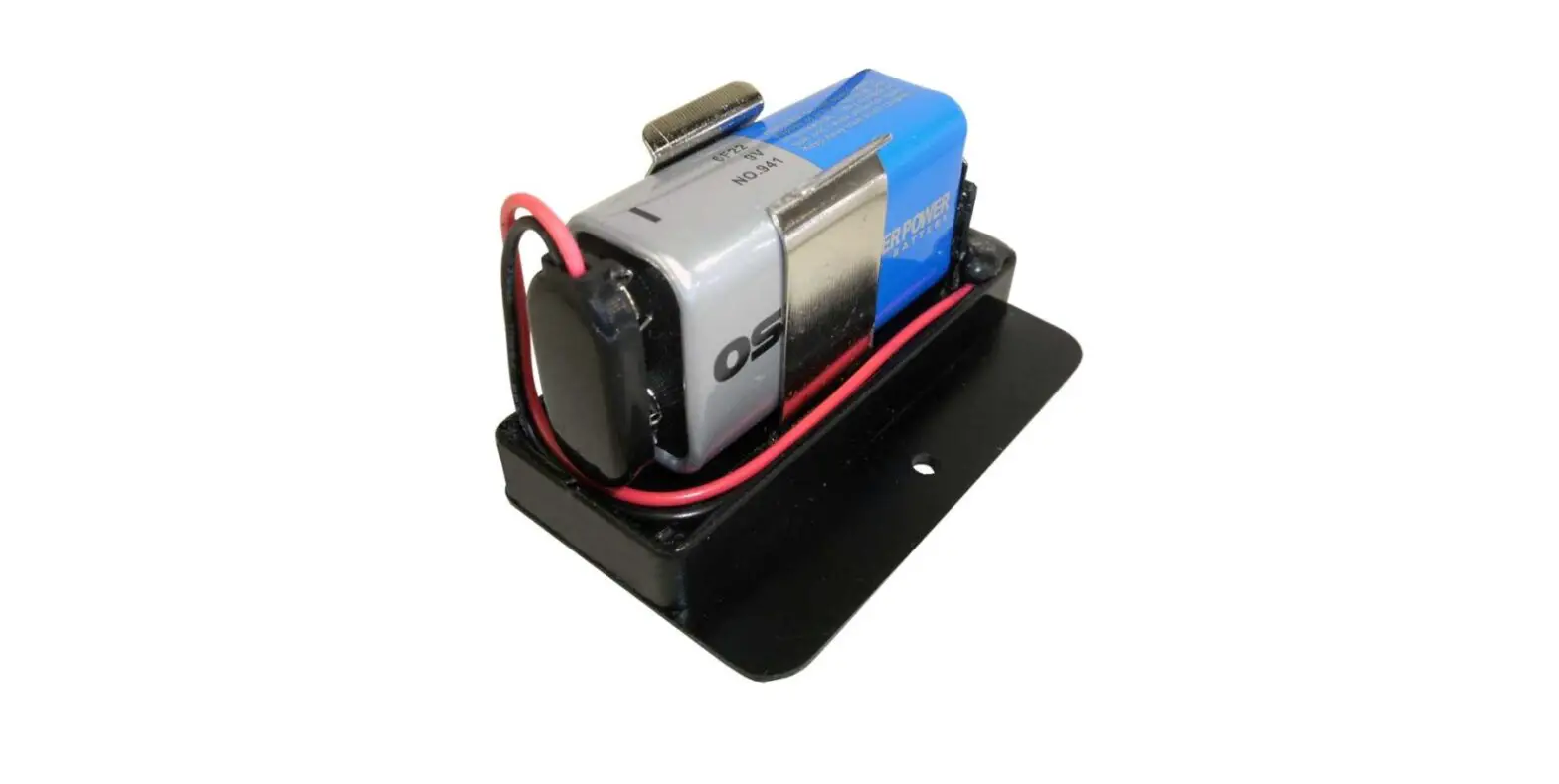
 When the indicator goes dim or no light replace the battery following the steps below . To changing the battery unplug all jacks of the device and open the door. Battery should always be installed or replaced before connecti rig any other devices. This way, you can prevent malfunction and/or damage to speakers or other devices * Be sure to carefully observe the battery’s polarity (+ versus -) Alkaline Battery 6LR61/ 9 V Remove the battery whenever the unit is to remain unused for an extended period of time
 www.tap.com/gr
  E-mail:[email protected]