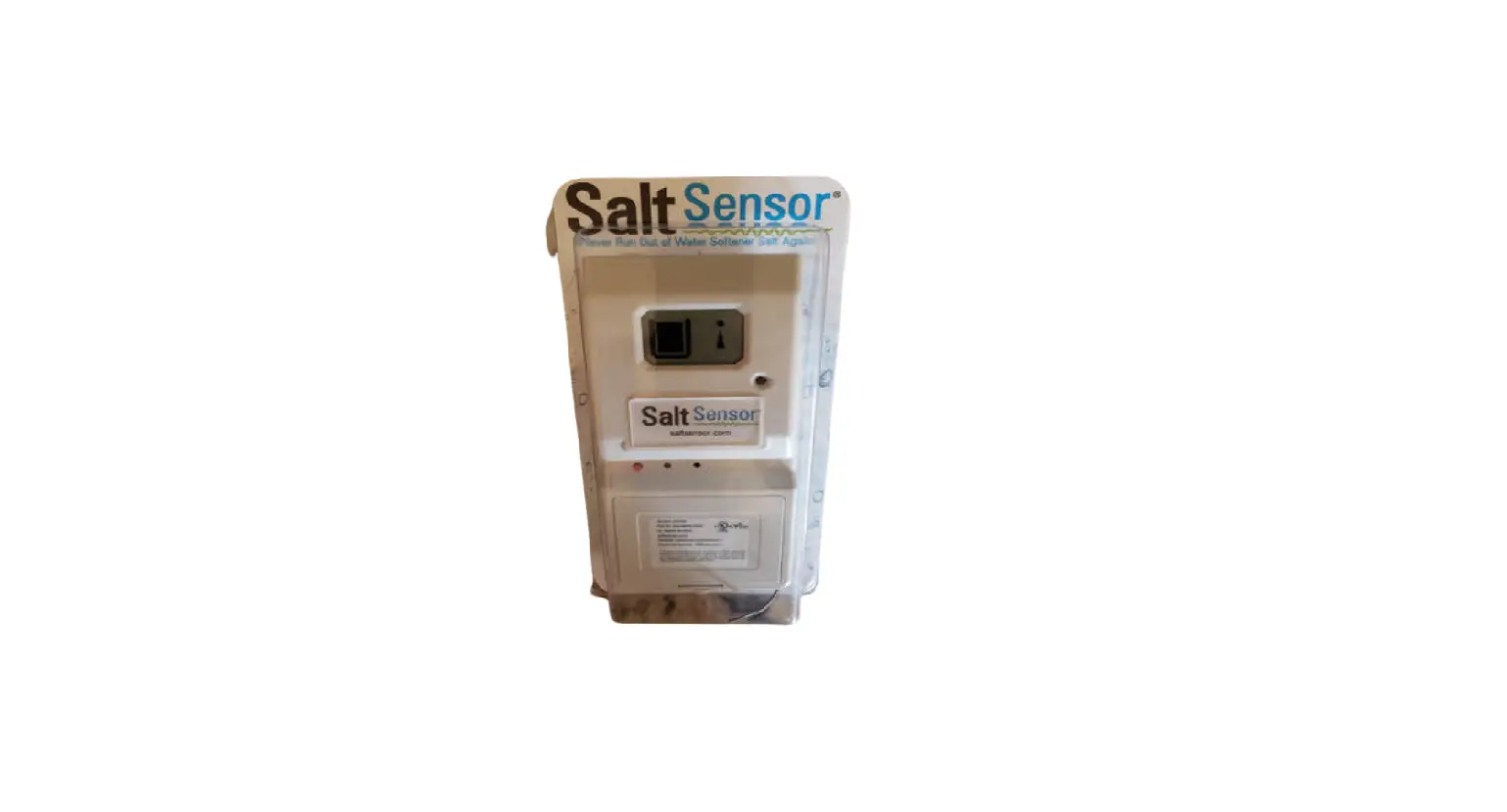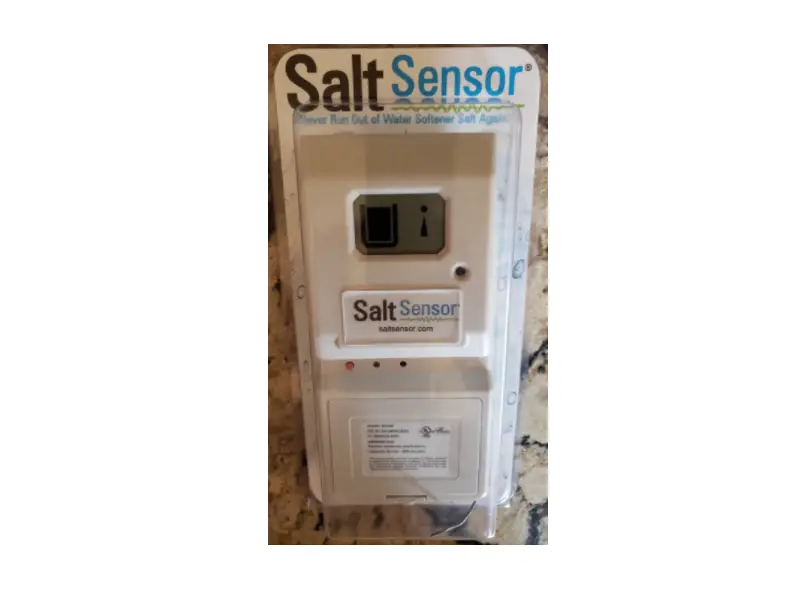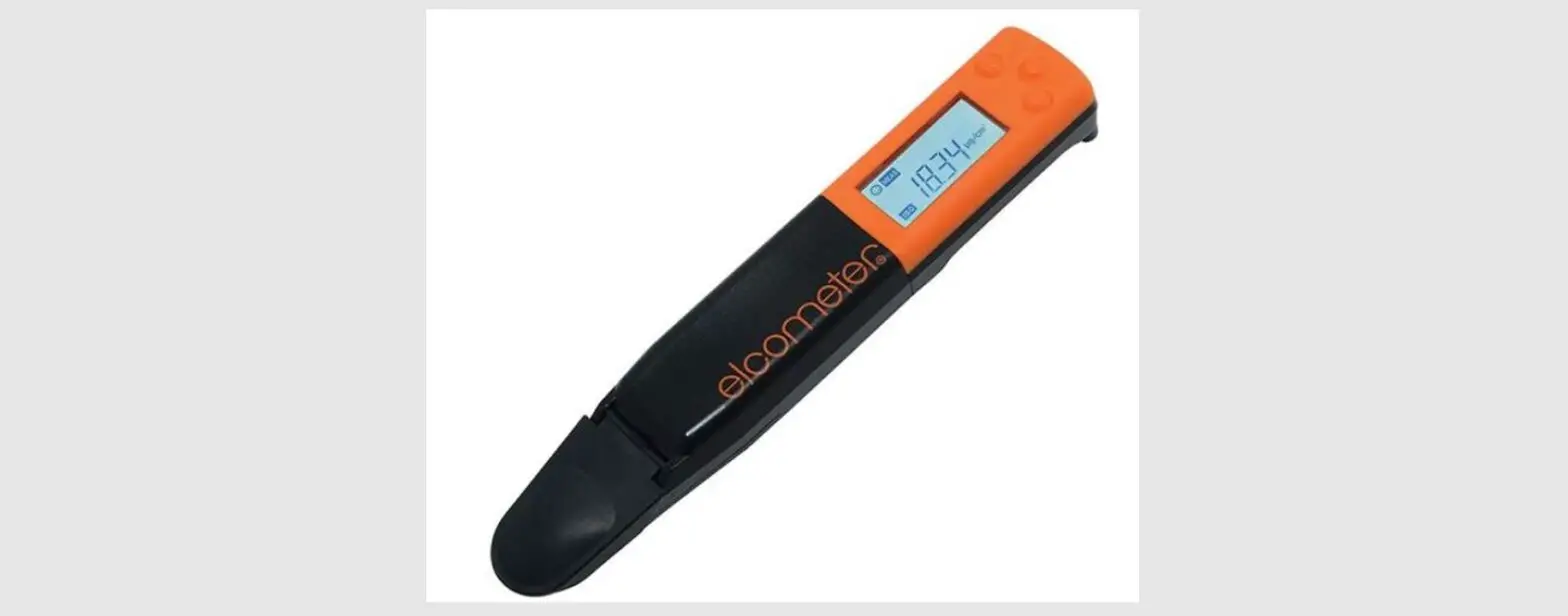
 SS-0093-ART_041023 Salt Sensor
User Guide
Quick Start Guide
SS-0093-ART_041023 Salt Sensor
- From the floor, measure to approx. 1/3 up the salt tank. Make a mark or place a piece of tape on the tank at that measurement.
This is where the Salt Sensor will be placed in Step 4. - Clean the area using a general purpose cleaner or mild soap and water. Using the supplied wipe, clean off an area a little larger than the size of the Salt Sensor and let dry.
- Peel off the backing from the strips on the adhesive.
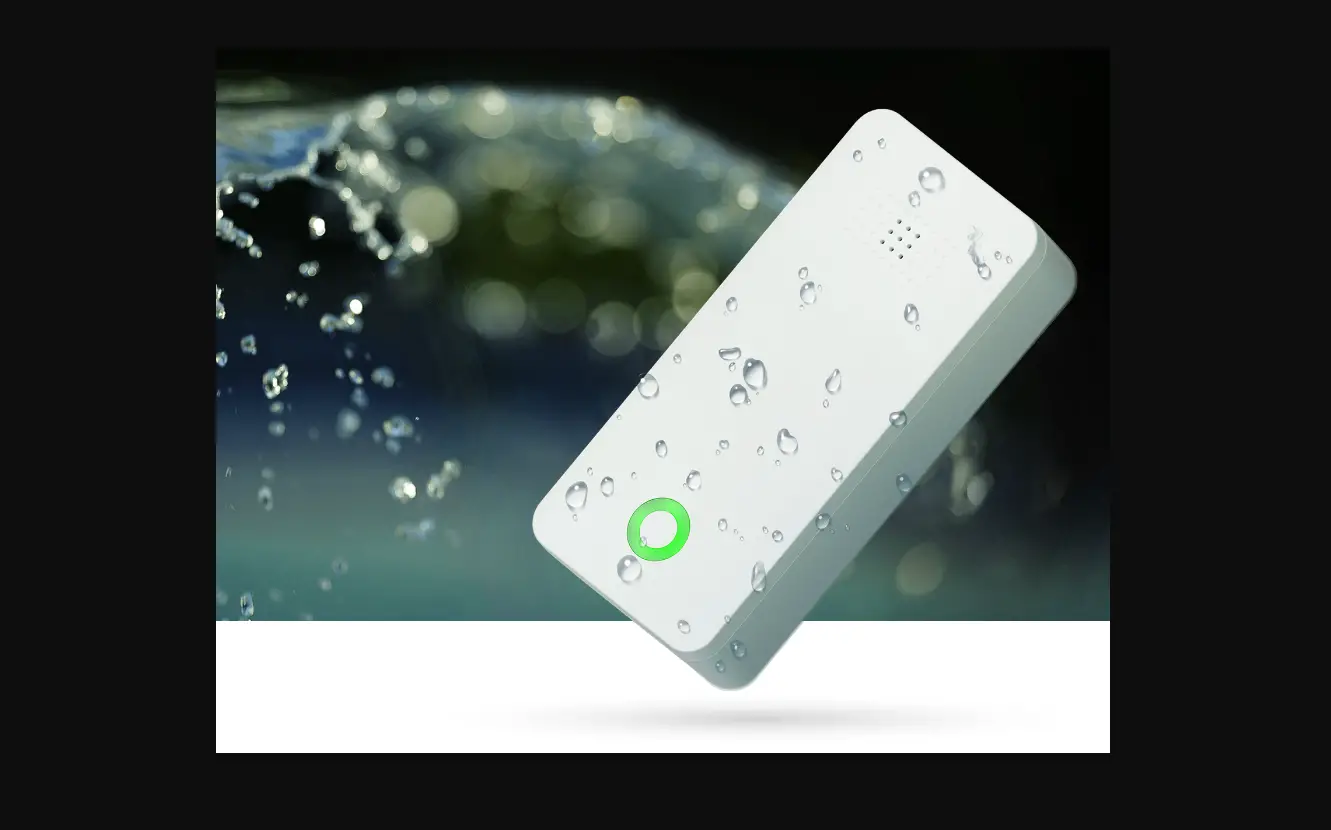
- With the middle of the Salt Sensor even with your mark, battery side down, keep the unit straight as you press the Salt Sensor onto the salt tank. Press each side firmly for 15 seconds.
- Pull the tab on the battery. You will See an RGB LED.
- Fill the salt tank several inches above the top of the Salt Sensor.
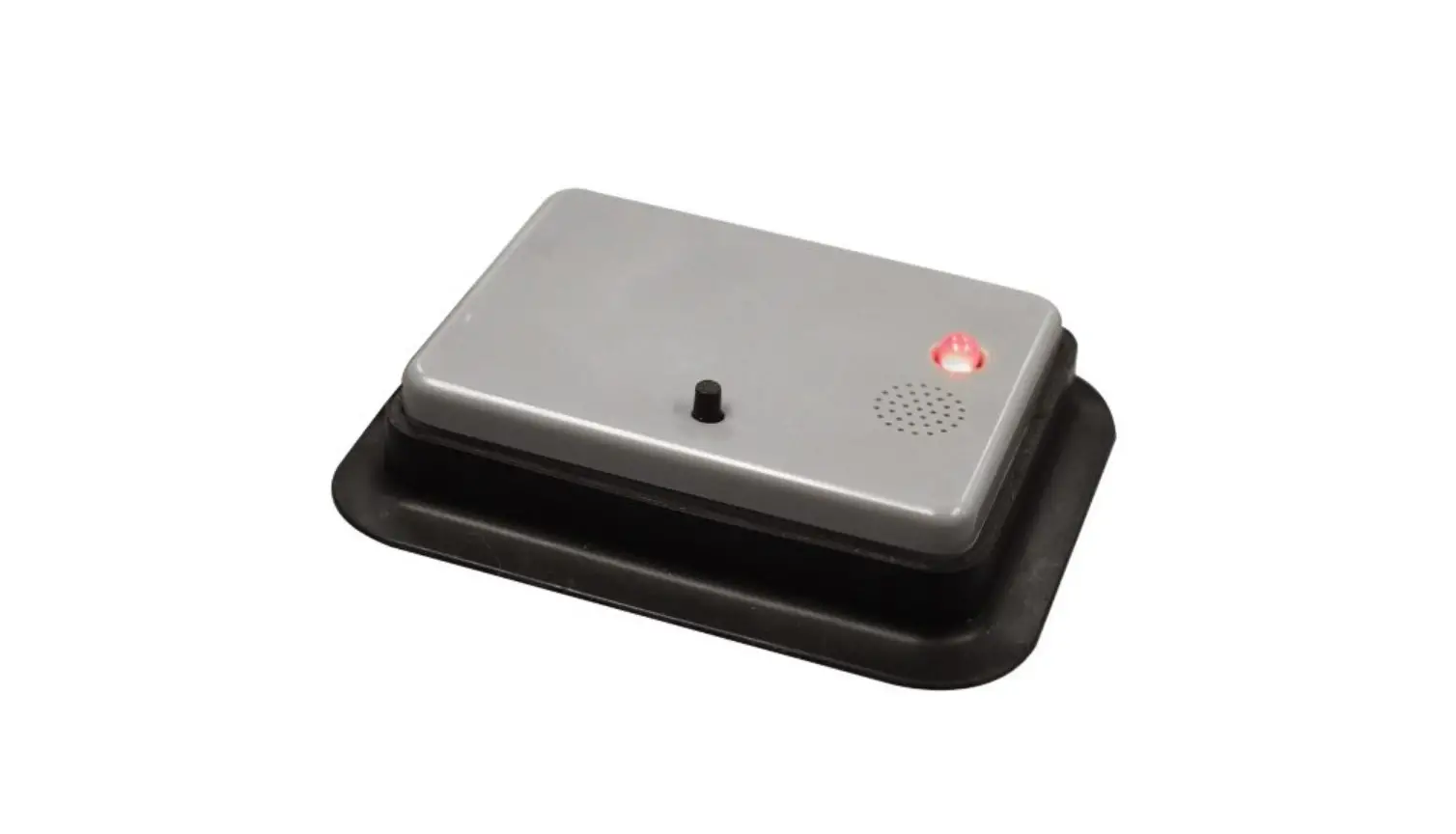
- Press the red button until it beeps, then release.
 Scan the QR code or visit ozotech.com/saltsensor for complete use instructions.