 Luminance v2
Shimmer reverb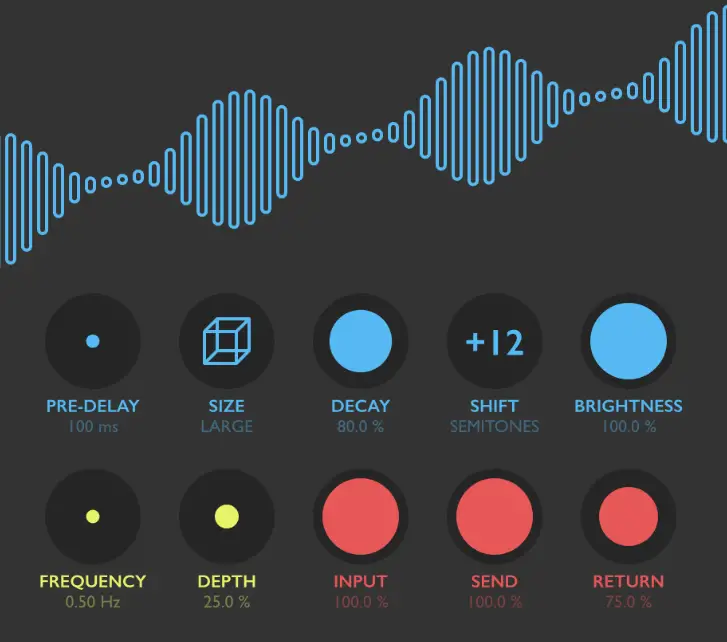
INTRODUCTION
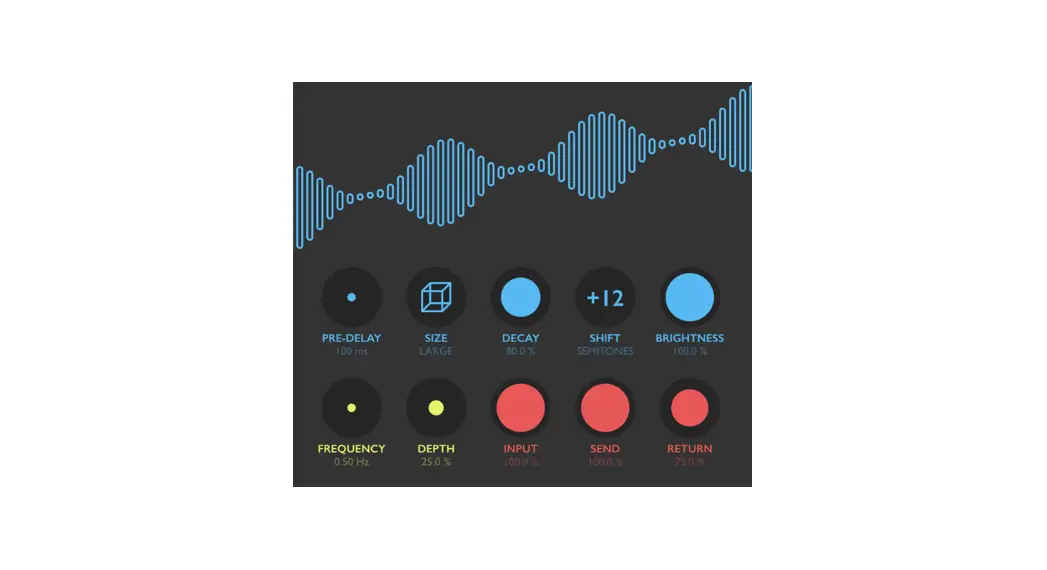
Luminance is a plugin for creating “shimmer reverb” effects – unreal acoustic space simulations which gradually pitch-shift the reverberation tail upwards or downwards. It is a novel take on this highly coveted effect, based on a modern feedback delay network design with a built-in granular pitch shifter, and featuring many original tricks such as alternating-phase time scale modulation. Thanks to the unique, meticulously executed tuning of its individual components, Luminance possesses a fresh and highly musical character: it smoothly follows the original melodic content and creates a gorgeously beautiful background sound layer reminiscent of a dreamy symphony of strings or pipe organs – with organic depth and expansive stereo field.
SOUND ENGINE
– Reverb engine based on 8×8 feedback delay network with spline interpolation and smoothly variable time scale
– Granular pitch shifter and two-pole low-pass filter for shimmer effect shaping
– Sine generator for time scale modulation, with unique alternating-polarity routing
– Additional pre-delay stage
– Lag filters on all continuous parameters for smooth, click-free adjustment
– Supports mono › mono, mono › stereo, and stereo › stereo channel configurations
GRAPHIC INTERFACE
– Color-coded graphic elements
– Consistent name, mapping, value, and unit implemented for all parameters in both graphic user interface and host control/automation
– Built-in preset management functions
– Supports window size scaling up to 200%
SYSTEM REQUIREMENTS
– 64-bit Mac computer with Intel or Apple processor, running macOS 10.9 or later, plus a host application with support for AU, AAX, or VST3 plugins
– 64-bit PC computer with x86 processor, running Windows 8.1 or later, plus a host application with support for AAX or VST3 plugins
INTERFACE
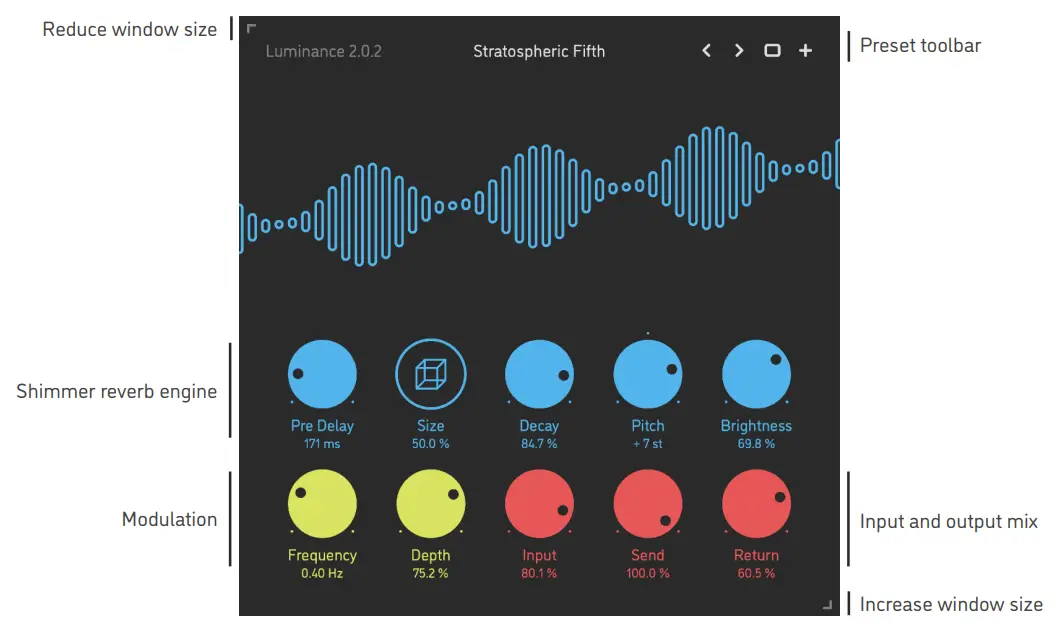
Luminance features a fully vector-based interface, with color-coded elements for effective visual grouping. The interface allows you to change its window size from 0.8x to 2x in 20% increments. The last size you set is stored in a preference file and is recalled the next time Luminance is loaded.
- Hold shift and drag a knob to adjust the parameter with increased resolution.
- Use option-click (Mac) or alt-click (Windows), or double-click any knob to recall its default parameter value.
- To fully initialize all plugin’s parameters, load the preset named Default from either Factory or User bank.
PARAMETERS
| Pre Delay | 0 .. 1000 ms | The additional delay applied to the signal before it’s sent into the reverb |
| Size | 0 .. 100 % | The relative size of the reverb space: internally, this parameter proportionally scales the individual delay times in the feedback delay network (FDN) |
| Decay | 0 .. 100 % | Relative time duration of the reverb decay |
| Pitch | -12 .. +12 semitones | Amount of pitch shift applied inside the FDN |
| Brightness | 0 .. 100 % | The relative cutoff frequency of a low-pass damping filter inside the FDN |
| Frequency | 0.05 .. 5 Hz | Sine wave modulation generator frequency |
| Depth | 0 .. 100 % | Amount of time modulation applied onto the reverb space |
| Input | 0 .. 100 % | Dry input signal level |
| Send | 0 .. 100 % | Amount of dry input signal being sent into the reverb engine |
| Return | 0 .. 100 % | The wet output level of the reverb engine |
PRESETS
Luminance features simple built-in functions for saving and loading presets, as well as for quickly switching between presets within the same bank. All these functions are accessed via the top toolbar.
Preset Name
Click the preset name in the top center to show an open file dialog with the list of presets in the current bank. Use command-click (Mac) or control-click (Windows) on the preset name to reveal the actual file. Switch to the previous preset in the current bank. The current bank is automatically set to wherever the last preset was loaded from.
 Switch to the next preset in the current bank.
 Show open file dialog with the list of preset banks. By default, the plugin includes two banks: Factory and User. However, you can freely
create additional banks – simply by creating new subfolders. Save currently preset. Please note: due to the limitations of the typeface, you can only use Latin letters when naming your presets
ROCKET FUEL
FOR YOUR CREATIVITY
www.sinevibes.com
AAX + AU + VST effect plugin for Mac and Windows
Designed and developed by Sinevibes ©2018-2021
 Sinevibes