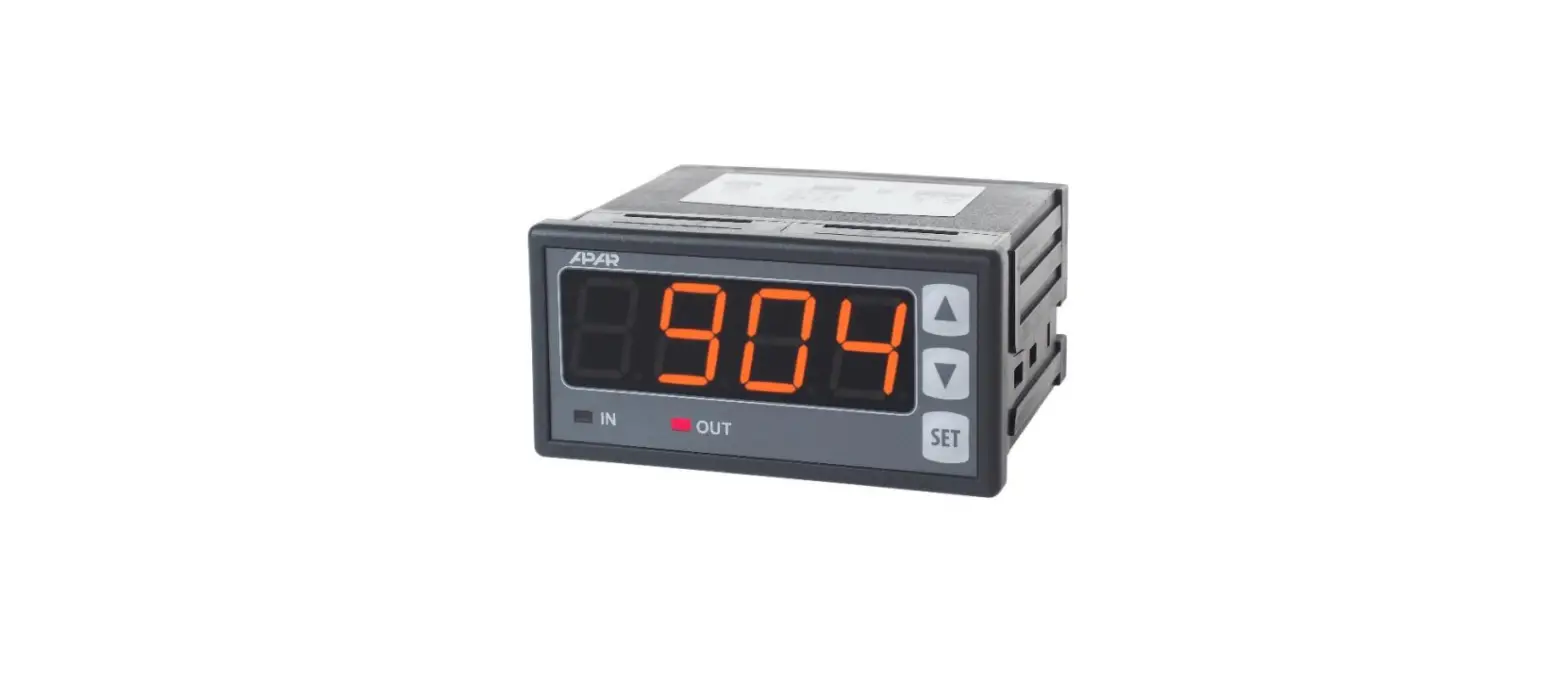

APAR AR904 Programming Device
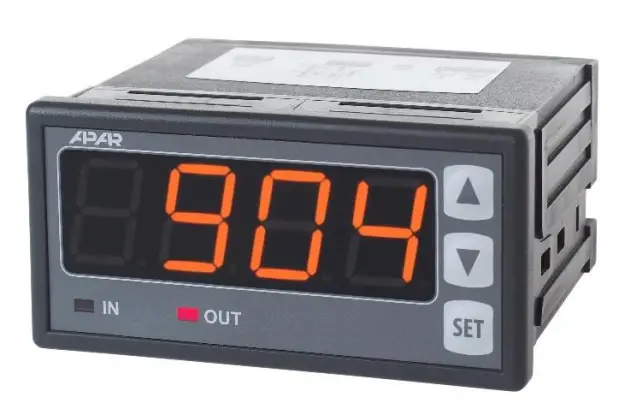
Product Information
The product has four different modes of operation: automatic, manual, disabled, and enabled. These modes can be selected using the equals sign (=) and the numbers 2 through 9.
Product Usage Instructions
- Turn on the product.
- Select the desired mode of operation by entering the corresponding number followed by the equals sign (=). For example, to select automatic mode, enter 2=.
- Use the product according to the selected mode of operation.
- To change the mode of operation, enter a different number followed by the equals sign (=).
- When finished using the product, turn it off.
2
3
4
5
6
7
8
9
automatic manual disabled enabled
=
10
11
12
13
14
15
16
 APAR
APAR