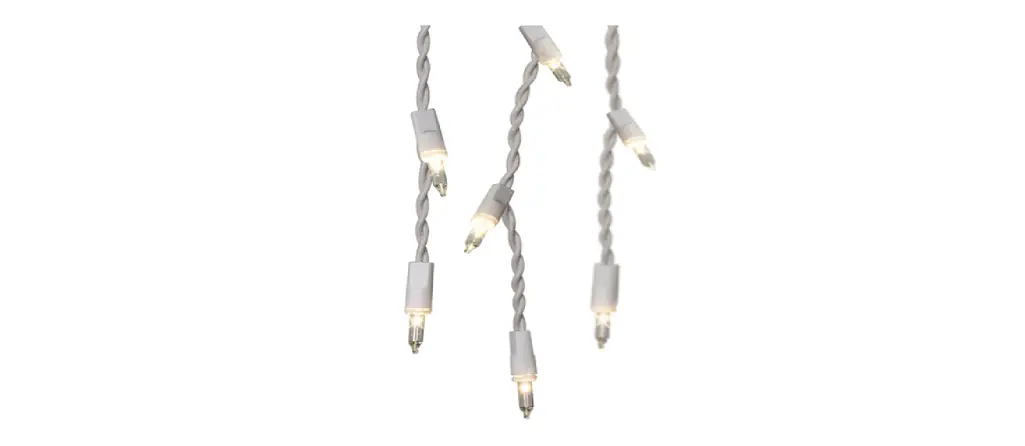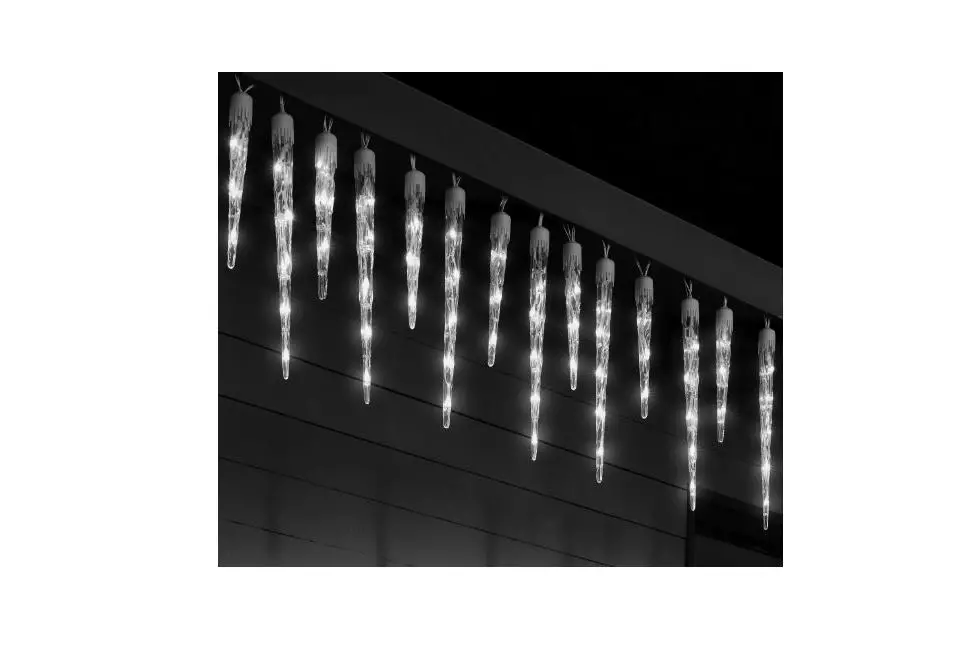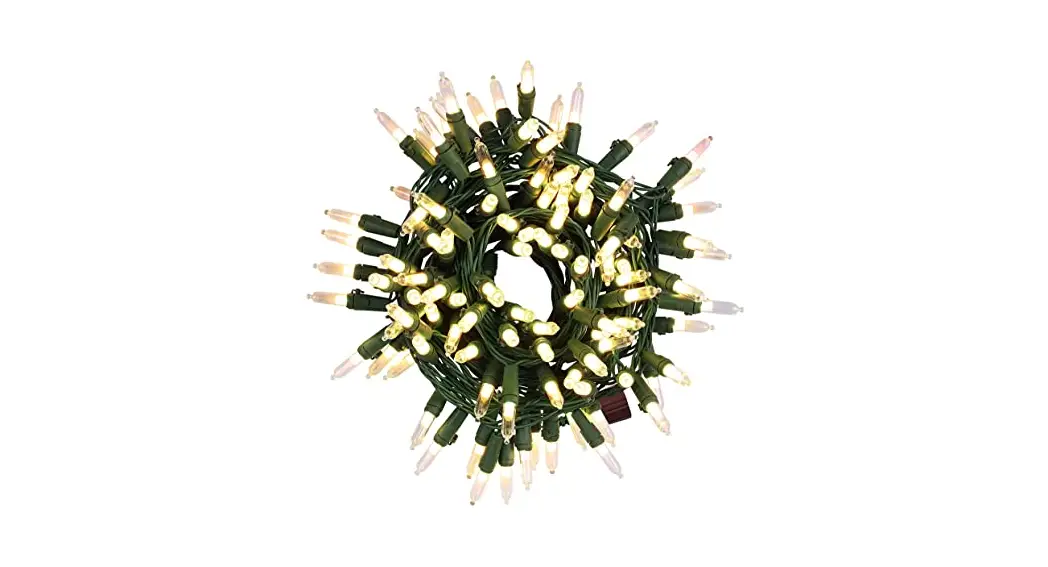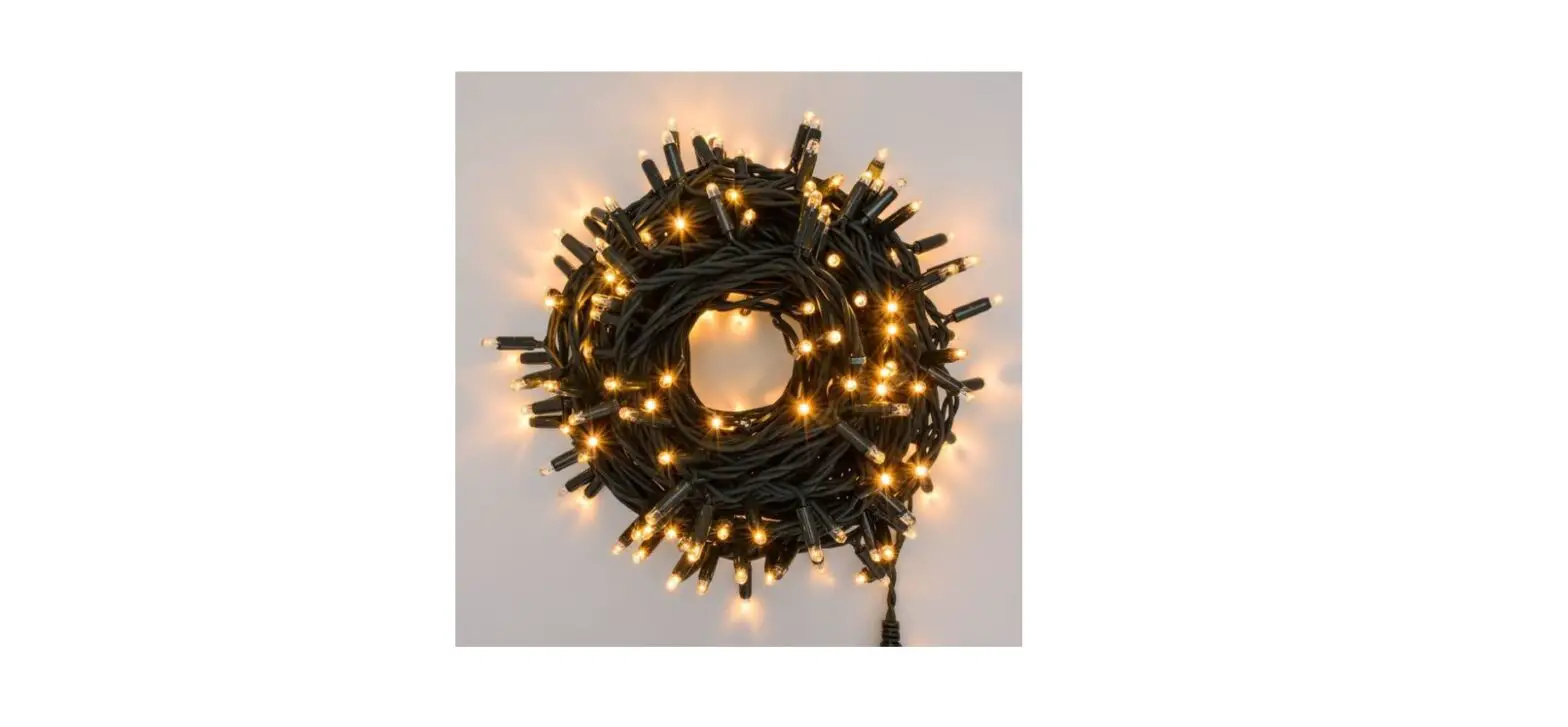
 68328 Alexa LED 300 Icicle Lights
Instruction Manual
Step 1: Check the contents of your box and assembling
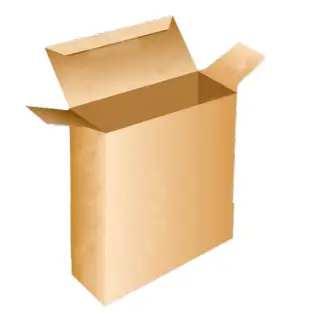 | 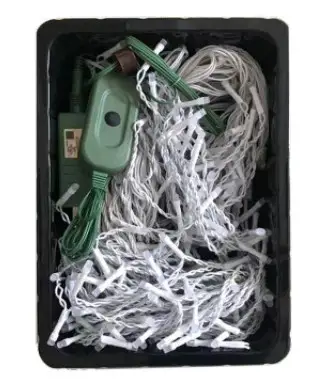 |
| 1. Take the “ ICICLE LIGHT STRAND” out of the box | 2. Included are: A. 300-Icicle light strand B. Adapter C. Control box /power code |
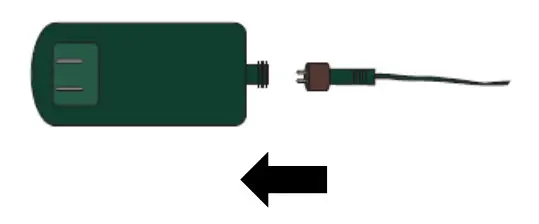 | 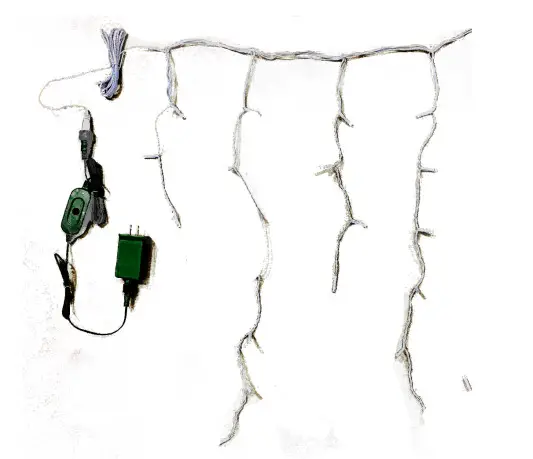 |
| 3. Connect the adaptor to the control box/power code | 4. Spread out the 300-Icicle Light strand. |
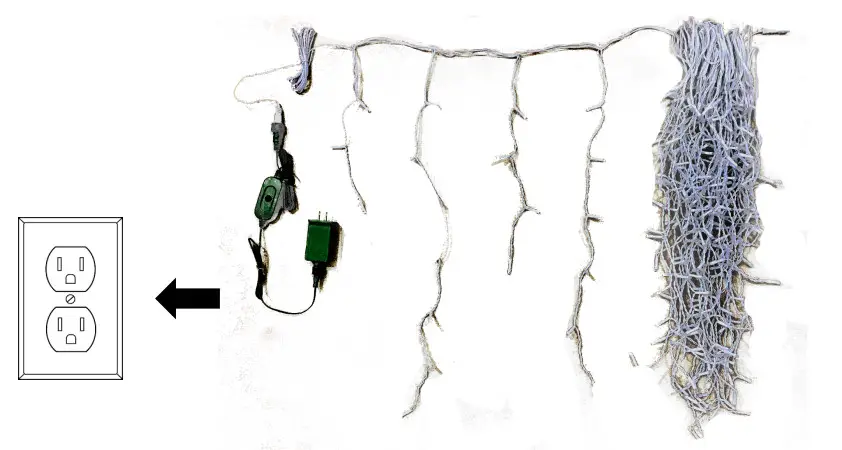 | |
| 5. Plug the adaptor into an AC power source | |
Step 2: Connect to Alexa
- Download the “Amazon Alexa” application from the app store on your mobile device.
- Install and open the “Amazon Alexa” application.
- Go to the settings menu.
- Select “Add a Device”

- Select “Christmas Tree”
- Select “Mr. Christmas”
- Select “Christmas Light” and follow the on-screen instructions.
- To set up a second light set, select “Second Christmas Light” and follow the on-screen instructions. For ease of use, you can update the device names as needed (for example, “[staircase light strand]” or “hallway light strand”).
- Alexa will ask for clarification if a command does not target a specific light set.

Barcode Scanning & Location
Note that during device setup you may be asked to scan a device barcode. You can find this on the back of the controller, shown in Figure A.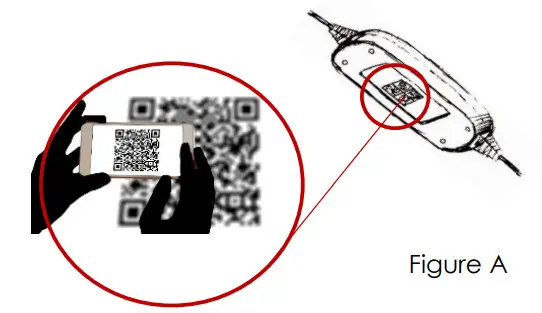
Step 3A: Change your LED lighting Mode using Alexa
Follow the voice commands for up to 40 lighting functions.
Color options
Command – “Set Christmas Lights to” :
| 1. Red | 5. Purple |
| 2. Green | 6. Light Blue |
| 3. Yellow | 7. White |
| 4. Blue | 8. Multi-Color |
Lighting functions
Command – “Set Christmas Lights to” :
| a. STEADY | d. FLIP |
| b. SPARKLE | e. FADE |
| c. FIREFLY |
Step 3B: Manually change your LED lighting mode
Push the button on the control box to switch LED Lighting Modes. 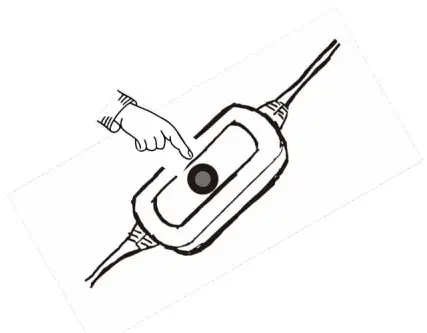
Demo Mode is available:
Press and hold the button on the control box of the tree for 3-4 seconds. The tree lights will flash green 3 times, which indicates that the instructions were received. The Demo mode will cycle through all 40 lighting functions.
| 1. White Steady | 21. Light Blue Sparkle |
| 2. Red Steady | 22. Purple Sparkle |
| 3. Green Steady | 23. Yellow Sparkle |
| 4. Blue Steady | 24. Multi-Color Sparkle |
| 5. Light Blue Steady | 25. White Firefly |
| 6. Purple Steady | 26. Red Firefly |
| 7. Yellow Steady | 27. Green Firefly |
| 8. Multi-Color Steady | 28. Blue Firefly |
| 9. White Fade | 29. Light Blue Firefly |
| 10. Red Fade | 30. Purple Firefly |
| 11. Green Fade | 31. Yellow Firefly |
| 12. Blue Fade | 32. Multi-Color Firefly |
| 13. Light Blue Fade | 33. White Flip |
| 14. Purple Fade | 34. Red Flip |
| 15. Yellow Fade | 35. Green Flip |
| 16. Multi-Color Fade | 36. Blue Flip |
| 17. White Sparkle | 37. Light Blue Flip |
| 18. Red Sparkle | 38. Purple Flip |
| 19. Green Sparkle | 39. Yellow Flip |
| 20. Blue Sparkle | 40. Multi-Color Flip |
Step 3C: Automate your Light Strand with Routines
Alexa Routines allow you to automate your light strand functionality. With Routines, you can turn your light strand on with custom commands (i.e. Good Morning) or turn the light strand on/off at scheduled times (i.e. every day at 10 AM)
How to Enable Routines with Alexa.
- Open the Alexa app.
- Go to the menu and select “Routines”
- Select Plus

- Select “When this happens”, and then choose how to begin your Routine (i.e. “Good Morning, or a scheduled time).
- Select “Add Action”, select “Smart Home”, and then select your light strand device in the list. Configure the desired LED lighting mode for your selected action.

Example 1: Turn the light strand on
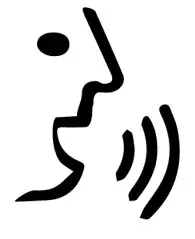 | “Alexa, turn Christmas Lights ON” | 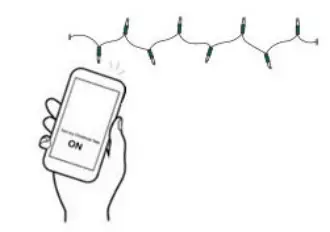 |
Example 2: Set lighting mode to red
| “Alexa set Christmas Lights too: Red” | 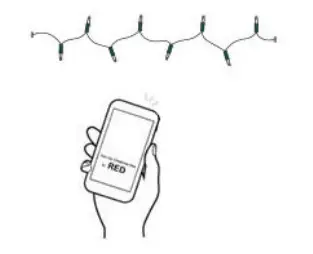 |
Example 3: Set lighting mode to Fade
| “Alexa set Christmas Lights too: Fade” | 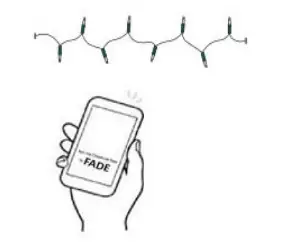 |
Example 4: Turn the light strand off
| “Alexa, turn Christmas Lights OFF” | 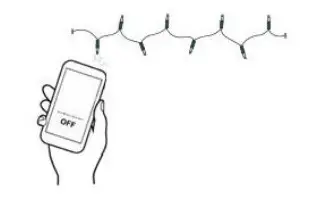 |
Example 5: Turn light strand on with Routine
| “Alexa, Good Morning/ Alexa, Good night” | 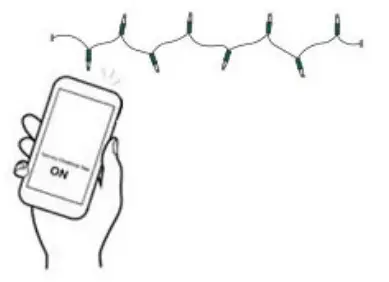 |
Connectivity Troubleshooting
Common connectivity troubleshooting steps.
I can’t connect my device to Alexa.
- Reset your Christmas Lights
- To reset your Alexa Christmas Lights:
- Press and hold the button on the control box for 10 seconds. Indication of that the reset has been successful: 3 flashes of white light. Then follow the instructions below.
a) Download the “Amazon Alexa” application from the app store on your mobile device.
b) Install and open the “Amazon Alexa” application.
c) Go to the settings menu
d) Select “Add Device“
e) Select “Mr. Christmas”
f) Select “Christmas Lights” and follow the on-screen instructions. - Check your WIFI settings
- Make sure that your Alexa device and your Christmas Lights are connected to the same Wi-Fi network.
- Make sure that all devices have the most updated Wi-Fi password.
- Check the distance to your Alexa smart speaker
- Check that your device is within 30 ft. (9 m) of your Christmas Lights.
- Check your software version
- Check that your Alexa device and the Alexa app have the latest software version.
Common connectivity troubleshooting steps.
I can’t get my Christmas Lights barcode to scan successfully.
- Make sure that there is enough light in the area for the bar code to be detected.
- If that does not work, then during the Alexa mobile app setup process, select “Don’t Have a Barcode” and follow the on-screen instructions.
My Christmas Lights stopped working with Alexa.
- Try a power cycle: Unplug your Christmas Lights from the outlet, and then plug it back in.
- Perform a factory reset: Press and hold the button on the control box for 10 seconds.
An indication that the reset has been successful: 3 flashes of white light. Then follow the instructions below.
• Download the “Amazon Alexa” application from the app store on your mobile device.
• Install and open the “Amazon Alexa” application.
• Go to the settings menu.
• Select “Add Device”
• Select “Mr. Christmas”
• Select “Christmas Lights” and follow the on-screen instructions.
I can only turn my Christmas Lights On and Off with Alexa.
- Although the Alexa Lights can be added to a group, the color and function selections will not work using the group name.
- Color and Function can only be selected by using the utterance “Christmas Lights.”
Alexa is not responding to some but not all of my utterances
- Alexa will not work if you have more than one Alexa device with a similar name
- Rename one of the devices.
It is recommended to always store the tree in a cool, dry location protected from excessive exposure to heat or sunlight.
IMPORTANT SAFETY INSTRUCTIONS
When using electrical products, basic precautions should always be followed including the following:
a) READ AND FOLLOW ALL SAFETY INSTRUCTIONS.
b) Do not use seasonal products outdoors unless marked suitable for indoor and outdoor use. When products are used in outdoor applications, connect the product to a
Ground Fault Circuit Interrupting (GFCI) outlet. If one is not provided contact a qualified for proper installation.
c) This seasonal use product is not intended for permanent installation or use.
d) Do not mount or place near gas or electric heaters, fireplace, candles, or other similar sources of heat.
e) Do not secure the wiring of the product with staples or nails, or place it on sharp hooks or nails.
f) Do not let bulbs rest on the supply cord or on any wire.
g) Unplug the product when leaving the house, when retiring for the night, or if left unattended.
h) This is an electric product-not a toy! To avoid the risk of fire, burns, personal injury, and electric shock it should not be played with or placed where small children can reach it.
i) Do not use this product for other than its intended use.
j) Do not hang ornaments or other objects from the cord, wire, or light string.
k) Do not close doors or windows on the product or extension cords as this may damage the wire insulation
l) Do not cover the product with cloth, paper, or any material not part of the product when In use.
m)This product is equipped with push-in type bulbs. Do not twist bulbs.
n) Read and follow instructions that are on the product or provided with the product.
o) Save these instructions.
CAUTION
- To reduce the risk of fire or electric shock do not attempt to replace bulbs or modify the string.
- To reduce the risk of fire and electric shock: a) Do not install on trees needles, leaves, or branch coverings of metal or materials which look like metal, and b) Do not mount or support strings in a manner that can cut or damage wire insulation.
Model No: 68328
Made by Mr. Christmas Inc.
6045 E. Shelby Dr., Suite 2, Memphis, TN 38141-7601
[email protected]
Customer service number: 1-800-453-1972
Made in China