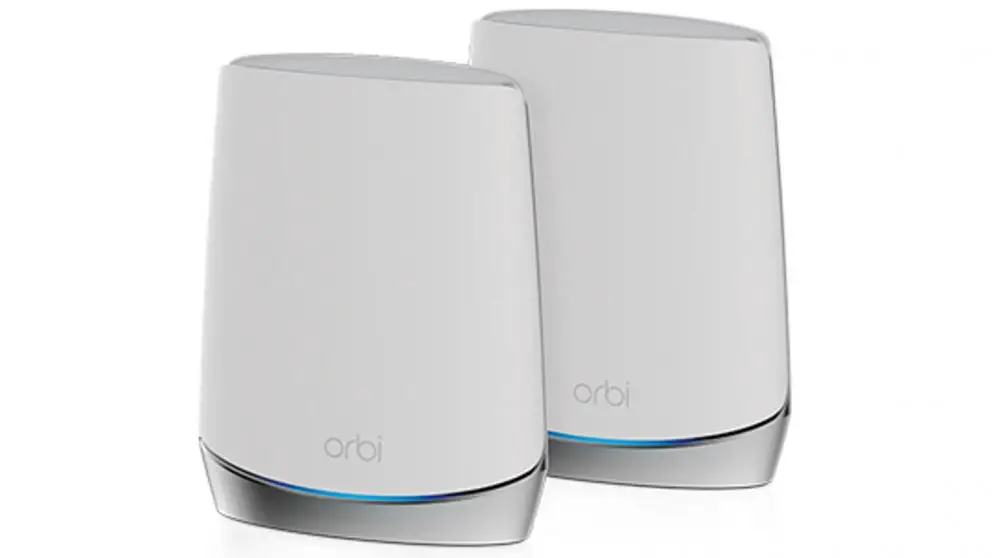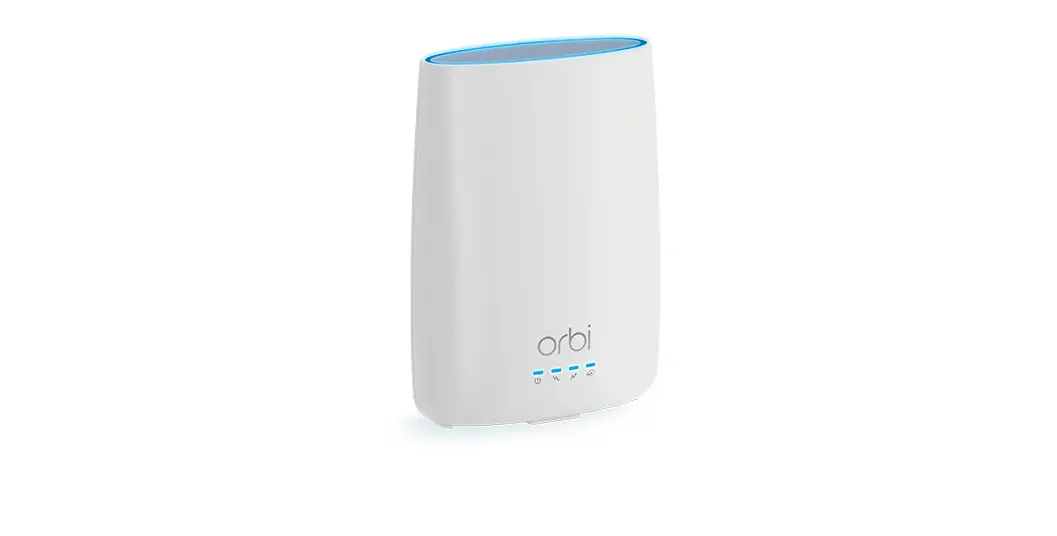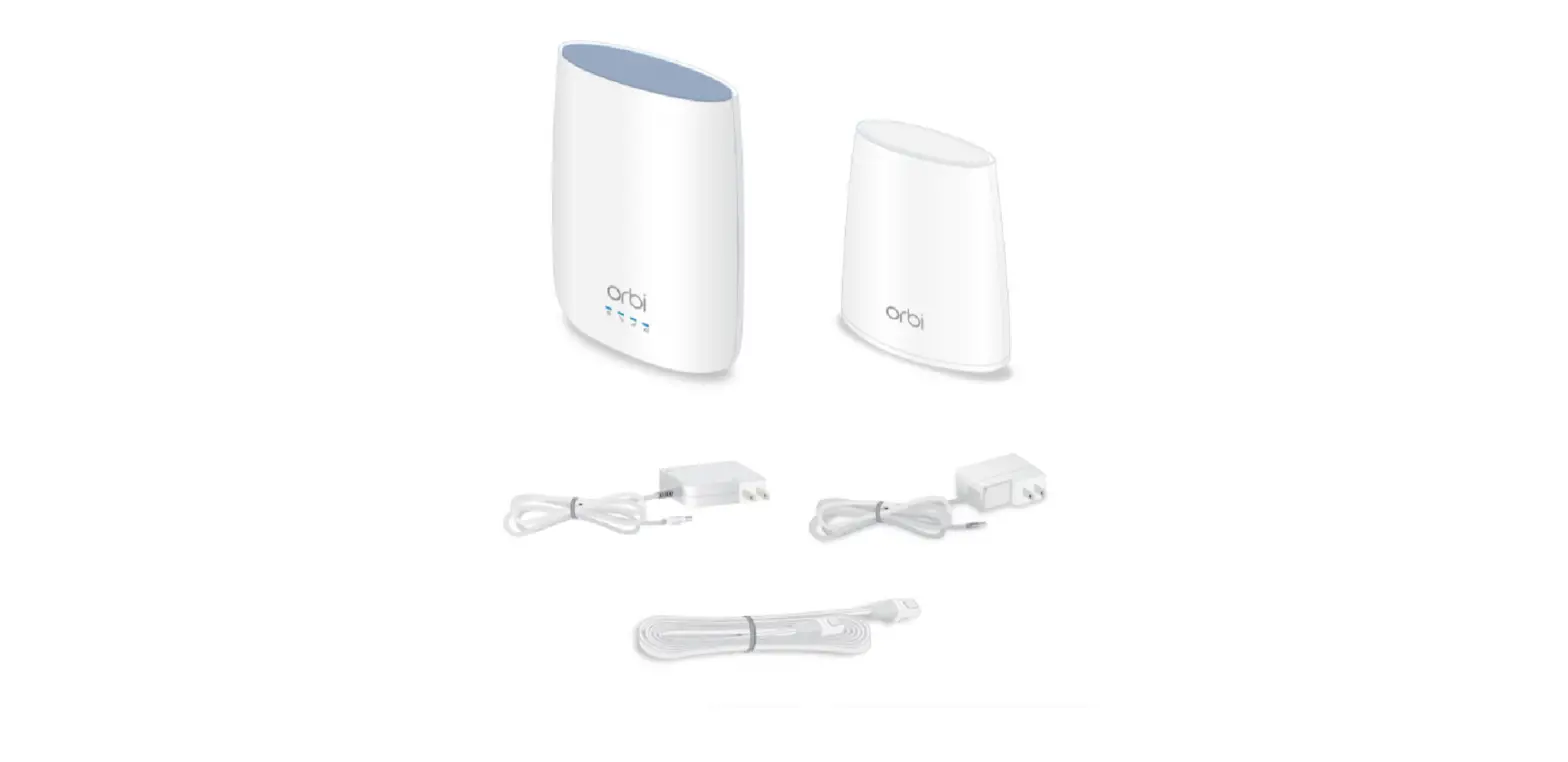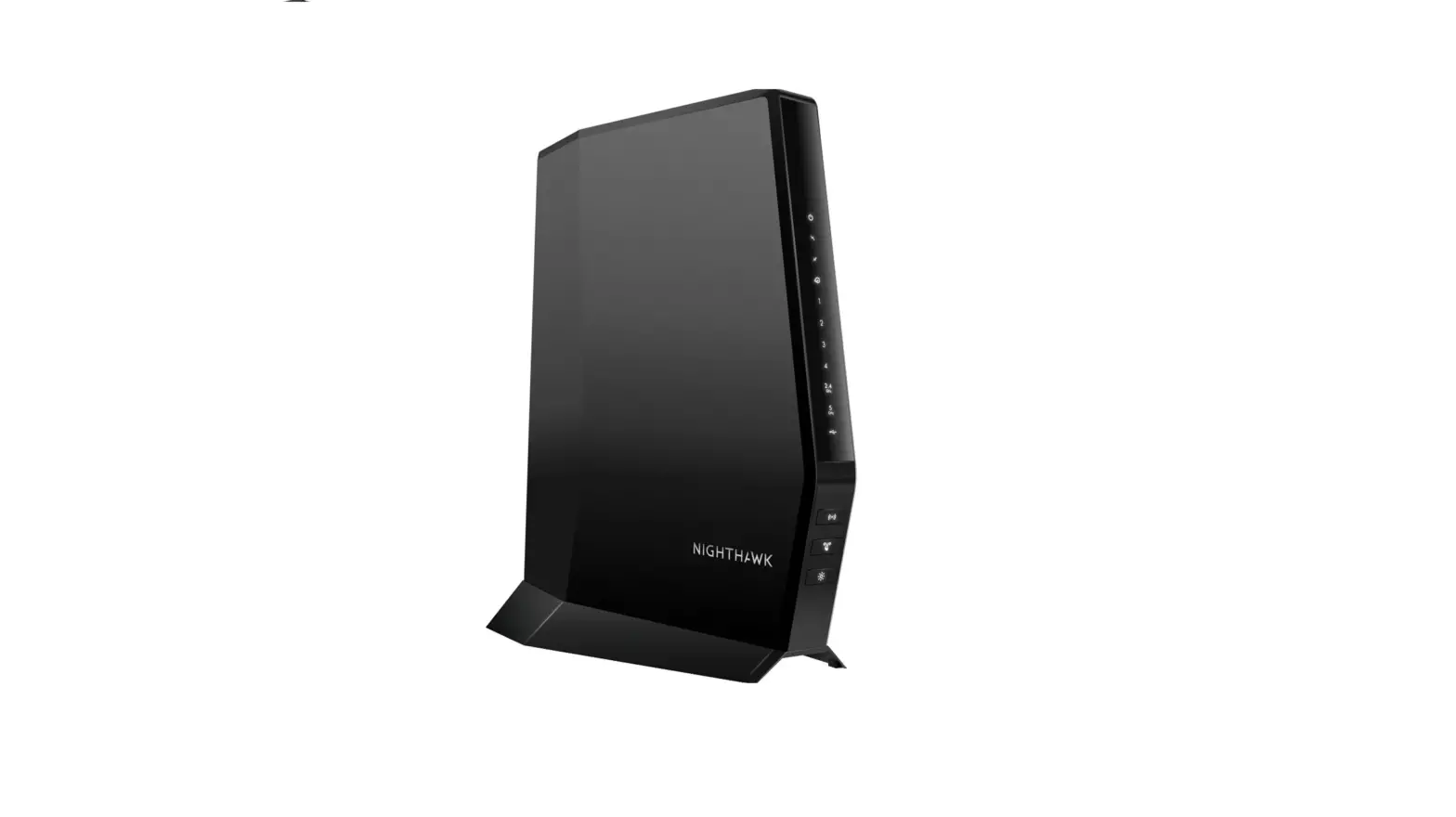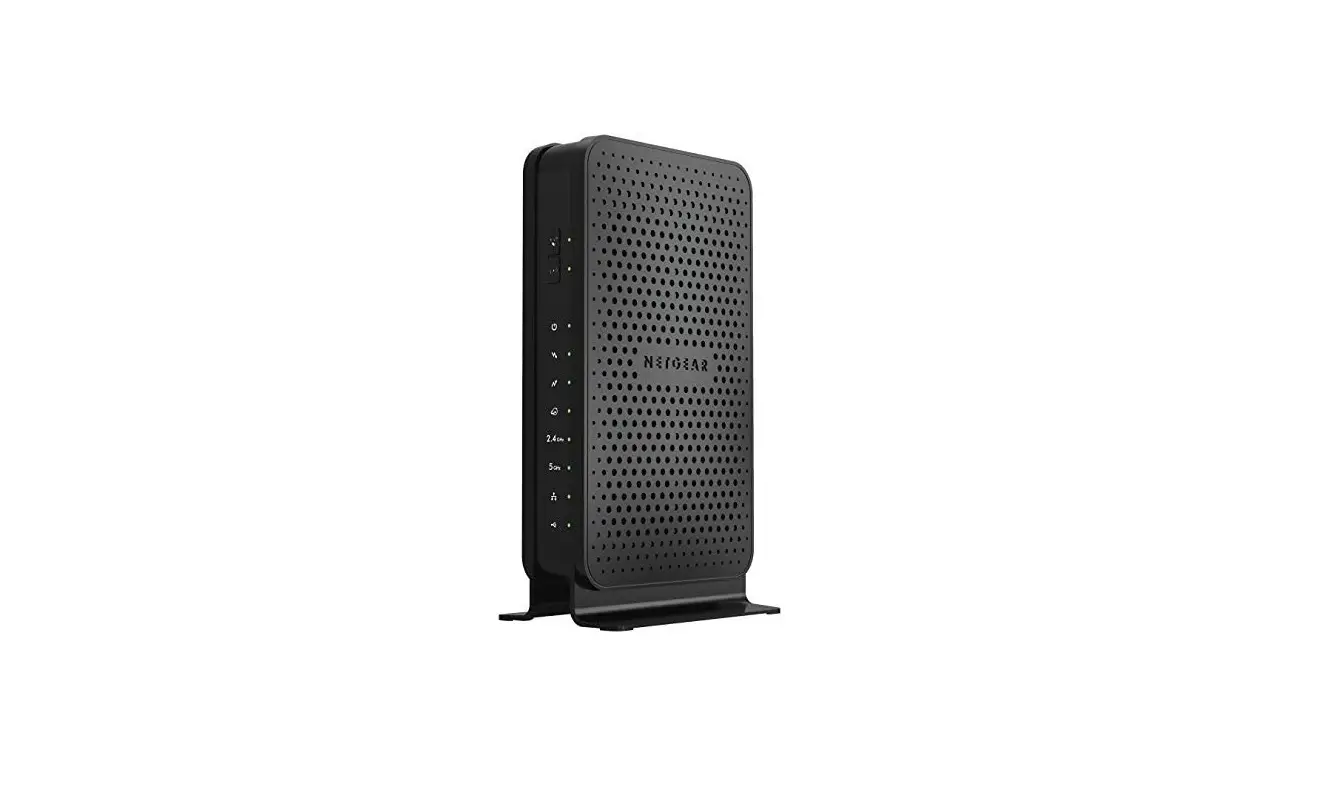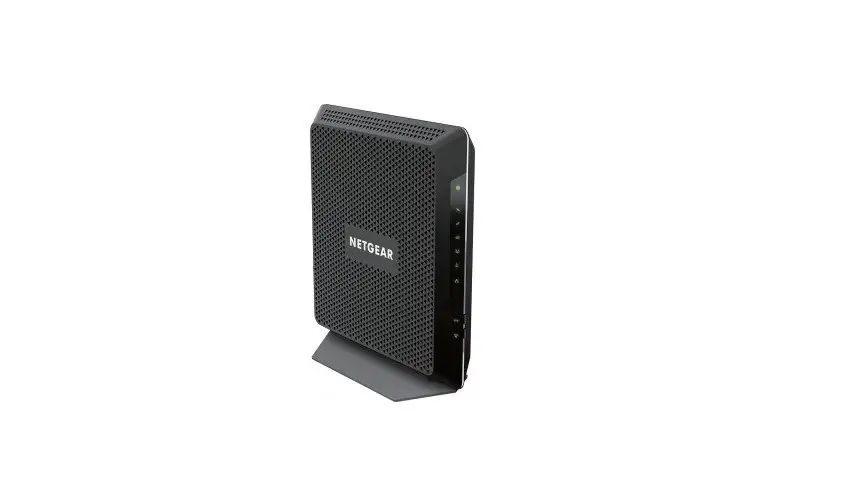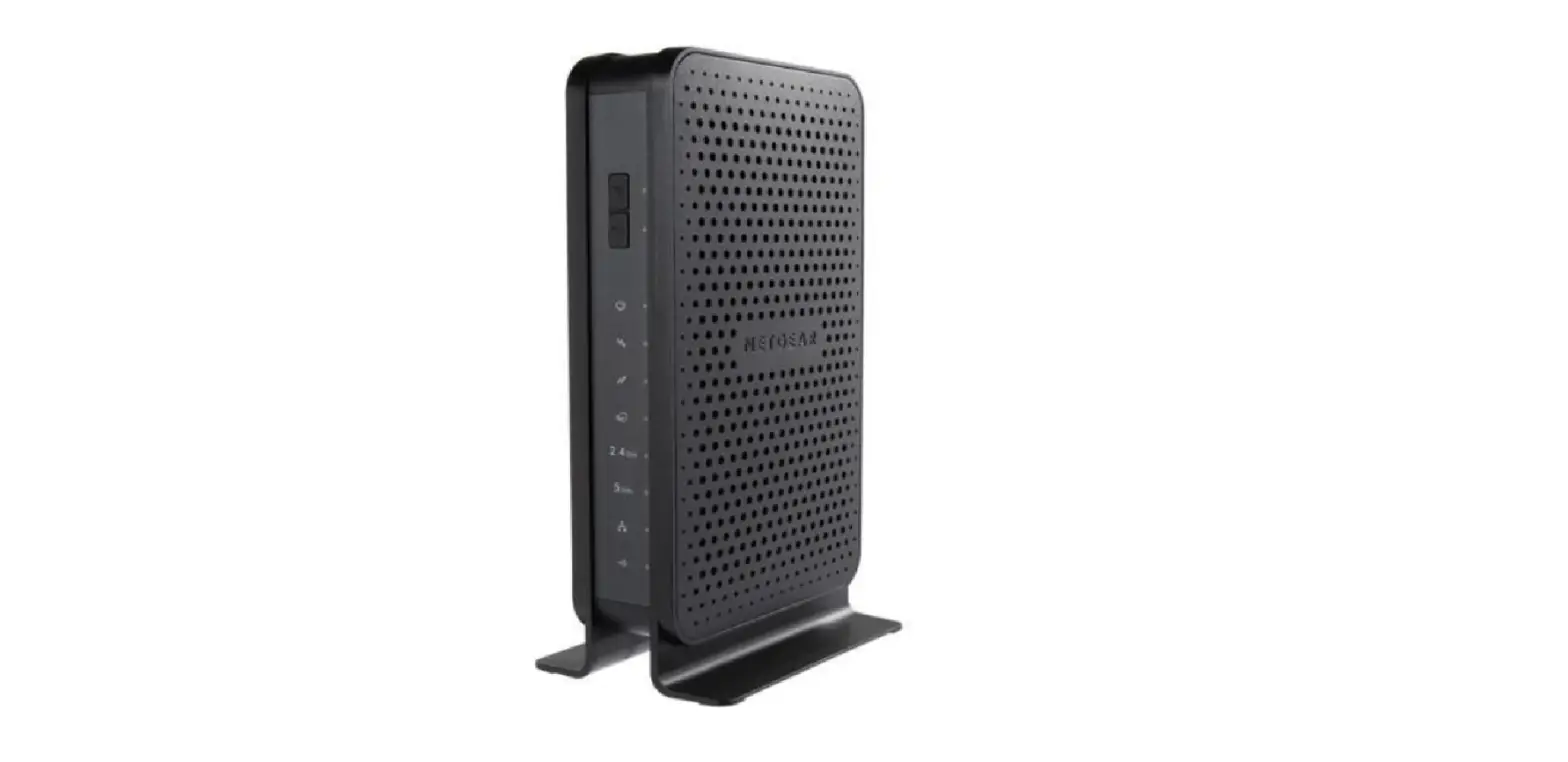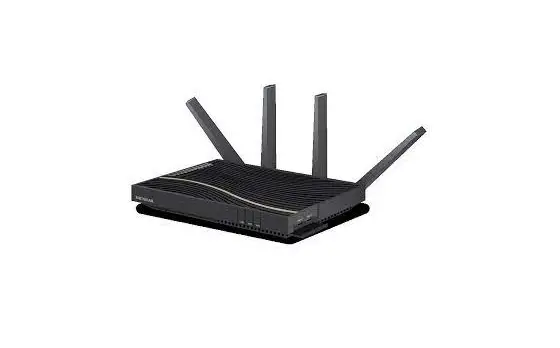
Netgear CBR40 Orbi Tri-band WiFi Cable Modem Router
Modem InformationDOCSIS 3.0 32×8 Dual Band WiFi Modem To achieve Gigablast or Ultimate Classic speeds, a DOCSIS 3.1 modem is required | Highest Service LevelUltimate 500 |
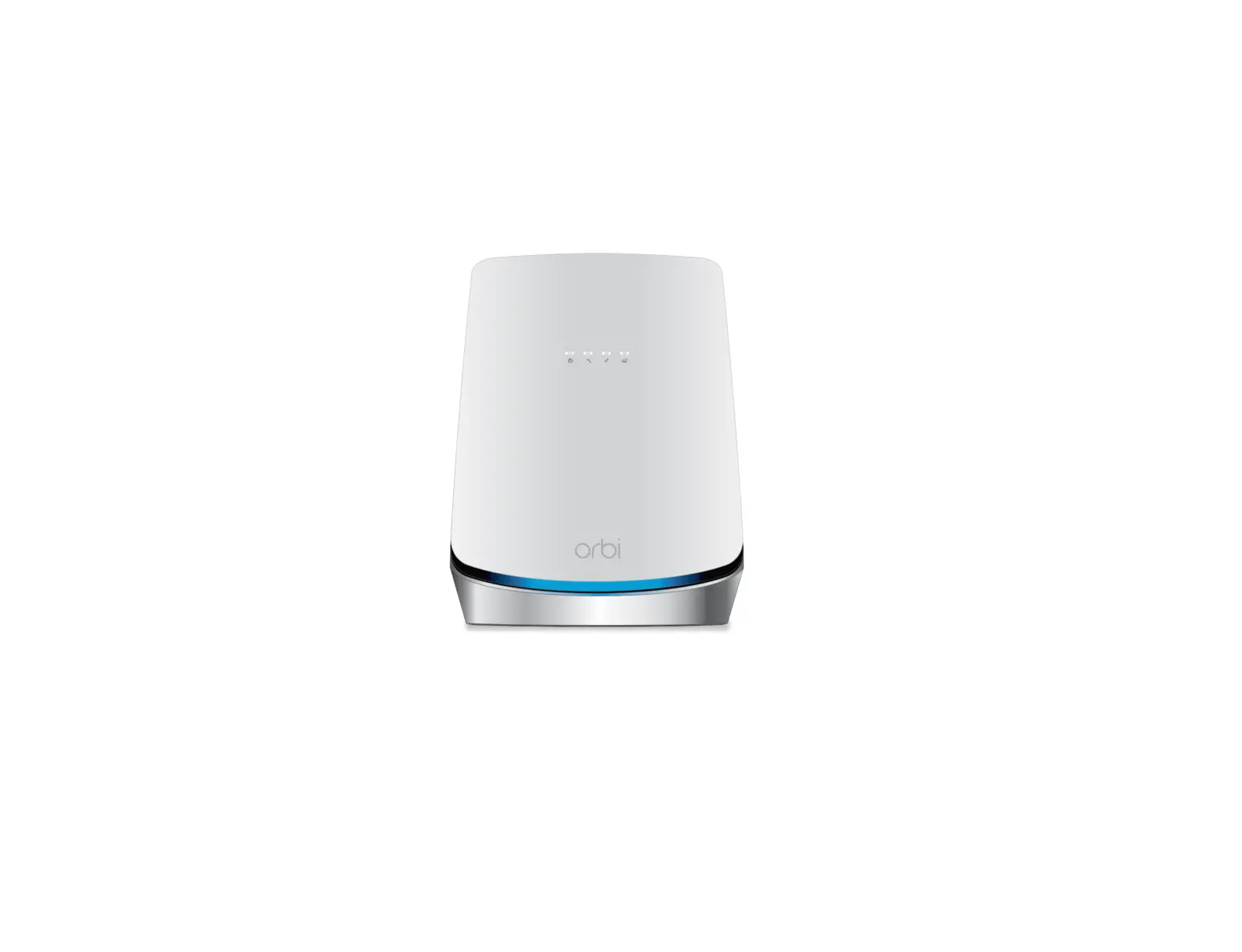
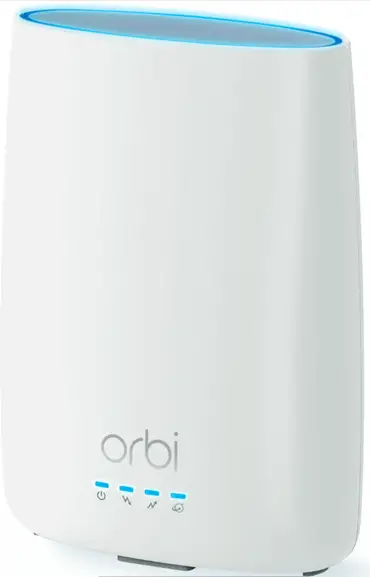
Front View
| If the Power LED is not solid blue, check your power adapter connections. | |
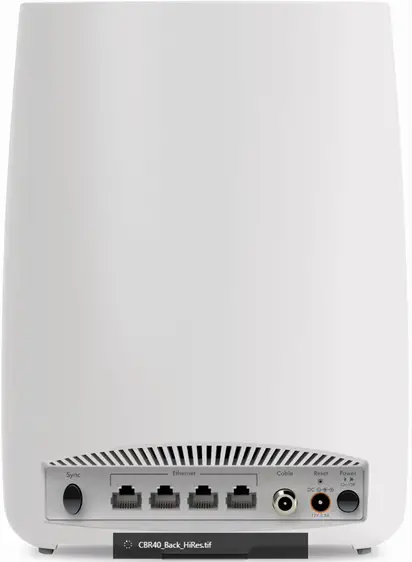
Back View
| The Netgear CBR40 includes the following connection ports:
|
Troubleshooting
The lights indicate the current status of your cable modem. To troubleshoot any connection problems, use the table below.
| Modem Light | Status | Problem |
|---|---|---|
| Power
| Solid White | None. The modem is receiving power and is functioning normally. |
| Off | The modem is not receiving power. Verify power supply connections and electrical outlet. Ensure the outlet is not connected to a switch. | |
| Solid Red | The modem is too warm and could overheat. Power off the modem, let it cool, and move it away from heat sources, such as a TV, DVD player, or speakers. | |
| Internet
| Solid Blue | None; the cable modem router is online. |
| Blinking Blue | The modem is synchronizing with the cable provider’s Cable Modem Termination System (CMTS). | |
| Off | Cable modem is offline. Verify all cable connections and try resetting the modem. | |
| Upstream
| Solid Amber | One upstream channel is locked. |
| Solid Blue | Two or more upstream channels are locked. | |
| Blinking Blue | The modem is scaning for an upstream channel. | |
| Off | No upstream channel is locked. | |
| Downstream
| Solid Amber | One downstream channel is locked. |
| Solid Blue | Two or more downstream channels are locked. | |
| Blinking Blue | The modem is scanning for a downstream channel. | |
| Off | No downstream channel is locked. |


Manufacturer Resources
For more detailed technical information on the CBR40, use the resources below from Netgear.
- Netgear_CBR40_QSG [PDF]
- Netgear_CBR40_User_Manual [PDF]