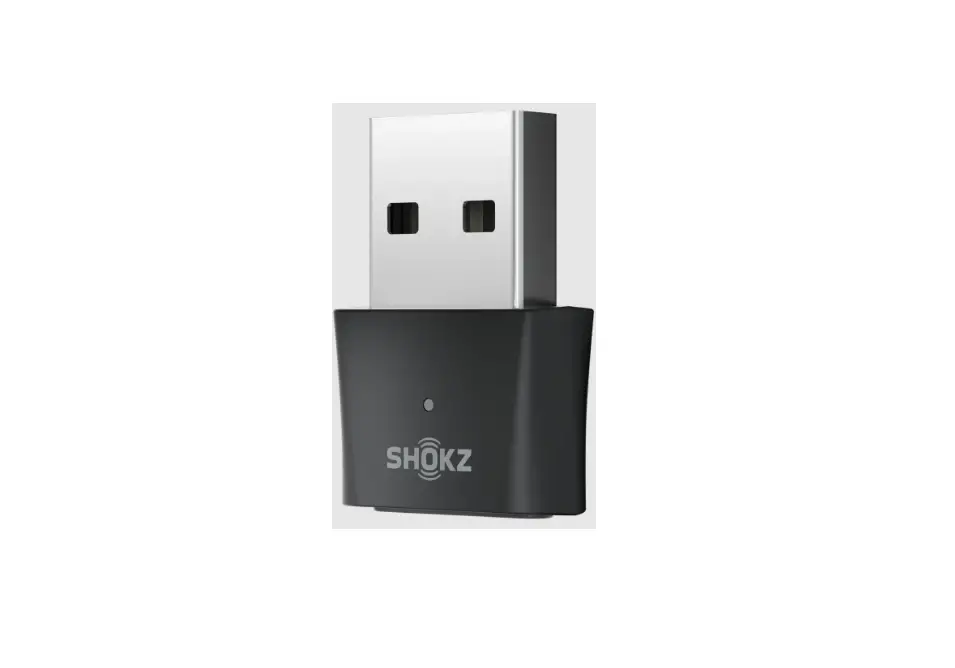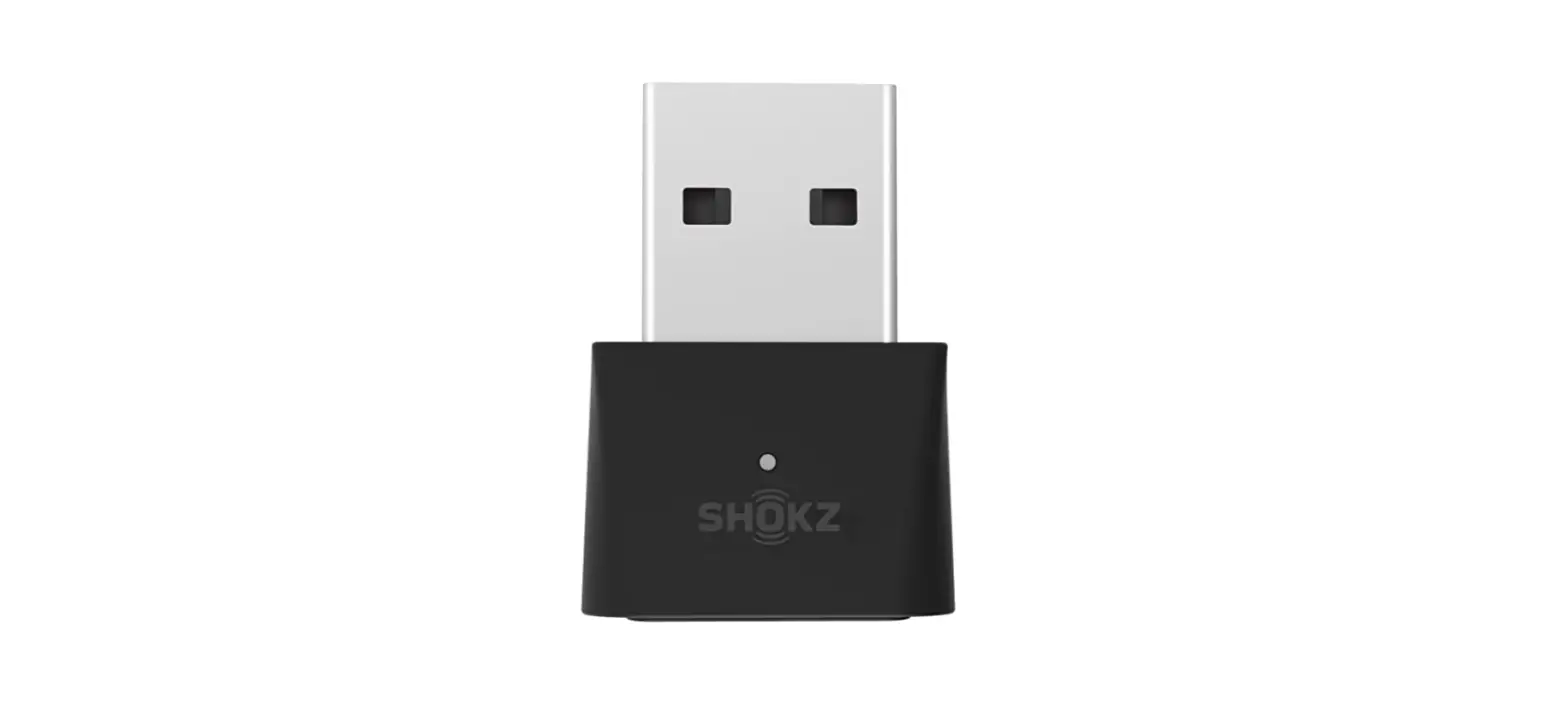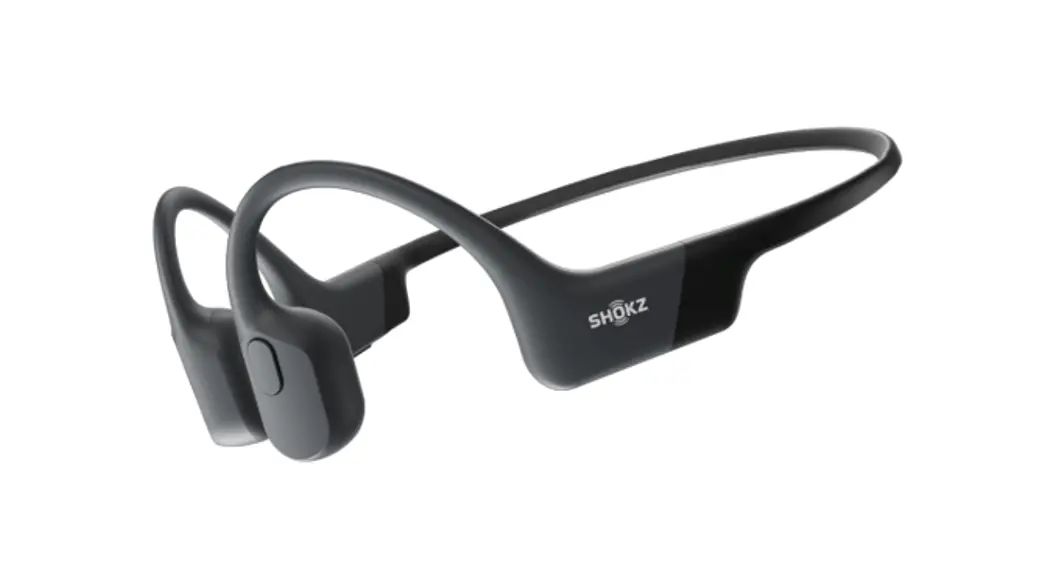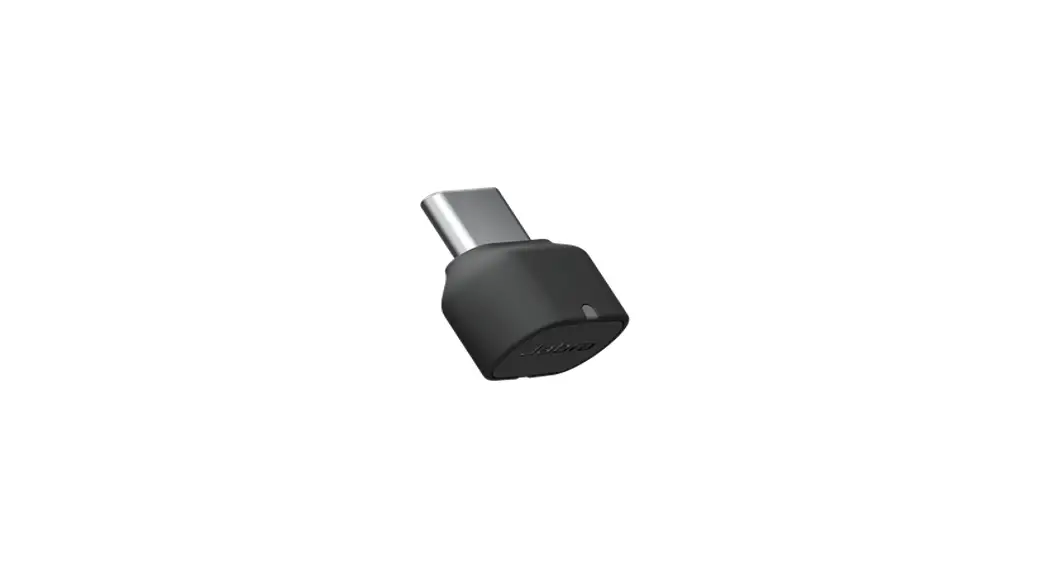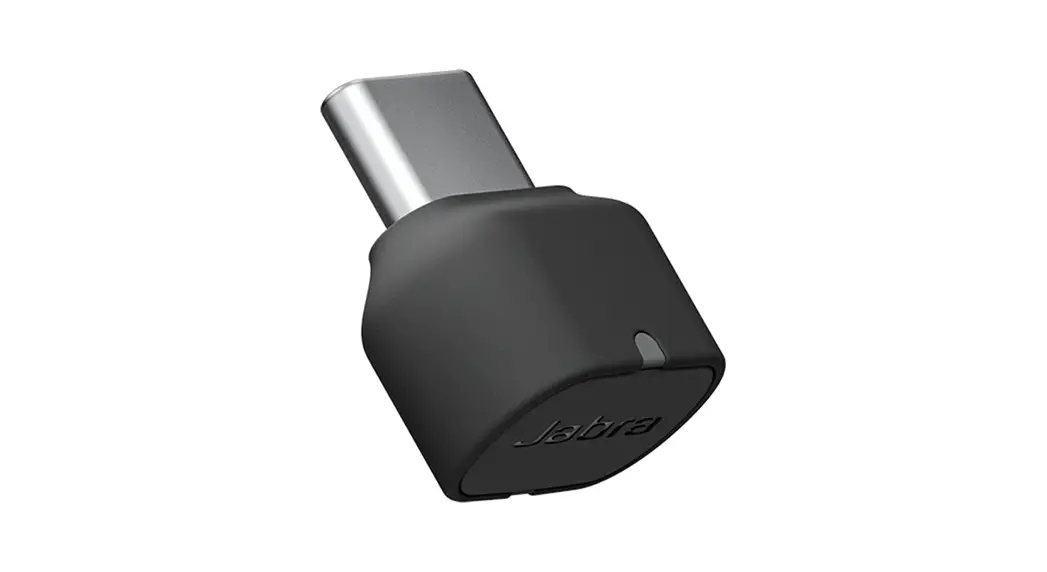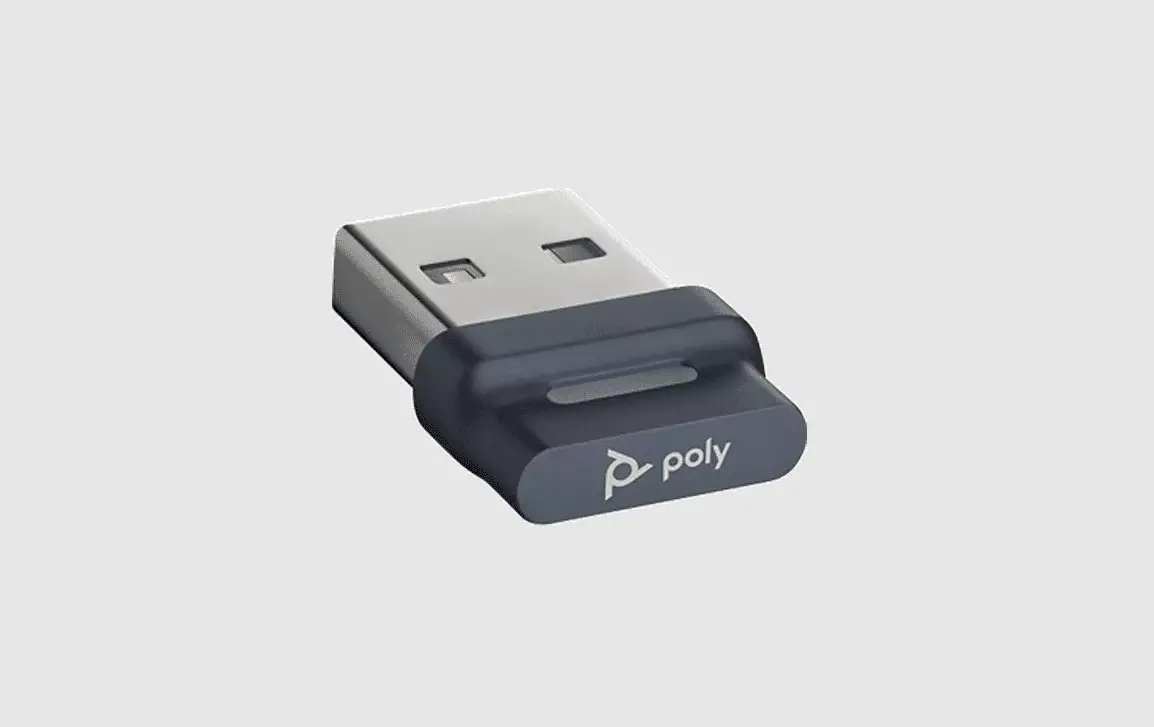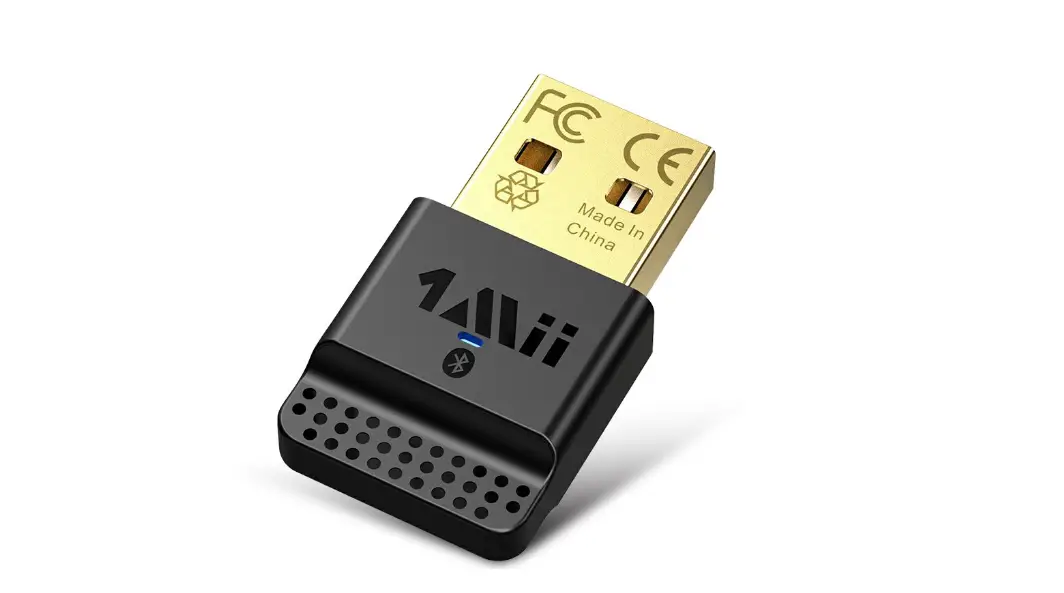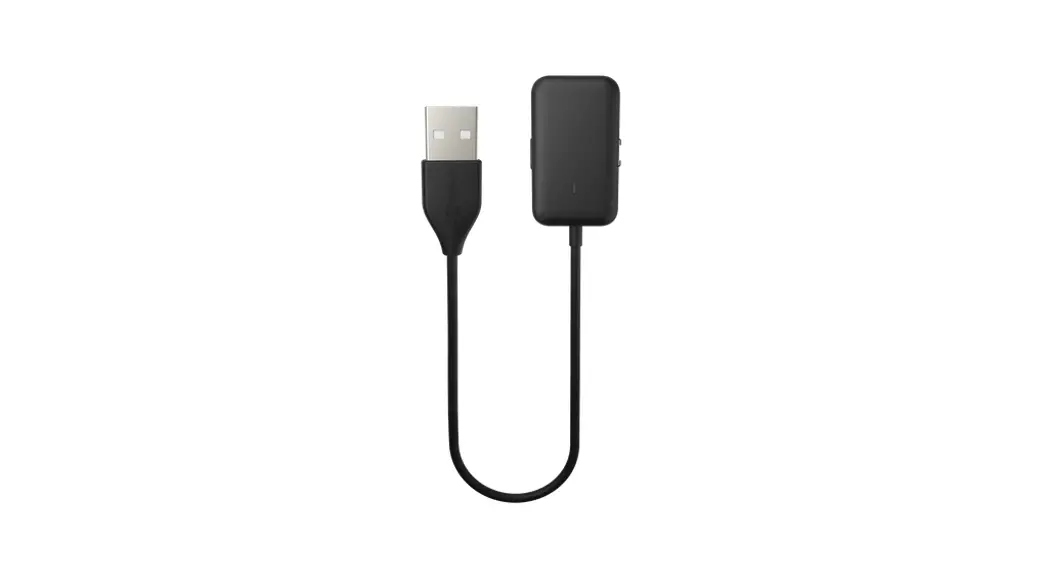
 Shokz Loop110 USB-A/USB-C Bluetooth® Adapter
QUICK START
8000500190(A0)
Model CL110A, CL111A, CL112A CL110C, CL111C, CL112C
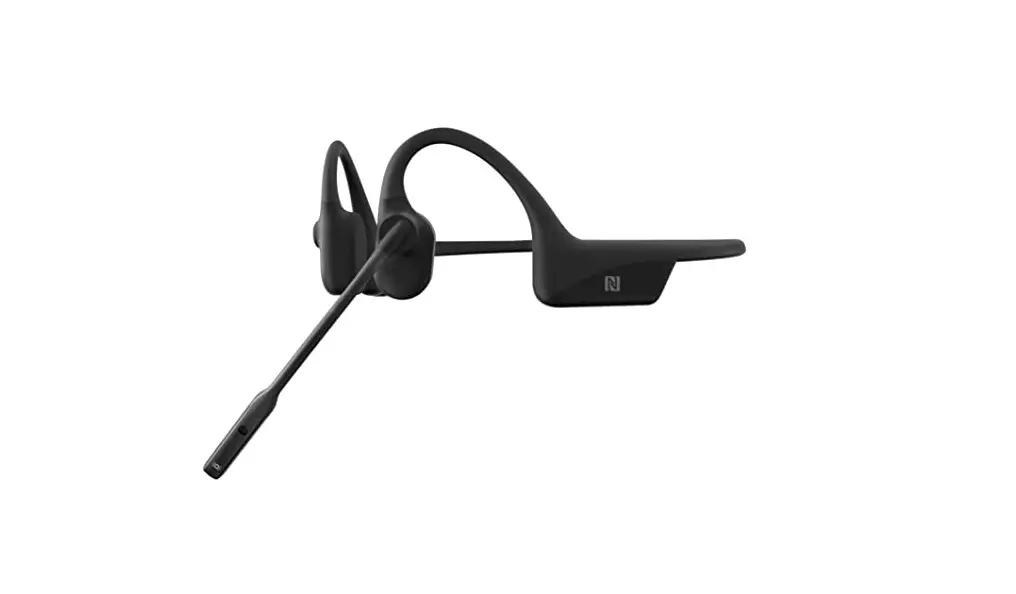
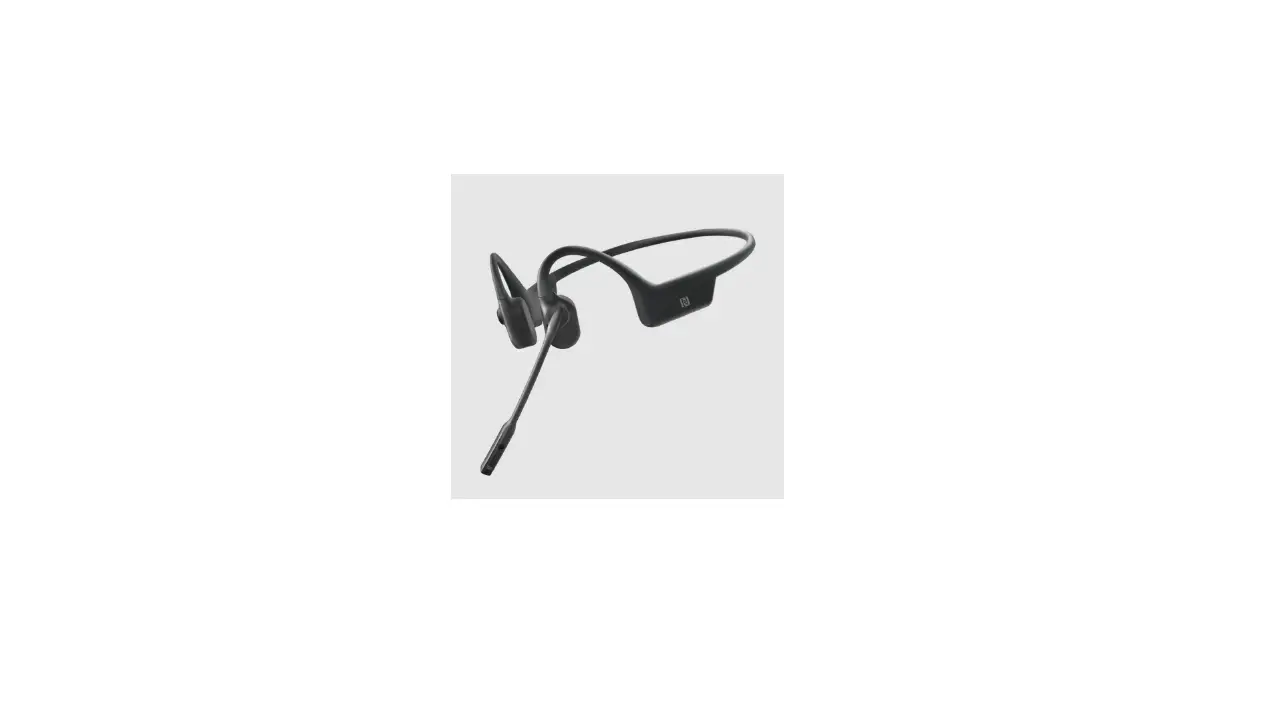
*Compatible products: OpenComm, OpenComm UC
Pairing
- Start with OpenComm turned off.
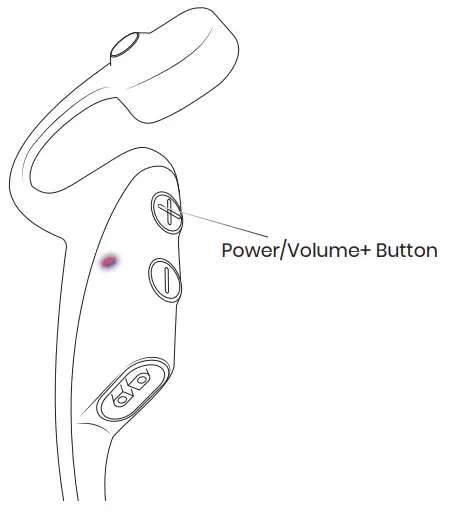
Press and hold the Volume+ button until the LED Indicator flashes red and blue.
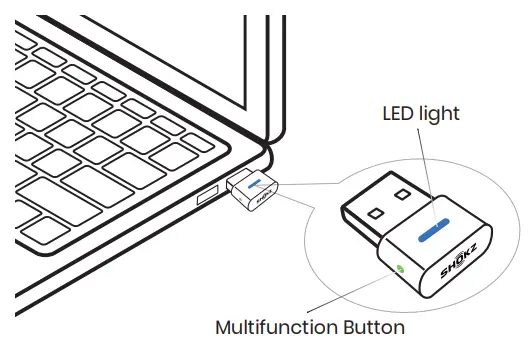
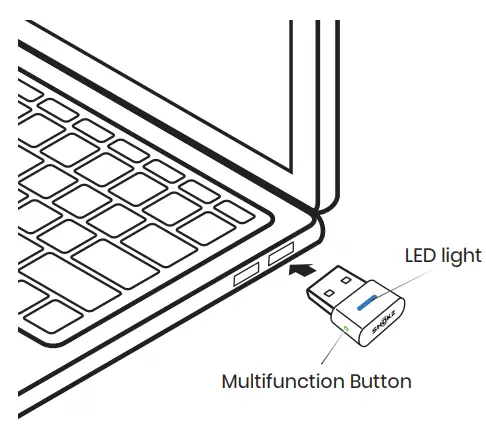
- Plug the USB adapter into a USB port on your PC.
The LED will flash blue rapidly. - Connection is established when Audrey says “Connected” or beeps, and the LED on the USB adapter is solid blue.

Configure
To play music or take calls on the headset, please ensure that “Shokz Loop110” is both identified as the default input and output devices in your operating system’s audio settings.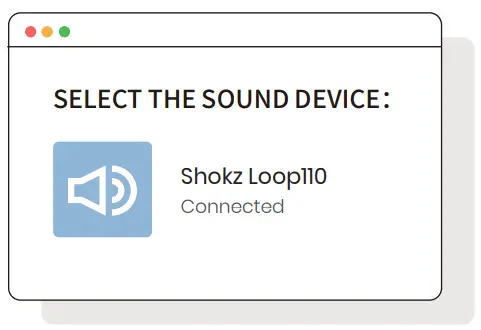
Pair to a headset:
Press and hold for 2 seconds
LED: Flashes blue rapidly
Reconnect to the last connected headset:
Click once
LED: Flashes blue every second