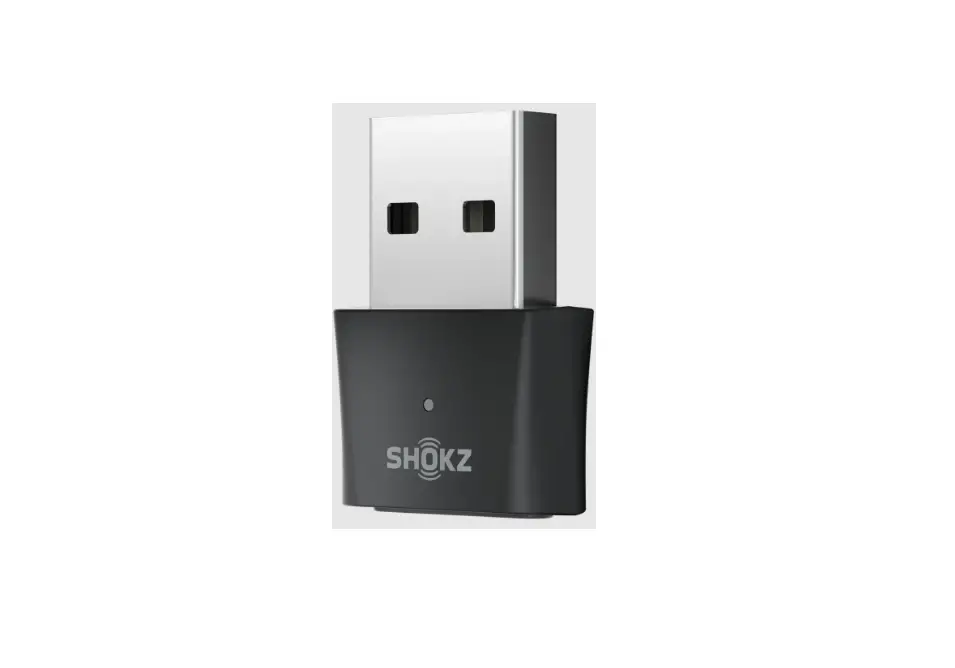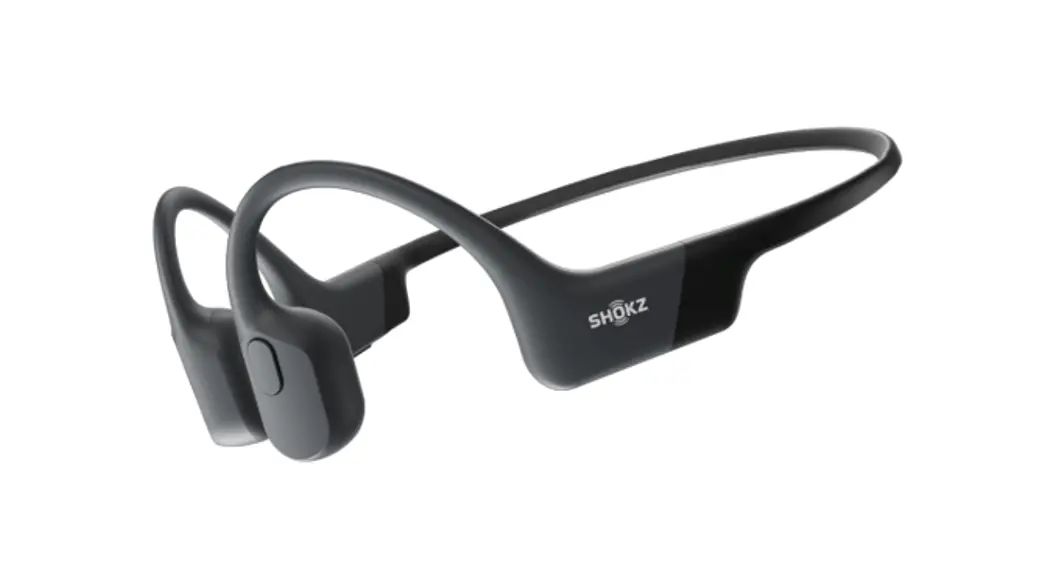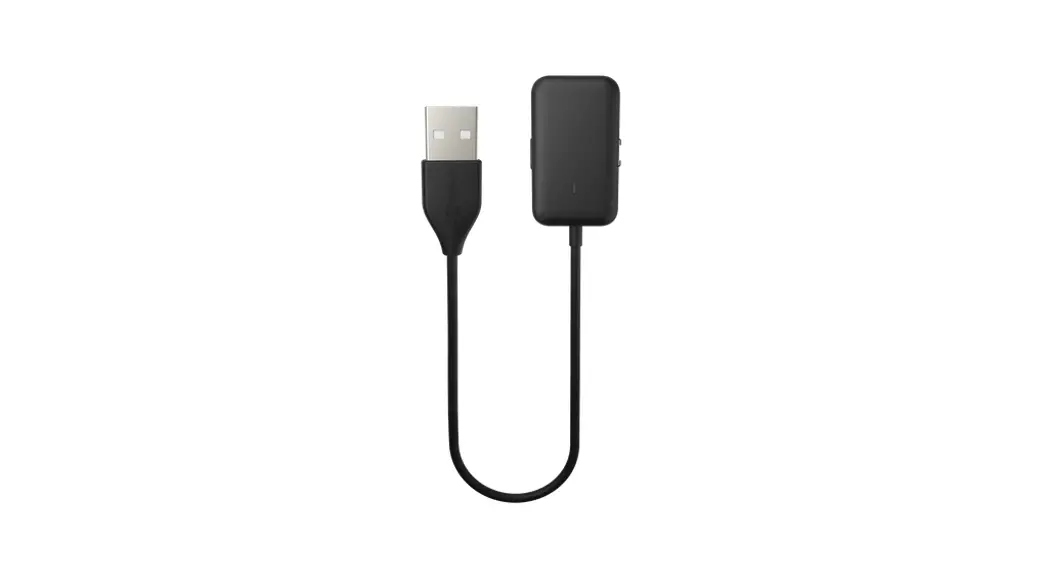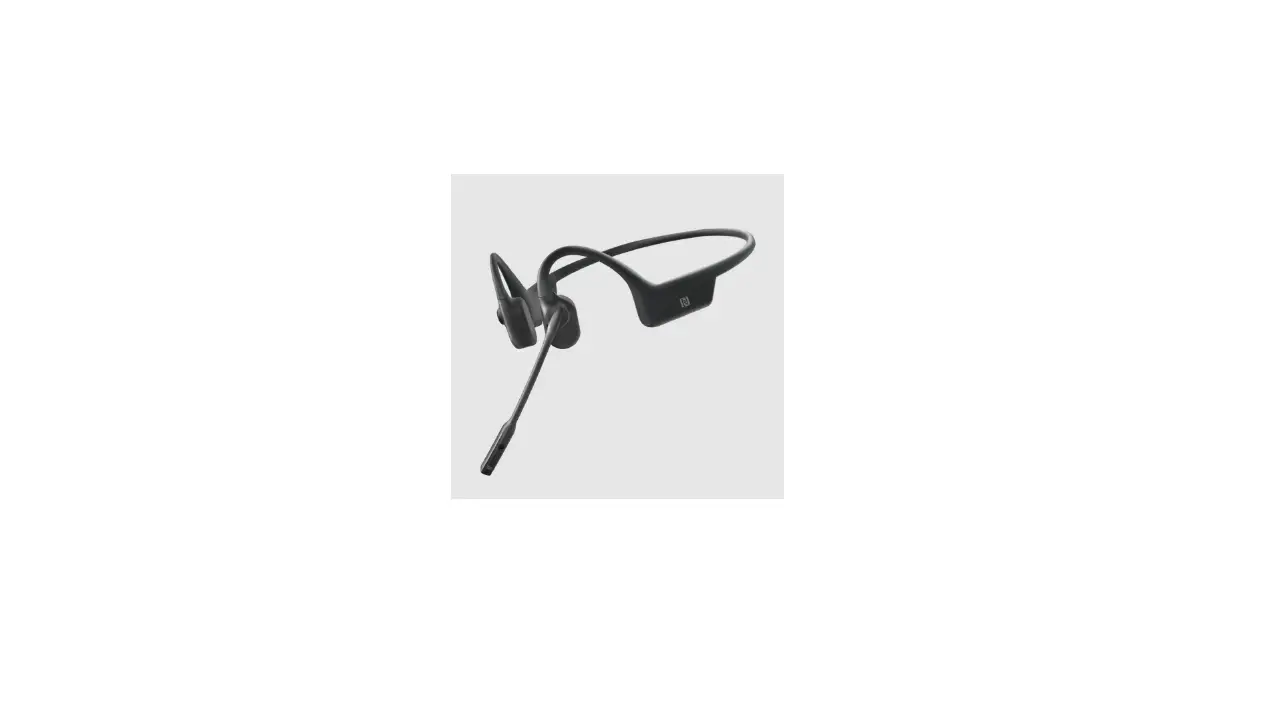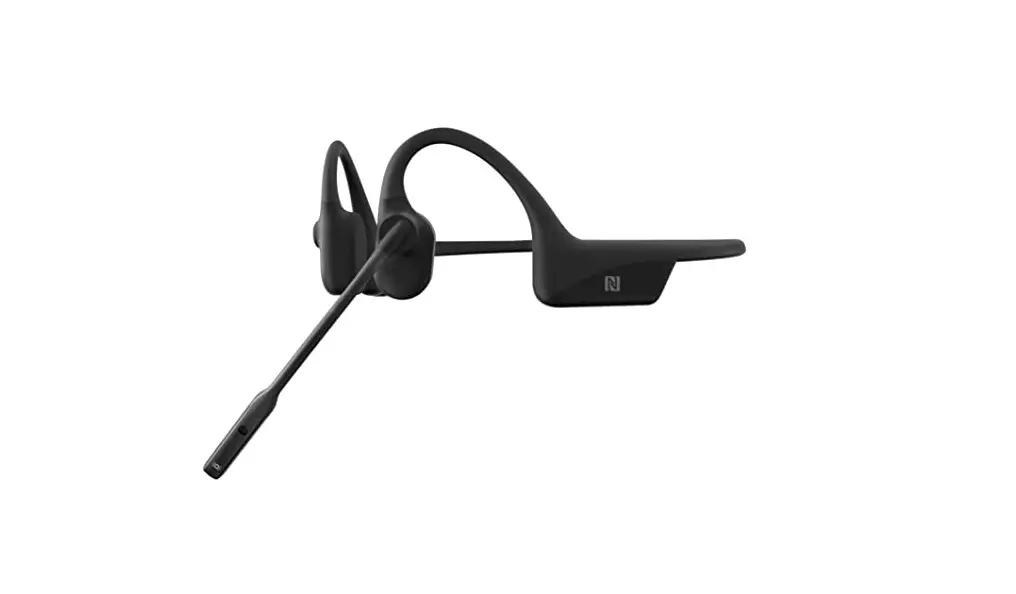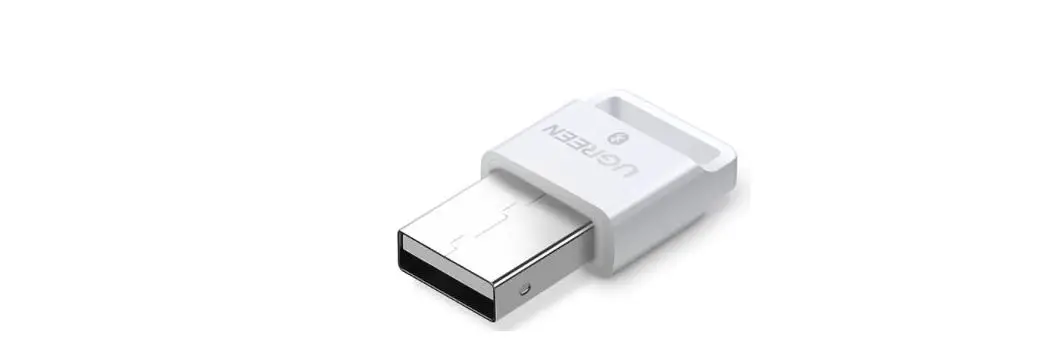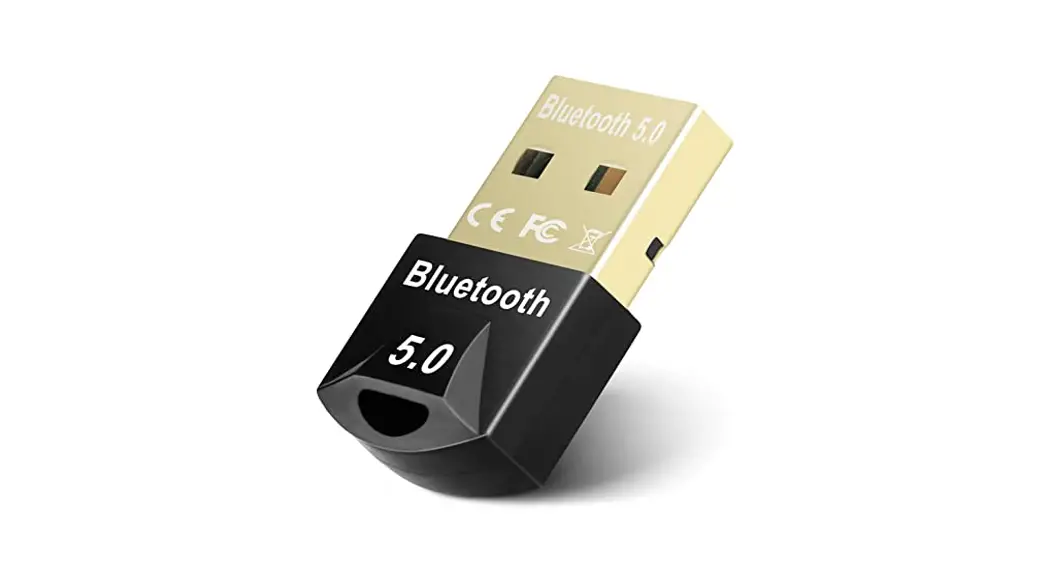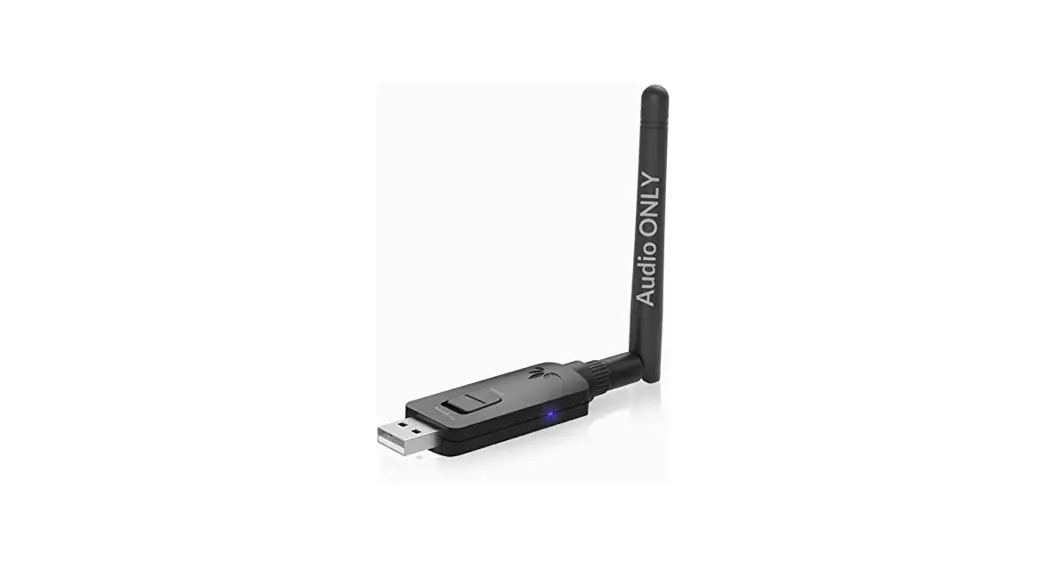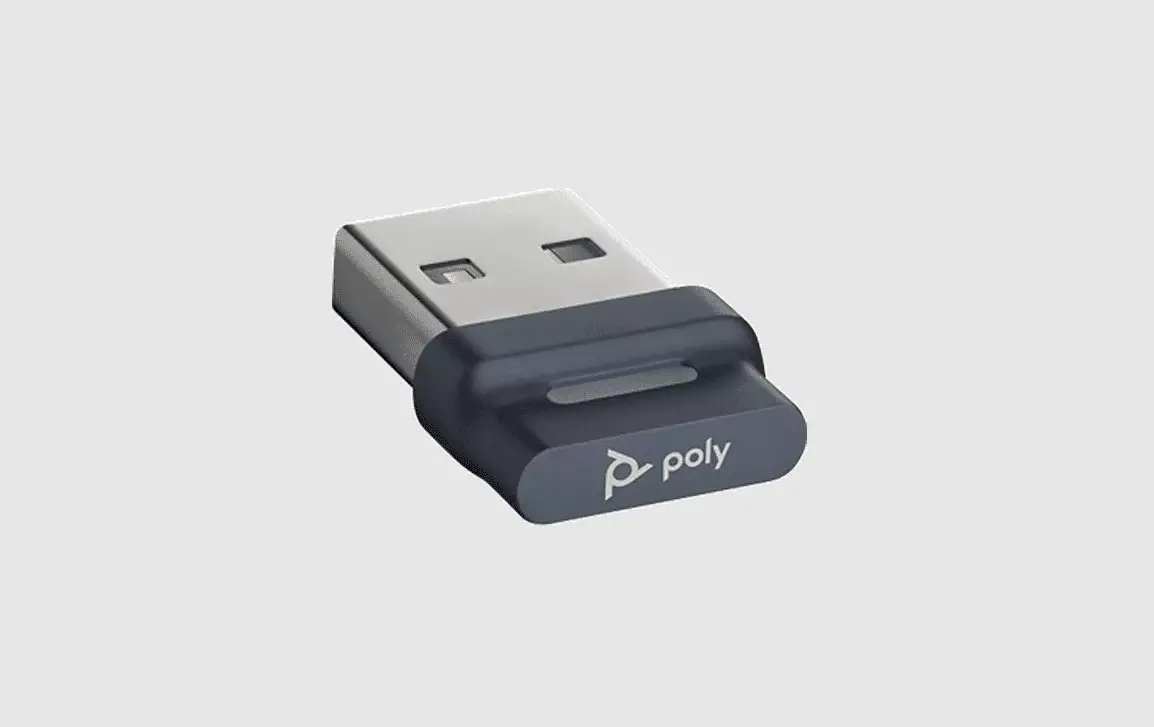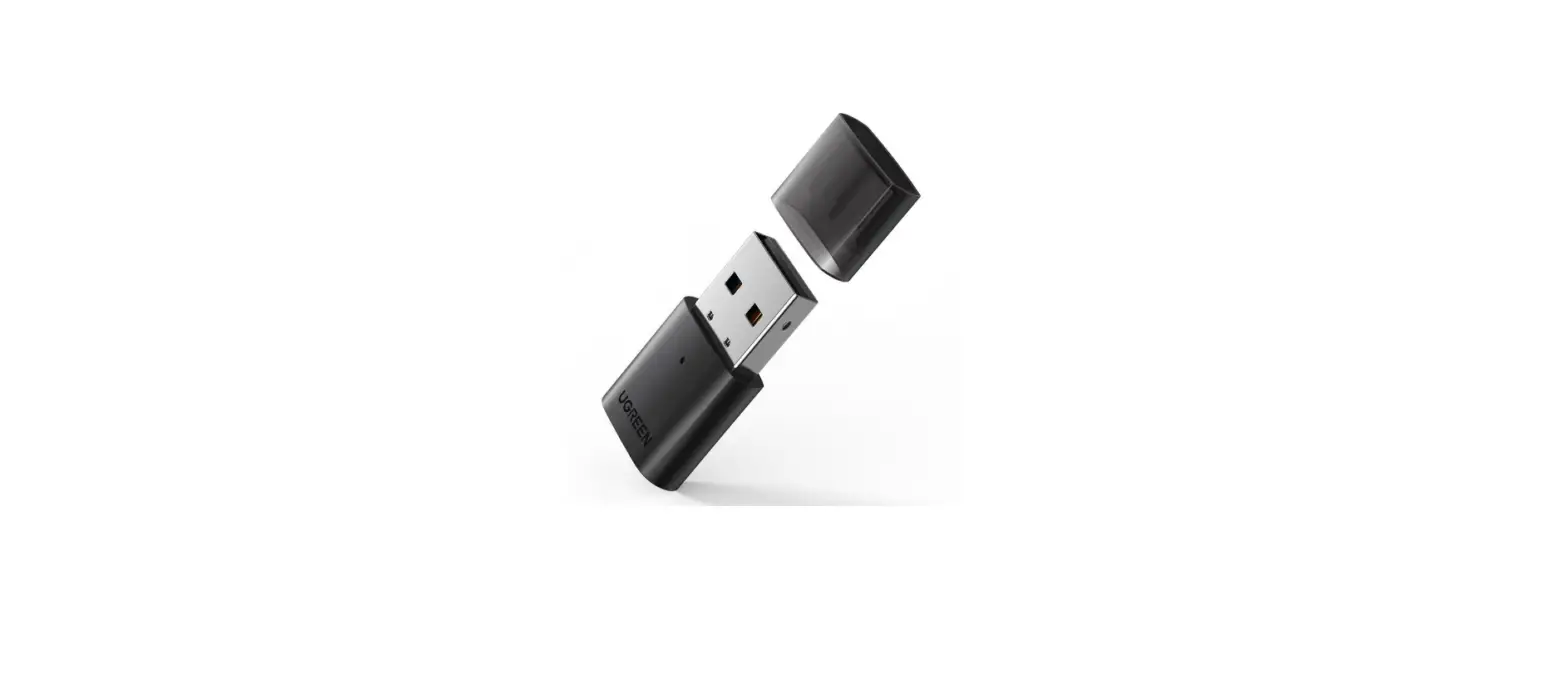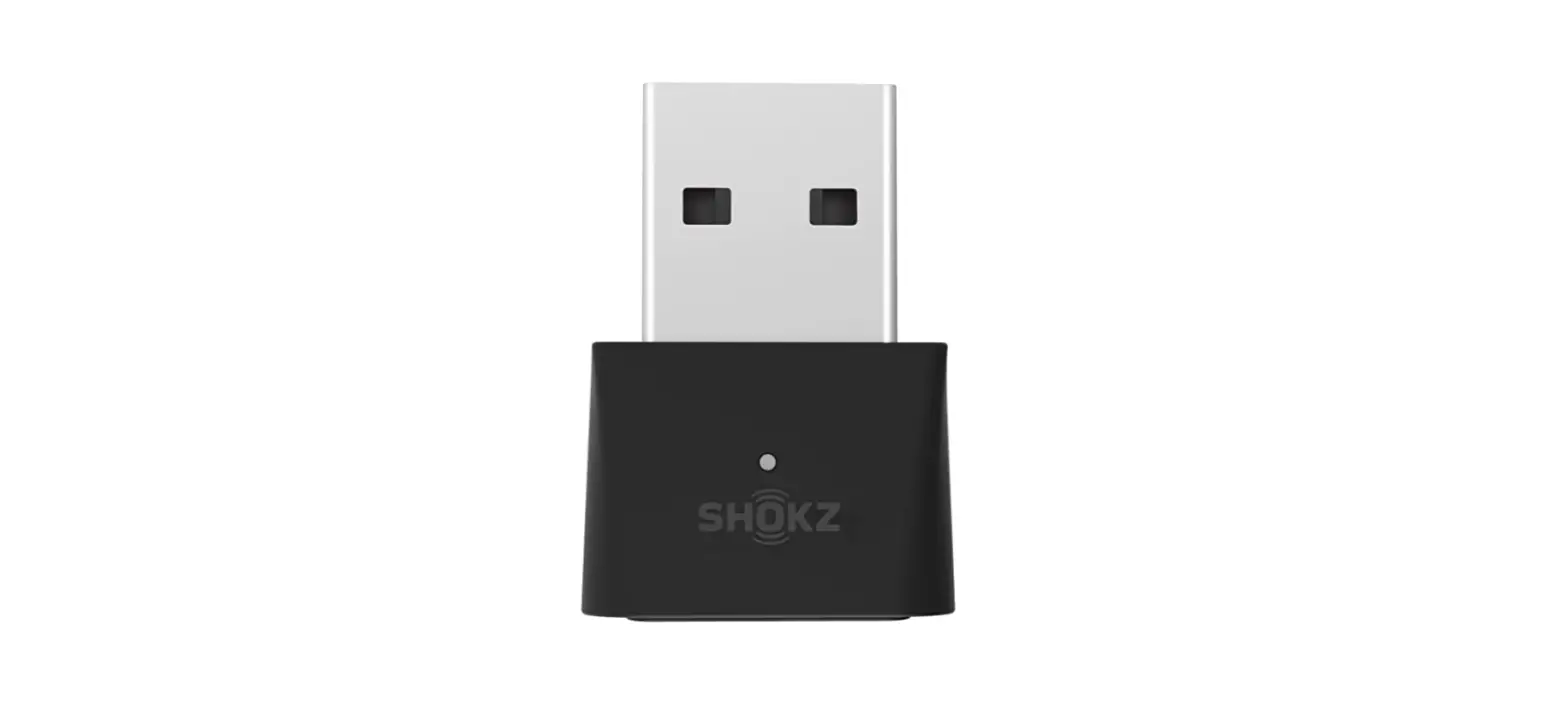

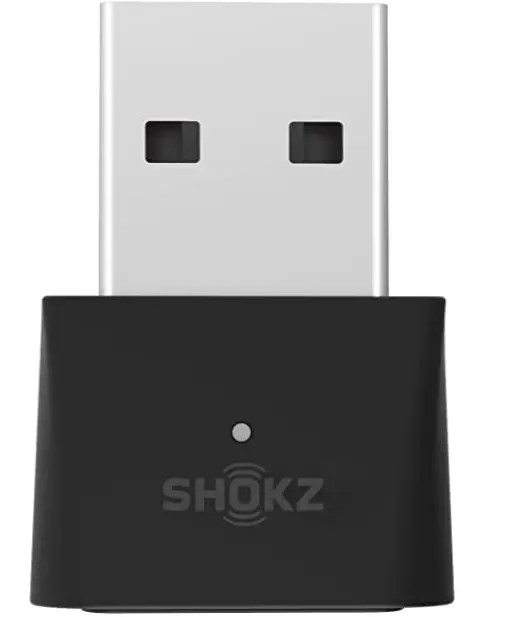
SHOKZ CL101A Loop100 USB-A Bluetooth Wireless Adapter
Pairing
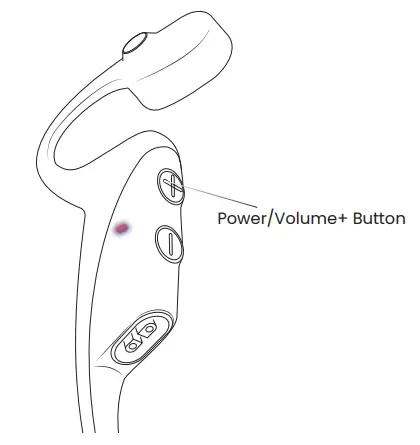
- Start with OpenComm turned off. Press and hold the Volume+ button until the LED Indicator flashes red and blue.

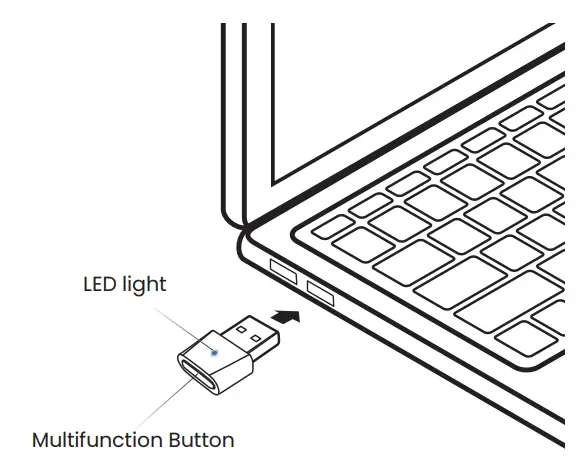
- Plug the USB adapter into a USB port on your PC. The LED will flash blue rapidly.

- Connection is established when Audrey says “Connected” or beeps, and the LED on the USB adapter is solid blue.