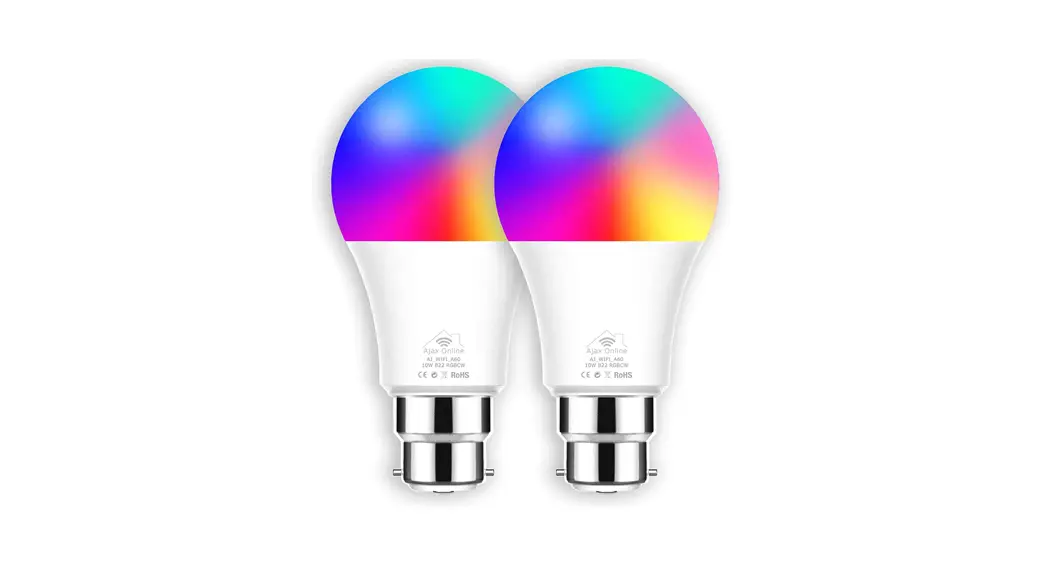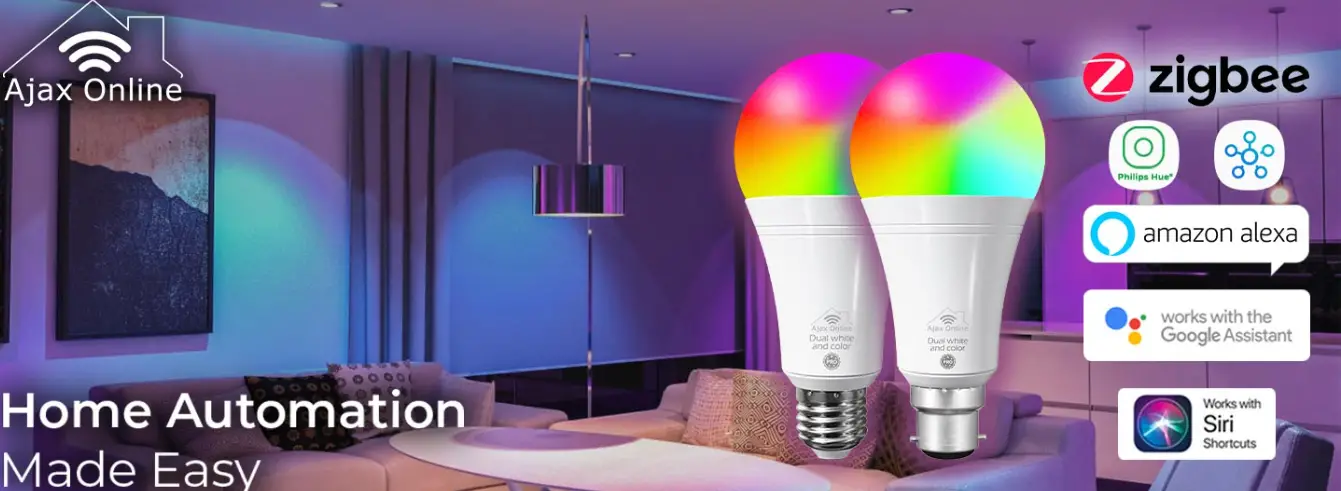

Ajax Online Zigbee Lights for Pairing with Philips Hue Bridge
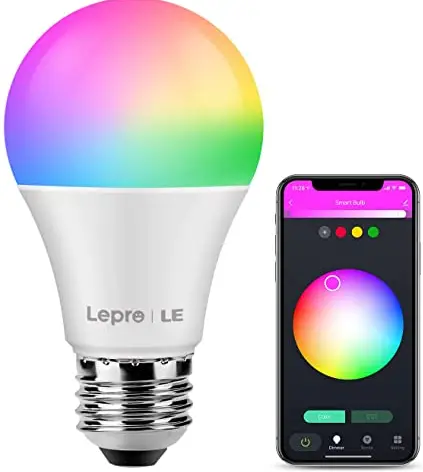
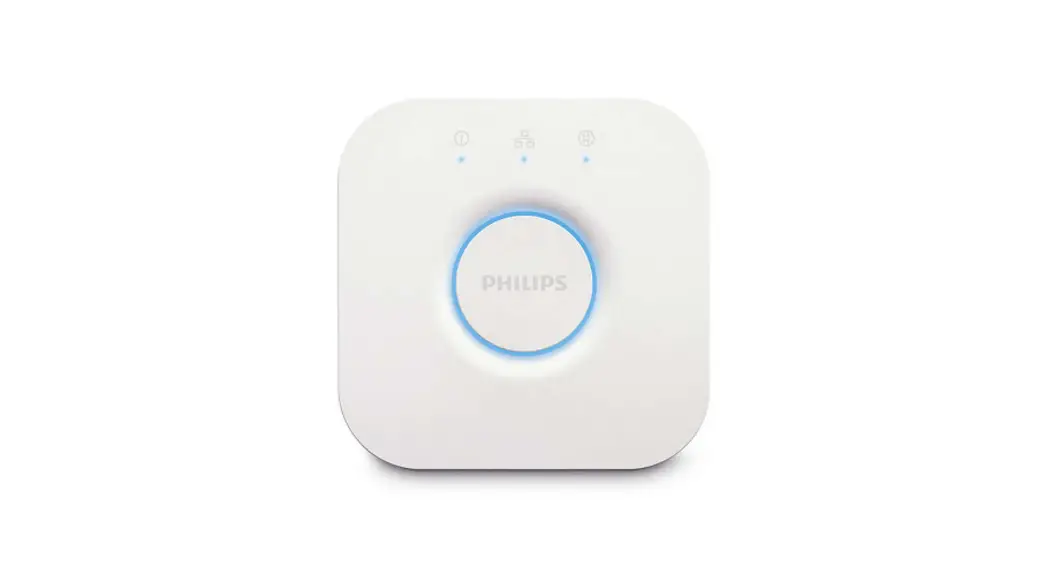
Instructions for pairing with Philips Hue Bridge
IMPORTANT
Please do not power the LED controller & lights yet. Please follow the instructions.
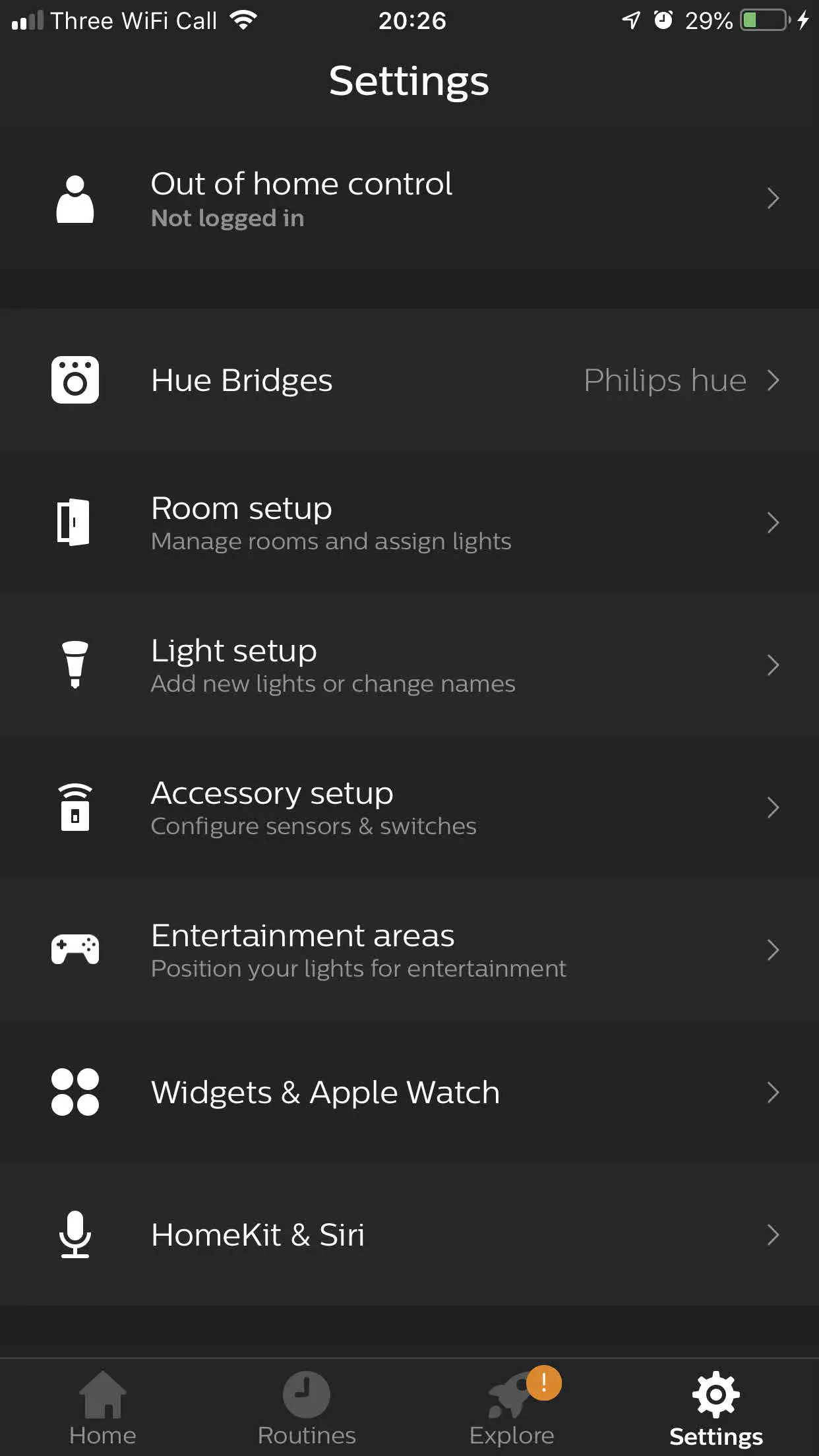
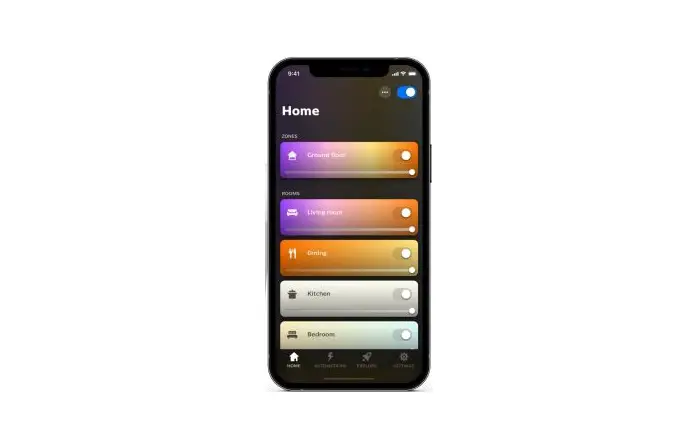
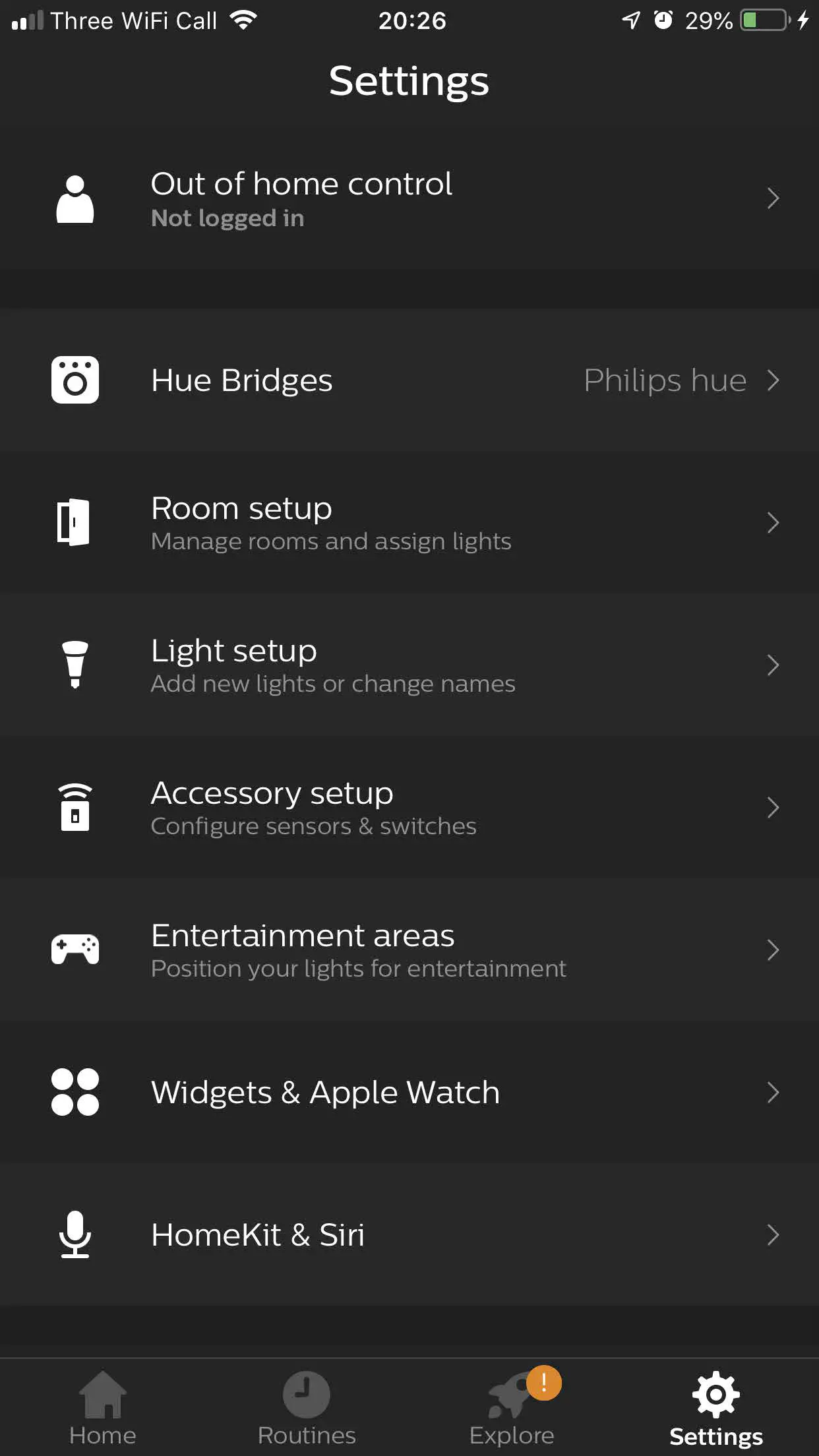
- Open the Hue App and press Settings.


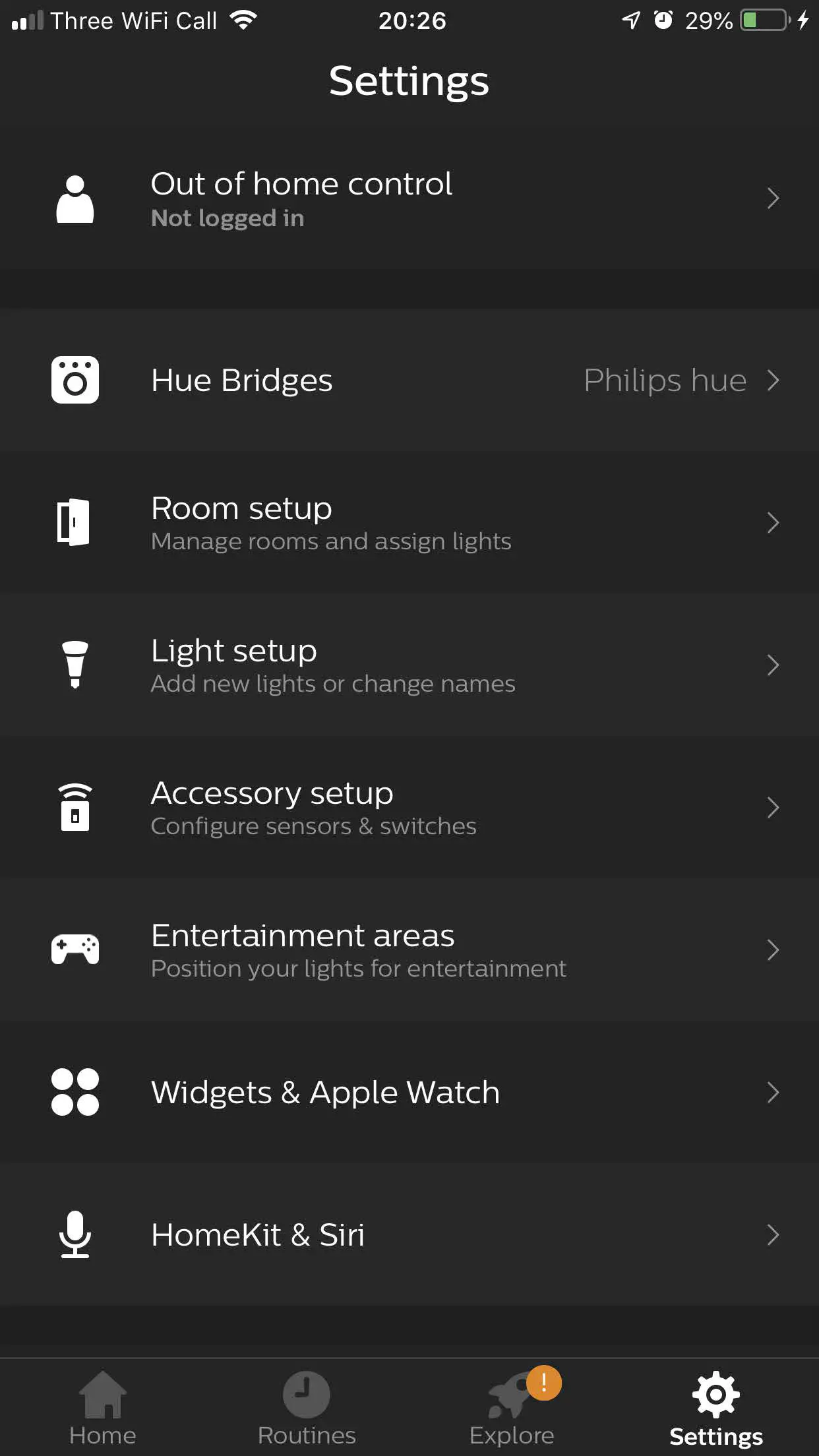
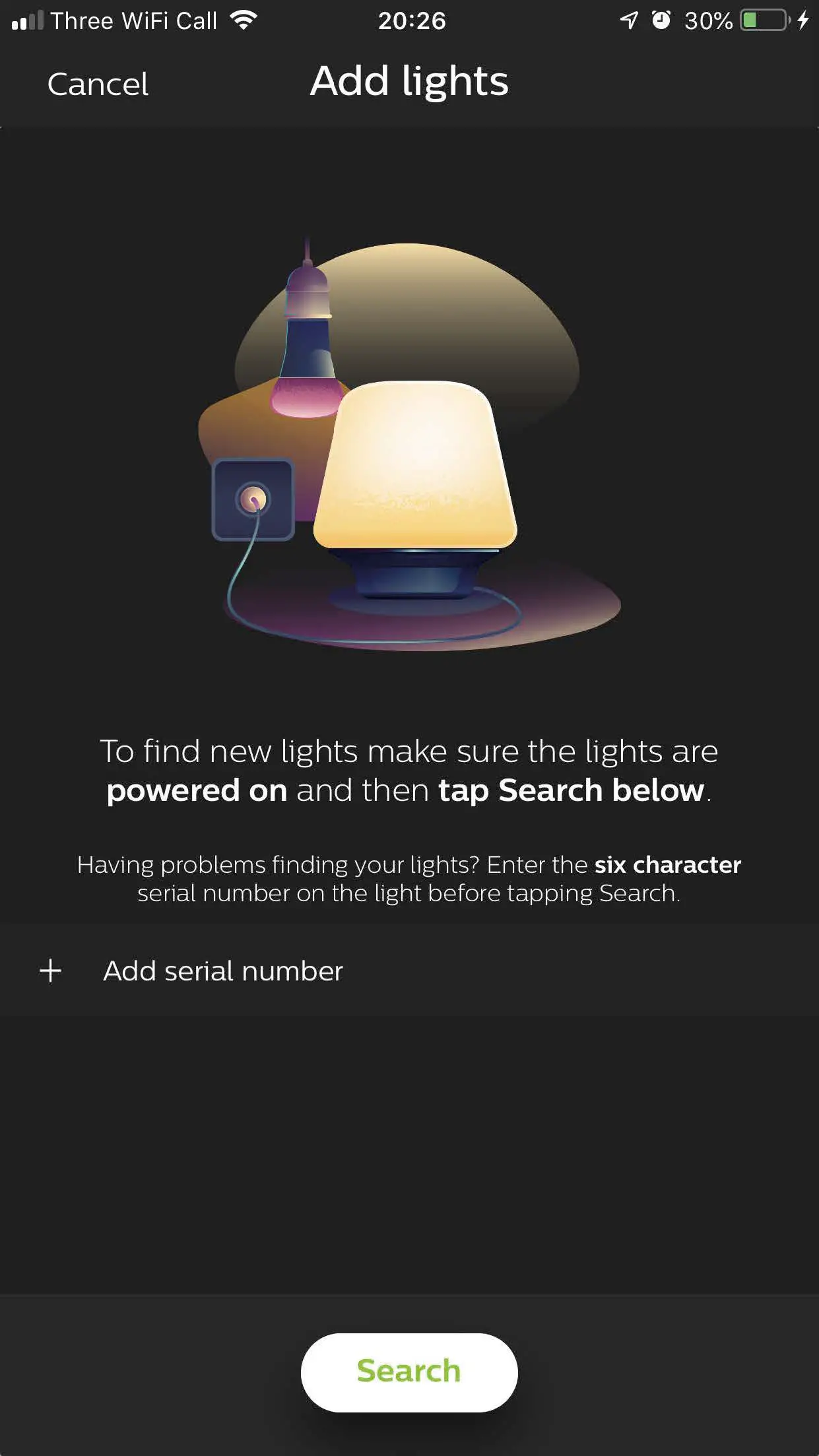
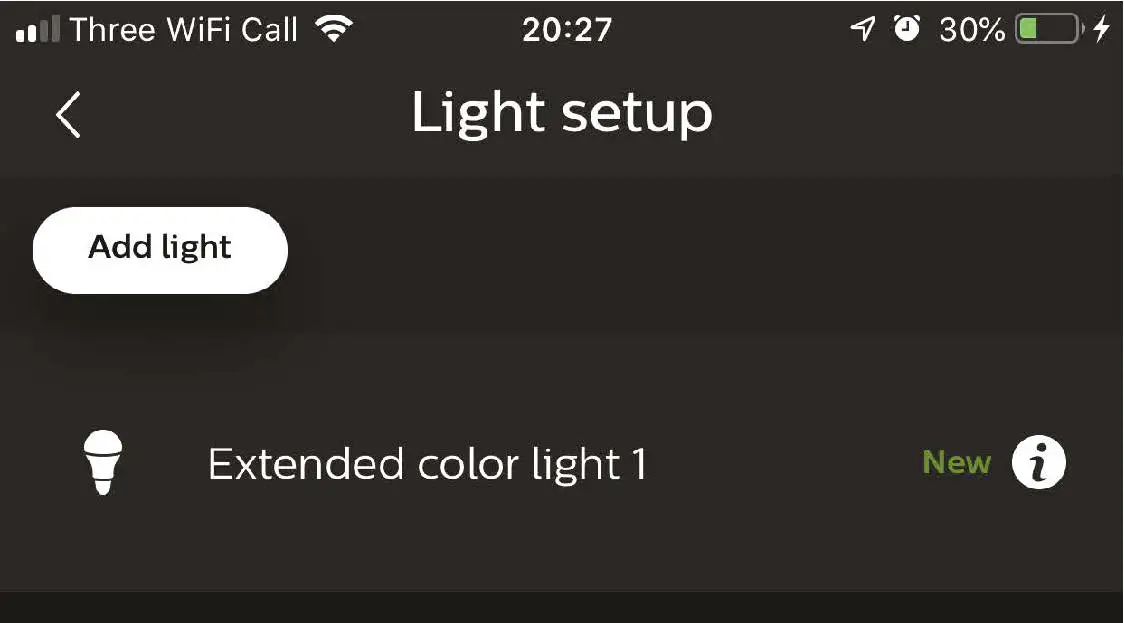
- Select Light setup and select “Add Lights”

- Firstly select “Search”. Then connect the LED controller & strip to the mains and turn on power. The new light will show as “Extended color light”
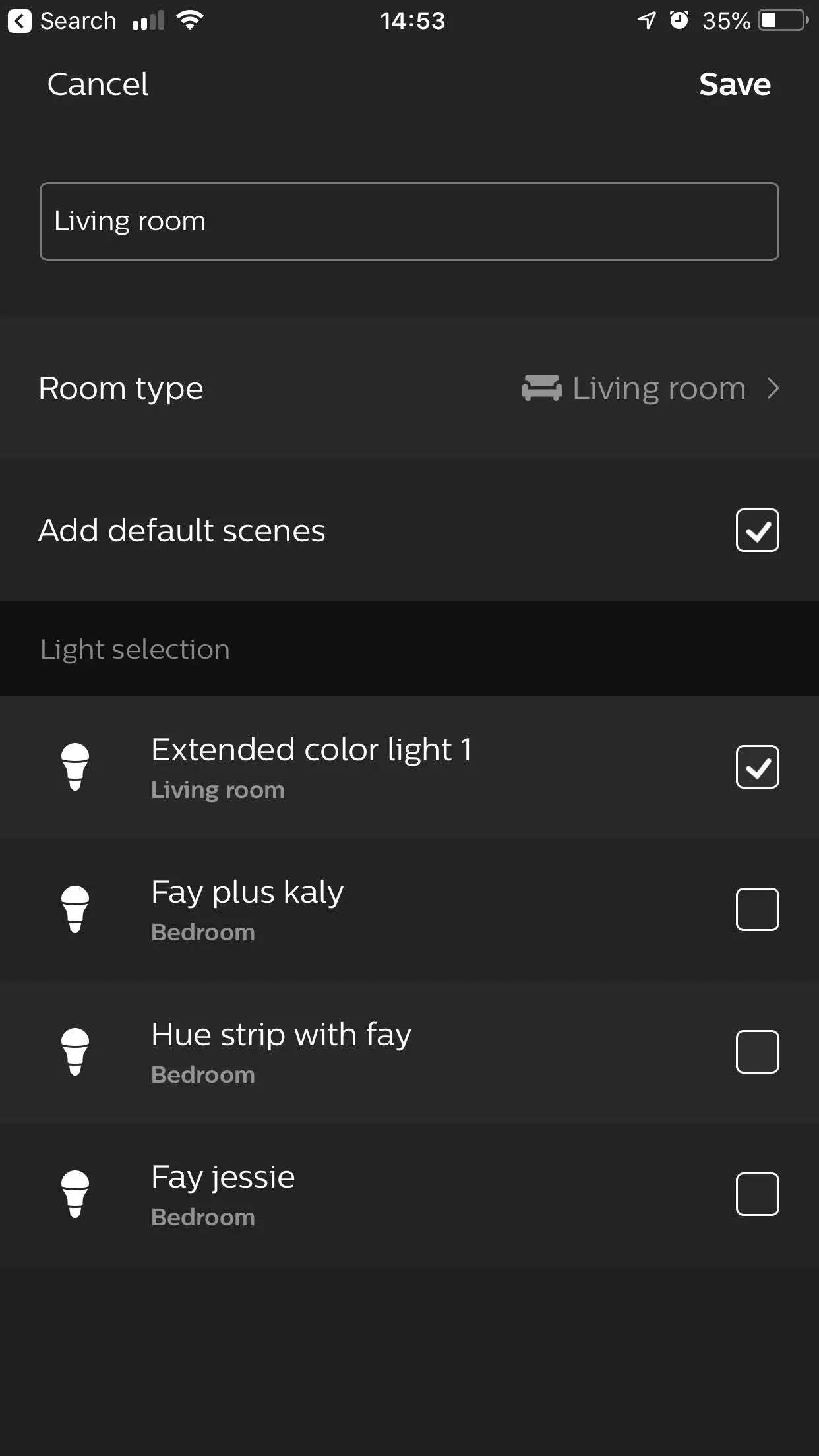
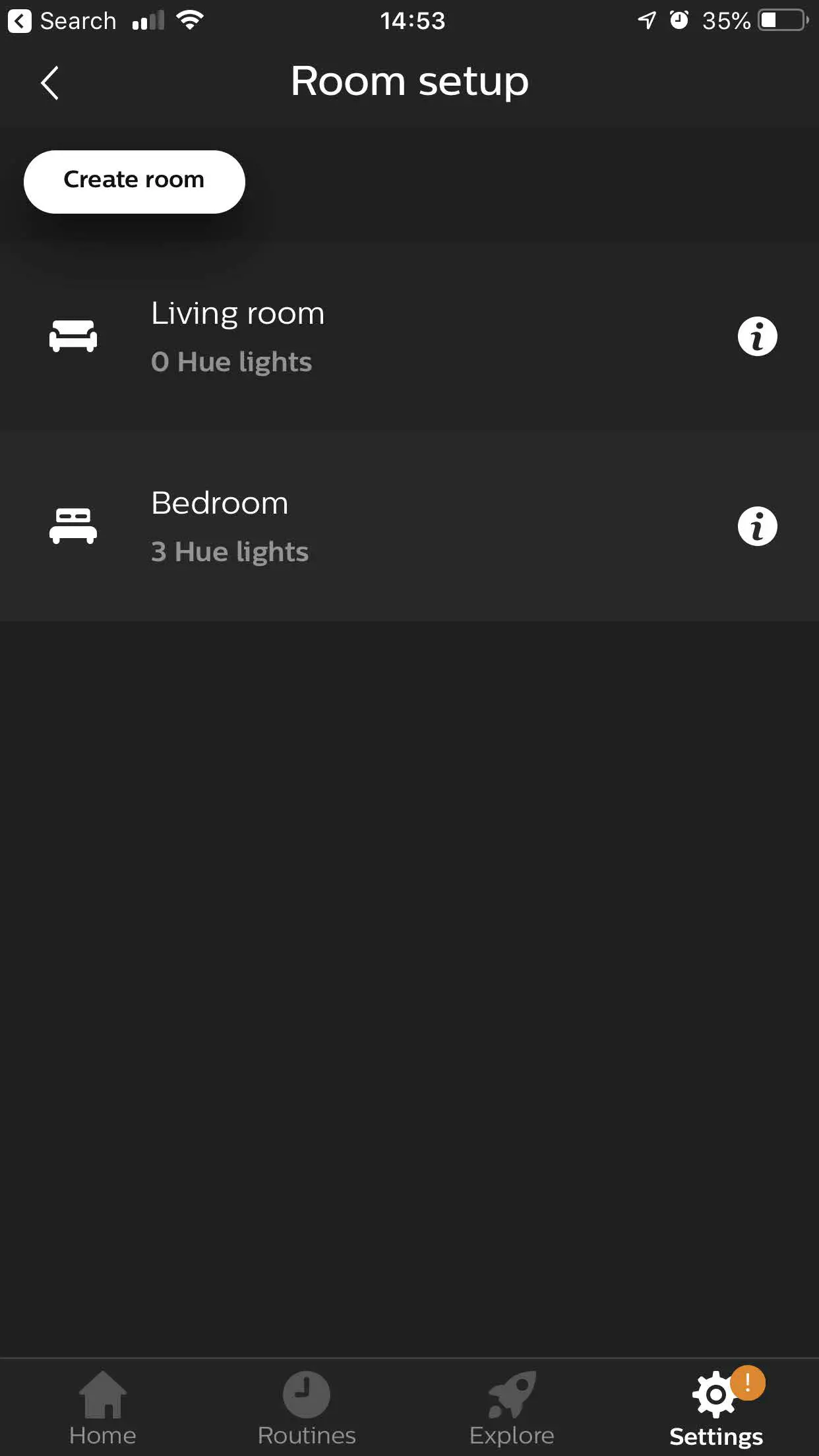
- Add to room via room setup
- Now create a room or add the newly discovered light to existing room*
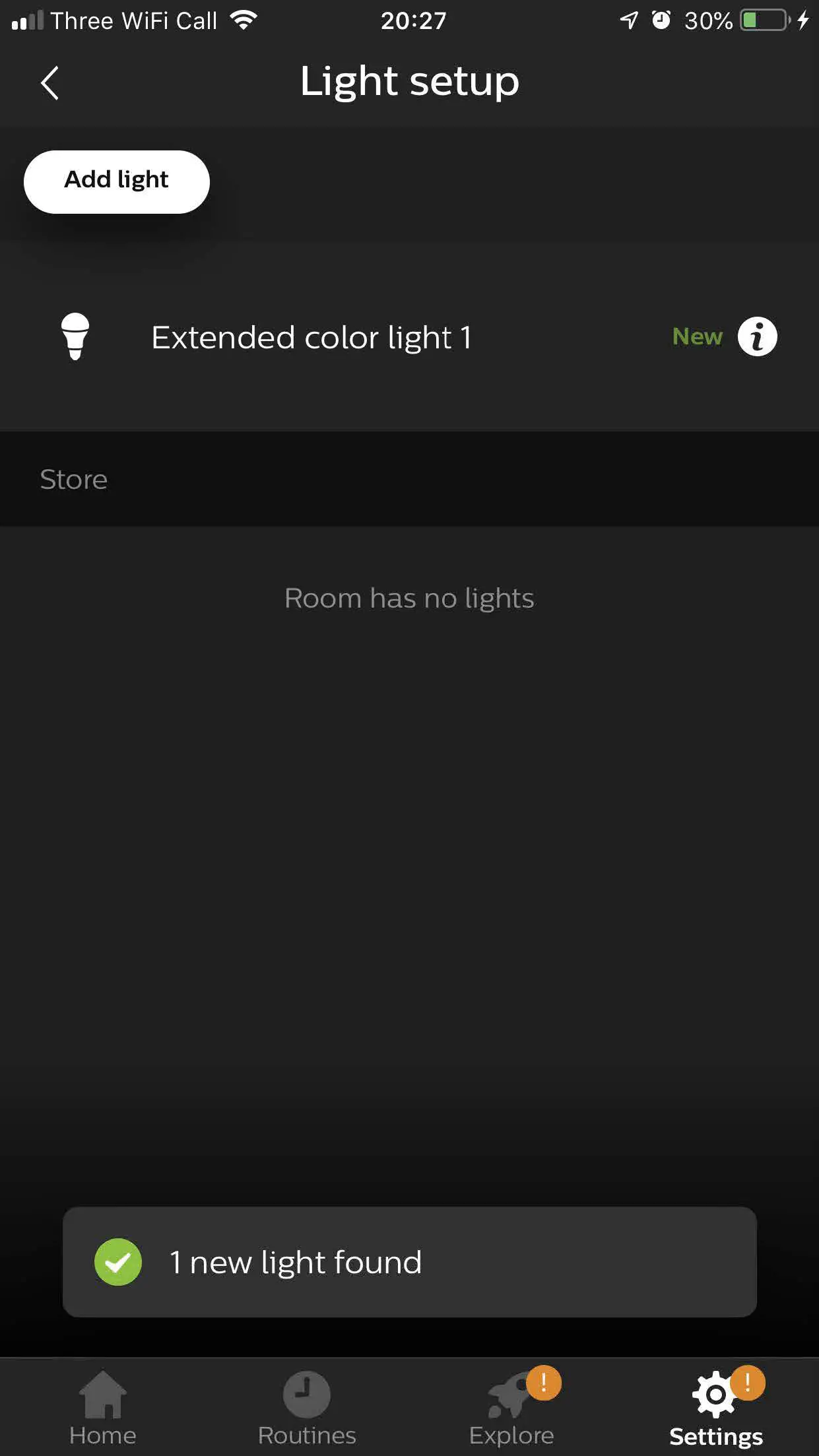
FACTORY RESET
- If this fails, reset the controller by: step 1 – plug in the LED strip
step 2 – wait for 5 secs (min)
step 3 – turn LED strip ON/OFF 5 times
reset will be confirmed when LED strip will flash in various colors.
 Smart Home Automation - Ajax Online - Make your Home Smarter