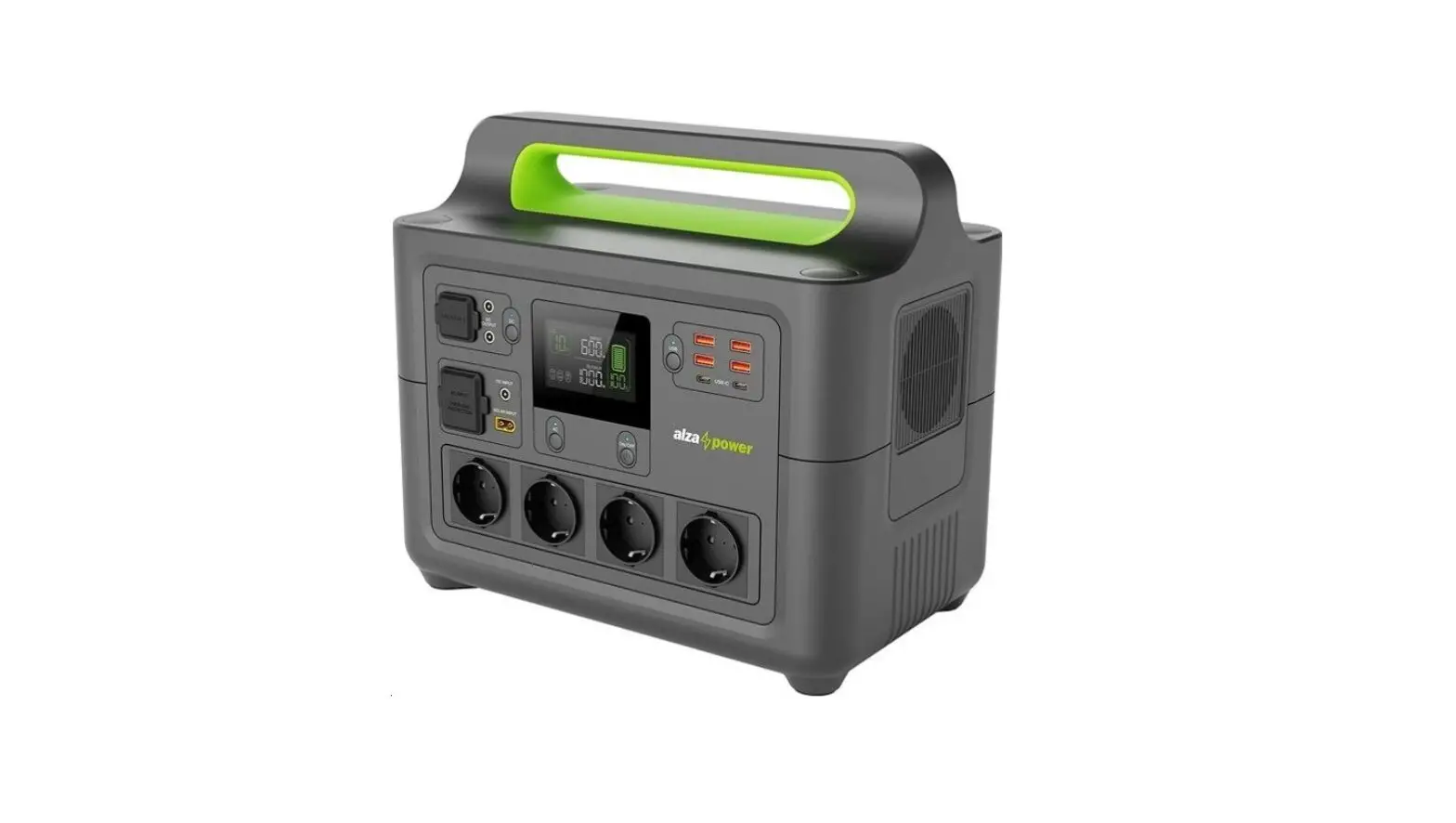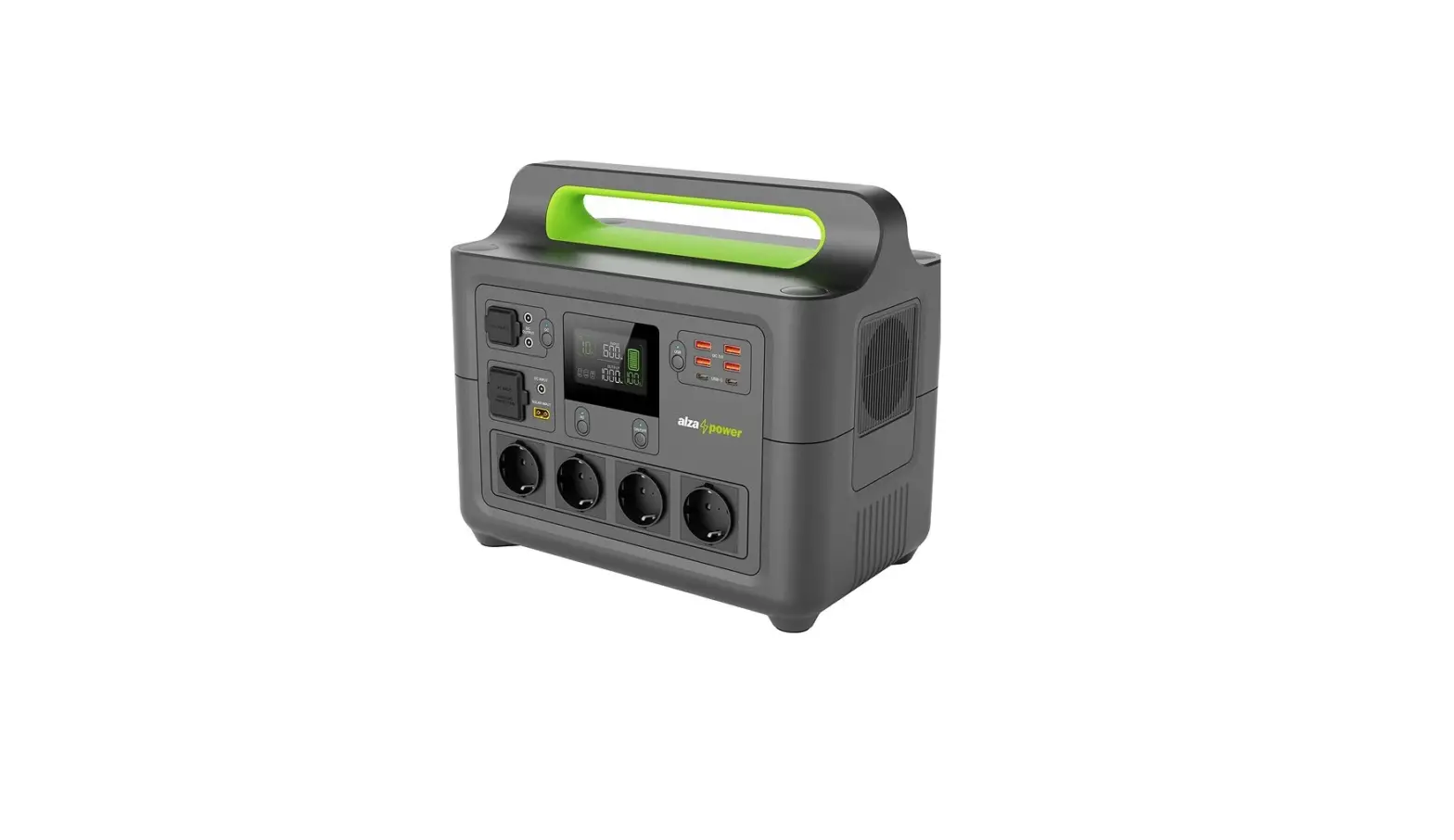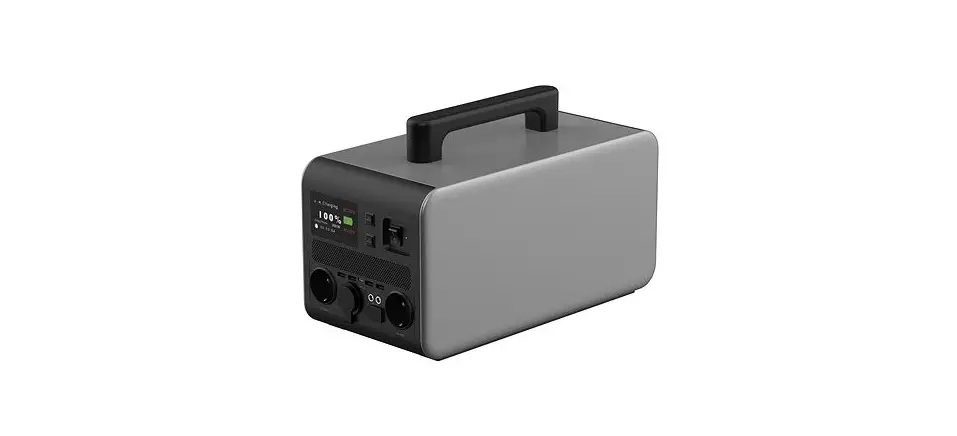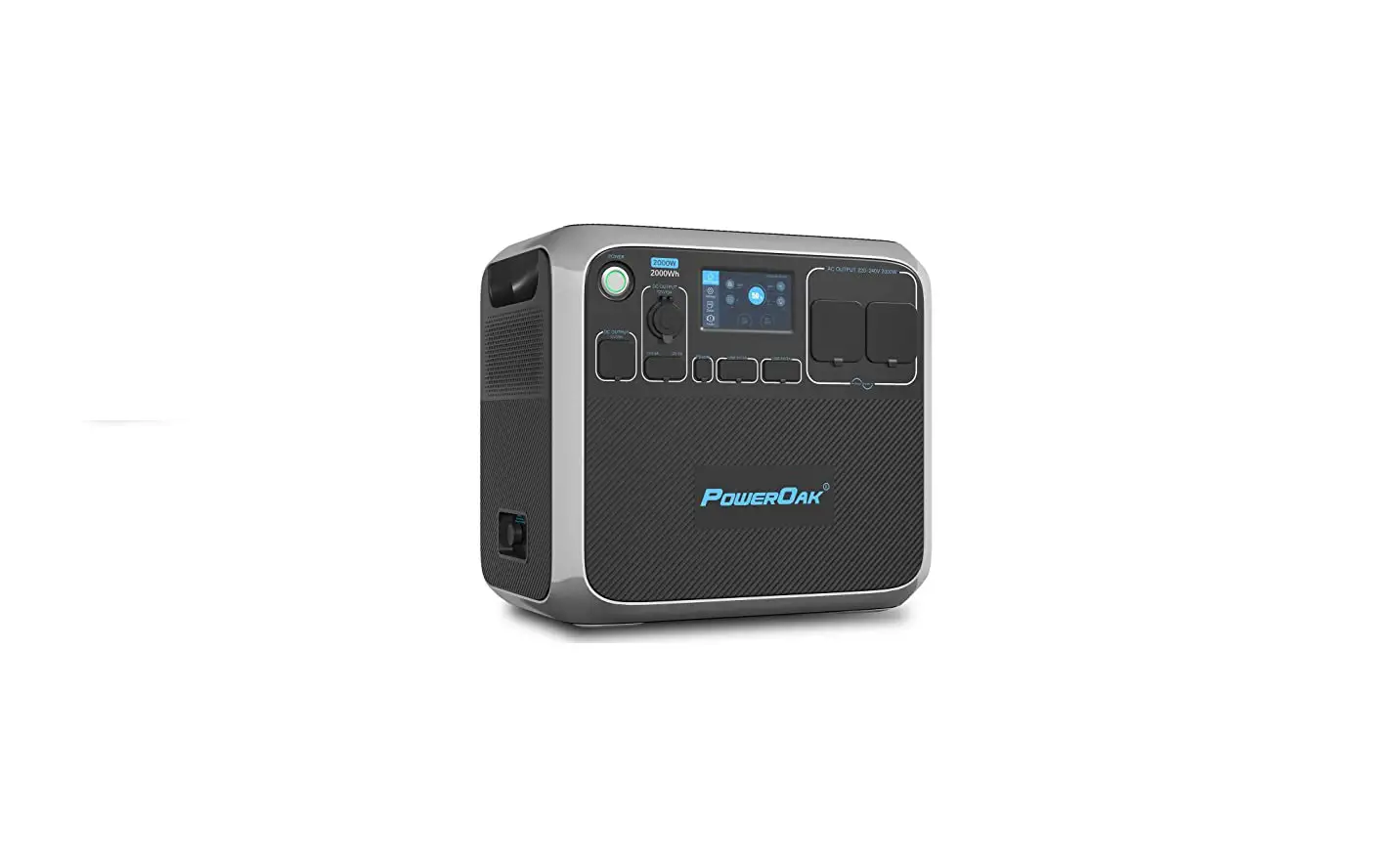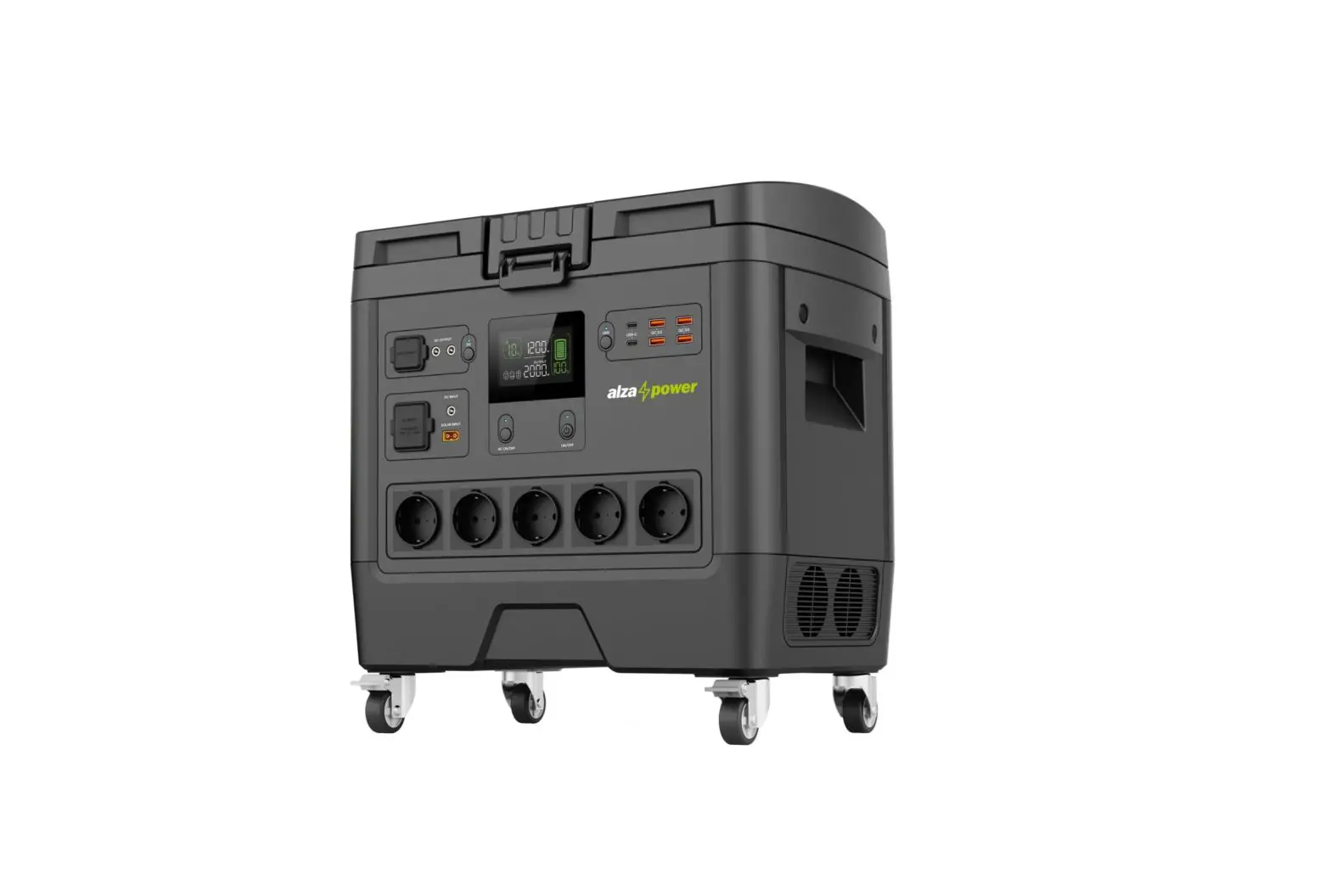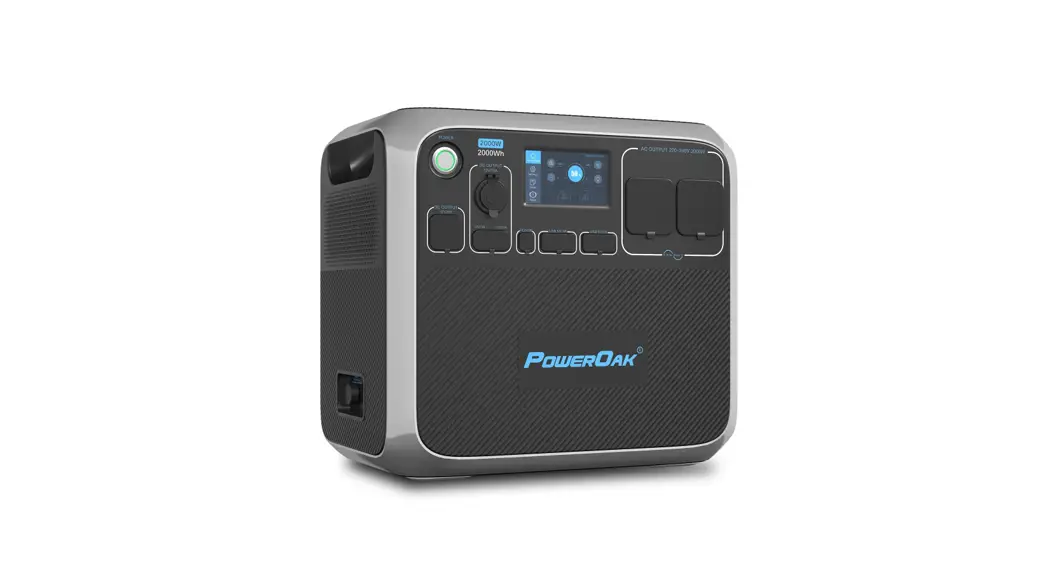
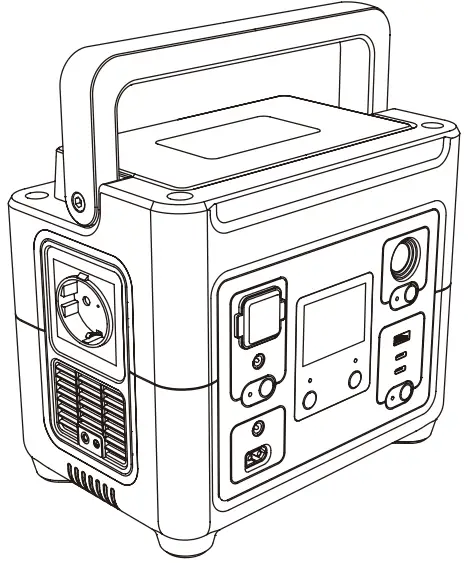
alza power APW-PS200 Portable Power Station
INTRODUCTION
THANK YOU FOR CHOOSING US!
We value your trust. We hope that you will be happy with our product, and as excited about it as we are. We try to offer products of the highest quality that satisfy even the most demanding requirements. If you are satisfied, it would make us very happy if you chose us again the next time you make a purchase.
We are environmentally conscious, therefore we use special eco-friendly packaging. Please recycle!
Recycling and Environmental Protection
We try to avoid using plastic packaging and film and only use them when they are absolutely necessary to protect the product. So how are we different?
Packaging you can eat… Well, almost. 🙂
 We use ink made from soybeans as opposed to classic petroleum-based ink. The majority of our packaging is made from 100% recyclable paper. We limit the use of adhesives. If absolutely necessary, we make sure to choose only water-soluble ones.
We think globally, which means that we actively search for eco-friendly solutions. We keep an eye on trending technology and place findings of the scientific community into practice.
We don‘t just try to meet quotas and mandates, we aim to exceed them.
TECHNICAL SPECIFICATIONS
| Capacity | 288 Wh (16 V/18 Ah) | ||
| Battery type | LiFePO4 | ||
|
Input | AC | 300 W (max) | 220–240 V~, 50 Hz |
| XT60 (solar panels) | 12–28 V/max. 5 A (max. 90 W); built-in MPPT solar charging controller | ||
| DC 5521 | 12–28 V/max. 5 A (max. 90 W) | ||
| Inverter waveform | Pure sine wave | ||
| LED lamp | 3 W (SOS, flashing light, steady glow) | ||
| AC outlet | Rated power: 500 W | 220–240 V~, 50 Hz | |
| Peak power: 750 W | |||
| 2× USB-C output | PD 30 W (5 V/9 V/3 A; 12 V/2.5 A) | ||
| PD 100 W (5 V/9 V/12 V/15 V/3 A; 20 V/5 A) | |||
| USB-A output | QC3.0 (5 V/3 A; 9 V/2 A; 12 V/1.5 A); max. 18 W | ||
| 1x cigarette lighter socket | 13.6 V/8 A, max. 108.8 W |
8 A max. combined draw | |
| 1x DC5525 | 13.6 V/8 A, max. 108.8 W | ||
SCHEMATIC
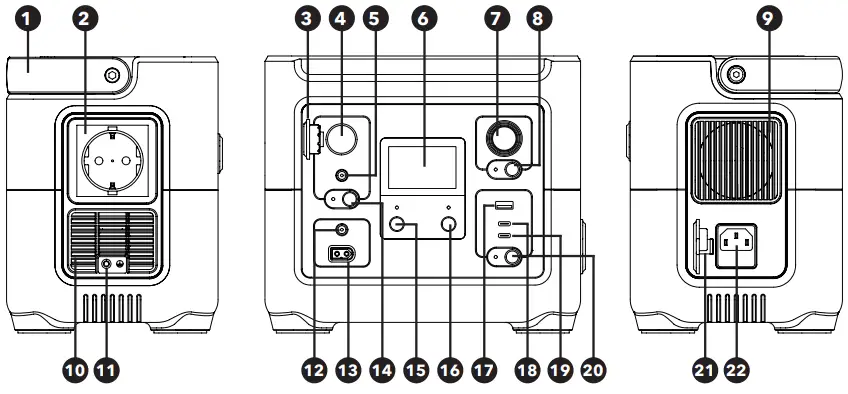
- Handle
- AC power outlet
For AC appliance power plugs - Cigarette lighter socket cover plate
- Cigarette lighter socket
For cigarette lighter plugs - DC output connector
For DC appliances - Display
Displays power station status information - Lamp
- Lamp on / off button
- Cooling vent
- Cooling vent
- Ground connector
- DC input connector
For charging the station with the DC adapter - Solar panel input connectors
For charging the station with the solar-powered adapter - DC button
Turns DC power on / off - AC button
Turns AC power on / off - Main power switch
Turns station on / off - USB-A QC3.0 output port
- USB-C PD30W output port
- USB-C PD100W output port
- USB button
Turns USB charging on / off - AC socket cover plate
- AC input socket
For charging the station from AC mains
DISPLAY
| Battery status icons | 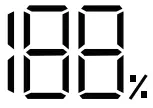 | Charge level (%) |  | Battery failure alert |
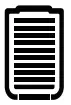 | Charge level |  | Battery temperature too high / low | |
 | Battery lock | |||
| Input icons | 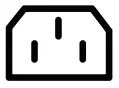 | AC input |  | DC input |
 | Solar power input | 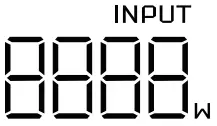 | Current input power | |
| Output icons | 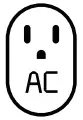 | AC output | 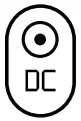 | DC / cigarette lighter input |
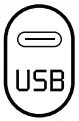 | USB-A/USB-C output | 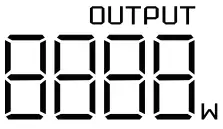 | Current output power | |
| Timer icons | 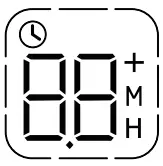 | Time to full charge / discharge |  | Minutes |
 | Hours | |||
| Device safety icons |  | System error |
| Overheat protection |
 | High temperature |  | Overload protection | |
 | Low temperature | |||

INSTRUCTIONS
Charging the Station
Only charge the station with the supplied power adapter. Charge the station fully before use.
These input ports are available for charging:
- AC input port for charging from the mains; super fast charging (300 W max. power)
- XT60 input port for charging from solar panels (solar panels not included); or
- DC5521 input port for DC charging e.g. from a car battery.
Note:
To extend the useful life of the built-in battery, we recommend charging at least once every 3 months during prolonged periods of disuse.
Serial / Parallel Solar Charging
The station supports charging from solar panels, with 90 W maximum power. Solar panels are not included and must be purchased separately. A connecting cable with the proper connectors required for fast, high-power charging must also be purchased separately.
WARNING:
The station supports a maximum solar panel voltage of 28 V and maximum current of 5 A.
Caution:
The station can only be charged from a single solar panel with no more than 28 V voltage. Exceeding this limit may severely damage the station.
Each input connector of the XT60 serial input cable must be connected to the corresponding solar panel before use.
Using the Station
Before each use, check that the battery is installed and fully charged.
Using the Station – Alternating Current
The station can power AC appliances of no more than 500 W total combined draw.
- 1Turn on the station by long-pressing the main power switch. The main power indicator and the display will light up. The station will switch to standby mode.
- Plug the appliance power cord into the station’s AC power outlet.
- Turn on AC power to the appliance by pressing the AC button.
- Once done, press AC again to turn AC power off. The station will switch to standby mode. Unplug the appliance from the station.
- Long-press the main switch to turn the station off completely.
Using the Station – Direct Current
- Turn on the station by long-pressing the main power switch. The main power indicator and the display will light up. The station will switch to standby mode.
- Plug the DC power cord of the device to be charged into the station’s DC power socket.
- Turn on DC power to the appliance by pressing the DC button.
- Once done, press DC again to turn DC power off. The station will switch to standby mode. Unplug the power cord from the DC socket.
- Long-press the main switch to turn the station off completely
Using the Station – USB Output
- Turn on the station by long-pressing the main power switch. The main power indicator and the display will light up. The station will switch to standby mode.
- Turn on USB power to the appliance by pressing the USB button.
- Plug a USB cable into the USB port. Plug the other end of the USB cable into the proper port on your device.
- Once done, press USB again to turn USB power off. The station will switch to standby mode. Unplug the cable from the station’s USB port.
- Long-press the main switch to turn the station off completely.
UPS Backup Power Feature
- Connect the station to mains power using the supplied adapter. The station will automatically power on and begin charging.
- Plug the appliance to be secured into the station’s AC power socket.
- Turn on AC power to the appliance by pressing the AC button. The station will serve the appliance in UPS backup mode.
- Now when the station is unplugged from the mains (or the mains lose power), the station will power the connected device while its battery lasts.
LED lamp
- Turn on the station by long-pressing the main power switch.
- Long-press the lamp on / off button to turn the lamp on in low steady light mode.
- Keep short-pressing the lamp on / off button to cycle through its other available modes: high powered steady light, SOS, and strobe. The next short press after the last mode will turn off the lamp.
- The lamp can also be turned off from any mode by long-pressing the lamp on / off button.
Caution:
- Only plug the station into properly grounded mains outlets supplying a stable voltage at the normal value for your region.
- For proper function of the UPS backup feature, the total combined power draw of all connected appliances must not exceed the input power. Otherwise, for safety reasons, the station will automatically stop drawing pass-through and charging power from the mains, and will only supply the connected devices from its own battery.
- If the display shows charge level at 0%, the UPS backup feature will still function, so long as connected appliances’ total combined power drain does not exceed mains input power. If it does, the station will automatically shut down.
- When the station is discharged at high power, it and its battery pack may become excessively hot, so that battery overheat protection activates. For safety reasons, the station will then cease to accept high-power charging. This is normal behavior.
- Once the battery has cooled sufficiently, overheat protection will automatically deactivate and the station will accept high-power charging again.
CLEANING AND STORAGE
Keep the power station clean. Before cleaning, check that the station is unplugged from its power source and that no appliances are plugged into it.
Only clean the station with a soft, dry cloth. Do not clean with water, with or without detergent.
If the station is heavily soiled, we recommend cleaning with a cotton wipe with a small amount of high-proof pure alcohol cleaner.
Do not clean with chemicals, abrasives, solvents, hydrocarbon cleaners or similar substances.
Warning:
Never immerse the power station in water or other liquids. Do not clean under running water or other liquids.
Storage
When not using the station, store it in a dry, well-ventilated place.
To extend the useful life of the built-in battery, charge the station at least once every 3 months during prolonged disuse.
FREQUENTLY ASKED QUESTIONS
| Question | Answer |
| Can I take the station as carry-on luggage in air travel? | No. International aviation rules limit lithum-based batteries in carry-on luggage to a total power of 100 Wh. The lithium battery in the power station exceeds this limit. |
| The station is not charging, even though the total combined power draw of connected appliances is within the rated limit. | The station is not fully charged. Charge it fully to restore functionality. |
| The station occasionally emits noises. | The station is equipped with an air cooling system. The built-in fan improves heat dissipation, but is often audible. This is normal behavior. |
SAFETY INFORMATION
- This product is designed for domestic use.
- This product is not a toy. It may contain small components. Keep out of reach of children.
- Read this manual carefully before use.
- Check appliance compatibility with the specifications indicated on the product before use.
- Unplug the product when not in use.
- Only use the product for its designed purpose.
- Exercise caution when using the product around children.
- Improper use carries risk of fire, explosion, or other hazard and may void warranty.
- Do not place fingers, hands or other objects into any of the product’s openings.
- To avoid risk of fire, electrocution or other injury, only use included or manufacturer-recommended accessories.
- Only use the included adapters to charge the product.
- Provide adequate space for air to circulate around the product when it is charging or in use.
- Never cover the product when it is charging or in use.
- Do not use or leave the product in dusty or otherwise contaminated environments.
- Avoid extended exposure of the product to high or low temperature. Keep the product dry.
- Do not expose the product or accessories to moisture. Avoid immersion and dripping or splashing water or other liquids. Do not place water vessels (vases etc.) on the product or accessories.
- Do not expose the product or accessories to fire, high heat or direct sunlight. Do not place open flame sources (burning candles etc.) on the product or accessories.
- Do not use or store the product in places where open flame, flammables or explosives are used or stored.
- Do not disassemble, damage or short-circuit the product. Attempting to modify the product may damage it and result in serious injury.
- Do not use the product if it appears damaged or emits an unusual odor.
- In case of electrolyte leak, avoid direct contact with the electrolyte and the battery. In case of electrolyte skin contact, thoroughly rinse the area with clean water. In case of electrolyte eye contact, seek medical aid immediately.
- Contact an authorized service center for any repair or non-routine maintenance. No part of the product is designed to be user-repairable. Improper handling may lead to fire or electrocution.
- Only clean the product exterior with a soft, clean, dry cloth.
- Do not disassemble the product. Attempting to modify the product may damage it and result in serious injury.
WARRANTY & SUPPORT
Your new product is protected by our 24-month warranty, or extended warranty (if stated), which you can apply at any of our points of sale. For inquiries, you can use the contact form or one of our international call centers.
United Kingdom +44 (0)203 514 4411
On-line: www.alzashop.com/contact
This product meets all of the related basic EU regulation requirements. The EU declaration of conformity is available on www.alzashop.com/ DoC.
This product sold in the European Union meet the requirements of Directive 2011/65/EU on
CUSTOMER SUPPORT
www.alzapower.com
Co. Reg. No. 27082440
Alza.cz a.s., Jankovcova 1522/53, 170 00 Prague 7, Czech Republic
© 2022 Alza.cz a.s. All Rights Reserved.

 Alza | Alzashop.com