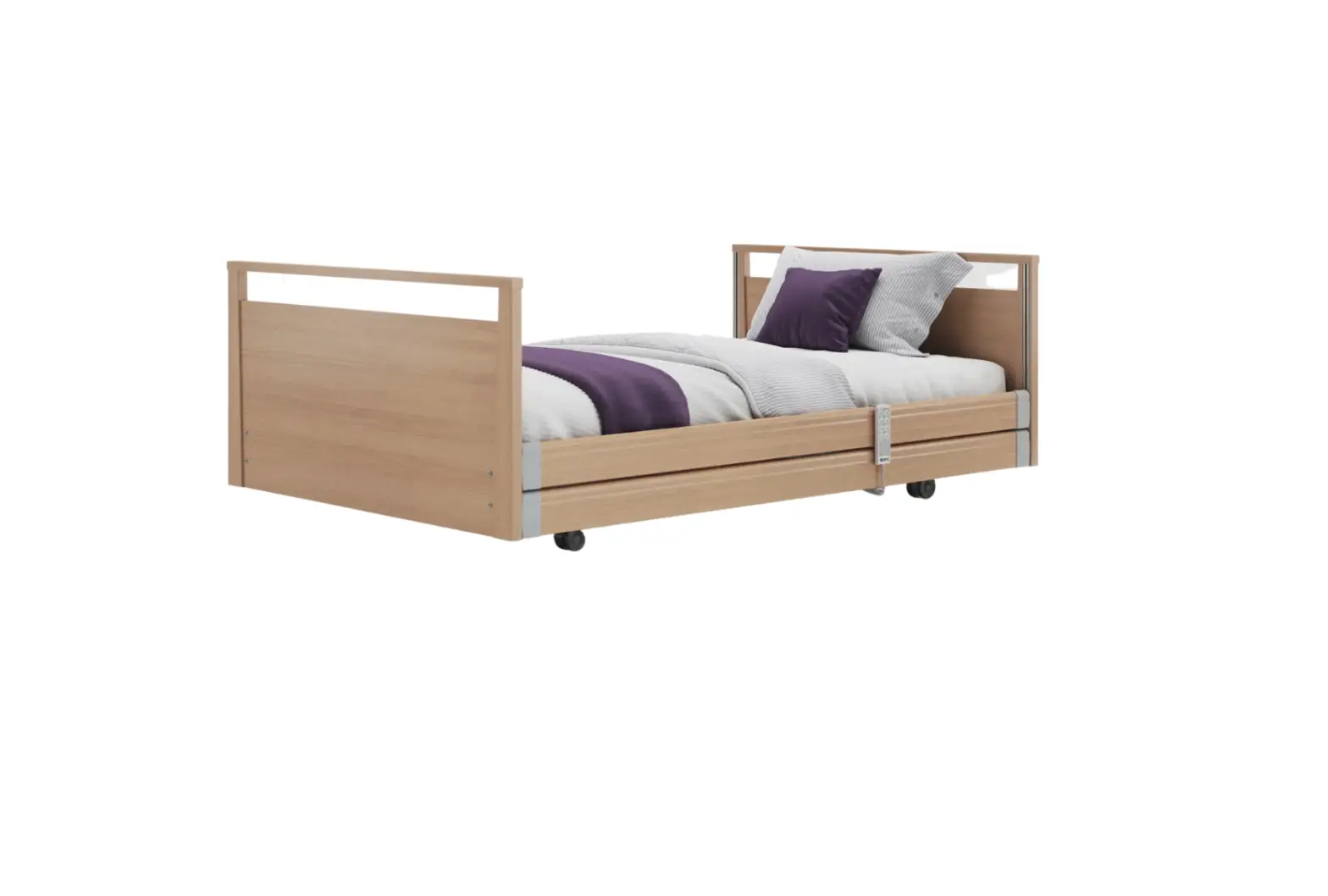
Opera BPL050-40OSR Signature Bariatric Profiling Bed User Guide
ATTENTION
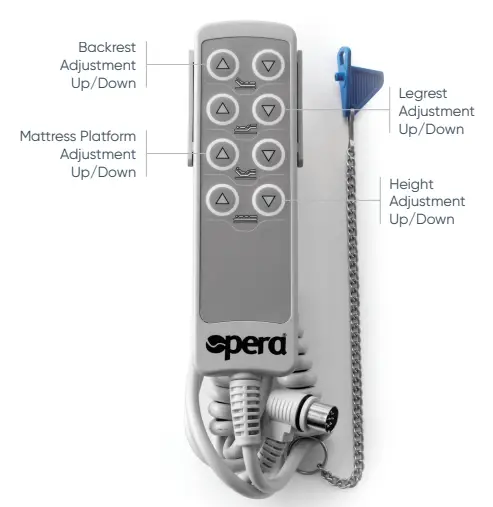
- To avoid damage, the handset should always be hung up (e.g. on the mattress base or side rail) when not in use.
- Press only one button at a time, pressing multiple buttons at one time, may overload and damage the system.
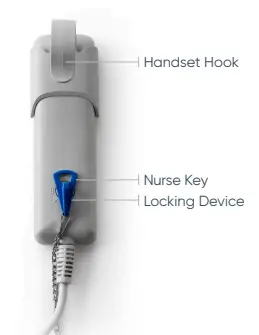
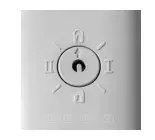
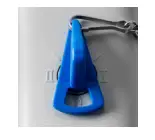
- All electric adjustment functions can be locked by using the nurses’ key (the blue key)

- To lock the adjusting functions insert the nurses’ key into the locking device and turn the key so that the locked padlock setting is selected.
- The switching positions I and II are testing settings, used to check the safety of the bed during annual inspections, after repair work or each time the bed is put into storage.
 operabeds.com 0333 222 8584

 operabeds.com
  0333 222 8584