
QUICKSTART GUIDE

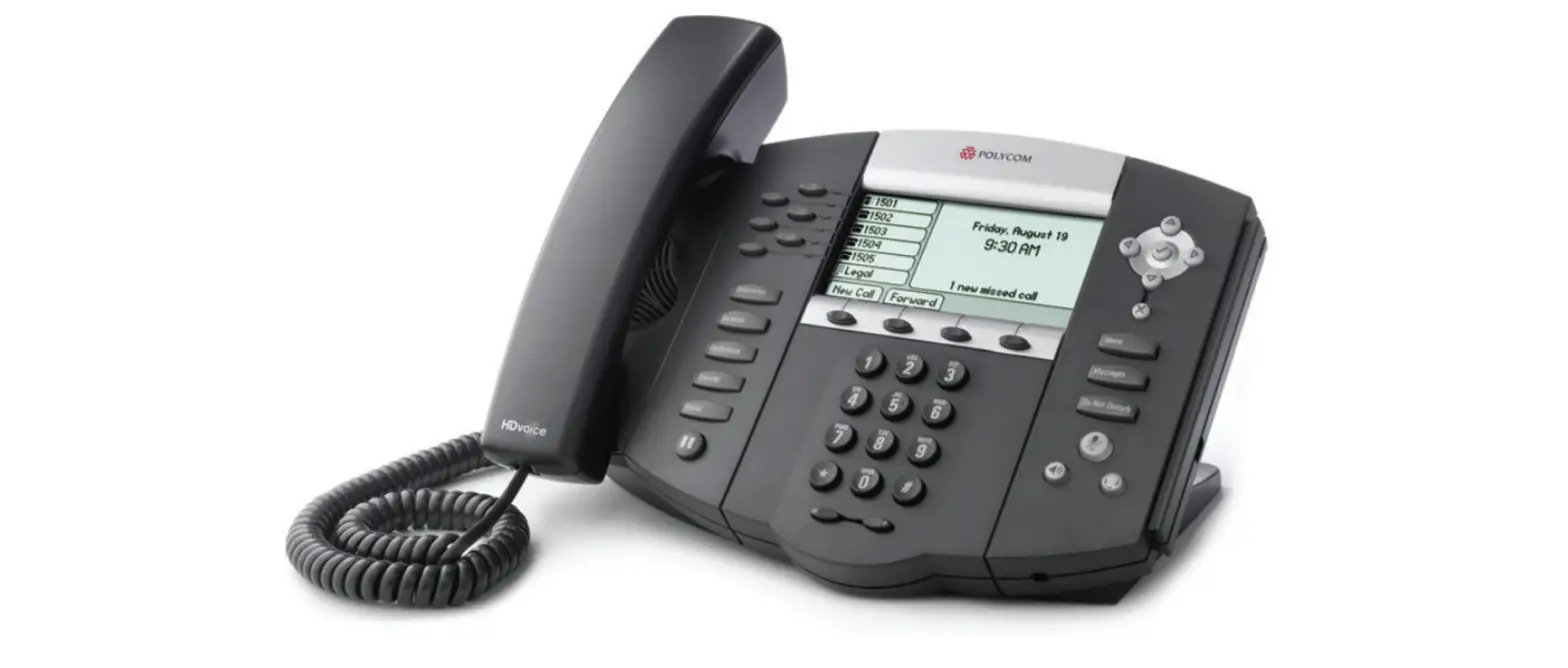
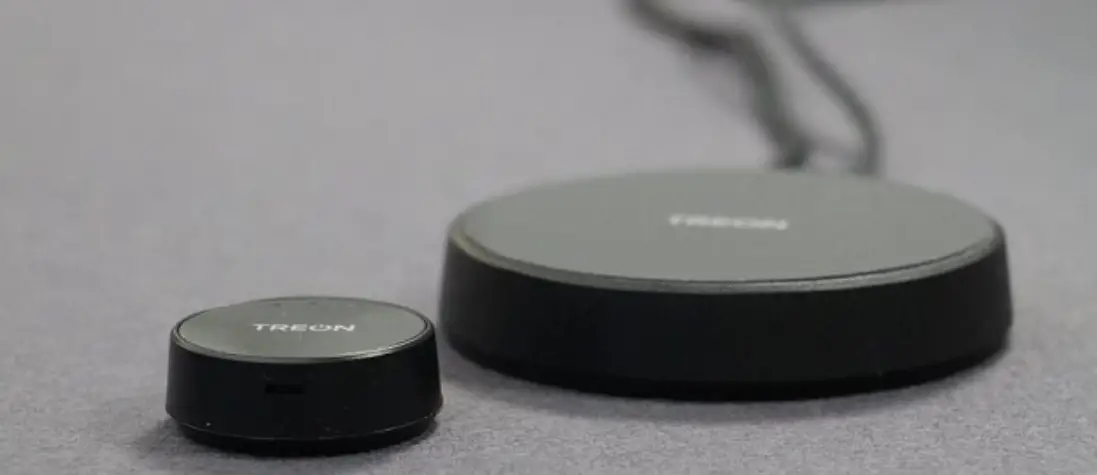
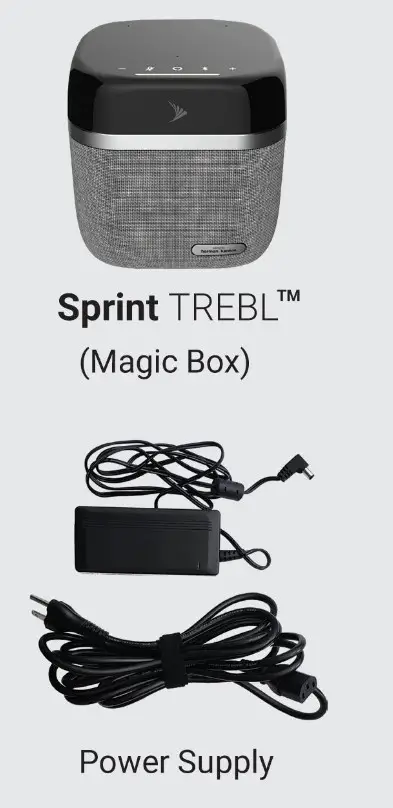
What’s in the Box?
 For radiofrequency exposure compliance, the Device must be installed and operated to provide a separation distance of at least 20 cm (8 in ) from all persons and must not be co-located or operating in conjunction with any other antenna or transmitter.
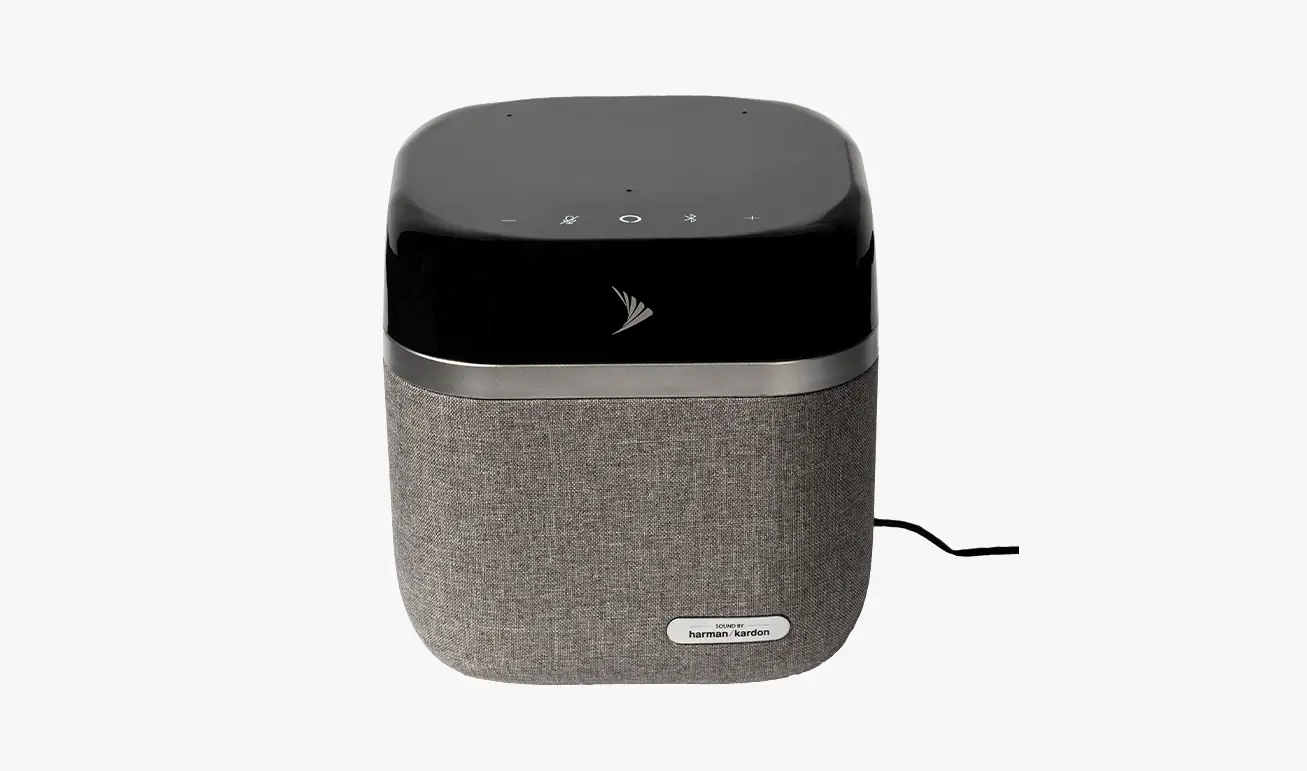
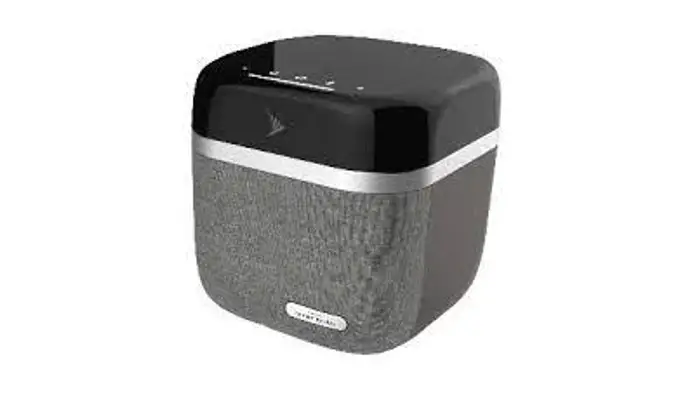
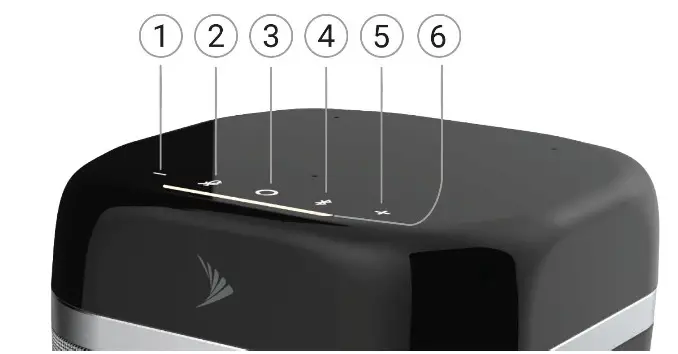
TREBL Touchpad
- Volume Down (-)
- Mute/Unmute Microphone
- Alexa Action
- Bluetooth to enable pairing
- Volume up (+) 6. Light Strip
Installation Steps:
- Power Up: Plug in the Sprint TREBL. Lights will blink white twice and then will pulse. You will hear “Please download Sprint Set Up Assistant App on your mobile device to configure the Sprint TREBL”.
- Pair App: Pair the Set up Assistant App with Sprint TREBL (instructions on the right ) and follow prompts on App to connect to your Wi-Fi network.
- Activate: The lights will then turn blue and travel back and forth, you will hear “Sprint TREBL is being activated”.
- Install: The lights will then turn white and will light up progressively, you will hear “Sprint TREBL installation is in progress:’ The installation process may take approximately 10 minutes.
- Successful Setup: The lights are solid white, you will hear “Sprint TREBL installation is complete. To configure Amazon Alexa, please use the Sprint Set Up Assistant APR”
To Pair  with TREBL.
 with TREBL.
- Download the “Sprint Set Up Assistant” app
 from the App/Play Store on your mobile device or tablet.
 - Give the Alexa Action button a long press.

- When you hear “Wi-Fi setup mode enabled”, follow the directions on the app screen.
- When you hear “Sprint TREBL is connected with the App successfully”, you have paired the device.
 from the App/Play Store on your mobile device or tablet.
Play music on Sprint TREBL
- Long press
 to enter Bluetooth Pairing Mode.
 - Go to Bluetooth settings on your mobile device or tablet and select Sprint TREBL from the list to connect.
- Open any music app and start playing music.
 to enter Bluetooth Pairing Mode.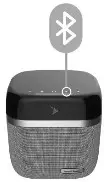
If you need help with your Sprint TREBLTM contact customer care. By using TREBL, you are accepting the Terms and Conditions.
 Online: www.sprint.com/TREBL
Terms and Conditions, FAQs, FCC statements, technical documentation, and more. Phone: Sprint Customer Care 844-463-3194
Note: The Sprint Set Up Assistant app can be used to configure TREBL to either use Sprint service or your home Wi-Fi. Refer to www.sprint.com/TREBL for more information