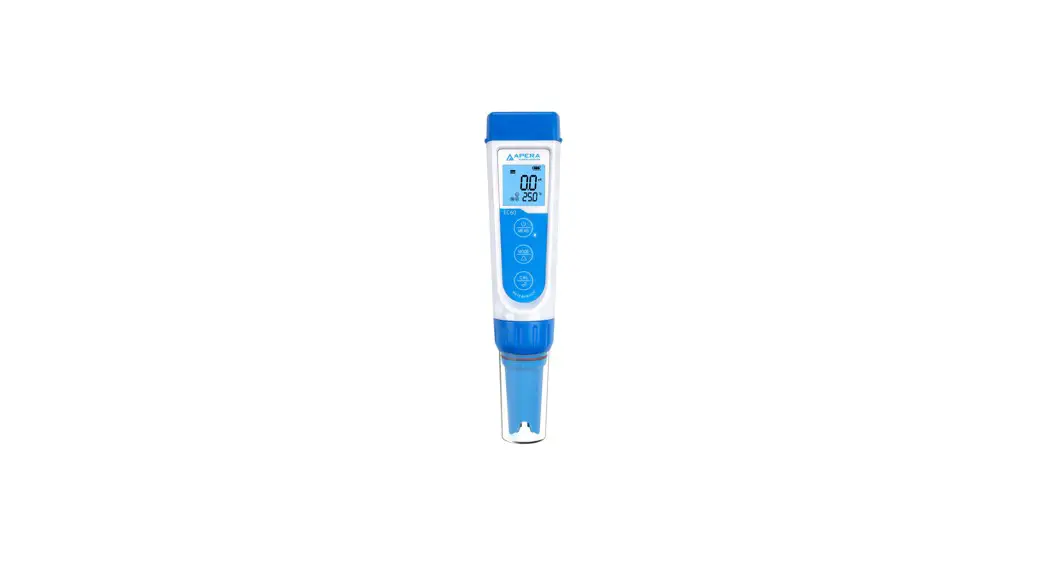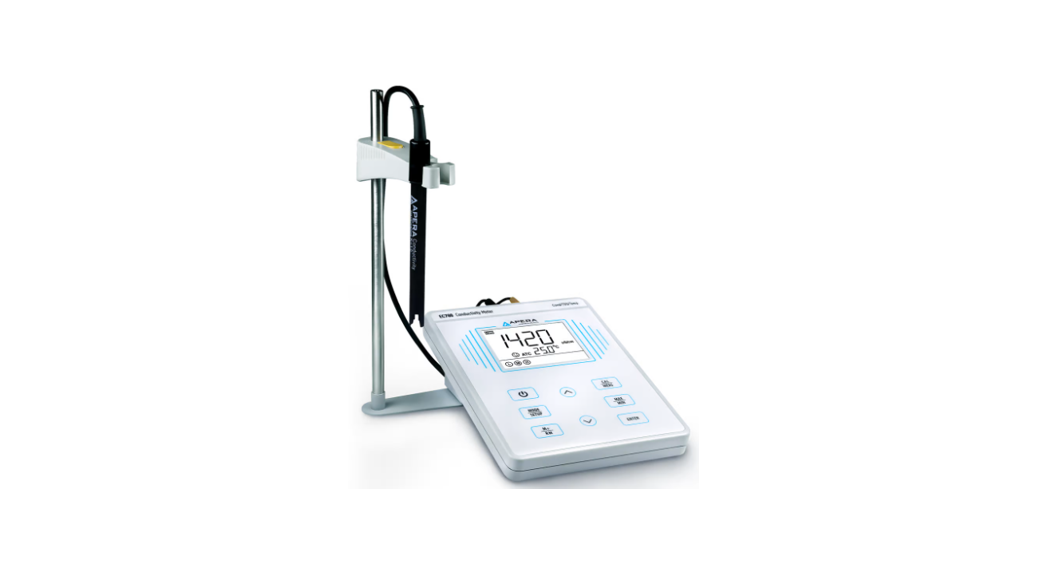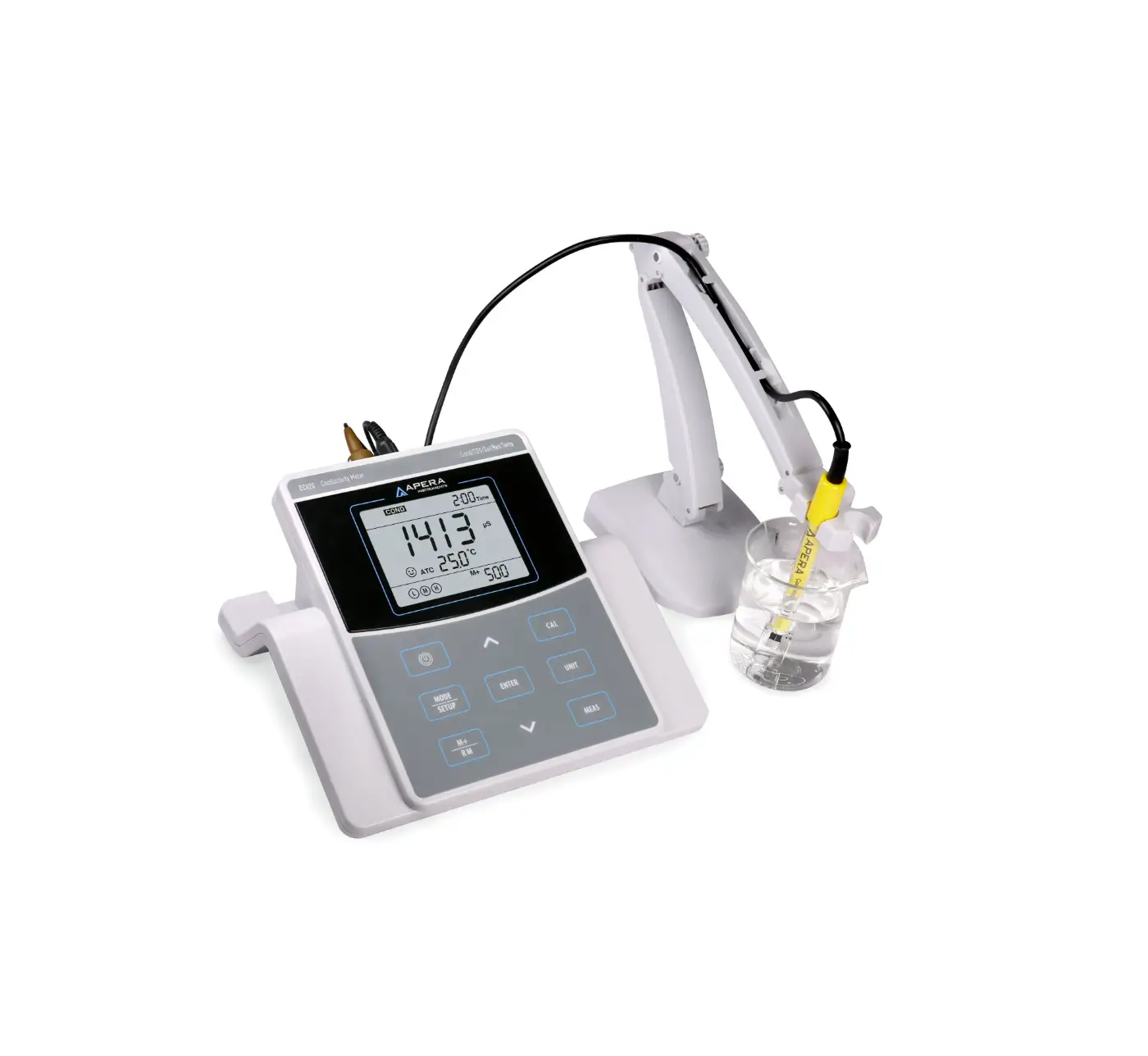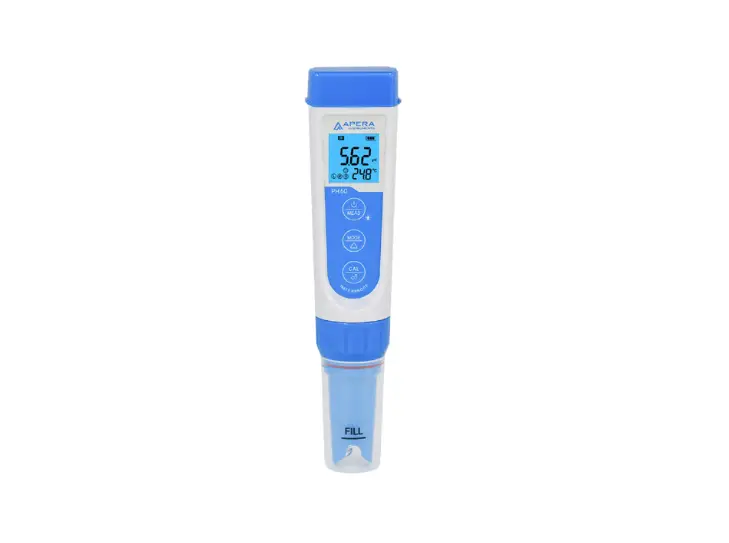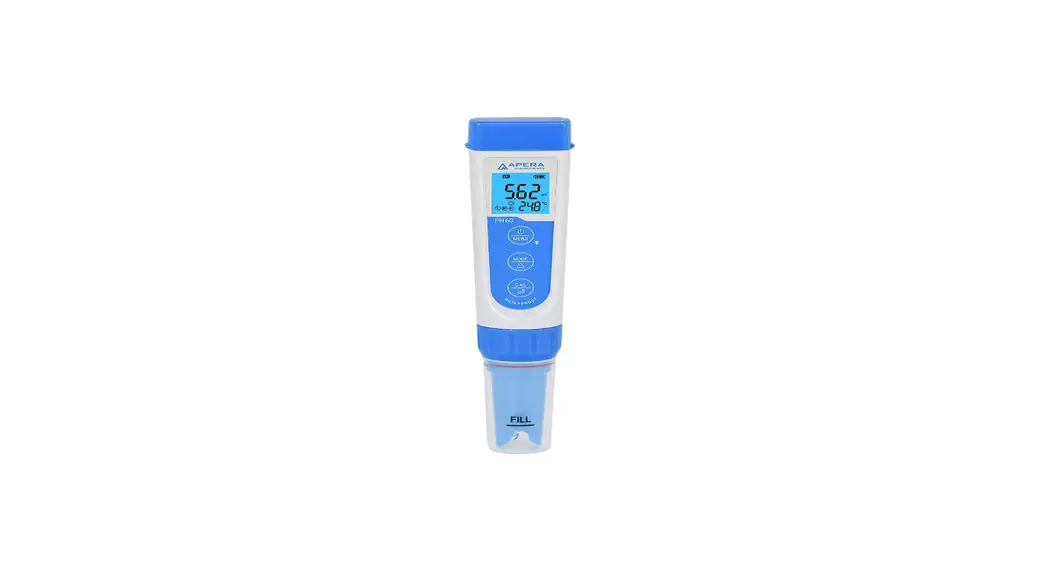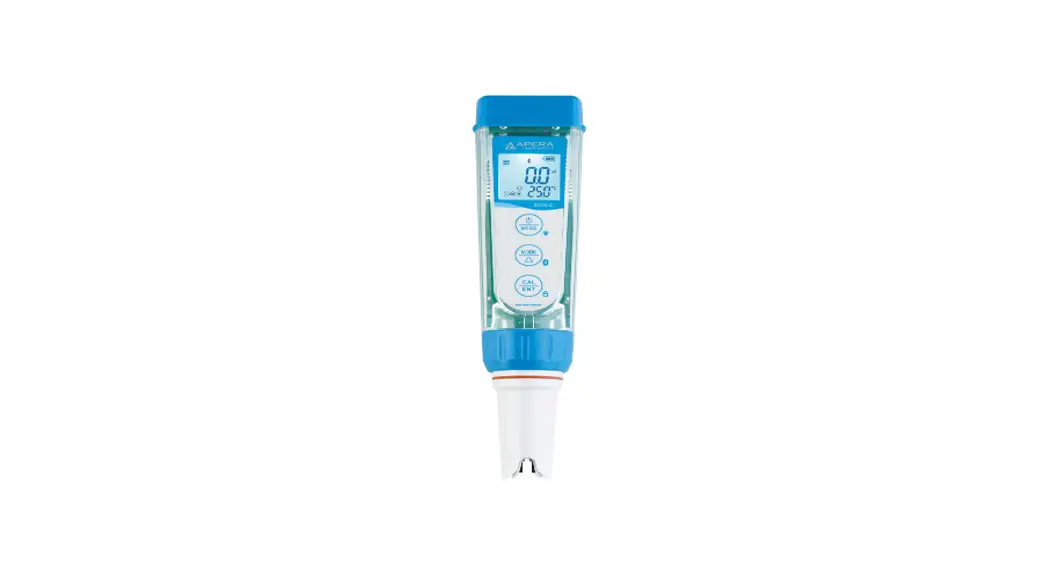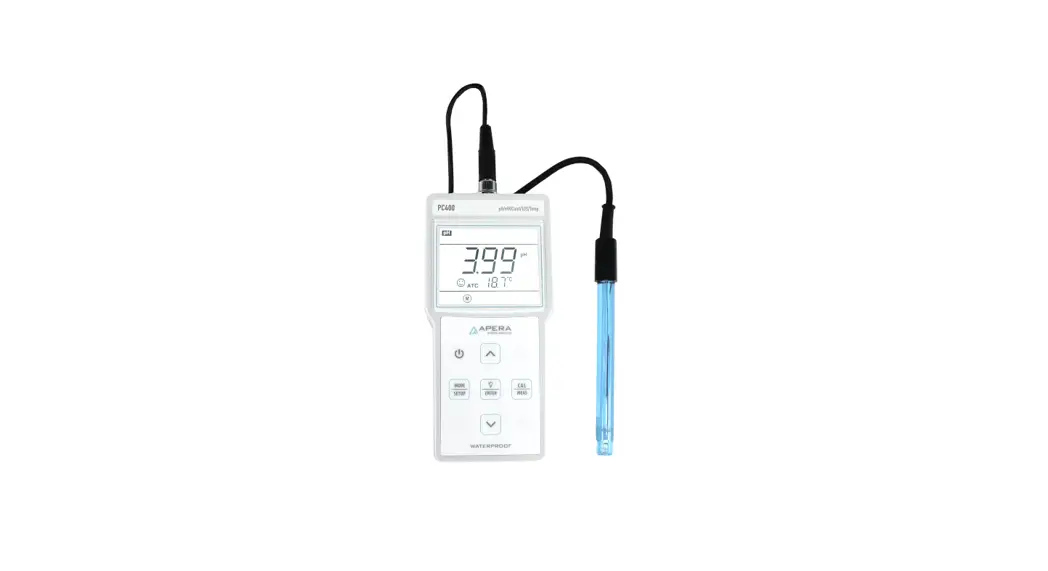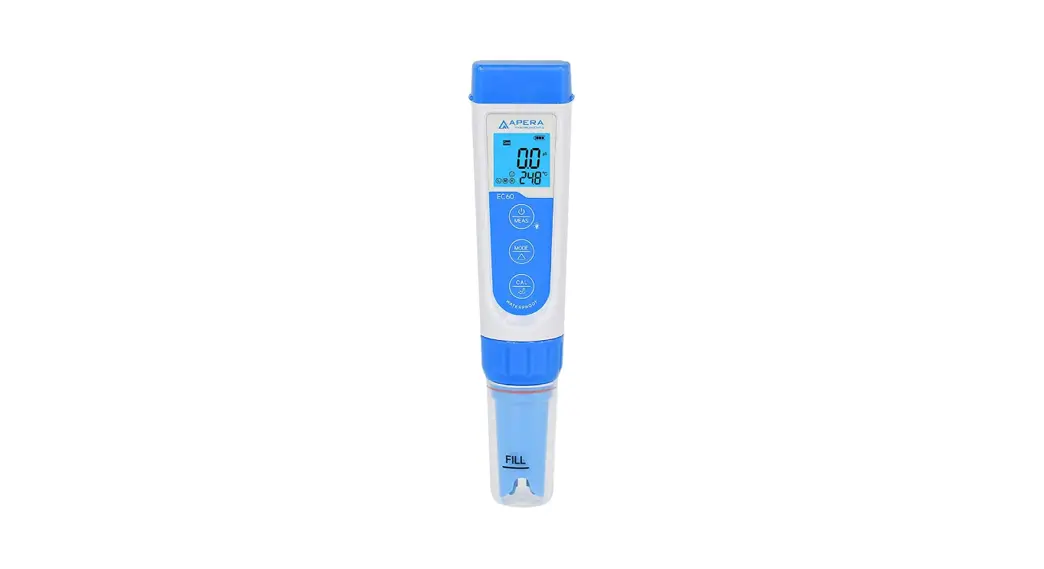
 EC60 Premium Conductivity Tester
(EC/TDS/Salinity/Temp.)
Instruction Manual 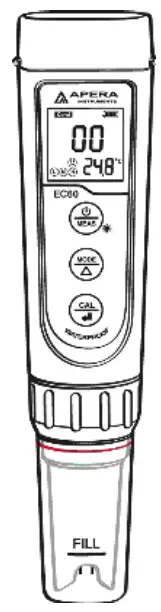
 APERA INSTRUMENTS (Europe) GmbH
www.aperainst.de
V6.3
Thank you for purchasing Apera Instruments EC60 Premium Conductivity Tester. Please carefully read this instruction manual before using the product in order to have an accurate and reliable test result, and avoid unnecessary damages to the meter or probe. For video tutorials, please go to www.aperainst.de
Battery Installation
 Please install batteries according to the following steps. *Please note direction of batteries: All POSITIVE SIDES (“+”) FACING UP. (Wrong installation of batteries will cause damage to the tester and potential hazards)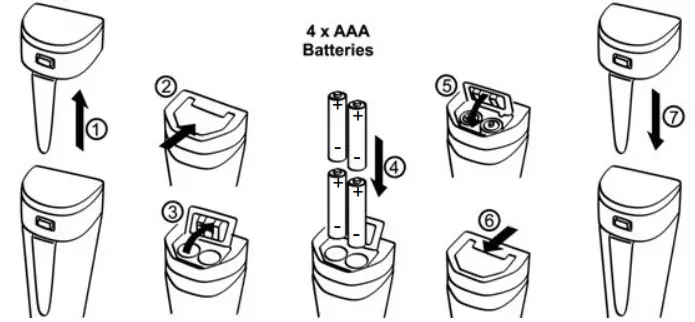
- Pull the battery cap up
- Slide the battery cap along to the direction of arrow
- Open the battery cap
- Insert the batteries (ALL POSITIVE SIDES FACING UP) (see graph)
- Close the battery cap
- Slide and lock the battery cap along to the direction of arrow
- Fit the tester’s cap while making sure to push all the way down. The tester’s waterproof design may be compromised if the cap is not fitted correctly.
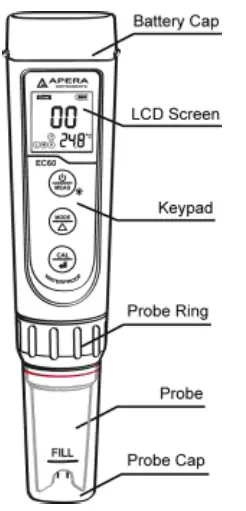
Keypad Functions
- Short press—— < 2 seconds ,Long press——- > 2 seconds
 | 1.Short press to turn on the tester and long press to turn off the tester. 2.When turned off, long press to enter parameter setting. 3. In measurement mode, short press to turn on backlight. |
 | 1.In measurement mode, short press to switch parameter COND→TDS→SAL 2.In mode setting, short press to change parameter (Unidirectional) |
 | 1. Long press to enter calibration mode. 2. In calibration mode, short press to confirm calibration. 3.When measured value is locked, short press to unlock |
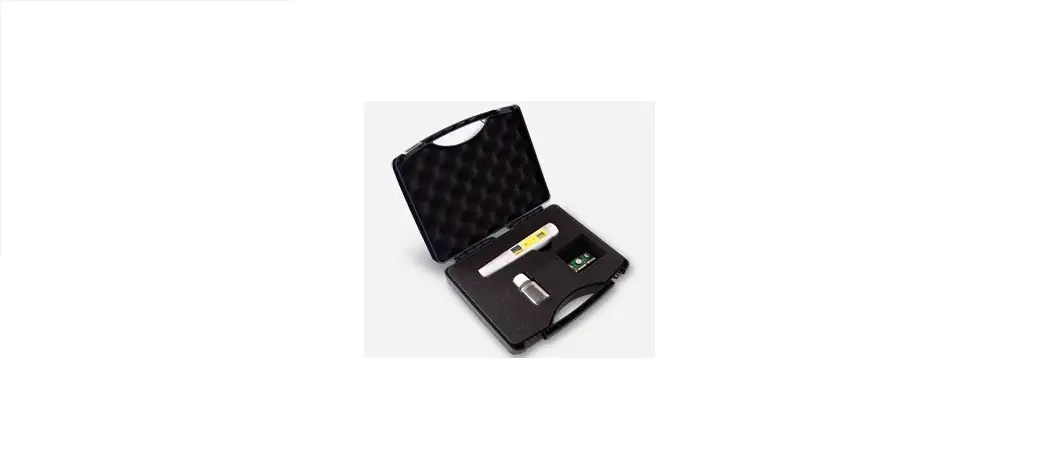
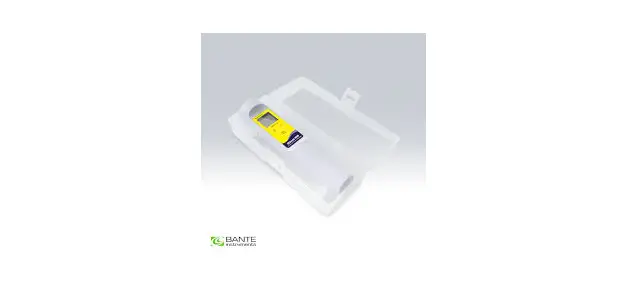
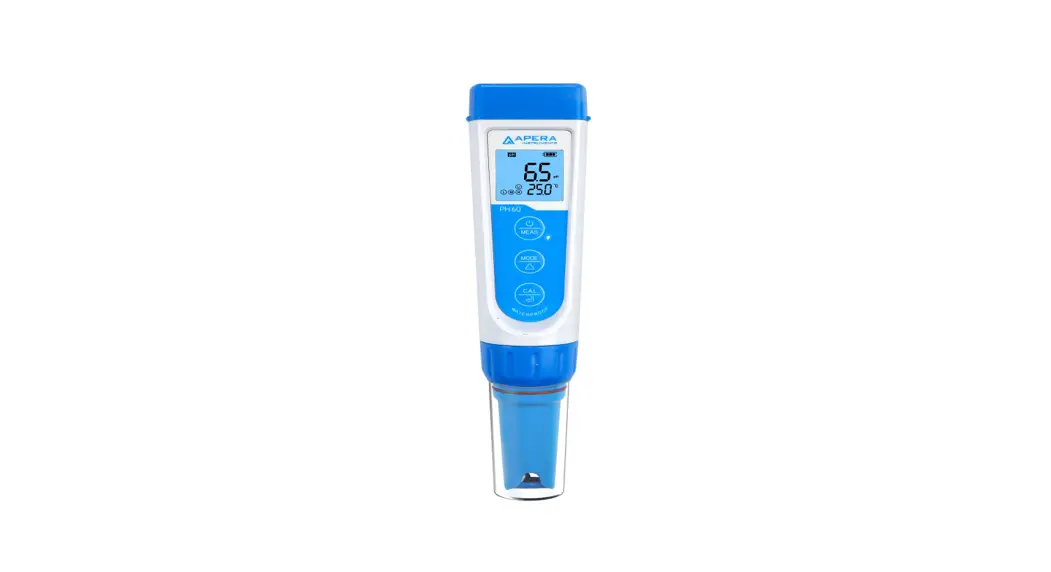
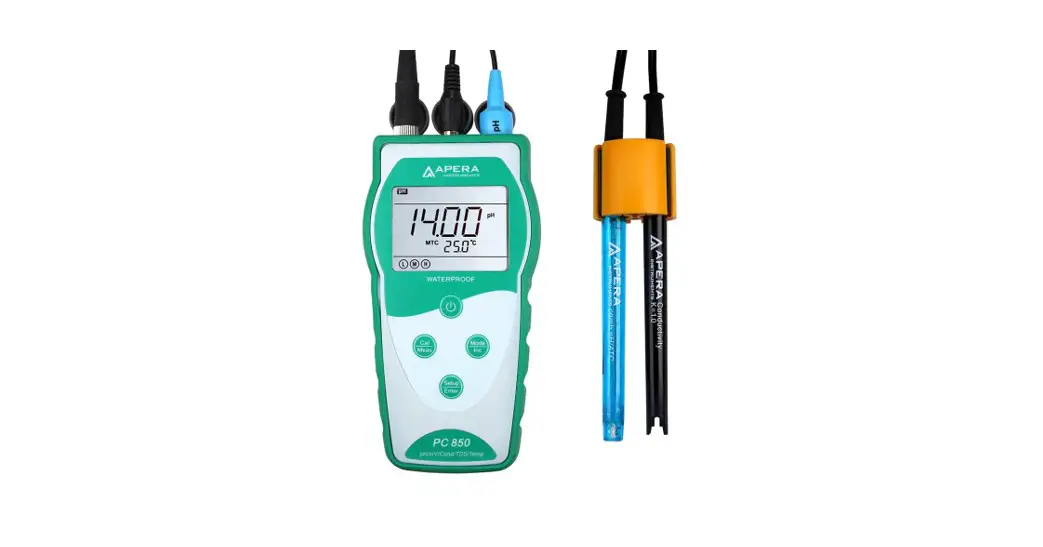
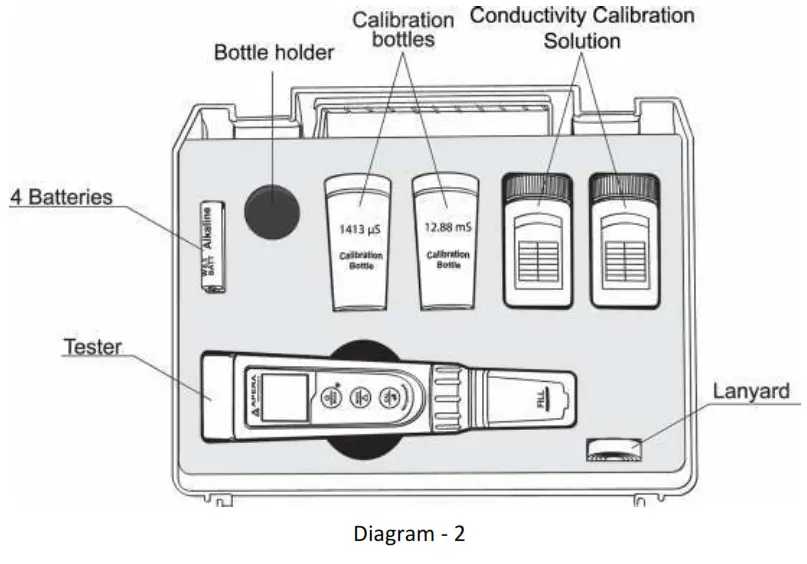
Complete Kit
Conductivity Calibration
4.1 Press key to switch to conductivity measurement mode. Rinse the probe in distilled water and dry it.
4.2 Pour certain amount (about half volume of the calibration bottle) of 1413μS/cm and 12.88 mS/cm conductivity calibration solution into accordant calibration bottles.
4.3 Long press key to enter calibration mode, short press to exit.
4.4 Dip the probe in 1413 μS/cm conductivity calibration solution, stir gently and allow it to stand still in the solution until a stable reading is reached. When stable icon appears and stays on the LCD screen, short press key to complete one-point calibration, the tester returns to measurement mode and indication icon will appear at the bottom left of the LCD screen.
4.5 After calibration, dip the probe in 12.88 mS/cm conductivity calibration solution. If the value is accurate, it is not necessary to conduct 2 nd point calibration. If it is inaccurate, follow the steps in 4.3 to 4.4 to complete the 2 nd point of calibration using 12.88 mS/cm buffer solution.
* 1000 µS/cm = 1 mS/cm
* 1000ppm = 1ppt
Conductivity Measurement
Press key to turn on the tester. Rinse the probe in distilled water and dry it.
Dip the probe in sample solution, stir gently, and allow it to stand still in the solution until a stable reading is reached. Get readings after comes up and stays. Press to switch from Conductivity to TDS, and Salinity
■ Notes
a) The TDS and Salinity measurements are converted from the conductivity measurements via a certain conversion factor.
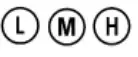
b) The tester can calibrate 84μS, 1413 μS/cm and 12.88 mS/cm conductivity calibration solution. User can conduct 1 to 3 points calibration. Refer to the table below. Usually
calibrating the tester with 1413 μS/cm conductivity buffer solution alone shall meet the testing requirement.
| Calibration Indication Icon | Calibration Standards | Measuring Range |
| L | 84 μS/cm | 0 – 200 μS/cm |
| M | 1413 μS/cm | 200 – 2000 μS/cm |
| H | 12.88 mS/cm | 2 – 20 mS/cm |
5.1 The tester has been calibrated before leaving the factory. Generally, users can use the tester directly or users can test conductivity buffer solutions first. If the error is large, then calibration is needed.
5.2 For conductivity calibration solutions, we recommend that users replace new solutions after 5 to 10 times of use to keep the standard solution’s accuracy. Do NOT pour the used calibration solutions back into the solution bottles in case of contamination.
5.3 Temperature compensation factor: The default setting of the temp. compensation factor is 2.0%/℃. User can adjust the factor based on test solution and experimental data in parameter setting P4.
| Solution | compensation factor | Temperature Solution | Temperature compensation factor |
| NaCl | 2.12%/˚C | 10% Hydrochloric acid | 1.32%/˚C |
| 5% NaOH | 1.72%/˚C | 5% Sulfuric acid | 0.96%/˚C |
| Dilute ammonia | 1.88%/˚C |
5.4 TDS and conductivity is linear related, and its conversion factor is 0.40-1.00. Adjust the factor in parameter setting P5 based on the requirements in different industries. The factory default setting is 0.71. Salinity and conductivity is linear related, and its conversion factor is 0.5. The tester only needs to be calibrated in Conductivity mode, then after calibration of conductivity, the meter can switch from conductivity to TDS or salinity.
5.5 Conversion Example: if conductivity measurement is 1000µS/cm 2 , then the default TDS measurement will be 710 ppm (under the default 0.71 conversion factor), and the salinity be 0.5 ppt.
5.6 For the self-diagnosis information, please refer to the table below:
| Symbol | Self-Diagnosis information | How to fix |
 | Wrong conductivity buffer solution, which exceeds the recognizable range of the meter. | 1. Check if buffer solution is correct 2. Check if electrode is damaged. |
 | Is pushed before measurement isstable ( comes up and stays) | Wait for the smile icon to come up and then press |
Parameter Setting
6.1 Setting Chart
| Symbol | Content | Parameter | Factory Default |
| P1 | Auto Hold | Off-On | Off |
| P2 | Backlight | Off-1-On | 1 (1 min auto-off) |
| P3 | Temp. Compensation Coefficient | 0.00 to 4.00% | 2.% |
| P4 | TDS Coefficient | 0.40 to 1.00 | 0.71 |
| P5 | Salinity Unit | ppt-g/l | ppt |
| P6 | Temperature Unit | C F | C |
| P7 | Restore to Factory Default | No-Yes | No |
6.2 Parameter Setting
When turned off, long press to enter parameter setting →short press to switch P1-P2… →P8. Short Press , parameter flashes → short press to choose parameter, → short press to confirm →Long press to turn off.
6.3 Parameter Setting Instruction
a) Automatic lock (P1):
Select “On” to activate auto lock function. When reading is stable for more than 10 seconds, the tester will lock the value automatically, and HOLD icon will display on LCD. Press key to cancel auto hold.
b) Backlight (P2) “Off”-turn off backlight, “On”-turn on backlight, 1- backlight will last for 1 minute.
c) Factory default Setting (P7)
Select “Yes” to recover instrument calibration to theoretical value, parameter setting return to initial value. This function can be used when instrument does not work well in calibration or measurement. Calibrate and measure again after recover the instrument to factory default status.
Technical Specifications
| Range | 0-200.0 pS, 0-2000 pS, 0-20.00 mS | |
| Conductivity | Resolution | 0.1/1 pS, 0.01 mS |
| Accuracy | ±1% F.S | |
| Calibration | 1-3 points automatic calibration | |
| TDS | Range | 0-100,0 ppm, 0-1000 ppm, 0-10.00 ppt |
| Resolution | 0.1/1 ppm, 0.01 ppt | |
| Salinity | Range | 0-10.00 ppt |
| Resolution | 0.01 ppt | |
| Temperature | Range | 0-50°C |
| Resolution | 0.1°C | |
| Accuracy | ±0.5°C |
Icons and Functions
- Calibration points indication:

- Stable Measurement:

- Reading value Auto. Lock: HOLD
- Self-Diagnostic Information: Er1, Er2
- Low-Voltage warning:
 flashes, reminder of battery replacement
 - Two-Color backlight: Blue—Measurement Mode; Green—Calibration Mode;
- Auto. Power off in 8 minutes if no operation.
 flashes, reminder of battery replacement
Probe Replacement
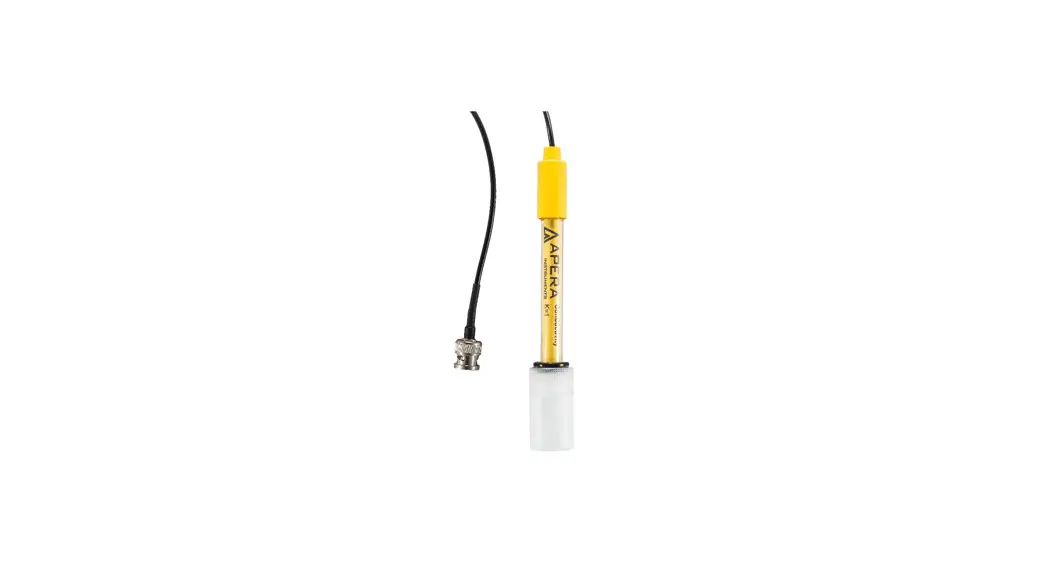
Screw off the probe ring, unplug the probe, plug in the new replacement probe (pay attention to the probe’s position), and screw on the probe ring. The model numbers of replacement probes that are compatible with EC60 is:
- EC60-E (Conductivity probe)
Warranty
We warrant this instrument to be free from defects in material and workmanship and agree to repair or replace free of charge, at option of APERA INSTRUMENTS (Europe) GmbH, any malfunctioned or damaged product attributable to responsibility of APERA INSTRUMENTS (Europe) GmbH for a period of two years from the delivery (a six-month limited warranty applies to probes). This warranty does not apply to defects resulting from actions such as misuse (violation of the instructions in this manual or operations in the manner not specified in this manual), improper maintenance, or unauthorized repairs. Warranty period is the time limit to provide free service for the products purchased by customers, not the service life of the tester or probe.
APERA INSTRUMENTS (Europe) GmbH
Wilhelm-Muthmann-Straße 18
42329 Wuppertal, Germany
Contact: [email protected]
Website: www.aperainst.de
Tel. +49 202 51988998