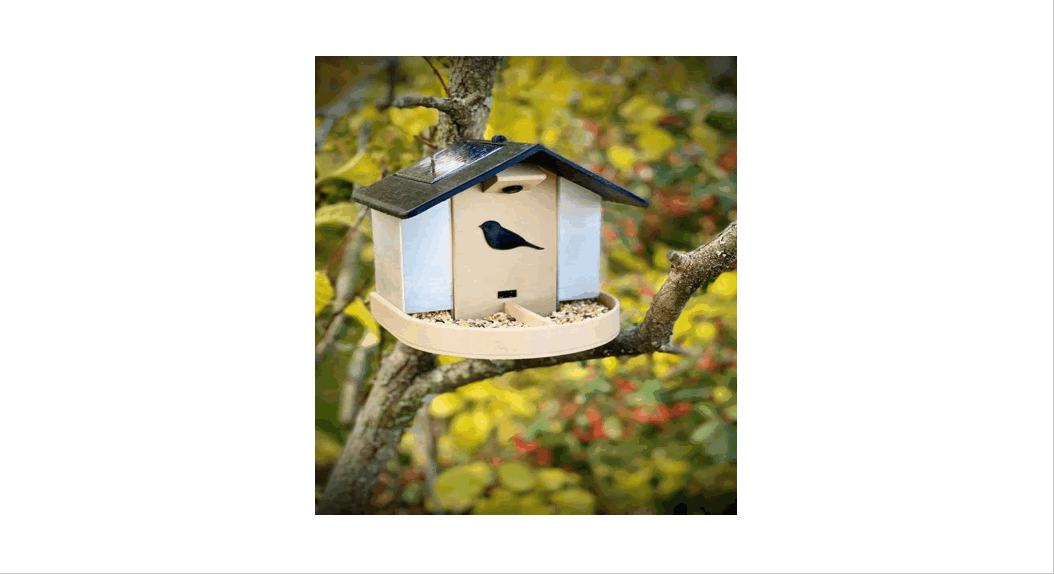

Instructables Happy Birds Connected Bird Feeders User Guide

Instructables Happy Birds Connected Bird Feeders User Guide

instructables logo.

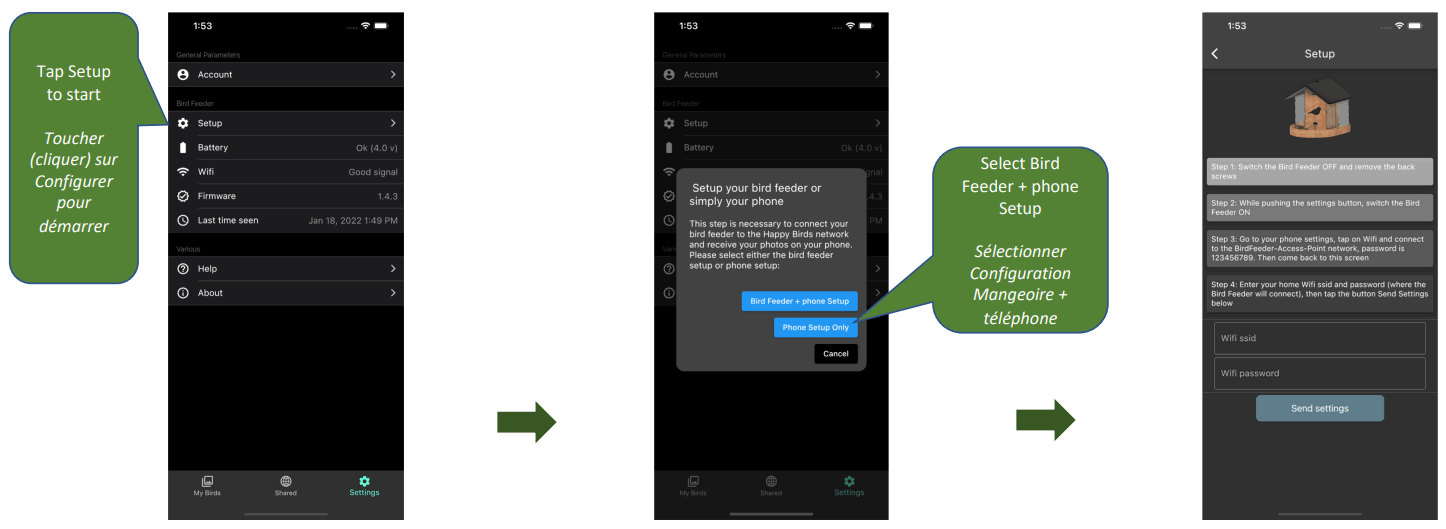
Happy Birds Setupinstructables Happy Birds Connected Bird Feeders - fig 6

instructables Happy Birds Connected Bird Feedersinstructables Happy Birds Connected Bird Feeders - fig

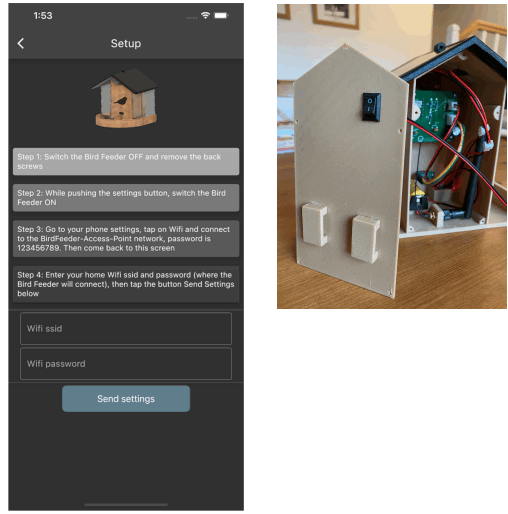
Step 1: Switch the Bird Feeder OFF and remove the back screws
instructables Happy Birds Connected Bird Feeders - fig 1

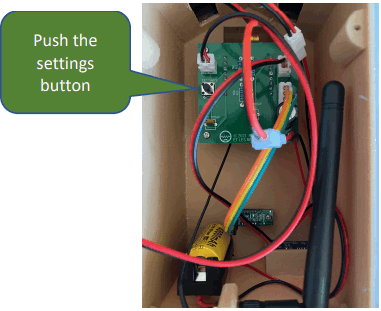
Step 2: While pushing the settings button switch the Bird Feeder ONinstructables Happy Birds Connected Bird Feeders - fig 2
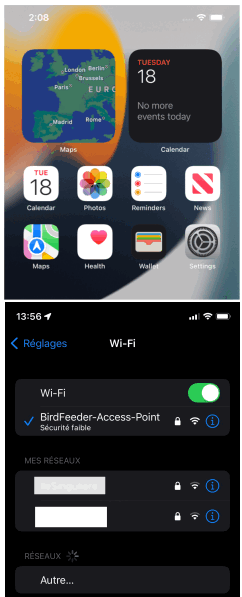
Step 3: Go to your phone settings, tap on Wifi and connect to the BirdFeederAccess-Point network, password is 123456789instructables Happy Birds Connected Bird Feeders - fig 3
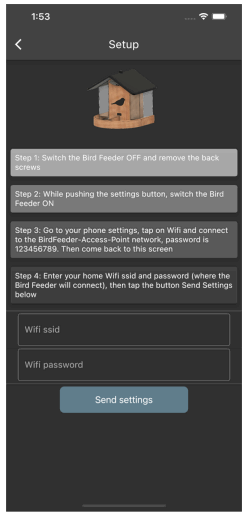
Step 4: Enter your home  if SSID and password (where the Bird Feeder will connect), then tap the button Send Settings belowinstructables Happy Birds Connected Bird Feeders - fig 4
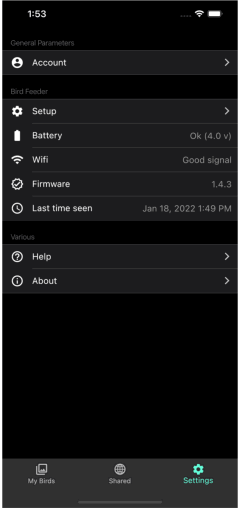
After successful setup, you are back to the Settings pageinstructables Happy Birds Connected Bird Feeders - fig 5
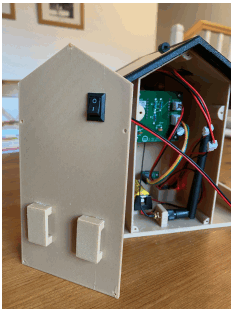
Switch the Bird Feeder OFF and ON againinstructables Happy Birds Connected Bird Feeders - fig 6
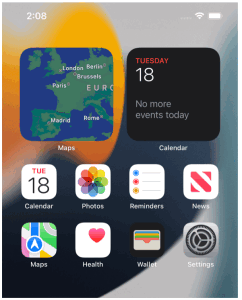
Go back to your phone settings, tap on Wifi and connect back to your home network
Bird Feeder Setup 3/3

Documents / Resouces

Download manual
Here you can download full pdf version of manual, it may contain additional safety instructions, warranty information, FCC rules, etc.


Related Manuals