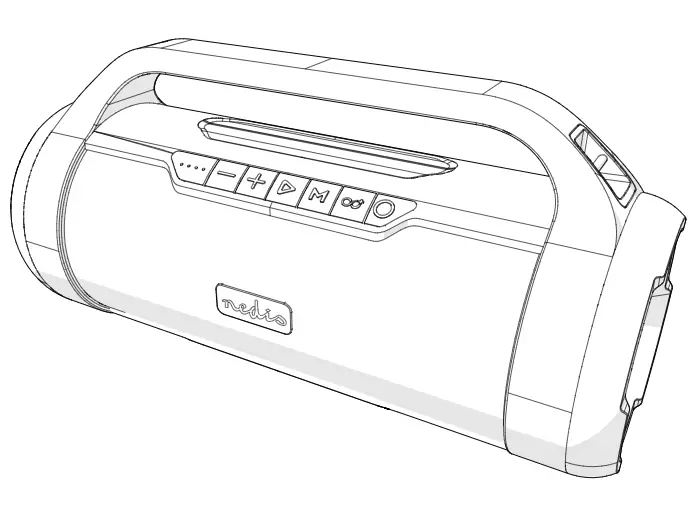
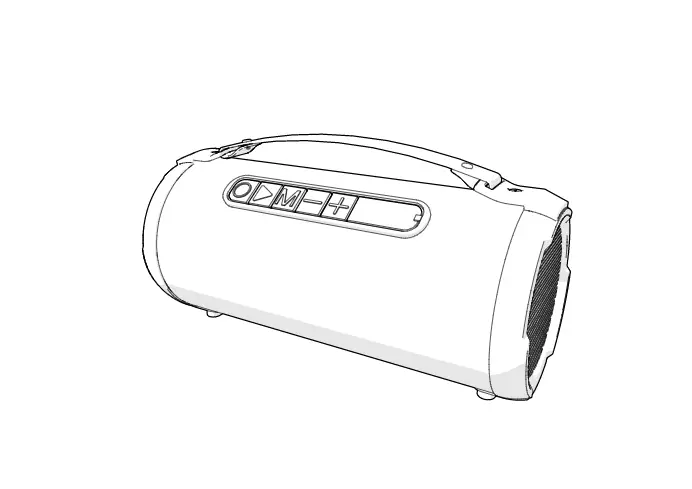
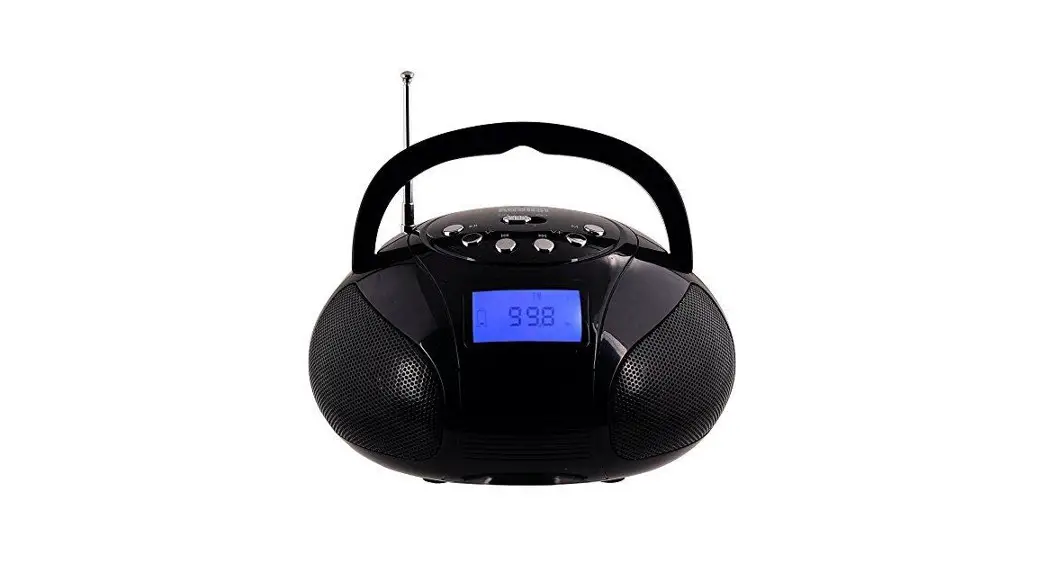
43277445 Mini RGB Boombox
Product Information
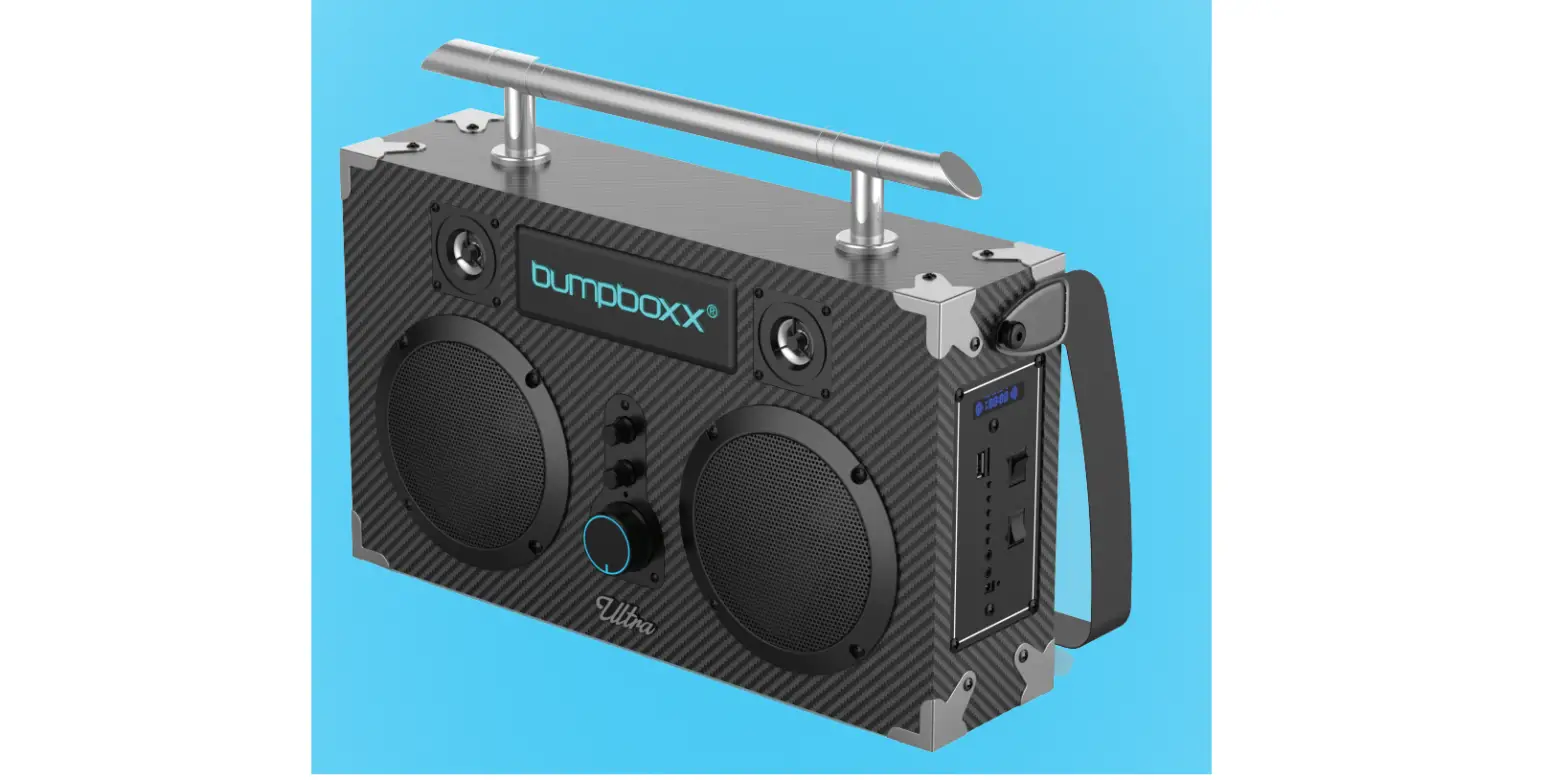
MINI RGB BOOMBOX
Model Number: 43277445
The MINI RGB BOOMBOX is a compact and portable speaker that
offers various features for your audio needs. It comes with a
built-in rechargeable lithium battery and supports Bluetooth
version 5.0 for wireless connectivity. The speaker has a power
output of 2x5W and features a 1.5-inch speaker for clear sound
reproduction. Additionally, it includes an FM radio with a
frequency range of 87.5-108MHz and an AUX input for connecting
external devices. The speaker also offers multi-lighting effects
for a visually enhanced listening experience.
Product Specifications
- Charging input rating: 5V 1A
- Charging time: 4.2 Hours
- Playback time at 50% volume: 5.5 Hours
- Power: 2×5 W
- Speaker: 1.5 Inch x 2
- FM Radio: 87.5-108MHz
- AUX In: 3.5mm
Product Features
- Multi-lighting effects
- Bluetooth version 5.0
- Built-in rechargeable lithium battery
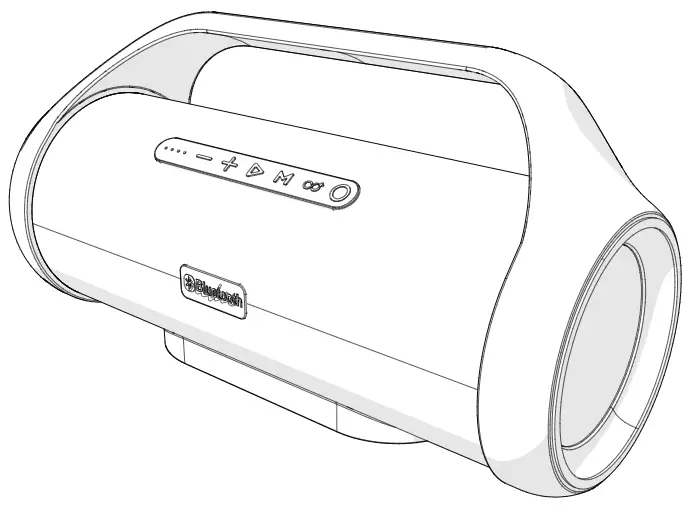
1. Short press to decrease volume/long press to previous
song.
2. Short press can switch lighting effect, seven kinds of lights
can be switched when music is playing.
3. M Short press mode conversion: Bluetooth mode, FM mode, AUX
mode, U disk mode, TF card mode, long press in FM mode to
automatically search for channels.
4. Long press to power ON/OFF, short press to play or pause.
5. Short press to increase volume/long press to next song.
6. AUX Insert AUX line for external power supply.
7. USB Insert U disk to play MP3 music.
8. TF Insert TF card to play MP3 music.
9. Charging indicator: The red light is on when charging, red
light is off when fully charged.
10. DC 5V Charging port.
Product Usage Instructions
Charging the Speaker
The speaker comes with a built-in rechargeable battery. Follow
these steps to charge it:
- Plug the end of USB charging cable (included) into the DC 5V
charging port on the speaker. - Connect the other end of the USB charging cable to a USB
charger (not included). - Plug the USB charger into a wall outlet to start charging.
- The battery indicator on the back of the speaker will show RED
while charging and turn off when fully charged. - When the battery is low, the speaker will prompt a ‘low
battery’ tone to advise you to charge it.
Powering ON/OFF
To power ON the speaker:
- Make sure that the speaker has been charged.
- Long press the button on the top panel of the speaker to switch
it on. - The speaker will enter Bluetooth pairing mode.
To power OFF the speaker:
- Long press the button on the top panel of the speaker until it
switches off. - Please note that Bluetooth will be disconnected when switching
to other modes.
Changing Function Modes
To switch between different function modes, follow these
steps:
- Press the [ M ] button on the top panel of the speaker.
- Note: You must have a micro TF card or USB device inserted, or
an AUX cable connected to switch to these modes.
MINI RGB BOOMBOX
43277445 User Manual
Please read all instructions carefully and keep for future reference.
Warning:
1.Keep the unit away from liquids and moisture. 2. Allow a minimum distance of 100 cm around the apparatus for sufficient ventilation. 3. The ventilation should not be impeded by covering the ventilation opening with items. 4. Keep away from naked flames and other heat sources. 5.The apparatus is only suitable for mounting at height < 2m. 6.This product shall not be connected to power supply source exceeding PS1 (5V d.c. 1A). 7.The marking located on the bottom of the apparatus..
Rechargeable Battery Safety Information:
1.Dispose of this product in accordance with local regulations. 2.Battery cannot be subjected to high or low extreme temperatures, low air pressure at high
altitude during use, storage or transportation. 3.Do not attempt to remove or replace the internal battery. 4.Exposure of the battery to fire, extreme heat, cutting or crushing may result in fire or explosion. 5.A battery subjected to extremely low air pressure that may result in an explosion or the
leakage of flammable liquid or gas.
Product Specification
Charging input rating: 5V 1A Charging time: 4.2 Hours Playback time at 50% volume: 5.5 Hours Power: 2×5 W Speaker: 1.5Inchx2 FM Radio: 87.5-108MHz AUX In: 3.5mm
Product feature:
– Multi-lighting effects – Bluetooth version 5.0 – Built-in rechargeable lithium battery
Button and interface:
1
2 34
5
6
7
8
9 10
AUX USB
TF
DC5V
1. Short press to decrease volume/long press to previous song. 2. Short press can switch lighting effect, seven kinds of lights can be
switched when music is playing. 3. M Short press mode conversion:Bluetooth mode, FM mode, AUX mode, U disk
mode, TF card mode, long press in FM mode to automatically search for channels. 4. Long press to power ON/OFF, short press to play or pause. 5. Short press to increase volume/long press to next song. 6.AUXInsert AUX line for external power supply. 7.USBInsert U disk to play MP3 music. 8. TF Insert TF card to play MP3 music. 9.Charging indicaterThe red light is on when charging,red light is off when fully charged. 10.DC 5VCharging port.
Charging the Speaker
The speaker comes with a built-in rechargeable battery, follow the below steps to charge it: 1.Plug the end of USB charging cable (included) with USB charger (not included)
to the DC 5V charging port, another end plug into a wall outlet to start charge. 2.The battery indicator will show RED on the back and turn off when fully charged. 3.When the battery is low, the speaker would prompt ‘low battery’ tone to advise user to charge the
speaker.
Powering ON/OFF
1.Make sure that the speaker has been charged. 2. Long press the button on top panel to switch on the speaker and will enter
Bluetooth pairing mode. 3.The speaker may automatically re-pair to any nearby, previously paired
device. 4.Long press the button switch off the speaker. Please note that Bluetooth will be disconnected when switching to other modes.
Changing Function Modes
1.Press the [ M ] button on the top panel of the speaker to switch function modes. Note: You must have a micro TF card or USB device inserted or AUX cable connected to switch to these modes.
Adjusting Volume & Playback
1.Short press the – button or the + button on top panel decrease or increase the volume; or the controls on a connected device.
2.Long press the – button or the + button on top panel to switch the tracks in Bluetooth/ USB mode.
3.Press the key to pause and resume playback in Bluetooth/USB mode
TF Card Playing
This speaker has a TF card input slot for play back MP3 music. 1. Insert your TF card into the input slot and speaker will start playing
automatically.
2.Press the [M] button to swith to TF card mode if the speaker is on other mode. 3.Long press the – button or the + button on top panel switch to the previous
or next track. 4.Press the key to play or pause music.
USB Playing
This speaker has a USB input slot for play back MP3 music. 1. Insert your USB device into the input slot and speaker will start playing
automatically. 2.Press the [M] button to swith to USB mode if the speaker is on other mode. 3.Long press the – button or the + button on top panel switch to the previous
or next track. 4.Press the key to play or pause music.
Connecting with Bluetooth
1.Power on the speaker and will enter into the bluetooth mode. 2.Open the bluetooth on your mobile device and search Bluetooth name
43277445 to pair. 3.In Bluetooth mode, playback and volume can be controlled by your paired
device or the controls on the toppanel of the speaker.
Switching the Speaker Light Effects
1.The LED light effects will automatically turn on when the speaker is powered on.
2.Press the [ ] key on the front panel to switch LED light effects and turn the lights off.
Using the FM Radio(No need external FM antenna)
1.Press [ M ] switch to FM mode. 2.Long press the M button on the top panel to start scanning and saving
available stations. 3.Long press the – button or the + button on top panel to the switch to the
saved stations.
Connecting to an AUX Device
1.Insert one connector of 3.5mm AUX cable (included) into the 3.5mm AUX input . Insert the other connector into the headphone jack or audio output jack of your media playing device.
2.In AUX mode, only the / – and + can be controlled.