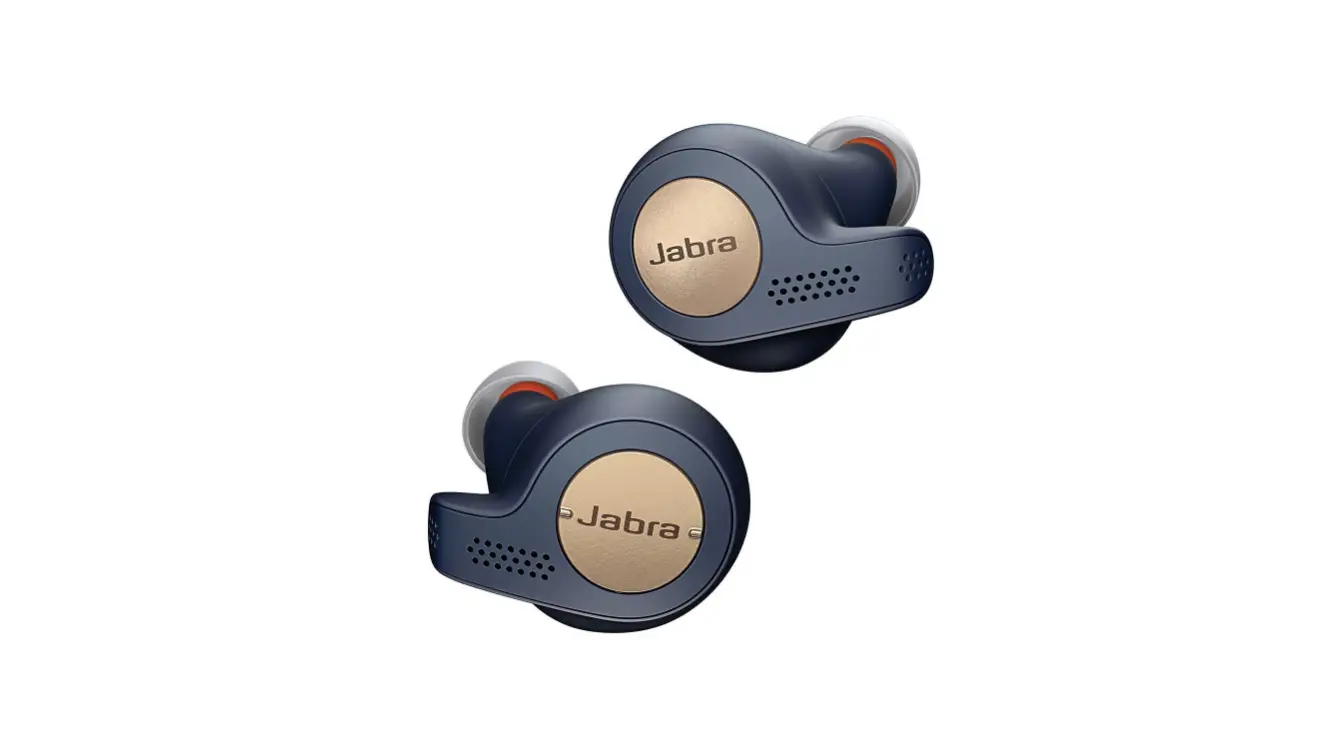
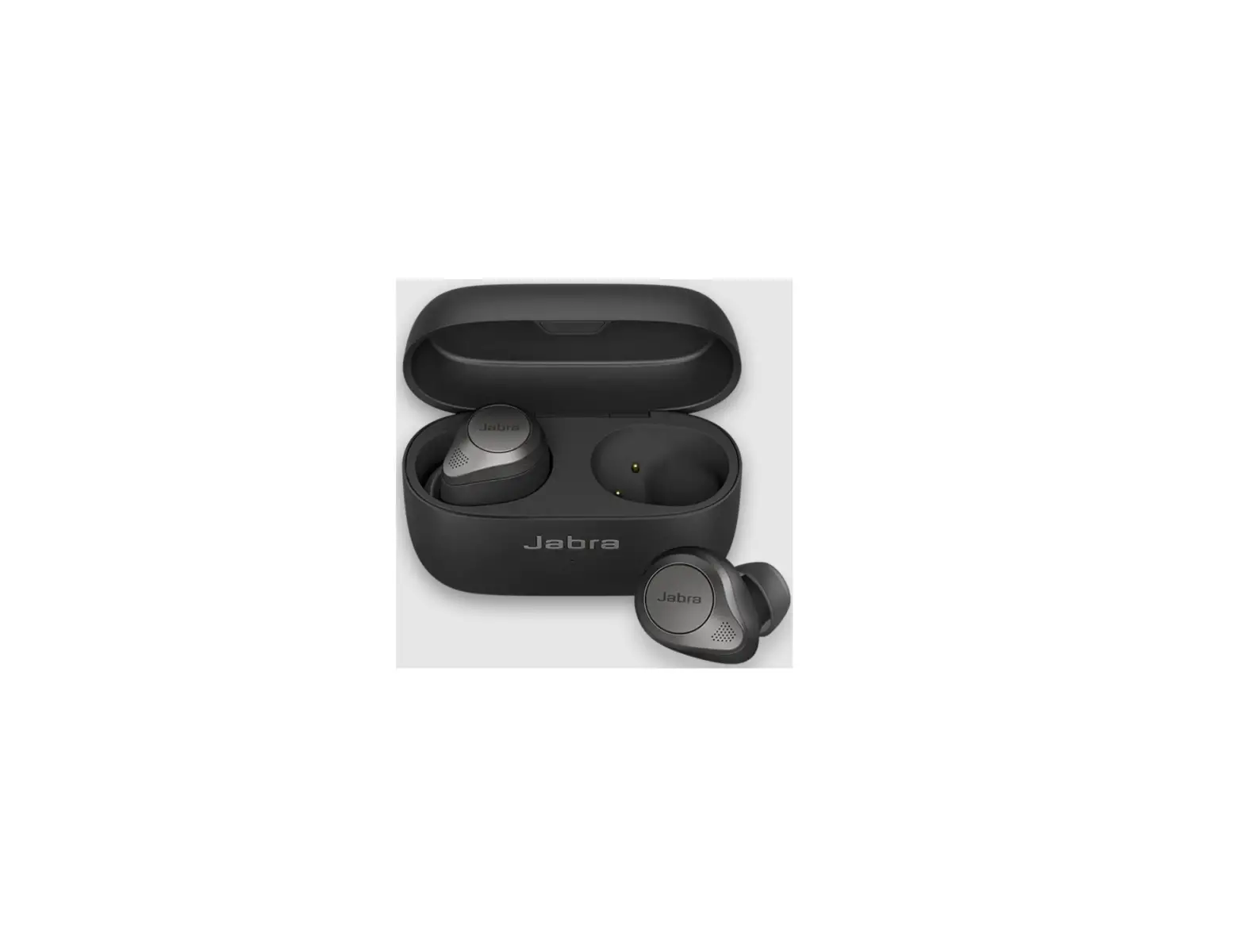
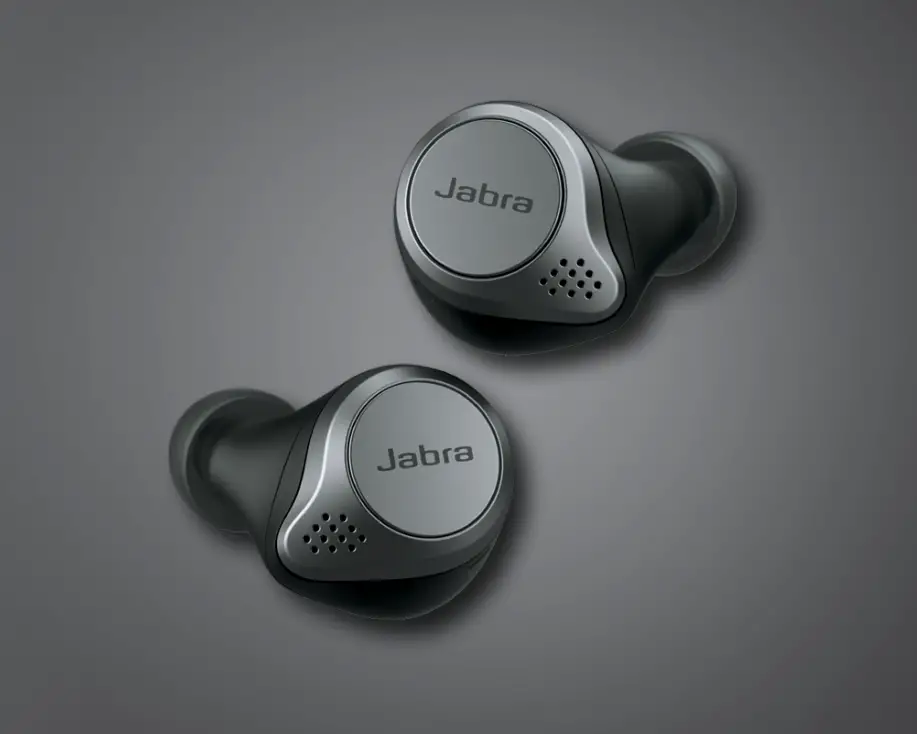
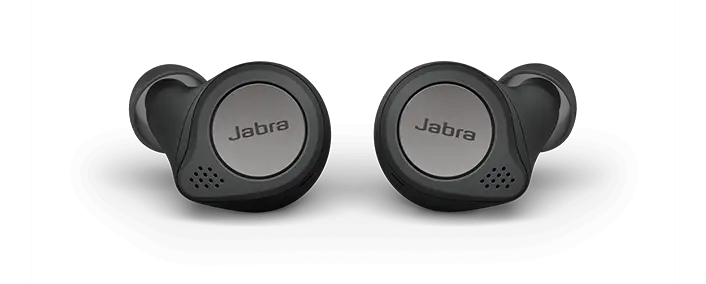
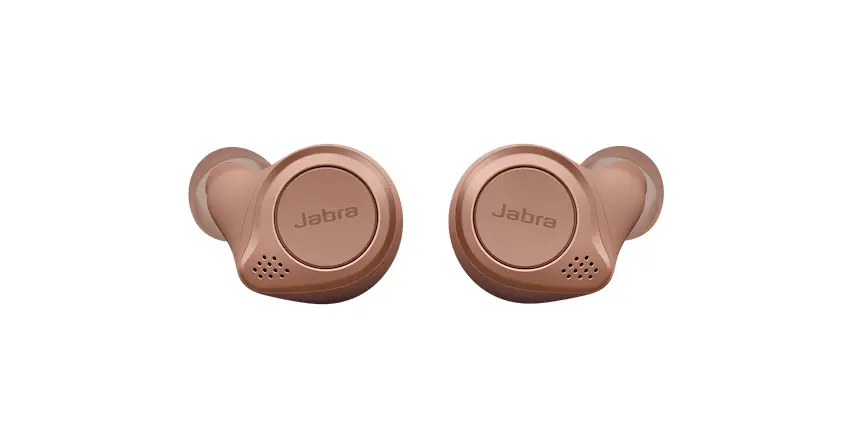
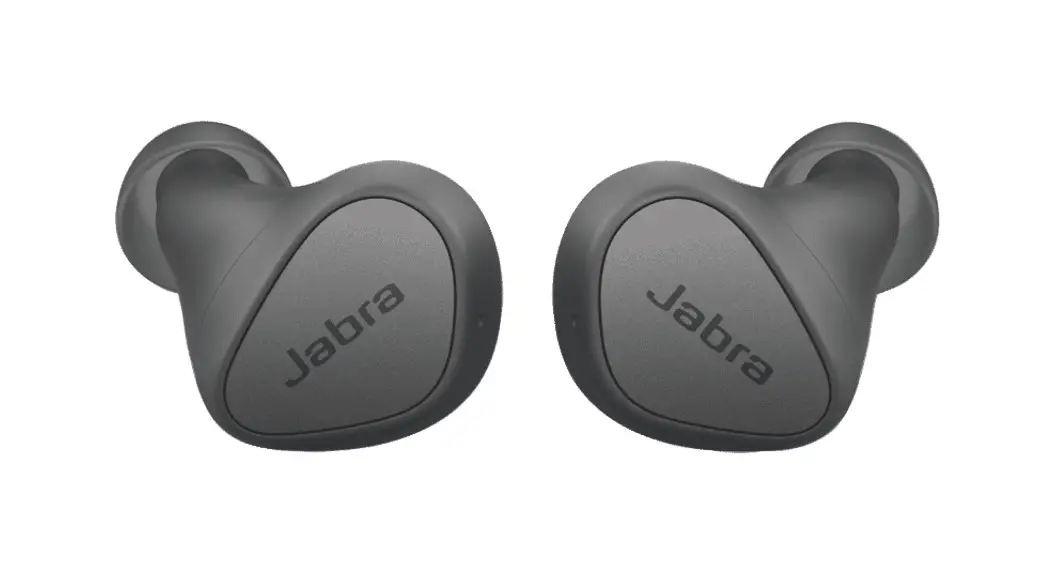
Jabra Elite 85t – Gold Beige
Jabra Elite 85t – Product Information
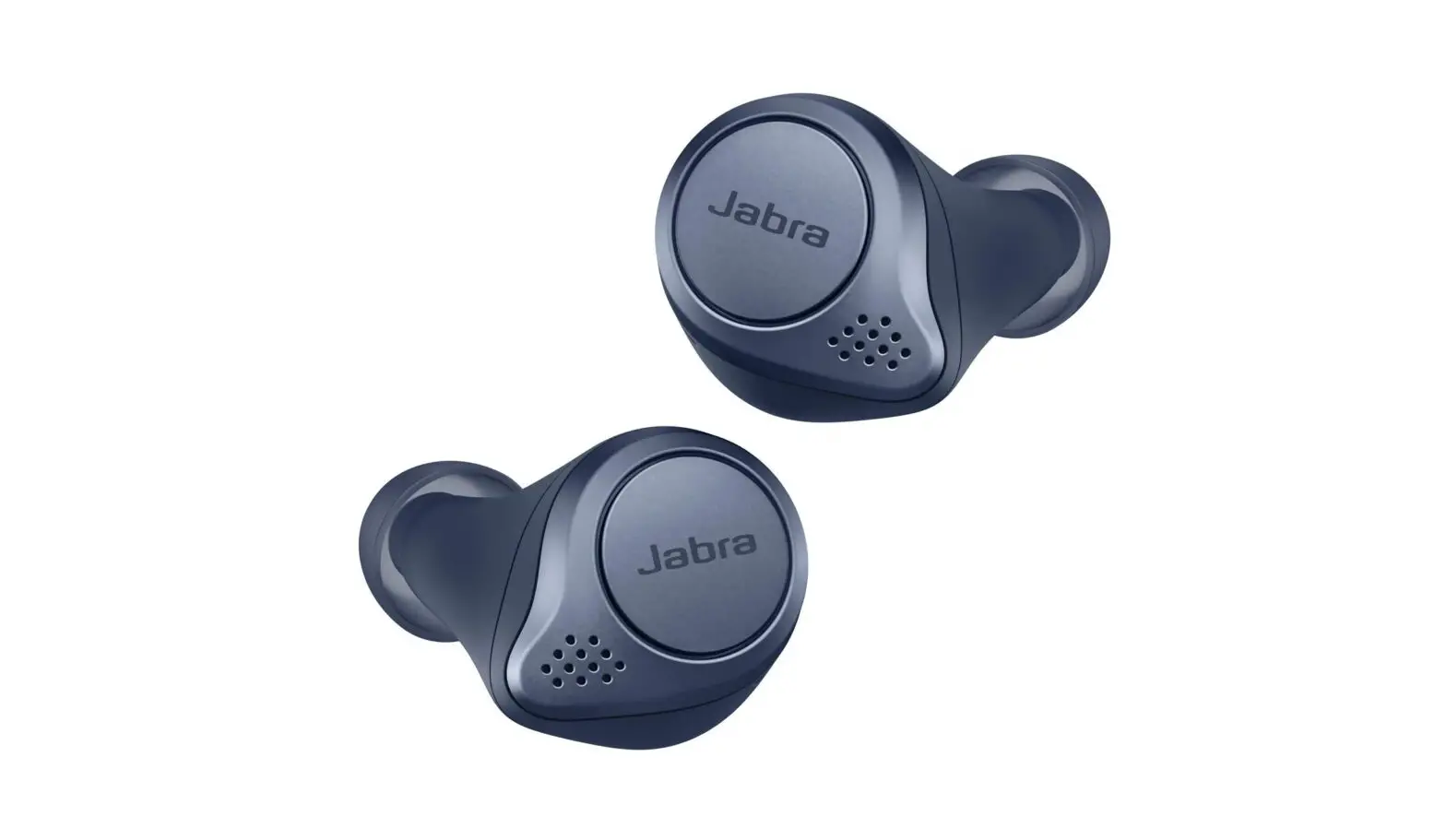
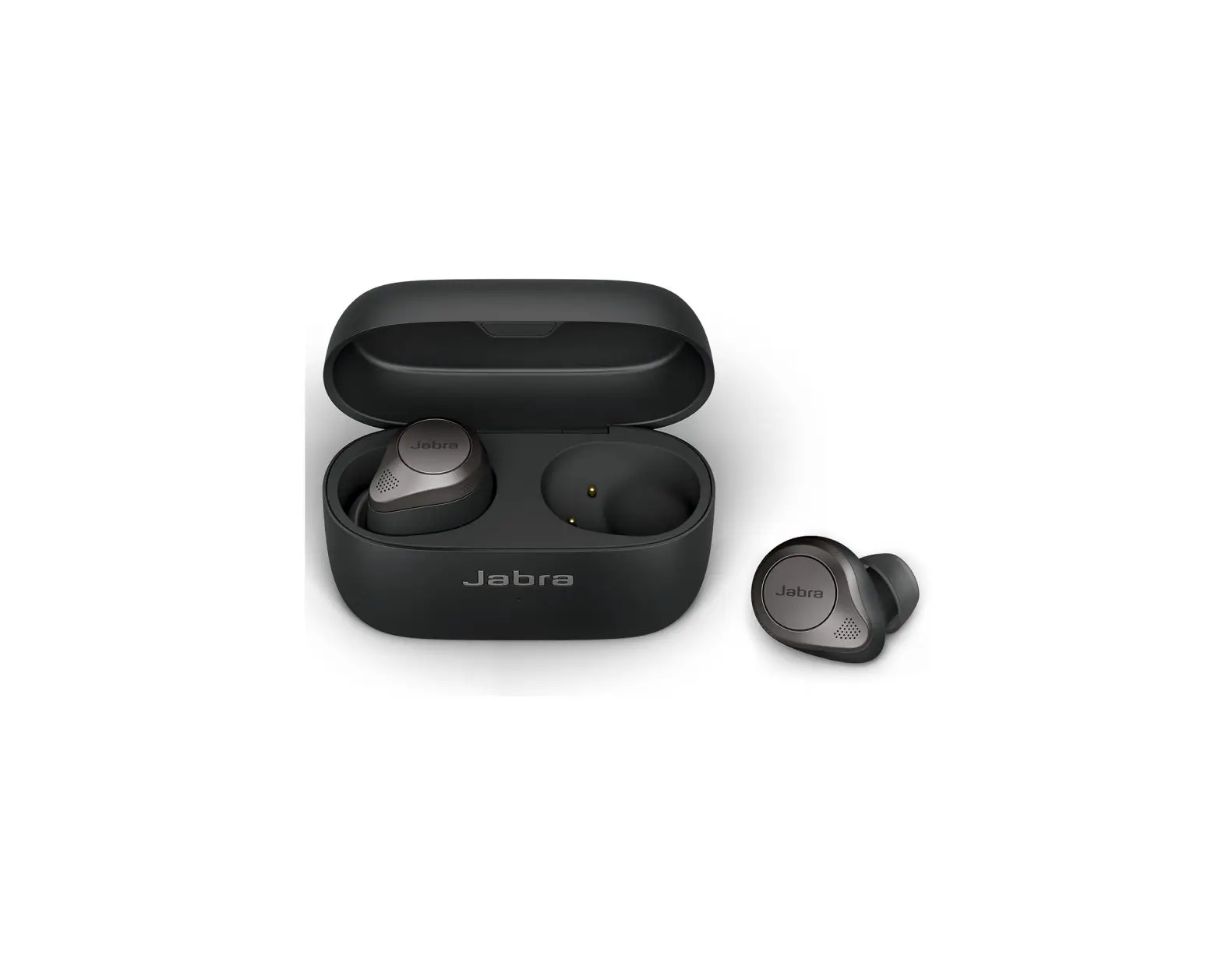
The Jabra Elite 85t is a wireless earbud designed for pairing
with smartphones, tablets, and other mobile devices. It features
Bluetooth connectivity, allowing for seamless wireless audio
streaming. The earbuds come in a stylish Gold Beige color.
Product Usage Instructions
- Turn on the Bluetooth setting on your mobile device.
- Turn on your earbuds by removing them from the charging case.
Alternatively, simultaneously press the Left and Right buttons. The
LEDs on both earbuds will flash green. - To enter pairing mode, simultaneously press and hold (3
seconds) the Left and Right buttons on the earbuds until the LED on
the right earbud flashes blue. The earbuds are now ready to pair
with your mobile device. - To pair, go to the Bluetooth menu on your mobile device and
select the Jabra Elite 85t from the list. Alternatively, wear the
earbuds to hear the voice guided instructions. Enter 0000 (four
zeros) if you are asked for a pin code. - If you pair with two mobile devices, use this process
separately for each mobile device. After pairing with both mobile
devices, you will need to reselect the Jabra Elite 85t in the
Bluetooth settings on the first mobile device. This will complete
the pairing process for both mobile devices. - In daily use, when you turn on the earbuds, they will
automatically reconnect with the last previously paired device if
it is turned on and within range.
To pair with your smartphone, tablet, or mobile device using
only the right earbud, follow these steps:
- Turn on the Bluetooth setting on your mobile device.
- Turn off the right earbud manually by pressing the Right button
until the LED flashes red. - To enter pairing mode, press and hold (3 seconds) the Right
button until the LED flashes blue. The earbud is now ready to pair
with your mobile device. - To pair, go to the Bluetooth menu on your mobile device and
select the Jabra Elite 85t from the list. Alternatively, wear the
earbud to hear the voice guided instructions. Enter 0000 (four
zeros) if you are asked for a pin code. - If pairing is successful, your earbuds will appear in the list
of connected Bluetooth devices on your mobile device. The Bluetooth
connection will also be announced in the earbuds.
If pairing is not successful, try the pairing steps again or try
pairing with a different Bluetooth device. For troubleshooting
tips, refer to the
troubleshooting guide. Optionally, you can use the
Bluetooth Pairing Guide for detailed steps on pairing with a
mobile device.
26/07/2021 16:58
Jabra Elite 85t – Gold Beige
How do I pair my Jabra Elite 85t with my mobile device?
To pair with your smartphone, tablet, or mobile device, follow these steps. 1. Turn on the Bluetooth setting on your mobile device. 2. Turn on your earbuds by removing them from the charging case.
Alternatively, simultaneously press the Left and Right buttons. The LEDs on both earbuds will flash green. 3. To enter pairing mode, simultaneously press and hold (3 seconds) the Left and Right buttons on the earbuds, until the LED on the right earbud flashes blue. The earbuds are now ready to pair with your mobile device.
4. To pair, go to the Bluetooth menu on your mobile device and select the Jabra Elite 85t from the list. Alternatively, wear the earbuds to hear the voice guided instructions. Enter “0000” (four zeros) if you are asked for a pin code.
If you pair with two mobile devices, use this process separately for each mobile device. After pairing with both mobile devices, you will need to reselect the Jabra Elite 85t in the Bluetooth settings on the first mobile device. This will complete the pairing process for both mobile devices.
In daily use, when you turn on the earbuds, they will automatically reconnect with the last previously paired device, if it is turned on and within range.
https://www.jabra.com/supportpages/jabra-elite-85t/100-99190704-98/faq/d3b720c8d5e8-45db-bf58-c24a62e25208
Page 1 of 2
26/07/2021 16:58
To pair with your smartphone, tablet, or mobile device using only the right earbud, follow these steps. 1. Turn on the Bluetooth setting on your mobile device. 2. Turn off the right earbud manually by pressing the Right button until
the LED flashes red. 3. To enter pairing mode, press and hold (3 seconds) the Right button until
the LED flashes blue. The earbud is now ready to pair with your mobile device. 4. To pair, go to the Bluetooth menu on your mobile device and select the Jabra Elite 85t from the list. Alternatively, wear the earbud to hear the voice guided instructions. Enter “0000” (four zeros) if you are asked for a pin code. If pairing is successful, your earbuds will appear in the list of connected Bluetooth devices on your mobile device. The Bluetooth connection will also be announced in the earbuds.
Note Images are for guidance purposes only. The displayed image may differ slightly from your device, however the content is still relevant and accurate.
If pairing is not successful, try the pairing steps again, or try pairing with a different Bluetooth device. For troubleshooting tips, see here.
Optionally, try using the Bluetooth Pairing Guide which provides detailed steps for pairing with a mobile device.
https://www.jabra.com/supportpages/jabra-elite-85t/100-99190704-98/faq/d3b720c8d5e8-45db-bf58-c24a62e25208
Page 2 of 2

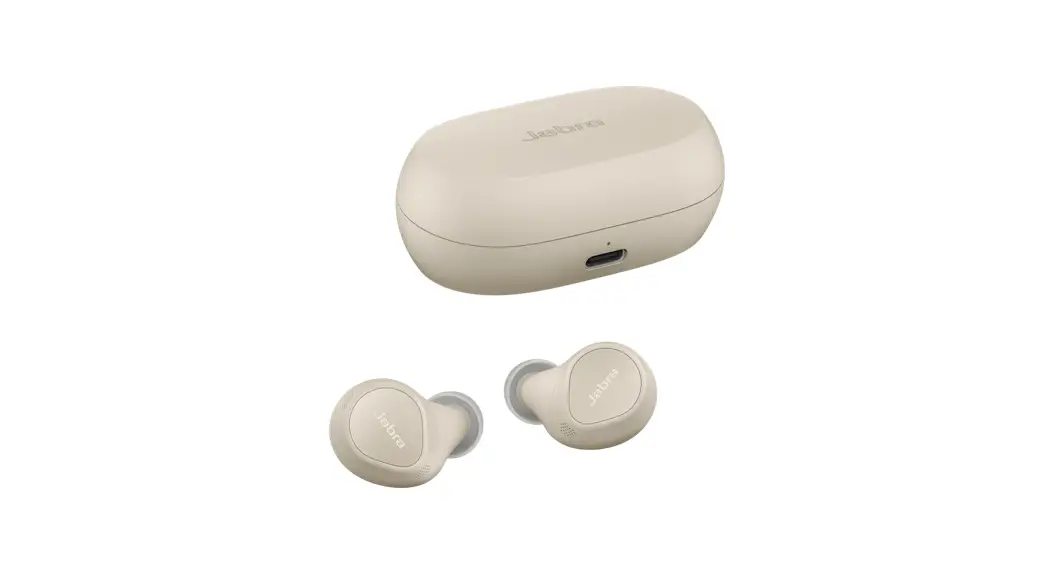

![Jabra Elite 75t [ote120l, Ote120r, Cpb125] User Manual](https://static-data1.manualsee.com/1/img/31/16934/2020/12/Jabra-Elite-75t.jpg "Jabra Elite 75t [ote120l, Ote120r, Cpb125] User Manual")