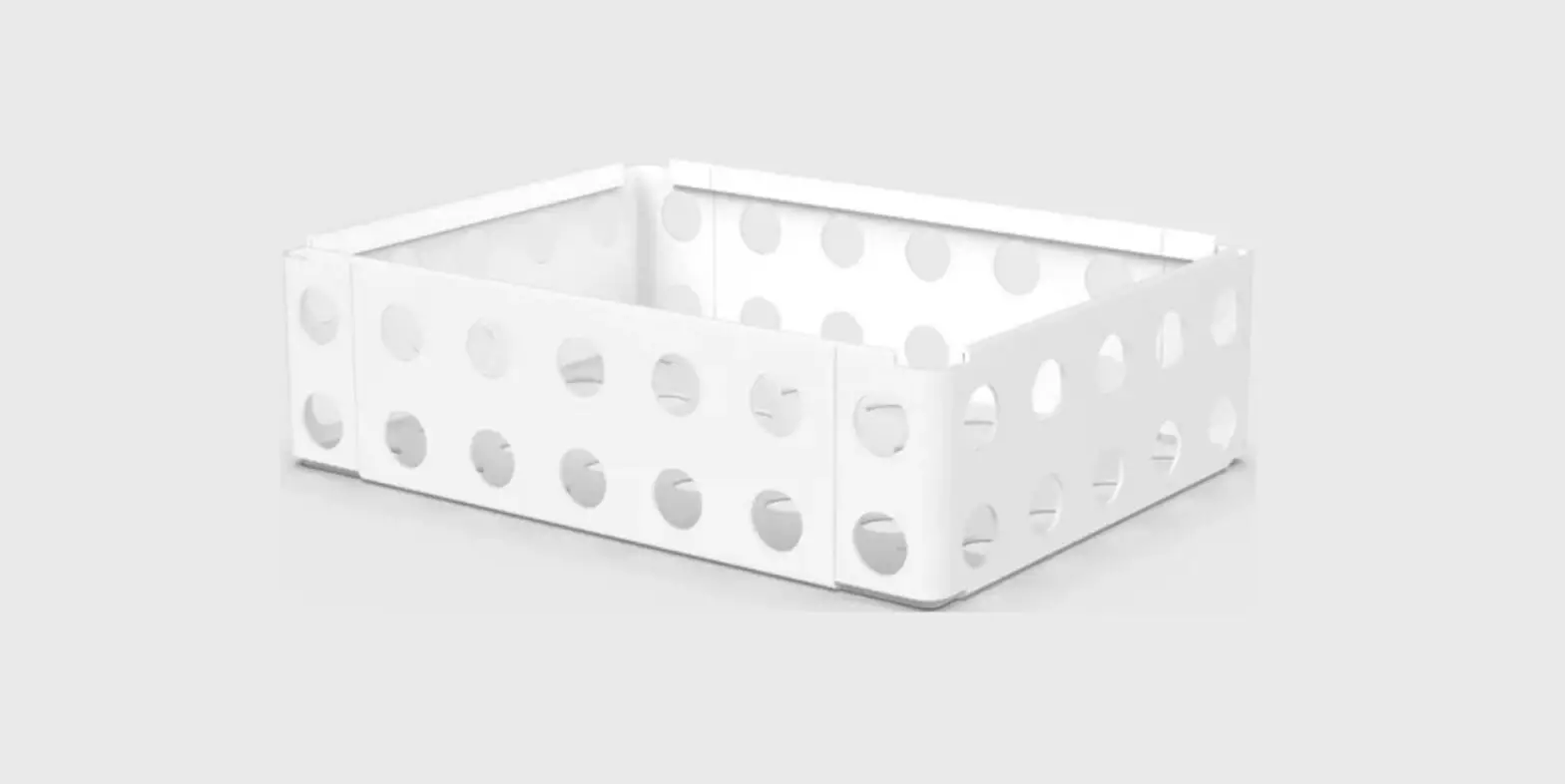
Kalk Utility Rack
Product Information: Kalk Utility Rack
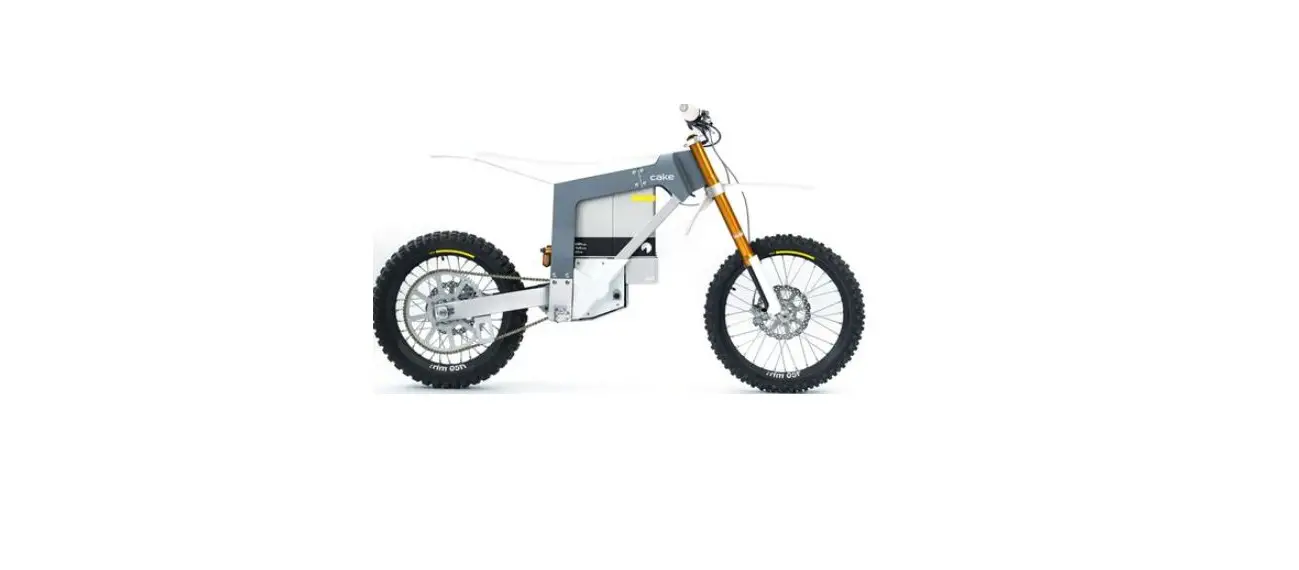
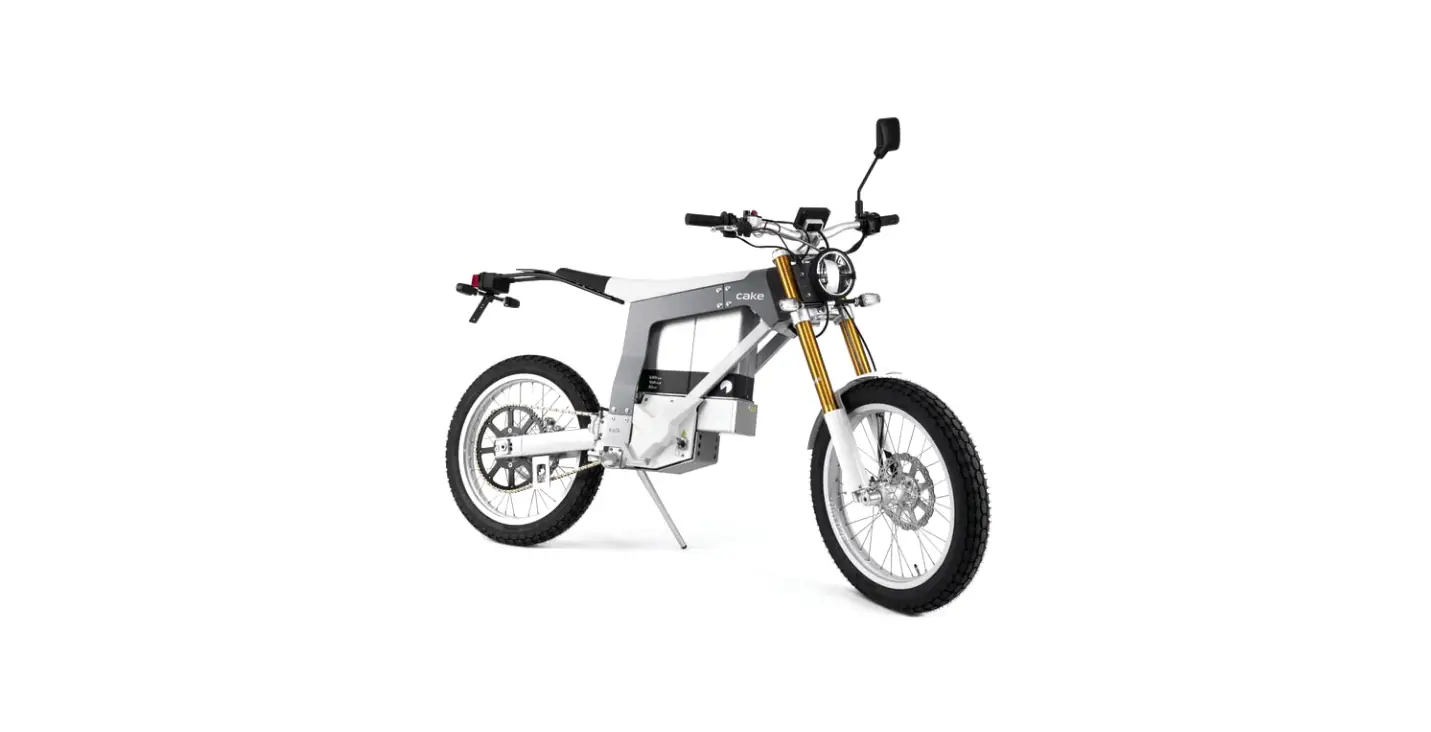
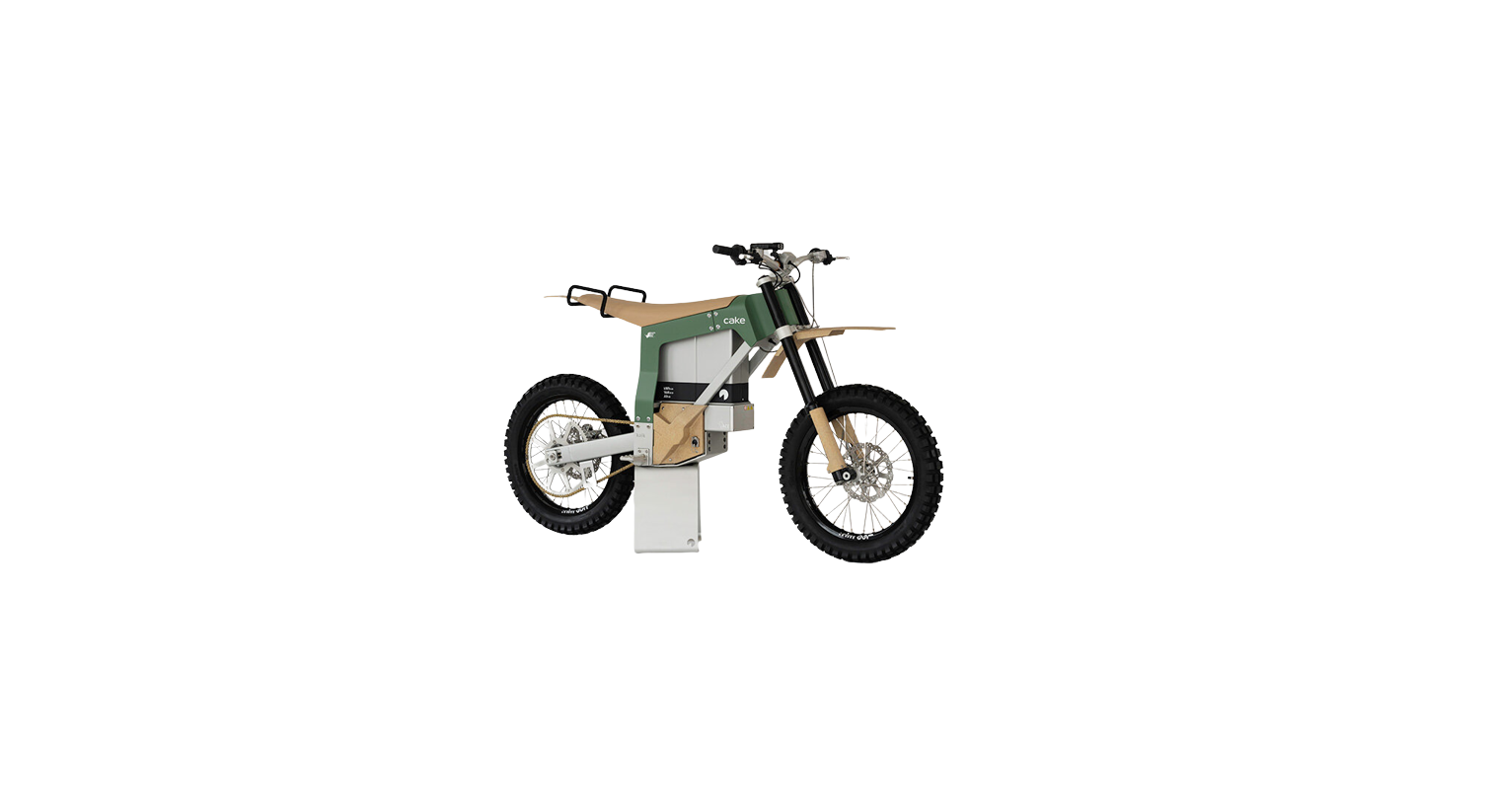
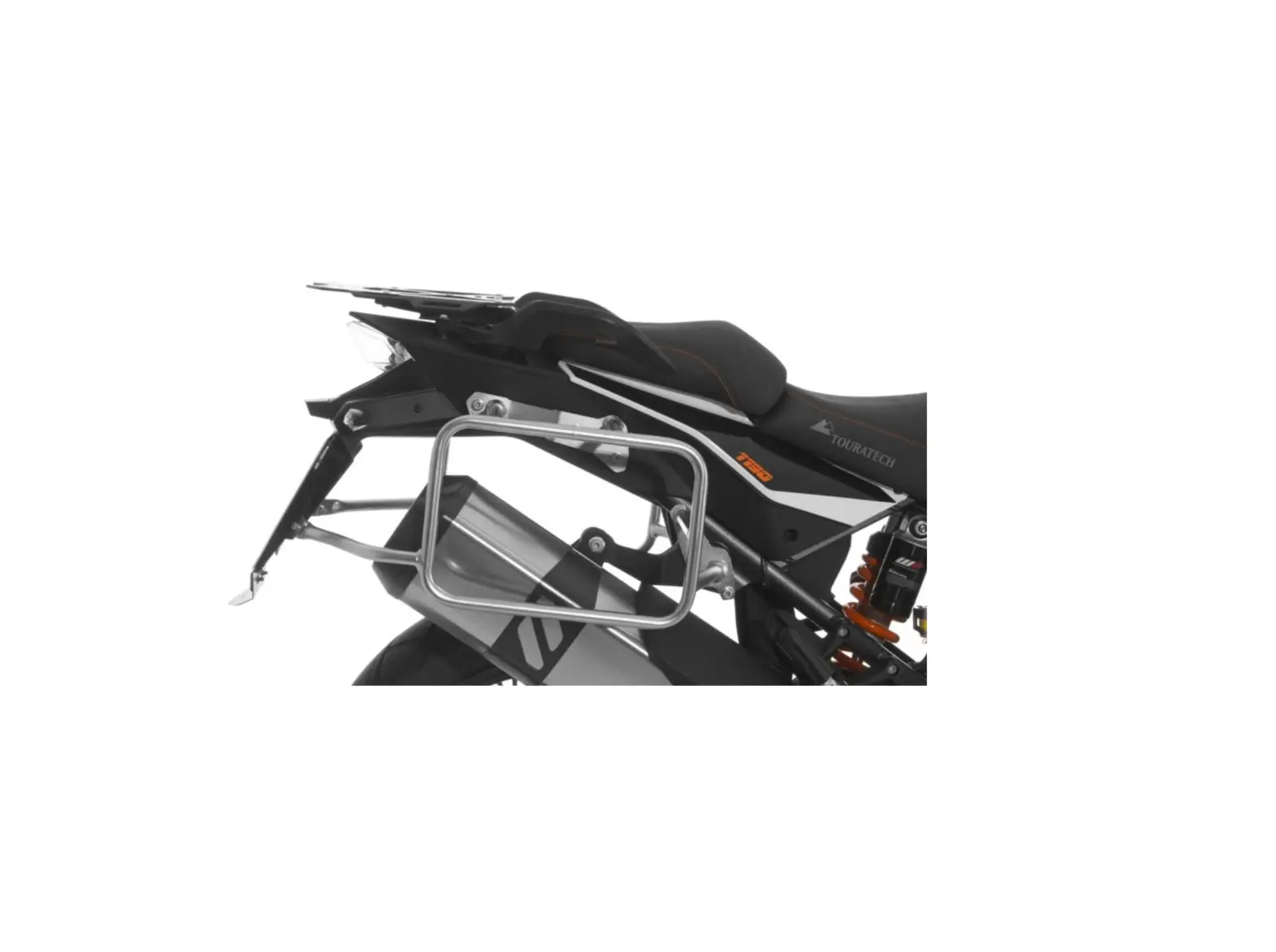
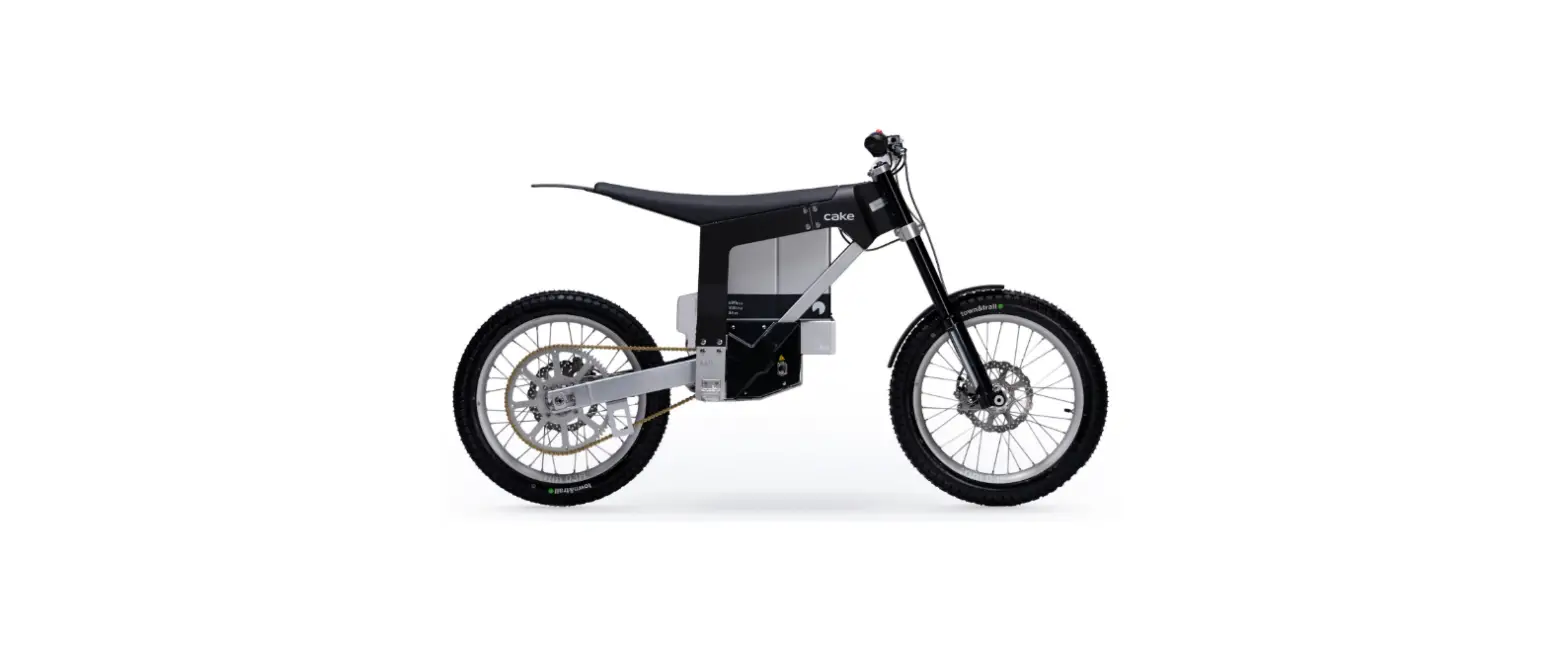
The Kalk Utility Rack is an additional accessory for the Kalk
electric bike. It comes in two variants: with rear light and
without rear light. The rack is designed to provide extra storage
space for carrying items on the bike.
Items Included:
- Rack
- Washer x2
- Rear light (only for the variant with rear light)
Fasteners included in the package are 4 screws and 4
washers.
Tools needed for installation are a Hex key with a 5mm size.
If you need support during installation or have any issues with
the product, please contact your local CAKE service center.
Product Usage Instructions:
- Ensure that the Kalk electric bike is turned off and parked on
a stable surface. - Identify the variant of the Kalk Utility Rack that you have,
with or without rear light. - If you have the variant with rear light, attach the rear light
to the rack using the screws and washers provided. Make sure that
it is securely attached. - Place the rack onto the rear of the bike, ensuring that it is
aligned with the mounting points. - Insert the screws through the mounting points and tighten them
using the Hex key until they are secure. - Check that the rack is firmly attached and does not move when
pushed or pulled. - You can now use the Kalk Utility Rack to carry items on your
bike.
Kalk Utility rack Instructions
Without rear light
With rear light
Items Component
1
Rack
2
Washer
3
Screw the screws to be torqued to 10Nm
4
Rear light
Please contact your local CAKE service center if you need support
Fasteners included 4x screws 4x washer
Tools needed Hex key 5 mm