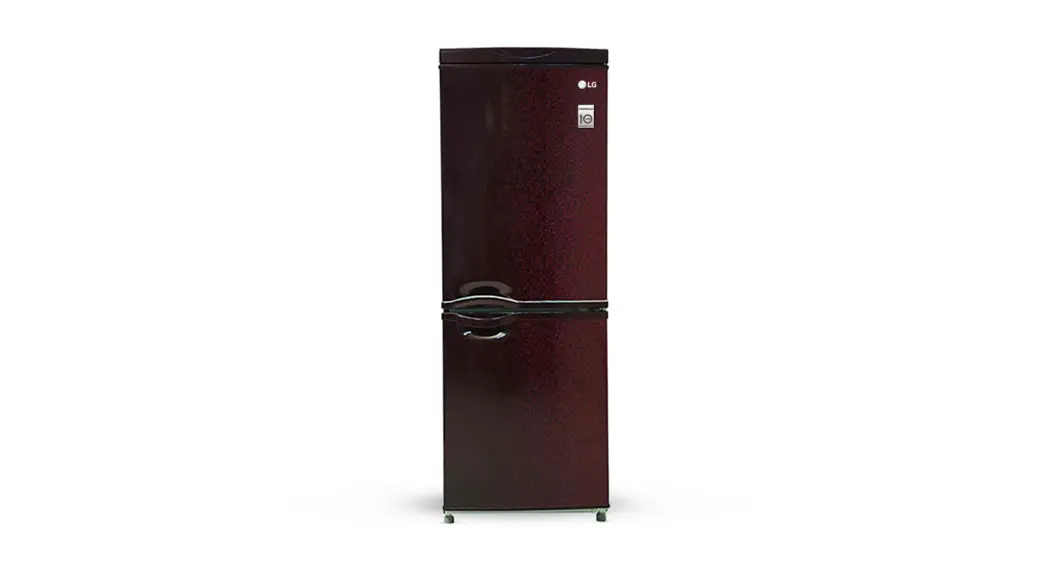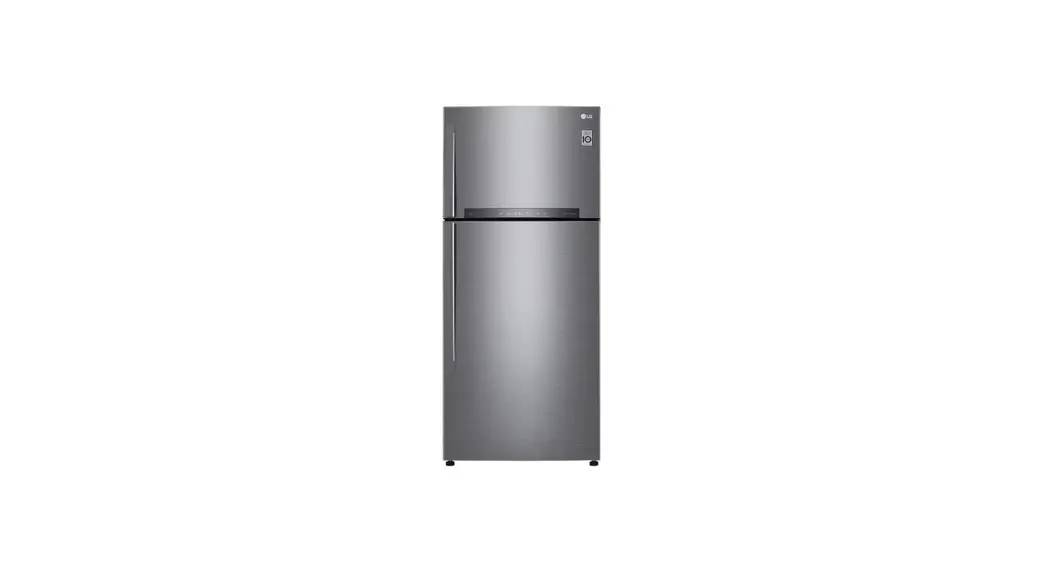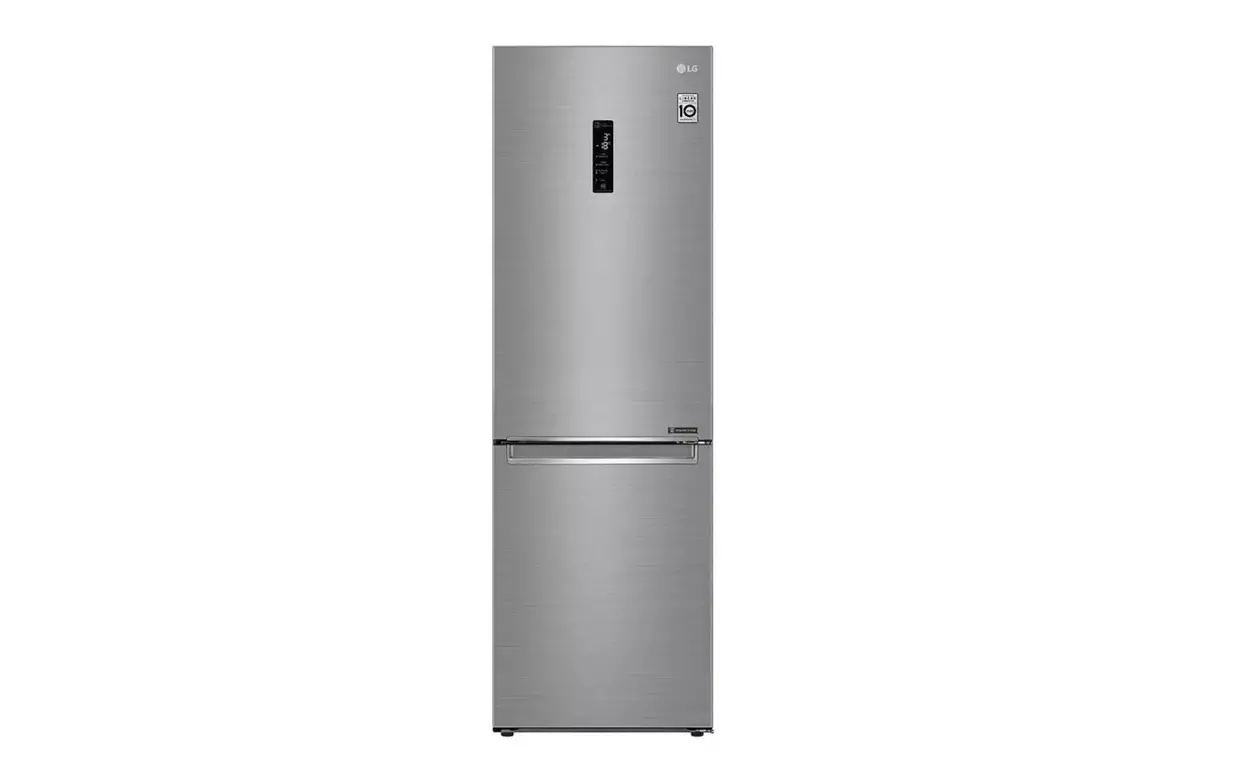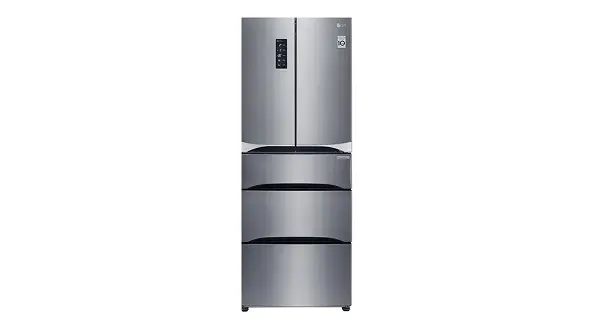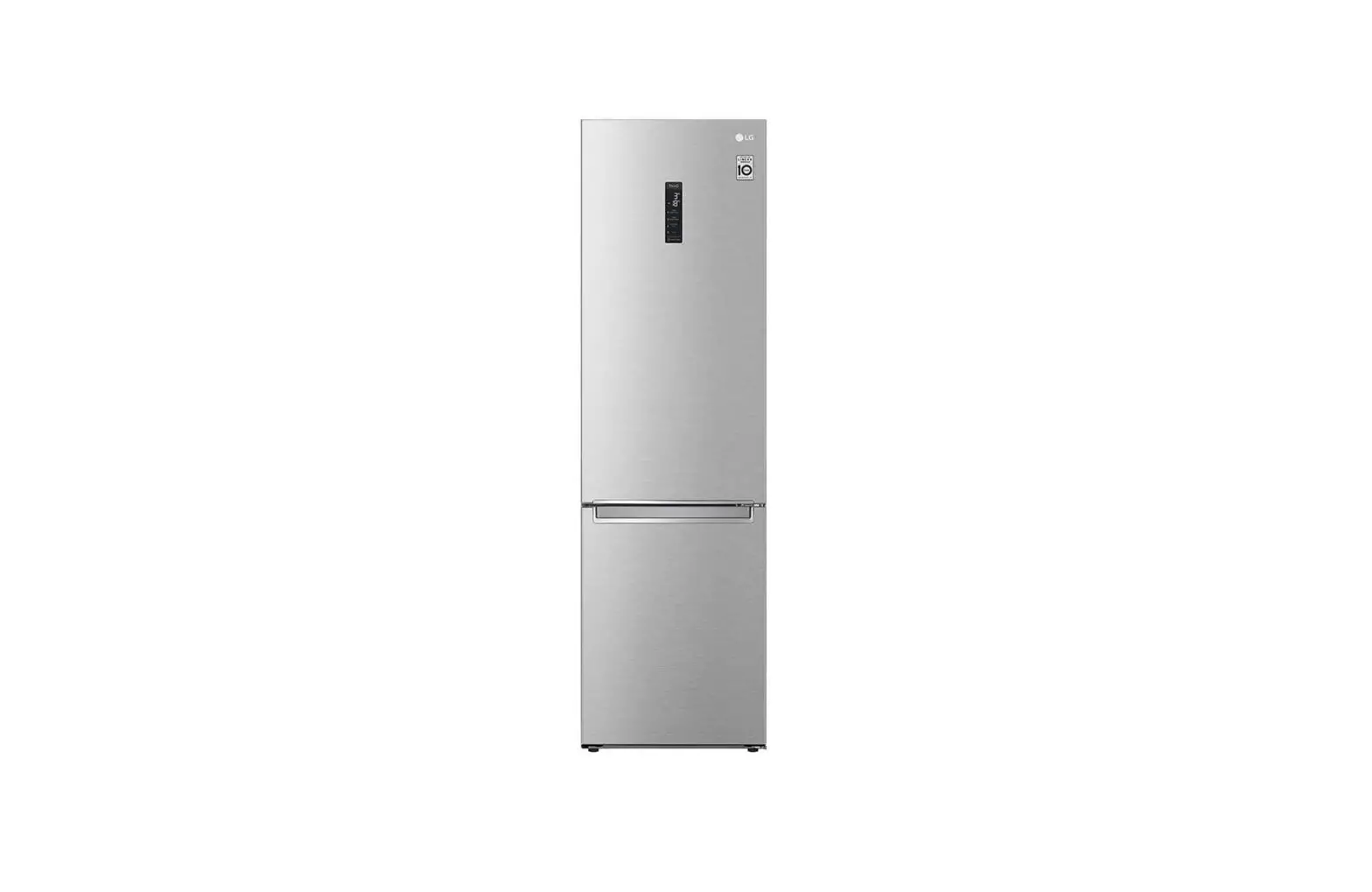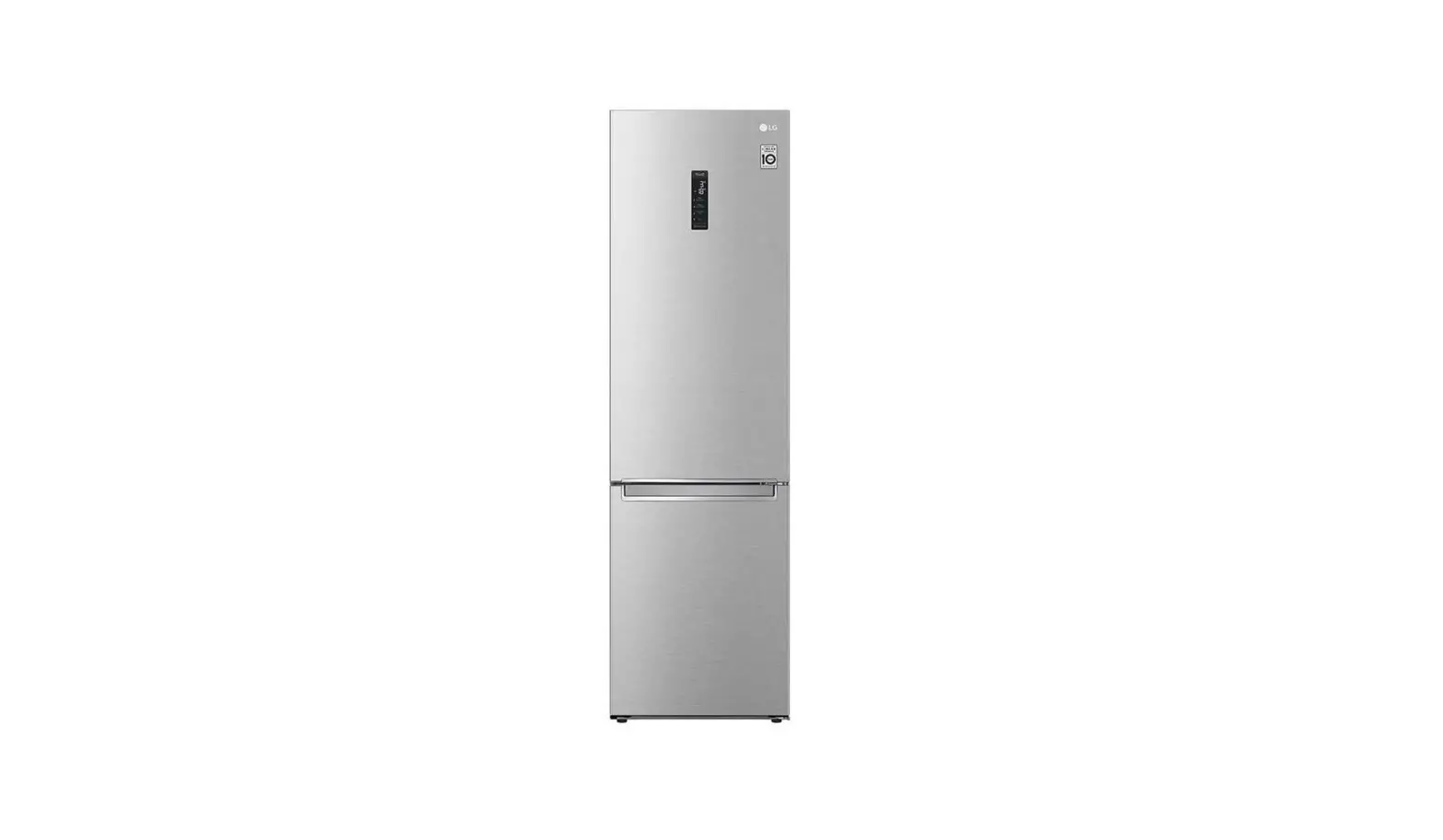

LG MFL70584315 Fridge and Freezer
Product Information
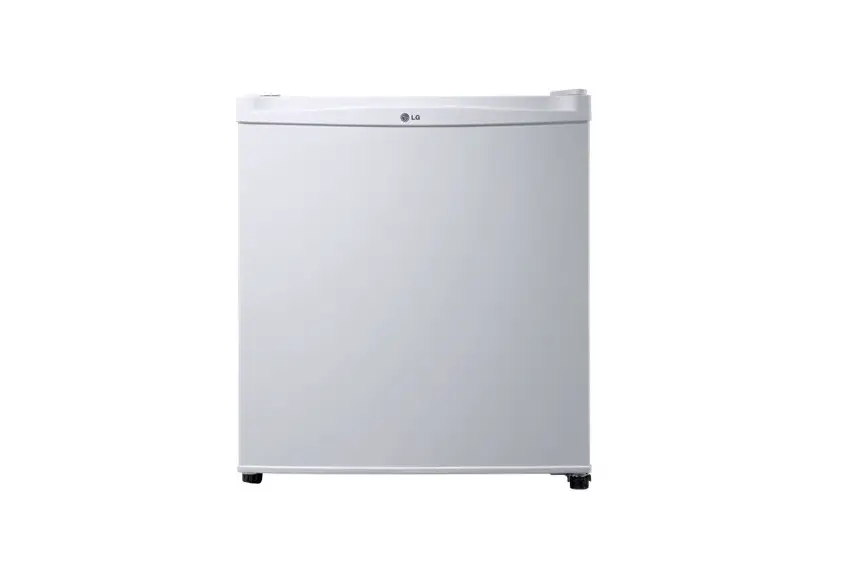
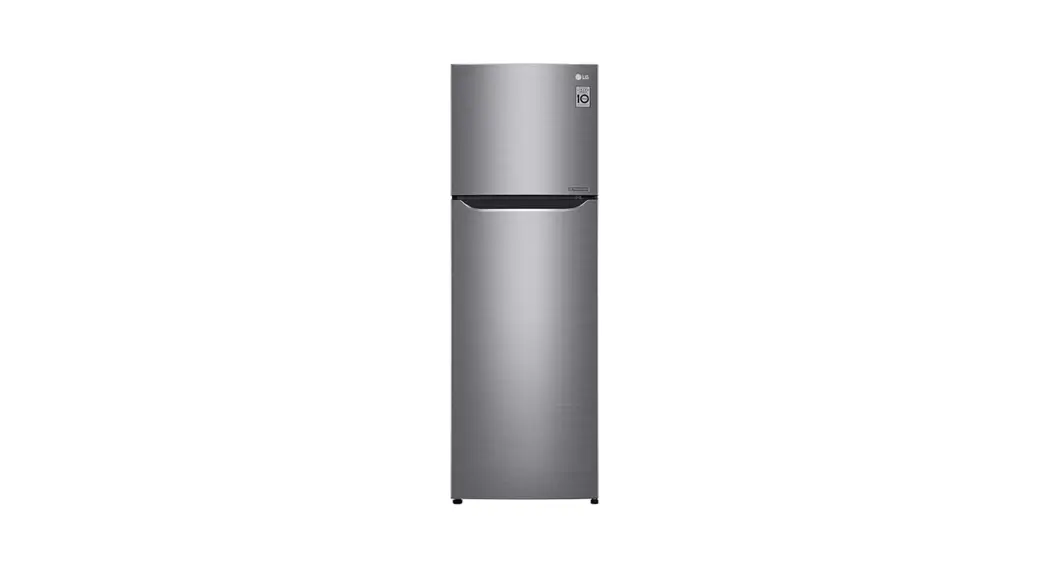
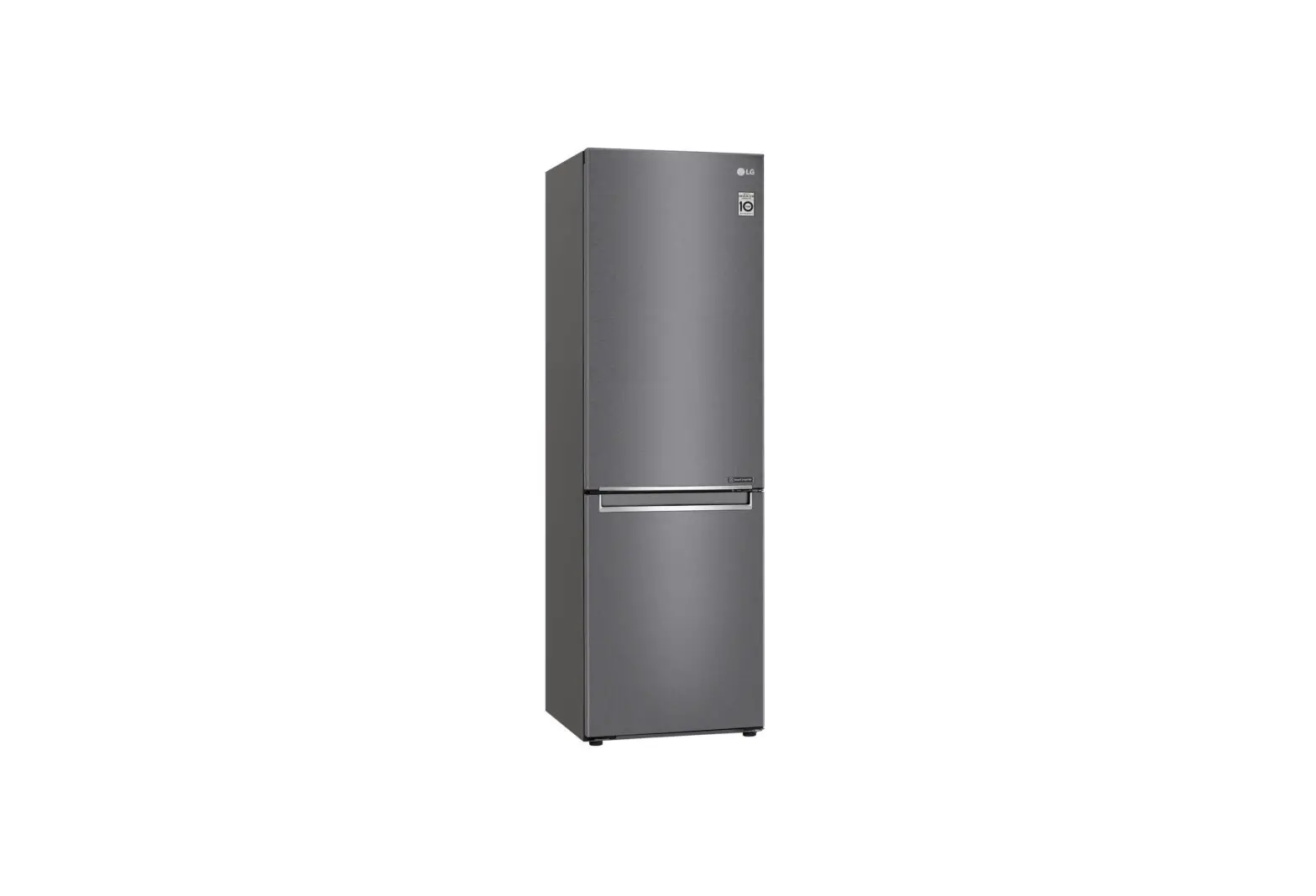
LG Fridge and Freezer
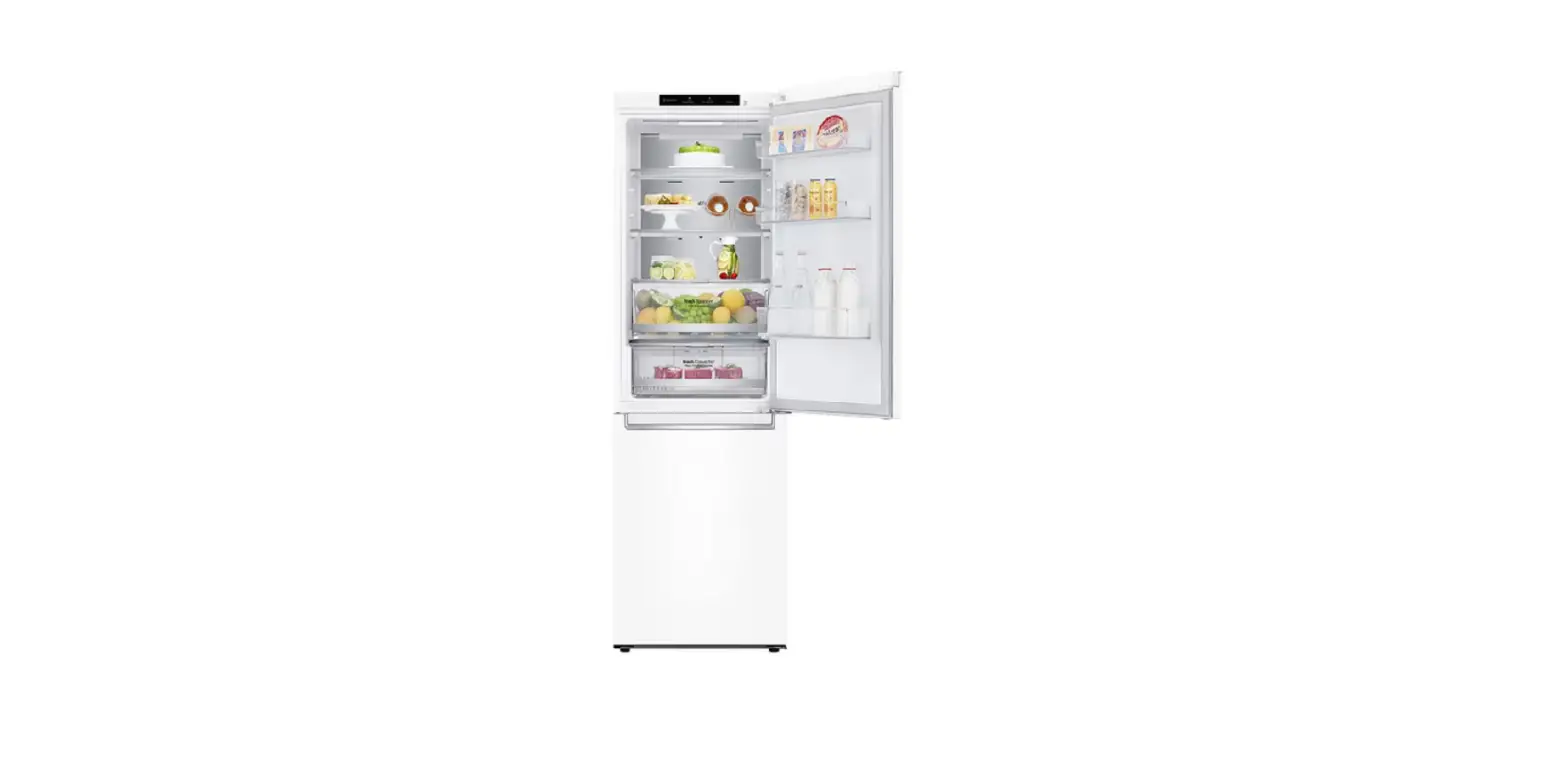
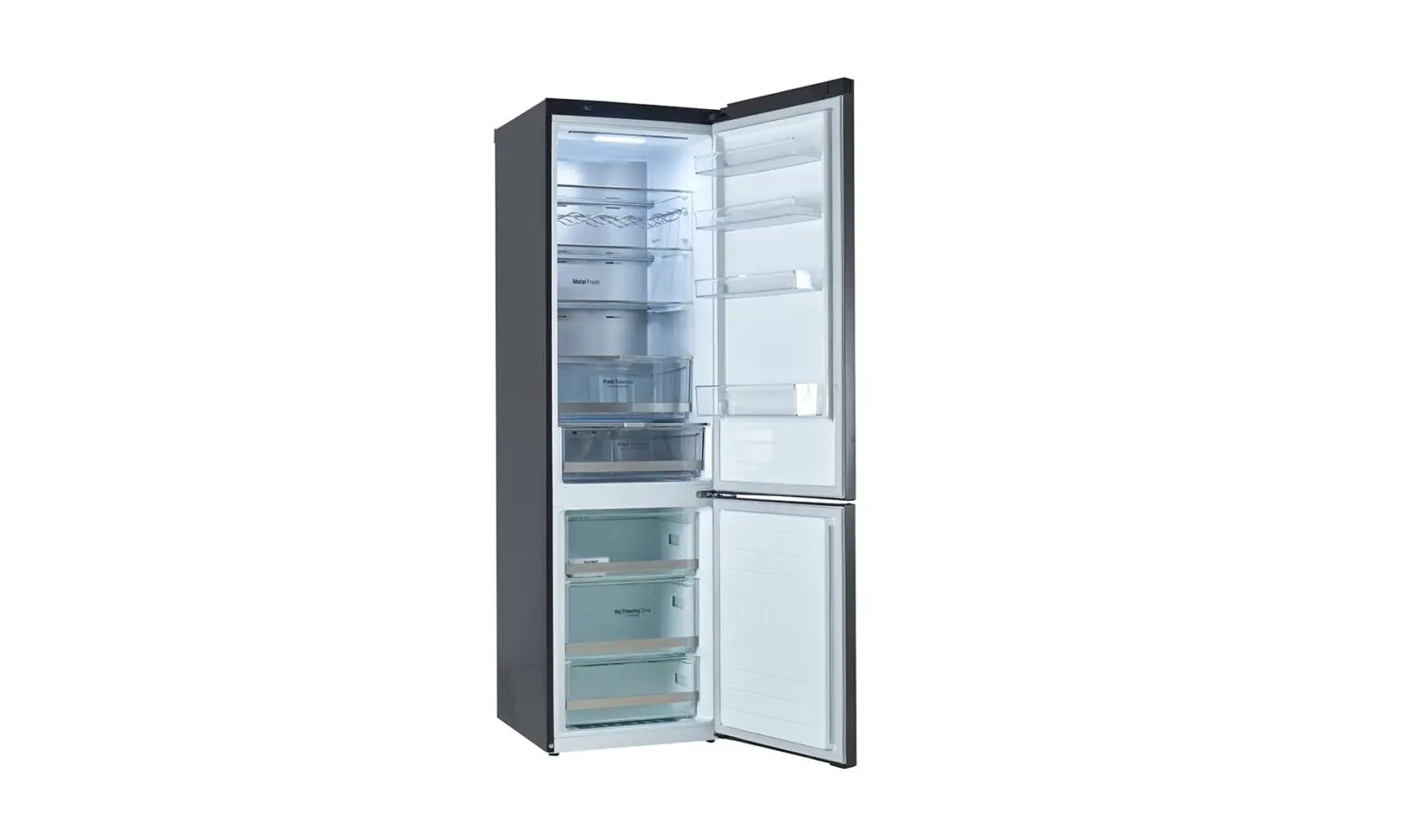
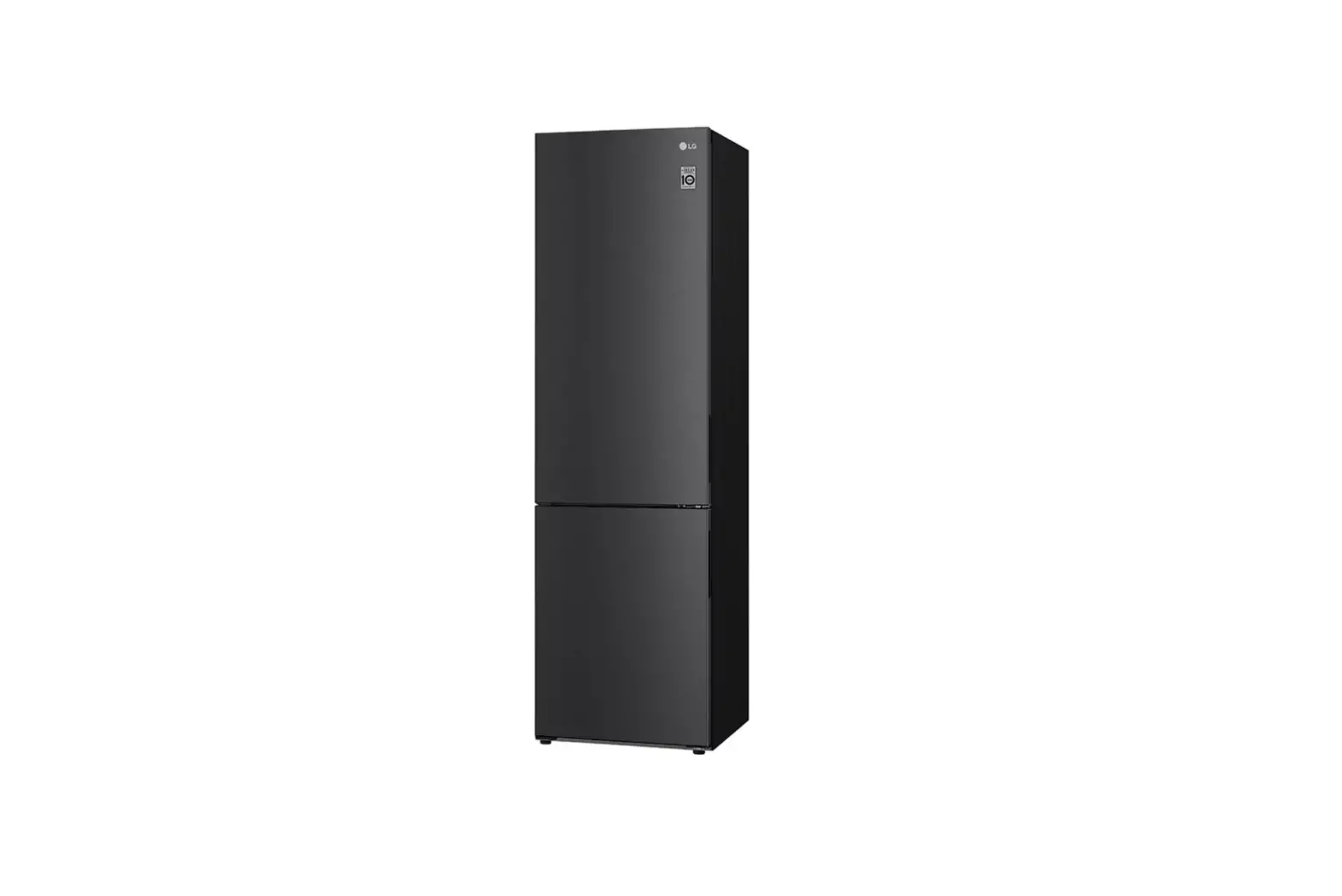
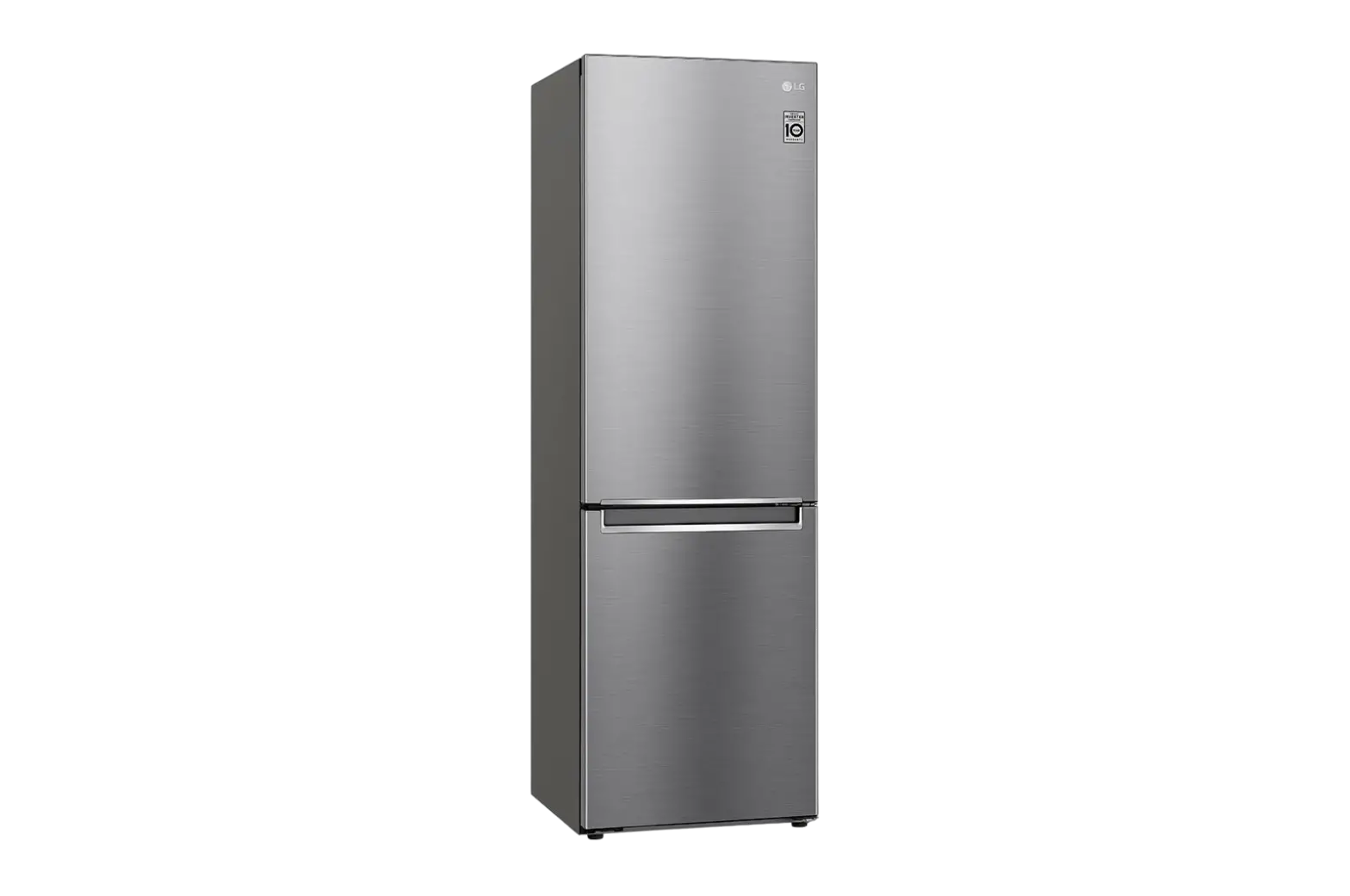
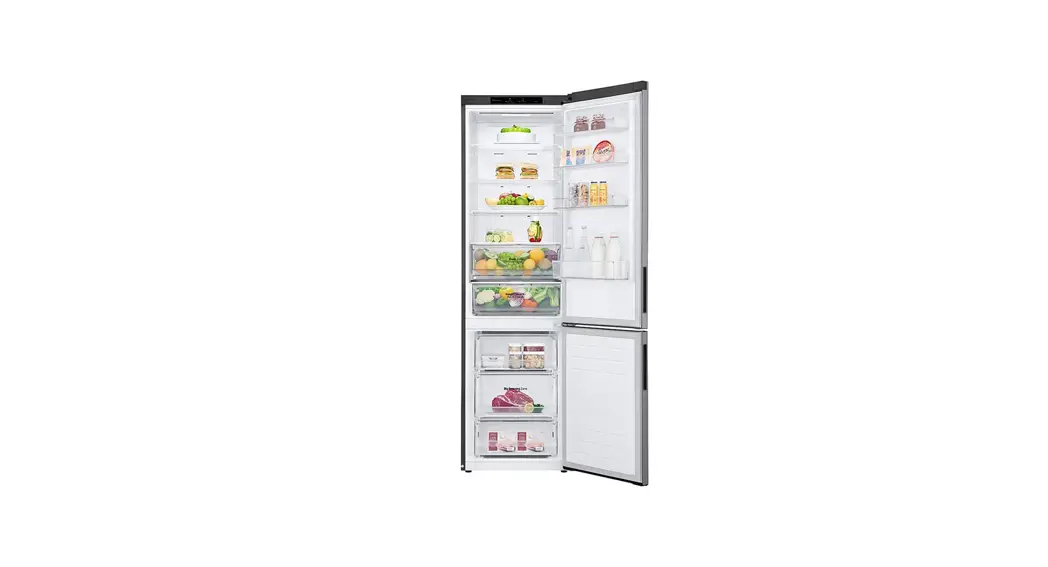
The LG Fridge and Freezer is a household appliance designed to keep food and beverages fresh and chilled. It comes with a range of features including the Fresh Converter and Fresh Vegetable Drawer for optimal storage and preservation of food items. The appliance also has smart functions that can be accessed through the LG ThinQ application. For safety purposes, the user manual contains important safety instructions and guidelines for installation, operation, maintenance, and troubleshooting.
Product Safety Instructions
The LG Fridge and Freezer comes with safety guidelines to prevent unforeseen risks or damage from unsafe or incorrect operation of the appliance. The guidelines are separated into ‘WARNING’ and ‘CAUTION’ as described below:
WARNING: This indicates that failure to follow the instructions can cause serious injury or death.
CAUTION: This indicates that failure to follow the instructions can cause minor injury or damage to the product.
Product Important Safety Instructions
WARNING: To reduce the risk of explosion, fire, death, electric shock, injury, or scalding to persons when using this product, follow basic precautions, including the following:
- Read the owner’s manual thoroughly before operating the appliance.
- Keep the owner’s manual handy for reference at all times.
- Follow the installation guidelines for dimensions, clearances, and ambient temperature.
- Use the appliance for its intended purpose only.
- Do not modify or repair the appliance by yourself.
- Dispose of the old appliance properly.
Product Usage Instructions
Notes for Operation
Before operating the LG Fridge and Freezer, read the following notes:
- Ensure that the appliance is properly installed according to the installation guidelines.
- Do not overload the appliance with too many items.
- Do not put hot or warm food items in the appliance.
- Do not block the air vents inside the appliance.
Fresh Converter
The Fresh Converter is a feature in the LG Fridge and Freezer that allows you to control the temperature and humidity of the compartment. Follow these steps to use it:
- Press the Fresh Converter button on the control panel.
- Select the desired temperature and humidity level using the arrows on the control panel.
- Place food items in the Fresh Converter compartment.
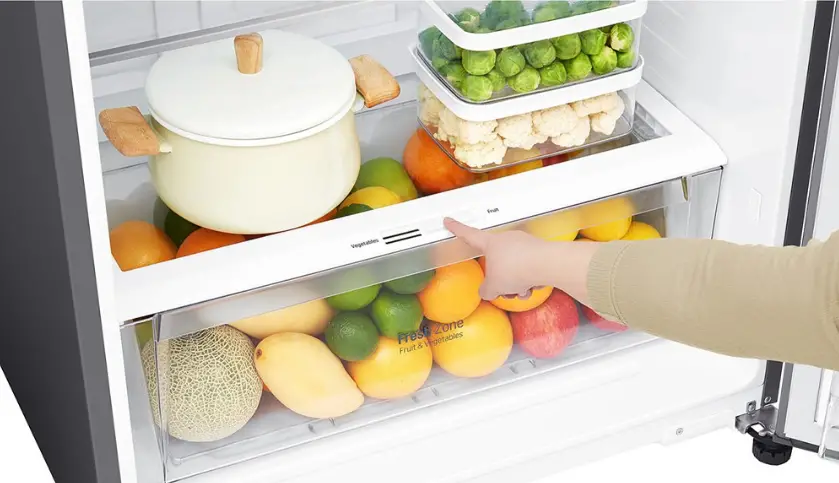
Fresh Vegetable Drawer
The Fresh Vegetable Drawer is a feature in the LG Fridge and Freezer that is designed to keep vegetables fresh for longer. Follow these steps to use it:
- Place vegetables in the Fresh Vegetable Drawer.
- Adjust the humidity level using the control lever located inside the drawer.
LG ThinQ Application
The LG ThinQ application allows you to access smart functions of the LG Fridge and Freezer. Follow these steps to use it:
- Download and install the LG ThinQ application on your smartphone or tablet.
- Connect your smartphone or tablet to the LG Fridge and Freezer using Wi-Fi or Bluetooth.
- Access smart functions such as temperature control, energy monitoring, and diagnostic support through the LG ThinQ application.
Product Cleaning
Notes for Cleaning
Follow these notes when cleaning the LG Fridge and Freezer:
- Unplug the appliance before cleaning.
- Clean the appliance regularly using a soft cloth and mild detergent.
- Do not use abrasive cleaners, solvents, or sprays that contain flammable gases.
Product Troubleshooting
If you encounter any issues with the LG Fridge and Freezer, refer to the troubleshooting section of the owner’s manual. If the issue persists, contact LG customer support for further assistance.
Read this owner’s manual thoroughly before operating the appliance and keep it handy for reference at all times.
This manual may contain images or content different from the model you purchased. This manual is subject to revision by the manufacturer.
SAFETY INSTRUCTIONS
The following safety guidelines are intended to prevent unforeseen risks or damage from unsafe or incorrect operation of the appliance. The guidelines are separated into ‘WARNING’ and ‘CAUTION’ as described below.
This symbol is displayed to indicate matters and operations that can cause risk. Read the part with this symbol carefully and follow the instructions in order to avoid risk.
WARNING: This indicates that the failure to follow the instructions can cause serious injury or death.
CAUTION: This indicates that the failure to follow the instructions can cause the minor injury or damage to the product.
IMPORTANT SAFETY INSTRUCTIONS
WARNING: To reduce the risk of explosion, fire, death, electric shock, injury or scalding to persons when using this product, follow basic precautions, including the following:
Children in the Household
- This appliance is not intended for use by persons (including children) with reduced physical, sensory or mental capabilities, or lack of experience and knowledge, unless they have been given supervision or instruction concerning use of the appliance by a person responsible for their safety. Children should be supervised to ensure that they do not play with the appliance.
- If the appliance is equipped with a lock (some models only), keep the key out of reach of children.
More Information
Additional Information Of The Manual
- This is a short version of Owner’s Manual.
- For more information, please visit the LG website at http://www.lg.com
Troubleshooting
 LG Electronics & Home Appliances | Shop Now | LG USA