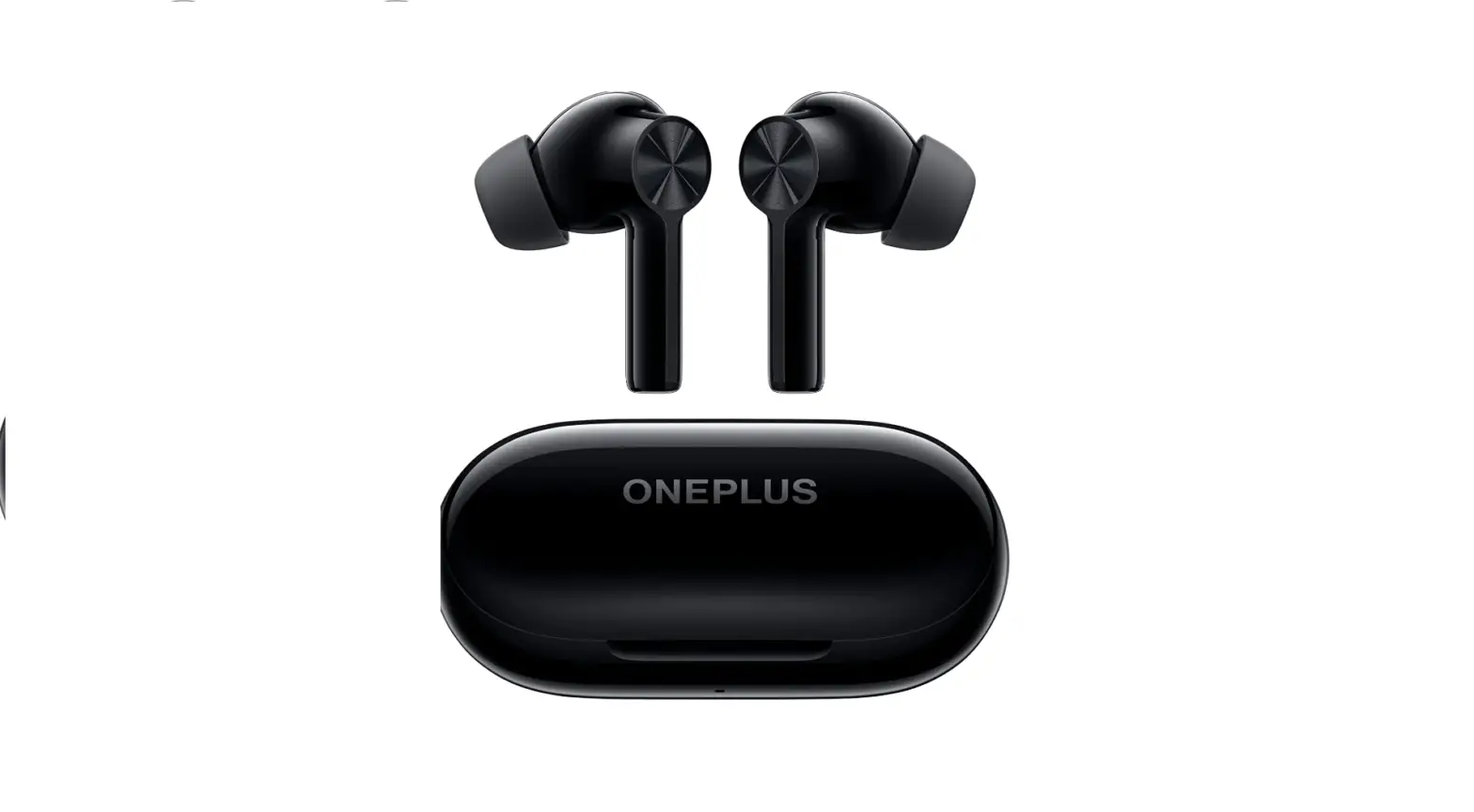

OnePlus Buds Z2 True Wireless Earbud Headphones
Specifications
- PACKAGE DIMENSIONS: 96 x 3.74 x 2.05 inches
- ITEM WEIGHT: 9 ounces
- BATTERIES: 3 Lithium Ion batteries
- WIRELESS COMMUNICATION TECHNOLOGIES: Bluetooth
- CONNECTIVITY TECHNOLOGIES: Wireless
- SPECIAL FEATURES: Microphone Included
- OTHER DISPLAY FEATURES: Wireless
- FORM FACTOR: In Ear
- CONNECTIVITY TECHNOLOGY: Wireless
- BRAND: OnePlus
Introduction
With Google Fast Pair, which instantly connects the OnePlus Buds Z2 to your OnePlus device, you can jump right into your favourite playlists. No worries if you don’t have a OnePlus; just download our free HeyMelody app7 to get started. Oh, and in case you forget your beat, the OnePlus Buds Z2 also enable Find My Buds.
What’s in the box?
- Charging cable with Type-C interface
- A pair of S, M, L earmuffs each, of which the M number has been assembled on the earphones
- User Manual
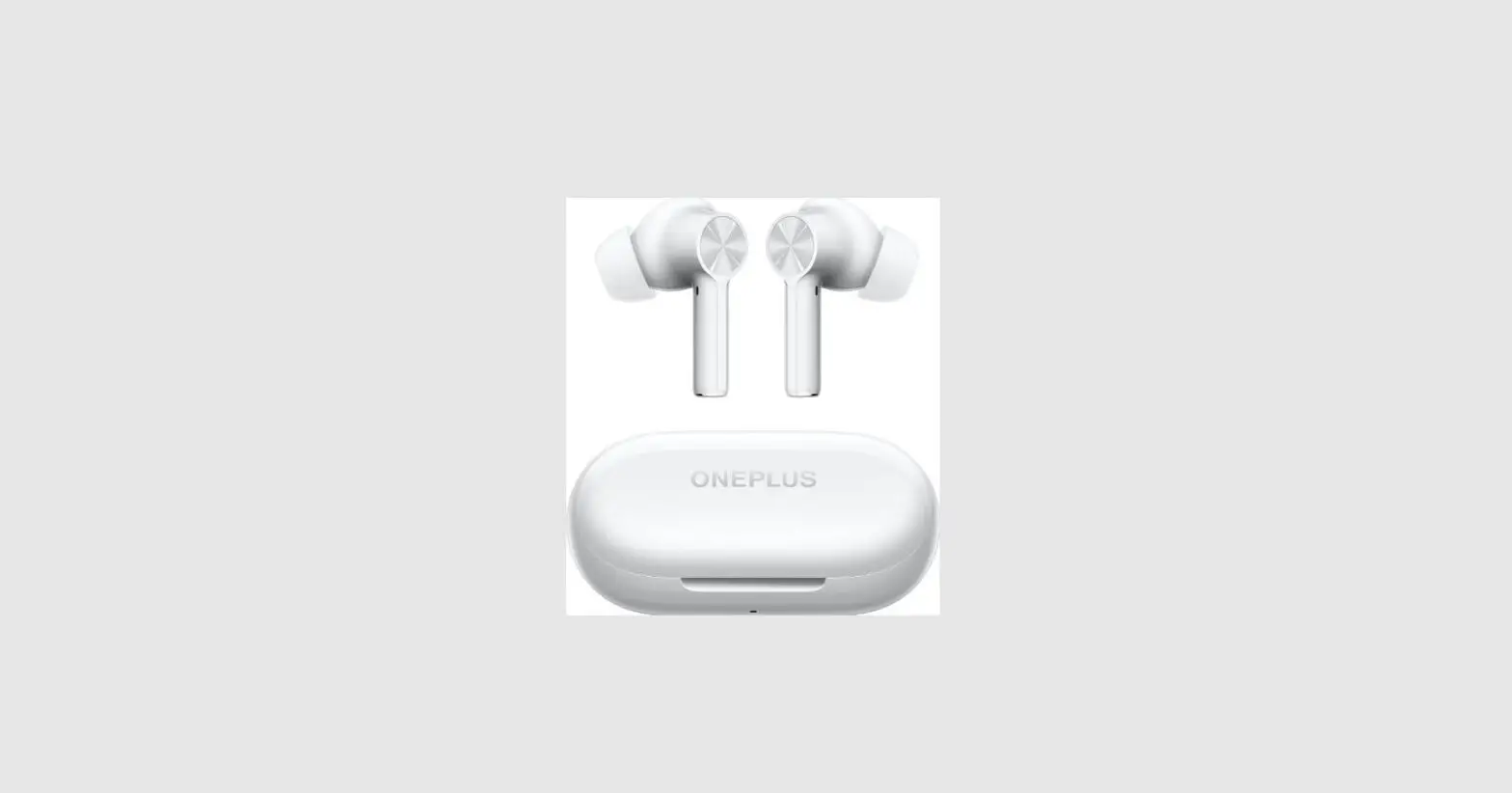
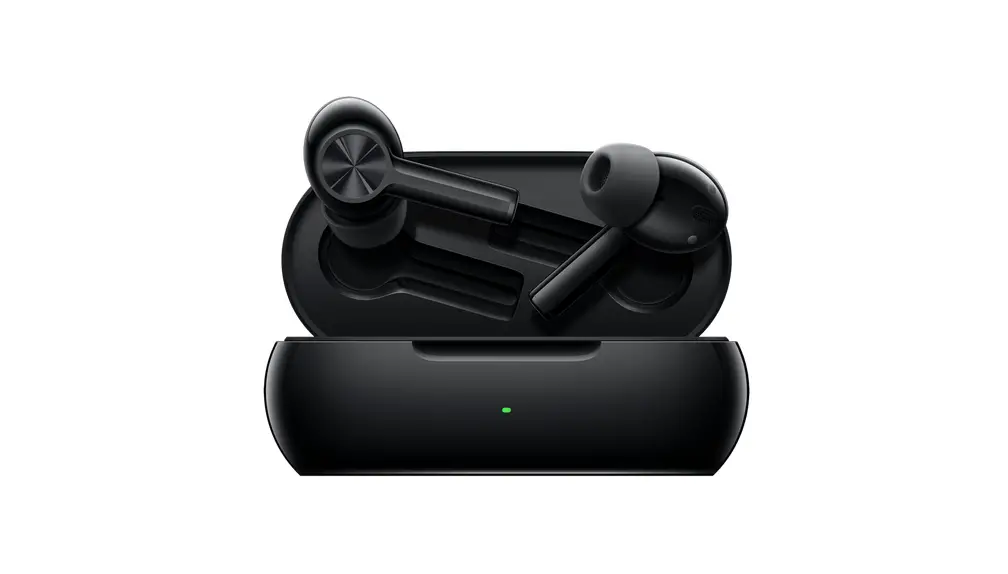
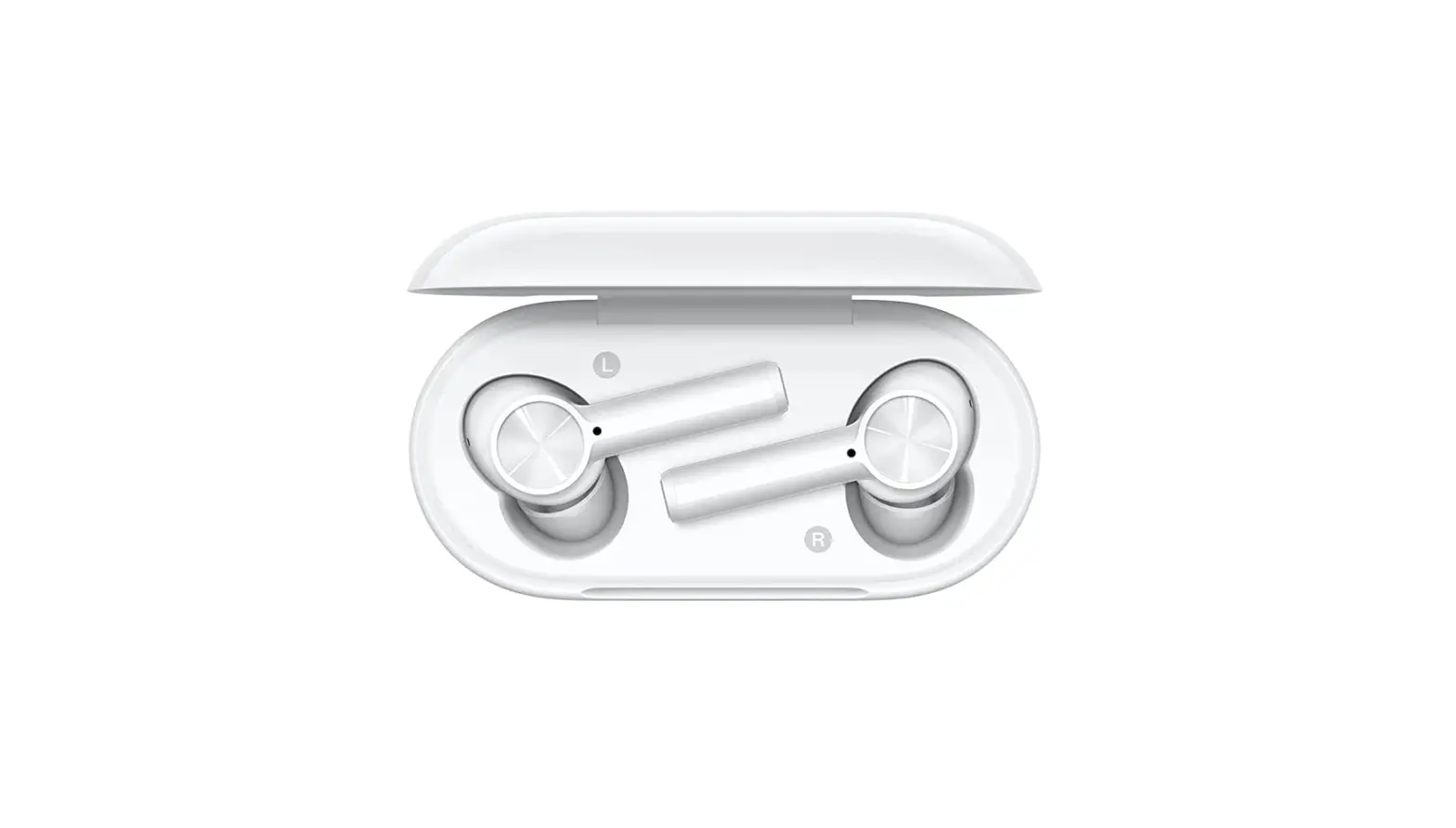
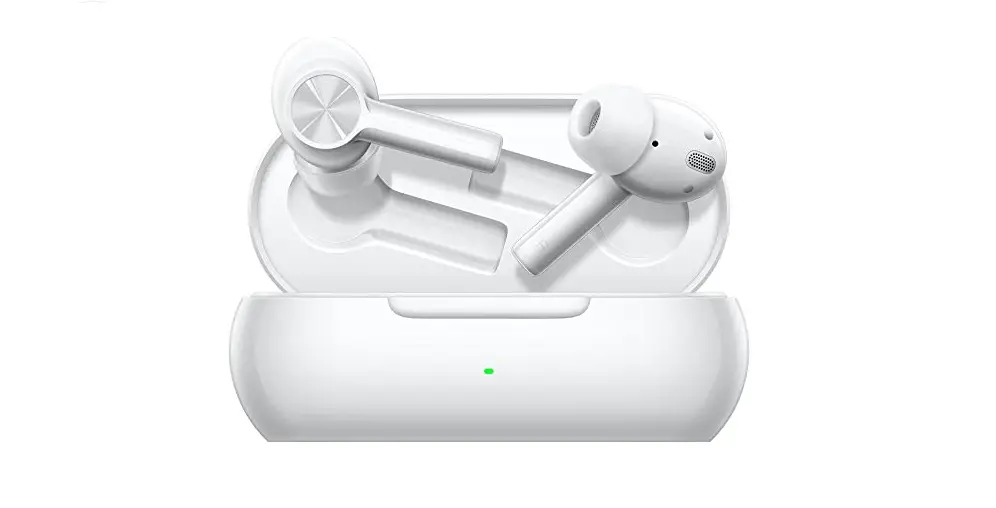
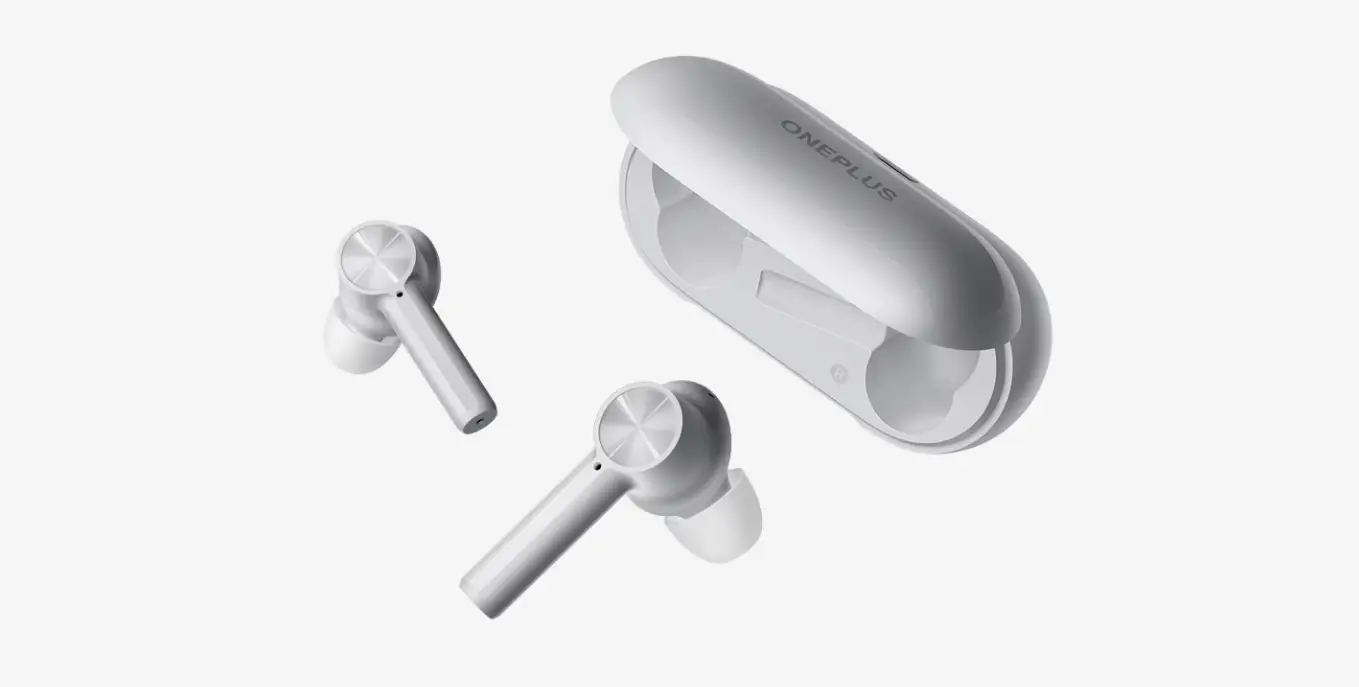
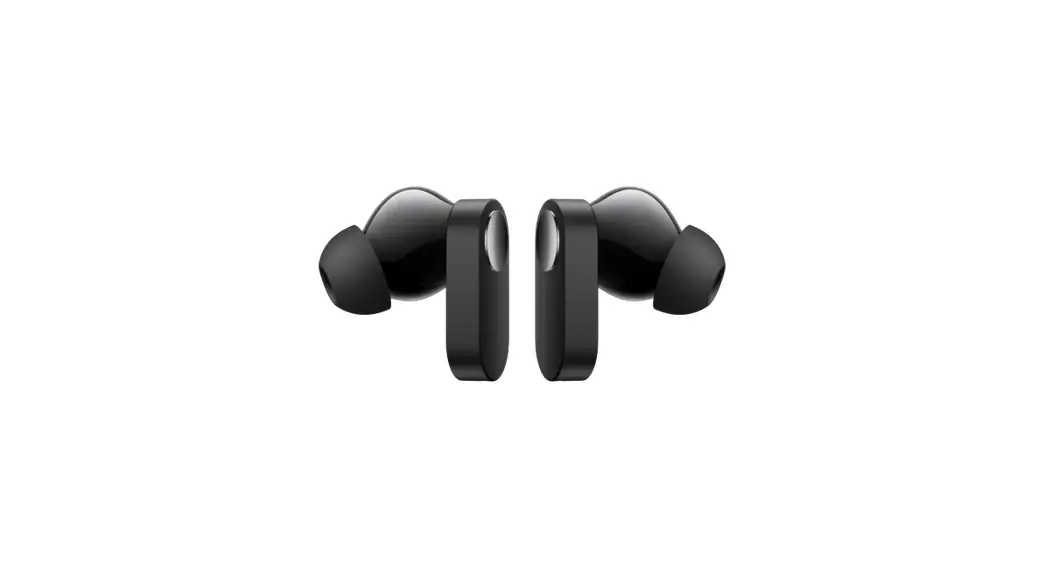
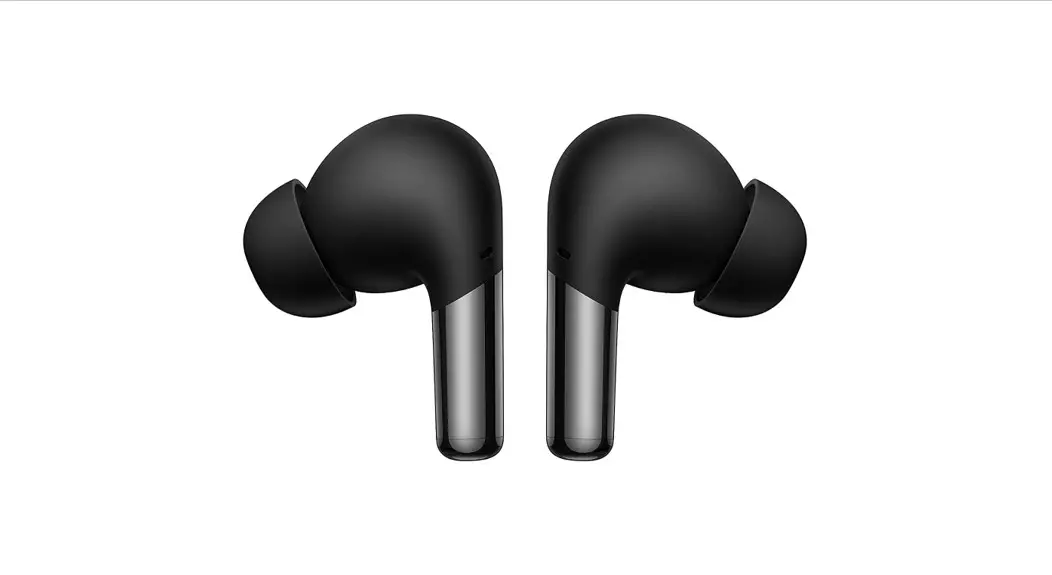
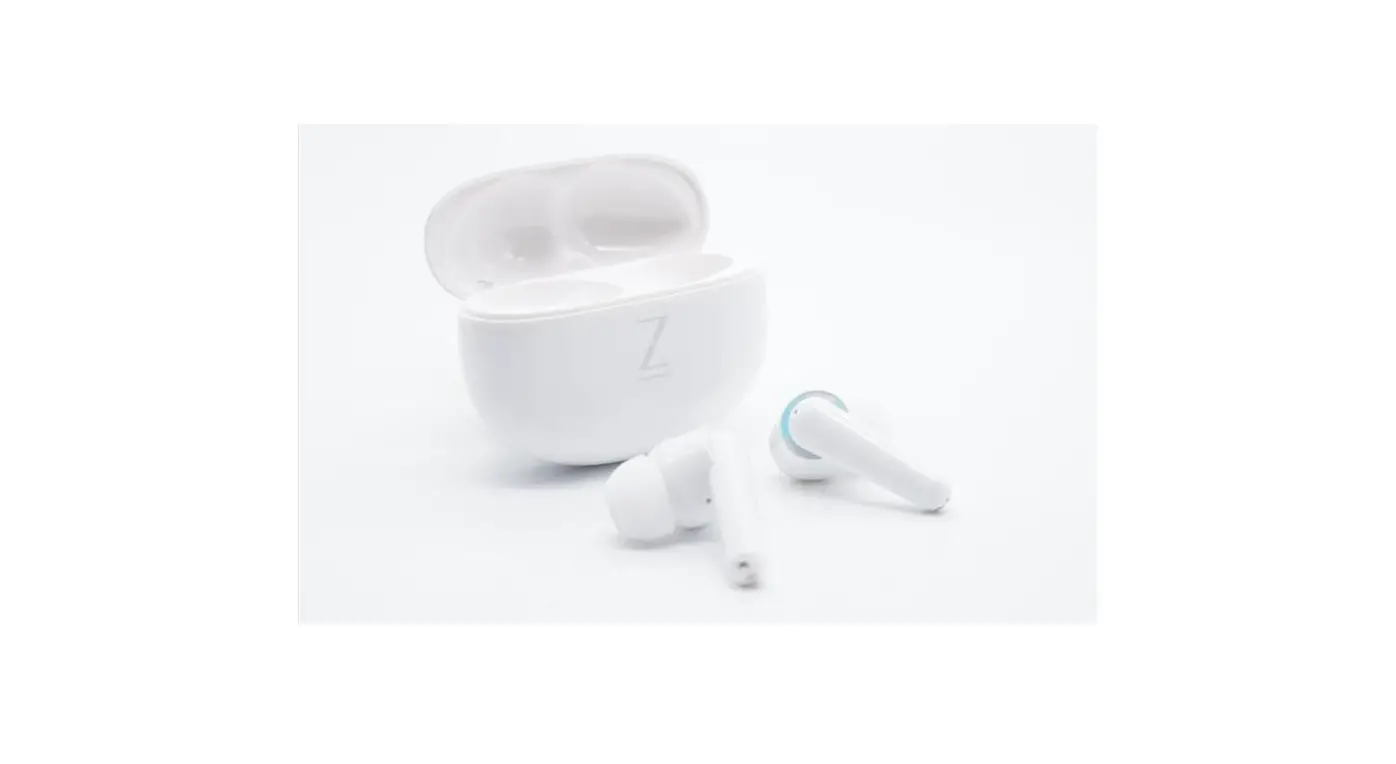
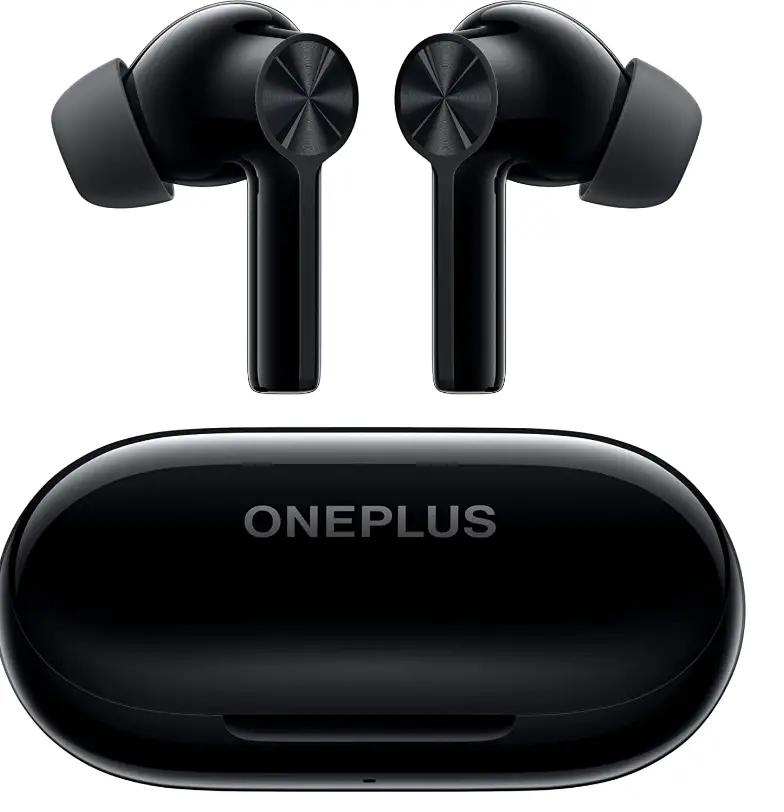
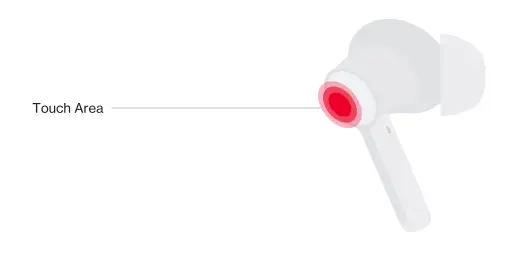
Earbuds
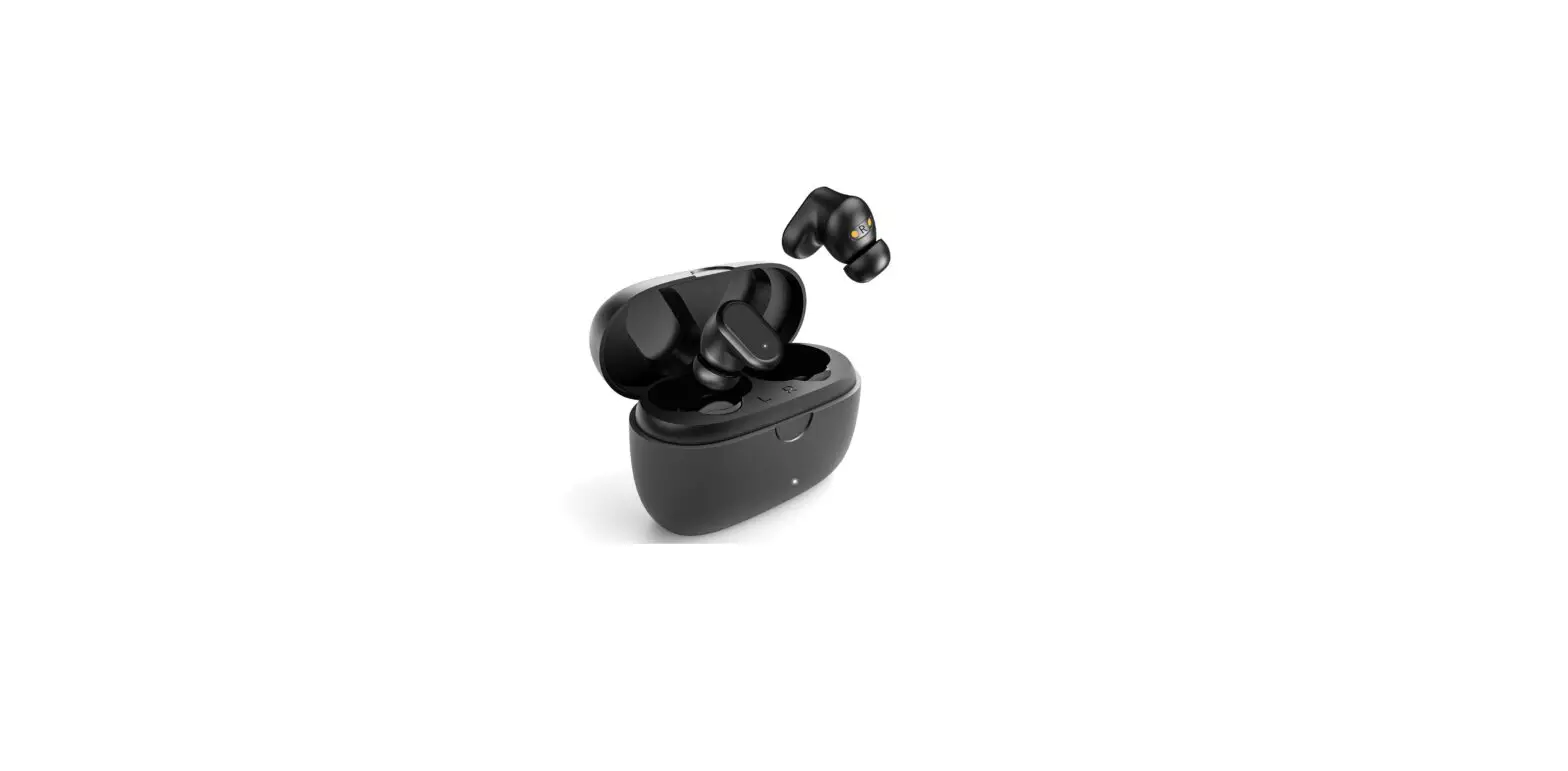
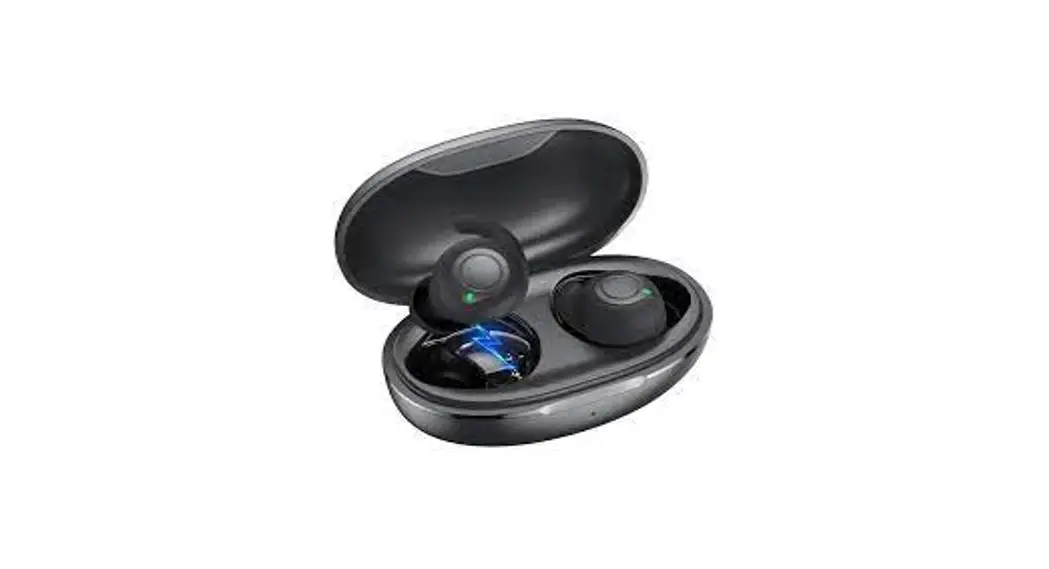
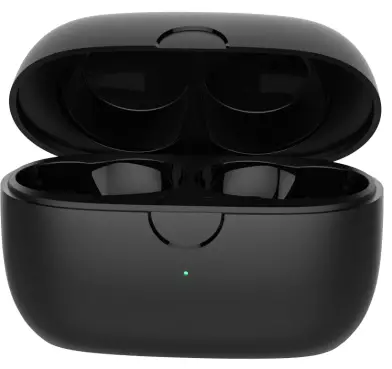
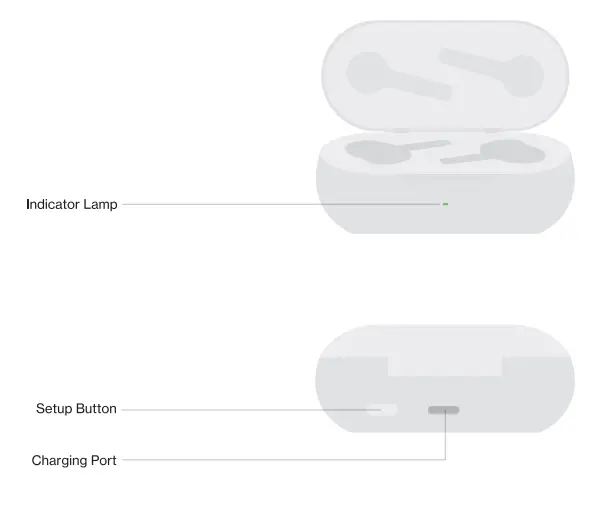
Charging Box
Pairing and connecting
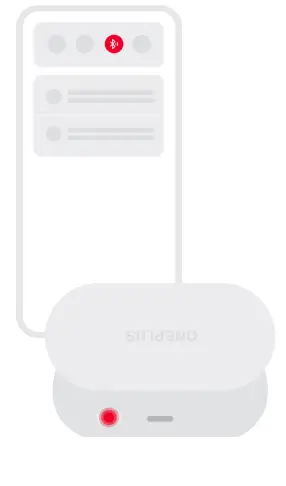
For Android phones
Follow the Google Fast Pair prompts.
For non-Android phones
Place the buds into the charging case with the cover opened. Press and hold the setup button of the charging case for 2s to enter Bluetooth settings. Then, select OnePlus Buds Z2
To restore the factory settings
Place the buds into the charging case with the cover opened. Press and hold the setup button of the Charging case for 10s until the indicator lamp Blinks r
Note
Only One Plus 6 and later versions are Supported.
Replacing ear tips

Use ear tips in appropriate size to enjoy optimal comfort and noise cancellation experience. Check the buds accessories for ear tips in Different sizes.
Buds details
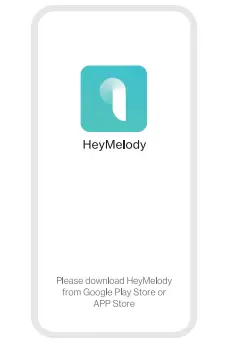
For OnePlus 6 (or later versions) you can set buds details and upgrade the software version of the buds under Settings> Bluetooth.
On a non-One Plus mobile phone
Download and install HeyMelody to obtain Features of the buds and upgrade the software version for enhanced listening experience.
Play control

You can customize the single-tap, Double-tap, and triple-tap functions of the left bud and right bud on the phone to perform different commands:
Single-Tap by default
“Play/Pause” and optional single-tap functions: “Play/Pause’ Previous”, and “Next”.
Double-tap by default
“Next” and optional double-tap functions: “Play/Pause Previous”, “Next”, and wake up voice assistant.
Triple-tap by default
“Previous” and optional triple-tap functions: “Play/Pause”, “Previous” “Next’, and wake up voice assistant.
Noise control
Press and hold the touch area for 1s to switch the noise control mode between “Max noise cancellation” and Transparency by default. To switch between two different modes, enter Settings> Buds details.
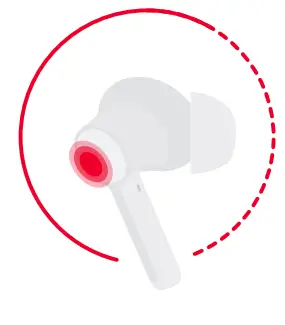
Other function control
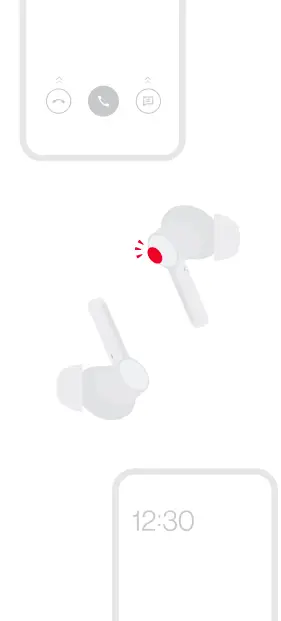
Call control
Answer/End: Double-tap
Reject: Press and hold the bud for 3s
Switch the device
Press and hold either bud (in powered-on status) for 3s to reconnect to the previous device.
In-ear detection
During music playback, the buds automatically pause the music when you take them off. If you put the buds back within three minutes, the buds automatically resume the music.
Charging the buds
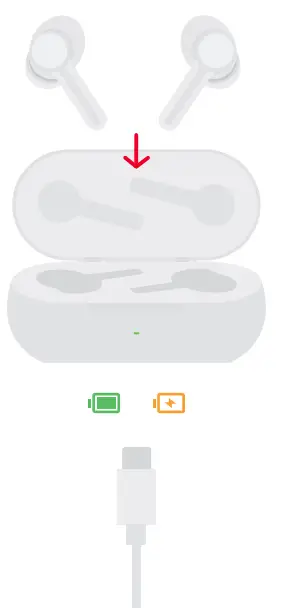
Charge the buds
Put the buds in the charging case to initiate charging.
Charge the charging case
Connect the charging case to a power supply through the charging cable delivered with the buds to charge the charging case.
Frequently Asked Questions
Yes I often only use one bud and leave the other in the charge case.
You may have the wrong size silicone fitting piece on the earbud. They should have a snug fit with no movement. If you have the right fit just make sure that the ear bud is clean and the silicone is dry. If that doesn’t work you probably need to update the software or return the buds. I haven’t had this issue.
Sound quality for music is excellent. I don’t know about sound quality with phones as I haven’t tried it yet. I would imagine phone “fidelity” would be just as good (just a guess).
Works with mine to play music but will not let me answer phone it does cut off the music if I get a call. Has no speaker to talk through phone. Great sound though if you just want music.
You can make and answer calls.
Yes
The case is a charger for them. Just plug into a USB port to charge.
Full specifications are on the One Plus web site however from memory they are at the latest spec. There are better, no doubt, but not at this price. And they are comfortable.
You can double check the One Plus web site, however the one Plus 8 has Bluetooth, and high spec if my memory is correct, therefore they should work fine. My 6 worked well with one Plus wireless ear buds so an 8 should be better.
There is no way of knowing when they will go back in stock.
Yes, you can leave the earbuds in the charging case while the case is connected to a charger with no ill effects. In reference to your second question, the earbuds only turn off when the battery dies, any other time they are in like a quasi-sleep mode either charging in the case or outside the case waiting to be signaled to connect to a device.
No for iphone, ipad I don’t use.
Yes, it works with both iOS and Android
Yes