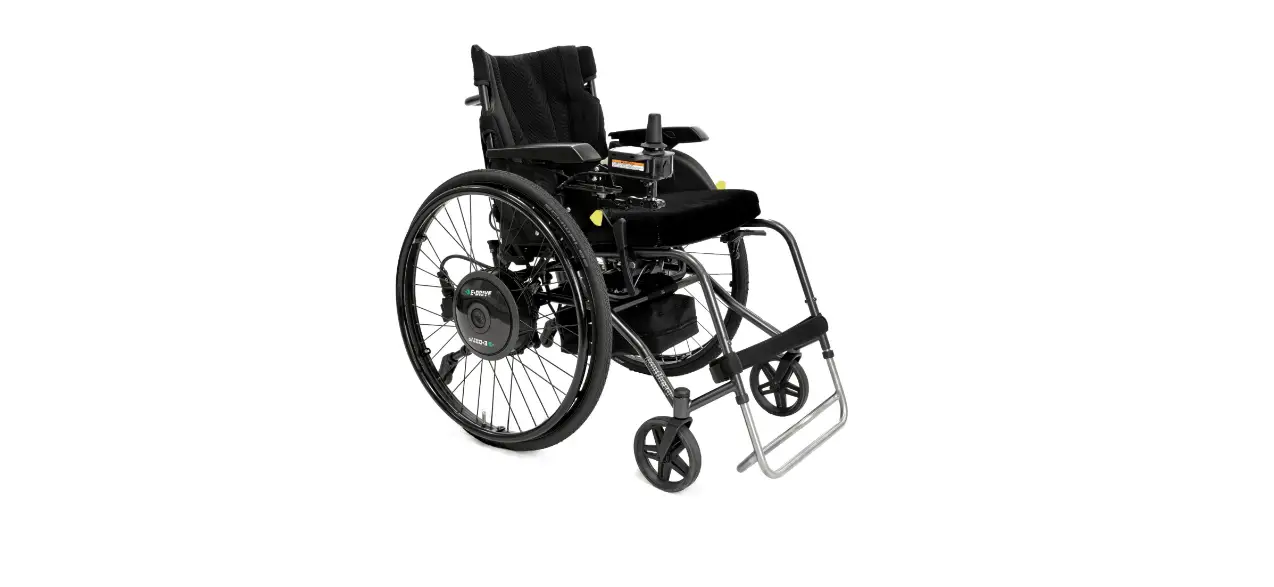

UNA Wheel UNAwheel Maxi High Performance Wheelchair

Adapter installation
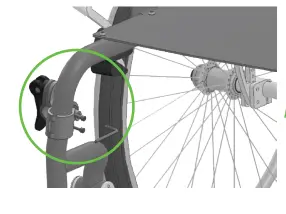
- Attach the clamps

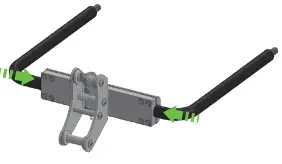
- Assemble the adapter

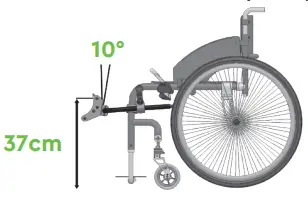
- Attach the adapter, adjust the height, tilt angle and tighten all the screws

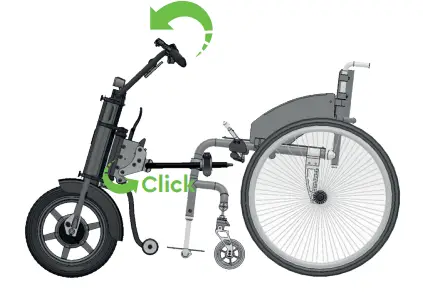
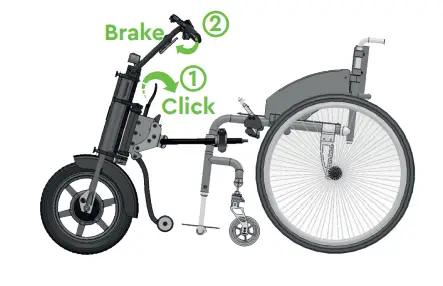
Attaching
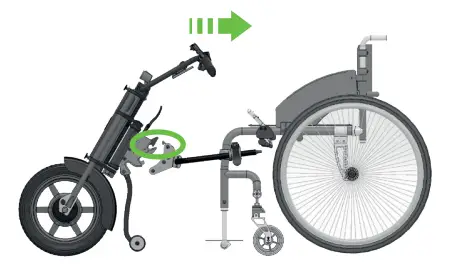
- Attach the upper hook to the adapter

- Push the handlebar forward until it clicks

Detaching
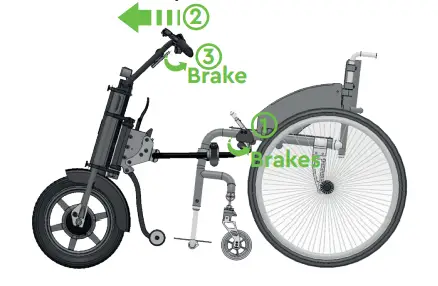
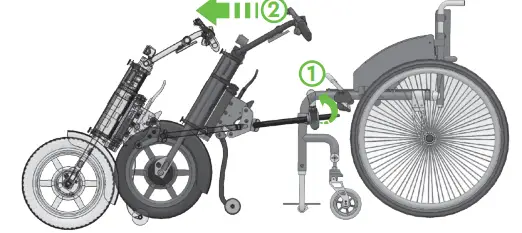
- Lock the wheelchair brakes. Lightly push the handlebar forward and press the brake

- Pull the handle of the central adapter towards the wheelchair, unlock the wheelchair brakes

- Open the clamps’ brackets and push the handlebar forward

Attaching and detaching should be hassle-free. If attaching or detach-ing requires an extra effort then most likely the installation is made incorrectly or something got broken. Check the installation and contact the Distributor.
Controls
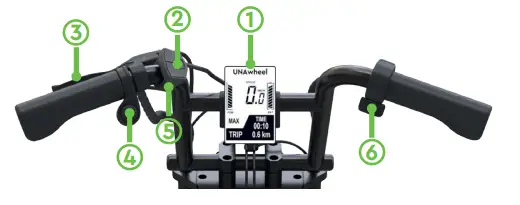
- Display
- Speed mode + / -, Menu
- Brake lever with bell
- Reverse mode
- On/off
- Throttle
 UNAwheel Maxi
 UNAwheel Maxi Online User Manual