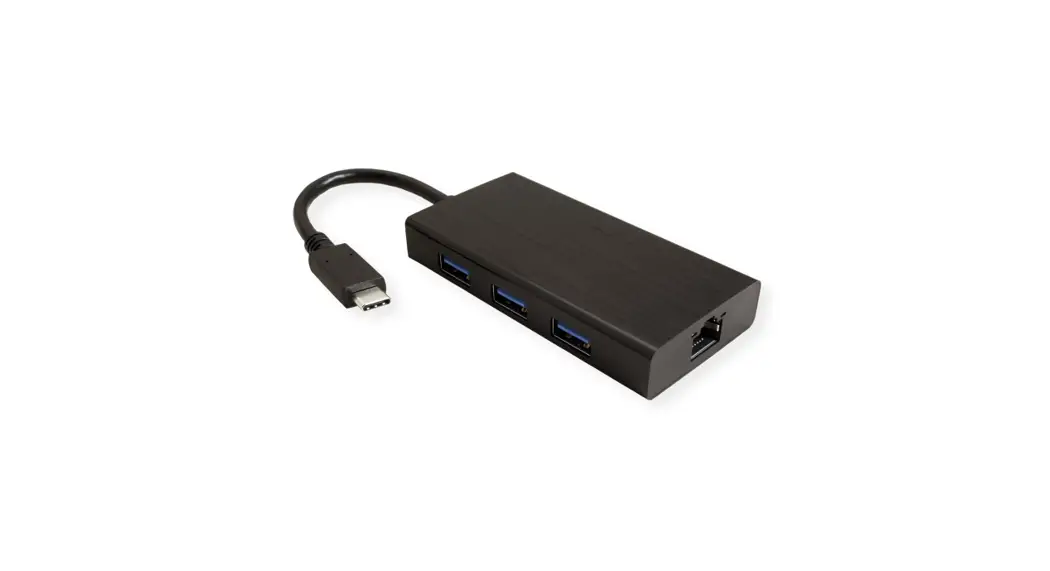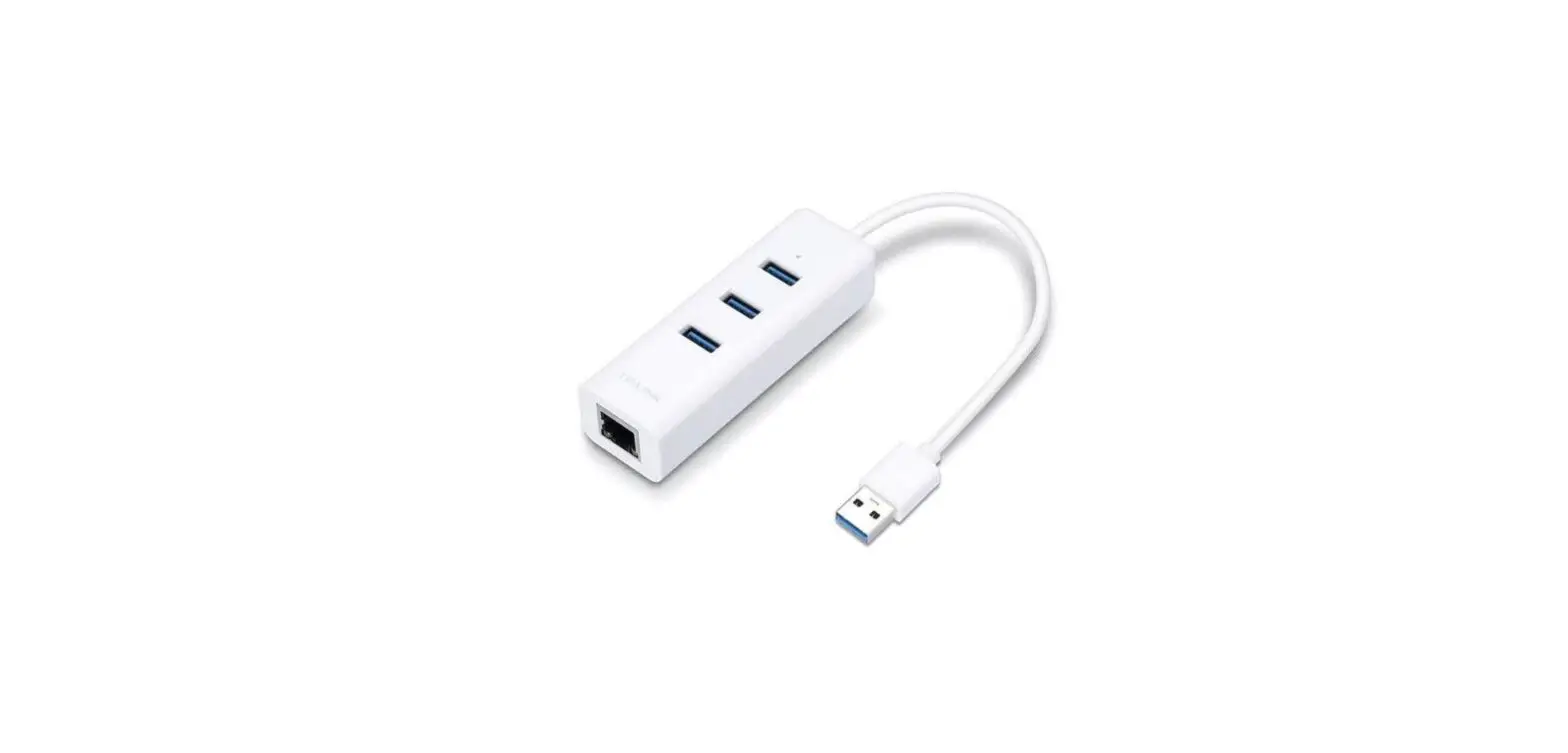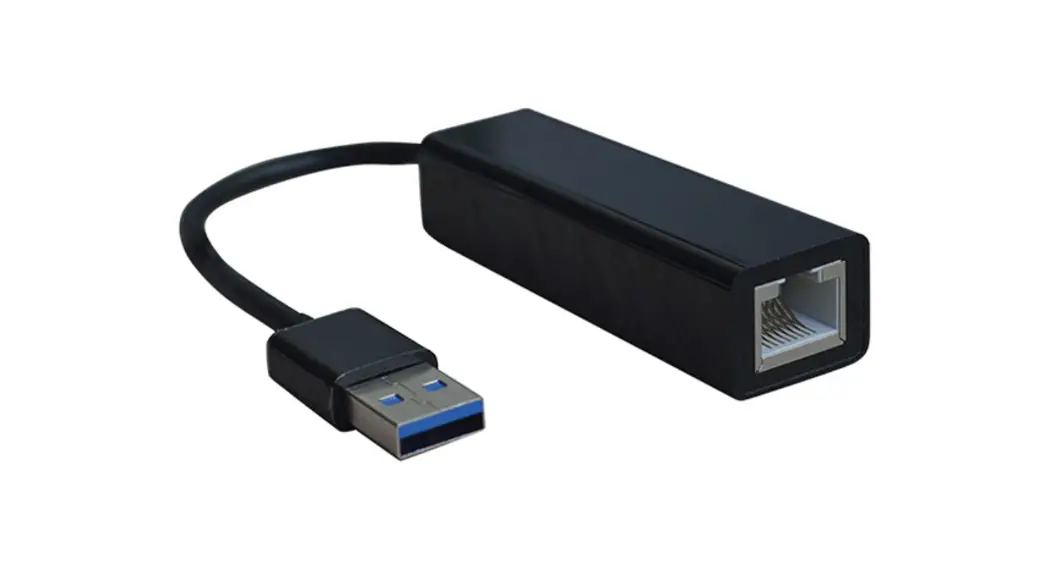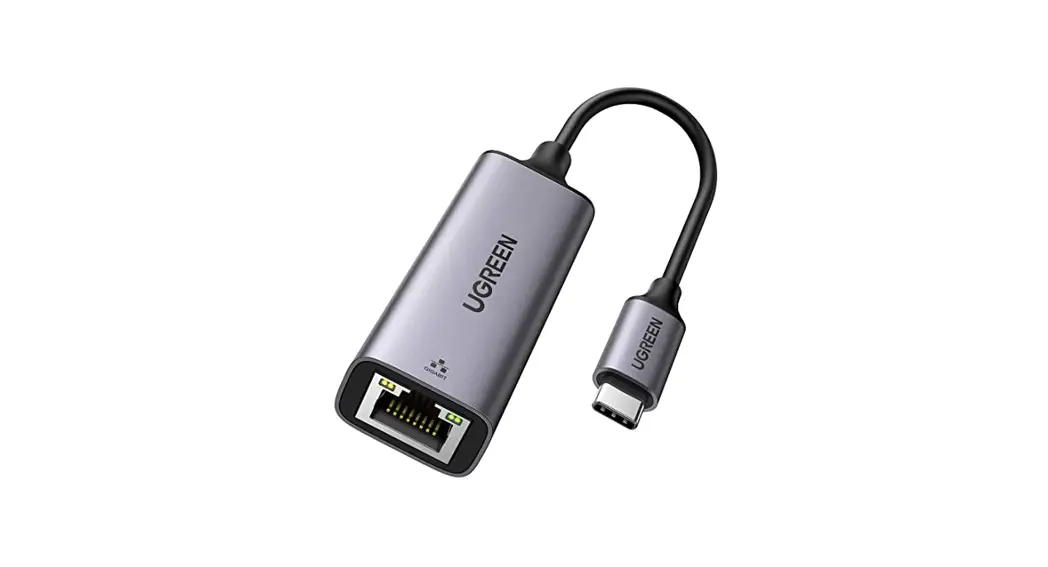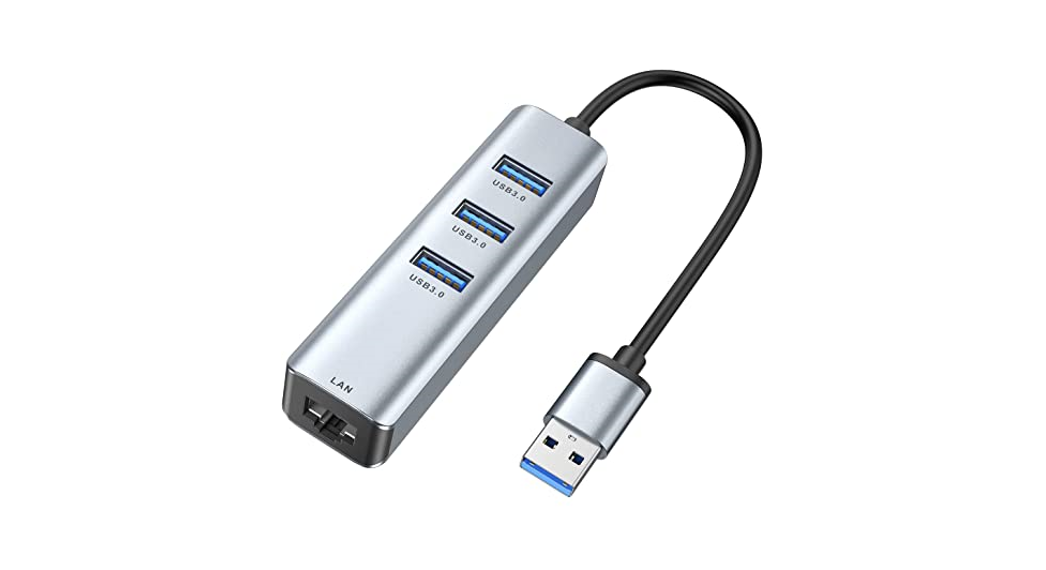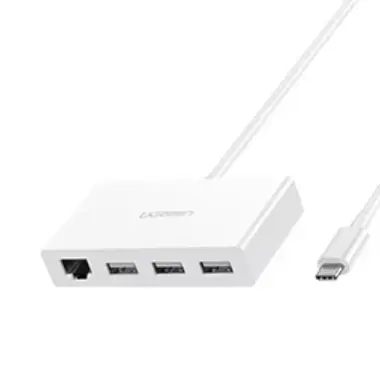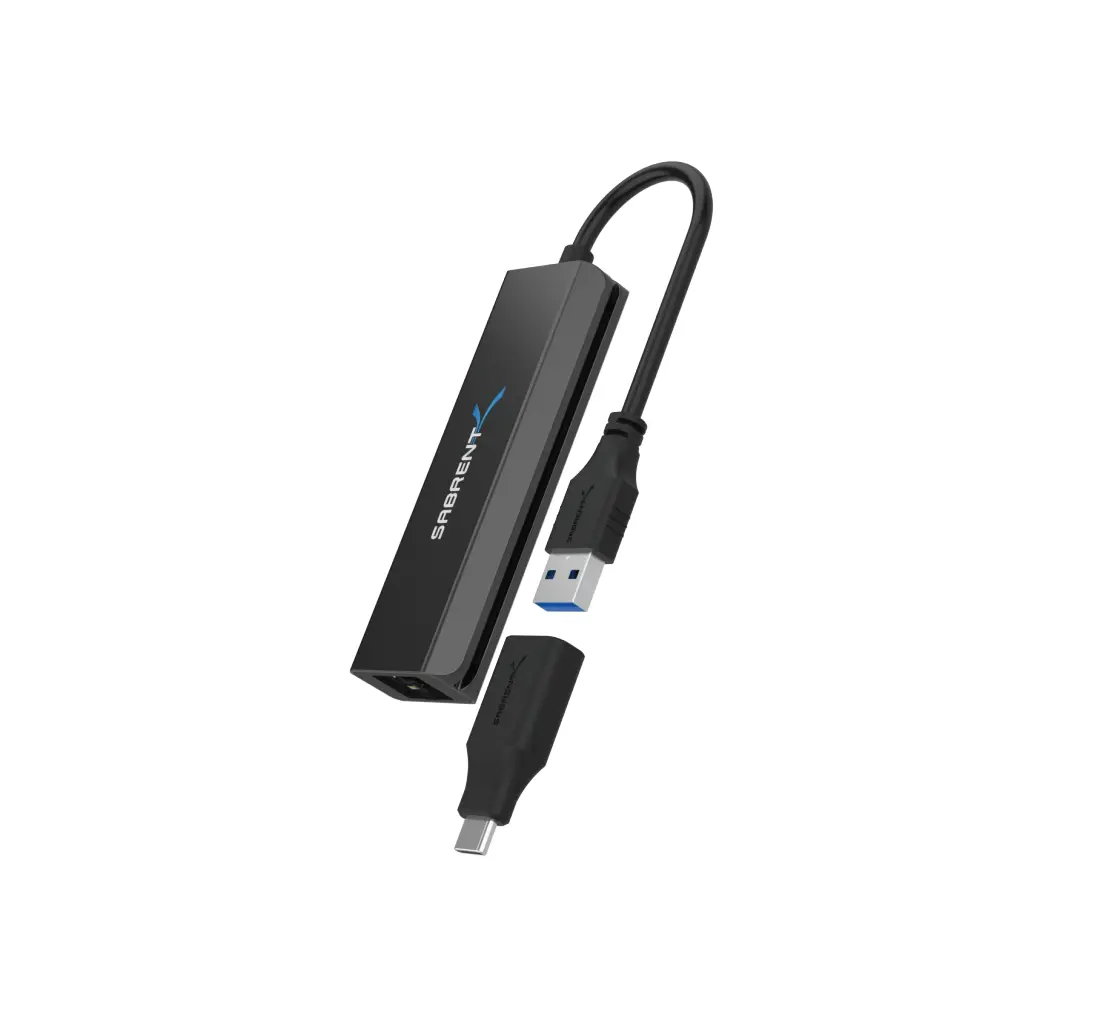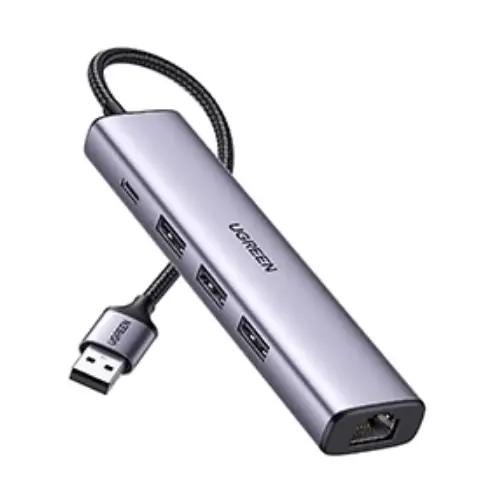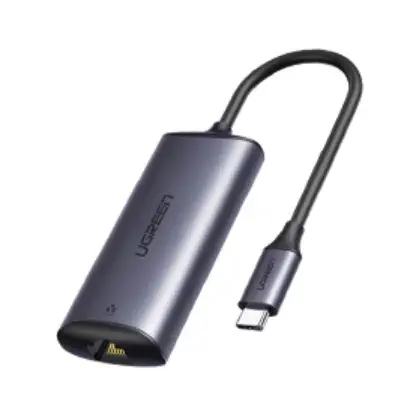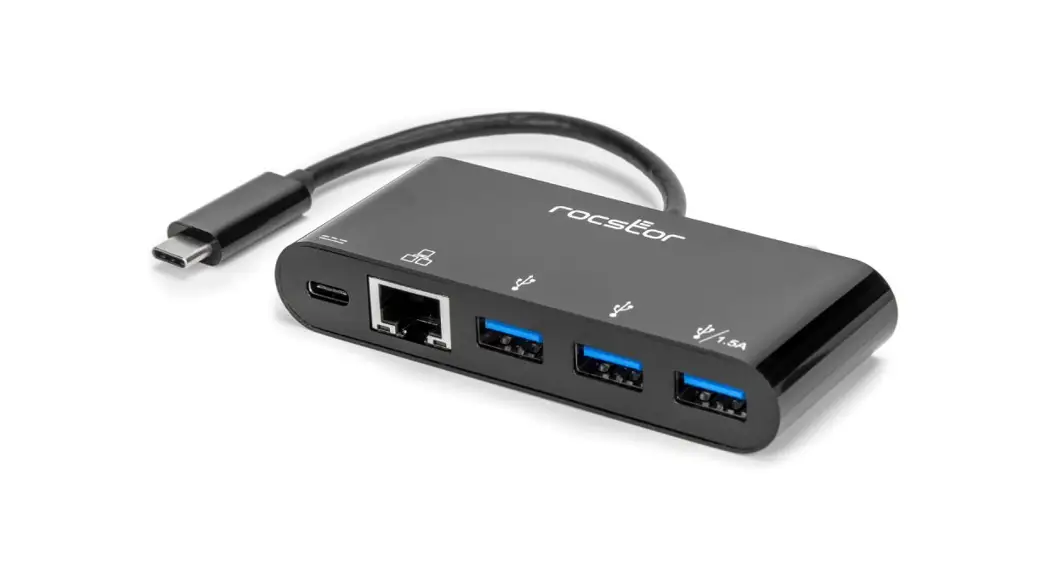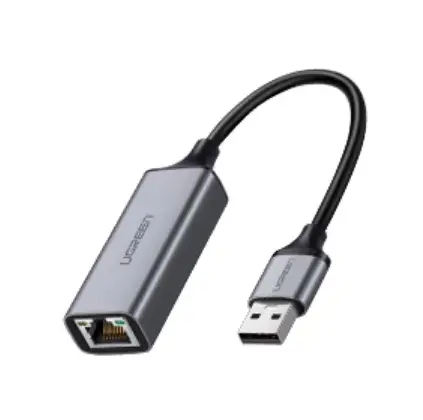
SECOMP 12021108 Type C to USB 3.0×3 Gigabit Ethernet Adapter
DEAR CUSTOMER
Thank you for purchasing this product. For optimum performance and safety, please read these instructions carefully before connecting, operating or using this product. Please keep this manual for future reference.
INTRODUCTION
This is a USB 3.1 Type-C to three USB 3.0 ports with Gigabit Ethernet port, designed for connecting three USB devices or hubs to a host computer. Besides, the host computer can easily get access to the network through the Gigabit Ethernet port. It can be used with MacBook or Google Chromebook Pixel and other USB-C supported devices.
FEATURES
- Support USB-C, USB3.0, Gigabit Ethernet port
- Max 900mA per port (only one port is connected), when two or more ports are connected at the same time, the total max output depends on the host PC (eg, max 900mA on Chromebook, max 1.5A on Macbook)
- Support USB 3.0 super speed (5Gbps) transmission, downward compatible USB2.0
- USB 3.0 port supports to charge and transmit data for the USB device simultaneously
- Support 10/100 /1000Mbps bandwidth
- Support twisted pair crossover detection and auto-correction
- USB-C port supports plug and play, hot swap
- Easy to carry and use
SPECIFICATIONS
| Input/Output Connector | |
| Input port | Type-C Malex1, RJ45x1 |
| Output port | USB 3.0 Femalex3 |
| Physical | |
| Weight | 64g |
| Size | 95x45x13(mm) |
| Environmental | |
| Operating Temperature | 0℃~45℃ |
| Operating Humidity | 10% ~ 85 % RH (no condensation) |
| Storage Temperature | -10℃~ 70℃ |
| Storage Humidity | 5% ~ 90 % RH (no condensation) |
| Power Requirement | |
| Power Source | USB bus power |
PACKAGE CONTENTS
Before attempting to use this unit, please check the packaging and make sure the following items are contained in the shipping carton:
- Main unit x1
- User Manual x1
OPERATION
- Connect the USB-C male port of this product to the Notebook.
- Connect the three USB3.0 ports to three USB devices
- Connect Gigabit Ethernet port of this product to Ethernet Router with an Ethernet cable.