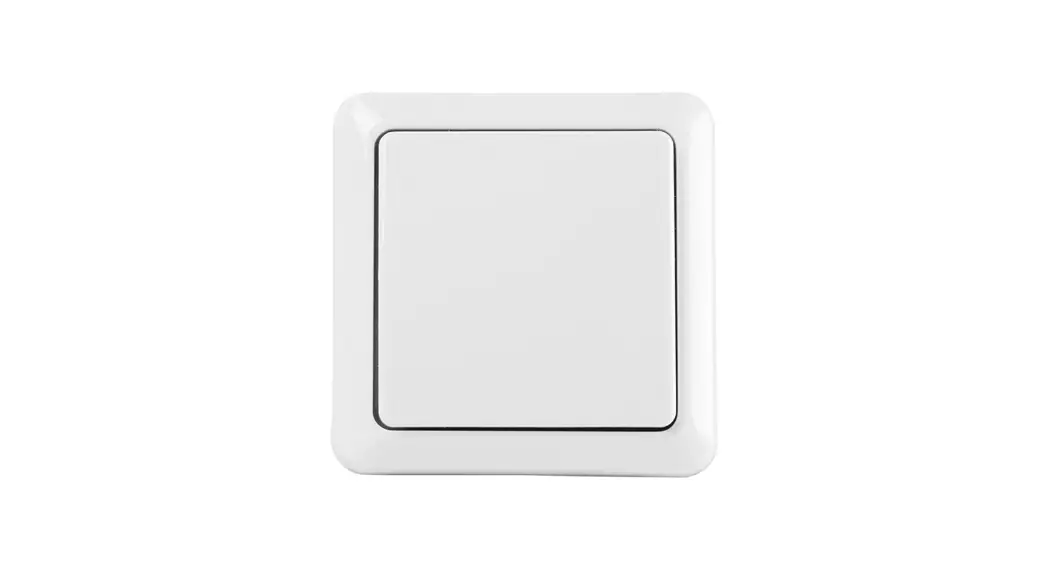
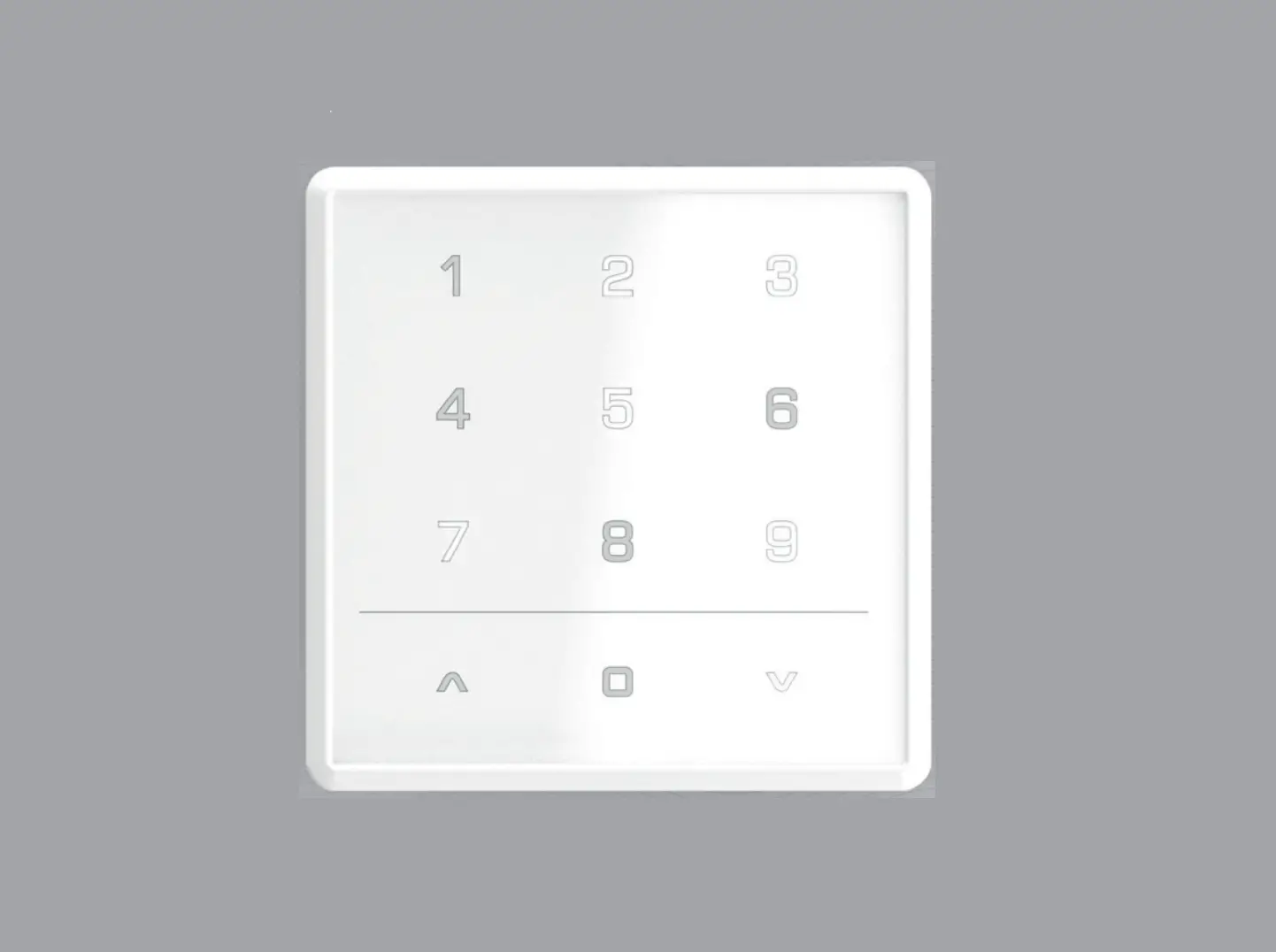
Trust AYCT-303 Remote Control With Wall Mounting User Manual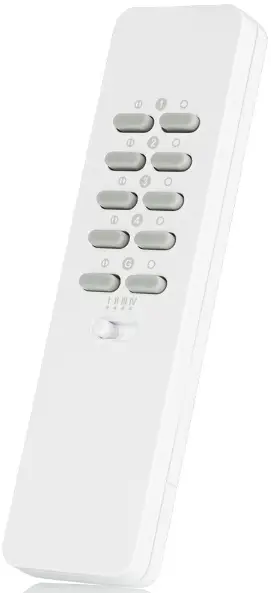
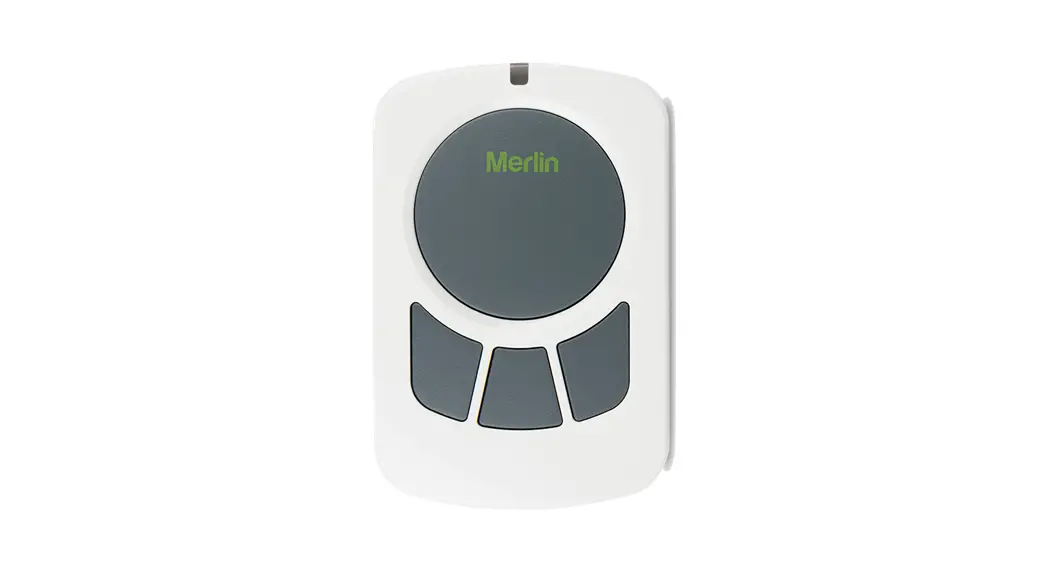
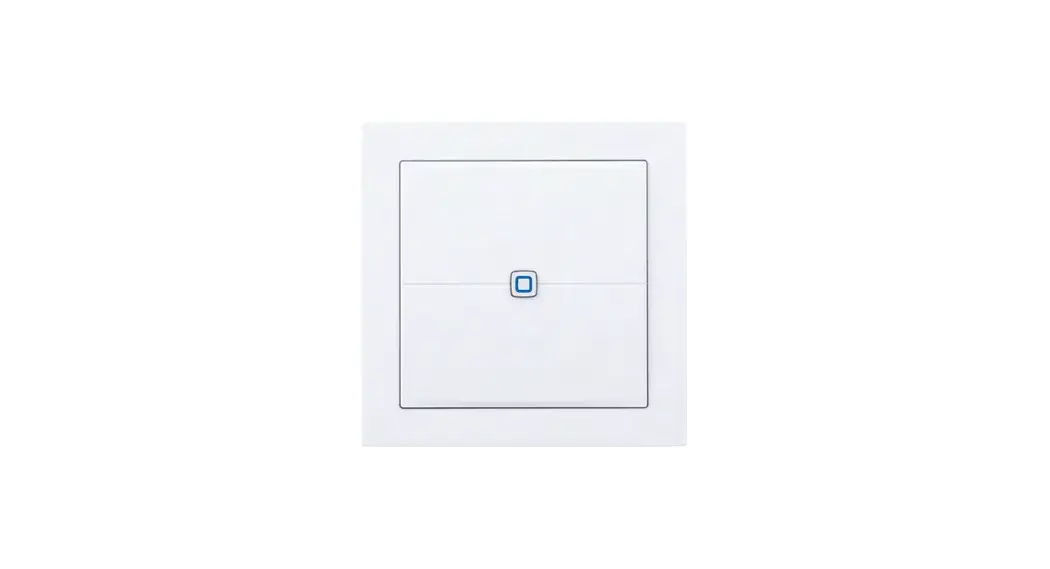
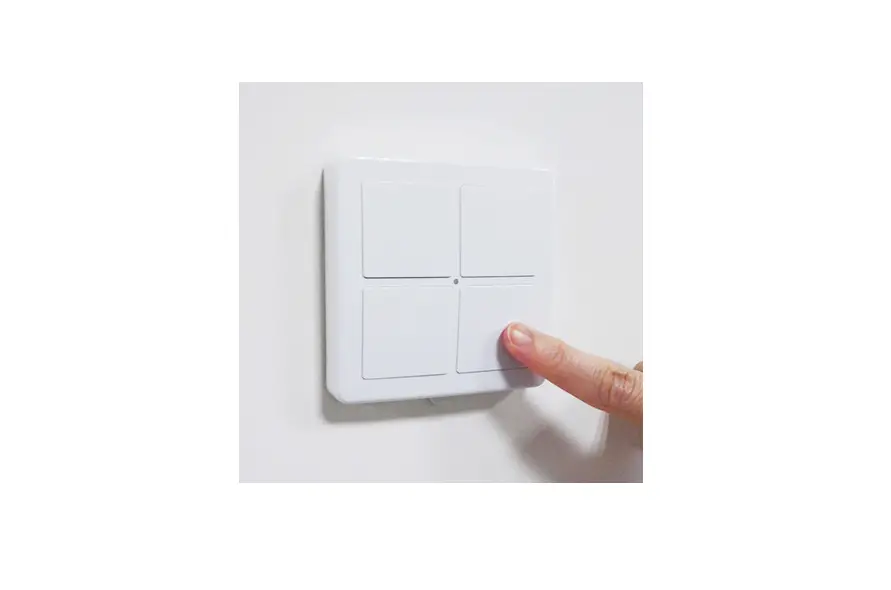
REMOTE CONTROL
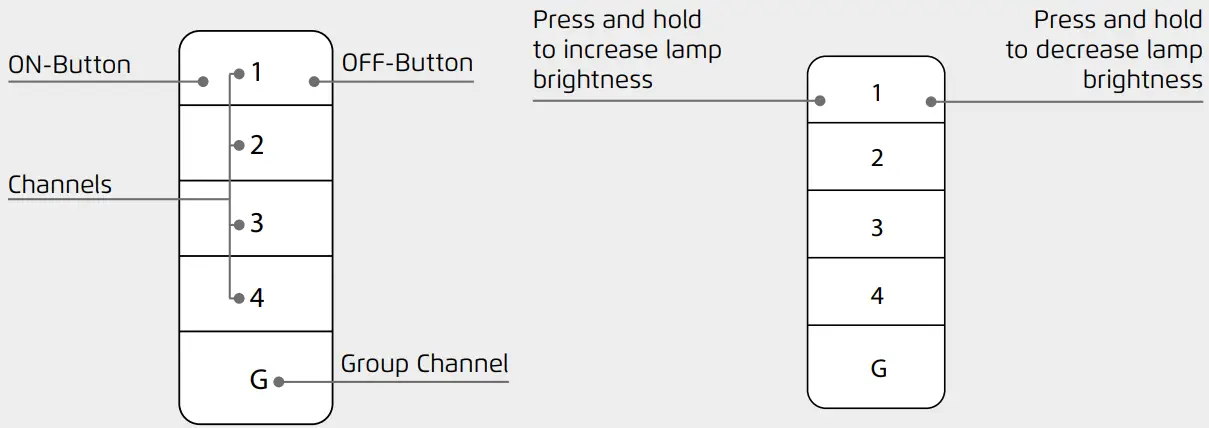
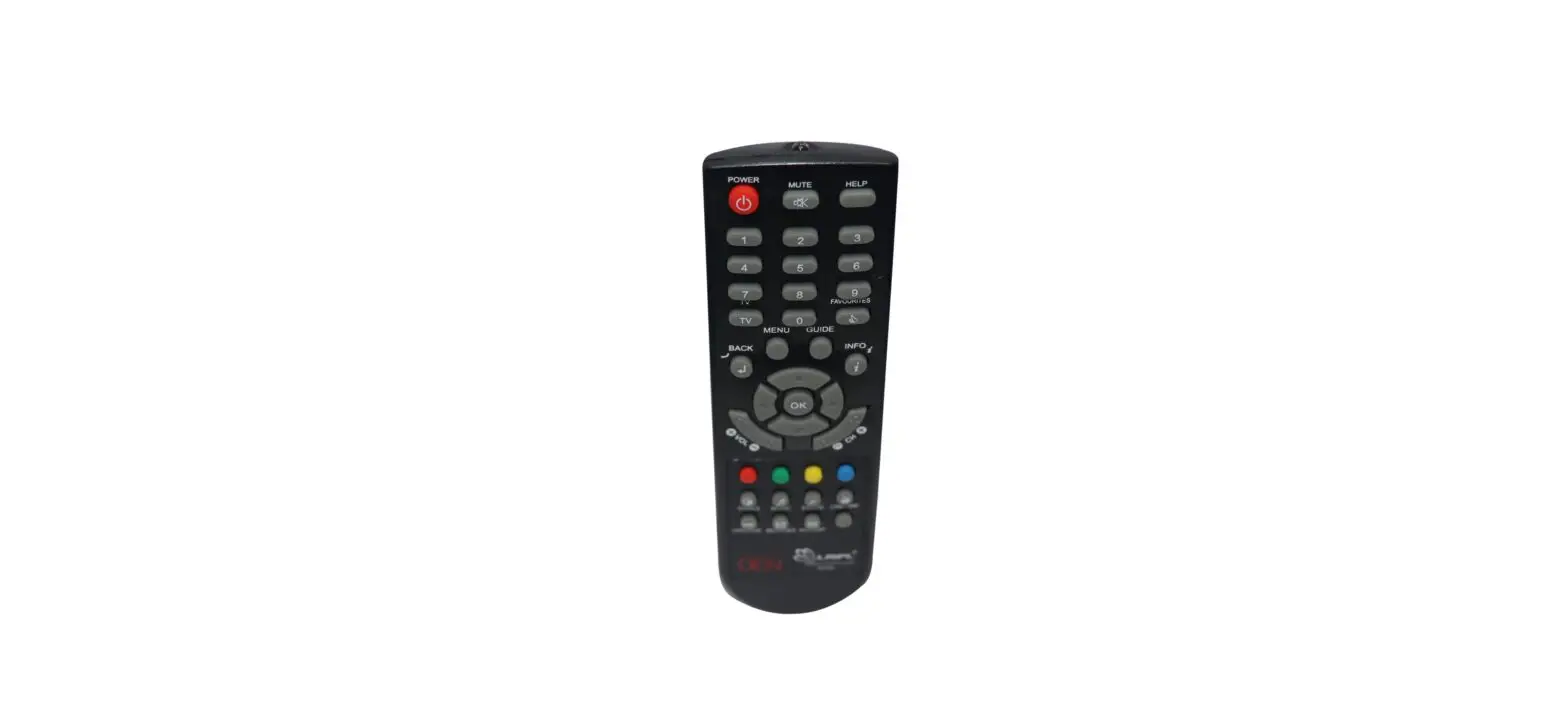
Buttons
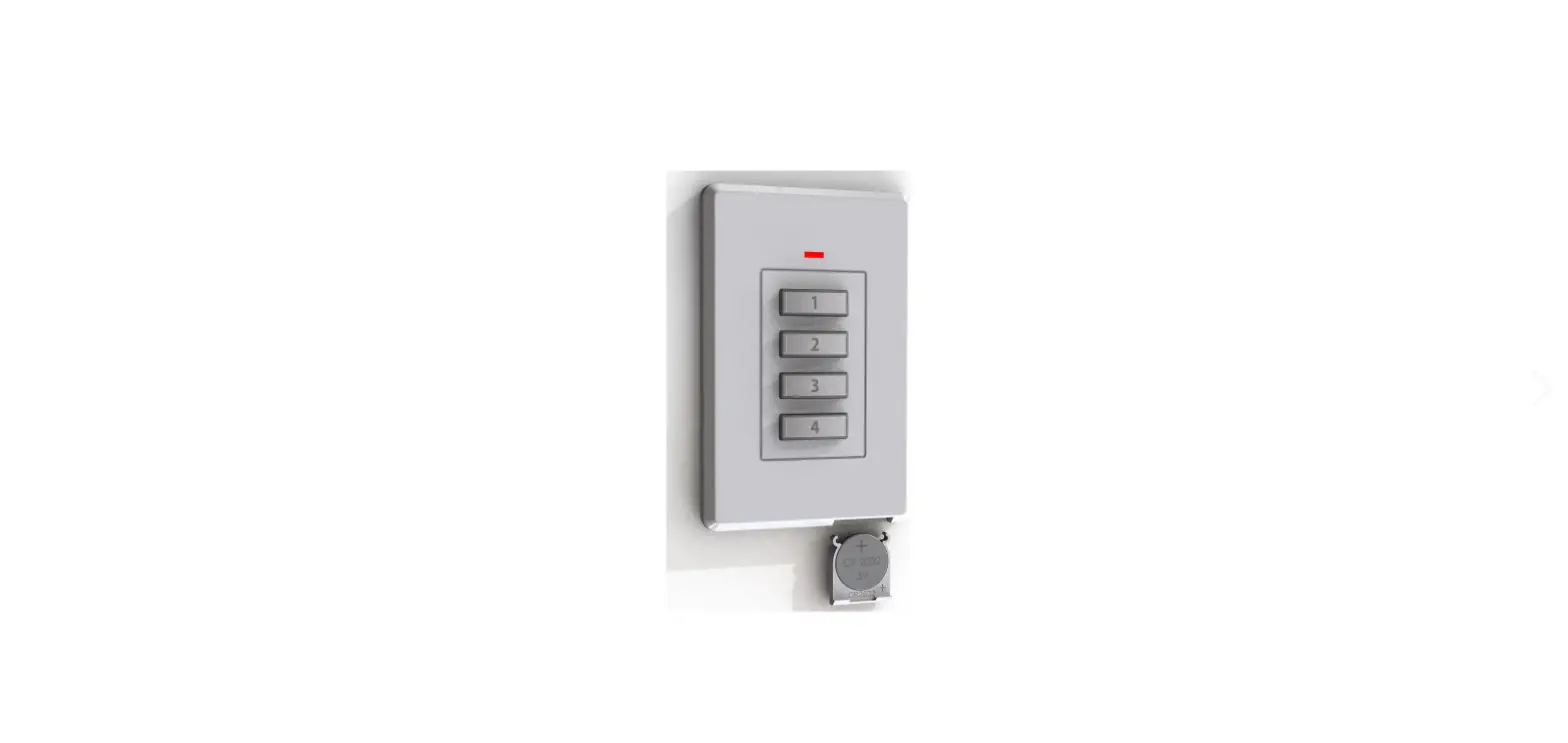
- ON- Button: To turn your lights/devices ON
- OFF-Button: To turn your lights/devices OFF
- Channels/Group Channel: Connect a receiver to 1 of the 4 channels. Use the group channel to turn multiple receivers ON or OFF.
Note: You cannot dim with the group channel - Dimming: Brightness Increase: Press and hold a channel’s ON button to increase the lamp’s brightness
- Brightness Decrease: Press and hold a channel’s OFF button to decrease the lamp brightness
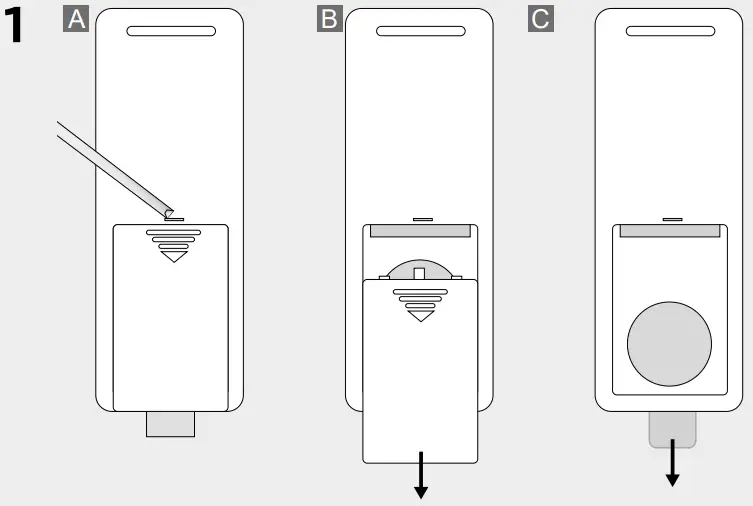
Remove battery strip
- A. Open the battery compartment by inserting a flat head screwdriver into the slot on the back.
- B. Slide the battery compartment open
- C. Remove the battery strip

Pair remote with receiver
- A. Put the receiver into learning mode (refer to the receiver manual for information on how to activate the learning mode).
- B. Press the ON button of the desired channel to which the receiver must be paired.

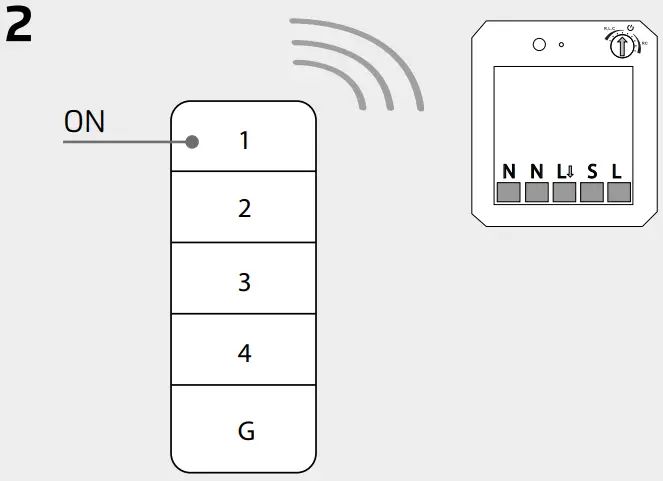
Tip: You can also pair multiple receivers to one channel
Removing the back plate for mounting
Remove the back plate from the wall bracket by inserting a flat head screwdriver into the recess on the bottom and lifting it up.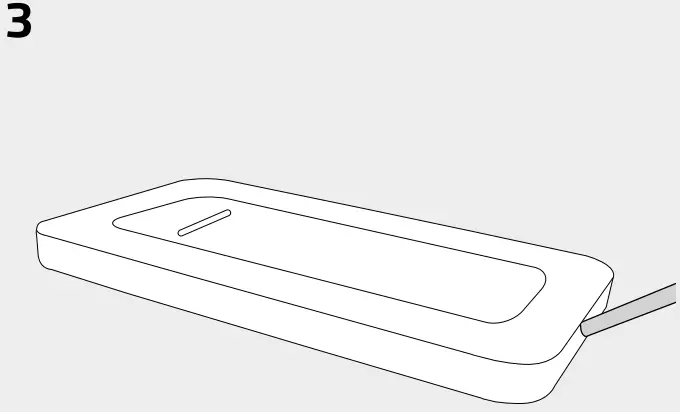
Mounting the wall bracket with screws
- A. Place the backplate on a flat surface and mount the plate securely with the included screws.
- B. Place the wall holder on the back plate.
- C. Place the remote control in the wall holder.

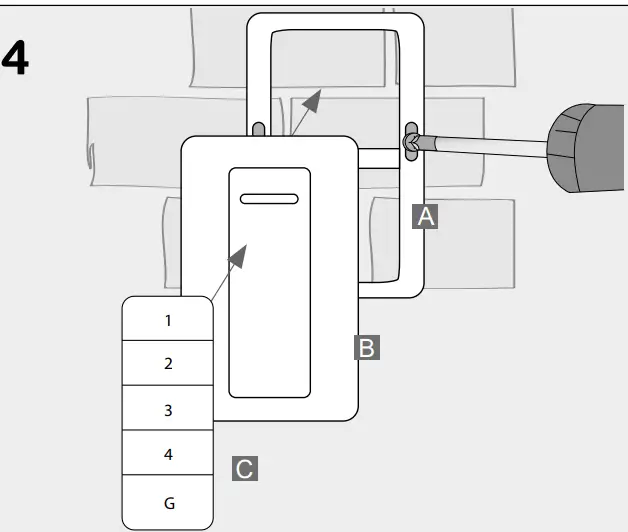
Mounting the wall holder with double-sided tape
To mount the backplate using the supplied double-sided tape, apply the tape to the back of the back plate.
Then stick the wall holder on a flat surface at the desired location.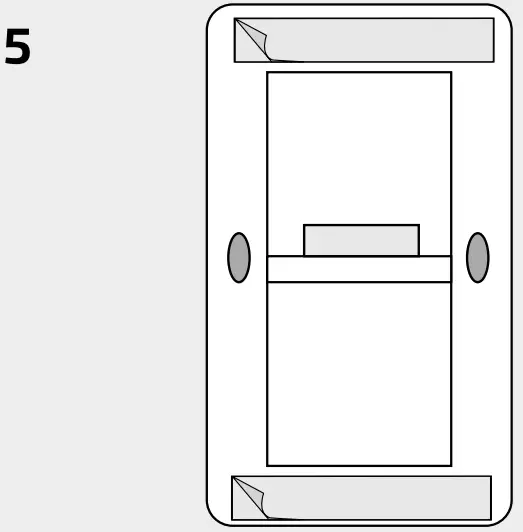
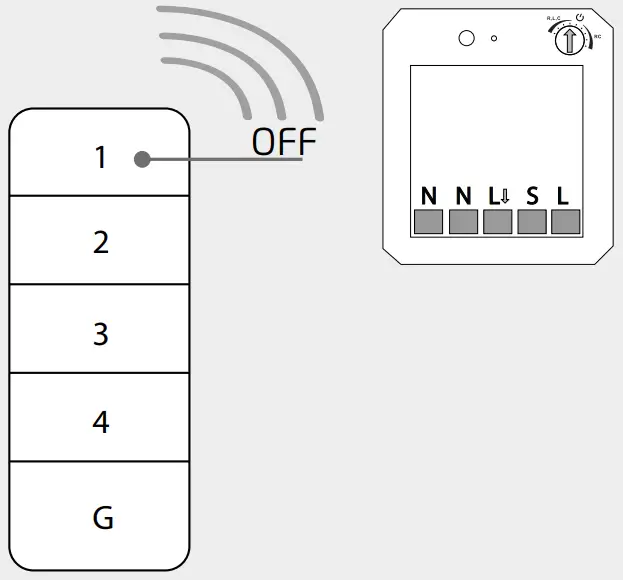
Unpair a Trust Smart Home receiver
- A. Put the receiver you want to unpair into learning mode (refer to the manual of the receiver for information on how to activate the learning mode).
- B. Press the OFF button of the channel to which the receiver is paired.

Replace battery
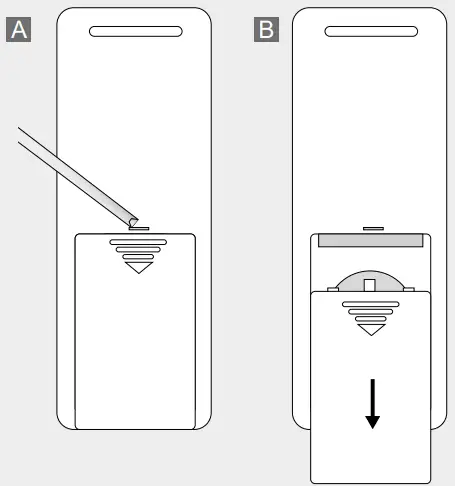
- A. Open the battery compartment by inserting a flat head screwdriver into the slot on the back.
- B. Slide open the battery compartment and remove the empty battery.
Insert a new 3V-CR2032 lithium battery into the battery compartment.
Pay attention to the positive and negative polarity.
Close the battery compartment.
Safety Instructions
Product support: www.trust.com/71322.
Warranty conditions: www.trust.com/warranty
To ensure safe handling of the device, follow the safety advice on: www.trust.com/safety
The Wireless range is strongly dependent on local conditions such as the presence of HR glass and reinforced concrete Never use Trust Smart Home products for life-support systems.
This product is not water-resistant.
Do not attempt to repair this product.
Wire colors may vary per country.
Contact an electrician when in doubt about wiring.
Never connect lights or equipment that exceed the maximum load of the receiver.
Exercise caution when installing a receiver voltage may be present, even when a receiver is switched off.
Maximum radio transmit power: -6.12 dBm.
Radio transmission frequency range: 433,92 MHz
 | Disposal of packaging materials: Dispose of packaging materials which are no longer needed in accordance with applicable local regulations. |
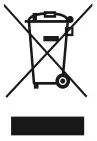 | Disposal of the device: The adjacent symbol of a crossed-out wheelie bin means that this device is subject to Directive 2012/19/EU. |
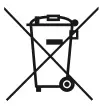 | Disposal of batteries: Used batteries may not be disposed of in household waste. Only dispose of batteries when they are fully discharged. Dispose of batteries according to local regulations. |
 | Trust Electronics Ltd. declares that item number 71322/71322-02 is in compliance with Directive Electromagnetic Compatibility Regulations 2016, Radio Equipment Regulations 2017. The full text of the declaration of conformity is available at the following internet address: www.trust.com/compliance |
 | Trust International B.V. declares that item number 71322/71322-02 is in compliance with Directive 2014/53/EU – 2011/65/EU. The full text of the EU declaration of conformity is available at the following web address: www.trust.com/compliance |
TECHNICAL SPECIFICATIONS
| Codesystem | Automatic |
| Number of Channels | 4 + group on/of |
| Battery | 3V lithium battery type CR2032 (included) |
| Size | HxWxD: 110 x 60 x 15 mm |
Declaration of Conformity
Trust International B.V. declares that this Trust Smart Home-product:
- Model: AYCT-303 Remote Control
- Item number: 71322/71322-02
- Intended use: Indoor
is in compliance with the essential requirements and other relevant provisions of the following directives:
ROHS 2 Directive (2011/65/EU)
RED Directive (2014/53/EU)
The full text of the EU declaration of conformity is available at the following web address:
www.trust.com/compliance
TRUST SMART HOME
LAAN VAN BARCELONA 600
3317DD DORDRECHT
NEDERLAND
www.trust.com
Trust Electronics Ltd.,
Sopwith Dr, Weybridge, KT13 0NT, UK.
All brand names are registered trademarks of their respective owners.
Specifications are subject to change without prior notice. Made in China.
Web: www.trust.com
 Trust.com - Contact & Support - Compliance
 Trust.com - Home