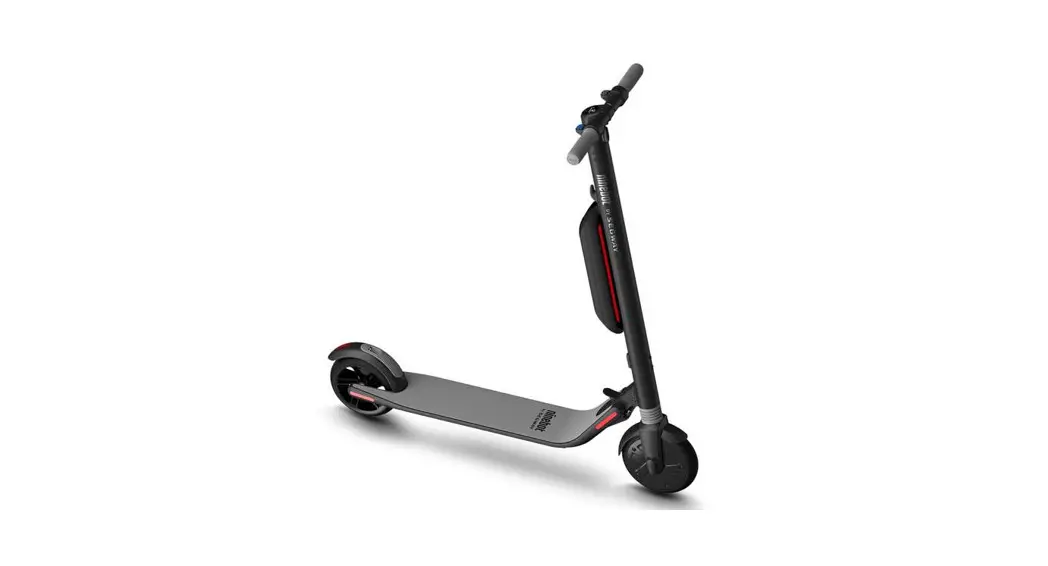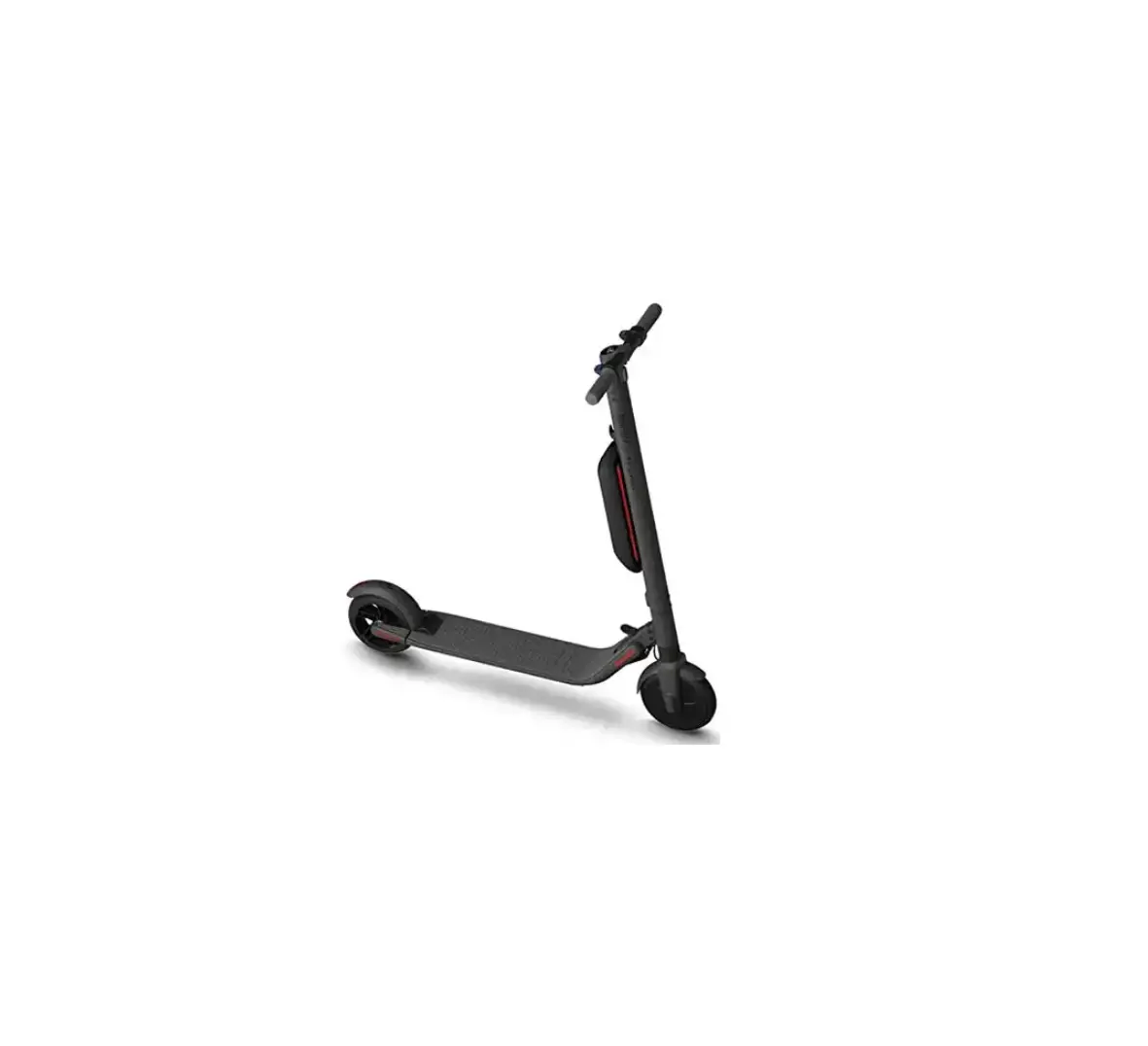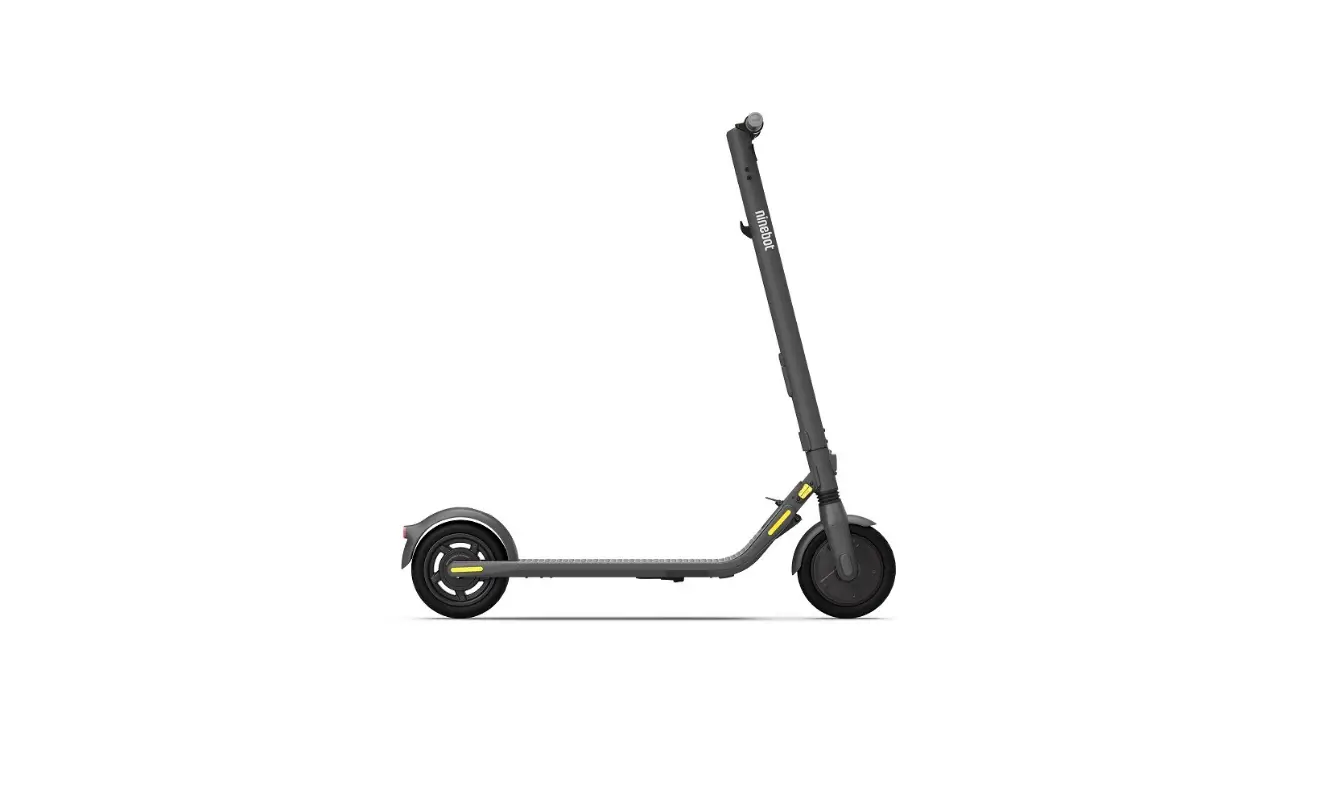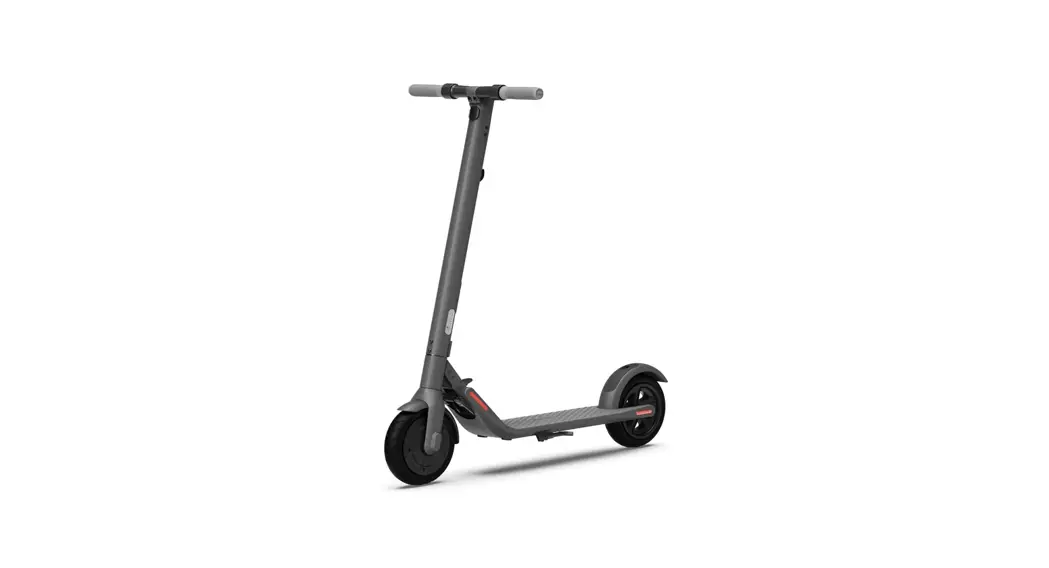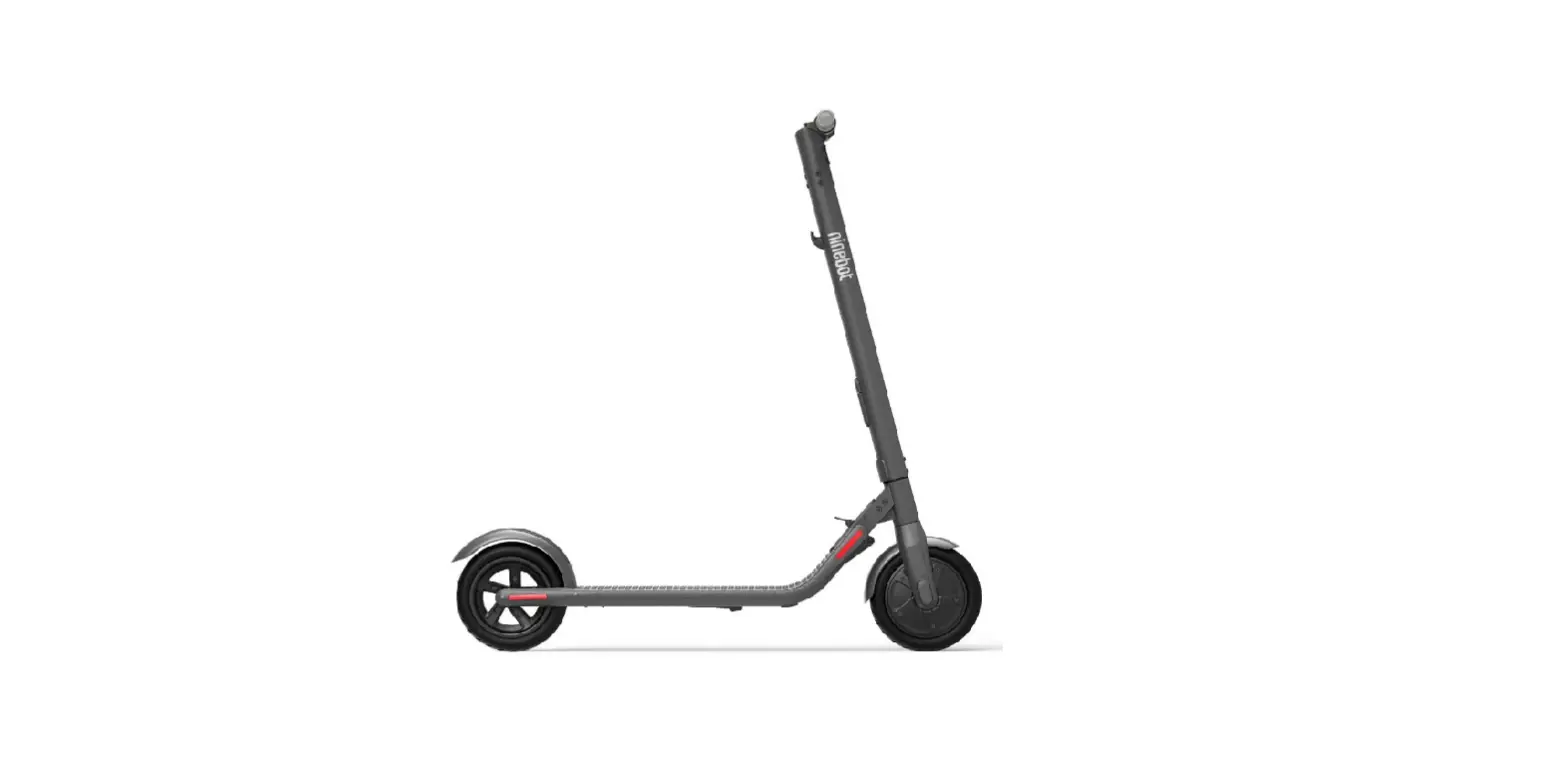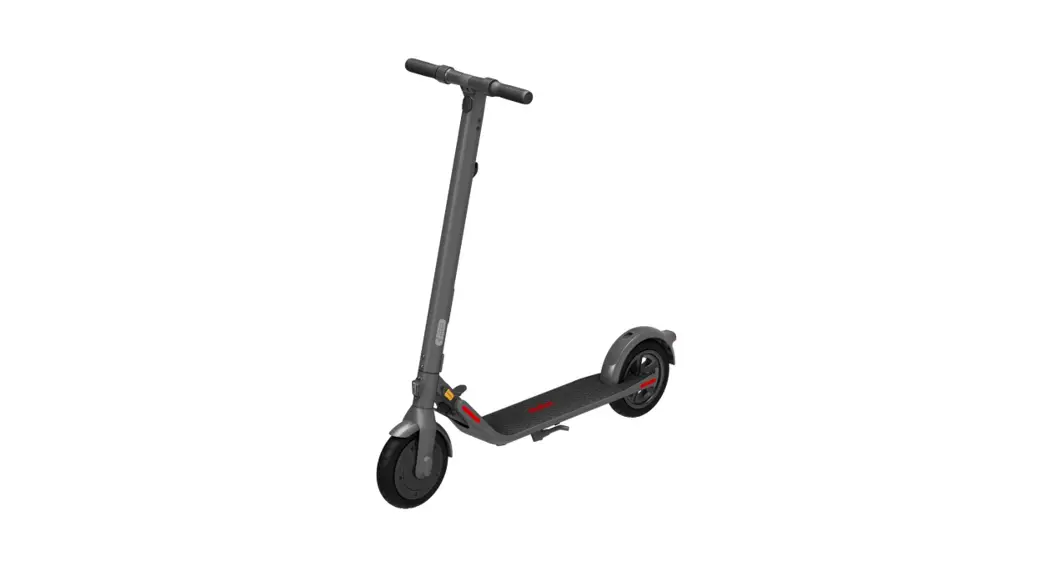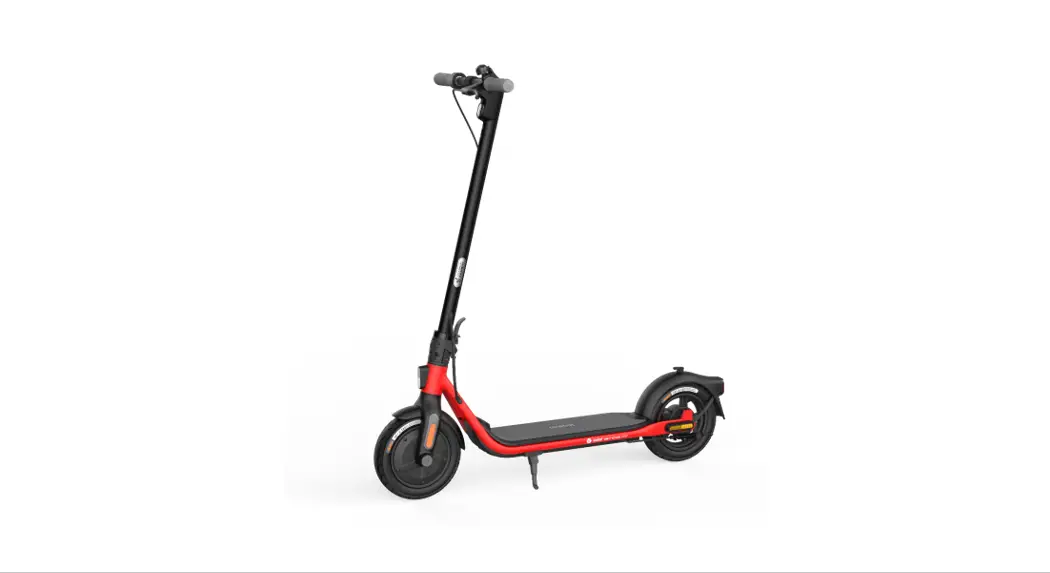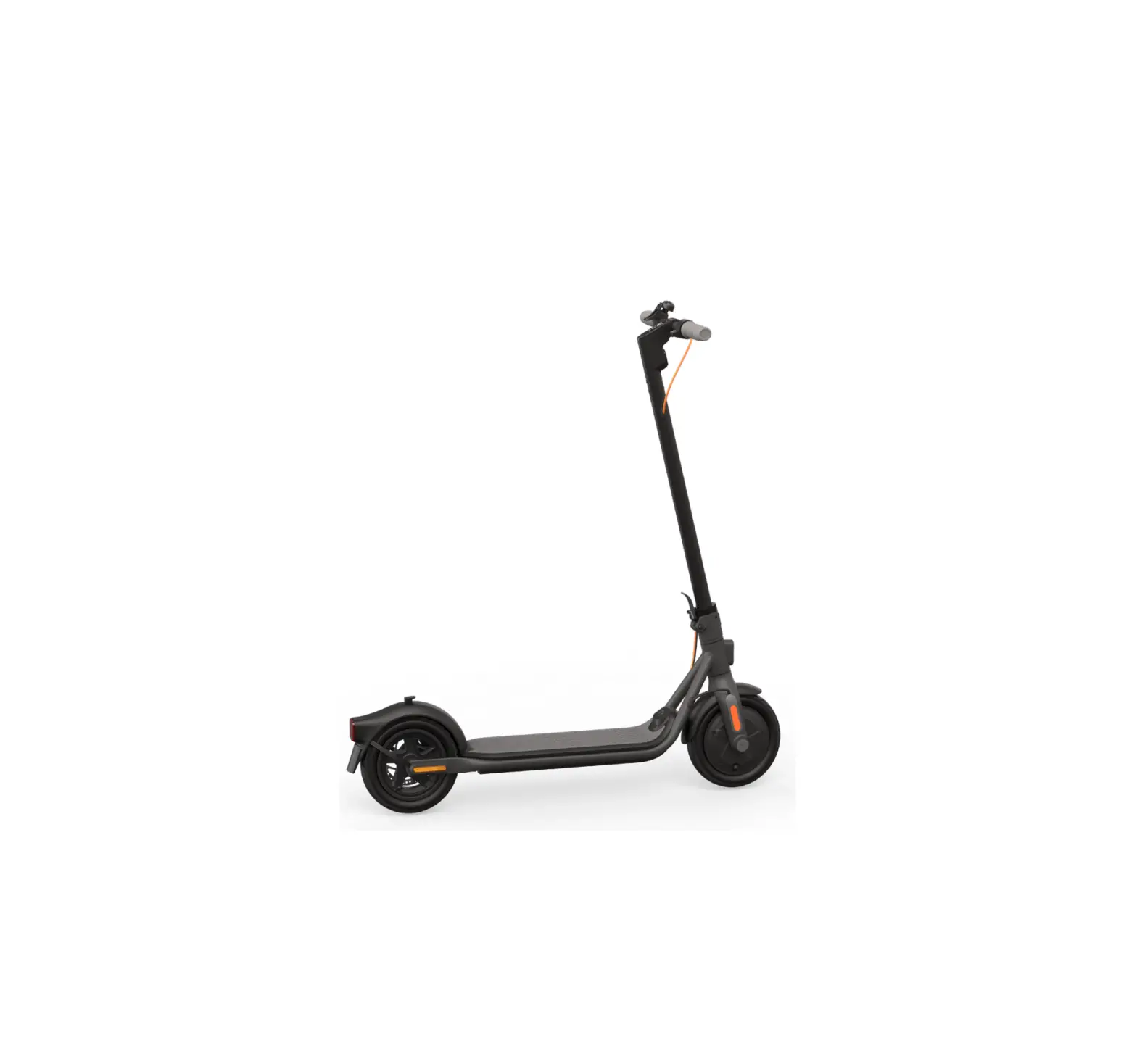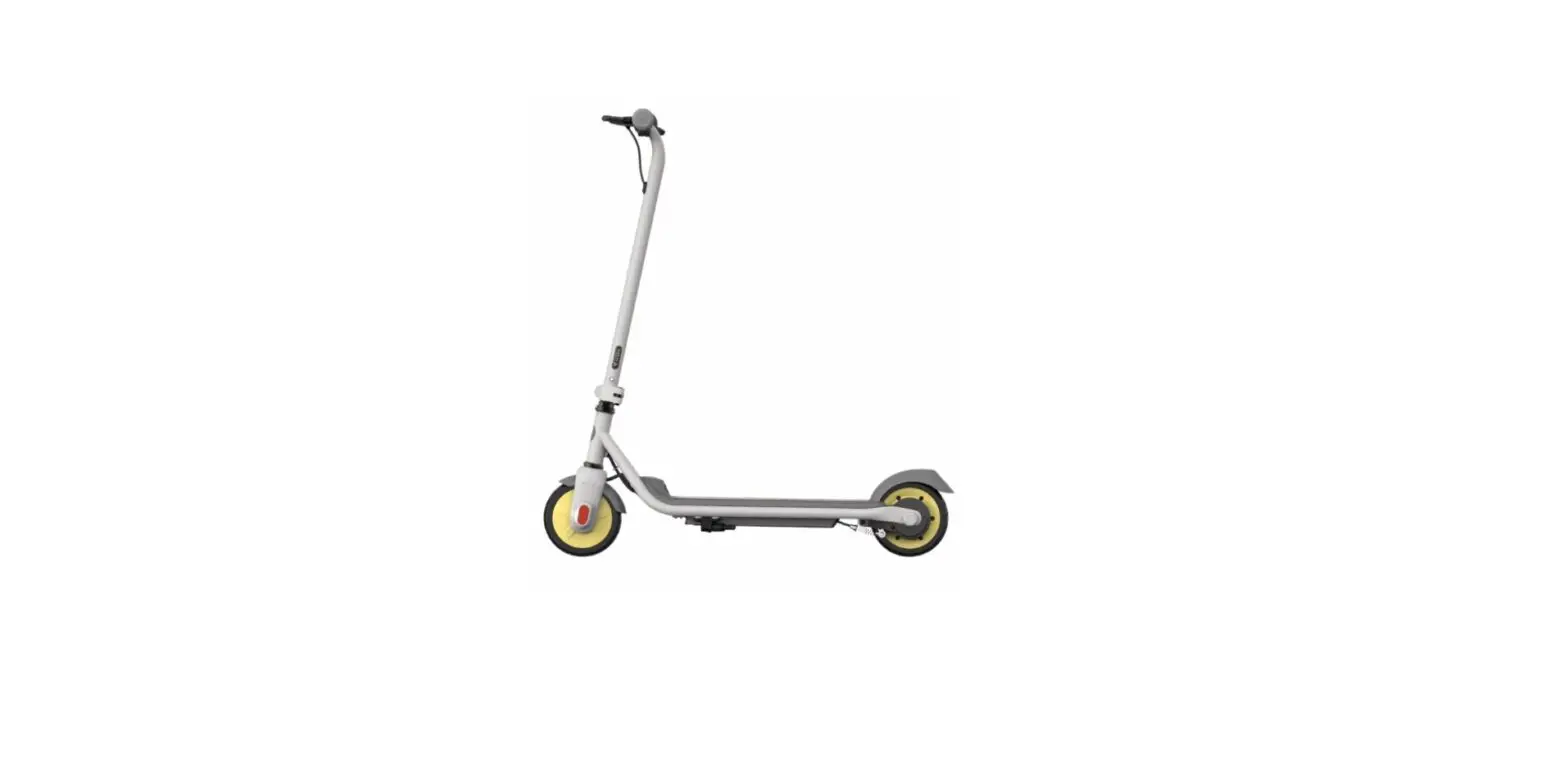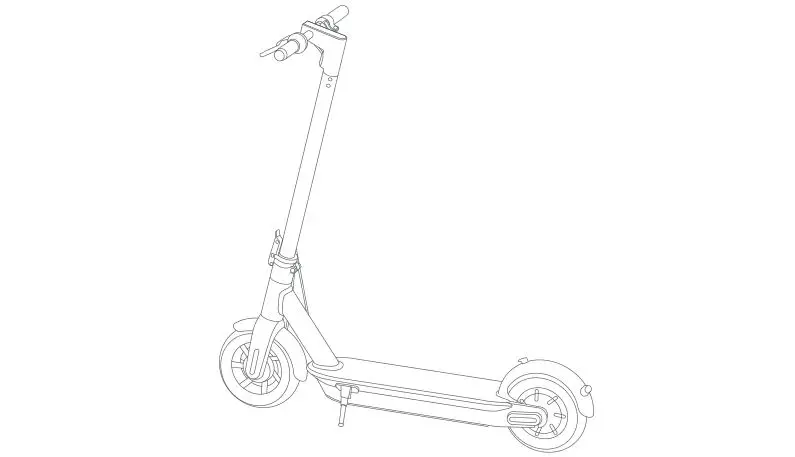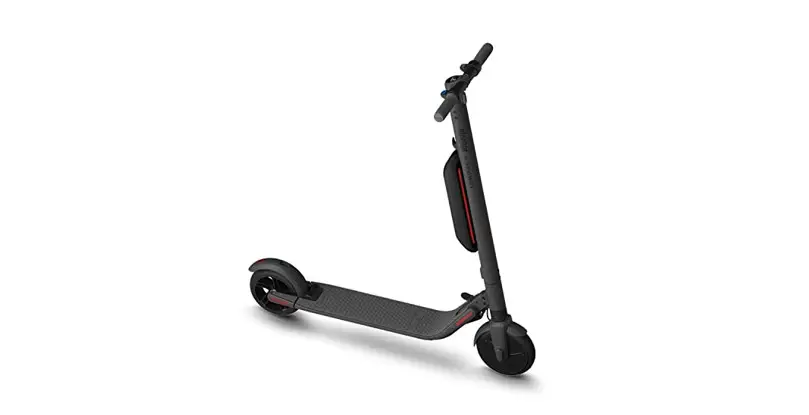

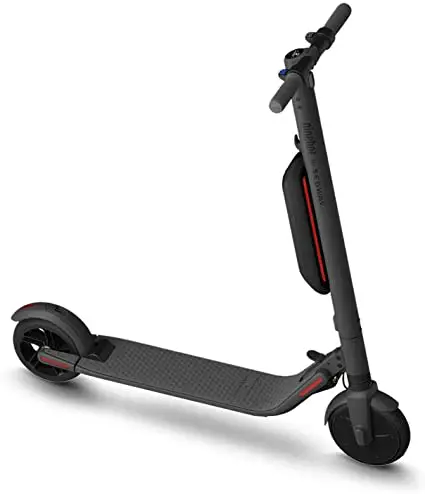
SEGWAY Ninebot ES4 Electric Kick Scooter with External Battery
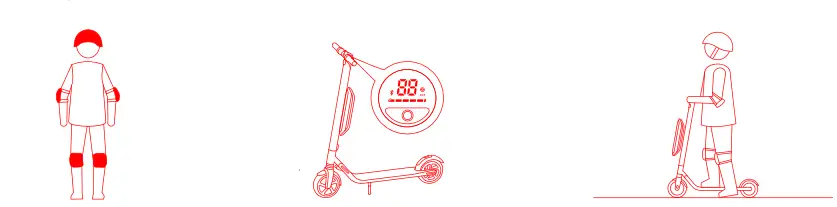
- Speedometer: Indicates the current speed, AISO displays error codes when Faults are detected.
- Power level: Indicates the remaining battery level with 5 bars. Each bar equates to approximately 20% power level.
- Power mode (double click the power button to switch the mode):
- Red “S icon: Sport mode (maximum power/speed and reduced range).
- White “S” icon: Standard mode (moderate power/speed and range).
- No “S icon: Speed limít mode (minimum power/speed and increased range).
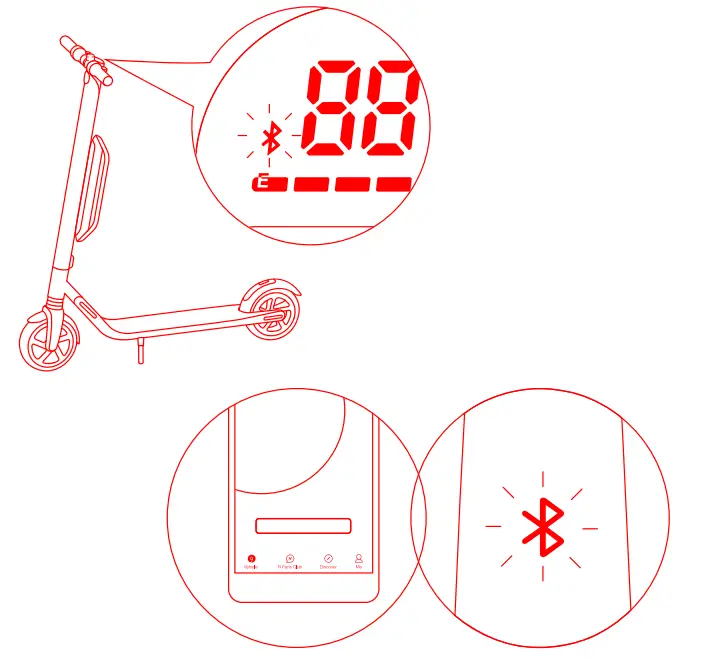
- Bluetooth: A blinking Bluetooth icon indicates that the vehicle is ready to connect. A solid Bluetooth icon indicates that the vehicle is connected to a mobile device.
- Power button: Short press to power on. Long press to power off. When powered on, single click to turn on/off the headlight.
- Double-click to change power mode.
Instruction
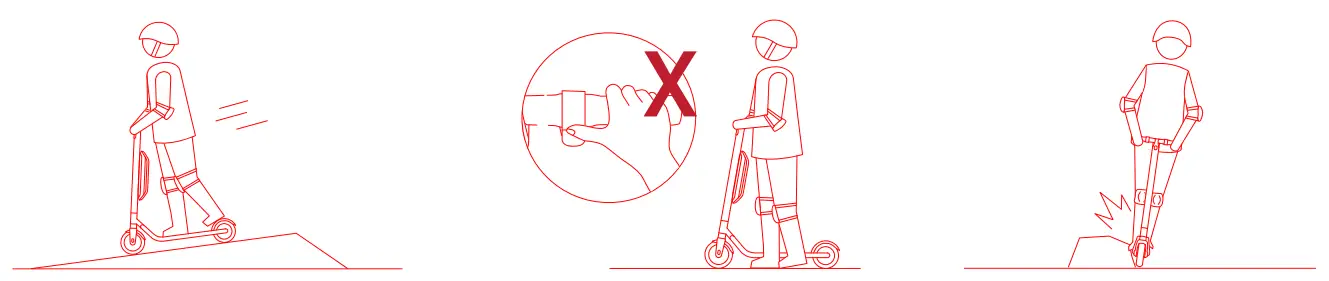
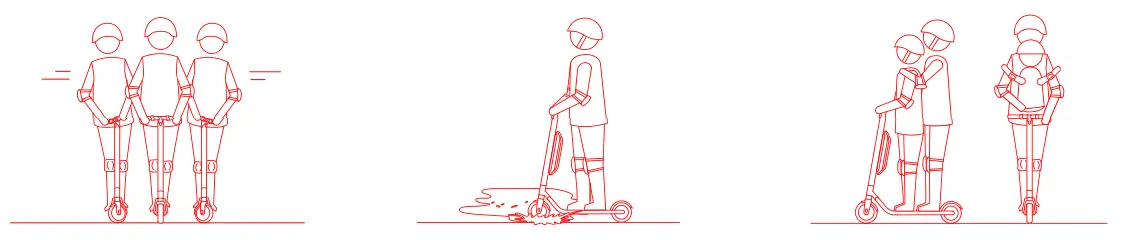
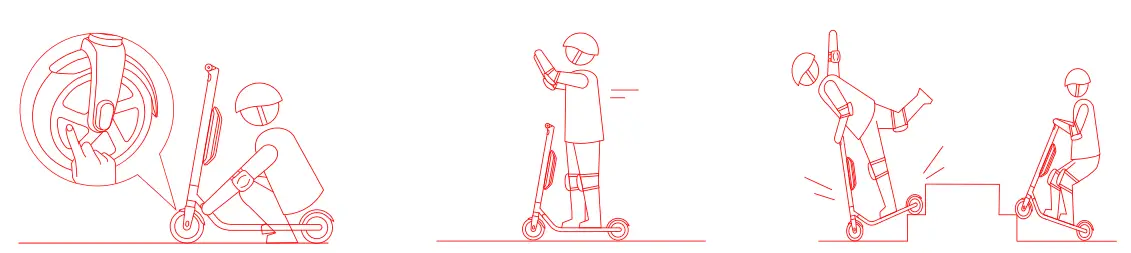
- DO NOT rotate the handle violently while driving at high speed.
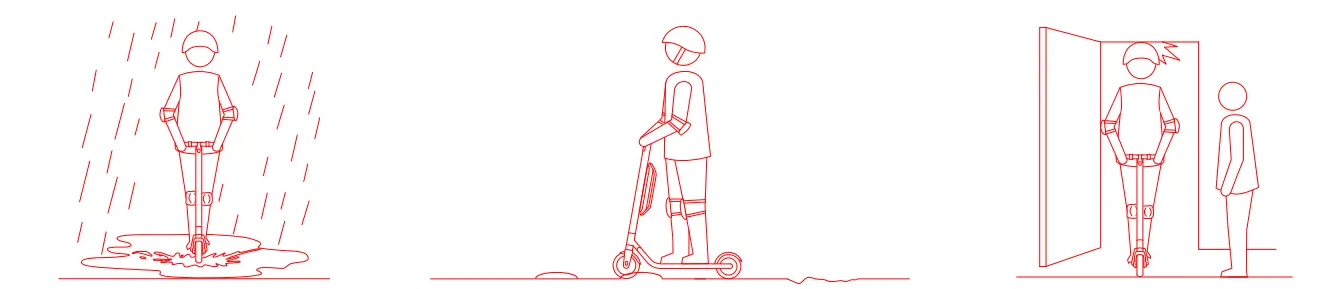
- ADO NOT ride through puddles or other types of water deeper than 1 inch (2 cm).
- The KickScooter is for one rider only. Do not carry any passengers. Do not carry a child.
- DO NOT touch the hub motor after riding because it can get hot.
- DO NOT take your hands off the handlebar while riding. Do not ride with one hand only.
- DO NOT ride up and down stairss or Jump Over obstacles.
Specifications
| Dimensions | Length X Width X Height | 40,5×18,9×45 in (103 x 48×113 cm) |
| Weight | Net | 30.9 lbs (14.0 kg) |
| Rider | Payload | 55-220 lbs (25-100 kg) |
| Recommended Age | 14+ years | |
| Required Height | 3′ 11 “- 6 ‘ 6” (120-200 cm) | |
|
Machine Parameters | Max. Speed | 16.8 mph (27 km/h) |
| Typical Range 1′ 1 | 28.0 miles (45 km) | |
| Max. Slope | 15% | |
| Traversable Terrain | asphalt/flat pavement; obstacles< 0.,4 n (1 cm); gaps< 1.2 in (3 cm) | |
| Operating Temperature | 14- 10 4°F (-10- 40°C) | |
| Storage Temperature | -4- 122 °F (-20- 50°C) | |
| IP Rating | IP54 | |
|
Battery | Nominal Voltage | 36 voe |
| Max. Charging Voltage | 42 voe | |
| Charging Temperature | 32- 10 4°F (0-40°C) | |
| Nominal Capacity | 374 Wh | |
| Battery Management System | Over-heating, short circuit, over-current and over-charge protection | |
| Number Of Batteries 121 | 2 | |
| Moto r | No m inal Power | 300W |
| Max. Power | 800W | |
|
Charger | Output Power | 71 W |
| Input Voltage | 100-240 VAC | |
| Output Voltage | 42 voe | |
| Output Current | 1.7 A | |
| Duration of Charging | 7h | |
|
Features | Shock Absorber | front & rear |
| Brake Light | LED rear light | |
| Atmosphere Light | Customizable color | |
| Riding Modes | Speed limit mode, Standard mode, and Sport mode |
How to charge your step
Your KickScooter is fully charged when the LED on the charger changes from red (charging) to green (trickle charge). Close the charge port cover when not charging.
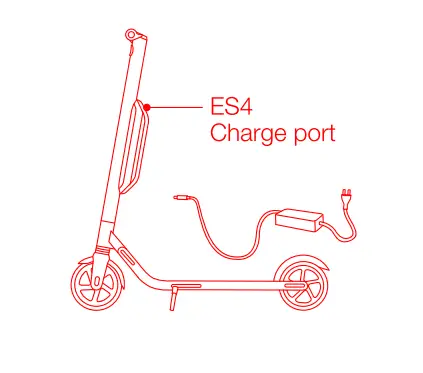
- Open the charge port cover on top of the battery.
- Insert the charge plug.
- Close the charge port cover when finished.
Your First Ride
There are safety risks when learning to ride the KickScooter. You must read the Safety Instructions via the App Deore yOur first time. Install the App on your mobile device (with Bluetooth 4.0 or above), connect to the KickScooter with Buetooth, and follow the App instructions to activate your KickScooter and enjoy the Tull performance. Scan the OR code to download the Segway-Ninebot App (OS 8.0 or above, Android 4.3 or above).
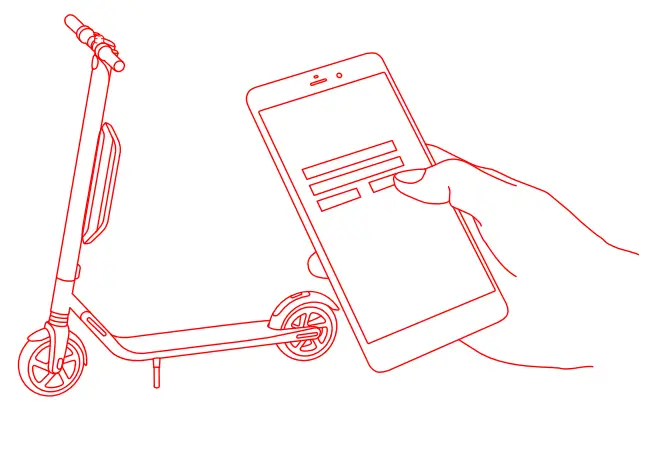
- Install the App and register/log in.
- Power on the Kickscooter. A blinking Bluetooth icon indicates the Kick scooter is waiting for a connection.
- Click “Vehicle” Search device to connect to your KickScooter.
- The Kick scooter will beep when the connection is successful. The
- The Bluetooth icon will stop blinking and remain illuminated.
- Follow the App instructions to activate the Kick scooter and learn how to ride safely.
- You can now start to use your KiCkSCooter, check the status with App, and interact with other users. Have Tun!
Learning how to ride
- Power on the scooter and check the indicator lamp power level. Charge the scooter if the battery level is low.
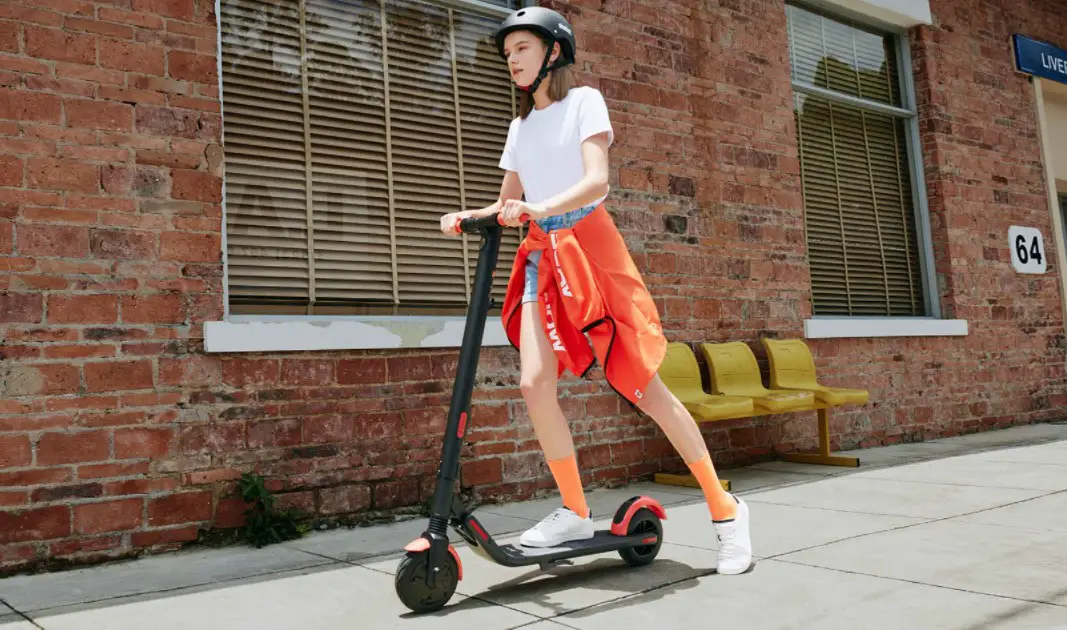
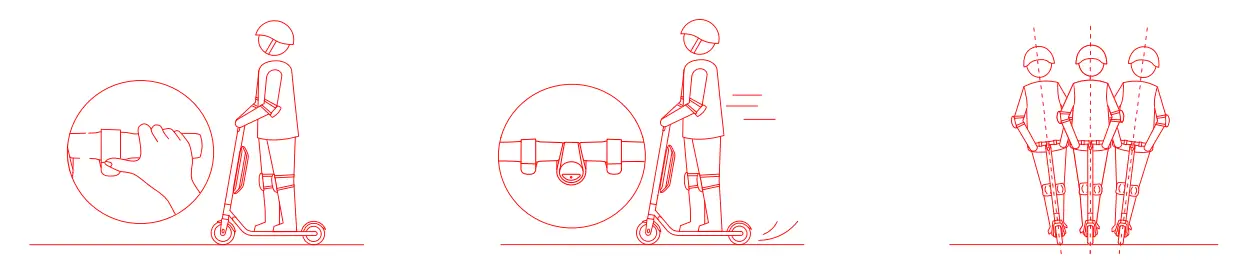
- Stand on the footrest with one foot and push off with your foot to start gliding.
- Put your other foot on the footrest to keep both feet stable, Press the throttle on your right hand to speed up when you dre balanced,
- Slow down by releasing the throttle; stir the brake handle thumb shifter quickly and stamp the fender with your foot at the same time to trigger mechanical braking in order to make a sharp brake.
- To turn, shift your body weight and turn the handle slightly.
Warnings
- DO NOT ride the Scooter in the rain.
- DO NOT ride over speed bumps thresholds or other bumps at HIGH SPEED.
- Watch your head when passing through doorways.
- Watch your speed when traveling downhill. Use both brakes together when traveling at high speed.
- DO NOT press the throttle when walking with the scooter.
- Avoid contacting obstacles with the tire/wheel
- DO NOT camp heavy objects on the handlebar
- DO NOT ride the scooter with only one foot,
- DO NOT ride on public roads, motorways, or highways.