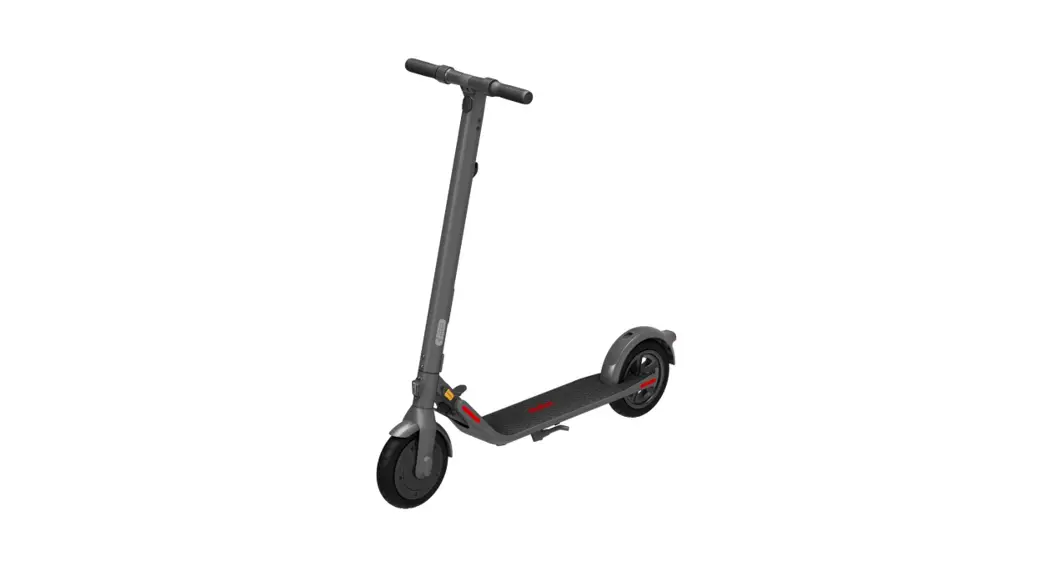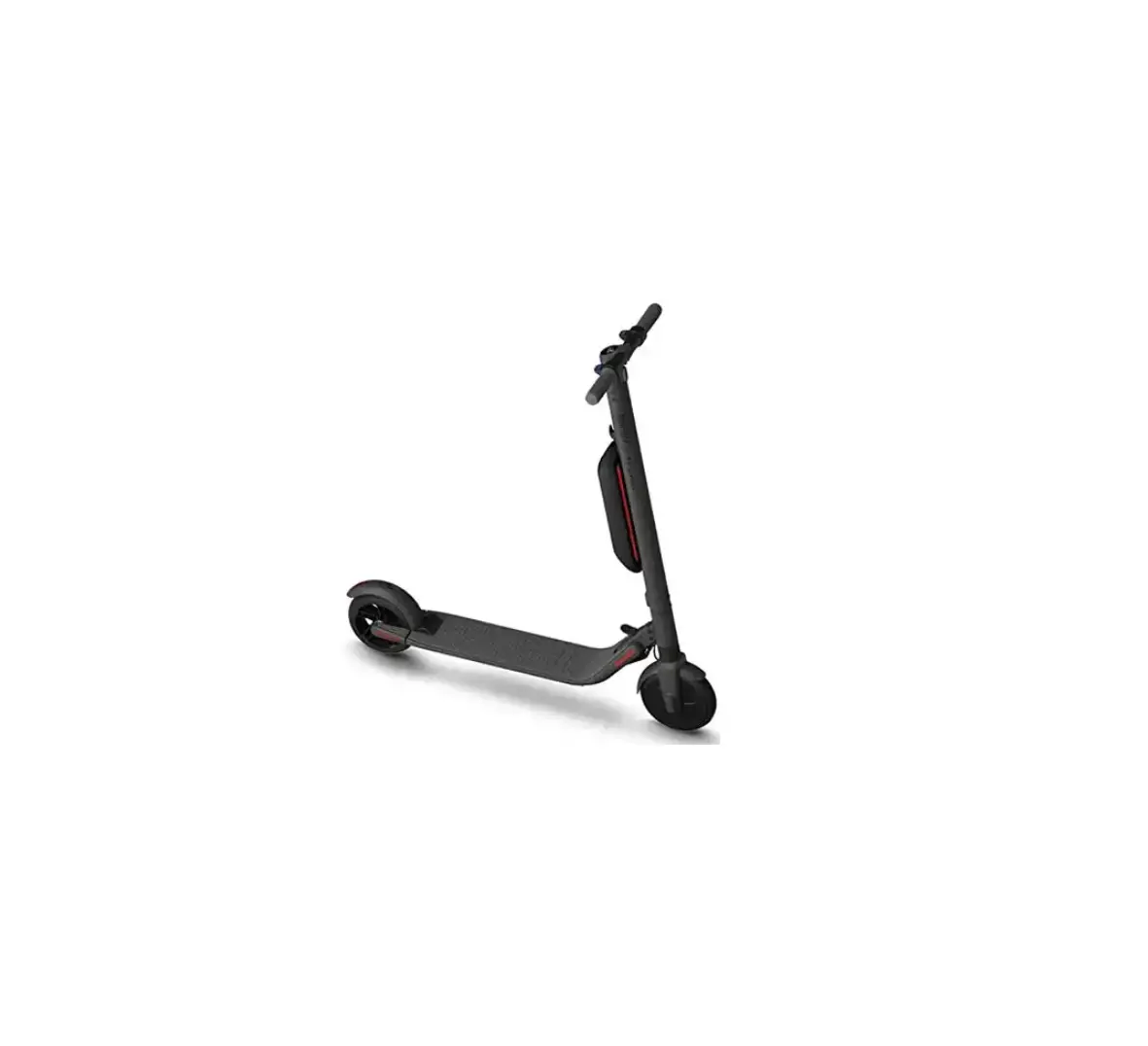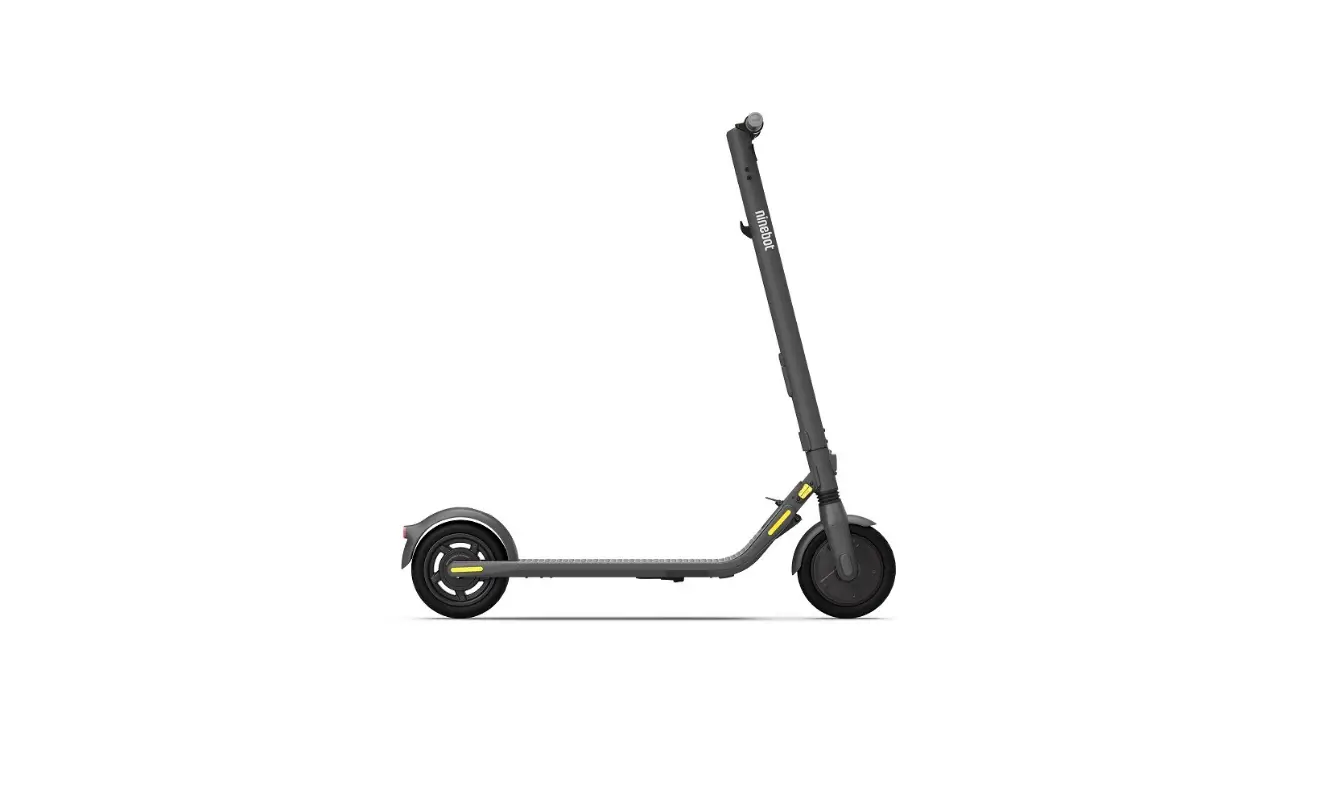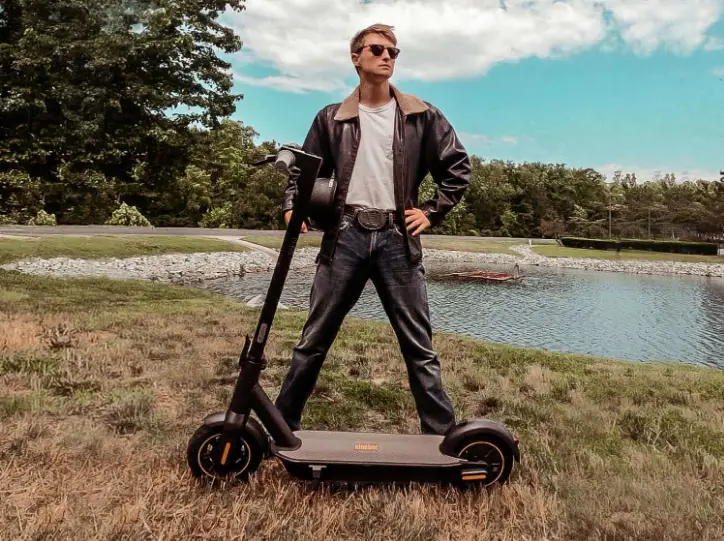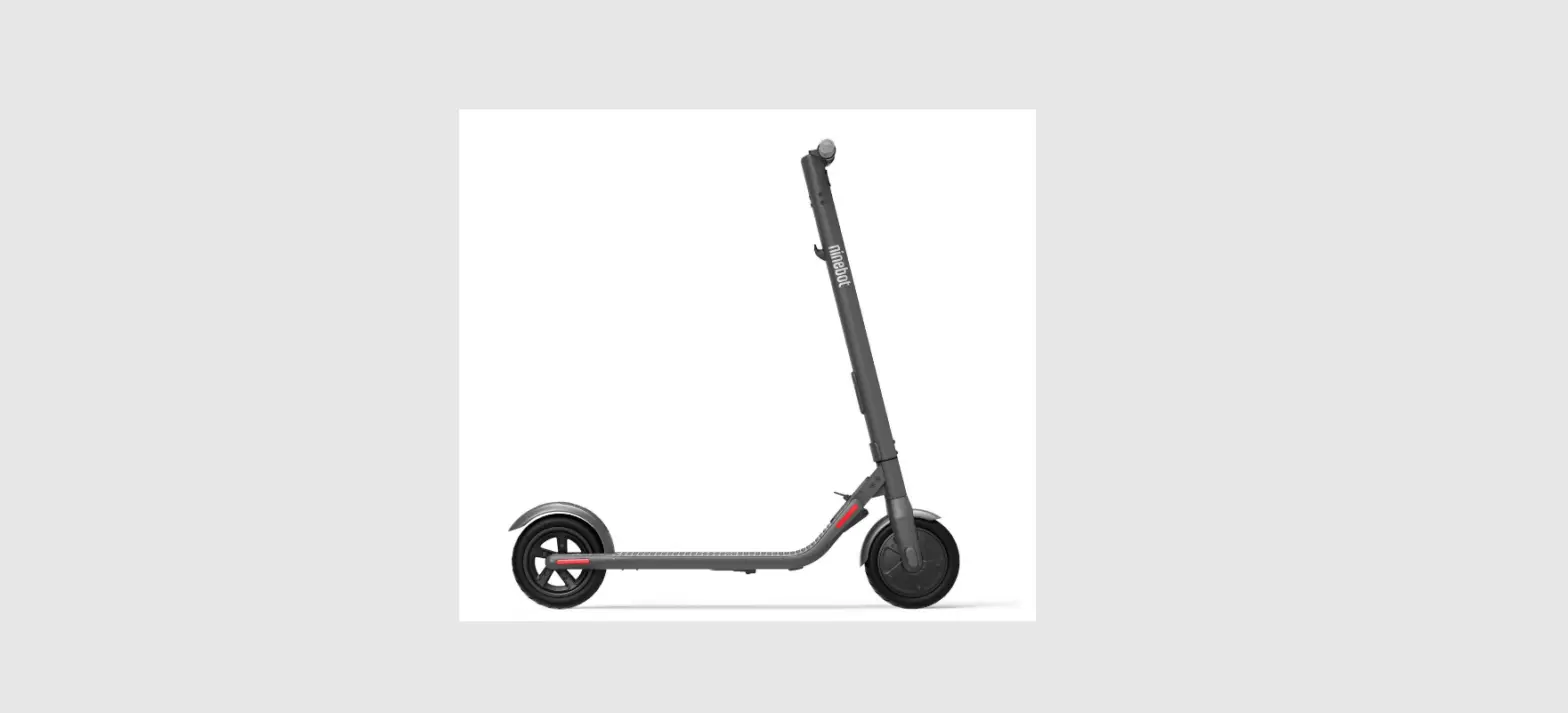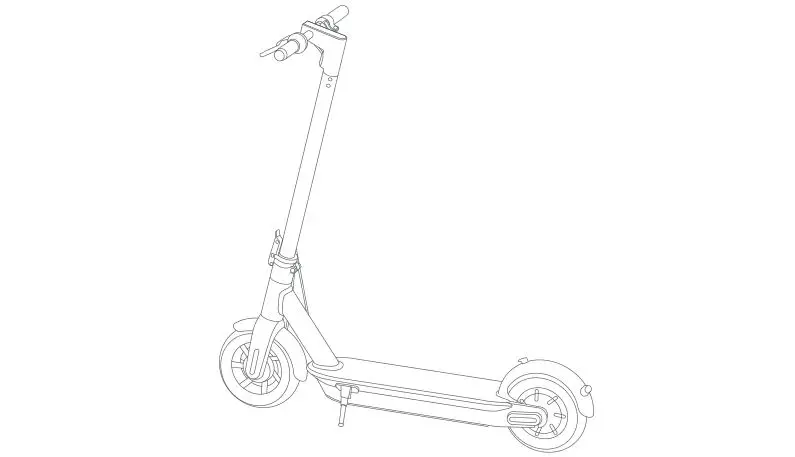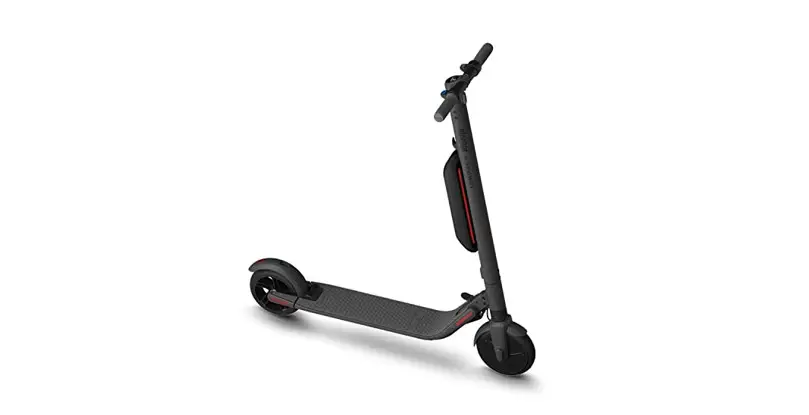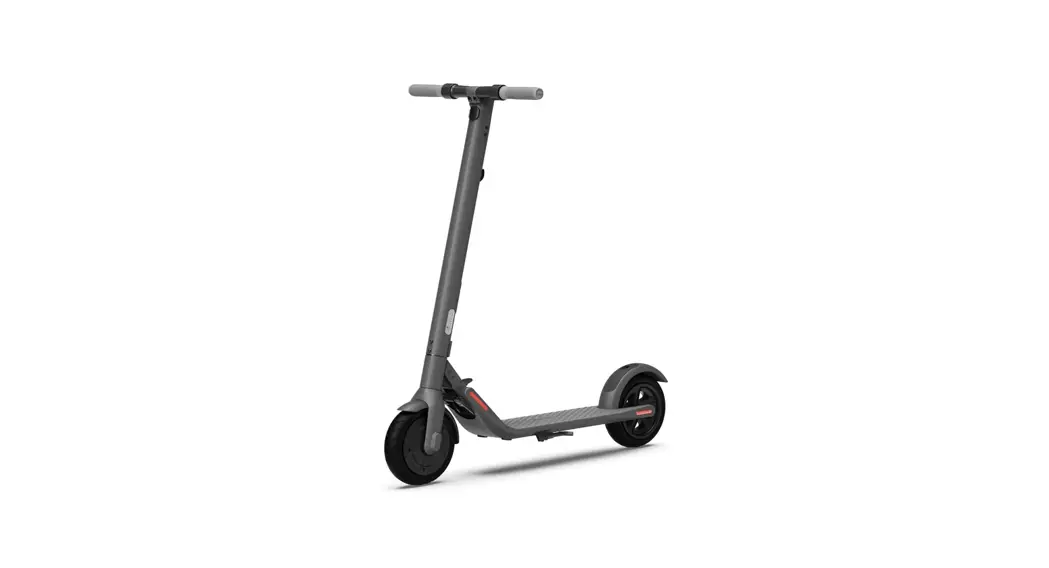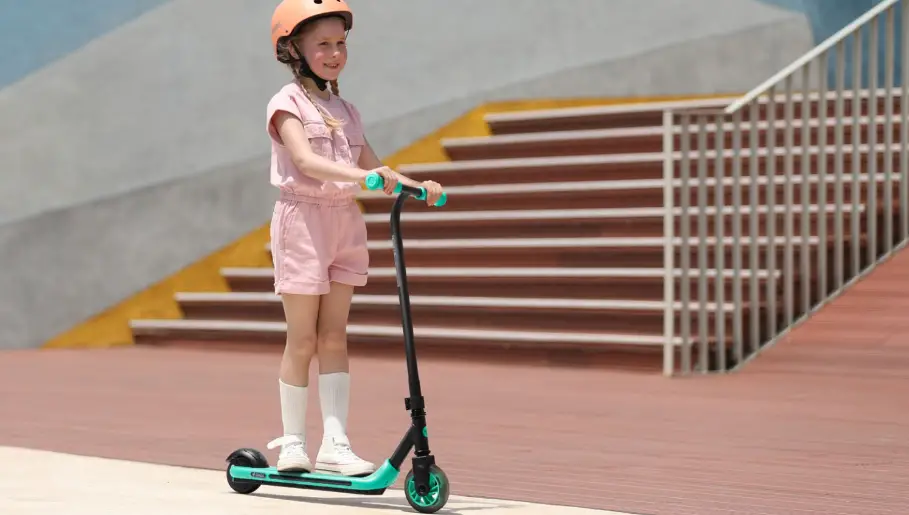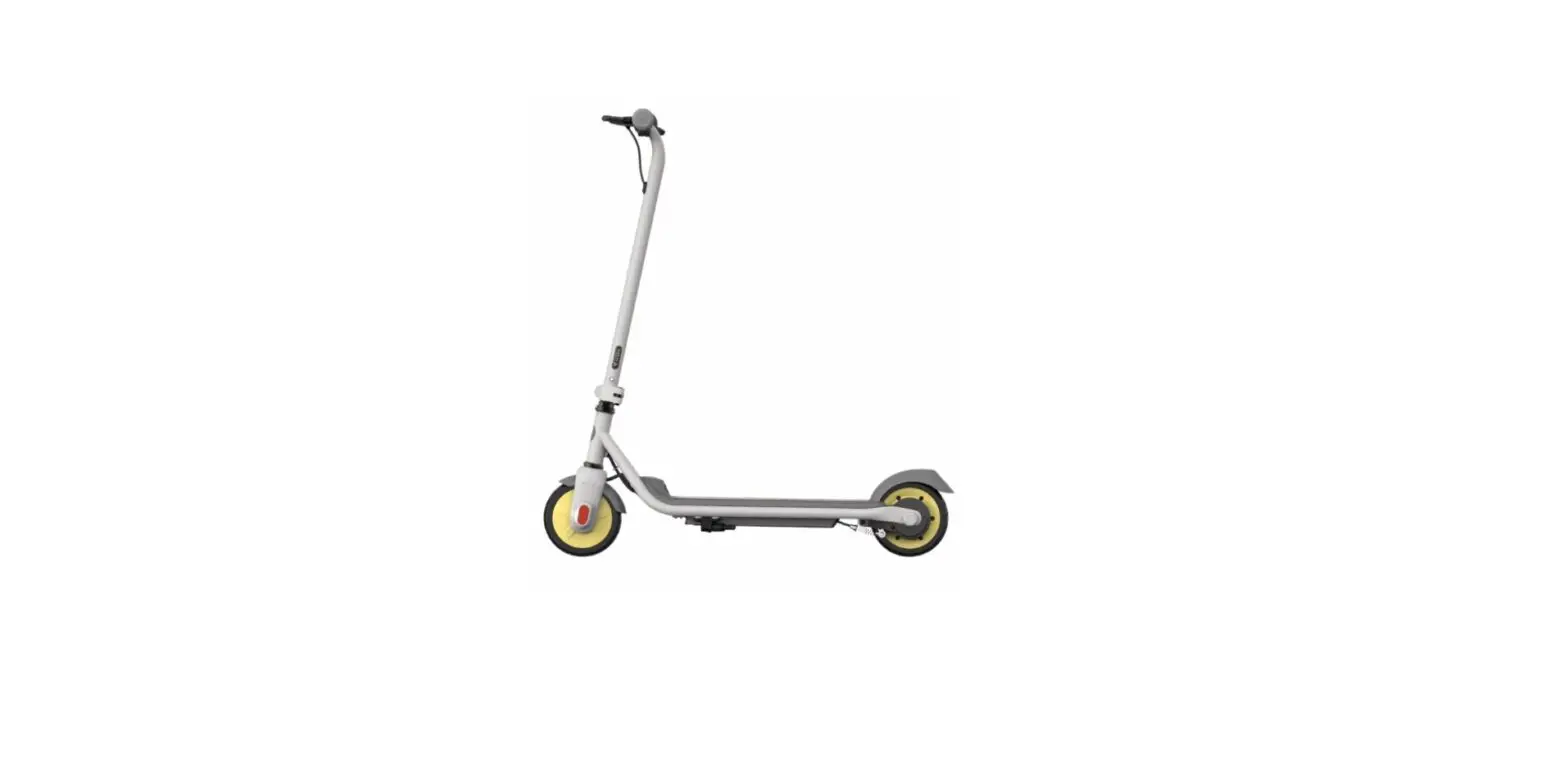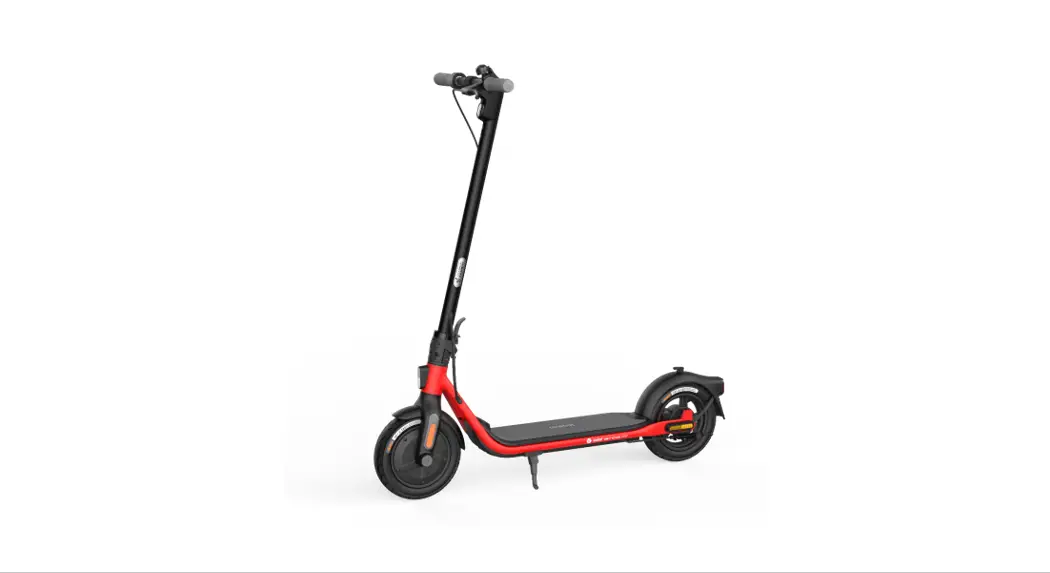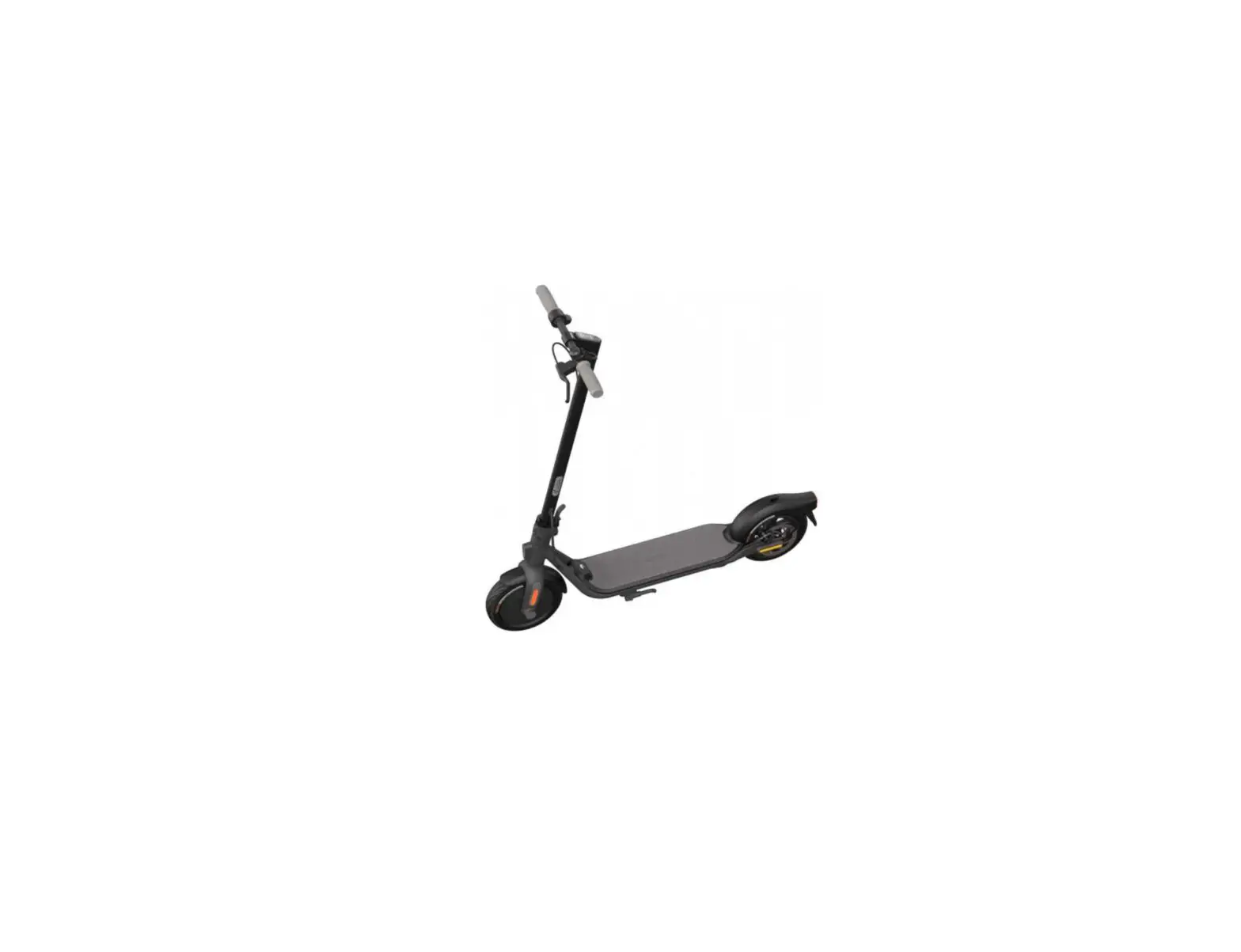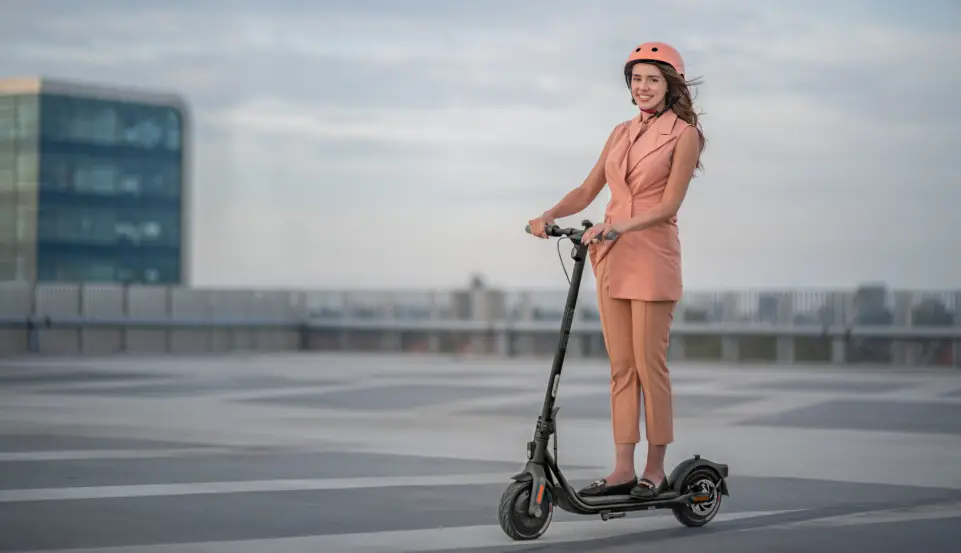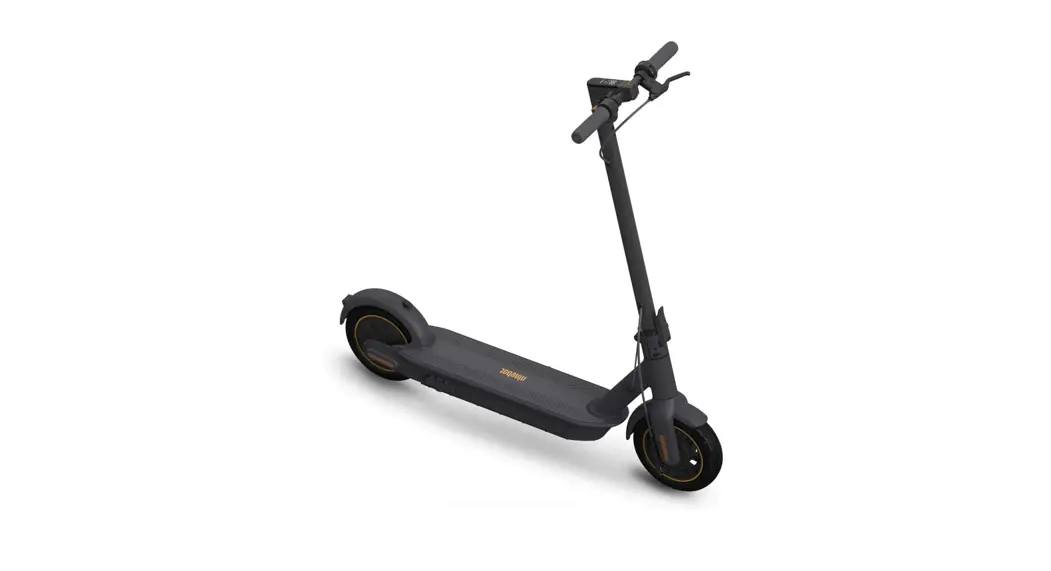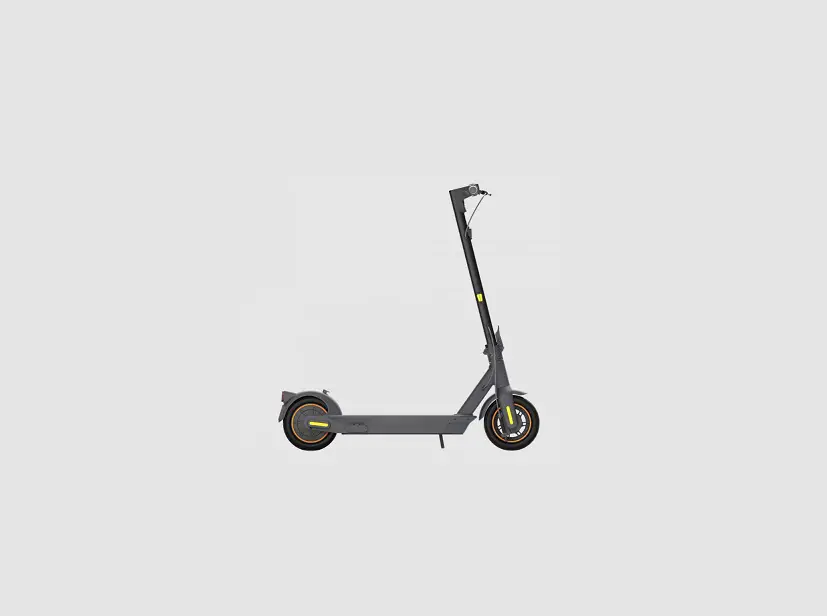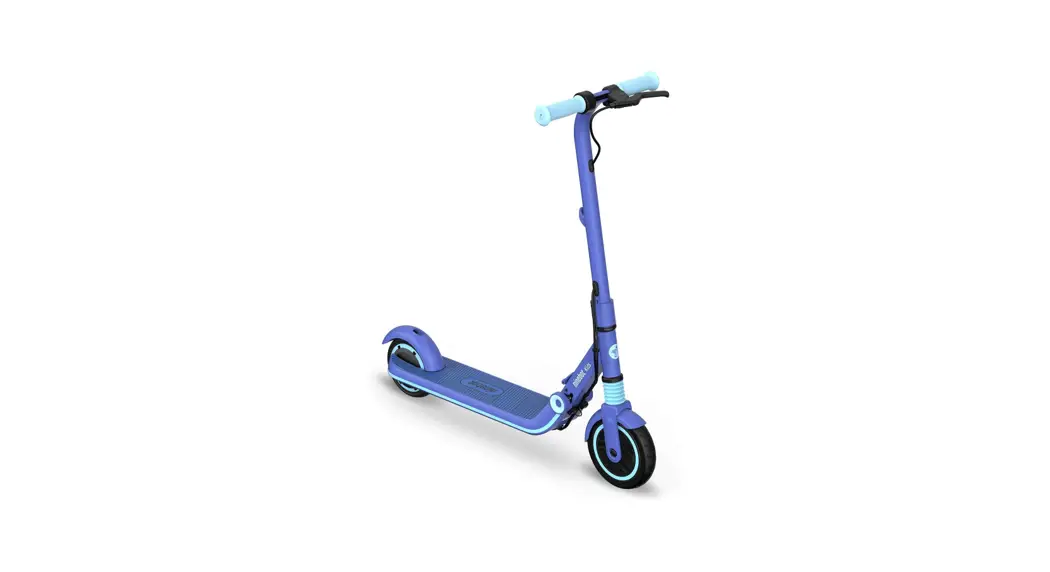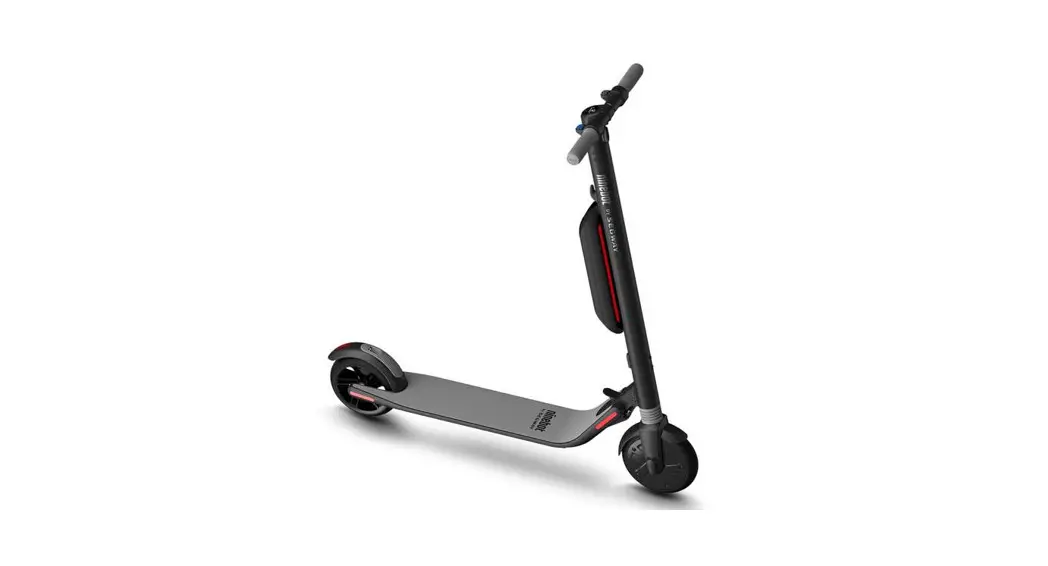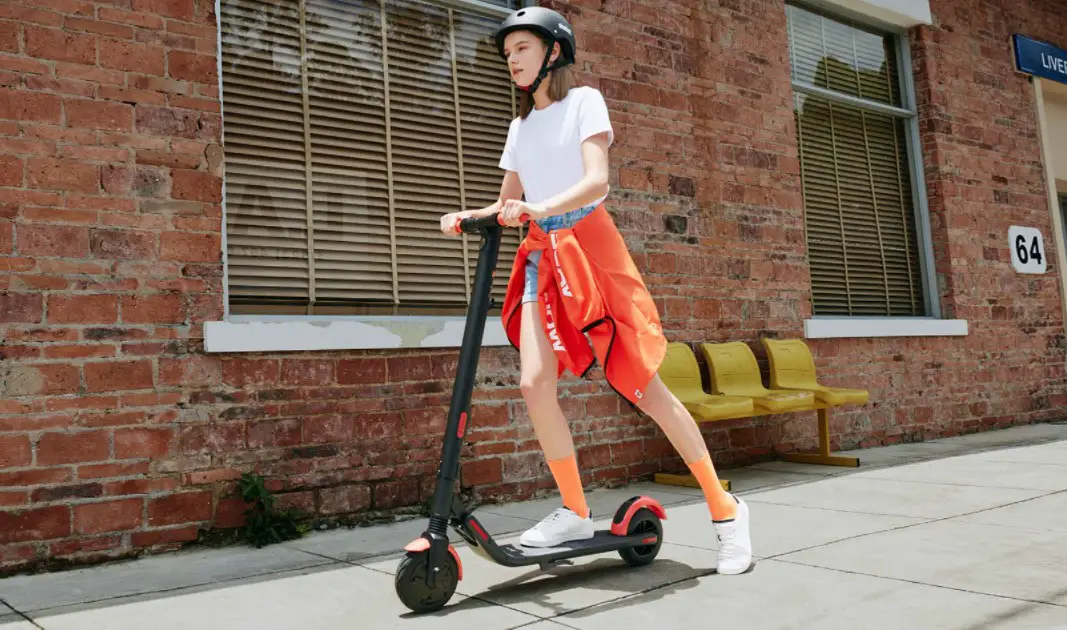
Ninebot Es1l Electric Kick Scooter Instruction Manual

Ninebot Es1l Electric Kick Scooter Instruction Manual

ninebot ES1L Electric Kick Scooter
Instruction Manual


ninebot ES1L Electric Kick Scooter Instruction Manual

ninebot logo

Package List Icon

Package List

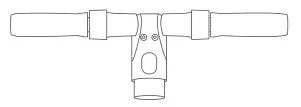
ninebot ES1L Electric Kick Scooter - Handlebar
Handlebar
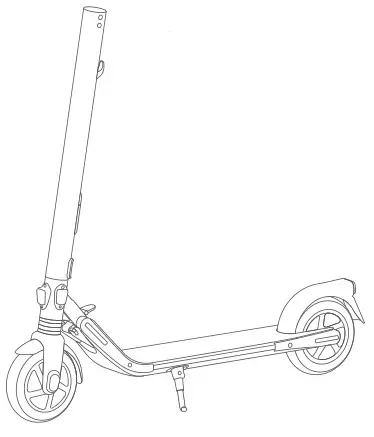
ninebot ES1L Electric Kick Scooter - Mainframe
Mainframe

Accessories

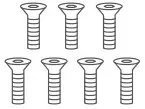
ninebot ES1L Electric Kick Scooter - Screws
Screws
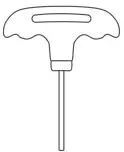
ninebot ES1L Electric Kick Scooter - Hex Wrench
Hex Wrench
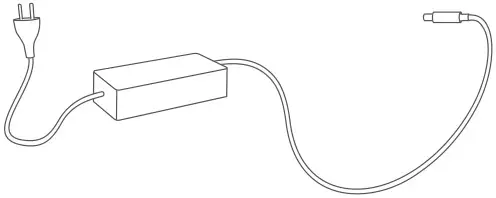
ninebot ES1L Electric Kick Scooter - Battery Charger
Battery Charger
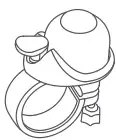
ninebot ES1L Electric Kick Scooter - Bell
Bell (For ES1LD)

ninebot ES1L Electric Kick Scooter - Assembly Icon

Assembly

Unfold the stem. Confirm that the latching axis is secured. Then unfold the kickstand.
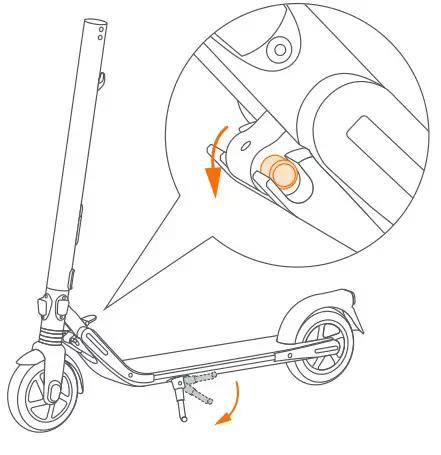
ninebot ES1L Electric Kick Scooter - Unfold the stem

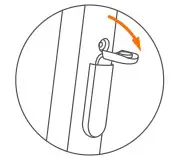
Flip up the folding pedal (For ES1LD).
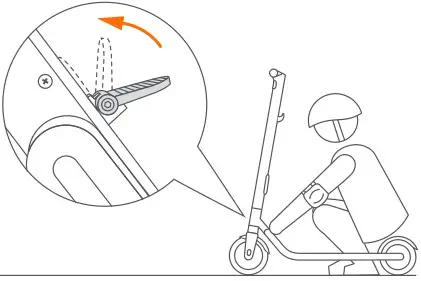
ninebot ES1L Electric Kick Scooter - Flip up the folding pedal (For ES1LD).

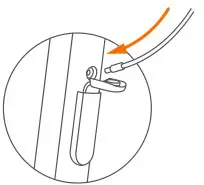
Firmly connect the wires inside the handlebar and the stem. Slide the handlebar onto the stem.
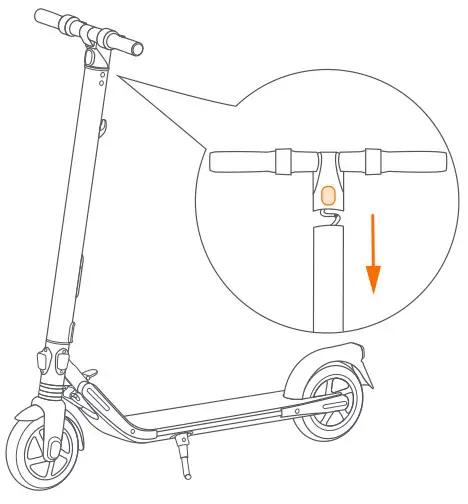
ninebot ES1L Electric Kick Scooter - Firmly connect the wires inside the handlebar

Install six screws in order (two on each side) with the included hex wrench.
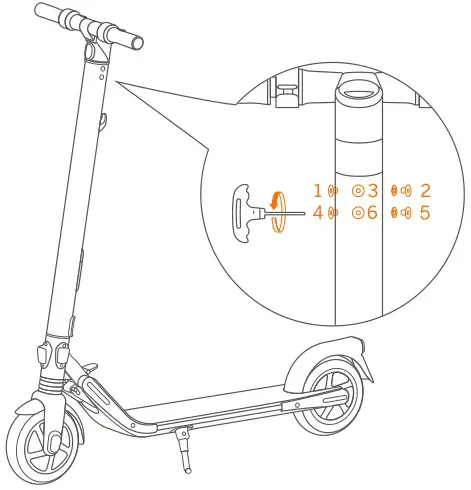
ninebot ES1L Electric Kick Scooter - Install six screws in order

ninebot ES1L Electric Kick Scooter - How to Ride Icon

How to Ride

Warning: Always wear a helmet, elbow pads and knee pads when riding.
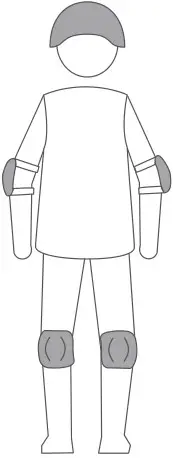
ninebot ES1L Electric Kick Scooter - Always wear a helmet

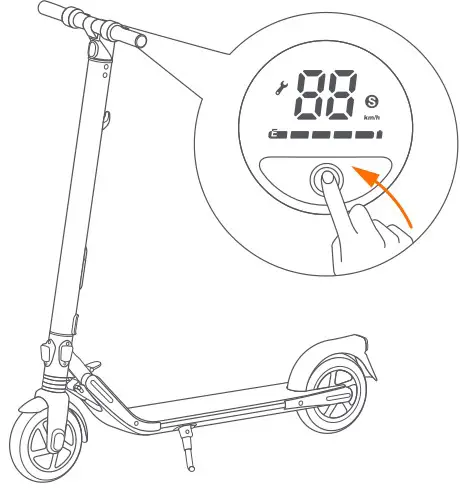
Power on the KickScooter.

ninebot ES1L Electric Kick Scooter - Power on the KickScooter

Stand on the footboard with one foot and push off with another foot to start gliding.
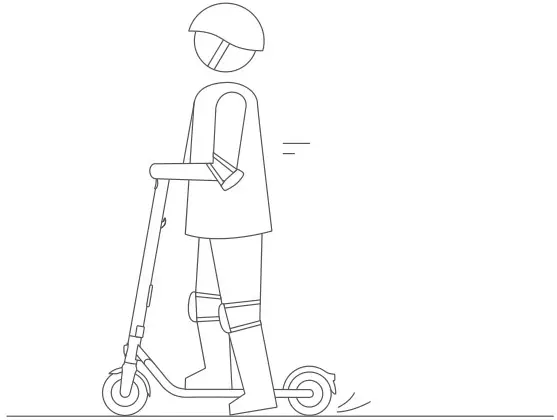
ninebot ES1L Electric Kick Scooter - Stand on the footboard

Put your other foot on the footboard to keep both feet stable. Press the throttle to speed up when you are balanced.
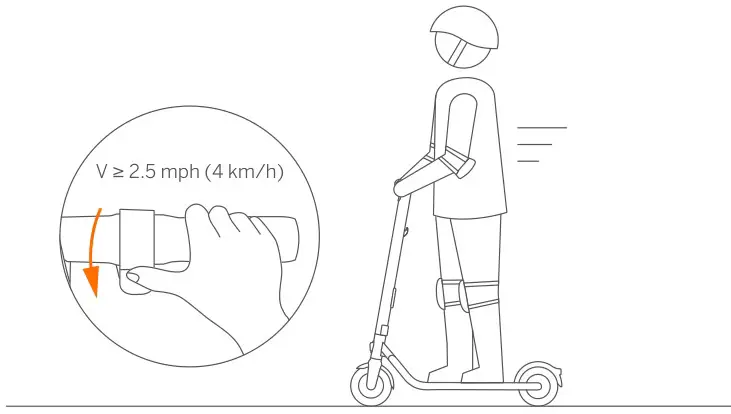
ninebot ES1L Electric Kick Scooter - Put your other foot on the footboard & Press the throttle to speed up

Slow down by releasing the throttle. Squeeze the electronic brake and/or stamp the rear fender to brake.
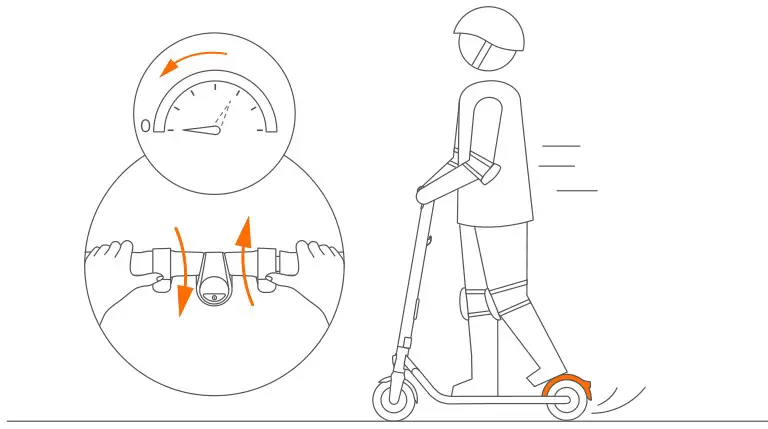
ninebot ES1L Electric Kick Scooter - Slow down

To turn, shift your body and turn the handlebar slightly.
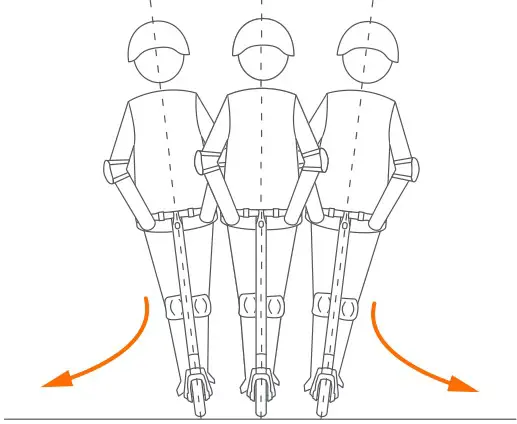
ninebot ES1L Electric Kick Scooter - To turn

ninebot ES1L Electric Kick Scooter - Charging Icon

Charging

Your KickScooter is fully charged when the LED on the charger changes from red
(charging) to green (trickle charge).
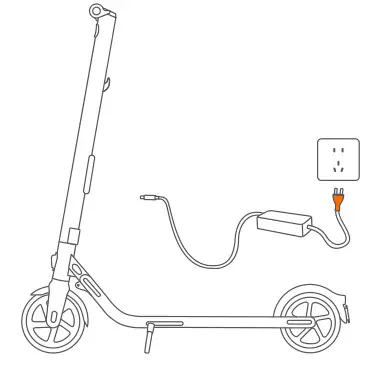
ninebot ES1L Electric Kick Scooter - Charging

Open the charge port cover.

ninebot ES1L Electric Kick Scooter - Open the charge port cover

Insert the charging plug.

ninebot ES1L Electric Kick Scooter - Insert the charging plug

Close the charge port cover when finished.
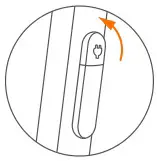
ninebot ES1L Electric Kick Scooter - Close the charge port cover

ninebot ES1L Electric Kick Scooter - Warnings IconWARNINGS

ninebot ES1L Electric Kick Scooter - Warning IconDO NOT ride on public roads, motorways, or highways.
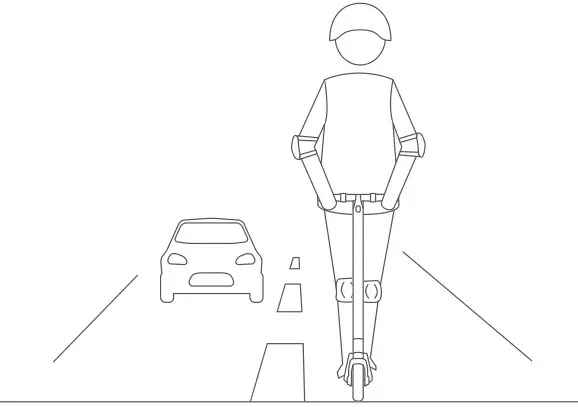
ninebot ES1L Electric Kick Scooter - DO NOT ride on public roads

ninebot ES1L Electric Kick Scooter - Warning Icon

DO NOT use mobile phone or wear earphones when riding the KickScooter.
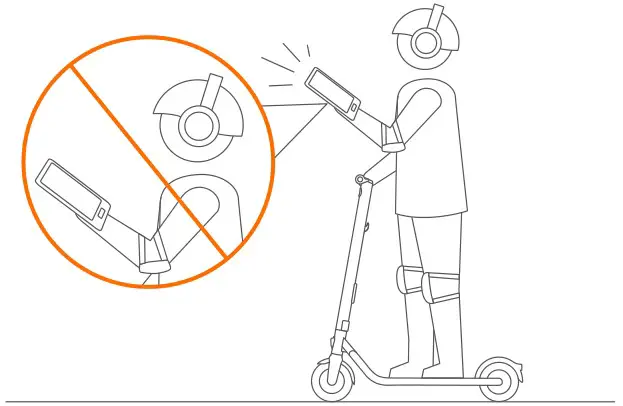
ninebot ES1L Electric Kick Scooter - DO NOT use mobile phone or wear earphones

Failure to follow these instructions could lead to serious injury.

ninebot ES1L Electric Kick Scooter - Warning Icon

DO NOT brake rapidly. Use both brakes together when traveling at fast speed.
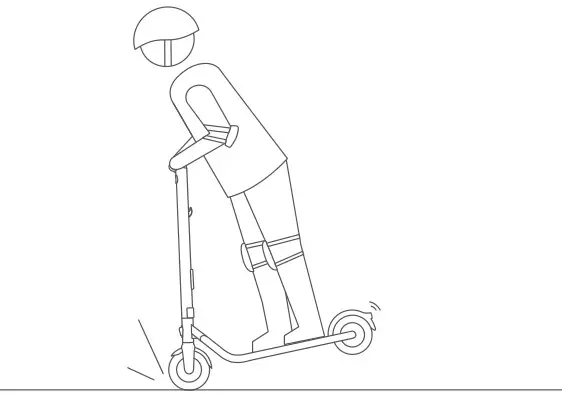
ninebot ES1L Electric Kick Scooter - DO NOT brake rapidly

ninebot ES1L Electric Kick Scooter - Warning Icon

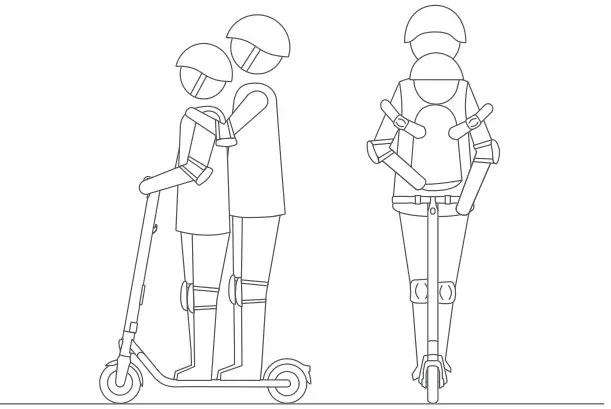
DO NOT carry any passengers.

ninebot ES1L Electric Kick Scooter - DO NOT carry any passengers

ninebot ES1L Electric Kick Scooter - Warning Icon

DO NOT ride up and down stairs or jump over obstacles.
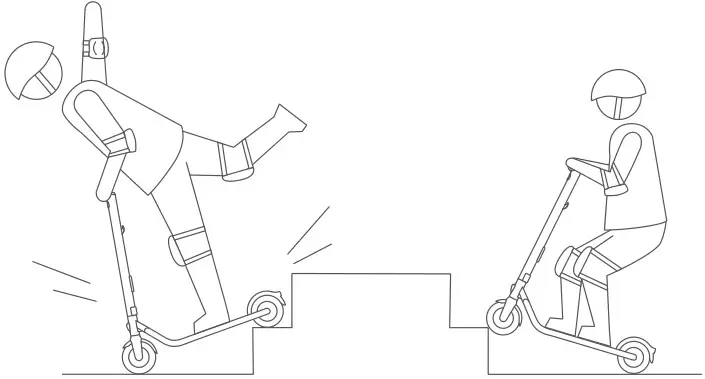
ninebot ES1L Electric Kick Scooter - DO NOT ride up and down stairs

ninebot ES1L Electric Kick Scooter - Warning Icon

DO NOT ride the scooter in the rain. DO NOT ride through puddles or other obstacles.
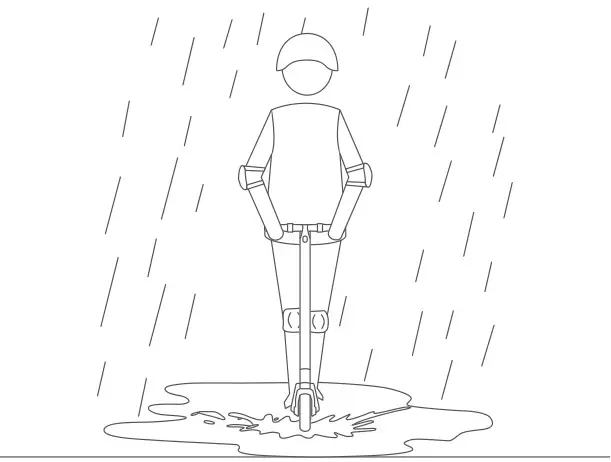
ninebot ES1L Electric Kick Scooter - DO NOT ride the scooter in the rain

ninebot ES1L Electric Kick Scooter - Warning IconDO NOT ride the scooter with only one foot or one hand.
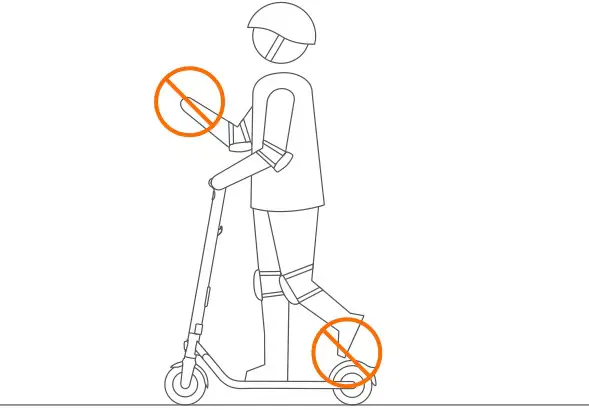
ninebot ES1L Electric Kick Scooter - DO NOT ride the scooter with only one foot or one hand

ninebot ES1L Electric Kick Scooter - Warning Icon

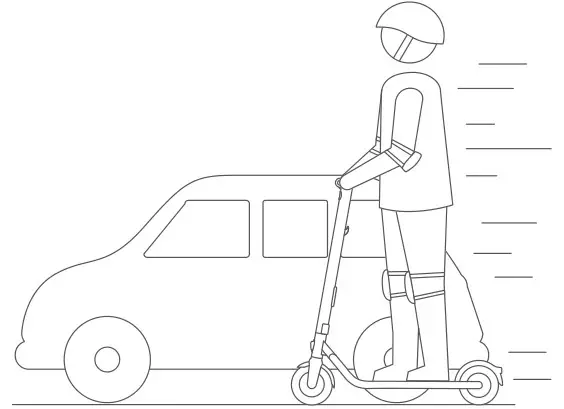
DO NOT overtake.

ninebot ES1L Electric Kick Scooter - DO NOT overtake

ninebot ES1L Electric Kick Scooter - Warning Icon

Keep your speed between 3.1–6.2 mph (5–10 km/h) when you ride through speed bumps, or other uneven surfaces.
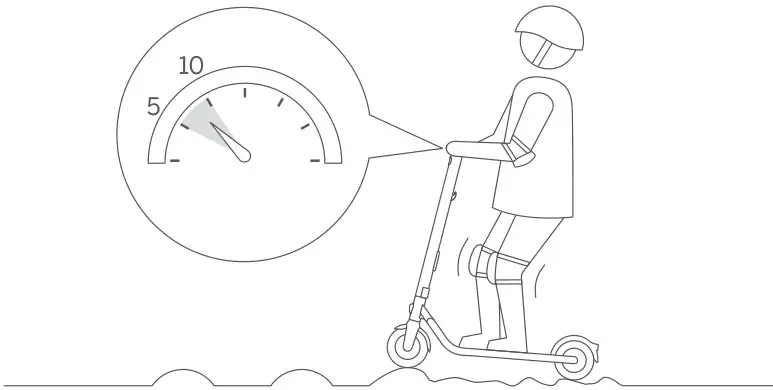
ninebot ES1L Electric Kick Scooter - Keep your speed

ninebot ES1L Electric Kick Scooter - Warning Icon

Watch your head when passing through doorways.
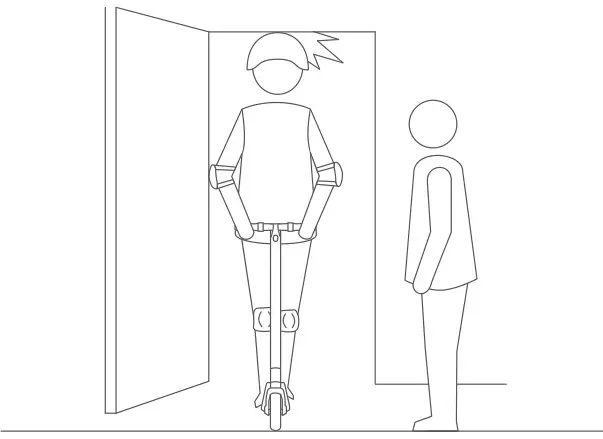
ninebot ES1L Electric Kick Scooter - Watch your head

ninebot ES1L Electric Kick Scooter - Warning Icon

Avoid contacting obstacles with the tire/wheel.
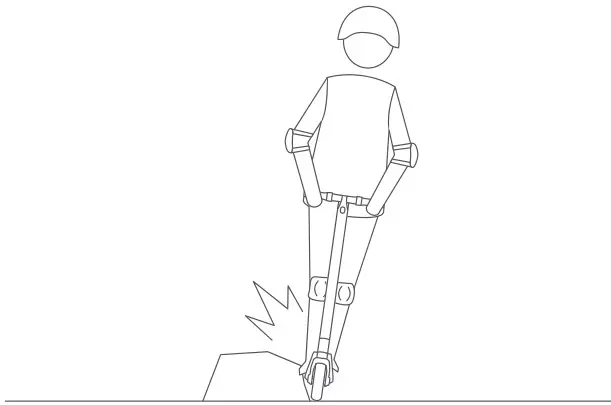
ninebot ES1L Electric Kick Scooter - Avoid contacting obstacles

ninebot ES1L Electric Kick Scooter - Warning Icon

DO NOT carry heavy objects on the handlebar.
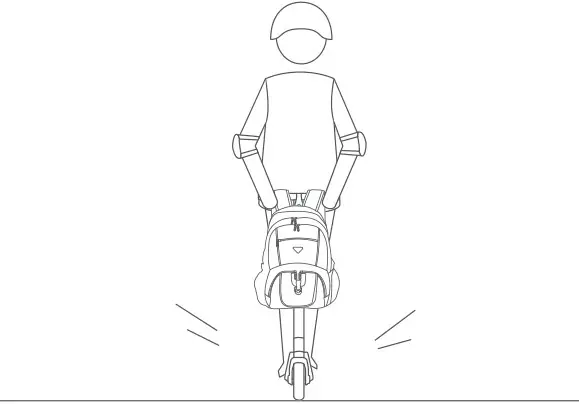
ninebot ES1L Electric Kick Scooter - DO NOT carry heavy objects

ninebot ES1L Electric Kick Scooter - Warning Icon

DO NOT touch the hub motor after riding because it can get hot.
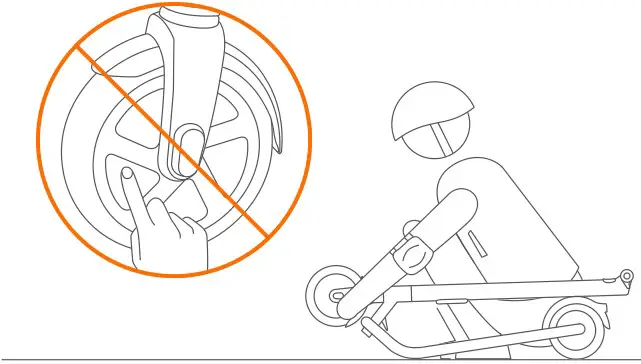
ninebot ES1L Electric Kick Scooter - DO NOT touch the hub motor

ninebot ES1L Electric Kick Scooter - Folding IconFolding

Flip down the folding pedal (For ES1LD).
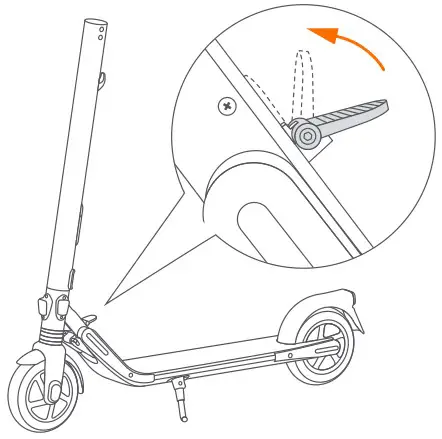
ninebot ES1L Electric Kick Scooter - Flip up the folding pedal

Step on the folding pedal while pushing the handlebar forward slightly.
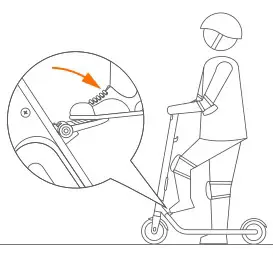
ninebot ES1L Electric Kick Scooter - Step on the folding pedal

Fold the handlebar down until it locks into the rear fender.
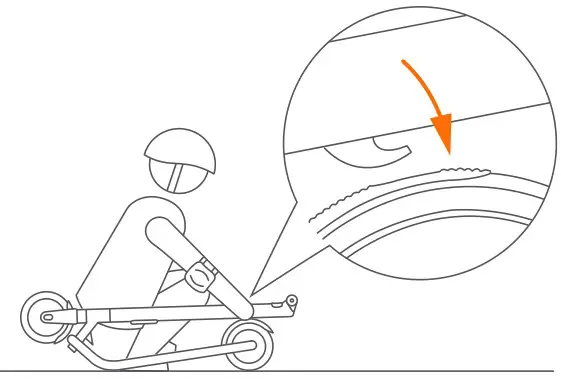
ninebot ES1L Electric Kick Scooter - Fold the handlebar down

ninebot ES1L Electric Kick Scooter - Unfolding Icon

Unfolding

Press the rear fender to disengage the hook.
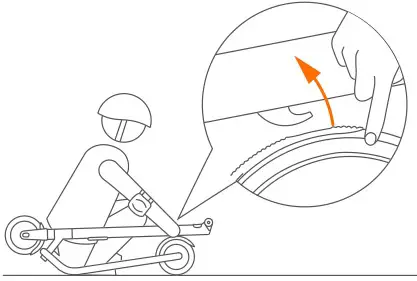
ninebot ES1L Electric Kick Scooter - Press the rear fender

Upright the stem until you hear a click. Ensure that the latching axis is secured correctly.
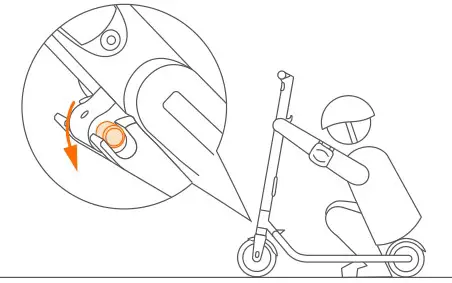
ninebot ES1L Electric Kick Scooter - Upright the stem

Flip up the folding pedal (For ES1LD).
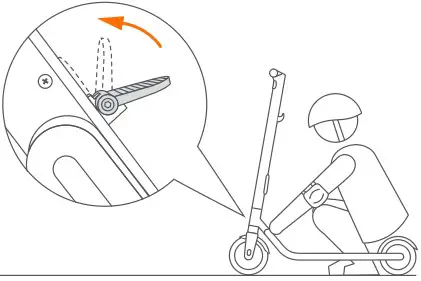
ninebot ES1L Electric Kick Scooter - Flip up the folding pedal (For ES1LD).

 

ninebot ES1L Electric Kick Scooter - Carrying Icon

Carrying

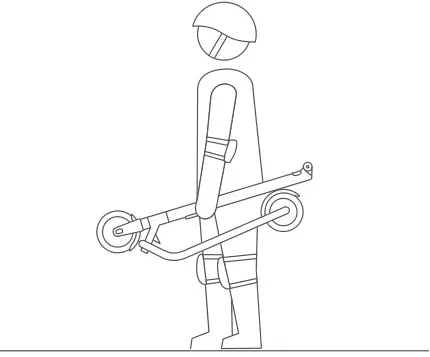
Lift by the stem to carry.

ninebot ES1L Electric Kick Scooter - Lift by the stem

ninebot ES1L Electric Kick Scooter - Screw Checking Icon

Screw Checking

Check the screw periodically and tighten with 2.5 mm hex wrench.
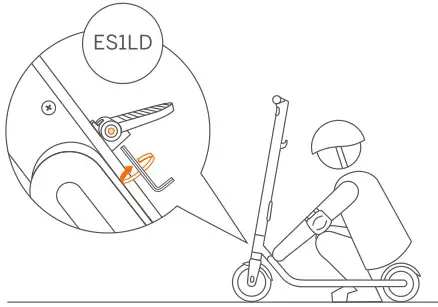
ninebot ES1L Electric Kick Scooter - Screw Checking

Documents / Resouces

Download manual
Here you can download full pdf version of manual, it may contain additional safety instructions, warranty information, FCC rules, etc.


Related Manuals